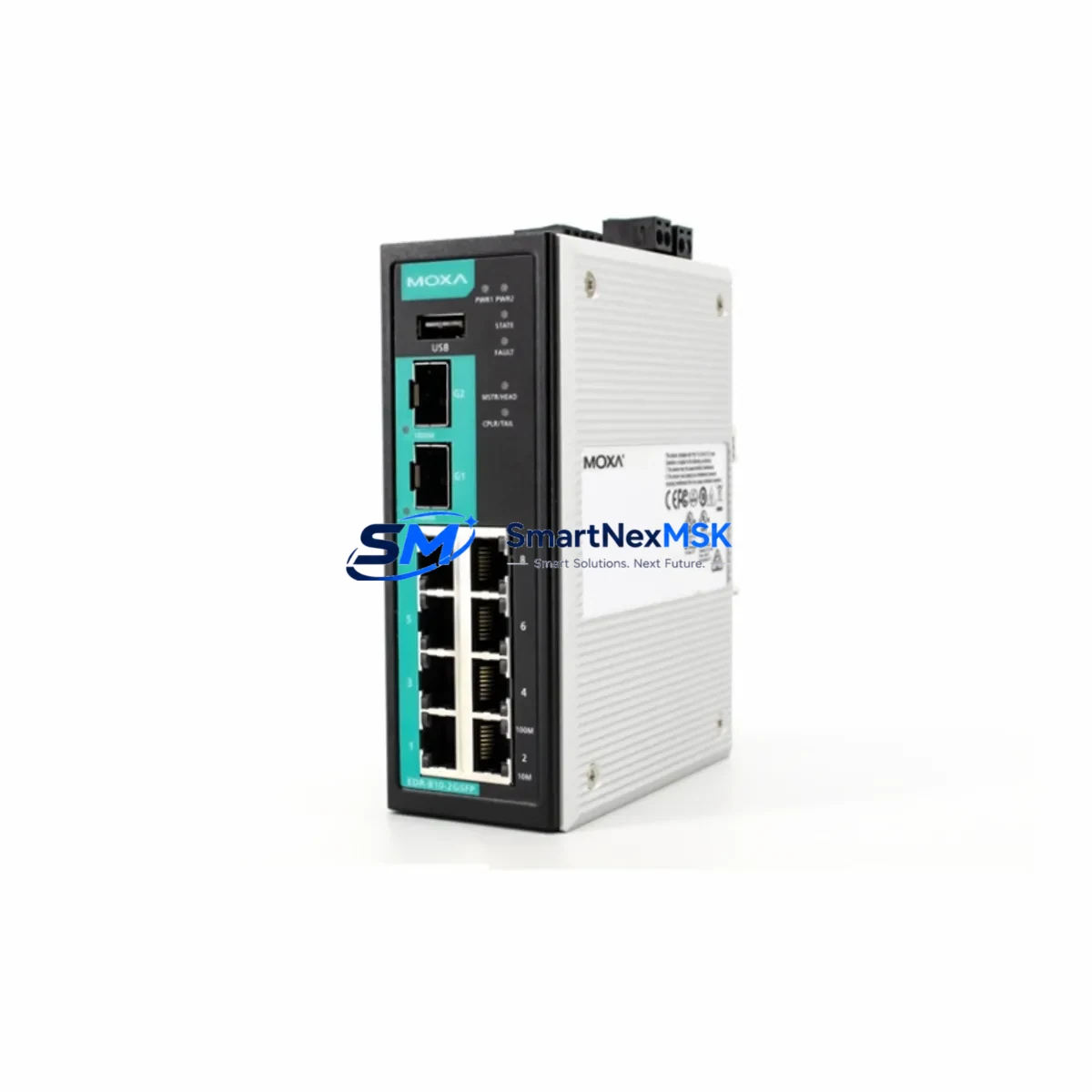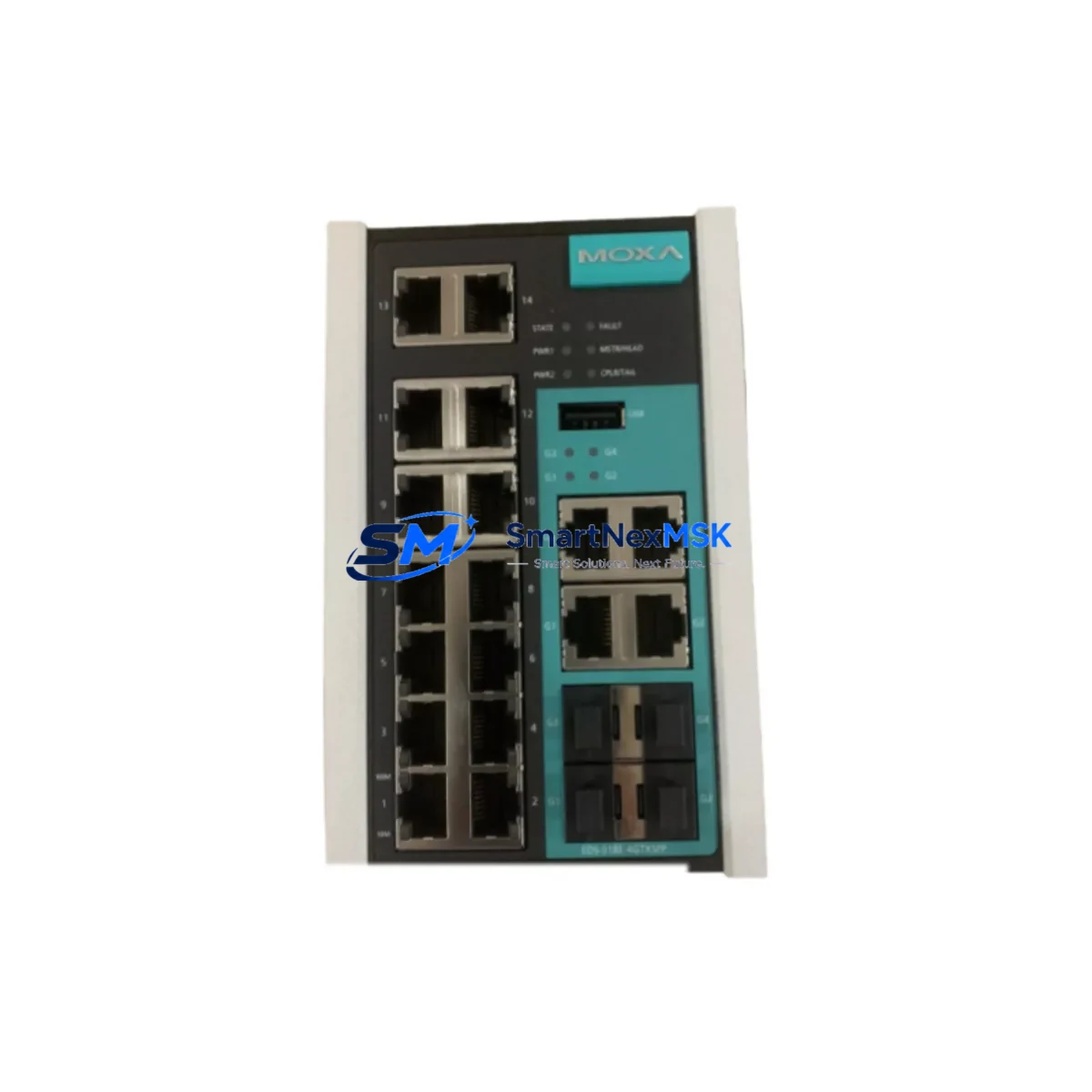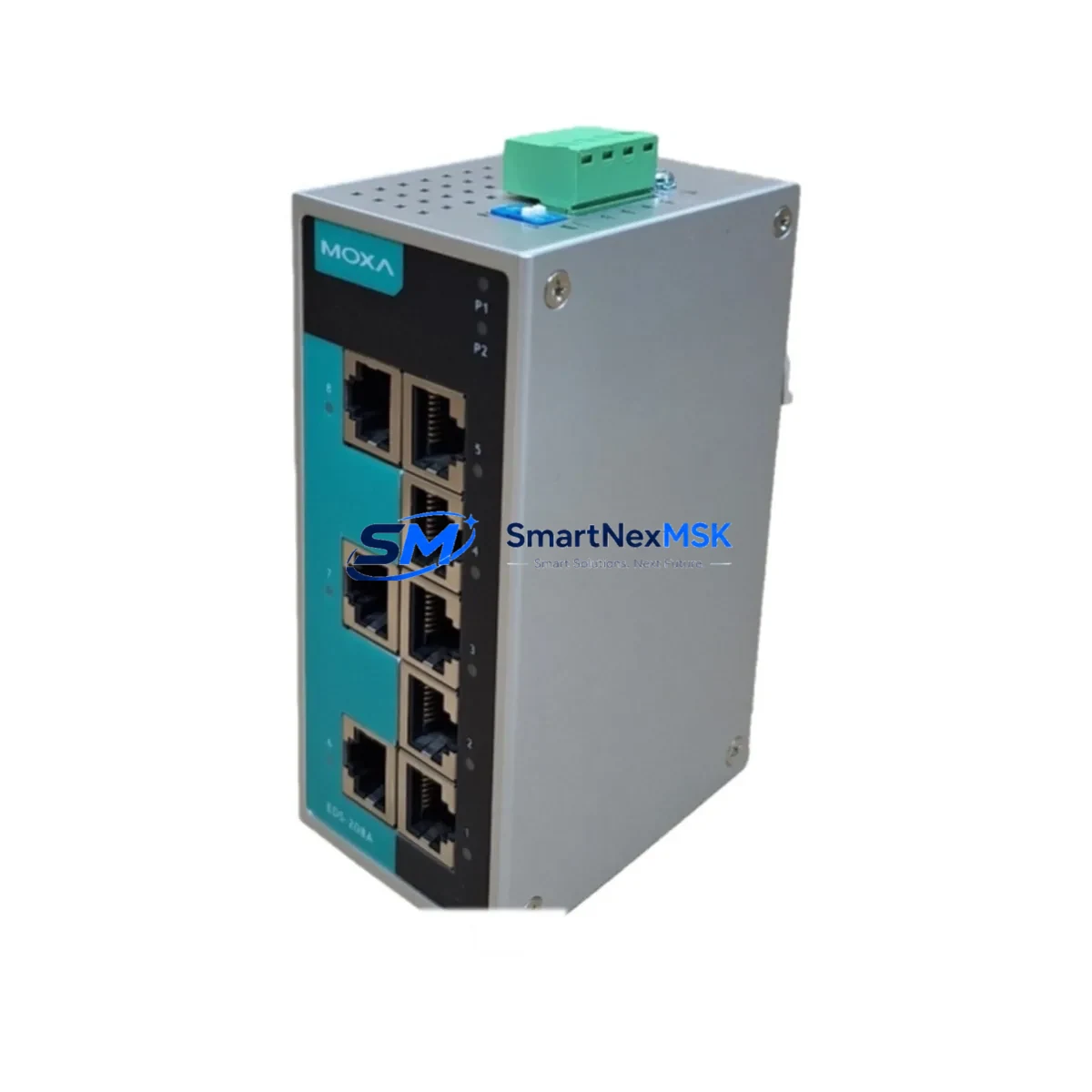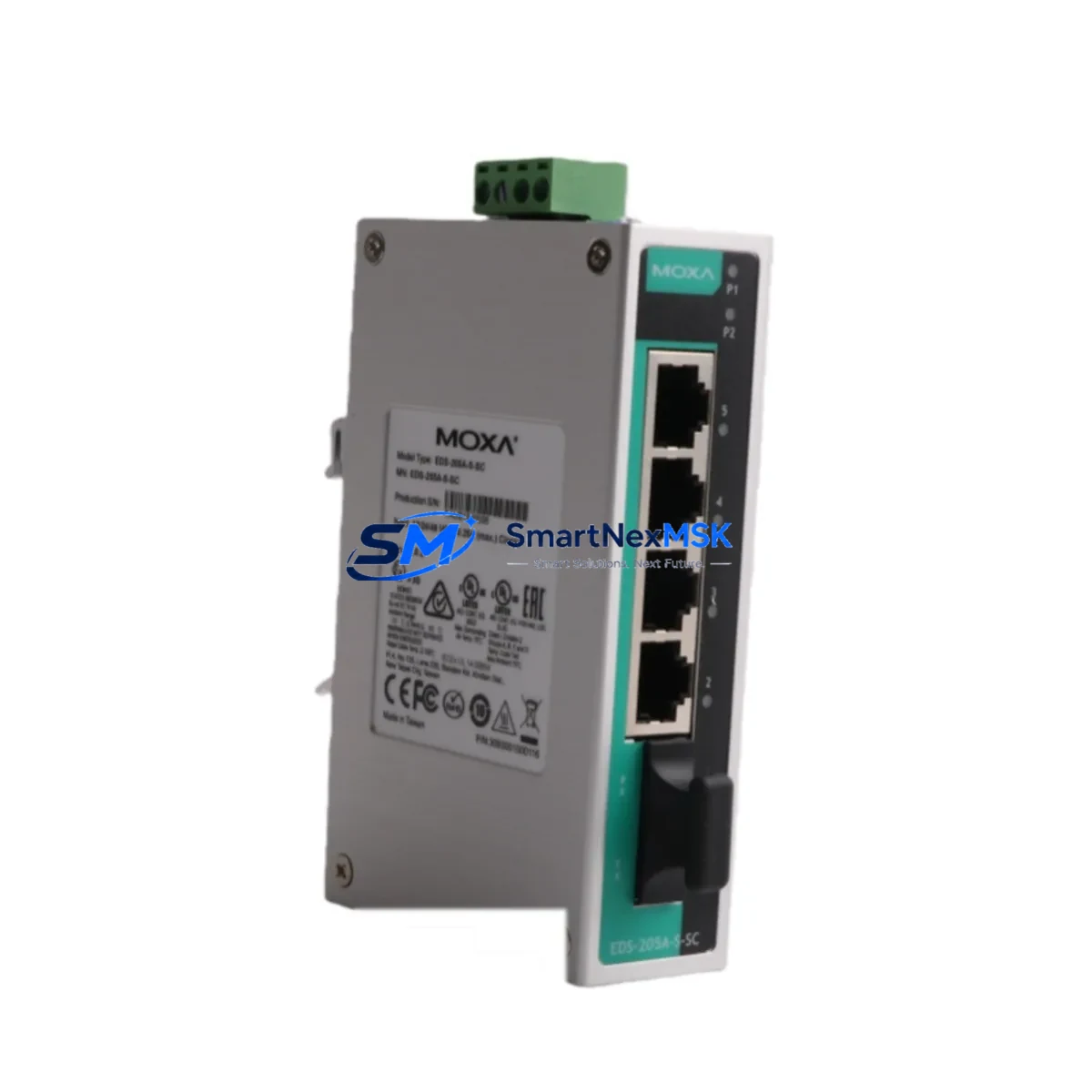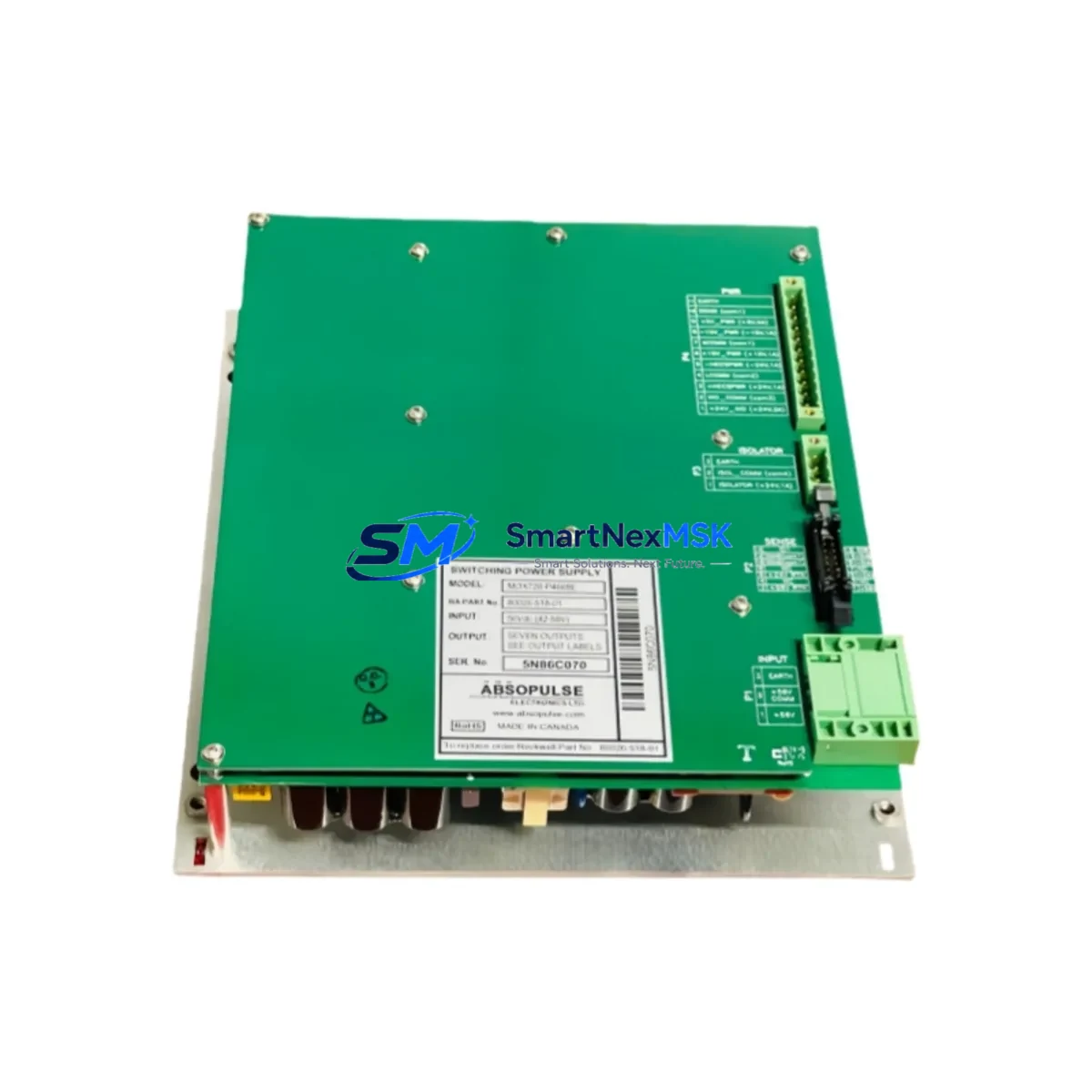
Moxa MOX720-P4668D-80026-518-01 Spare MOX720: Industrial Power Supply Replacement for Downtime Recovery
The Moxa MOX720-P4668D-80026-518-01 is an original power supply module designed for the Moxa MOX720 series industrial communication and automation platform. As a maintenance-ready spare, this unit is sourced, inspected, and dispatched to support rapid field replacement, minimizing unplanned downtime in manufacturing lines, process control cabinets, and distributed automation systems. Whether you are managing a scheduled overhaul or responding to an emergency fault, having this module in your spare parts inventory is a proven strategy for sustaining continuous operation.
Maintenance engineers and procurement teams working with Moxa MOX720-based infrastructure understand that power supply failures are among the most disruptive events in a control cabinet. A failed PSU can take down an entire communication node, disabling I/O polling, Modbus/TCP data exchange, and SCADA visibility simultaneously. Stocking the MOX720-P4668D-80026-518-01 as a certified replacement ensures that your team can restore system integrity within the same maintenance window — without waiting weeks for OEM lead times.
Spare Maintenance Table
| Parameter | Specification / Detail |
|---|---|
| Part Number / SKU | MOX720-P4668D-80026-518-01 |
| Brand | Moxa |
| Series | MOX720 |
| Product Type | Power Supply Module |
| Origin | Taiwan |
| Compatibility | Moxa MOX720 series industrial communication platforms |
| Application Environment | Industrial control cabinets, DCS/SCADA nodes, factory automation panels |
| Installation | Direct module replacement; refer to MOX720 hardware installation guide |
| Condition | Original spare — inspected and function-tested prior to dispatch |
| Maintenance Recommendation | Replace at first sign of output voltage deviation, overheating, or communication instability |
| Warranty | 12 Months from date of shipment |
| Shipping | Worldwide express; DHL / FedEx / UPS available |
Maintenance Planning for Continuous Operation
When replacing the MOX720-P4668D-80026-518-01 power supply module, a thorough maintenance engineer will not stop at the PSU itself. A power supply failure in a Moxa MOX720 chassis is frequently symptomatic of broader electrical stress in the control cabinet. Before returning the system to service, the following components should be inspected or replaced as part of the same maintenance event:
- MOX720 Backplane / Chassis: Inspect the backplane connector for burn marks, oxidation, or mechanical damage that may have caused or resulted from the PSU fault.
- Moxa MOX720 I/O Modules (Digital Input / Digital Output): Verify that DI/DO modules have not been subjected to voltage spikes during the failure event. Check LED status indicators and perform a channel-by-channel I/O test after power restoration.
- 24VDC Rail Fuses and Circuit Breakers: Inspect all fuses on the 24VDC distribution rail feeding the MOX720 chassis. A blown fuse upstream is a common root cause of PSU stress.
- Moxa MOX720 Communication / Serial Interface Modules: RS-232/RS-485 or Ethernet communication modules in the same chassis should be verified for correct link status and data throughput after the PSU swap.
- Terminal Blocks and Wiring Connections: Loose or corroded terminal block connections on the power input side can cause intermittent voltage drops that accelerate PSU wear. Re-torque all terminals to specification.
- Surge Protection Devices (SPD): If the cabinet is exposed to lightning or grid transients, inspect the SPD on the incoming AC/DC supply. A degraded SPD offers no protection and should be replaced proactively.
- DIN Rail Power Supply (SMPS): The upstream switched-mode power supply feeding the MOX720 chassis should be load-tested. Output ripple exceeding specification is a leading indicator of imminent SMPS failure.
- Moxa NPort or EDS Series Ethernet Switch (if co-located): In cabinets where a Moxa EDS managed switch or NPort device server shares the same power rail, verify that these units are operating within normal temperature and voltage parameters.
- Signal Isolators / Analog Input Conditioners: Analog signal isolators connected to the MOX720 I/O should be checked for output drift, which can occur after a power interruption event.
- UPS / Battery Backup Module: If the MOX720 system is protected by a UPS, verify battery health and runtime capacity. A degraded UPS battery may have failed to bridge the power interruption that caused the PSU fault.
Incorporating these checks into your standard replacement workflow transforms a reactive repair into a proactive maintenance event, reducing the probability of a repeat failure within the same maintenance cycle.
Site Replacement Workflow
The MOX720-P4668D-80026-518-01 is a direct form-fit-function replacement for the original Moxa MOX720 power supply module. The replacement procedure is designed to minimize downtime and maintain full system compatibility:
- Isolate and de-energize the MOX720 chassis following your site LOTO (Lockout/Tagout) procedure. Confirm zero voltage on the power input terminals before proceeding.
- Document the existing configuration — photograph wiring, label all connectors, and record any DIP switch or jumper settings on adjacent modules before removal.
- Remove the faulty PSU module by releasing the module locking mechanism and sliding it out of the chassis slot. Inspect the slot connector for damage.
- Install the replacement MOX720-P4668D-80026-518-01 — align the module with the chassis guide rails, slide firmly into position, and secure the locking mechanism.
- Reconnect power input wiring per the original documentation. Verify polarity and torque on all terminal connections.
- Re-energize and verify — confirm that the PSU status LED indicates normal operation, that all I/O modules in the chassis are online, and that communication links are restored.
- Perform a functional test — cycle all I/O channels, verify Modbus/TCP or serial communication with the host PLC or SCADA system, and confirm that no fault codes are active.
- Update your maintenance log — record the replacement date, the failed module’s serial number, and any observations from the inspection of adjacent components.
This workflow is compatible with legacy MOX720 installations and does not require firmware updates or configuration changes in the host PLC or DCS system, ensuring the fastest possible return to production.
Spare Parts Support FAQ
Q1: Is the MOX720-P4668D-80026-518-01 a new original part or a refurbished unit?
All units supplied are original Moxa spare parts — not refurbished, not counterfeit. Each module undergoes functional testing and visual inspection before dispatch. A 12-month warranty is provided from the date of shipment, covering manufacturing defects and functional failures under normal operating conditions.
Q2: How do I verify compatibility with my existing MOX720 installation?
Compatibility is confirmed by matching the full part number MOX720-P4668D-80026-518-01 against your existing module label or the Moxa MOX720 hardware manual. If you are unsure, provide your chassis model and current PSU label details to our technical team at [email protected] for pre-purchase verification.
Q3: What is the recommended spare parts stocking strategy for MOX720 power supply modules?
For critical production lines, we recommend maintaining a minimum of one MOX720-P4668D-80026-518-01 per installed MOX720 chassis as a hot-standby spare. For facilities with multiple MOX720 nodes, a pooled inventory of 2–3 units is typically sufficient to cover emergency replacement needs across the site without excessive capital tied up in spare stock.
Q4: What pre-shipment testing is performed on each unit?
Each MOX720-P4668D-80026-518-01 is powered on and subjected to output voltage verification, load regulation testing, and visual inspection for physical damage before packaging. Units that do not meet specification are quarantined and not dispatched. Test records are available upon request for quality-critical procurement processes.
© 2026 SMARTNEXMSK. All rights reserved.
Original Source: https://smartnexmsk.com
Contact: [email protected] | +86 18259474341