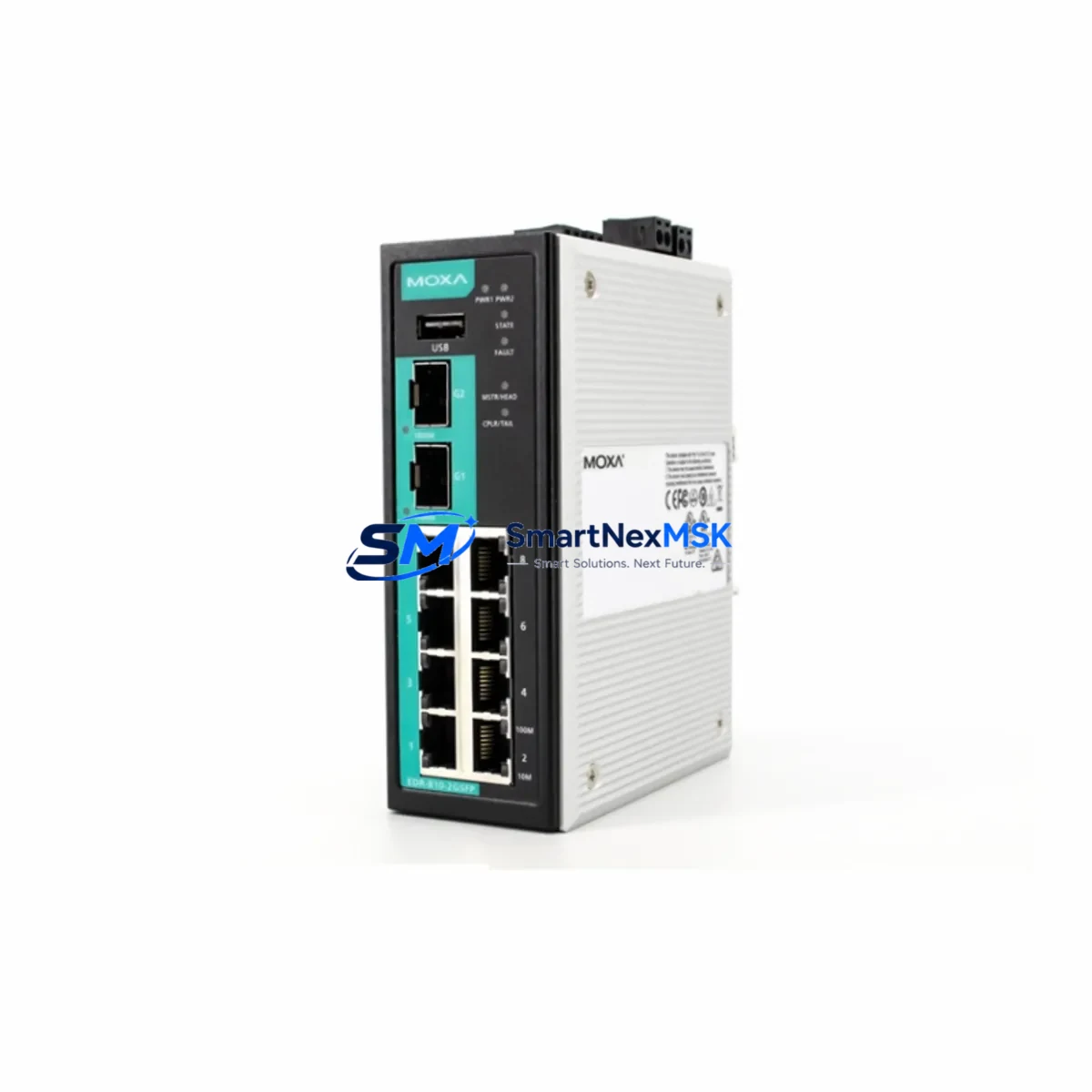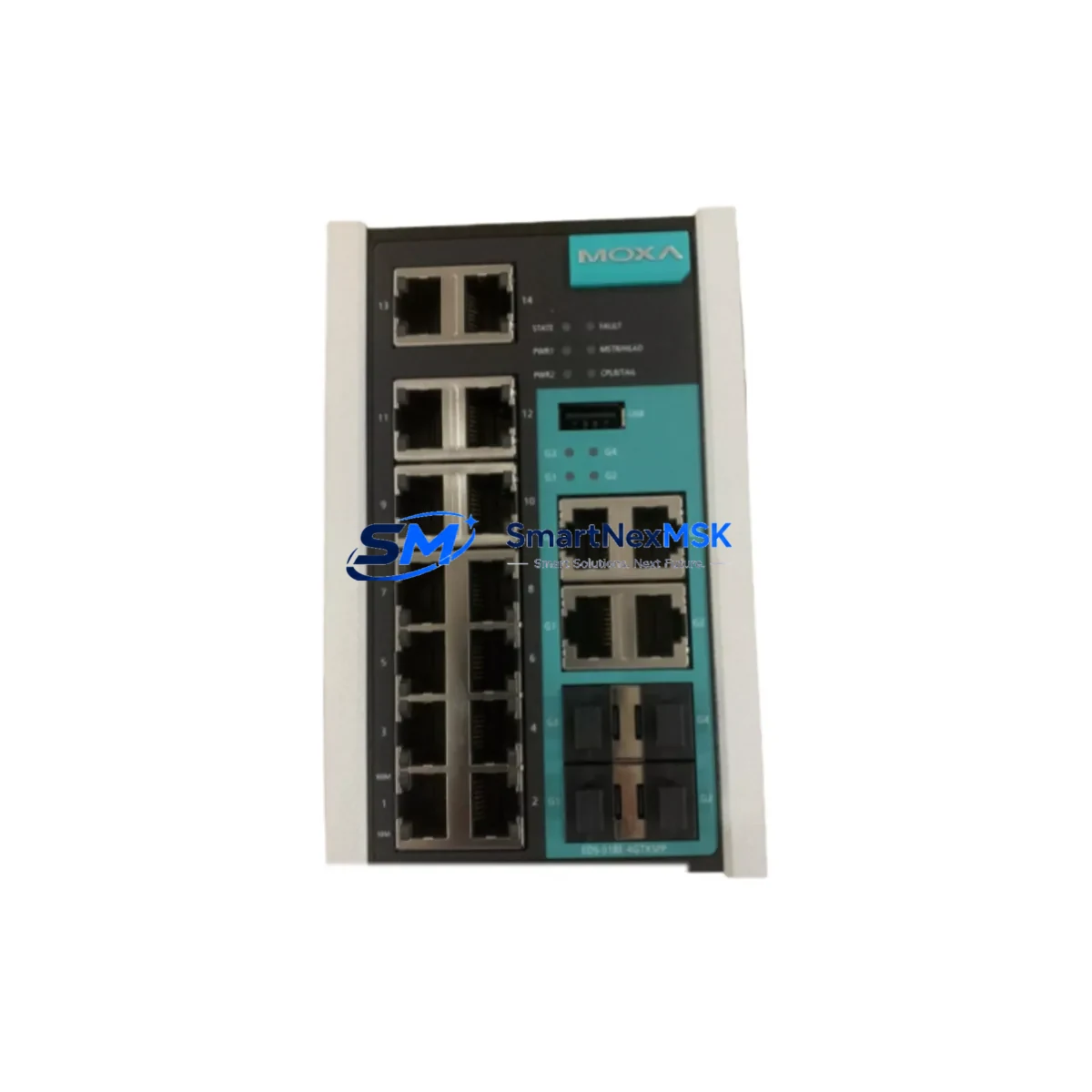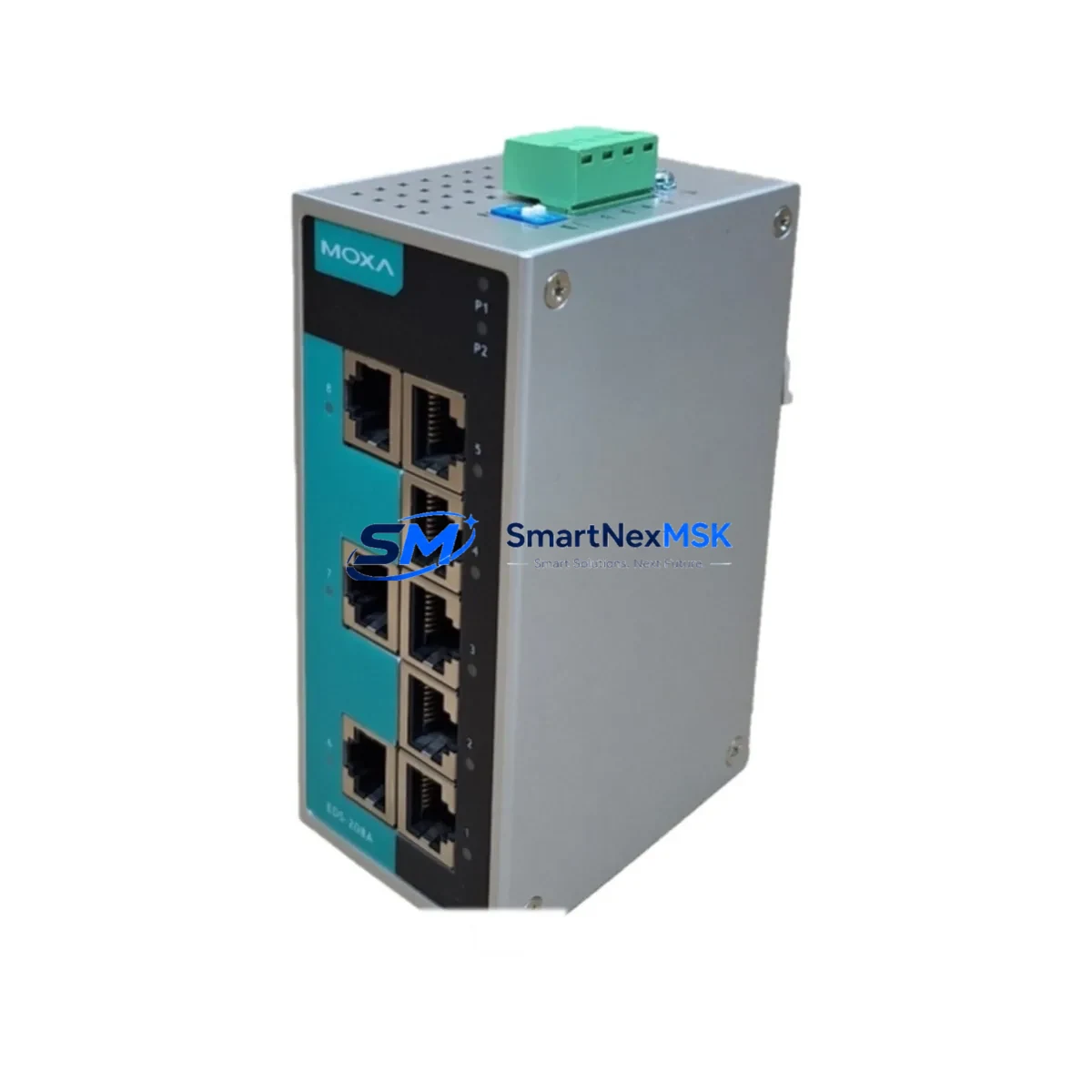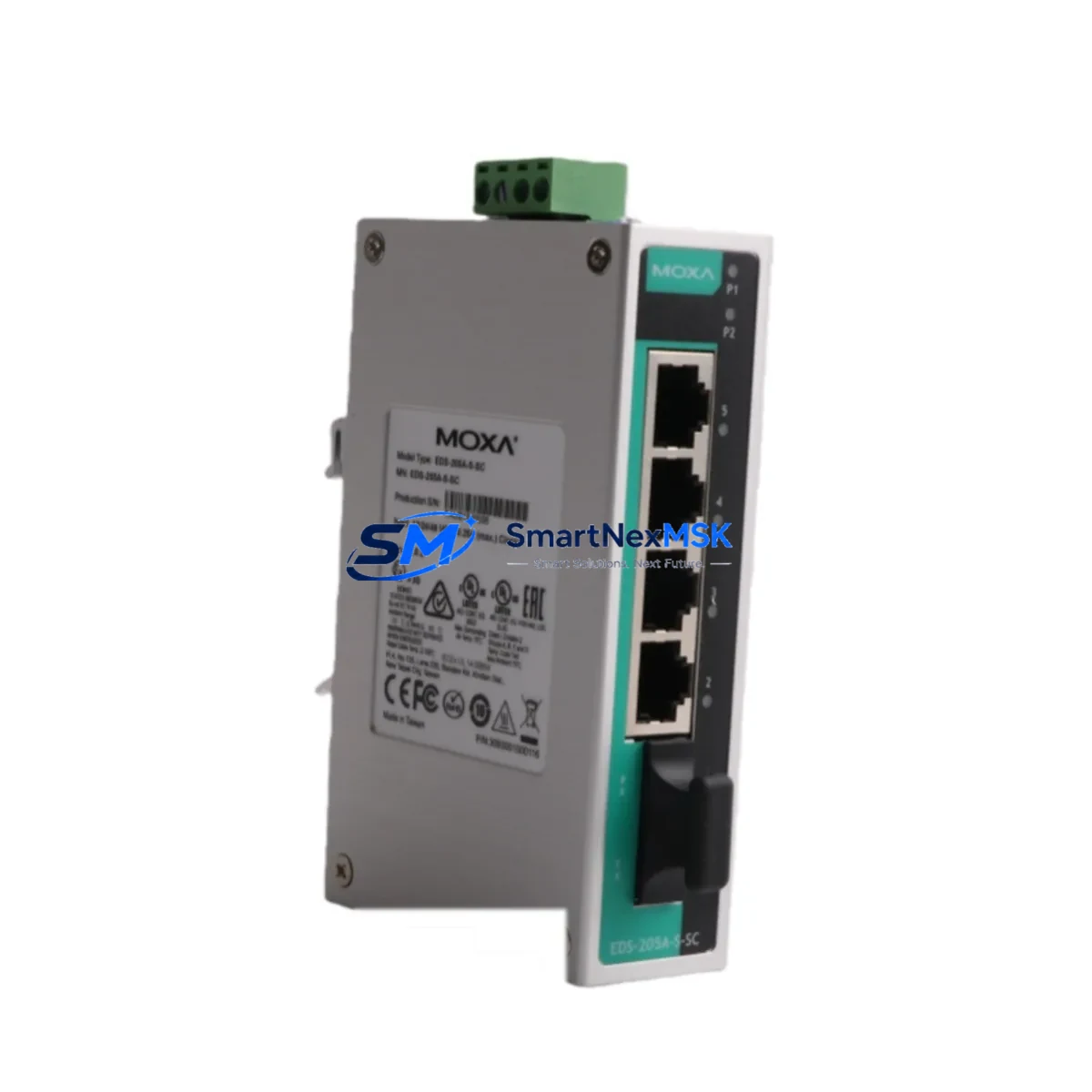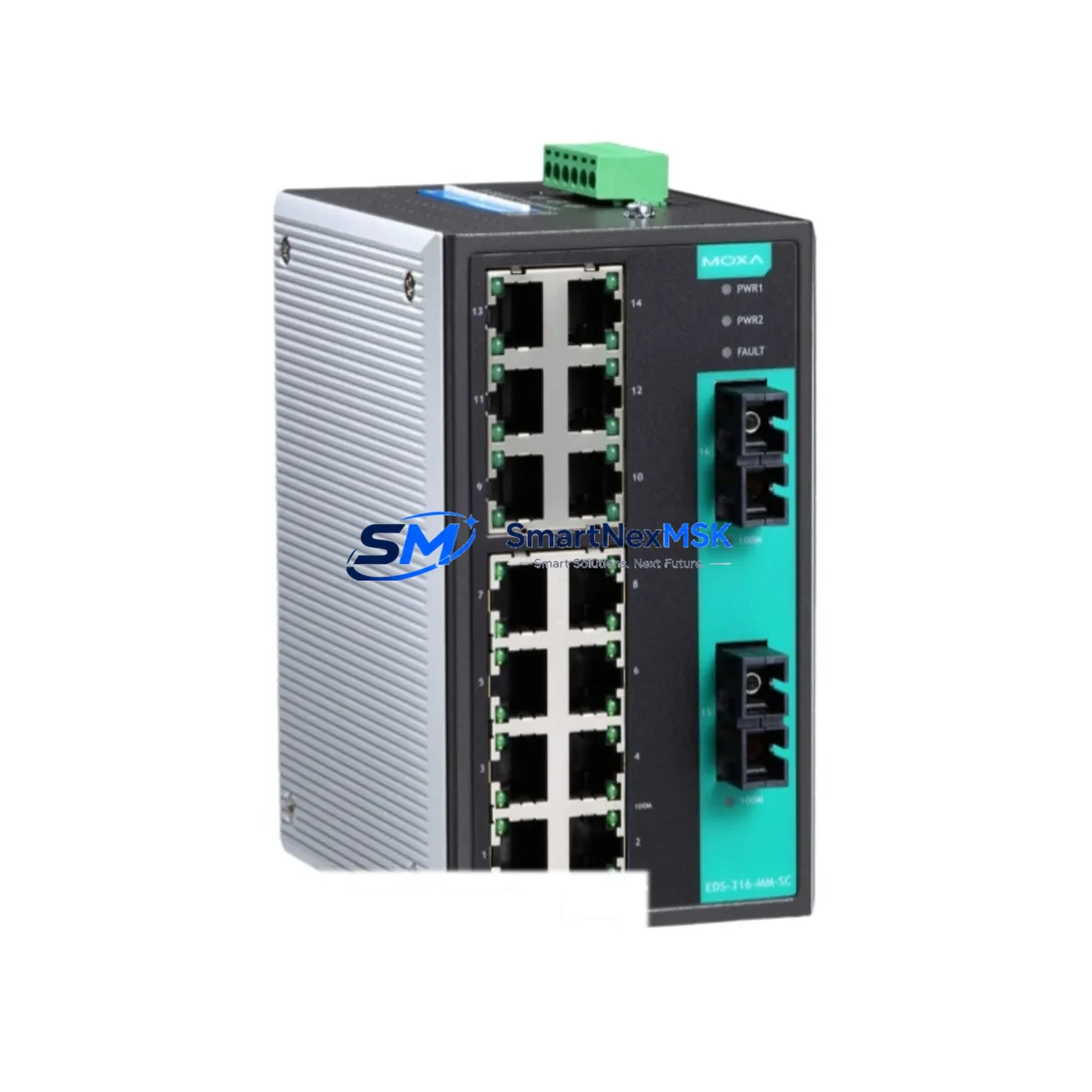
MOXA EDS-316-SS-SC-T Spare for EDS-300 Automation: Spare Replacement & Industrial Downtime Risk Control
The MOXA EDS-316-SS-SC-T (SKU: 4600136) is a 16-port single-mode fiber managed Ethernet switch from the EDS-300 Series, purpose-built for demanding industrial automation environments. Whether you are managing a distributed control system (DCS), a PLC-based production line, or a legacy SCADA network, maintaining a verified spare of this switch in your parts inventory is a critical element of any proactive maintenance strategy. Unplanned network downtime caused by a failed managed switch can cascade across I/O modules, HMI stations, and remote I/O racks — making rapid, like-for-like replacement essential for minimizing production loss.
This unit ships fully tested and verified against MOXA factory specifications. Each spare is inspected for port integrity, fiber transceiver function, power input range, and management interface responsiveness before dispatch. A 12-month warranty is included with every unit, covering manufacturing defects and functional failures under normal operating conditions. Long-term supply continuity is supported for MRO procurement teams managing aging EDS-300 Series infrastructure.
Spare Maintenance Table
| Parameter | Specification |
|---|---|
| Part Number / SKU | EDS-316-SS-SC-T / 4600136 |
| Series | MOXA EDS-300 |
| Port Configuration | 16 x 10/100BaseT(X) + 2 x 100BaseFX Single-Mode SC |
| Fiber Type | Single-Mode, SC Connector |
| Operating Temperature | -40°C to 75°C (Extended / Wide Temp) |
| Power Input | 12–48 VDC / 24 VAC Dual Redundant |
| Management | Web Console, Telnet, SNMP v1/v2c/v3, RMON |
| Protocols | IGMP Snooping, RSTP/STP, QoS, Port Mirroring |
| Mounting | DIN-Rail / Wall Mount |
| Certifications | IEC 61850-3, IEEE 1613, UL 508, ATEX Zone 2 |
| Compatibility | EDS-300 Series; drop-in replacement for EDS-316, EDS-316-SS-SC |
| Application Environment | Substation automation, oil & gas, factory automation, water treatment |
| Maintenance Recommendation | Inspect fiber connectors and power terminals every 6 months; verify VLAN and RSTP config after replacement |
| Warranty | 12 Months — Covers manufacturing defects and functional failures |
| Pre-Shipment Testing | Port continuity, fiber link, power input, management interface |
| Origin | Taiwan (MOXA factory) |
Maintenance Planning for Continuous Operation
When replacing the EDS-316-SS-SC-T in a live control cabinet or substation automation panel, maintenance engineers should treat the switch replacement as a trigger for a broader inspection of the surrounding network and power infrastructure. The EDS-316-SS-SC-T typically sits at the heart of a ring or star topology connecting PLCs, remote I/O modules, and HMI terminals — meaning its failure affects every node on that segment.
Begin by verifying the 24 VDC power supply module feeding the switch. Redundant power inputs on the EDS-316-SS-SC-T are designed to accept dual feeds; confirm both feeds are live and within voltage tolerance. If the switch failed due to power anomaly, inspect the power distribution terminal blocks and any DIN-rail mounted circuit breakers in the same cabinet section for signs of arcing or loose terminations.
Next, inspect the single-mode fiber patch cables connected to the SC ports. Contaminated or damaged fiber connectors are a leading cause of intermittent link loss in industrial fiber networks. Clean all SC connectors with an appropriate fiber optic cleaning tool before reconnecting to the replacement unit. If the fiber run exceeds the rated distance for 100BaseFX single-mode, verify the optical budget with a power meter.
For sites running MOXA EDS-405A or EDS-408A edge switches downstream, confirm that RSTP topology reconverges correctly after the EDS-316-SS-SC-T is restored. Misconfigured bridge priority values can cause network loops or slow reconvergence, extending effective downtime beyond the physical replacement window.
If the control system includes MOXA NPort 5000 Series serial device servers or MGate protocol gateways connected through this switch, verify that their IP addresses and VLAN assignments are intact after the switch is replaced and configured. Managed switch replacements that reset VLAN tables can silently isolate serial-to-Ethernet converters from the SCADA host.
For cabinets housing Siemens S7-300/S7-400 PLCs or Rockwell ControlLogix systems with Ethernet I/O, confirm that the EtherNet/IP or PROFINET connections re-establish within the expected timeout window. If I/O modules enter fault state during the switchover, check the I/O module status LEDs and review the PLC diagnostic buffer for connection timeout events.
Where signal isolators or loop-powered transmitters feed analog I/O cards through the same cabinet, use the replacement window to inspect terminal block torque and check for corrosion on signal wiring. Loose analog signal wiring can introduce noise that is misdiagnosed as a network or PLC fault.
Finally, update your spare parts register to reflect the consumed unit and initiate a replenishment order. For critical network nodes like the EDS-316-SS-SC-T, a minimum stock of one verified spare per site is recommended. Sites with multiple EDS-300 Series switches in the same ring topology should consider stocking one spare per ring segment.
Site Replacement Workflow
Step 1 — Pre-Replacement Backup: Export the running configuration from the existing EDS-316-SS-SC-T via the web console or CLI before powering down. Save the configuration file with the date and cabinet tag. If the switch is unresponsive, retrieve the last known configuration from your network management system or maintenance log.
Step 2 — Power Isolation: De-energize the switch using the dedicated circuit breaker. Do not pull the power connector under load. Confirm both redundant power feeds are isolated before removing the unit from the DIN rail.
Step 3 — Fiber and Copper Disconnection: Label all fiber and copper connections before removal. Photograph the port layout if the cabinet documentation is not current. Cap all fiber SC connectors immediately after disconnection to prevent contamination.
Step 4 — Replacement Unit Installation: Mount the replacement EDS-316-SS-SC-T on the DIN rail. Reconnect power feeds and verify LED indicators confirm correct voltage. Reconnect fiber and copper in the documented port order.
Step 5 — Configuration Restore: Upload the saved configuration file via the web console. Verify VLAN assignments, RSTP settings, IGMP snooping, and port security rules match the pre-failure state. Assign the correct IP address and confirm SNMP community strings are restored.
Step 6 — Network Verification: Ping all downstream nodes from the management console. Confirm RSTP topology has converged. Verify that all PLC, HMI, and remote I/O connections are re-established. Check the SCADA historian for any data gaps that require reconciliation.
Step 7 — Documentation Update: Record the replacement in the maintenance log with the date, technician name, failed unit serial number, and replacement unit serial number. Update the spare parts register and initiate replenishment.
This workflow supports like-for-like replacement of legacy EDS-316 and EDS-316-SS-SC units with the EDS-316-SS-SC-T, maintaining full backward compatibility with existing fiber infrastructure and management configurations.
Spare Parts Support FAQ
Q1: Is the EDS-316-SS-SC-T a direct drop-in replacement for the EDS-316-SS-SC?
Yes. The EDS-316-SS-SC-T is the extended-temperature variant of the EDS-316-SS-SC and is fully compatible with the same fiber infrastructure, DIN-rail mounting, and management configuration. The “-T” suffix denotes the -40°C to 75°C operating range, making it suitable for outdoor cabinets and harsh industrial environments where the standard model may not meet thermal requirements.
Q2: How is each unit tested before shipment?
Every EDS-316-SS-SC-T spare undergoes pre-shipment functional testing covering port continuity on all 16 copper ports, fiber link establishment on both SC single-mode ports, power input verification across the full 12–48 VDC range, and management interface accessibility via web console. Units that do not pass all test criteria are not dispatched. A test record is available upon request for quality-critical procurement.
Q3: What does the 12-month warranty cover, and how is a claim processed?
The 12-month warranty covers manufacturing defects and functional failures under normal operating conditions as defined by MOXA’s published environmental and electrical specifications. It does not cover damage caused by incorrect installation, overvoltage, physical impact, or unauthorized modification. To initiate a warranty claim, contact [email protected] with the unit serial number, purchase date, and a description of the failure. Replacement or repair will be arranged within the agreed service window.
Q4: Can you support long-term or blanket purchase orders for MRO inventory programs?
Yes. For maintenance teams managing multiple sites with EDS-300 Series infrastructure, we support scheduled delivery agreements and blanket purchase orders to ensure continuous spare availability without repeated procurement cycles. Contact our sales team to discuss volume pricing, lead time commitments, and consignment stock arrangements for high-criticality network components.
© 2026 SMARTNEXMSK. All rights reserved.
Original Source: https://smartnexmsk.com
Contact: [email protected] | +86 18259474341