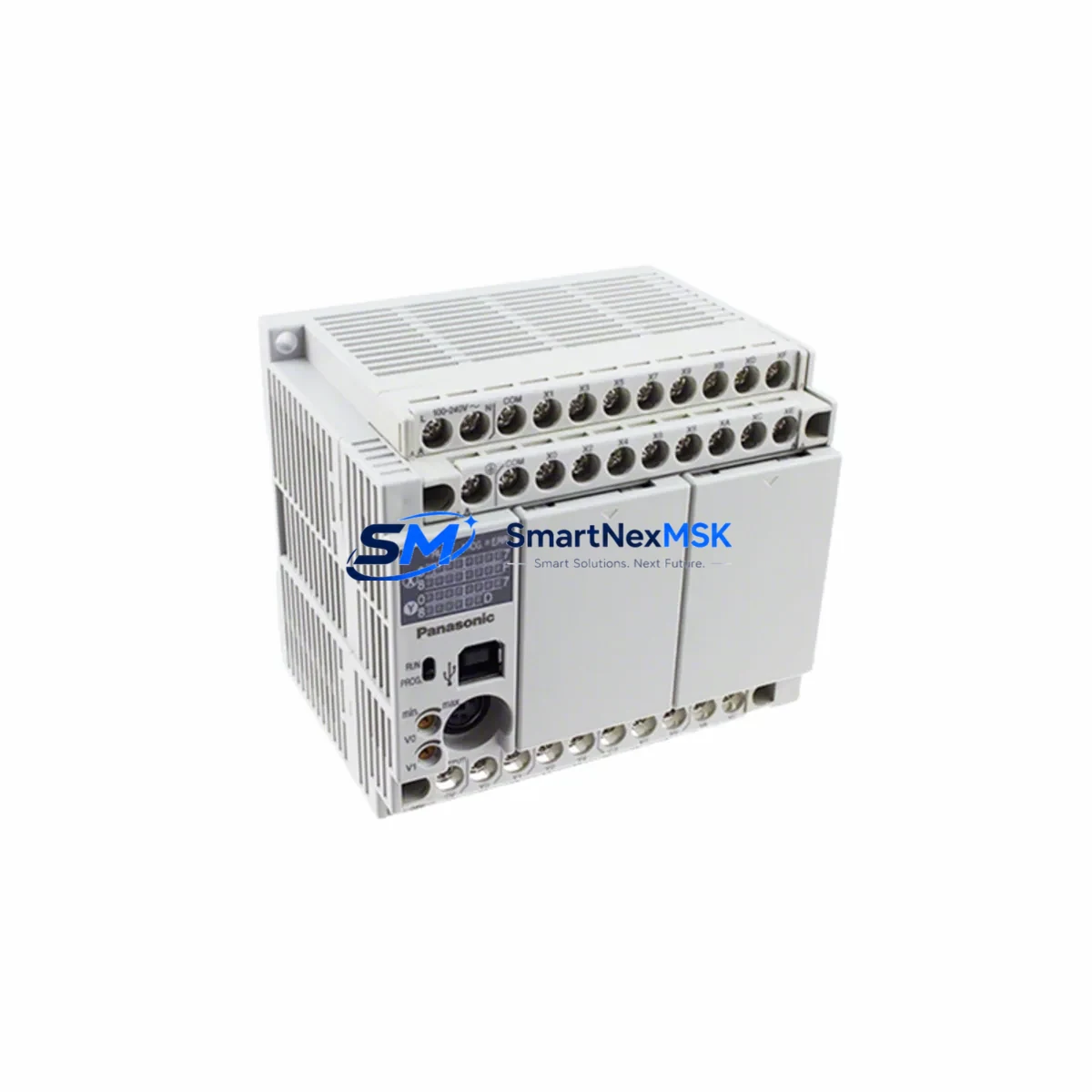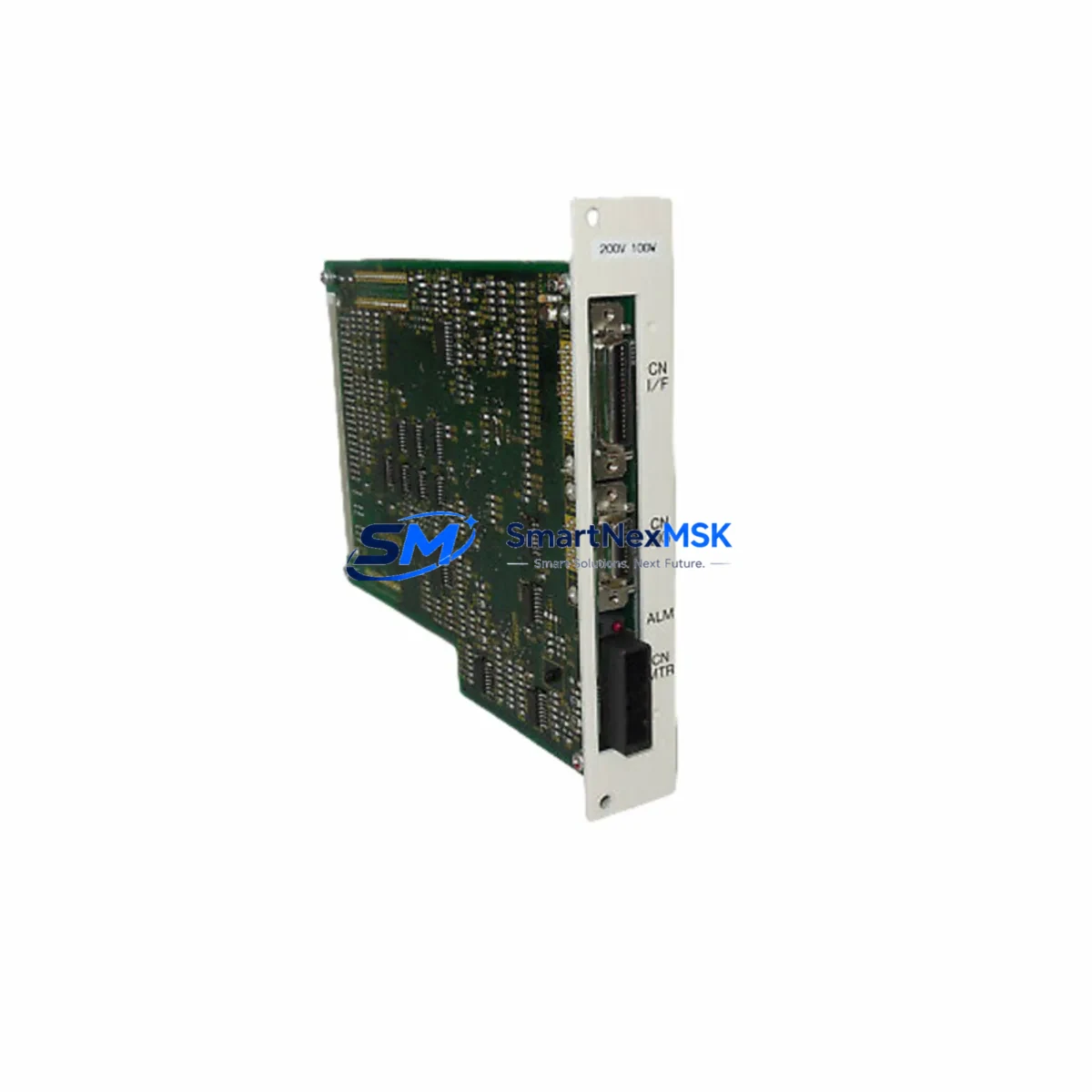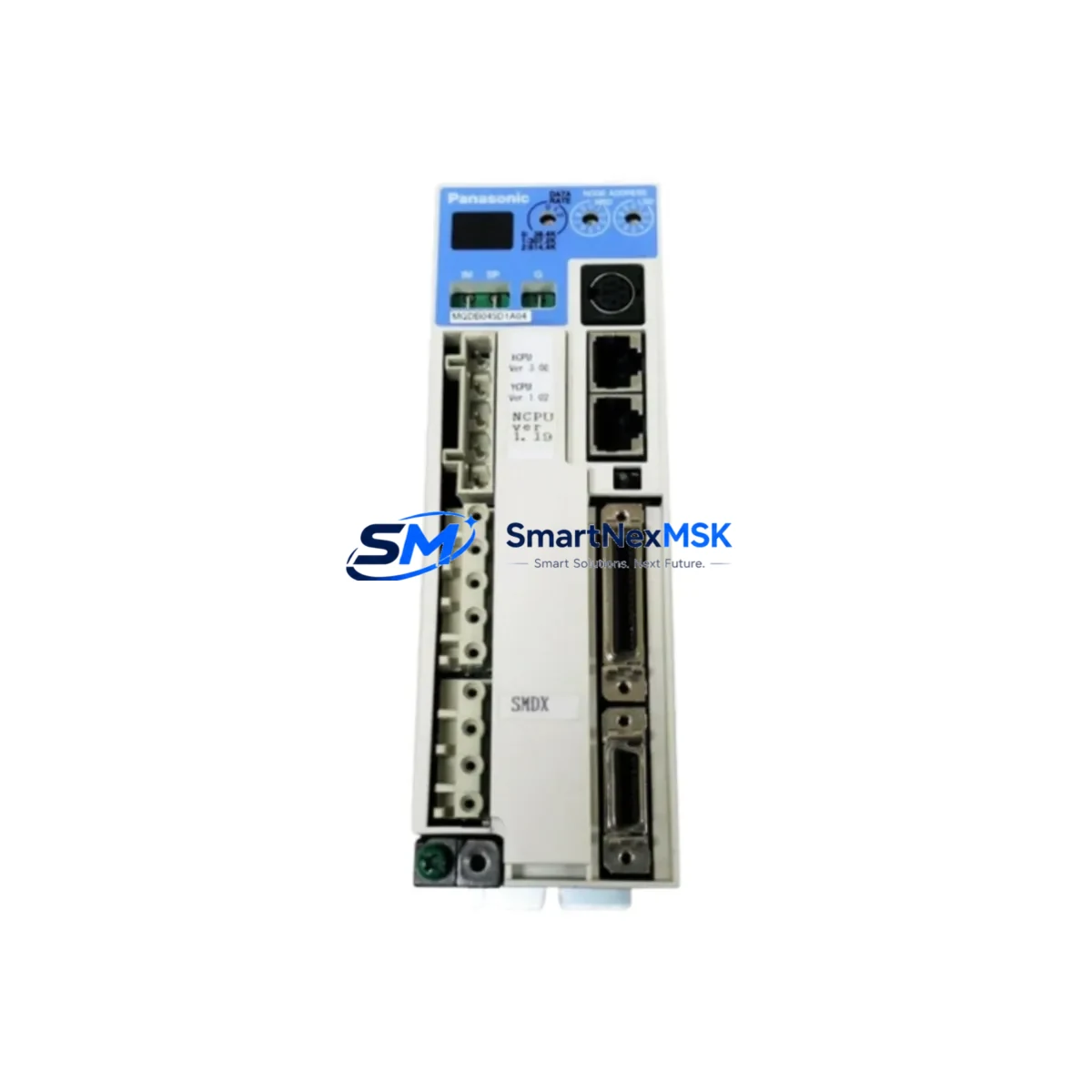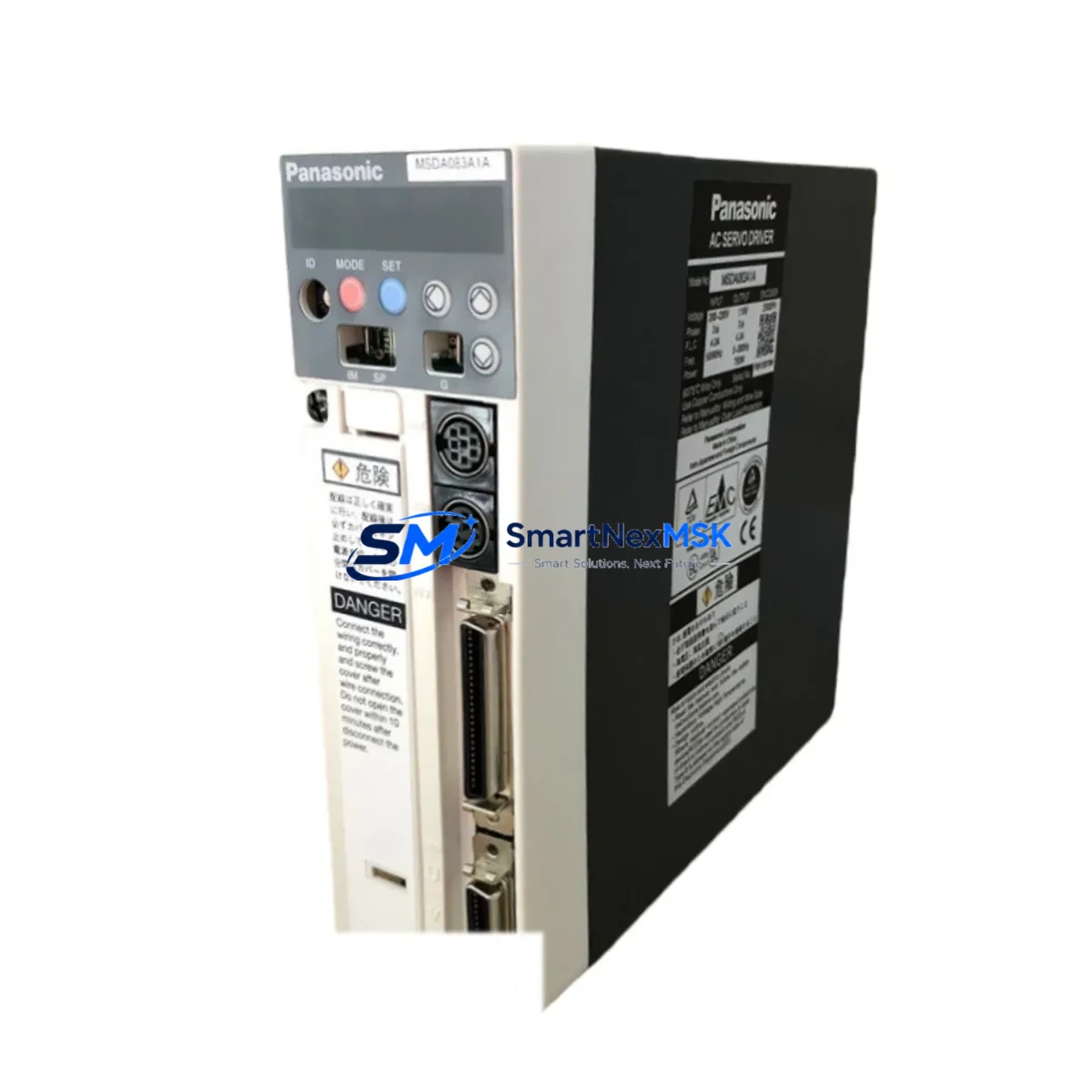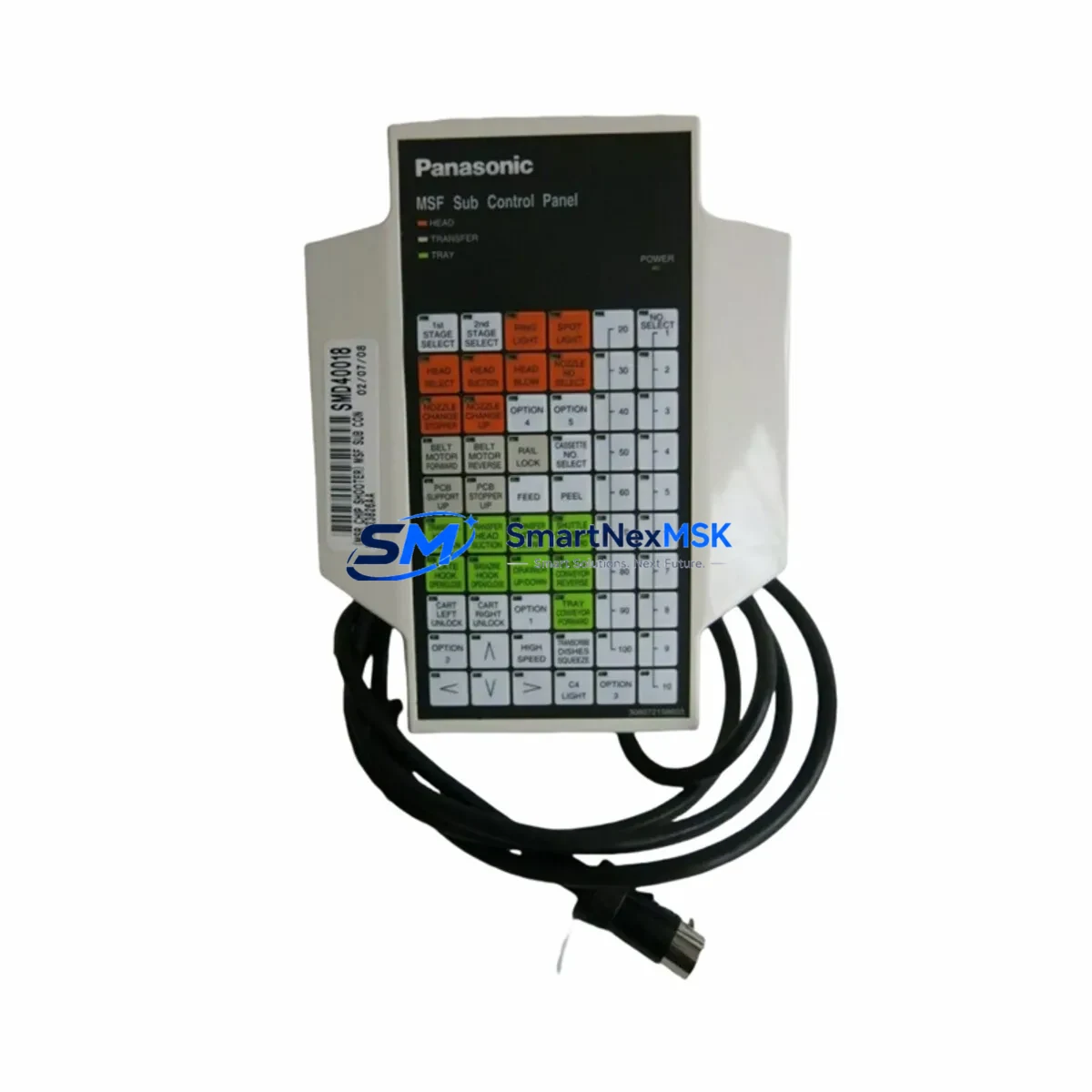
Panasonic P935L-001E Retrofit-Ready Operator Panel for FP Series Control Systems
The Panasonic P935L-001E is a retrofit-ready operator control panel engineered for seamless integration into existing FP Series programmable logic controller architectures. Whether you are replacing a failed unit on an aging production line, upgrading a legacy control cabinet, or executing a planned system modernization, the P935L-001E delivers verified compatibility with the Panasonic FP Series platform — minimizing engineering risk and reducing unplanned downtime.
This panel is a direct functional replacement for discontinued or end-of-life operator interface units used across FP1, FP-e, FP-X, and FP0R control platforms. It supports the same terminal wiring layout, backplane communication interface, and HMI display protocol as the original equipment, allowing field engineers to complete a swap-out without rewriting ladder logic or reconfiguring the FPWIN Pro programming environment.
Upgrade Compatibility Table
| Parameter | P935L-001E | Legacy FP Series Panel |
|---|---|---|
| Series Compatibility | FP1, FP-e, FP-X, FP0R | FP1, FP-e (original) |
| Mounting Format | Panel-mount, DIN-rail optional | Panel-mount |
| Communication Interface | RS-232C / RS-485 (selectable) | RS-232C |
| Terminal Wiring | Compatible with original pinout | Original pinout |
| Power Supply | 24 VDC ±10% | 24 VDC |
| HMI Screen Protocol | Panasonic GT Series compatible | Proprietary FP HMI |
| Backplane Interface | Standard FP backplane slot | Standard FP backplane slot |
| Module Address Config | DIP switch / software selectable | DIP switch |
| Replacement Recommendation | Direct drop-in for FP1 / FP-e panels | — |
| Commissioning Notes | Verify I/O map and comms baud rate | — |
| Warranty | 12 Months | — |
Retrofit Planning for Existing Automation Systems
A successful retrofit begins well before the P935L-001E arrives on-site. Engineers should first audit the existing control cabinet to confirm the 24 VDC power supply — typically a Panasonic FP-PS or equivalent DIN-rail power module — can sustain the additional load introduced by the replacement panel. In many FP1 installations, the original power budget was calculated for a smaller I/O footprint; adding an FP-X expansion unit or an FP0R analog I/O module alongside the new operator panel may require a power supply upgrade.
Terminal wiring should be documented before removal of the legacy panel. The P935L-001E uses a compatible terminal block layout, but field wiring labels and ferrule crimps should be verified against the original schematic. In cabinets where the Panasonic FP-X C30T or FP-X C60T controller is installed, the RS-485 communication link between the controller and the operator panel must be re-terminated and the baud rate confirmed in FPWIN Pro before powering up.
For systems that include a Panasonic GT32 or GT01 HMI terminal, the screen project file stored in the GT Designer environment must be reviewed to ensure tag addresses remain consistent with the P935L-001E I/O map. Any address remapping required by the new module should be completed in simulation before live commissioning. Where a Panasonic FP-X COM3 communication cassette or an FP-X RS-485 adapter is present, the network node address of the P935L-001E must be set to avoid conflicts with other devices on the same Mewtocol-COM or MODBUS RTU segment.
Backplane slot assignment is another critical checkpoint. In multi-slot FP Series racks, the P935L-001E must occupy the correct slot position as defined in the hardware configuration table within FPWIN Pro. Incorrect slot assignment will prevent the CPU — whether an FP-X C14T, FP0R C32T, or FP1 C24 — from recognizing the panel during the initial scan cycle, resulting in a hardware fault flag that must be cleared before normal operation resumes.
Downtime Control During System Migration
Minimizing production interruption during a panel swap requires a structured pre-outage checklist. Before the scheduled maintenance window, upload a full backup of the PLC program from the Panasonic FP-X or FP0R CPU using FPWIN Pro and the USB programming cable or FP-X COM1 port. Store the backup on a dedicated engineering laptop and verify the checksum against the last known-good version.
During the outage, follow a defined sequence: isolate the control cabinet, de-energize the 24 VDC rail, photograph all terminal connections, remove the legacy panel, install the P935L-001E, re-terminate field wiring, restore power, and perform a cold-start download of the verified program. The entire swap — excluding I/O verification — typically takes 45 to 90 minutes for a trained field engineer familiar with the FP Series platform.
After power-up, confirm that all I/O status indicators on the FP-X expansion modules and any connected FP-X analog input modules reflect the expected field states before releasing the line to production. If the system includes a Panasonic GT series HMI, verify that all alarm pages, setpoint screens, and trend displays are functioning correctly before signing off on the retrofit. All units supplied by SMARTNEXMSK are pre-tested prior to shipment and covered by a 12-month warranty, reducing the risk of a repeat outage caused by a defective replacement part.
Retrofit Support FAQ
Q: Is the P935L-001E a direct replacement for the original FP Series operator panel?
A: Yes. The P935L-001E is designed as a functional drop-in replacement for FP1 and FP-e series operator panels. Terminal pinout, backplane interface, and communication protocol are compatible with the original hardware. Minor baud rate and node address verification is recommended during commissioning.
Q: What wiring changes are required during installation?
A: In most FP Series installations, no wiring changes are required. Field terminals connect to the same positions as the legacy panel. Engineers should verify the 24 VDC supply polarity and confirm RS-485 termination resistor placement if the P935L-001E is installed at the end of a multi-drop communication segment.
Q: How is compatibility with the existing PLC program verified?
A: Upload the current program from the FP-X or FP0R CPU using FPWIN Pro before removing the legacy panel. After installing the P935L-001E, perform a program download and execute a full I/O force test to confirm all input and output addresses respond correctly. No program rewrite is required for a like-for-like replacement.
Q: What does the 12-month warranty cover?
A: The 12-month warranty covers manufacturing defects and functional failures under normal operating conditions. All units are tested before shipment. In the event of a warranty claim, SMARTNEXMSK will arrange a replacement unit and provide technical support to minimize line downtime.
© 2026 SMARTNEXMSK. All rights reserved.
Original Source: https://smartnexmsk.com
Contact: [email protected] | +86 18259474341