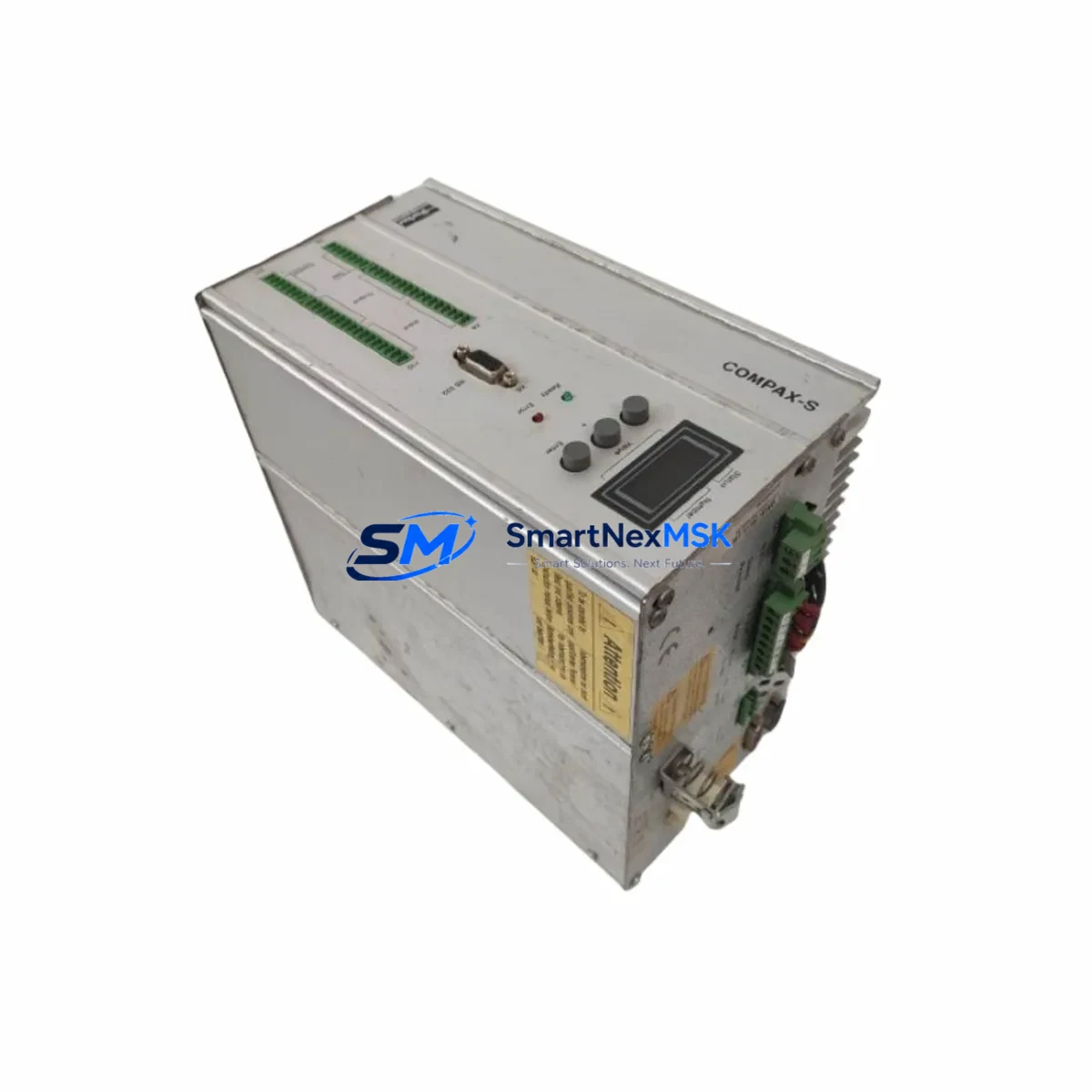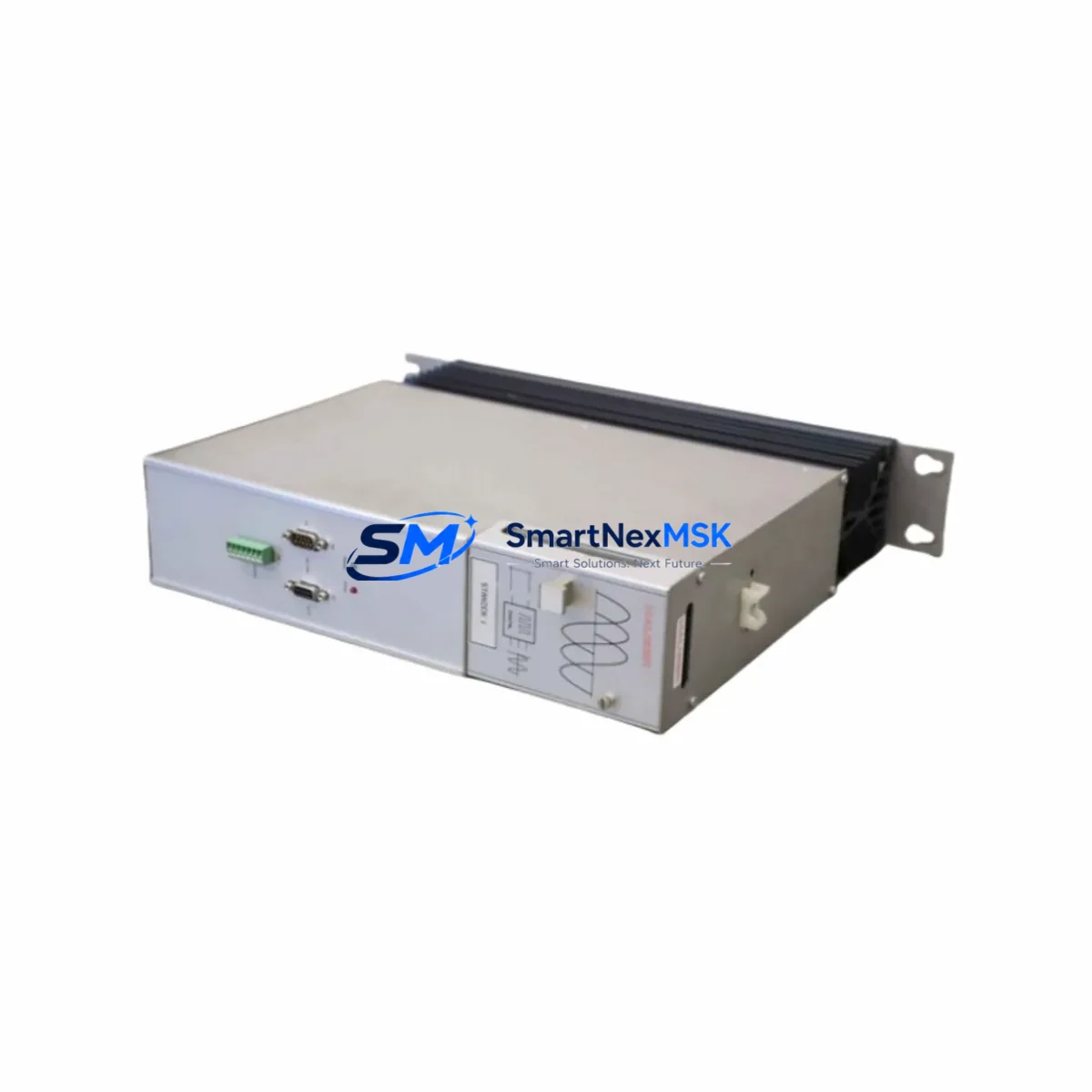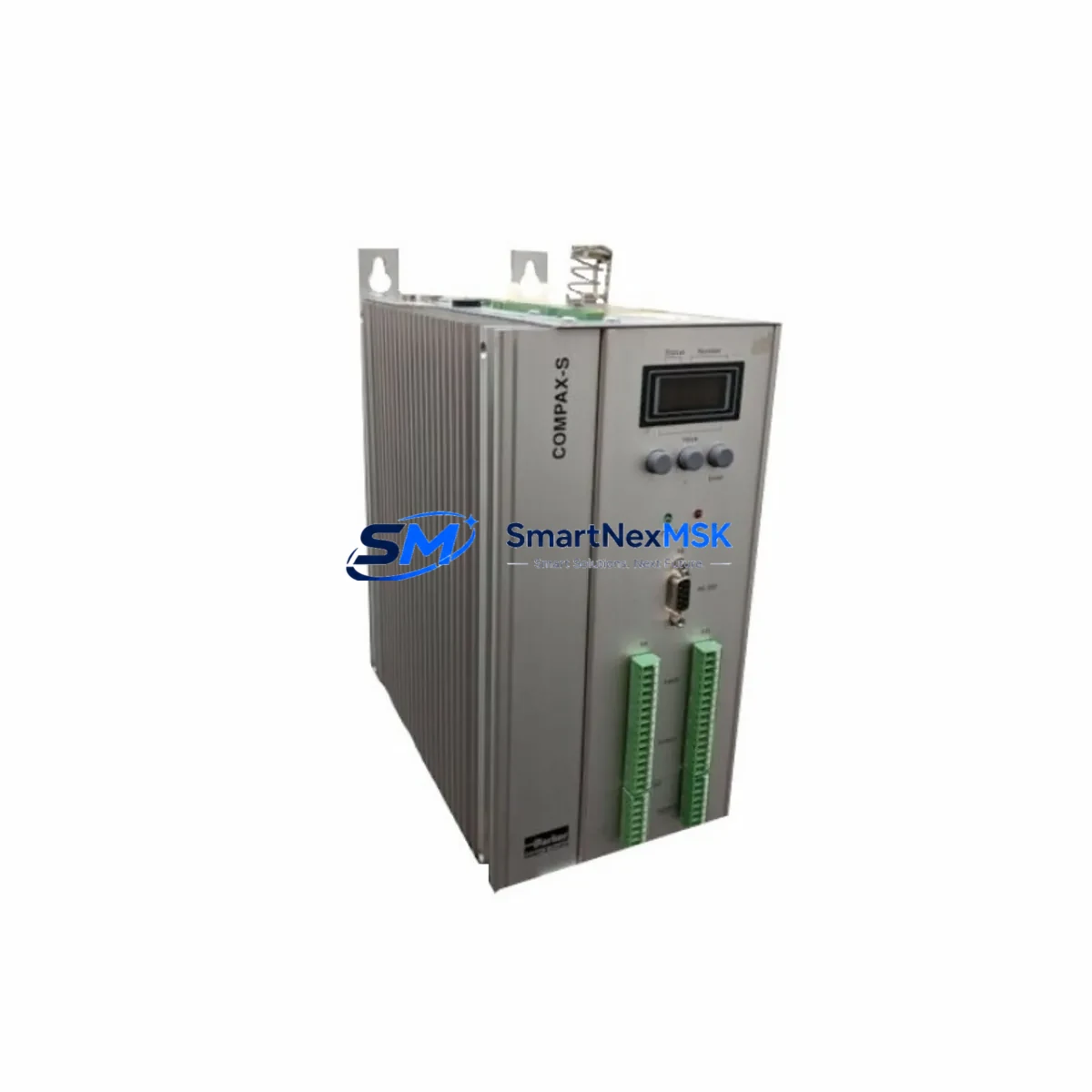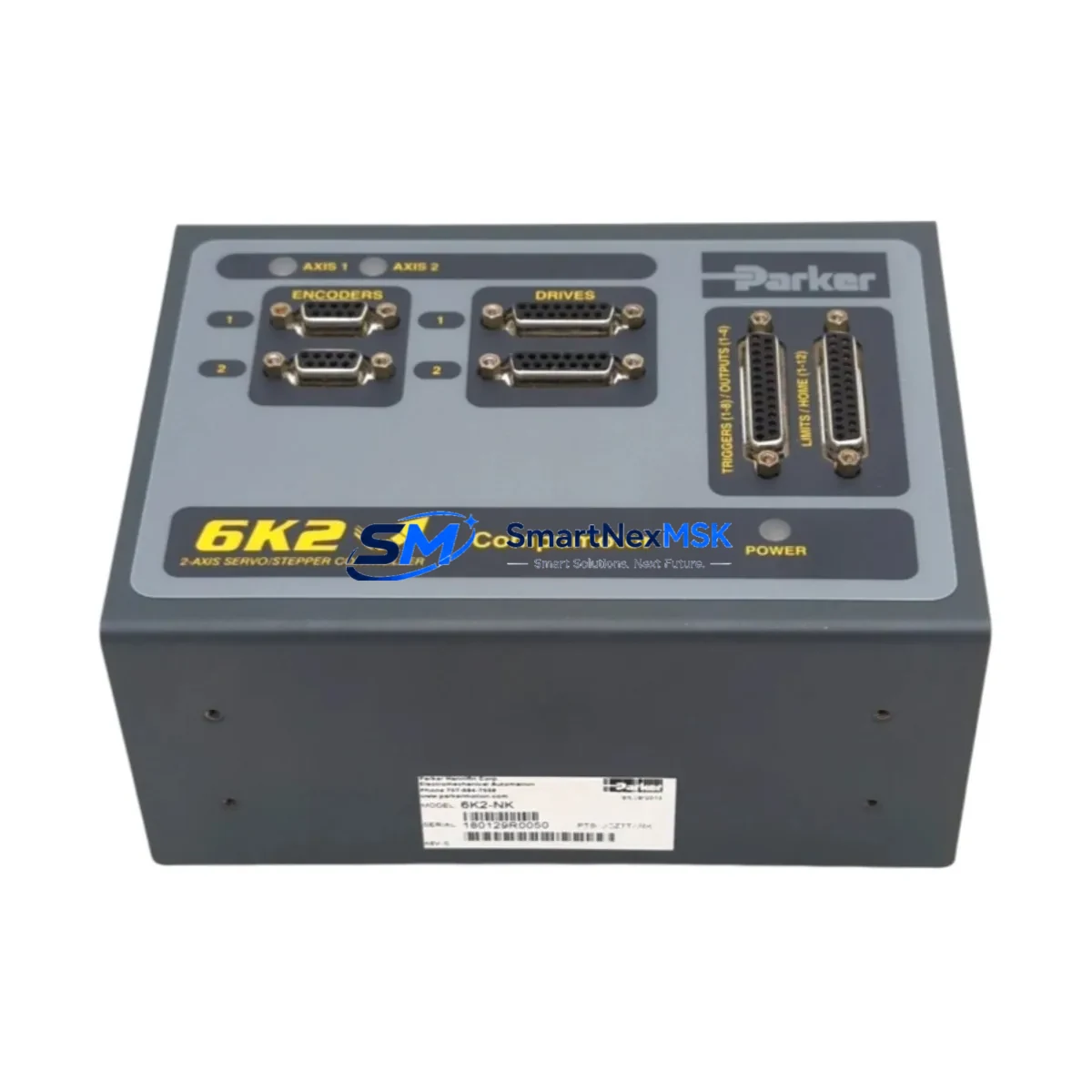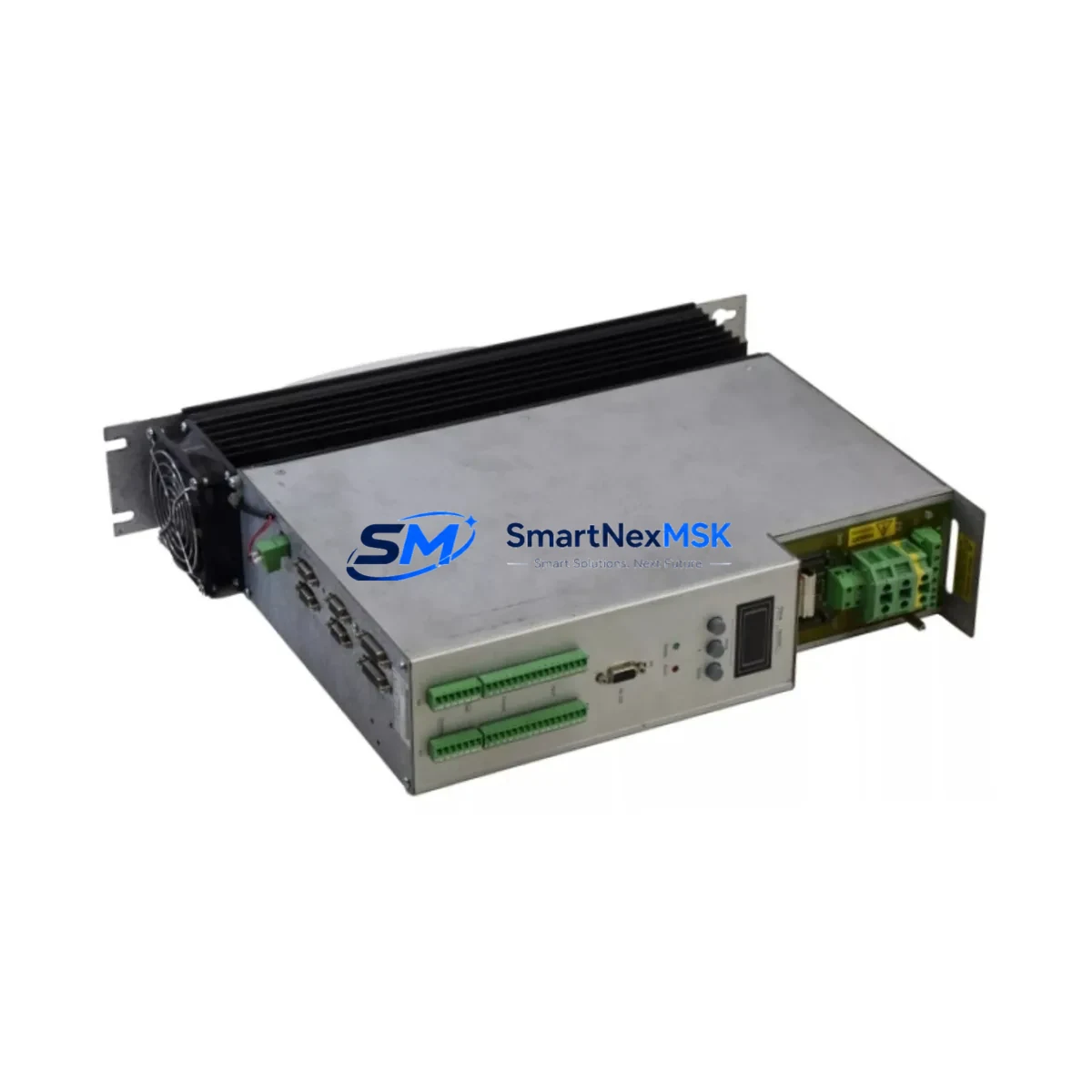
Parker CPX1500M/E7/F8 Spare for Compax3 Automation
The Parker CPX1500M/E7/F8 is a high-performance AC servo drive module from the Parker Compax3 series, engineered for precision motion control in demanding industrial automation environments. Whether you are managing a scheduled maintenance window, responding to an unplanned drive fault, or building a strategic spare parts inventory for aging servo systems, the CPX1500M/E7/F8 represents a critical line item in any maintenance engineer’s toolkit. This unit is supplied as an original spare, fully tested prior to shipment, and backed by a 12-month warranty — ensuring your production line returns to full operation with minimal downtime risk.
Sourced directly for industrial MRO and OEM replacement applications, this drive is suitable for direct swap-in on existing Compax3 servo axis installations. Each unit undergoes pre-shipment functional verification to confirm output stage integrity, communication interface readiness, and parameter retention capability, giving maintenance teams confidence before the module ever reaches the control cabinet.
Spare Maintenance Table
| Parameter | Specification / Notes |
|---|---|
| Part Number / SKU | CPX1500M/E7/F8 |
| Brand | Parker Hannifin |
| Series | Compax3 |
| Product Type | AC Servo Drive Module |
| Power Class | 1500 W (1.5 kW) continuous output |
| Option Code /E7 | EtherCAT fieldbus communication interface |
| Option Code /F8 | Safe Torque Off (STO) safety function, SIL 2 / PLd |
| Supply Voltage | 3-phase 230 V AC / 400 V AC (model-dependent) |
| Encoder Interface | Resolver / EnDat 2.1 / Hiperface (axis-dependent) |
| Communication | EtherCAT (/E7); optional RS232/RS485 for C3 ServoManager |
| Safety Function | STO (/F8) — IEC 62061 SIL 2, EN ISO 13849-1 PLd |
| Mounting | DIN rail or panel mount, Compax3 backplane compatible |
| Cooling | Forced air / integrated fan (size-dependent) |
| Operating Temperature | 0 °C to +45 °C (derating above 40 °C) |
| Protection Class | IP20 (control cabinet installation) |
| Country of Origin | Germany |
| Weight | 630 g (approx.) |
| Compatibility | Direct replacement for Compax3 CPX1500M/E7/F8 axis modules |
| Maintenance Recommendation | Replace on drive fault F29/F31, output stage failure, or at 8–10 year planned lifecycle interval |
| Warranty | 12 months from date of shipment |
| Pre-Shipment Test | Functional output stage, STO circuit, and communication interface verified |
Maintenance Planning for Continuous Operation
When a CPX1500M/E7/F8 drive fault triggers an unplanned shutdown, experienced maintenance engineers know that the drive itself is rarely the only component requiring attention. A thorough cabinet inspection during the replacement window significantly reduces the risk of repeat failures and secondary downtime events.
Begin with the 24 V DC control power supply feeding the Compax3 backplane — voltage ripple or marginal output capacity is a common root cause of intermittent drive faults that are misdiagnosed as drive failures. Inspect the Compax3 system bus backplane for connector oxidation or mechanical damage, particularly on multi-axis installations where the CPX1500M shares a common DC bus with adjacent axes. If the system uses a Parker PSx power supply module (such as the PS120V or PS240V), verify its DC bus voltage and check for capacitor aging indicators — a degraded power supply will shorten the service life of a newly installed drive.
On the motor side, inspect the servo motor feedback cable (resolver or EnDat encoder cable) for insulation damage, connector pin corrosion, or shield continuity breaks — these are a leading cause of encoder fault codes on Compax3 systems. The motor power cable and its shielded termination at the drive output connector should also be checked for continuity and insulation resistance. If the installation uses a Parker MH series servo motor or equivalent, confirm that the motor winding resistance and insulation values are within specification before commissioning the replacement drive.
For systems with EtherCAT communication (/E7 option), verify the EtherCAT network topology and cable integrity between the master controller and the Compax3 node. A marginal EtherCAT cable or connector can cause sporadic communication errors that appear as drive faults post-replacement. If the machine uses a Parker ACR or IPC motion controller as the EtherCAT master, confirm firmware compatibility with the replacement drive’s software version using C3 ServoManager.
Do not overlook the STO (Safe Torque Off) wiring circuit on the /F8 option — verify that the STO input voltage levels, response times, and safety relay outputs (such as a Pilz PNOZ or Sick safety relay module) are functioning correctly before enabling the drive. A wiring fault in the STO circuit will prevent the drive from enabling and is a common commissioning delay after spare part replacement.
Finally, review the terminal block wiring on the Compax3 I/O connector for loose terminations, and check any 24 V digital I/O modules or signal isolators connected to the drive’s enable, fault reset, and reference input signals. Proactive inspection of these peripheral components during a planned replacement window transforms a reactive repair into a comprehensive reliability improvement event.
Site Replacement Workflow
Step 1 — Isolation and Safety: Isolate the axis from mains supply and verify DC bus discharge (typically >5 minutes for Compax3 drives). Confirm STO inputs are de-energized and locked out per site LOTO procedure.
Step 2 — Parameter Backup: If the existing drive is still partially functional, use C3 ServoManager to export the axis parameter set (.c3p file) before removal. If the drive is non-functional, retrieve the parameter backup from your site documentation or CMMS. Compax3 drives do not retain parameters through a factory reset — a verified parameter file is essential for rapid recommissioning.
Step 3 — Physical Replacement: Disconnect motor power, feedback, STO, I/O, EtherCAT, and DC bus connectors in sequence. Remove the drive from the backplane or DIN rail. Install the CPX1500M/E7/F8 spare, reconnect all connectors, and verify torque on terminal block screws.
Step 4 — Parameter Restore and Commissioning: Download the saved parameter set to the replacement drive via C3 ServoManager. Perform a motor identification run if the motor type differs from the stored configuration. Verify encoder feedback signal quality and STO circuit function before enabling the axis.
Step 5 — Functional Test: Execute a controlled jog cycle at reduced speed to confirm torque, velocity, and position loop performance. Monitor drive temperature and DC bus voltage during initial operation. Log the replacement event in your CMMS with the new drive serial number and warranty start date.
This structured workflow minimizes recommissioning time, reduces the risk of parameter errors, and ensures the replacement drive is operating within its rated envelope from the first production cycle.
Spare Parts Support FAQ
Q1: Is this CPX1500M/E7/F8 a genuine Parker original spare or a compatible replacement?
This unit is supplied as an original Parker Hannifin spare part. Each unit is sourced through established industrial supply channels and undergoes pre-shipment functional testing covering the output stage, EtherCAT communication interface, and STO circuit. A 12-month warranty is provided from the date of shipment.
Q2: Can this drive replace an older CPX1500M/E7/F8 with a different firmware revision?
Yes, in the vast majority of cases. Compax3 drives are designed for backward-compatible parameter sets across firmware generations. We recommend using C3 ServoManager to verify firmware compatibility and perform a parameter migration if required. If you have specific firmware version constraints, please contact our technical team before ordering.
Q3: What is your recommended spare parts stocking strategy for Compax3 multi-axis systems?
For systems with 4 or more Compax3 axes, we recommend holding at least one CPX spare drive per power class in your on-site inventory, along with a spare PSx power supply module and a set of motor feedback cables. For critical production lines, a complete axis spare (drive + motor + cable set) reduces MTTR to under two hours. We can support blanket order agreements for long-term supply continuity.
Q4: How do you handle compatibility verification and what does the 12-month warranty cover?
Prior to shipment, each drive is tested for output stage integrity, communication interface function, and STO circuit response. The 12-month warranty covers manufacturing defects and functional failures under normal operating conditions. It does not cover damage resulting from incorrect installation, overvoltage events, or parameter configuration errors. Our technical team is available to support compatibility verification for your specific machine configuration before purchase.
© 2026 SMARTNEXMSK. All rights reserved.
Original Source: https://smartnexmsk.com
Contact: [email protected] | +86 18259474341