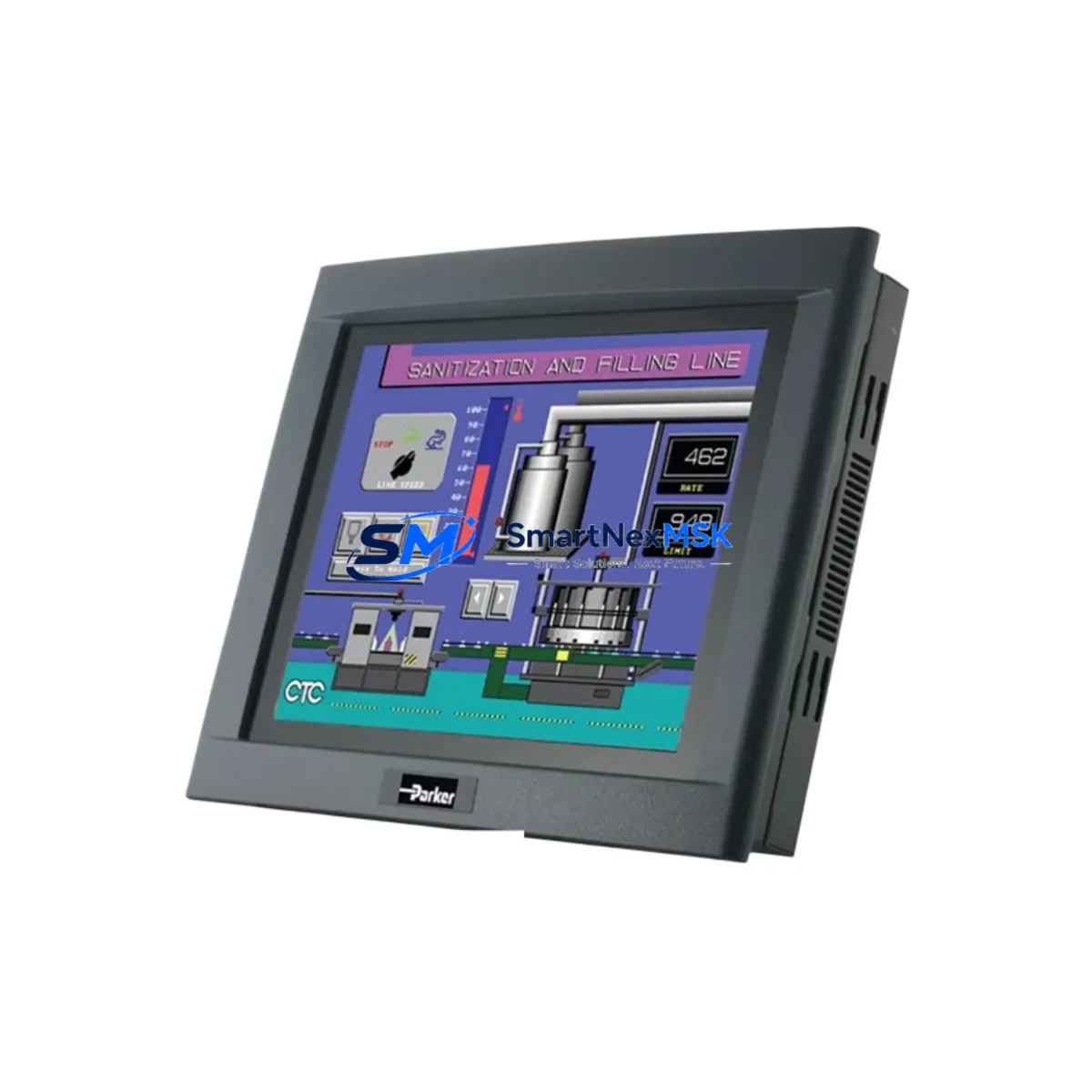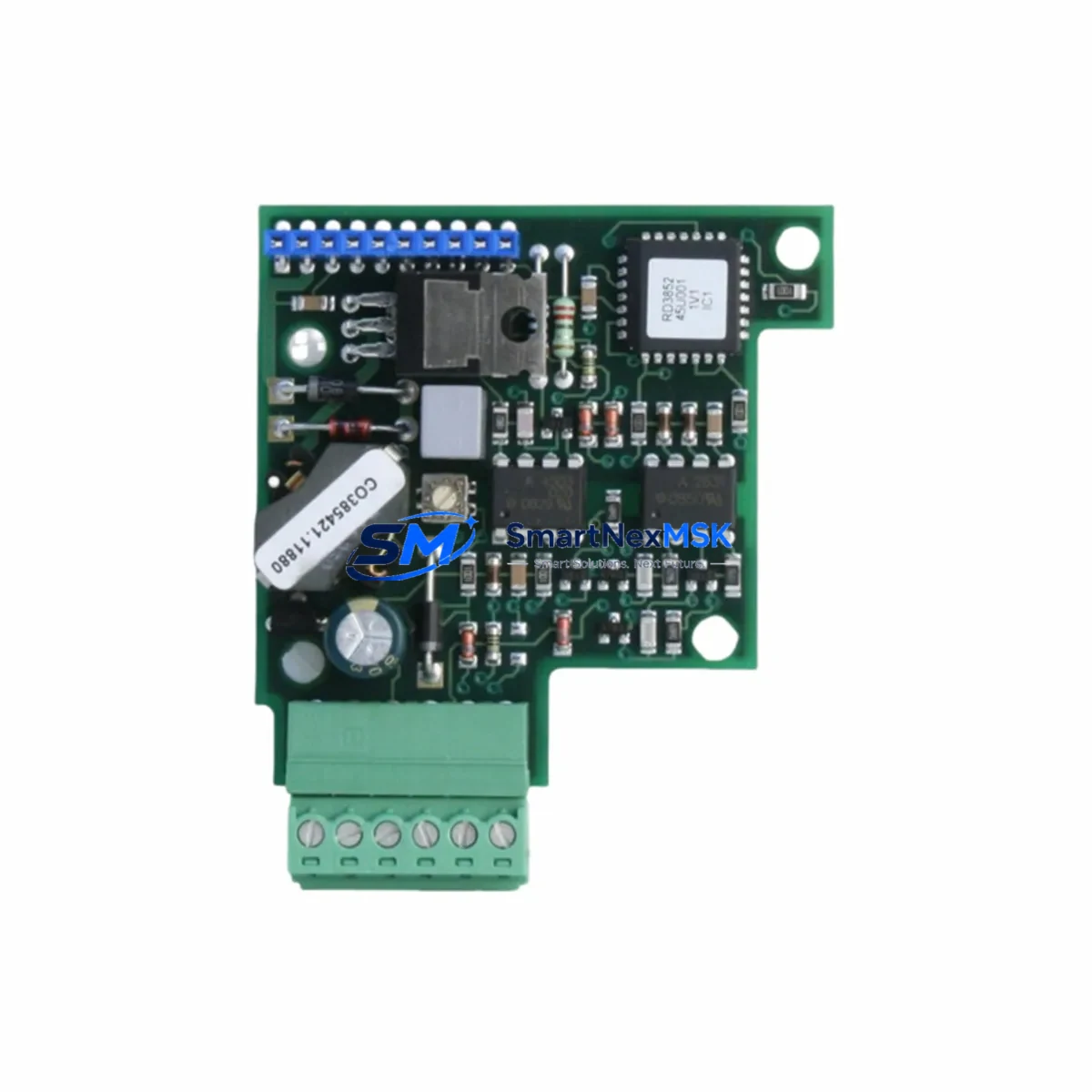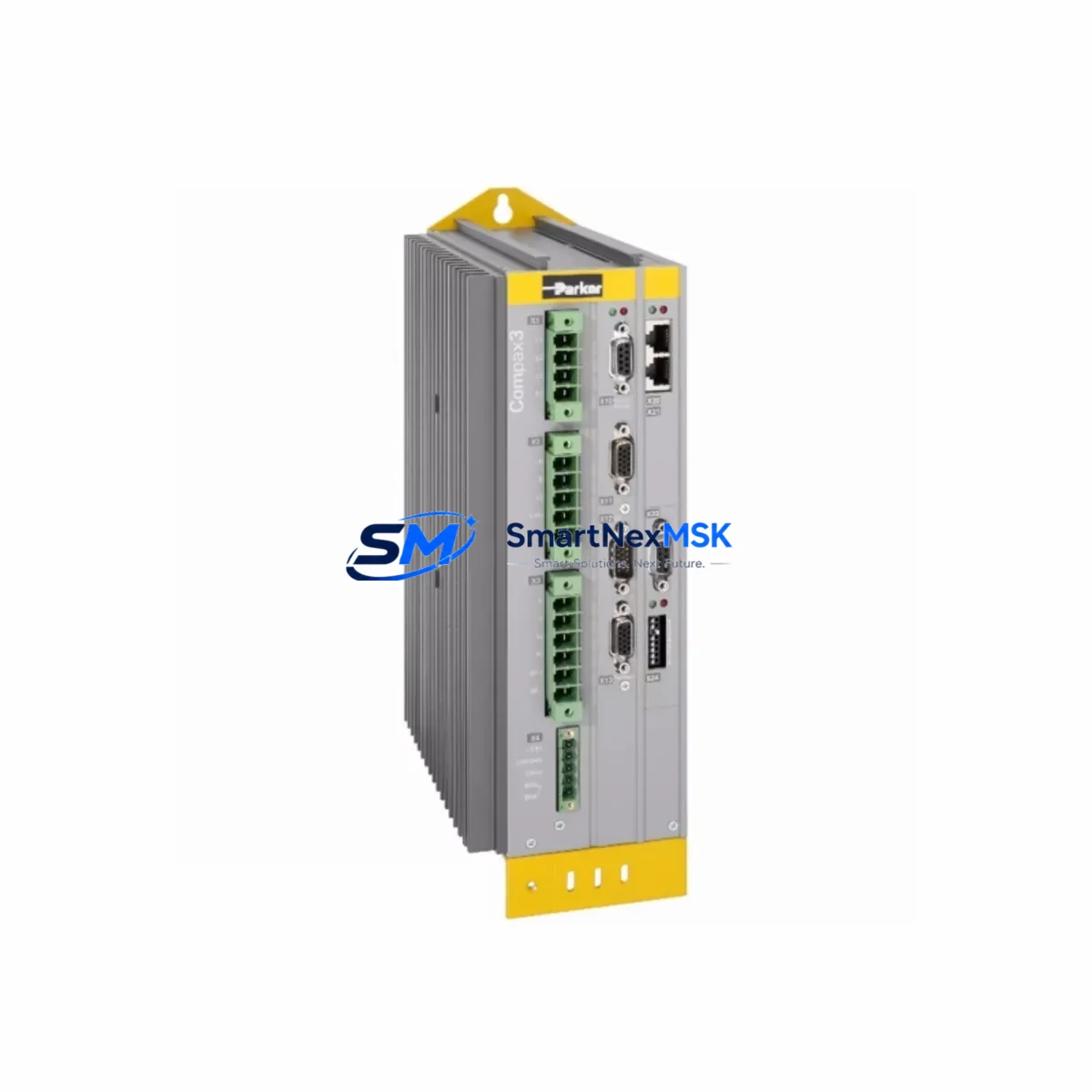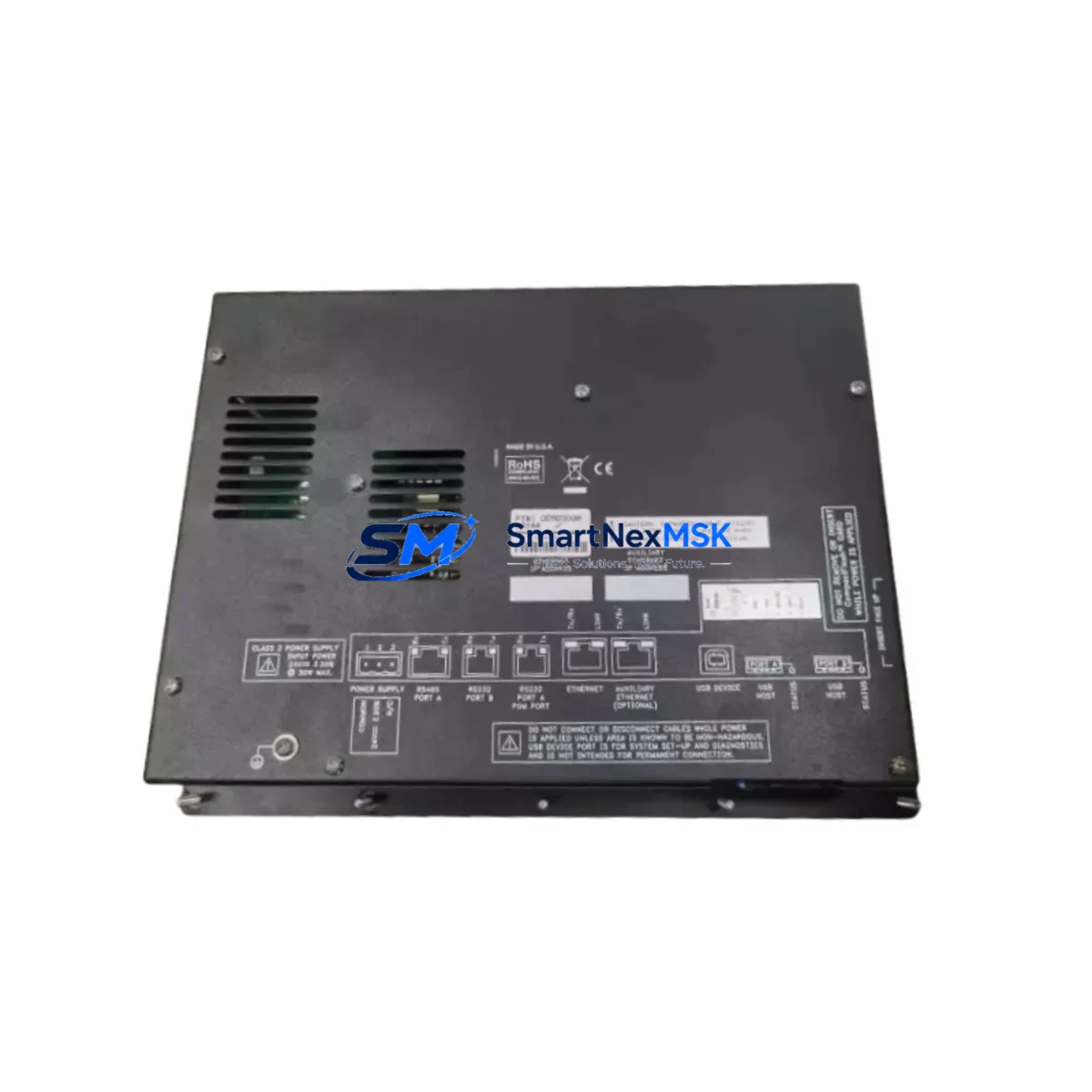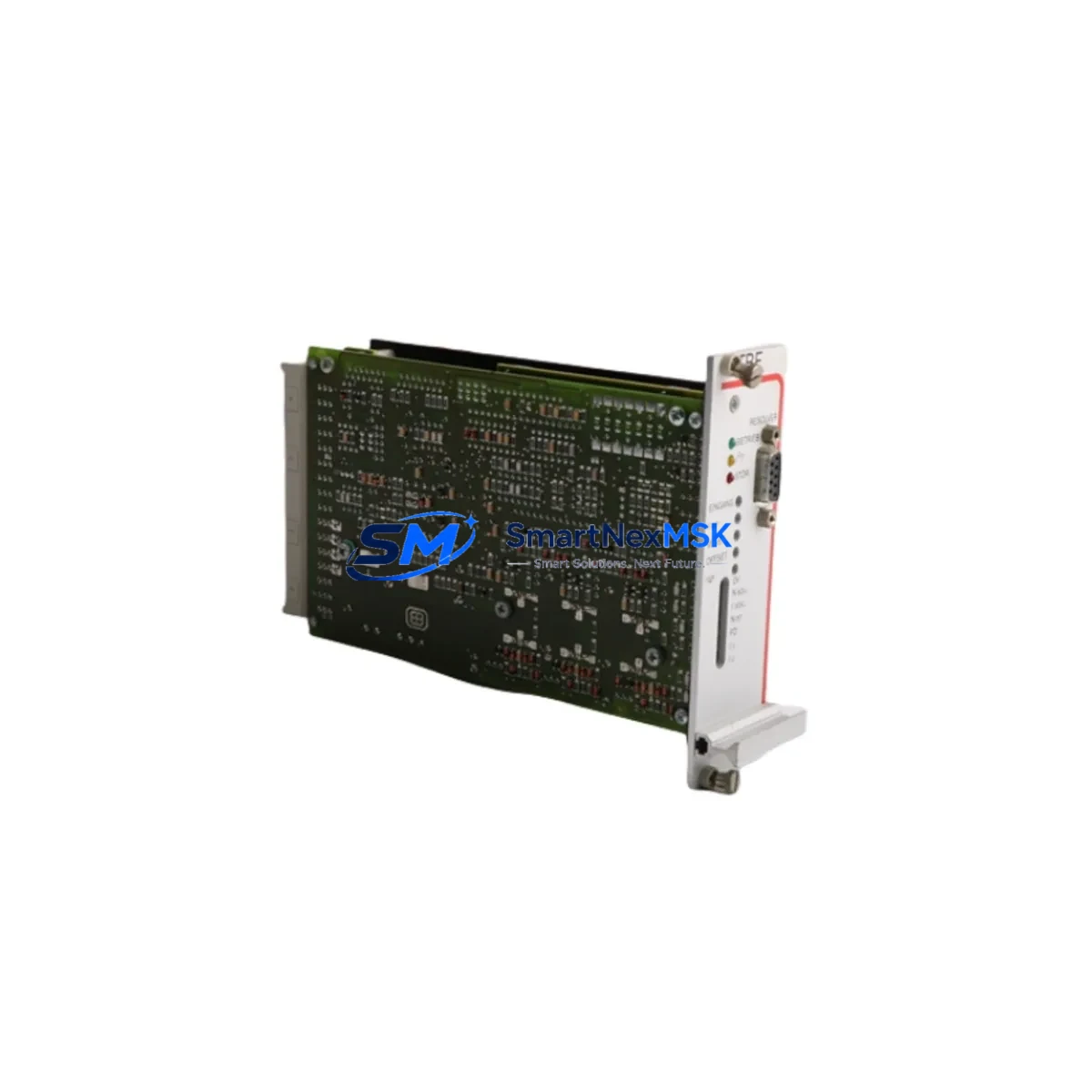
Parker TBF60/5R Retrofit-Ready Servo Controller for Compax Series: Seamless Legacy System Upgrade
The Parker TBF60/5R is a 5-axis servo controller module designed for integration within the Parker Compax series control architecture. As legacy Compax installations approach end-of-life and original spare parts become increasingly scarce, the TBF60/5R represents a proven retrofit path for engineers tasked with modernizing aging servo drive systems without full platform replacement. Whether you are managing a multi-axis CNC retrofit, upgrading a packaging line, or restoring motion control continuity after an unplanned failure, the TBF60/5R delivers the electrical and functional compatibility required to minimize engineering rework and reduce total downtime.
Before committing to a retrofit using the TBF60/5R, engineers should verify several critical system parameters. Power supply capacity is the first checkpoint: confirm that the existing DC bus or AC input supply can sustain the continuous and peak current demands of the TBF60/5R across all five axes simultaneously. Terminal wiring must be reviewed against the Compax backplane pinout — particularly the feedback connector assignments for resolvers or encoders, the enable/inhibit signal routing, and the analog command input wiring if the machine uses ±10 V velocity references. Backplane interface compatibility should be confirmed at the rack level, especially if the installation uses a Compax C3 or earlier rack variant, as slot addressing and bus termination requirements may differ. Module address configuration via DIP switch or rotary selector must match the original axis assignment to avoid conflicts with the motion program stored in the Compax controller or an upstream PLC such as a Parker ACR9000 or a Siemens S7-300 acting as the master sequencer.
Program compatibility is a frequent concern during Compax retrofits. If the original machine logic was developed in Parker’s Compax Programming Environment or via structured text on a connected HMI such as a Parker P-Series or a Pro-face GP4000 panel, the axis parameter sets — including position loop gains, velocity feed-forward, acceleration ramps, and fault response configurations — must be re-validated after module swap. In many cases, parameter files can be exported from the original module before removal and re-imported to the TBF60/5R, significantly reducing commissioning time. Communication link integrity should also be verified: if the Compax rack communicates upstream via CANopen, SERCOS, or a proprietary Parker motion bus, the TBF60/5R must be confirmed as compatible with the specific protocol version in use. Where protocol migration is required — for example, transitioning from an older RS-232 programming interface to an Ethernet-based commissioning tool — a Parker IPA (Intelligent Positioning Drive) communication adapter or equivalent interface converter may be required as part of the upgrade bill of materials.
Upgrade Compatibility Table
| Parameter | Detail |
|---|---|
| SKU | TBF60/5R |
| Brand | Parker Hannifin |
| Series | Compax |
| Axes Supported | 5-axis servo control |
| Backplane Interface | Compax rack backplane (C3 / legacy variants — verify slot addressing) |
| Feedback Compatibility | Resolver / incremental encoder (verify connector pinout) |
| Communication Protocols | CANopen, SERCOS, RS-232 programming port (verify version) |
| Replacement Suitability | Direct retrofit for discontinued Compax 5-axis servo modules |
| Installation Requirement | Verify DIP/rotary axis address, DC bus capacity, terminal wiring |
| Commissioning Checkpoint | Re-validate axis parameters, feedback signals, enable logic |
| Warranty | 12 months from date of shipment |
| Origin | Germany (Parker Hannifin) |
| Condition | New / Surplus New (specify at order) |
Retrofit Planning for Existing Automation Systems
A successful TBF60/5R retrofit begins with a thorough audit of the existing control cabinet. In a typical Compax installation, the servo controller rack sits alongside a 24 VDC logic power supply module, a DC bus capacitor bank, and one or more axis expansion modules. Before removal of the legacy servo module, document all terminal connections using the original machine wiring diagram and photograph the physical wiring at the backplane connector. If the machine uses a Compax C3 rack, note the rack’s bus termination jumper position, as incorrect termination after module replacement is a common source of communication faults during first power-up.
In multi-axis systems, the TBF60/5R typically operates alongside other Compax axis modules, a Compax system controller card, and potentially a Parker ViX250 or ViX500 drive for auxiliary single-axis motion tasks. If the retrofit scope includes I/O expansion — for example, adding digital inputs for additional limit switches or proximity sensors — a Compax I/O expansion module or a discrete I/O terminal block assembly may be required. For systems where the HMI communicates axis status via a serial link to the Compax controller, verify that the HMI screen tags referencing axis fault codes, position feedback, and drive status remain valid after the module swap. Parker P-Series HMI panels and third-party panels connected via Modbus RTU or CANopen are particularly sensitive to axis address changes.
Where the retrofit involves a communication protocol migration — for instance, moving from a legacy RS-232 commissioning interface to a modern USB-to-serial adapter for use with Parker’s Motion Planner or Compax3 ServoManager software — ensure the programming cable (such as a Parker CBL-RJ45-DB9 or equivalent) is available before the maintenance window begins. Having the correct programming cable and a laptop with the commissioning software pre-installed eliminates a common source of extended downtime during field retrofits. Additionally, if the machine’s safety circuit routes through the servo enable chain, confirm that the TBF60/5R’s hardware enable input is correctly wired to the safety relay output before energizing the DC bus.
Downtime Control During System Migration
Minimizing production downtime during a Compax servo module replacement requires preparation that begins well before the maintenance window. The recommended approach is to export all axis parameter sets from the existing TBF60/5R or its predecessor module using the Compax commissioning software while the machine is still operational. Store these parameter files on a secure local drive and verify that they can be re-imported to the replacement module in a bench test environment before the scheduled outage.
During the physical swap, work systematically: remove the DC bus fuse or isolate the servo power supply before disconnecting the backplane connector, label all field wiring before removal, and install the TBF60/5R into the same rack slot as the original module. After installation, restore power in stages — logic power first, then servo power — and monitor the drive status LEDs for fault codes before enabling axes. Re-import the saved parameter file, verify feedback signal quality on each axis using the commissioning software’s oscilloscope function, and perform a slow-speed jog test on each axis before returning the machine to automatic mode. This staged approach consistently reduces total retrofit downtime to under four hours for a five-axis system, even in facilities without on-site Parker service support.
For critical production lines where even a four-hour outage is unacceptable, consider pre-configuring a spare TBF60/5R module with the correct axis parameters and keeping it on the shelf as a hot-spare. SMARTNEXMSK maintains verified stock of the TBF60/5R and can ship same-day for urgent requirements, supporting your downtime control strategy with reliable supply chain backup.
Retrofit Support FAQ
Q1: Is the TBF60/5R a direct drop-in replacement for the original Compax 5-axis servo module?
In most Compax rack installations, the TBF60/5R is mechanically and electrically compatible with the original 5-axis servo module position. However, engineers should verify the rack variant (C3 or earlier), backplane connector pinout, and axis address configuration before installation. SMARTNEXMSK provides pre-shipment functional testing on all TBF60/5R units to confirm drive readiness before dispatch.
Q2: What commissioning steps are required after installing the TBF60/5R?
After physical installation, re-import the saved axis parameter file using Parker’s Compax commissioning software. Verify resolver or encoder feedback signal quality on each axis, confirm the hardware enable input is correctly wired, and perform a slow-speed jog test before returning to automatic mode. If parameter files were not saved prior to the original module failure, SMARTNEXMSK’s technical team can assist with baseline parameter reconstruction based on the machine type and motor specifications.
Q3: Does the TBF60/5R support CANopen and SERCOS communication protocols?
The TBF60/5R is designed for use within the Parker Compax communication architecture, which supports CANopen and SERCOS depending on the system configuration. Verify the specific protocol version in use on your installation and confirm compatibility with the TBF60/5R firmware version before deployment. Where protocol migration is required, additional interface modules may be needed.
Q4: What warranty coverage is provided with the TBF60/5R?
All TBF60/5R units supplied by SMARTNEXMSK carry a 12-month warranty from the date of shipment, covering manufacturing defects and functional failures under normal operating conditions. Each unit undergoes pre-shipment functional testing. Warranty claims are supported directly by SMARTNEXMSK with replacement or repair turnaround designed to minimize your production impact.
© 2026 SMARTNEXMSK. All rights reserved.
Original Source: https://smartnexmsk.com
Contact: [email protected] | +86 18259474341