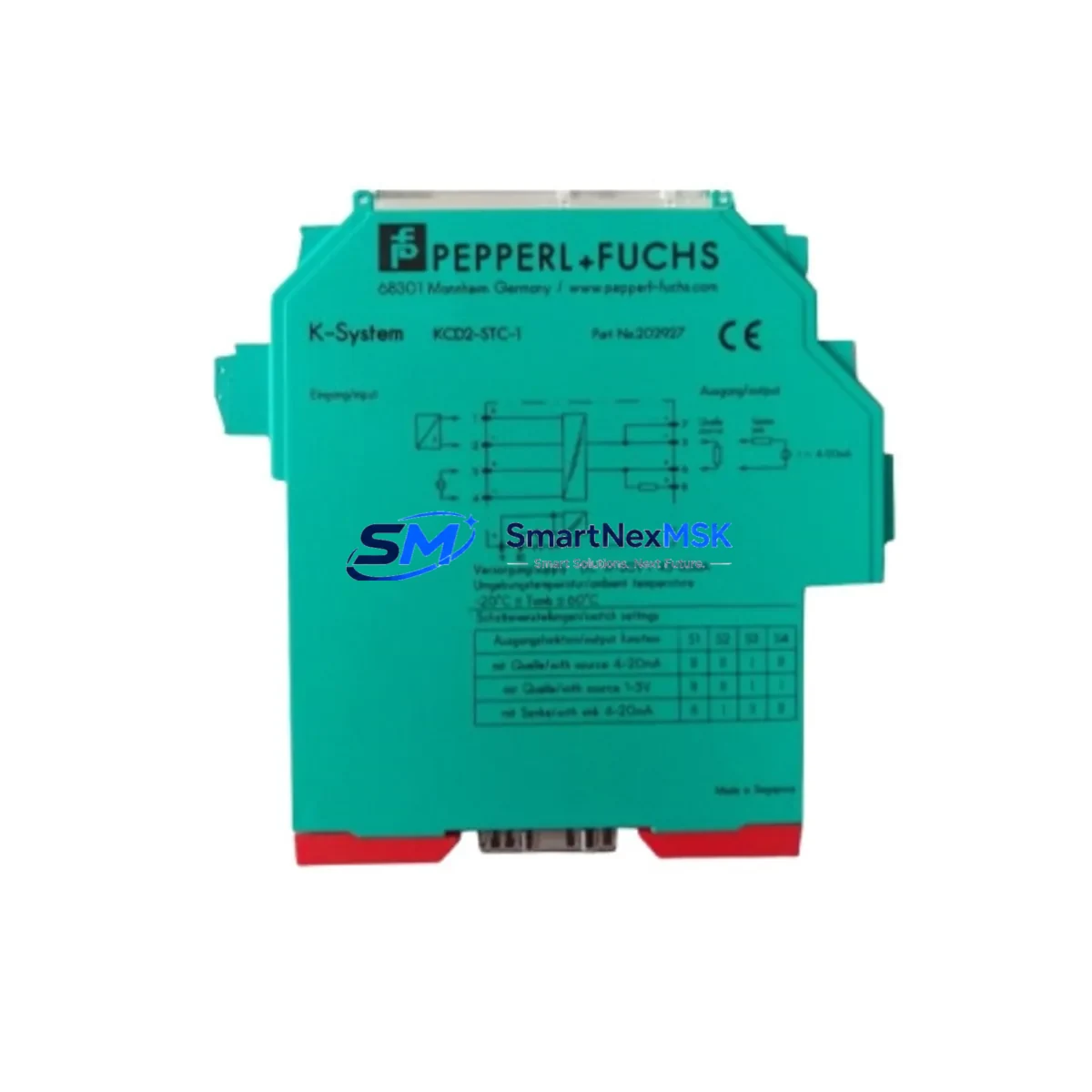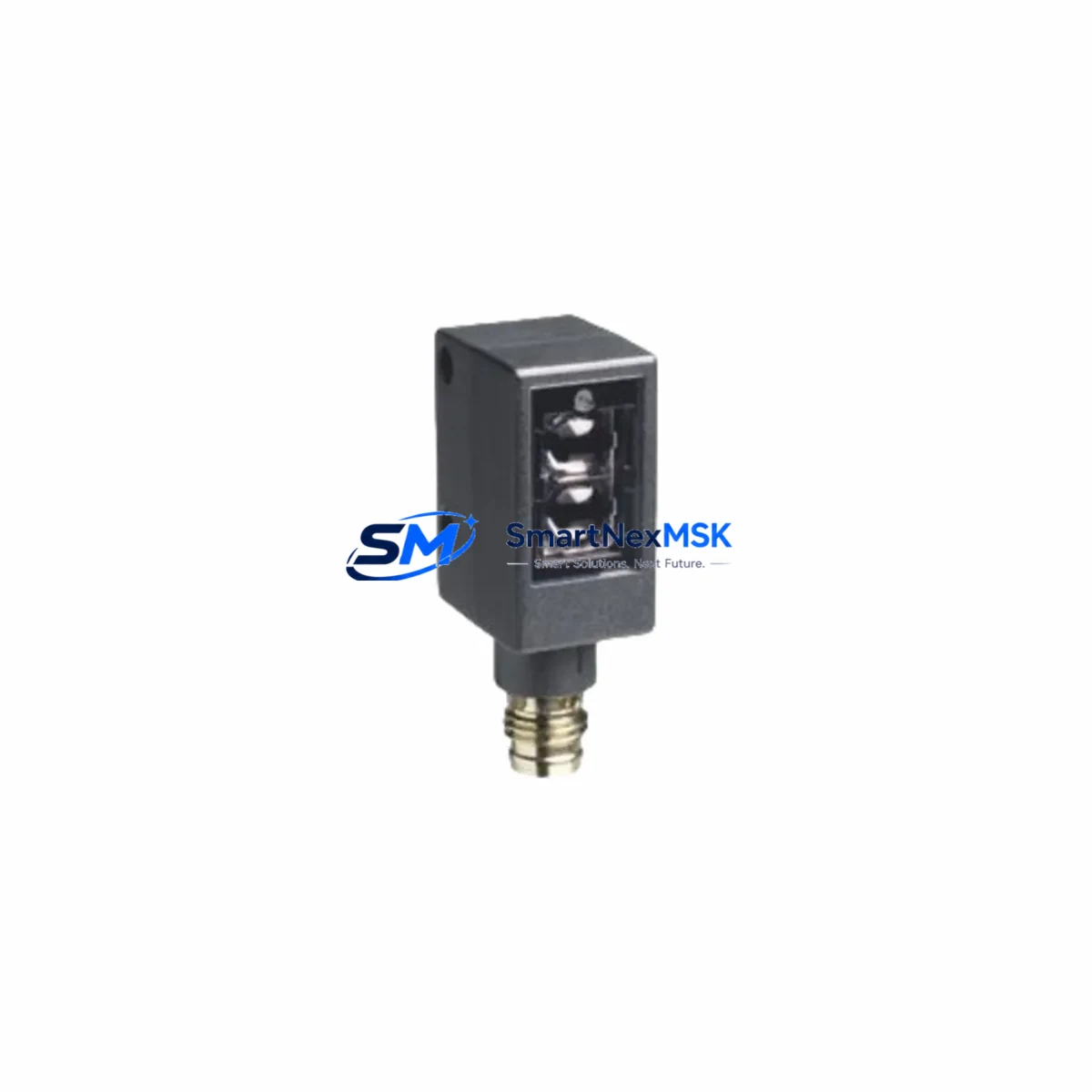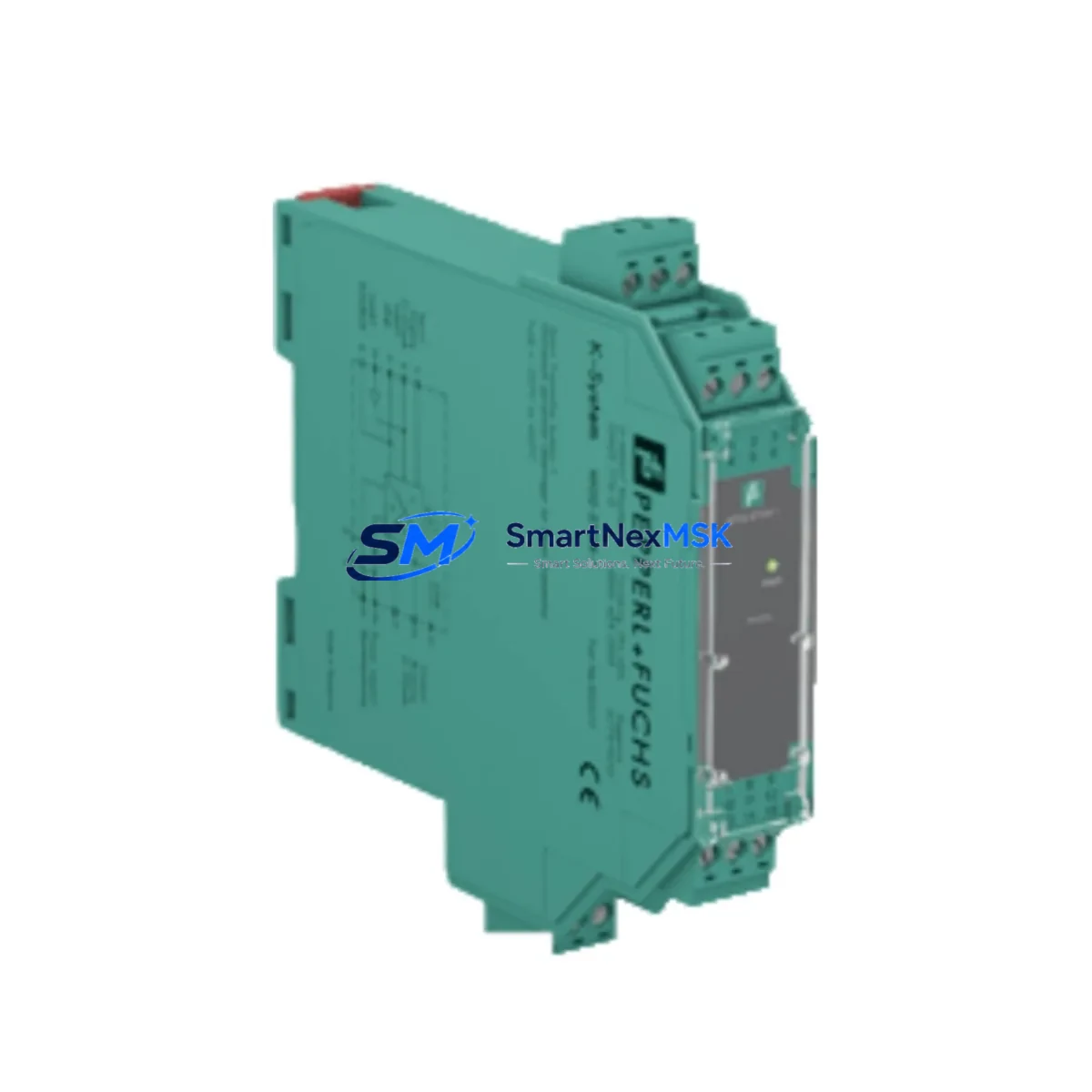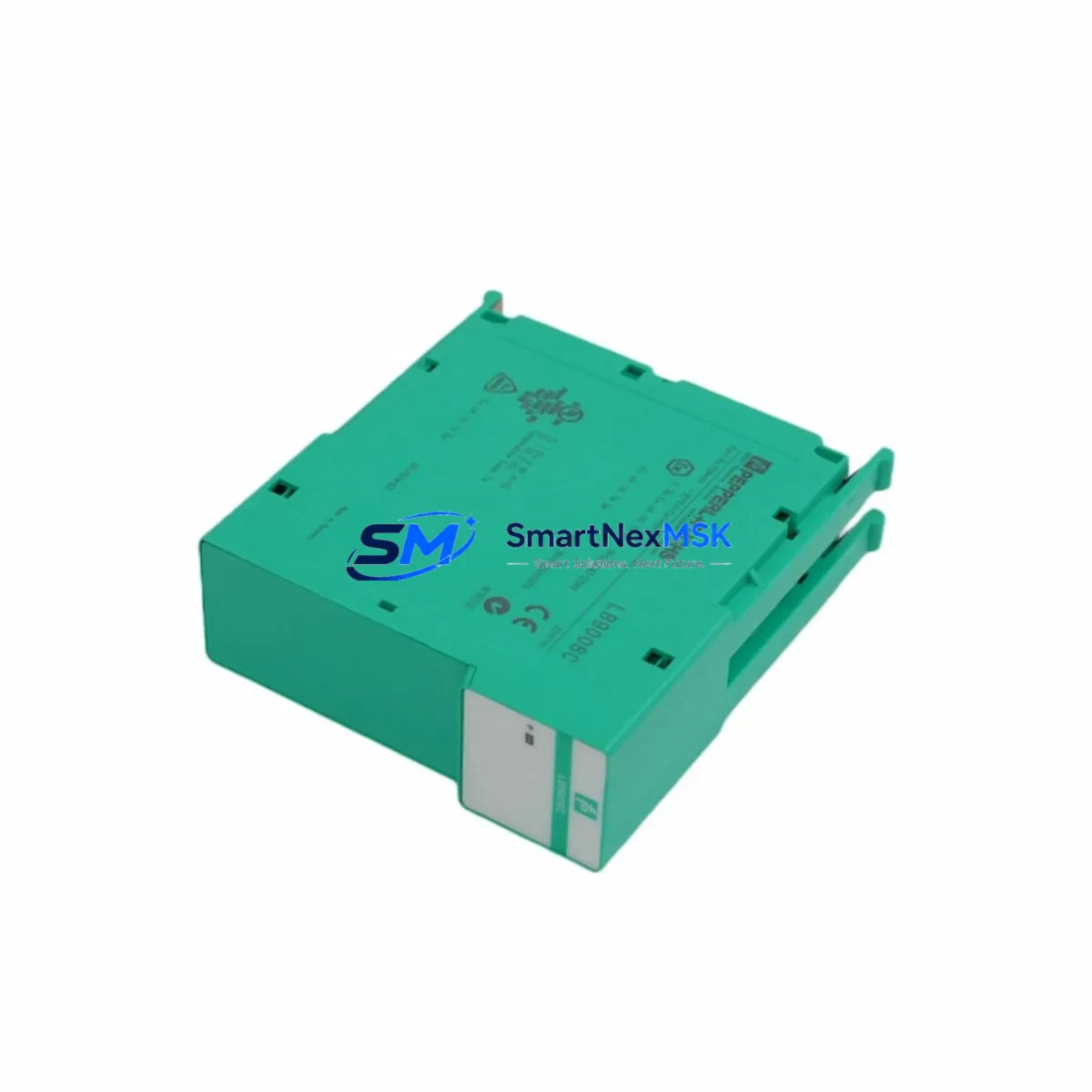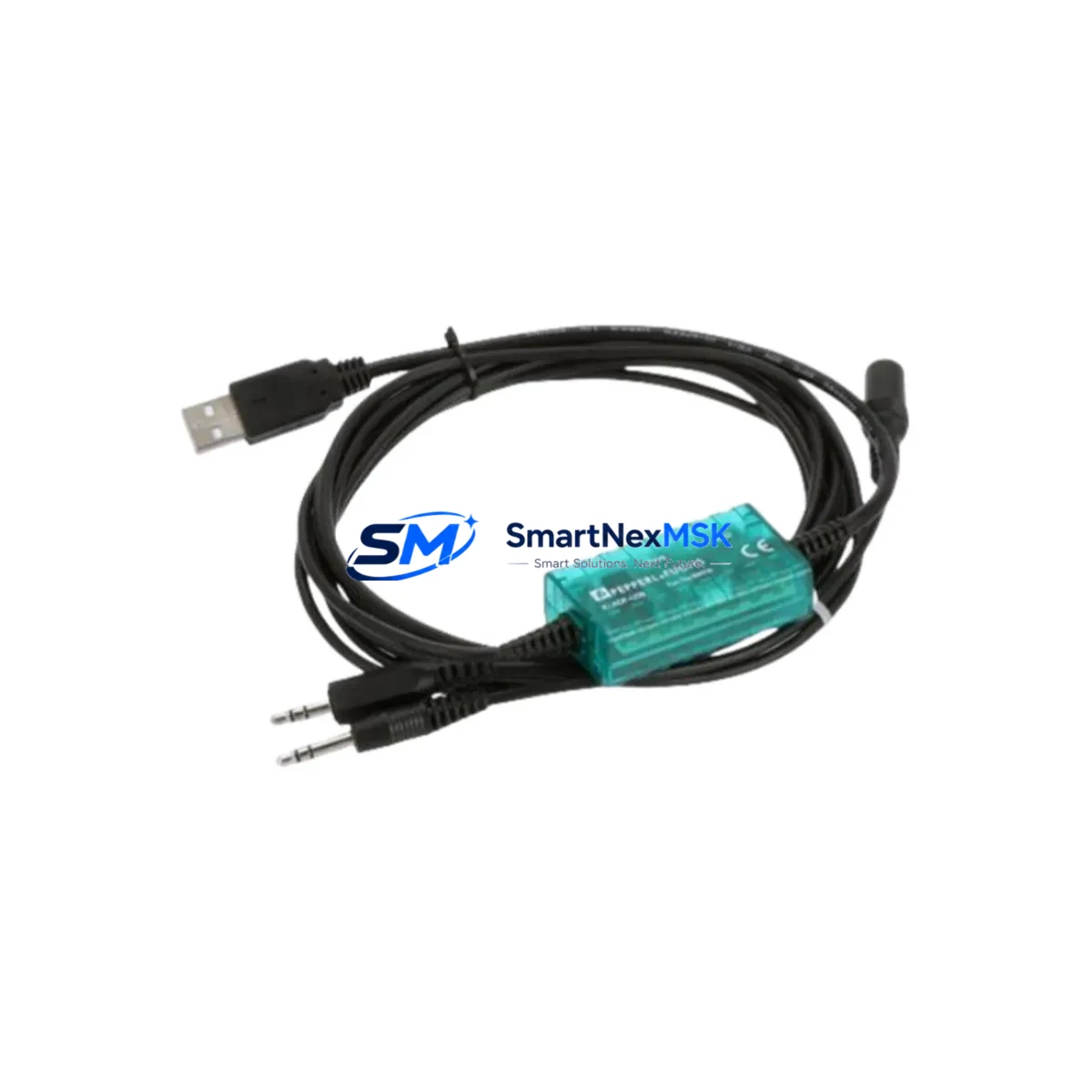
Pepperl+Fuchs K-ADP-USB Spare for K-System Automation: Spare Replacement & Industrial Downtime Risk Control
The Pepperl+Fuchs K-ADP-USB is the dedicated HART-over-USB configuration adapter for the K-System range of signal conditioners and isolators. In process automation environments — including DCS-integrated control cabinets, safety instrumented systems, and legacy HART field device networks — this adapter is the sole interface between a PC-based engineering workstation and K-System modules such as the KFD2-STC4-Ex1, KFD2-UT2-Ex1, KFD2-CR-Ex1.32P, and related K-System isolators. Without a serviceable K-ADP-USB on hand, HART parameterization, device commissioning, and fault diagnostics on these modules become impossible — extending planned maintenance windows and turning routine calibration tasks into unplanned downtime events.
Maintenance engineers and spare parts planners working with Pepperl+Fuchs K-System infrastructure should treat the K-ADP-USB as a Tier-1 consumable spare. Its compact USB-A form factor and plug-and-play driver compatibility with PACTware and FieldCare make it a low-cost, high-impact item in any control room toolkit. Stocking at least one verified unit per maintenance team eliminates the risk of a single-point-of-failure during scheduled turnarounds or emergency fault isolation.
Spare Maintenance Table
| Parameter | Specification / Value |
|---|---|
| Part Number / SKU | K-ADP-USB |
| Manufacturer | Pepperl+Fuchs |
| Product Series | K-System Signal Conditioners & Isolators |
| Function | HART-over-USB PC Configuration Adapter |
| Interface | USB-A (PC side) / HART 4–20 mA loop (module side) |
| Compatible Modules | K-System KFD2, KFD0, KCD2 series isolators and signal conditioners |
| Software Compatibility | PACTware, FieldCare, HART Communicator DTM |
| Operating Temperature | 0 °C to +60 °C (storage: –20 °C to +70 °C) |
| Country of Origin | Germany |
| Condition | Original New Spare |
| Pre-shipment Testing | Function-verified before dispatch |
| Warranty | 12 Months |
| Typical Application | HART parameterization, field device commissioning, fault diagnostics |
| Maintenance Classification | Tier-1 Consumable Spare — recommend minimum 1 unit per maintenance team |
Maintenance Planning for Continuous Operation
When scheduling a K-System maintenance cycle or responding to a HART communication fault, the K-ADP-USB is rarely the only component that warrants inspection. A disciplined maintenance engineer will use the adapter replacement as a trigger to audit the broader signal conditioning chain. Begin with the K-System DIN-rail power supply (e.g., KFD2-EB2 active bus module or a dedicated 24 VDC segment supply) — confirm output voltage stability and check for thermal discoloration on terminal blocks, which can indicate sustained overload.
Next, inspect the K-System segment coupler or backplane if modules are installed in a K-System rack configuration. Loose backplane connectors are a common source of intermittent HART communication errors that are frequently misdiagnosed as adapter faults. While the cabinet is open, verify the condition of KFD2-STC4-Ex1 HART transparent repeaters and KFD2-UT2-Ex1 universal signal conditioners — both are high-cycle components in continuous process plants and benefit from proactive replacement during planned shutdowns rather than reactive replacement after failure.
For I/O integrity, check the terminal blocks and wiring ferrules on the 4–20 mA loop side. Corroded or loose terminals are the leading cause of HART signal degradation in humid or coastal industrial environments. If the plant uses KFD2-CR-Ex1.32P relay output modules or similar K-System relay isolators, inspect contact wear and coil resistance — relay modules in high-cycle applications should be on a fixed replacement interval regardless of apparent condition.
Communication integrity checks should extend to any PROFIBUS DP or PROFINET gateway modules interfacing the K-System to the plant DCS or PLC. Verify firmware versions and check for communication error counters in the gateway diagnostics. If the plant runs a Siemens S7-300 or S7-400 PLC with K-System I/O, confirm that the DP slave address assignments remain consistent after any module swap. For plants using signal isolators or loop-powered barriers in the same cabinet, verify isolation resistance and leakage current — degraded isolation is often invisible until a ground fault event causes a process trip.
Finally, confirm that the engineering workstation used with the K-ADP-USB has a current, licensed copy of PACTware or the relevant HART DTM library. An outdated DTM can produce false communication errors that waste diagnostic time and lead to unnecessary component replacements.
Site Replacement Workflow
Replacing a K-ADP-USB in the field is a low-risk, non-intrusive procedure that does not require process shutdown or loop isolation — the adapter connects to the PC USB port and the HART test terminals on the K-System module, with no in-line installation in the live signal path. However, a structured replacement workflow minimizes errors and ensures the new unit is confirmed functional before the maintenance window closes.
Step 1 — Pre-replacement verification: Confirm the existing adapter is the root cause of the communication fault by testing with a known-good laptop and a fresh USB port. Rule out driver conflicts, USB hub power limitations, and DTM version mismatches before condemning the adapter.
Step 2 — Receive and inspect the spare: Verify the replacement K-ADP-USB part number matches the original. Check the connector body for physical damage and confirm the USB cable is intact. Our units are function-tested before shipment and include a 12-month warranty from the invoice date.
Step 3 — Driver installation: On the maintenance laptop, install the Pepperl+Fuchs USB driver package before connecting the adapter. Connecting before driver installation can result in Windows assigning an incorrect COM port that requires manual correction in Device Manager.
Step 4 — Functional test: Connect the K-ADP-USB to a known-good K-System module and launch PACTware or FieldCare. Confirm that the HART device is detected and that parameterization read/write functions operate correctly before closing the maintenance record.
Step 5 — Update spare parts register: Log the replacement in the plant CMMS, update the spare parts inventory, and order a replenishment unit to restore the minimum stock level. For plants with multiple K-System cabinets, consider maintaining one K-ADP-USB per cabinet zone to eliminate cross-zone retrieval time during emergency callouts.
This workflow is equally applicable when upgrading from an older K-ADP-USB revision to a current production unit, or when standardizing adapter inventory across multiple plant sites. The K-ADP-USB is backward-compatible with all K-System module generations, making it a safe drop-in replacement without system reconfiguration.
Spare Parts Support FAQ
Q1: Is the K-ADP-USB compatible with all K-System signal conditioner generations?
Yes. The K-ADP-USB is the universal HART configuration adapter for the entire K-System product family, including legacy KFD0, current KFD2, and KCD2 series modules. No hardware modification or firmware update is required on the K-System module side. Compatibility with PACTware and FieldCare DTMs covers all current and most legacy K-System device types.
Q2: How do I verify the K-ADP-USB is the fault source and not the K-System module or wiring?
Isolate the adapter by substituting a known-good unit or testing on a bench module outside the live loop. If HART communication is restored with the substitute adapter, the original unit is confirmed faulty. Also check USB cable integrity, PC USB port power output (minimum 100 mA required), and DTM version compatibility before concluding the adapter is defective.
Q3: What does the 12-month warranty cover, and what is the claims process?
The 12-month warranty covers manufacturing defects and functional failures under normal operating conditions from the invoice date. It does not cover physical damage from mishandling, incorrect wiring, or use outside the specified operating temperature range. To initiate a warranty claim, contact [email protected] with the invoice number, a description of the fault, and photos of the unit. Replacement or repair will be arranged within 5 business days of claim confirmation.
Q4: What is the recommended stock level for a plant with multiple K-System cabinets?
For plants with 1–3 K-System cabinets, a minimum of 2 K-ADP-USB units is recommended — one active and one cold spare. For larger installations with 4 or more cabinets or 24/7 continuous process operations, maintain one unit per maintenance team plus one central depot spare. Given the low unit cost relative to the downtime cost of a delayed HART parameterization task, over-stocking this item is rarely a financial concern.
© 2026 SMARTNEXMSK. All rights reserved.
Original Source: https://smartnexmsk.com
Contact: [email protected] | +86 18259474341