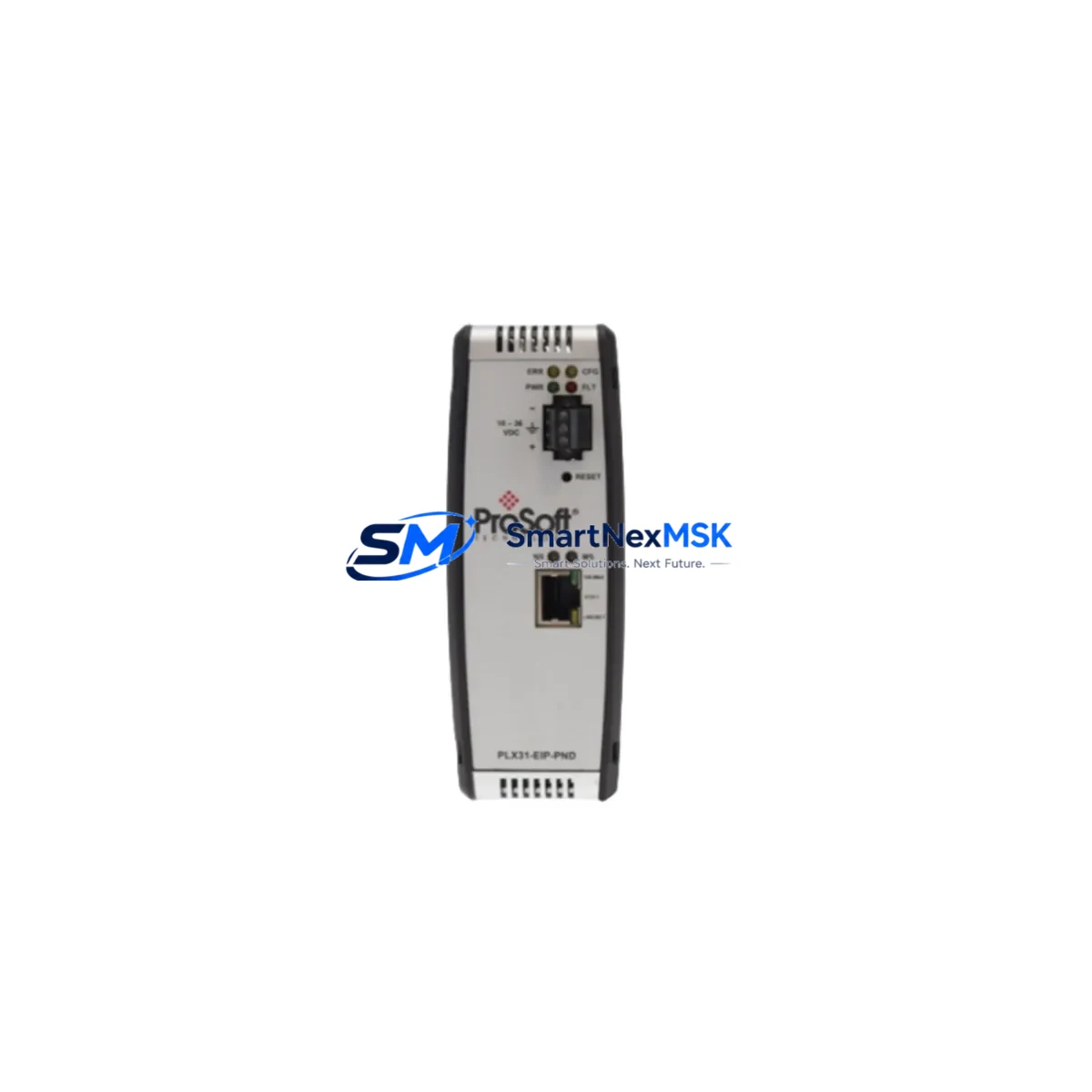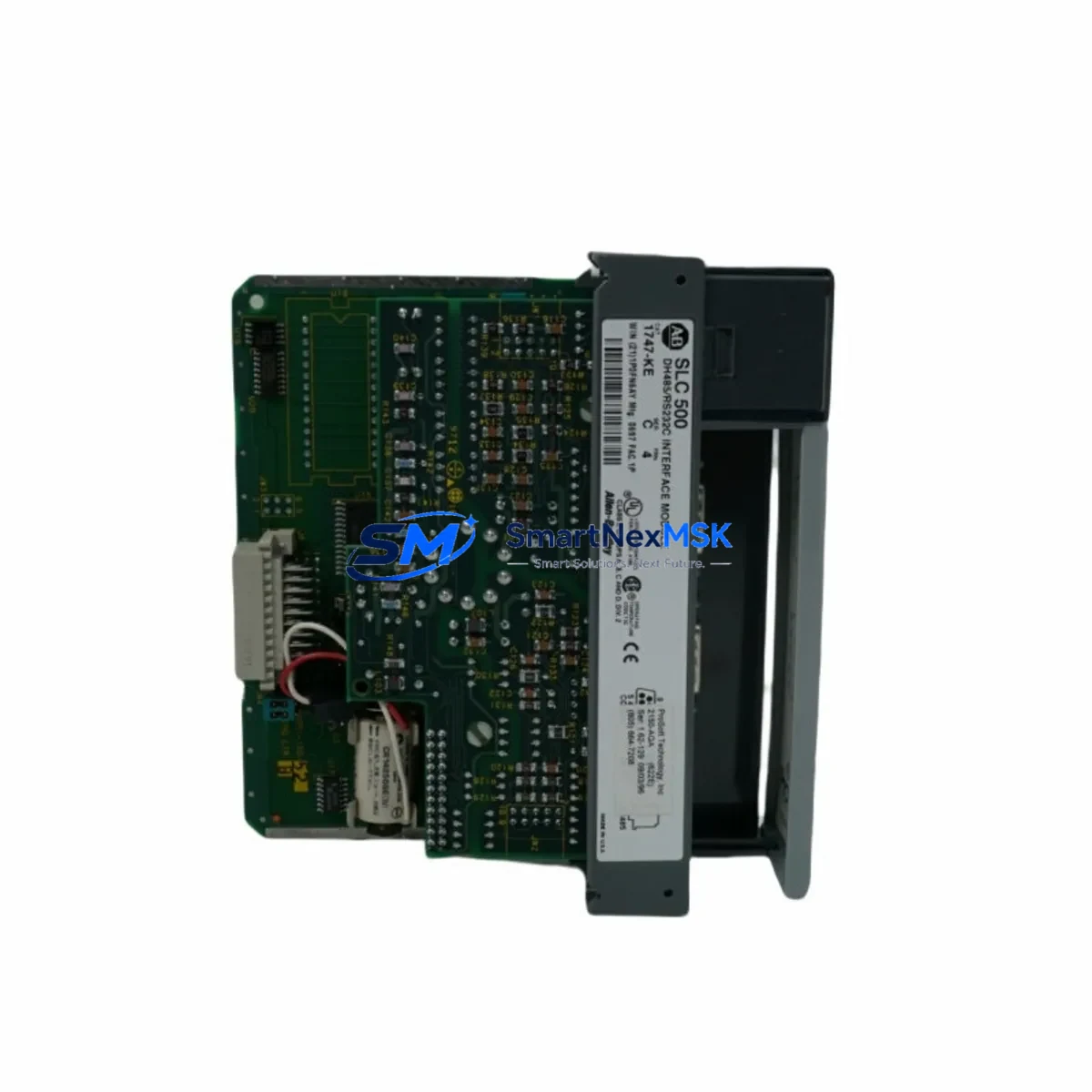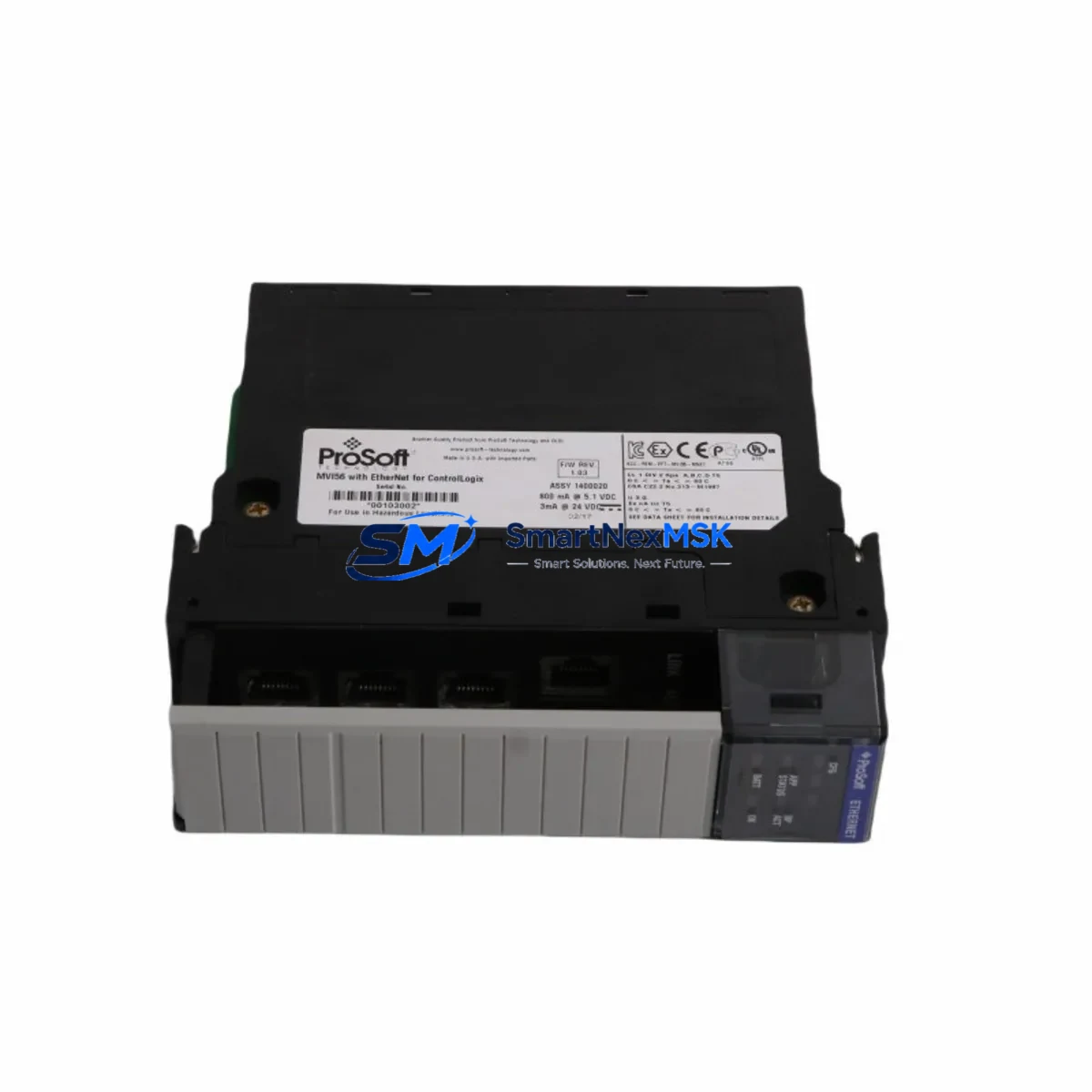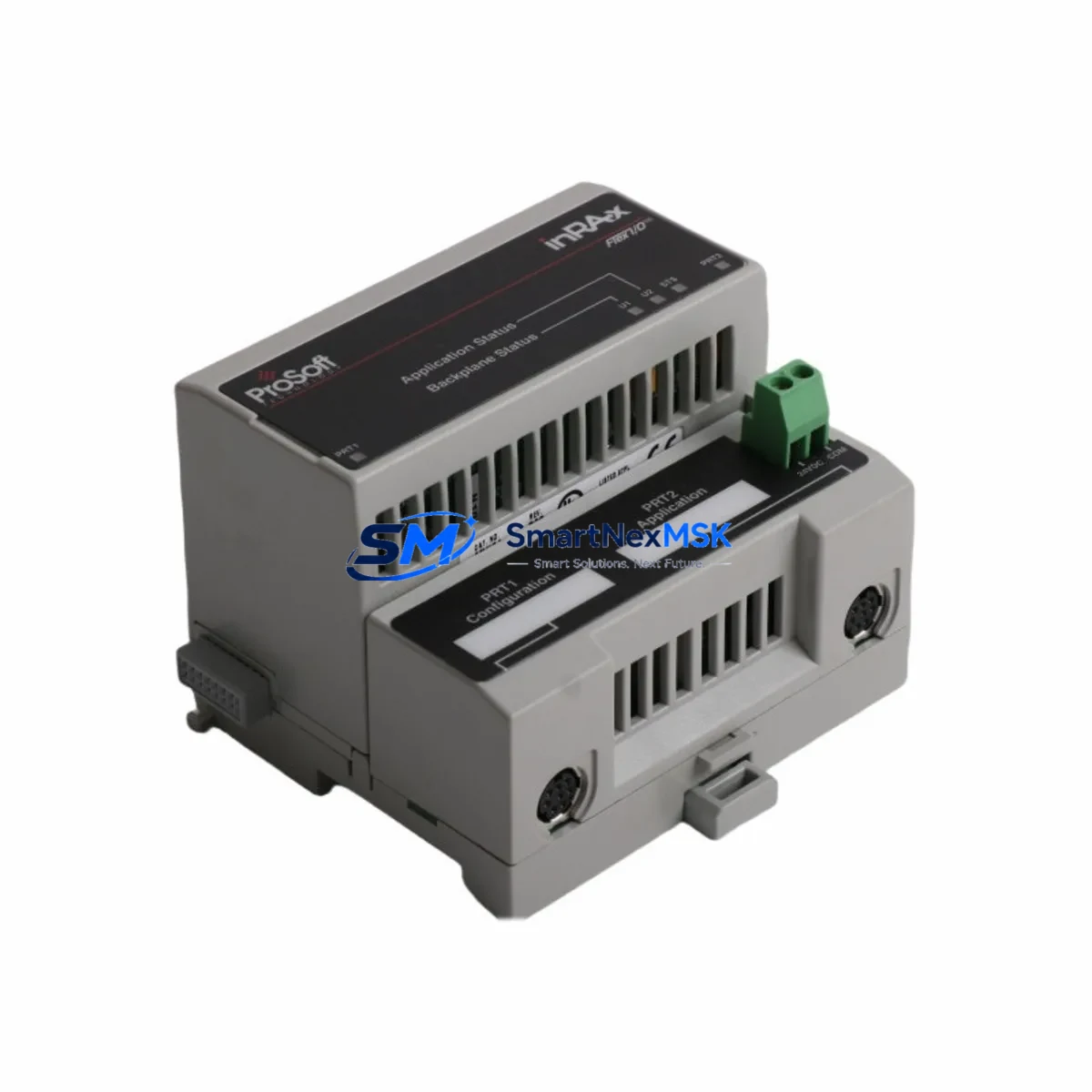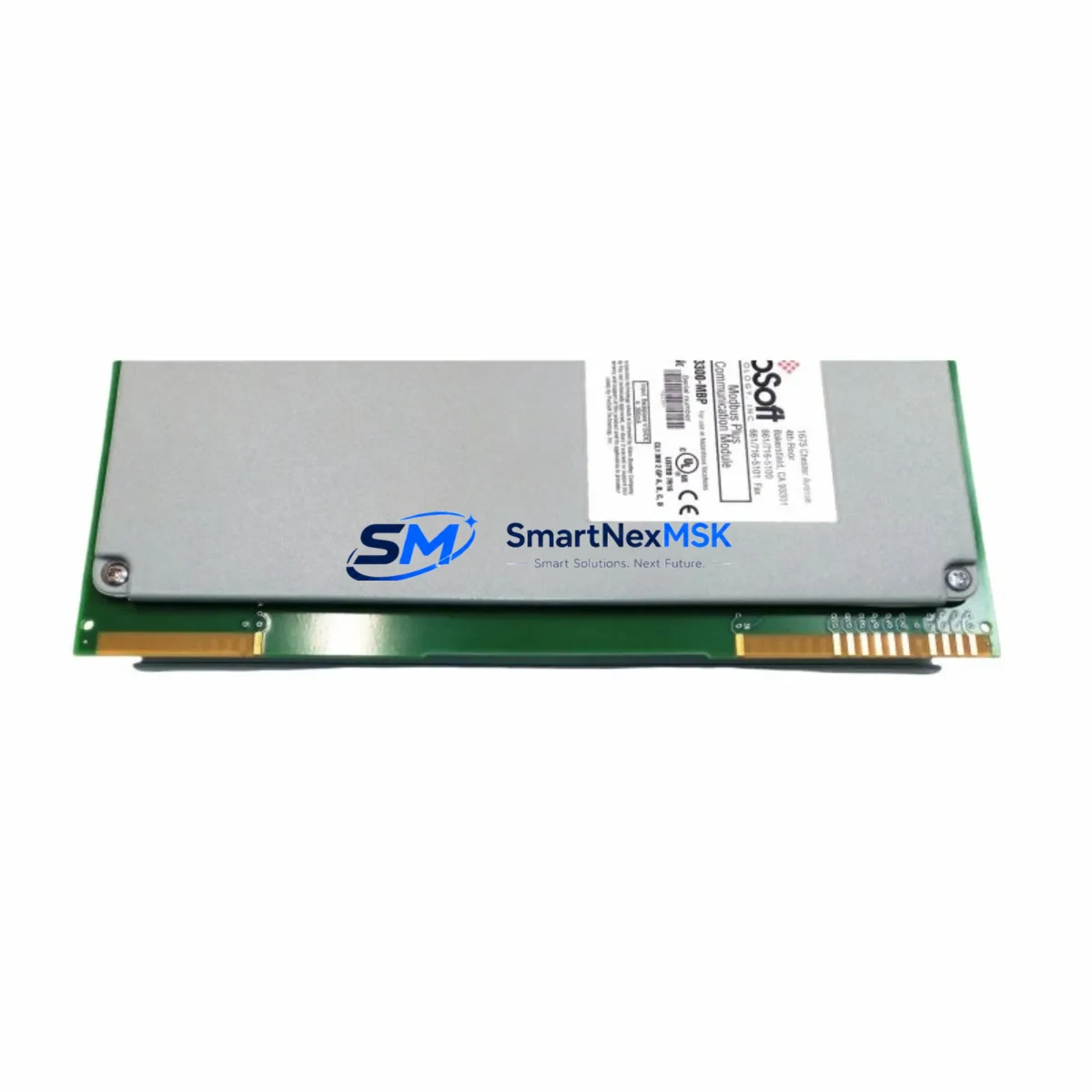
ProSoft 3300-MBP Retrofit-Ready Modbus Plus Module: Seamless Compatibility for Legacy Control System Upgrades
The ProSoft 3300-MBP is a Modbus Plus (MBP) network communication module engineered for direct integration into legacy PLC backplane architectures. As industrial facilities face the growing challenge of maintaining aging Modicon and ProSoft-based control platforms, the 3300-MBP provides a proven, field-validated retrofit path that eliminates the need for full system replacement. Whether you are managing a brownfield upgrade, restoring a discontinued spare, or migrating a production line to a modernized control architecture, the 3300-MBP delivers the protocol continuity and hardware compatibility your operation demands.
Designed to slot into standard ProSoft MVI and 3000-series backplane racks, the 3300-MBP supports peer-to-peer Modbus Plus communication at up to 1 Mbps, maintaining full compatibility with existing Modicon Quantum, Modicon Premium, and Modicon Momentum PLC platforms. Its dual-port RJ-45 Modbus Plus interface allows daisy-chain network topology without additional repeaters, preserving your existing field wiring and reducing retrofit labor costs significantly.
Upgrade Compatibility Table
| Parameter | Details |
|---|---|
| Compatible Backplanes | ProSoft 3000-series, MVI46, MVI56 rack systems; Modicon Quantum 140-series backplane (with adapter) |
| Communication Protocol | Modbus Plus (MBP), 1 Mbps, peer-to-peer and master/slave |
| Interface Ports | Dual RJ-45 Modbus Plus ports for daisy-chain topology |
| Power Requirement | 5 VDC via backplane; verify rack PSU capacity before installation |
| Replacement For | ProSoft 3300-MBP (original), discontinued MBP-series communication cards |
| Installation Type | Direct backplane insertion; no additional mounting hardware required |
| Firmware Compatibility | Compatible with ProSoft Configuration Builder (PCB) and legacy ladder logic programs |
| Commissioning Tool | ProSoft Configuration Builder; RS-232 programming port for initial setup |
| Warranty | 12-Month Warranty — all units tested prior to shipment |
| Stock Status | In stock; ships within 3–5 business days from Xiamen |
Retrofit Planning for Existing Automation Systems
Successful integration of the 3300-MBP into an existing control system requires careful pre-installation planning. Before removing the legacy communication card, engineers should document the current Modbus Plus node address assigned to the module, as duplicate node addresses on the MBP network will cause communication conflicts that are difficult to diagnose under production pressure. The node address is typically configured via DIP switches on the module face and must be replicated exactly on the 3300-MBP replacement unit.
Power budget verification is a critical first step. The ProSoft 3000-series backplane power supply — commonly the 1756-PA72 or equivalent third-party PSU — must have sufficient 5 VDC headroom to support the 3300-MBP alongside co-installed modules such as analog I/O cards, discrete input modules, and any co-resident MVI56-MNET or MVI56-DFNT Ethernet bridge modules. Overloaded backplane power supplies are a leading cause of intermittent communication faults post-retrofit.
Terminal wiring on the Modbus Plus trunk cable should be inspected and re-terminated if the existing cable shows signs of oxidation or mechanical stress. The MBP network relies on a 120-ohm characteristic impedance; improper termination at either end of the daisy chain will introduce reflections that degrade network performance. If the existing installation uses a ProSoft ANX-MBP network repeater or tap, verify that the repeater firmware is compatible with the replacement module’s communication stack.
For systems that include a Modicon TSX Premium PLC or a Modicon Momentum M1E processor communicating over Modbus Plus, the 3300-MBP retrofit should be validated against the existing Unity Pro or Concept PLC program to confirm that all data table mappings, register addresses, and polling rates remain intact. In cases where the original program references the communication module by slot number or rack address, a program re-download may be required after physical installation. Coordinate this step with the site’s DCS engineer or SCADA integrator to avoid unintended process interruptions.
If the retrofit scope extends beyond a single communication module, consider simultaneously upgrading adjacent components such as the ProSoft MVI56-MCM Multi-Channel Modbus module for expanded serial port capacity, or adding a ProSoft MVI56-MNET module to bridge legacy Modbus Plus segments to a modern Ethernet/IP backbone. This dual-protocol approach is increasingly common in facilities transitioning from legacy Modicon architectures to Allen-Bradley ControlLogix platforms, where the 3300-MBP serves as a temporary protocol bridge during the phased migration.
HMI screen updates are often overlooked during communication module retrofits. If the facility operates a Wonderware InTouch, iFIX, or Vijeo Designer HMI connected to the Modbus Plus network, verify that the HMI’s I/O server or OPC-DA driver is configured to poll the correct node address after the module swap. A mismatch between the HMI tag database and the new module’s node address will result in stale data displays that can mislead operators during the critical post-retrofit commissioning window.
Downtime Control During System Migration
Minimizing unplanned downtime during a Modbus Plus communication module replacement requires a structured hot-swap protocol. Begin by placing the PLC processor in a controlled stop state — do not rely on the communication module fault to trigger a safe shutdown, as some legacy Modicon Quantum configurations will force an immediate I/O de-energization upon loss of the MBP network token. Coordinate with the process control team to confirm that all field devices, including variable frequency drives, solenoid valve banks, and remote I/O drops connected via Modbus Plus, are in a safe hold state before the module is removed.
Preserve the original ladder logic program and all associated configuration files — including the ProSoft Configuration Builder (.PCB) project file and any Modbus Plus network map exports — on a local engineering workstation before beginning physical work. This ensures that if the replacement module requires re-configuration, the original parameters are immediately available without requiring a network scan of the live system.
After physical installation of the 3300-MBP, perform a cold restart of the backplane and monitor the module’s LED status indicators: the MBP ACTIVE LED should illuminate solid green within 30 seconds of power-up, confirming successful network token acquisition. If the LED remains amber or flashing, verify the node address DIP switch settings and inspect the Modbus Plus trunk cable termination at both ends of the network segment. Once network communication is confirmed, perform a controlled warm restart of the PLC processor and validate all I/O data tables against the pre-retrofit baseline before returning the system to automatic mode.
For facilities with strict SLA requirements, consider maintaining a pre-configured 3300-MBP spare unit — node address pre-set, firmware validated, and bench-tested — in the local spare parts cabinet. This reduces mean time to repair (MTTR) from hours to minutes in the event of an unplanned module failure, protecting production continuity and avoiding costly emergency procurement lead times.
Retrofit Support FAQ
Q: Is the 3300-MBP a direct drop-in replacement for the original ProSoft 3300-MBP?
A: Yes. The replacement unit uses the same backplane connector pinout, occupies the same rack slot width, and supports the same Modbus Plus node address range (1–64). No mechanical modifications to the rack or backplane are required. DIP switch settings from the original module should be replicated before installation.
Q: Can the 3300-MBP communicate with both Modicon Quantum and Allen-Bradley ControlLogix platforms simultaneously?
A: The 3300-MBP is a dedicated Modbus Plus module and communicates natively on the MBP network. For bridging to ControlLogix or EtherNet/IP platforms, a protocol gateway such as the ProSoft MVI56-MNET or a third-party Modbus Plus to EtherNet/IP converter is required in addition to the 3300-MBP.
Q: What commissioning steps are required after installing the replacement module?
A: After physical installation, connect a laptop running ProSoft Configuration Builder via the RS-232 programming port to verify the module configuration. Confirm the Modbus Plus node address, polling rate, and data table register mapping match the original configuration. Perform a network scan to verify all peer nodes are visible, then execute a controlled PLC warm restart and validate I/O data integrity before returning to automatic mode.
Q: Does the 3300-MBP come with a warranty, and is pre-shipment testing performed?
A: All 3300-MBP units supplied by SMARTNEXMSK are bench-tested for Modbus Plus network communication, backplane power draw, and LED status verification prior to shipment. Each unit is covered by a 12-month warranty against manufacturing defects and communication failures under normal operating conditions. Replacement or repair is provided at no charge within the warranty period.
© 2026 SMARTNEXMSK. All rights reserved.
Original Source: https://smartnexmsk.com
Contact: [email protected] | +86 18259474341