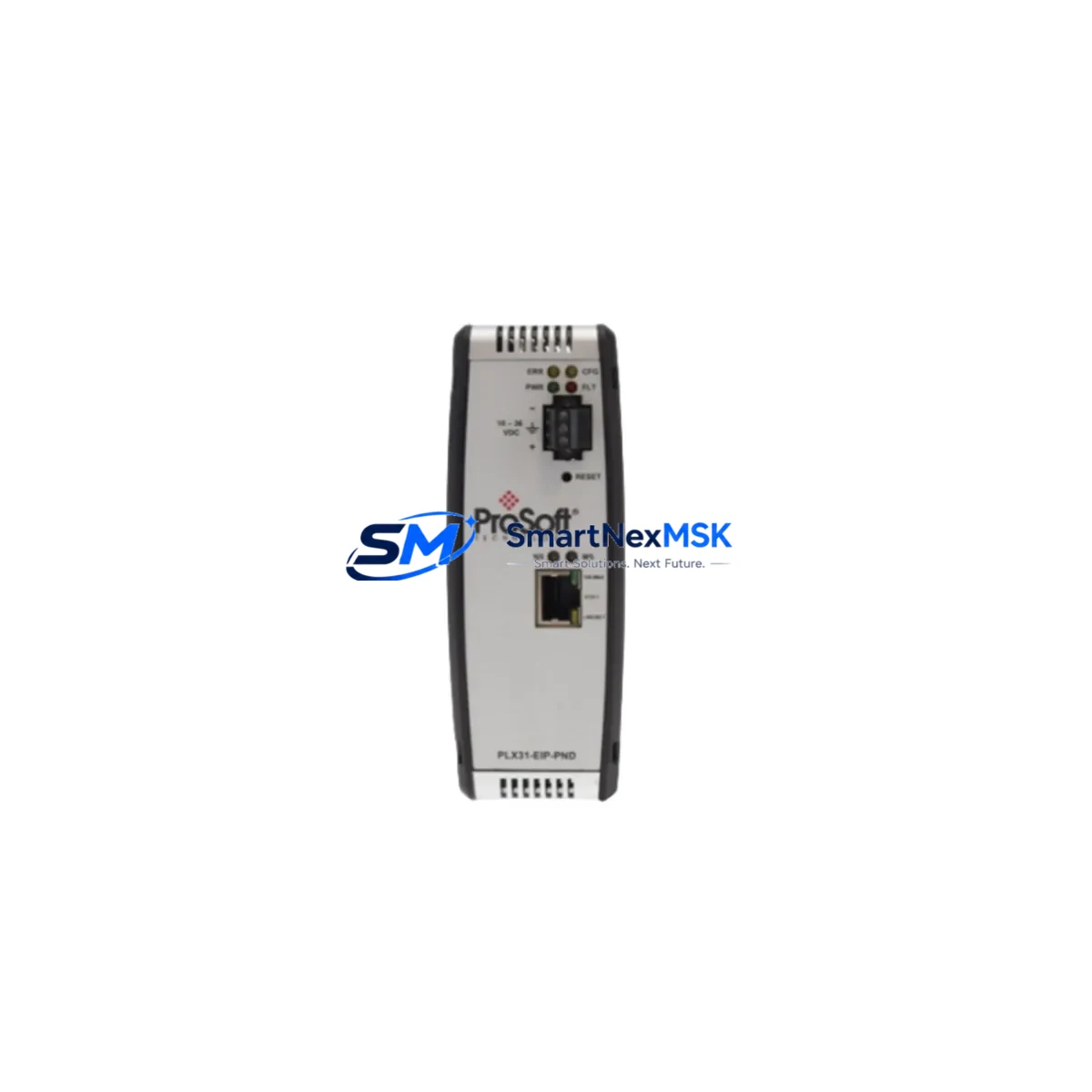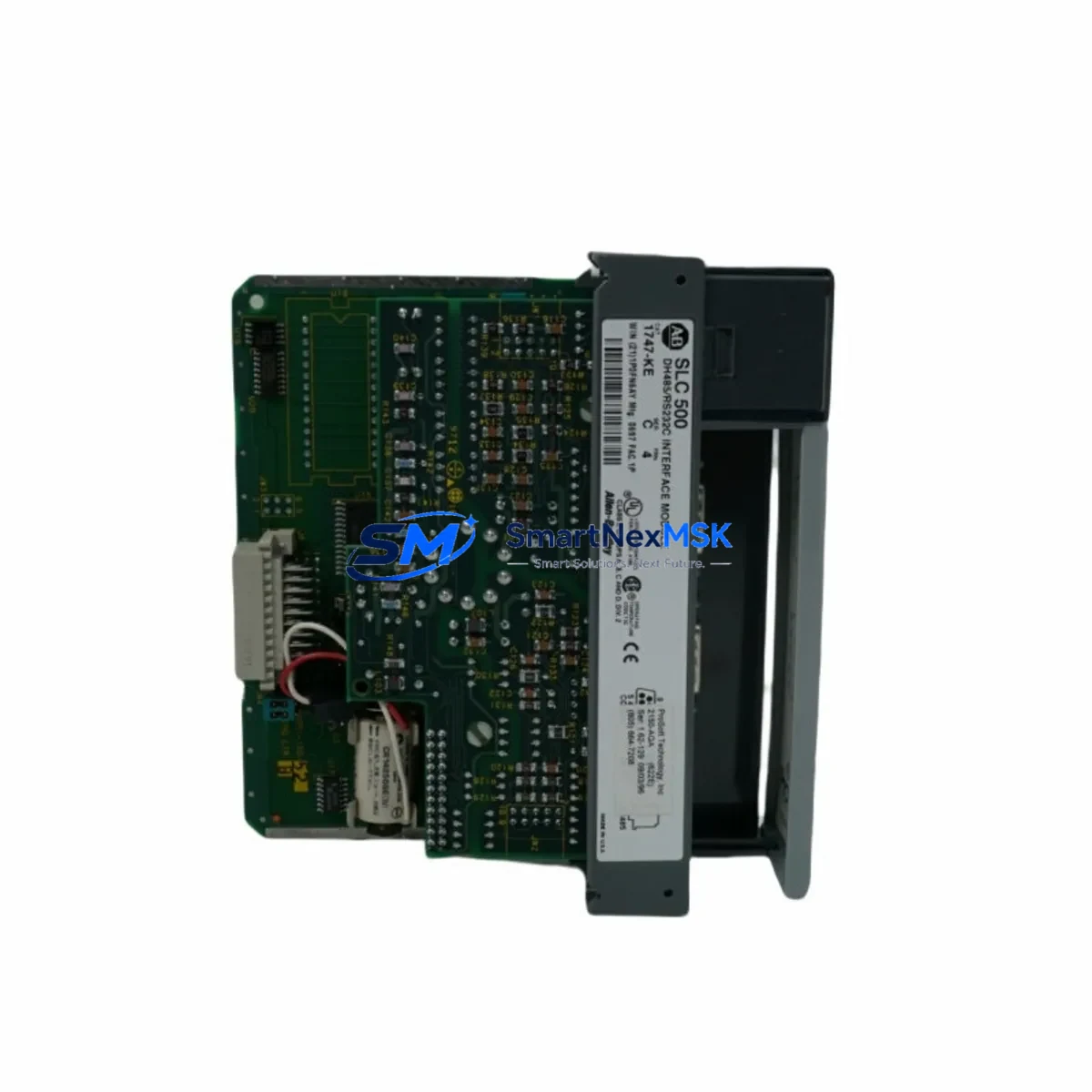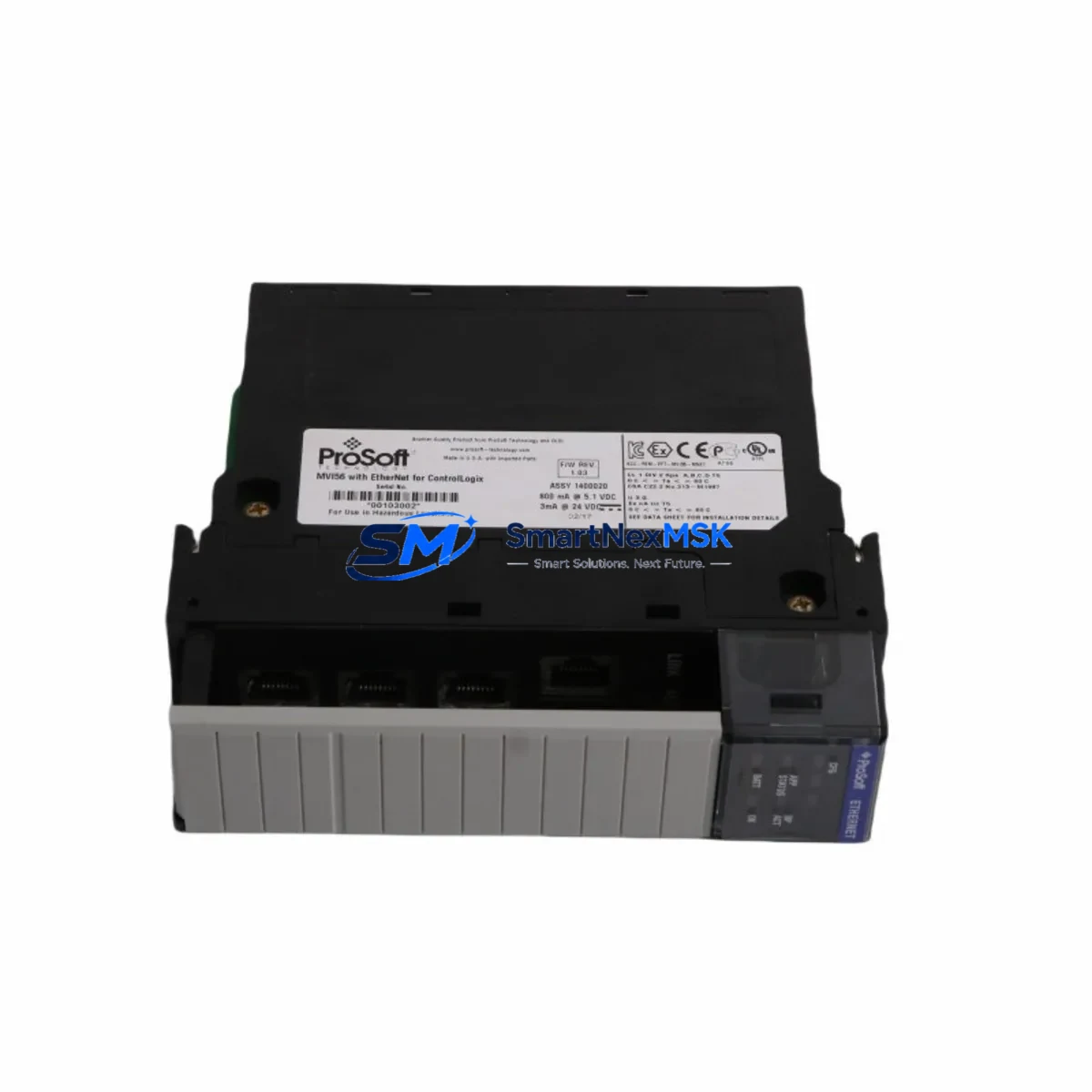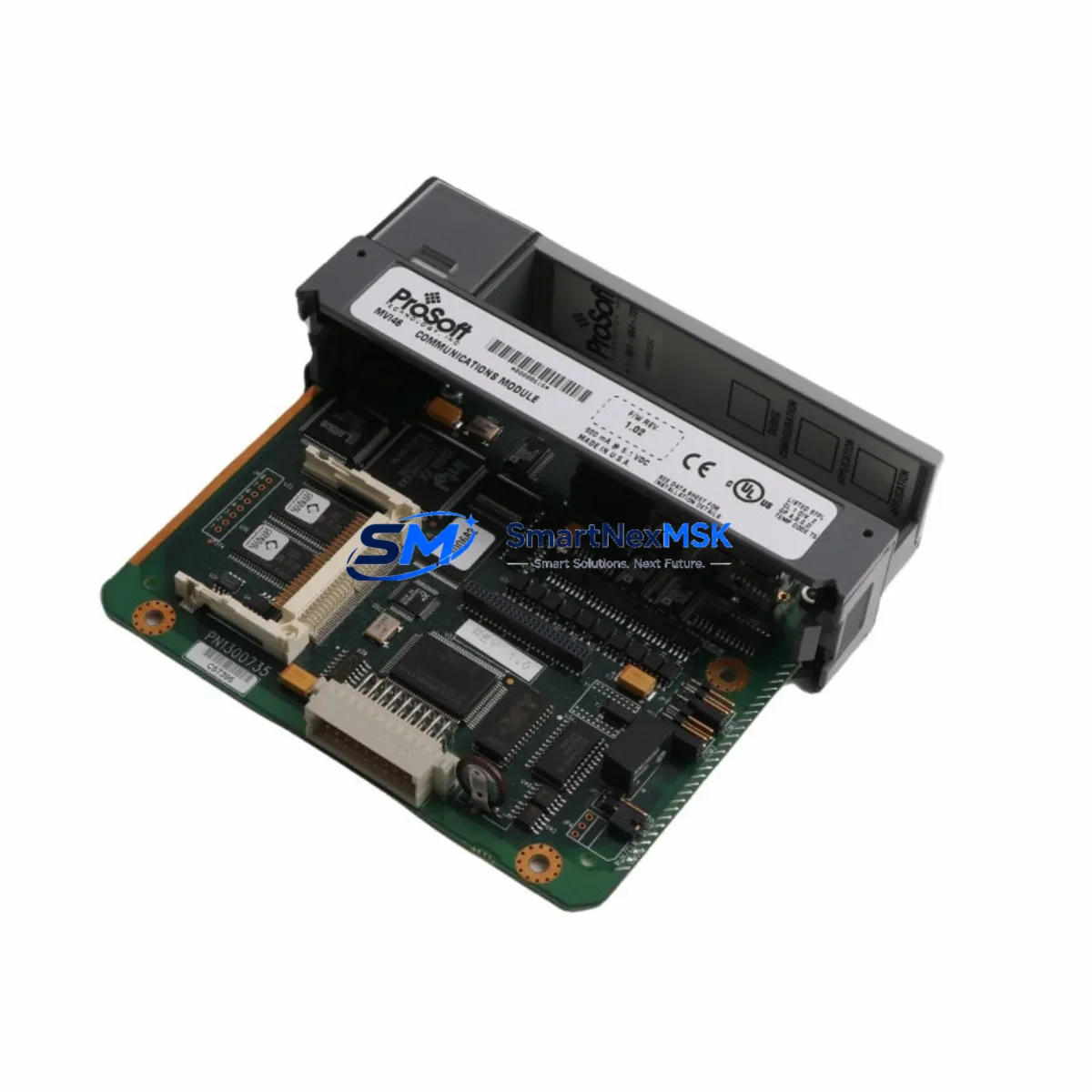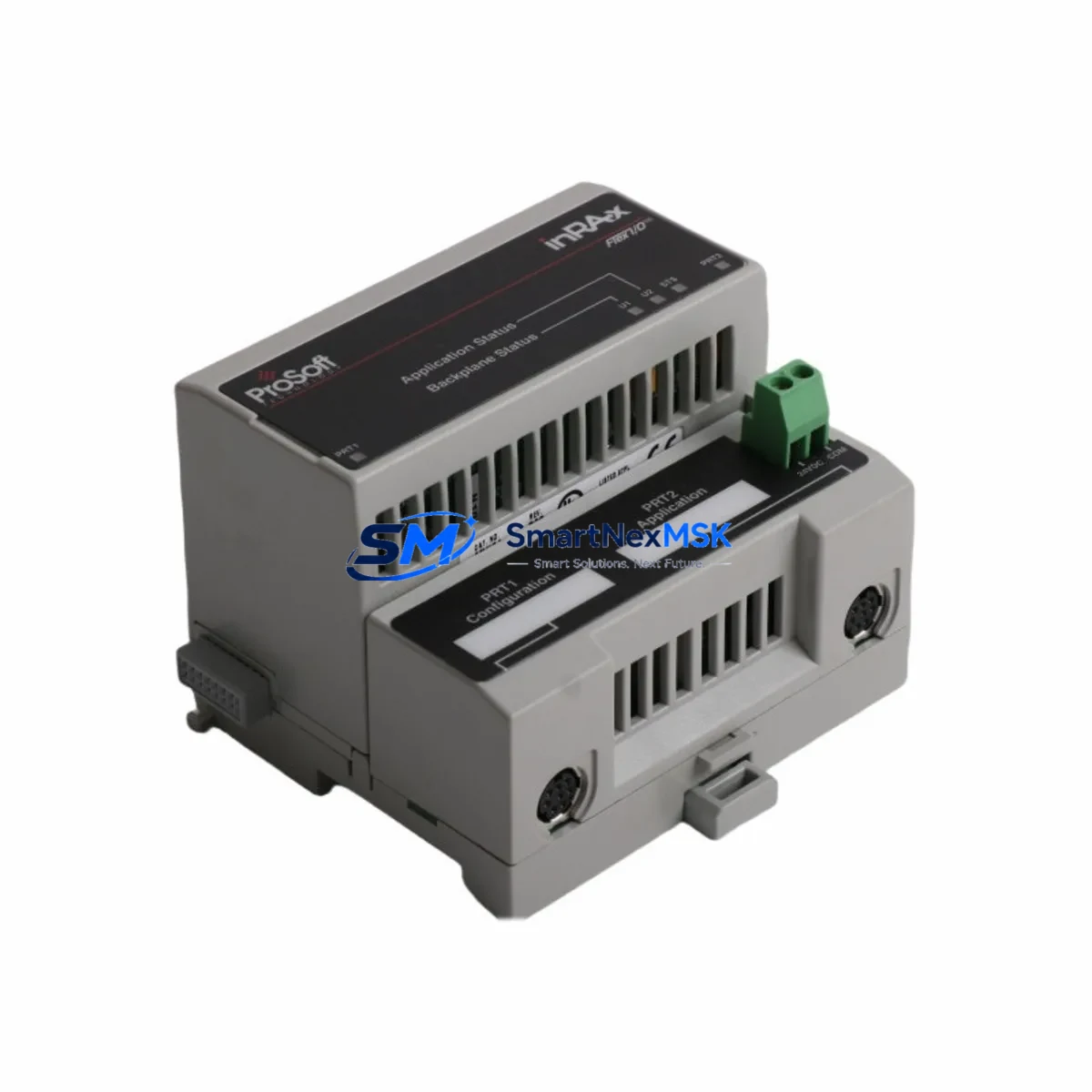
ProSoft MVI94-ADM Maintenance-Ready Spare for MVI94 Automation
The ProSoft MVI94-ADM is a Programmable C Application Development Module designed for the SLC 500 backplane platform. As a maintenance-ready original spare, the MVI94-ADM is a critical component for facilities running ProSoft MVI94 Series communication solutions in continuous industrial automation environments. Whether you are managing a planned shutdown, responding to an unscheduled fault, or building a strategic spare parts inventory, having a verified MVI94-ADM on hand directly reduces mean time to repair (MTTR) and protects production uptime.
For maintenance engineers and procurement teams responsible for SLC 500-based control systems, the MVI94-ADM represents a high-priority line item. Its role as a programmable application module means that failure or degradation of this component can disrupt custom communication logic, protocol bridging, and data exchange routines that the broader control architecture depends on. Sourcing a tested, original replacement in advance is the most effective strategy for avoiding extended downtime in legacy and hybrid automation environments.
Spare Maintenance Table
| Parameter | Specification |
|---|---|
| SKU / Part Number | MVI94-ADM |
| Brand | ProSoft Technology |
| Series | MVI94 |
| Product Type | Programmable C Application Development Module |
| Backplane Compatibility | Allen-Bradley SLC 500 |
| Application | Custom protocol development, data bridging, communication logic |
| Form Factor | Single-slot SLC 500 backplane module |
| Power Supply Requirement | Supplied via SLC 500 backplane (5 VDC) |
| Operating Temperature | 0°C to 60°C (32°F to 140°F) |
| Origin | USA |
| Condition | Original, new or reconditioned to OEM specification |
| Pre-shipment Testing | Yes — functional verification before dispatch |
| Warranty | 12 Months |
| Maintenance Recommendation | Inspect backplane connectors, verify firmware version, confirm application code backup prior to replacement |
Maintenance Planning for Continuous Operation
When a maintenance or procurement engineer evaluates the MVI94-ADM for replacement or stock, the surrounding system context must be assessed in parallel. The MVI94-ADM does not operate in isolation — it is embedded within a broader SLC 500 rack assembly and interacts with multiple upstream and downstream components that should be inspected or stocked alongside it.
The SLC 500 power supply module (such as the 1746-P4 or 1746-P7) should be verified for output stability, as voltage irregularities are a common root cause of module faults and premature failure. The SLC 500 processor module (e.g., SLC 5/04 or SLC 5/05) should be checked for firmware compatibility with the MVI94-ADM application code, particularly if the replacement module carries a different firmware revision.
Backplane integrity is equally important: the 1746-A4 or 1746-A7 chassis should be inspected for bent pins, oxidation, or mechanical damage that could cause intermittent communication faults. If the MVI94-ADM is used for serial or protocol bridging, the associated RS-232 or RS-485 communication cables and terminal connectors should be tested for continuity and shielding integrity before the new module is commissioned.
For systems where the MVI94-ADM interfaces with field devices or remote I/O, the 1746-series digital or analog I/O modules in the same rack should be inspected for fault indicators. If relay output modules such as the 1746-OW16 are present in the same cabinet, their contact wear status should be logged during the same maintenance window.
Where the control cabinet includes a ProSoft MVI56 or MVI46 series communication module in an adjacent ControlLogix or MicroLogix rack, cross-system communication integrity should be validated after the MVI94-ADM replacement to confirm that data exchange routines remain intact. Signal isolators and DIN-rail mounted surge protection devices on communication lines should also be inspected, as transient events are a frequent cause of module damage in industrial environments.
Finally, if an HMI panel (such as a PanelView or third-party touch terminal) is connected to the SLC 500 system, screen communication status and tag mapping should be verified post-replacement to confirm that the operator interface reflects accurate process data.
Site Replacement Workflow
Replacing the MVI94-ADM on-site follows a structured sequence designed to minimize downtime and ensure system continuity. Before removing the existing module, the maintenance engineer should back up the current application code using ProSoft’s configuration utility and document the module’s slot position, jumper settings, and any custom firmware parameters. This backup is essential for restoring communication logic to the replacement unit without delay.
Power down the SLC 500 rack following your facility’s lockout/tagout (LOTO) procedure. Remove the faulty MVI94-ADM by releasing the backplane locking tab and sliding the module clear of the chassis. Inspect the backplane connector on both the chassis and the replacement module for debris or damage before seating the new unit.
After installing the MVI94-ADM replacement, restore power and load the backed-up application code. Verify that the module’s status LEDs indicate normal operation and that communication with connected devices is re-established. Conduct a functional test of all I/O points and communication channels that the module supports before returning the system to production.
This workflow is compatible with both like-for-like replacements of the MVI94-ADM and cross-version substitutions where an older revision is being replaced by a current-production unit. In either case, firmware and application code compatibility should be confirmed before the system is returned to service. Maintaining a pre-configured spare — with application code already loaded and tested — further reduces on-site replacement time to under 30 minutes in most installations.
Spare Parts Support FAQ
Q1: Is the MVI94-ADM still available as a new original spare?
A: Yes. We supply the MVI94-ADM as an original spare, sourced from authorized channels or reconditioned to OEM specification. Each unit undergoes functional testing prior to shipment. For legacy SLC 500 systems where the MVI94-ADM is no longer in active production, we maintain stock to support long-term maintenance contracts and emergency replacement needs.
Q2: How do I verify compatibility between the MVI94-ADM replacement and my existing SLC 500 system?
A: Compatibility is confirmed by matching the module’s firmware revision to your SLC 500 processor version and verifying that your application code is compatible with the replacement unit’s hardware revision. Our technical team can assist with compatibility verification based on your existing system documentation or module label information.
Q3: What is included in the 12-month warranty and what does pre-shipment testing cover?
A: Every MVI94-ADM shipped by SMARTNEXMSK is tested for basic functional operation before dispatch. The 12-month warranty covers manufacturing defects and functional failures under normal operating conditions. It does not cover damage resulting from incorrect installation, overvoltage events, or environmental conditions outside the module’s rated specifications. Warranty claims are processed with priority turnaround to minimize your system downtime.
Q4: Can I order the MVI94-ADM as part of a broader spare parts kit for my SLC 500 control cabinet?
A: Yes. We support consolidated spare parts procurement for SLC 500 and MVI94 Series installations. Contact our team with your cabinet BOM or system configuration, and we will prepare a matched spare parts list covering power supplies, processor modules, I/O cards, communication modules, and protective components — all tested and shipped together to simplify your inventory management.
© 2026 SMARTNEXMSK. All rights reserved.
Original Source: https://smartnexmsk.com
Contact: [email protected] | +86 18259474341