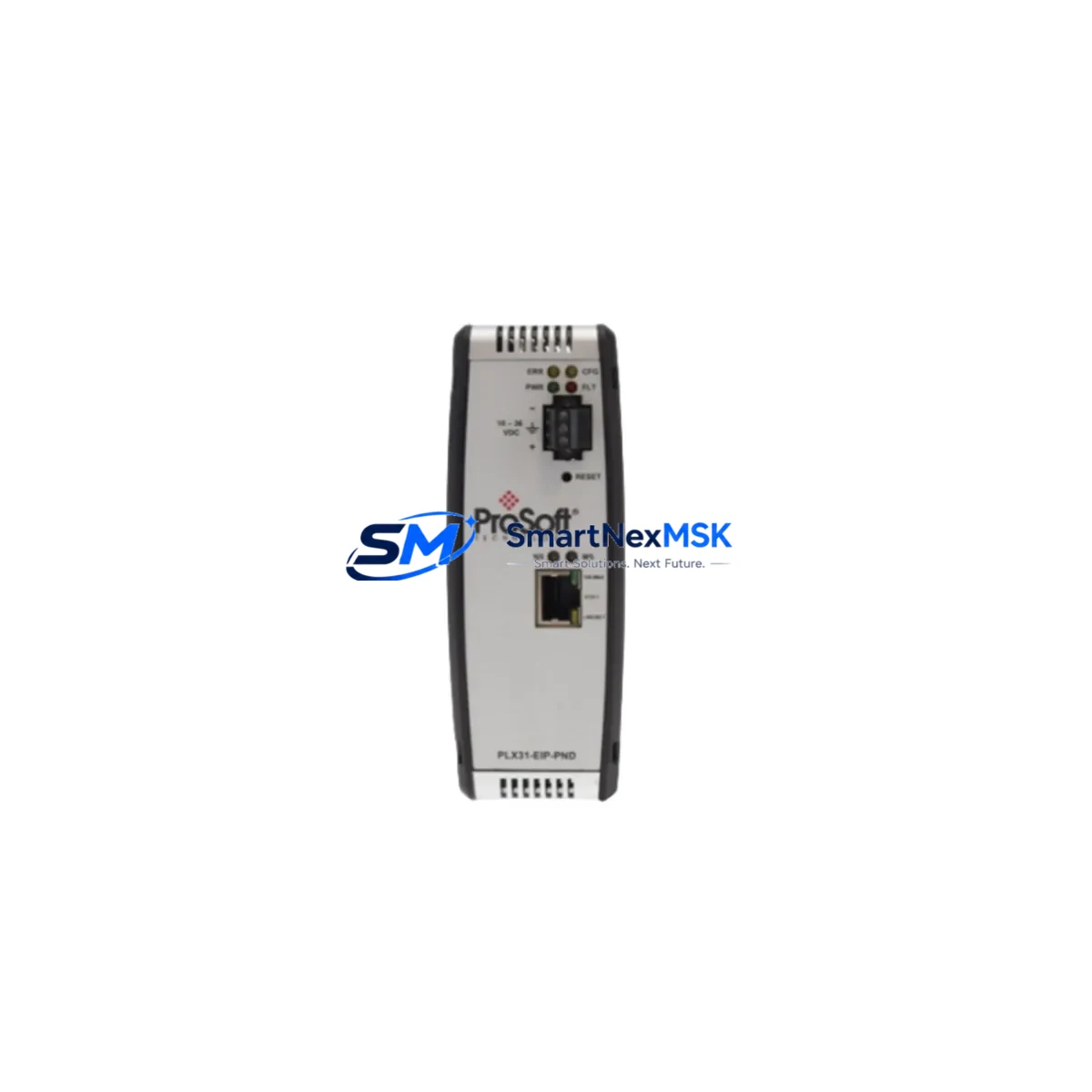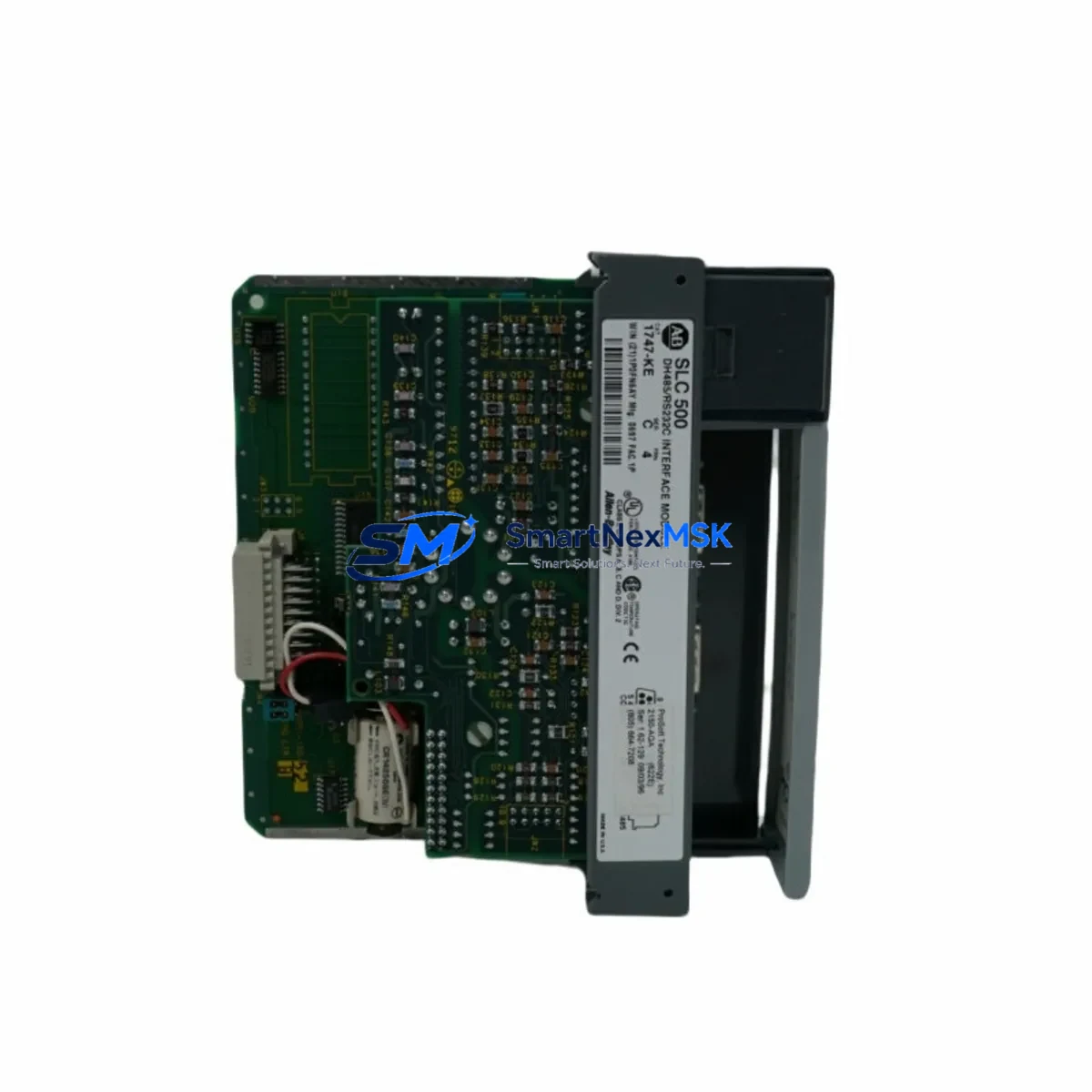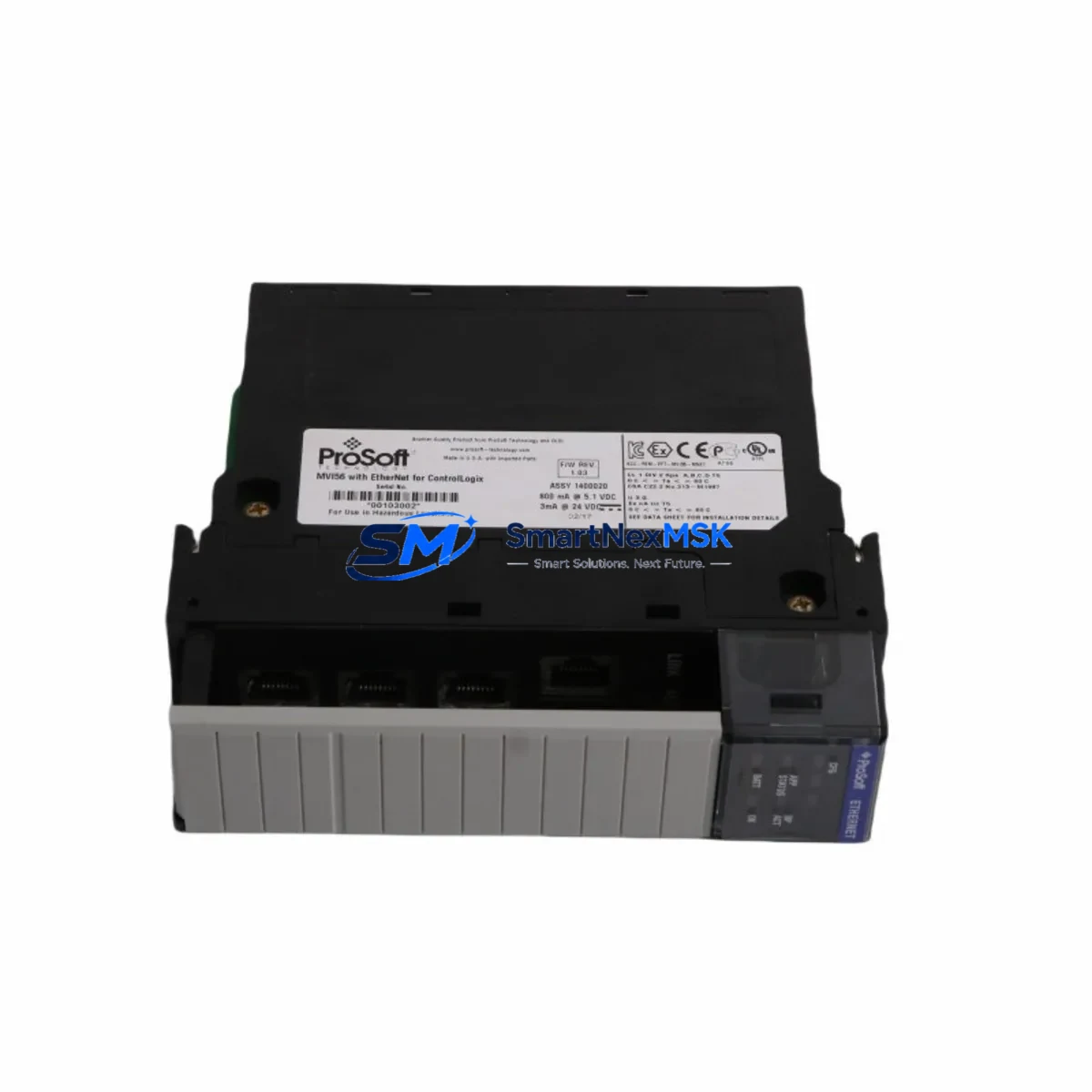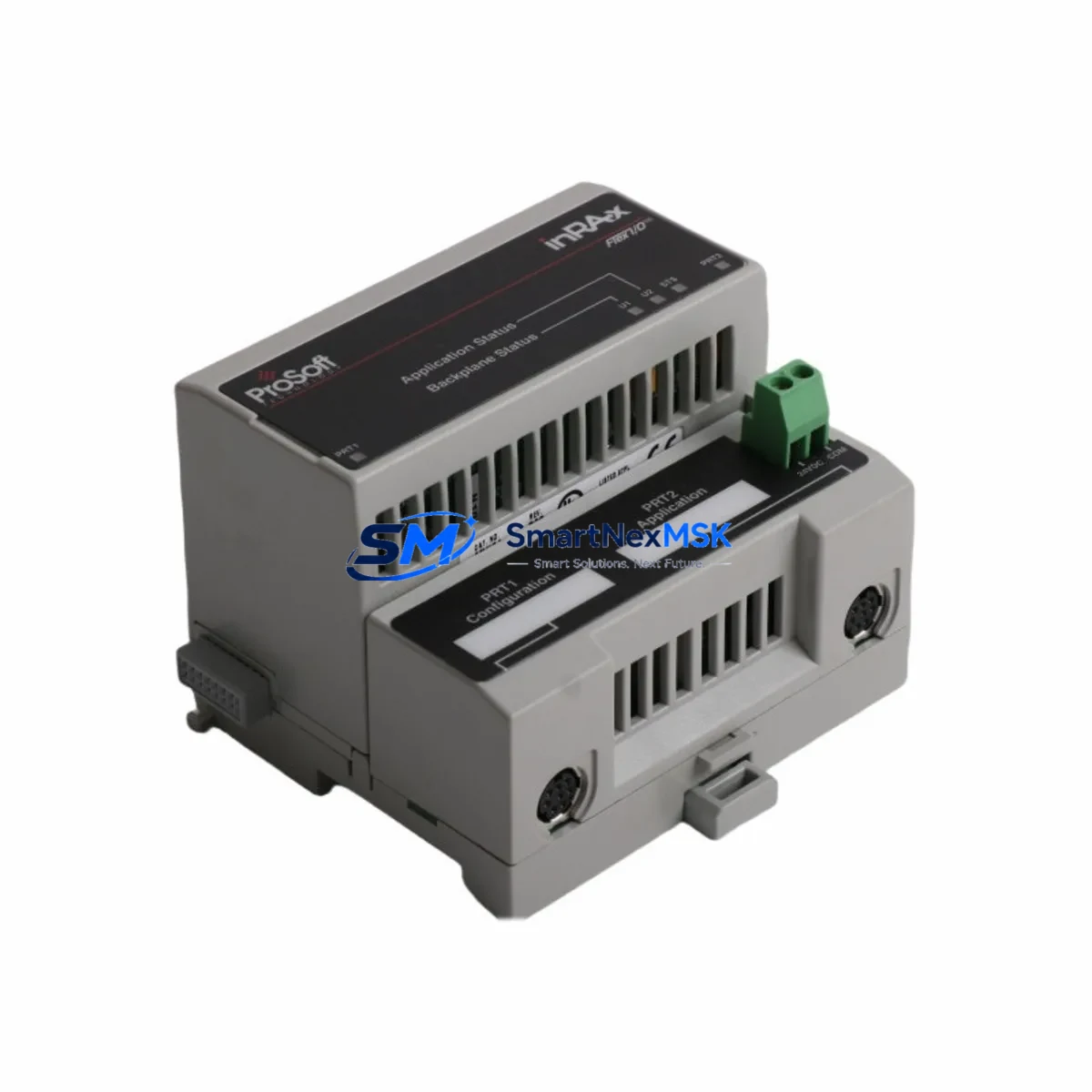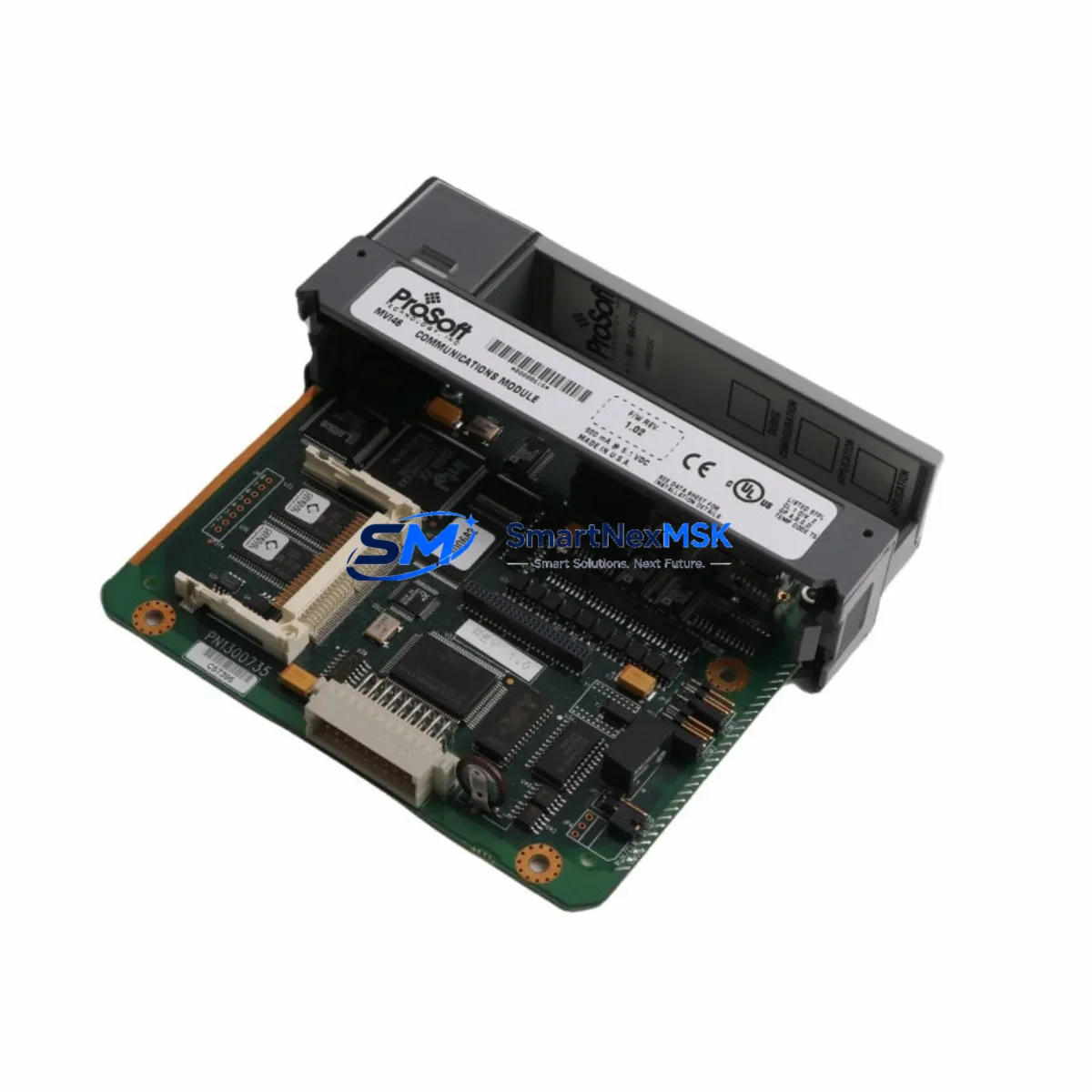
ProSoft MVI46-GSC Maintenance-Ready Spare MVI46 Automation
The ProSoft MVI46-GSC is a Generic Serial Communication Module designed for Allen-Bradley SLC 500 rack-based control systems. As a critical interface component in the MVI46 series, this module enables bidirectional serial data exchange between the SLC 500 processor and external field devices using configurable RS-232, RS-422, or RS-485 protocols. For maintenance engineers managing aging SLC 500 installations, holding a verified MVI46-GSC spare is one of the most effective strategies to minimize unplanned downtime and protect production continuity.
When a serial communication fault is detected — whether through a processor fault code, loss of field device polling, or a failed module LED status — the MVI46-GSC can be swapped directly into the existing SLC 500 rack without rack modification. The module’s configuration is stored in the SLC 500 processor data file, which means a replacement unit can be brought online rapidly once the configuration file is transferred. This makes the MVI46-GSC one of the most maintenance-friendly modules in the MVI46 product family, and a high-priority item for any spare parts inventory supporting SLC 500-based automation lines.
Procurement engineers sourcing MVI46-GSC units should verify that the replacement module matches the original firmware revision and hardware variant to ensure full compatibility with the existing ladder logic and MSG instruction blocks. SMARTNEXMSK supplies original ProSoft MVI46-GSC modules with full traceability, pre-shipment functional testing, and a 12-month warranty covering manufacturing defects and communication failures.
Spare Maintenance Table
| Parameter | Specification |
|---|---|
| SKU / Part Number | MVI46-GSC |
| Brand | ProSoft Technology |
| Series | MVI46 |
| Compatible Platform | Allen-Bradley SLC 500 (1746 rack) |
| Communication Protocol | Generic Serial (RS-232 / RS-422 / RS-485) |
| Number of Serial Ports | 2 configurable serial ports |
| Backplane Interface | SLC 500 1746 I/O rack, single slot |
| Baud Rate Support | 300 bps – 115,200 bps |
| Operating Temperature | 0°C to 60°C (32°F to 140°F) |
| Power Consumption | 800 mA @ 5 VDC (from backplane) |
| Product Condition | Original, New or Tested Surplus |
| Origin | USA |
| Warranty | 12 Months — covers communication faults and manufacturing defects |
| Pre-Shipment Testing | Yes — functional communication test performed before dispatch |
| Typical Application | Barcode scanner integration, weighing system, SCADA serial link, legacy device polling |
| Maintenance Priority | High — single point of failure for serial-linked field devices |
Maintenance Planning for Continuous Operation
A structured maintenance plan for any SLC 500 system housing the MVI46-GSC should extend beyond the module itself. During scheduled inspections or corrective maintenance events, the following components in the same control cabinet and electrical circuit should be evaluated concurrently to prevent cascading failures:
The 1746-P4 or 1746-P2 SLC 500 power supply is the primary power source for all rack-mounted modules including the MVI46-GSC. A degraded power supply can cause intermittent communication faults that mimic module failure — always measure backplane voltage under load before condemning the communication module. Similarly, the 1746-A7 or 1746-A10 SLC 500 chassis backplane connectors should be inspected for oxidation or mechanical damage, particularly in high-vibration environments.
The SLC 5/04 or SLC 5/05 processor module (e.g., 1747-L541 or 1747-L553) hosts the MSG instruction blocks and data files that drive MVI46-GSC operation. If the processor’s battery (1747-BA) is depleted, configuration data may be lost on power cycle, causing the MVI46-GSC to fail initialization. Replacing the processor battery as part of any MVI46-GSC maintenance event is strongly recommended.
On the serial side, the DB9 or terminal block serial cables connecting the MVI46-GSC ports to field devices are a frequent failure point — inspect for broken shields, loose terminal screws, and connector corrosion. For RS-485 multi-drop networks, verify that line termination resistors (120 Ω) are correctly installed at both ends of the bus. If the MVI46-GSC is polling barcode readers, weighing terminals, or SCADA RTUs, those field devices should also be tested for correct baud rate and parity settings.
For systems where the MVI46-GSC interfaces with a ProSoft MVI46-MCM Modbus Communication Module or a MVI46-DFNT EtherNet/IP Module in the same rack, verify that the inter-module data exchange via the SLC 500 data table is functioning correctly after any module replacement. In mixed-protocol racks, a single module swap can affect data table mapping for adjacent modules.
Additionally, inspect the 1492-IFM series interface modules and terminal blocks on the I/O side of the rack. Loose wiring on digital input or output modules can generate false fault signals that are incorrectly attributed to the serial communication module. A thorough cabinet inspection — including Allen-Bradley 1492-J series fuse holders and any Phoenix Contact or Weidmuller signal isolators on the serial lines — should be part of every MVI46-GSC replacement workflow.
Site Replacement Workflow
Step 1 — Pre-Replacement Backup: Before removing the existing MVI46-GSC, use RSLogix 500 to upload and save the complete SLC 500 processor program, including all data files (N, F, B, S files) that contain the MVI46-GSC configuration parameters. Store the backup on a local engineering laptop and a network share.
Step 2 — Power Down and Module Removal: Place the SLC 500 processor in Program mode. If the rack does not support hot-swap, de-energize the panel via the main disconnect. Remove the MVI46-GSC by releasing the top and bottom locking tabs and sliding the module out of the rack slot. Label the slot position and document the serial cable connections before disconnecting.
Step 3 — Replacement Module Inspection: Verify the replacement MVI46-GSC part number, hardware revision, and firmware version against the original module label. Inspect the backplane connector pins for damage. Confirm the module has passed pre-shipment functional testing (SMARTNEXMSK includes a test report with each unit).
Step 4 — Installation and Configuration Restore: Insert the replacement MVI46-GSC into the correct rack slot. Reconnect all serial cables in the original configuration. Power up the rack and download the saved processor program. The MVI46-GSC will initialize using the configuration stored in the SLC 500 data files — no separate module configuration download is required if the processor program is intact.
Step 5 — Commissioning Verification: Monitor the MVI46-GSC status LEDs (APP, BP ACT, STS) for normal operation indicators. Use RSLogix 500 online monitoring to verify that the module’s input and output data table registers are updating correctly. Confirm that all connected serial field devices are responding within expected polling cycles. Document the replacement in the site maintenance log.
This workflow supports rapid recovery from serial communication failures, typically achieving full system restoration within 30–60 minutes when a pre-tested spare is available on-site.
Spare Parts Support FAQ
Q1: Is the MVI46-GSC still available as a new original part, or only as surplus?
SMARTNEXMSK supplies both new original and tested surplus MVI46-GSC units. All surplus units undergo functional communication testing before shipment. The product condition is clearly stated on each order confirmation. Both variants carry a 12-month warranty.
Q2: How do I verify compatibility between a replacement MVI46-GSC and my existing SLC 500 system?
Compatibility is confirmed by matching the module part number (MVI46-GSC) and verifying that your SLC 500 rack uses a standard 1746 backplane. The MVI46-GSC is compatible with all SLC 5/02, 5/03, 5/04, and 5/05 processors. No hardware modification is required. Configuration is restored from the existing processor data files via RSLogix 500.
Q3: What is included in the pre-shipment testing for MVI46-GSC units?
Each MVI46-GSC unit is tested for backplane communication integrity, serial port functionality on both RS-232 and RS-485 modes, and LED status verification. A test report is included with shipment. Units that fail any test parameter are not dispatched.
Q4: What does the 12-month warranty cover, and how is a warranty claim processed?
The 12-month warranty covers manufacturing defects, communication port failures, and backplane interface faults under normal operating conditions. To initiate a warranty claim, contact [email protected] with the order number, module serial number, and a description of the fault. SMARTNEXMSK will arrange return shipping and provide a replacement or repair within the agreed service window.
© 2026 SMARTNEXMSK. All rights reserved.
Original Source: https://smartnexmsk.com
Contact: [email protected] | +86 18259474341