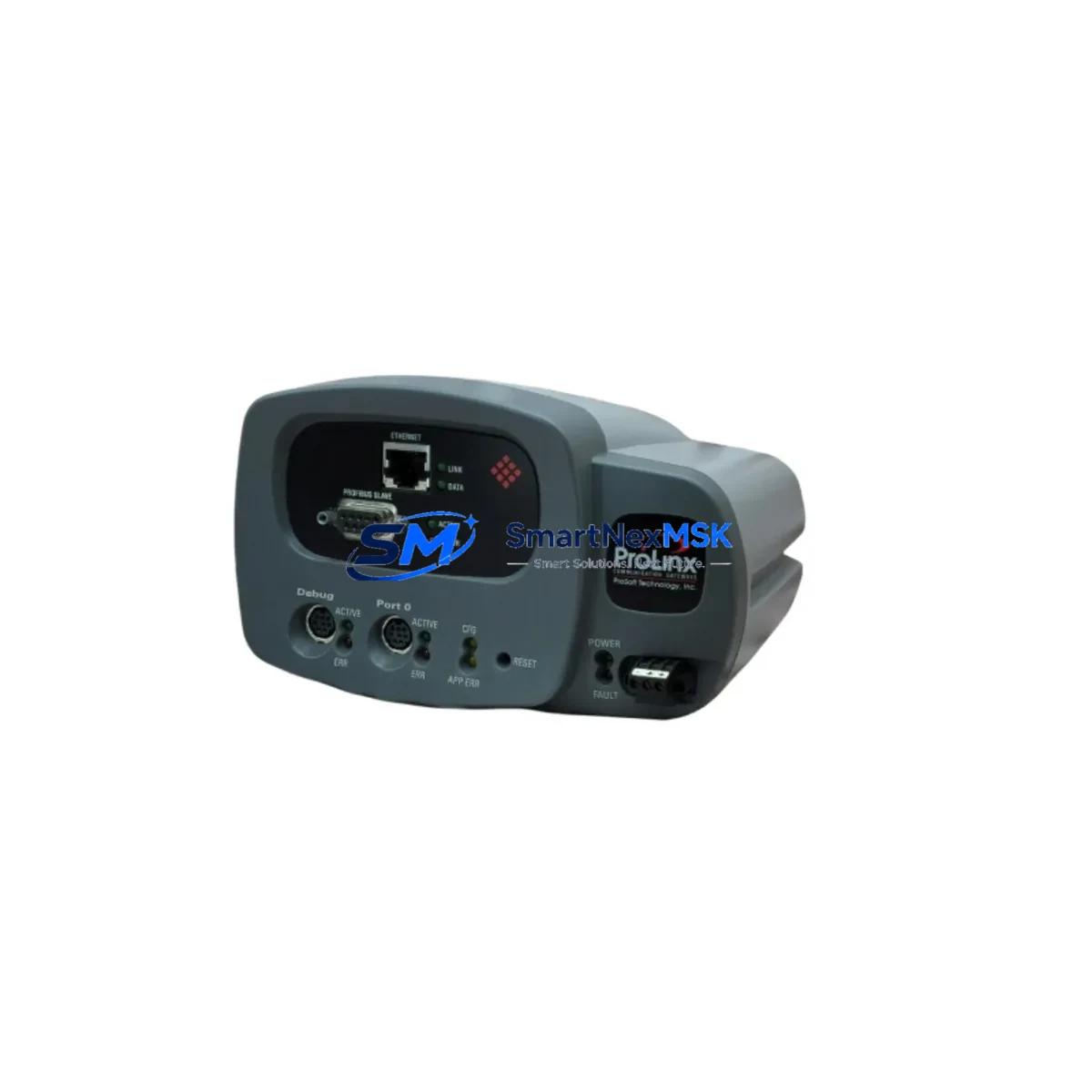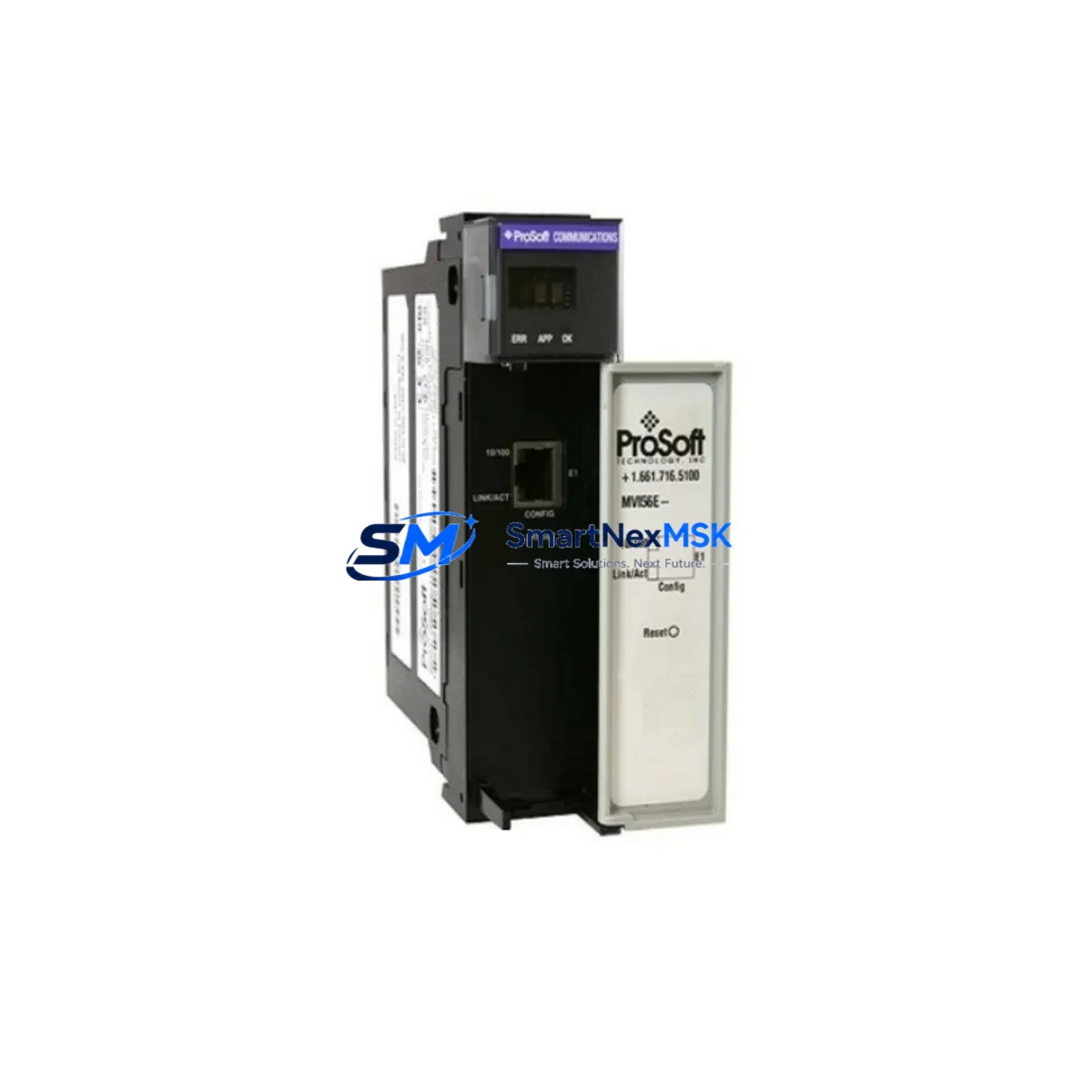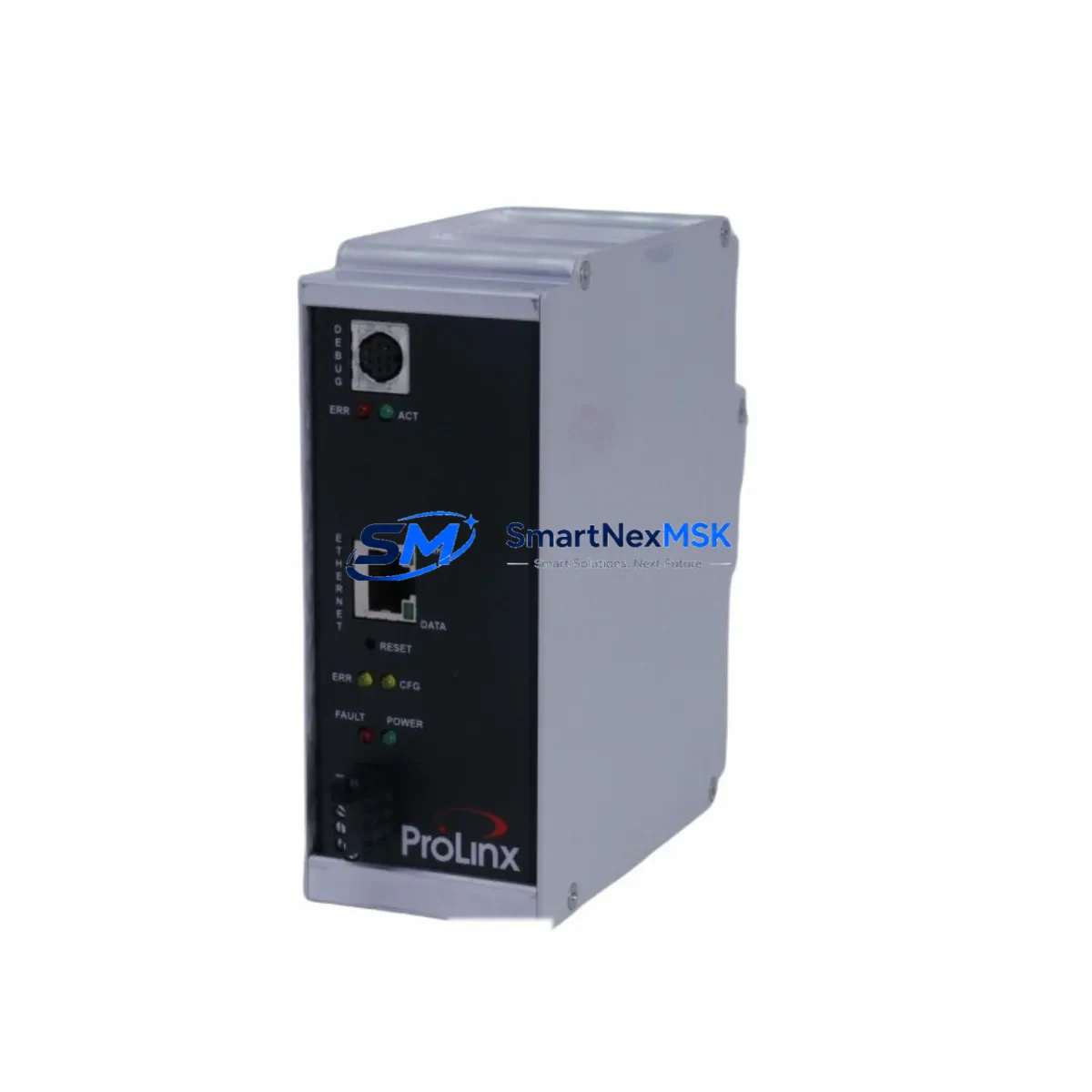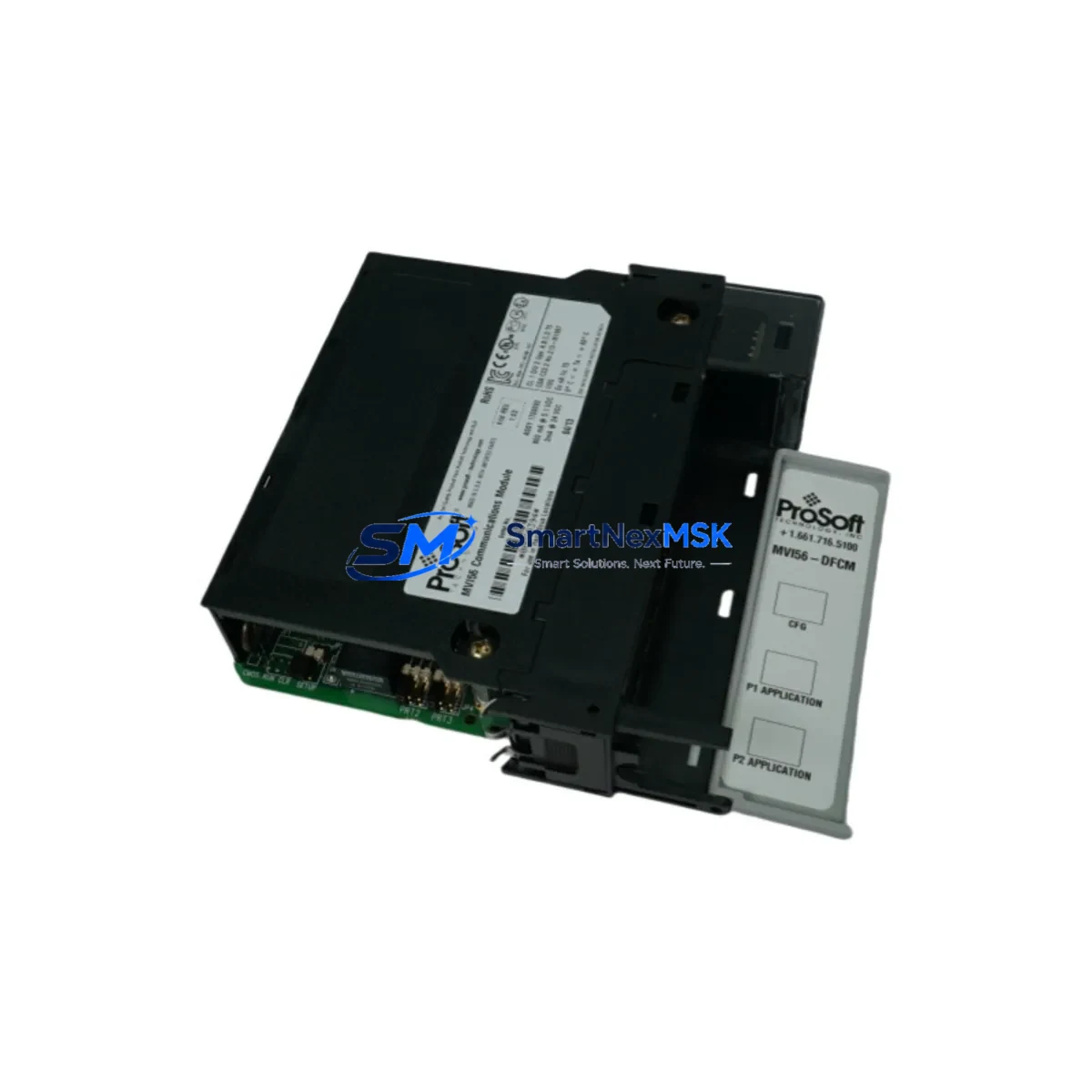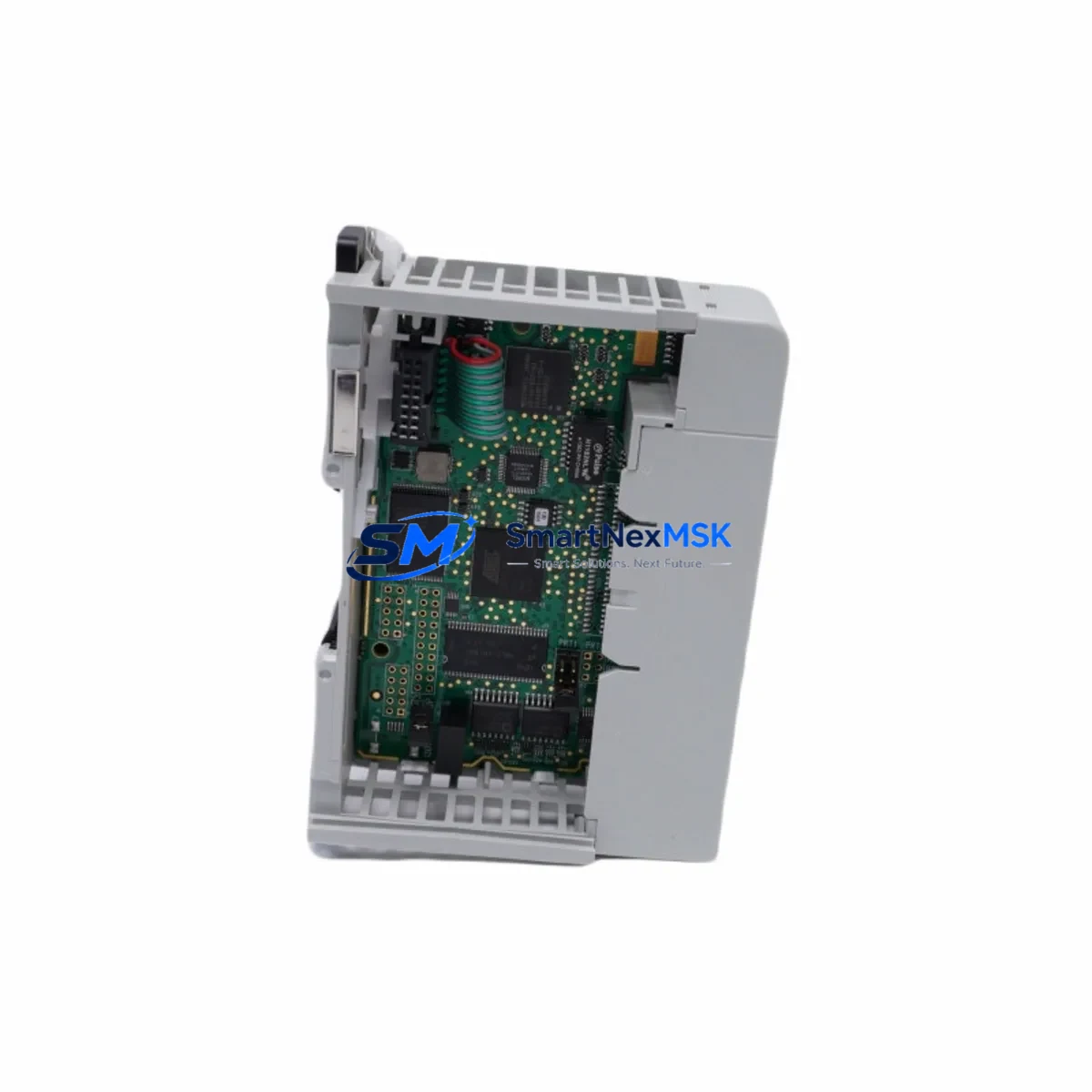
ProSoft MVI69L-MBS Maintenance-Ready Spare for MVI69L Series Automation
The ProSoft MVI69L-MBS is a Modbus Serial communication module designed for Allen-Bradley CompactLogix 1769 backplane systems. As a maintenance-ready original spare, it enables industrial facilities to restore serial communication links rapidly following unexpected module failure, firmware corruption, or end-of-life replacement cycles. For maintenance engineers managing legacy Modbus RTU/ASCII networks integrated into CompactLogix controllers, holding a verified MVI69L-MBS spare is a fundamental element of any downtime-reduction strategy.
The MVI69L-MBS supports both Modbus Master and Slave operation across RS-232, RS-422, and RS-485 physical layers, making it compatible with a wide range of field instruments, drives, meters, and third-party PLCs that rely on Modbus Serial as their primary communication protocol. Its compact 1769 single-slot form factor integrates directly into the CompactLogix local chassis without requiring an external power supply or adapter, simplifying both installation and replacement procedures on the plant floor.
For procurement engineers, sourcing the MVI69L-MBS as a stocked spare eliminates the risk of extended lead times from the OEM channel, particularly for systems where the module has reached limited availability status. Each unit shipped by SMARTNEXMSK undergoes functional verification and is covered by a 12-month warranty, providing confidence in both quality and long-term supply continuity.
Spare Maintenance Table
| Parameter | Specification |
|---|---|
| Part Number | MVI69L-MBS |
| Manufacturer | ProSoft Technology |
| Series | MVI69L |
| Protocol | Modbus Serial (RTU / ASCII) — Master & Slave |
| Physical Interface | RS-232 / RS-422 / RS-485 |
| Backplane Compatibility | Allen-Bradley CompactLogix 1769 (local chassis) |
| Chassis Slot Requirement | 1 slot |
| Power Consumption | 800 mA @ 5 VDC (backplane supplied) |
| Operating Temperature | 0 °C to 60 °C |
| Storage Temperature | -40 °C to 85 °C |
| Relative Humidity | 5% to 95% non-condensing |
| Certifications | UL, CE, RoHS |
| Replacement Compatibility | MVI69-MBS, MVI69L-MBS (direct form-fit-function) |
| Maintenance Recommendation | Inspect serial port connectors and cable shielding at each planned shutdown; verify Modbus register map integrity after replacement |
| Warranty | 12 Months — Tested & Verified Before Shipment |
Maintenance Planning for Continuous Operation
When a Modbus Serial communication fault is traced to the MVI69L-MBS, experienced maintenance engineers know that the module itself is rarely the only component requiring attention. A thorough site inspection during the replacement window should include the following associated components to prevent repeat failures and maximize uptime after the module is restored.
Begin with the 1769-L30ER or 1769-L33ER CompactLogix processor — confirm that the controller firmware is current and that the MSG instruction configuration referencing the MVI69L-MBS slot address is intact. Next, inspect the 1769-PA2 or 1769-PB2 power supply module in the same chassis; a degraded power supply delivering marginal 5 VDC backplane voltage is a common root cause of intermittent communication module faults that are misdiagnosed as module failure.
Check all RS-485 field wiring and terminal blocks connected to the MVI69L-MBS serial ports. Loose termination resistors, damaged cable shielding, or incorrect bias resistor values on long RS-485 runs will cause persistent Modbus communication errors even after a new module is installed. If the system uses a ProSoft MVI69L-MCM Multi-Protocol Communication Module or a ProSoft MVI69-DFNT EtherNet/IP module in adjacent slots, verify that their configurations remain unaffected by the chassis power cycle performed during replacement.
For control cabinets housing multiple 1769 expansion racks connected via 1769-CRR1 or 1769-CRR3 right-end caps and expansion cables, inspect the cable connectors for corrosion or mechanical stress, as these are a frequent source of intermittent backplane faults that can be mistakenly attributed to a communication module. Additionally, review the status of any signal isolators or RS-485 repeaters installed between the MVI69L-MBS and remote field devices — degraded isolators can introduce noise that disrupts Modbus framing and triggers false module fault indicators.
If the system includes Allen-Bradley 1769-IQ16 or 1769-OB16 digital I/O modules in the same chassis, confirm that their wiring and fuse status are intact, as a shorted I/O field circuit can cause localized backplane voltage drops affecting adjacent communication modules. Finally, for facilities running PanelView Plus HMI terminals communicating with the CompactLogix processor over EtherNet/IP, verify that the HMI tag database references to Modbus data mapped through the MVI69L-MBS are still valid after the module replacement and configuration restore.
Site Replacement Workflow
Step 1 — Pre-Replacement Backup: Export the existing MVI69L-MBS configuration file (PCB file) from ProSoft Configuration Builder before powering down the chassis. Save the CompactLogix controller project from Studio 5000 Logix Designer. Document the current Modbus register map, baud rate, parity, and stop bit settings for all configured serial ports.
Step 2 — Safe Shutdown: Place the CompactLogix controller in Program mode via the keyswitch or RSLogix/Studio 5000 remote connection. Notify the process control team of the planned communication interruption. De-energize the 1769 chassis using the appropriate isolation procedure per your site’s lockout/tagout (LOTO) policy.
Step 3 — Module Removal and Installation: Remove the faulty MVI69L-MBS by releasing the top and bottom locking tabs and sliding the module out of the 1769 backplane slot. Insert the replacement MVI69L-MBS into the same slot, ensuring the backplane connector is fully seated. Reconnect all serial port cables, verifying correct port assignment (Port 1 / Port 2) against the original wiring documentation.
Step 4 — Configuration Restore: Power up the chassis and connect to the MVI69L-MBS via ProSoft Configuration Builder using the module’s Ethernet configuration port or the CompactLogix pass-through. Download the saved PCB configuration file to the replacement module. Verify that all Modbus Master/Slave port parameters match the pre-replacement baseline.
Step 5 — Functional Verification: Place the controller back in Run mode and monitor the MVI69L-MBS status LEDs (APP, BP ACT, SER1, SER2) for normal operation indicators. Confirm Modbus communication is re-established with all field devices by checking the module’s diagnostic data in the controller tag database. Document the replacement in the site maintenance log with the new module serial number and date.
Spare Parts Support FAQ
Q1: Is the MVI69L-MBS a direct replacement for the older MVI69-MBS?
Yes. The MVI69L-MBS is the current-generation successor to the MVI69-MBS and is designed as a form-fit-function replacement. It occupies the same single 1769 backplane slot, uses the same PCB configuration file structure, and supports the same Modbus RTU/ASCII Master and Slave functionality. No hardware modifications to the chassis or wiring are required for a direct swap.
Q2: How is each MVI69L-MBS unit tested before shipment?
Every MVI69L-MBS unit supplied by SMARTNEXMSK undergoes a functional power-on test and communication port verification prior to packaging. Units are inspected for physical integrity, connector condition, and firmware operability. A 12-month warranty is provided from the date of shipment, covering manufacturing defects and functional failures under normal operating conditions.
Q3: What is the recommended spare parts inventory strategy for MVI69L-MBS in a multi-line facility?
For facilities operating three or more CompactLogix systems with MVI69L-MBS modules, maintaining a minimum of one spare unit per five installed modules is a widely adopted practice in industrial maintenance planning. Given that Modbus Serial communication modules are critical path components for process data acquisition and drive control, a stocked spare eliminates the risk of extended production downtime caused by OEM lead times, which can range from several weeks to months for legacy or limited-availability modules.
Q4: Can the MVI69L-MBS configuration be restored without the original PCB file?
If the original ProSoft Configuration Builder (PCB) file is unavailable, the Modbus port configuration can be reconstructed manually using the module’s documented register map and the original Studio 5000 controller project, which contains the MSG instruction parameters and data table references. SMARTNEXMSK recommends that all facilities maintain a current backup of both the PCB file and the controller project in a version-controlled document management system as part of standard spare parts lifecycle governance.
© 2026 SMARTNEXMSK. All rights reserved.
Original Source: https://smartnexmsk.com
Contact: [email protected] | +86 18259474341