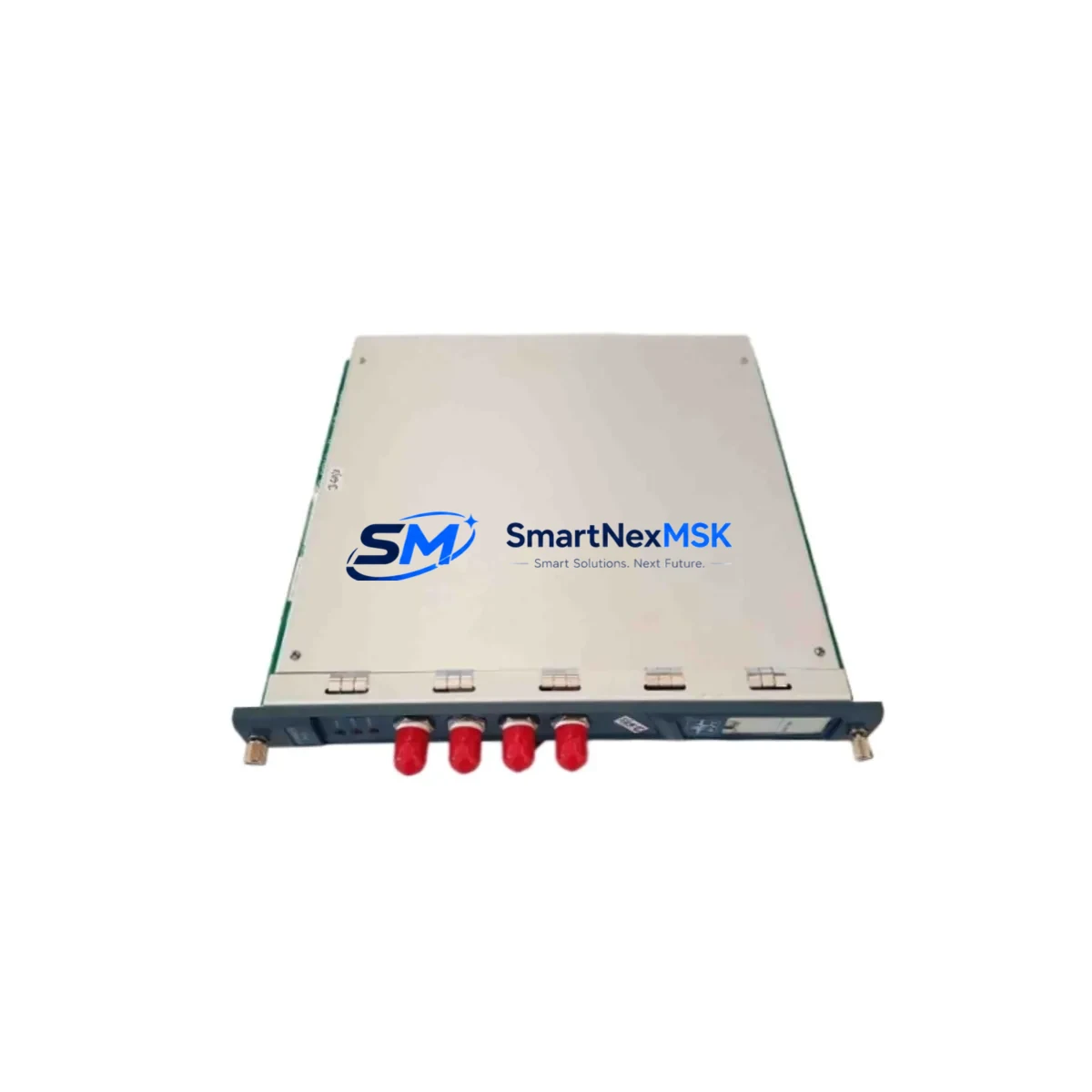
ProvibTech PT2060/10 Spare for PT2060 Series Automation
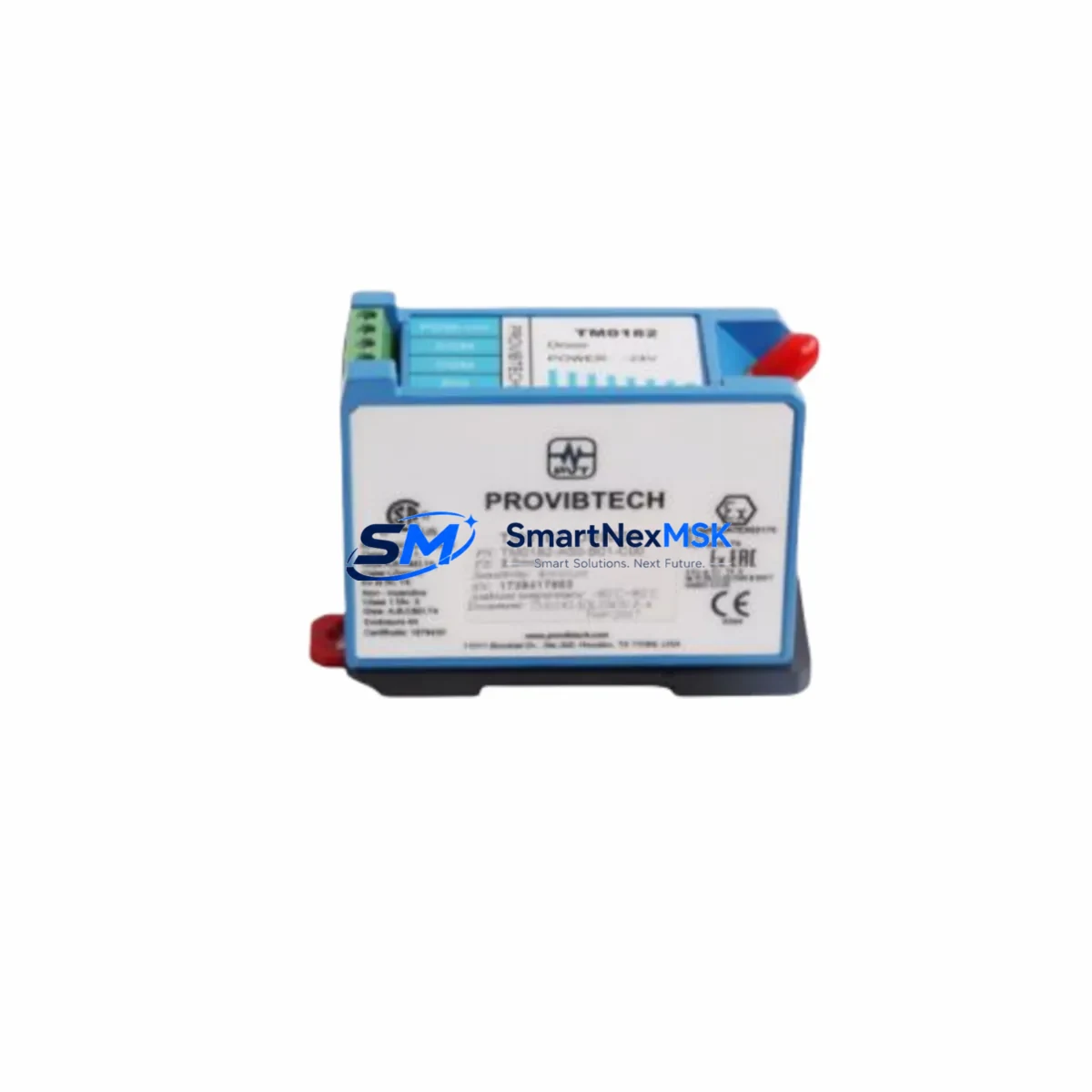
The ProvibTech PT2060/10 is an original eddy current proximity driver module engineered for continuous-duty vibration monitoring in critical rotating machinery applications. Designed to operate within the PT2060 series signal conditioning architecture, this driver interfaces directly with eddy current probes to deliver calibrated gap, vibration, and eccentricity signals to protection systems, DCS platforms, and safety-rated monitoring racks. For maintenance engineers managing turbine trains, compressor strings, or pump sets under API 670 compliance requirements, maintaining a verified spare of the PT2060/10 is a non-negotiable element of any structured MRO program.
Unplanned downtime caused by a failed proximity driver can cascade rapidly — a single channel dropout may trigger a machine trip, disable a protection voting logic group, or mask a developing bearing fault. The PT2060/10 is designed for rapid field replacement: its compact DIN-rail or rack-mount form factor allows a trained technician to swap the module, re-terminate signal cables, and restore channel operation within a planned maintenance window. All units supplied by SMARTNEXMSK are sourced from verified supply chains, individually tested prior to dispatch, and covered by a 12-month warranty against manufacturing defects.
Spare Maintenance Table
| Parameter | Specification / Value |
|---|---|
| Part Number | PT2060/10 |
| Brand / Manufacturer | ProvibTech |
| Product Series | PT2060 |
| Product Type | Eddy Current Proximity Driver Module |
| Signal Output | -24 VDC nominal (eddy current standard) |
| Probe Compatibility | ProvibTech PT8000 series eddy current probes; standard 5mm / 8mm tip diameter |
| Gap Range | 0–2 mm (standard calibration range) |
| Supply Voltage | -24 VDC (±10%) |
| Operating Temperature | -20°C to +70°C |
| Compliance | API 670 (machinery protection systems) |
| Mounting | DIN rail / rack-mount (series-dependent) |
| Country of Origin | China (CN) |
| Application | Turbines, compressors, pumps, fans — rotating machinery protection |
| Maintenance Recommendation | Inspect annually or upon channel alarm; replace if sensitivity drift exceeds ±5% |
| Warranty | 12 Months — covers manufacturing defects, tested before dispatch |
Maintenance Planning for Continuous Operation
When a PT2060/10 proximity driver is flagged for replacement during a scheduled outage or corrective maintenance event, experienced maintenance engineers treat the intervention as an opportunity to audit the entire vibration monitoring loop. The driver does not operate in isolation — its performance depends on the integrity of every upstream and downstream component in the measurement chain.
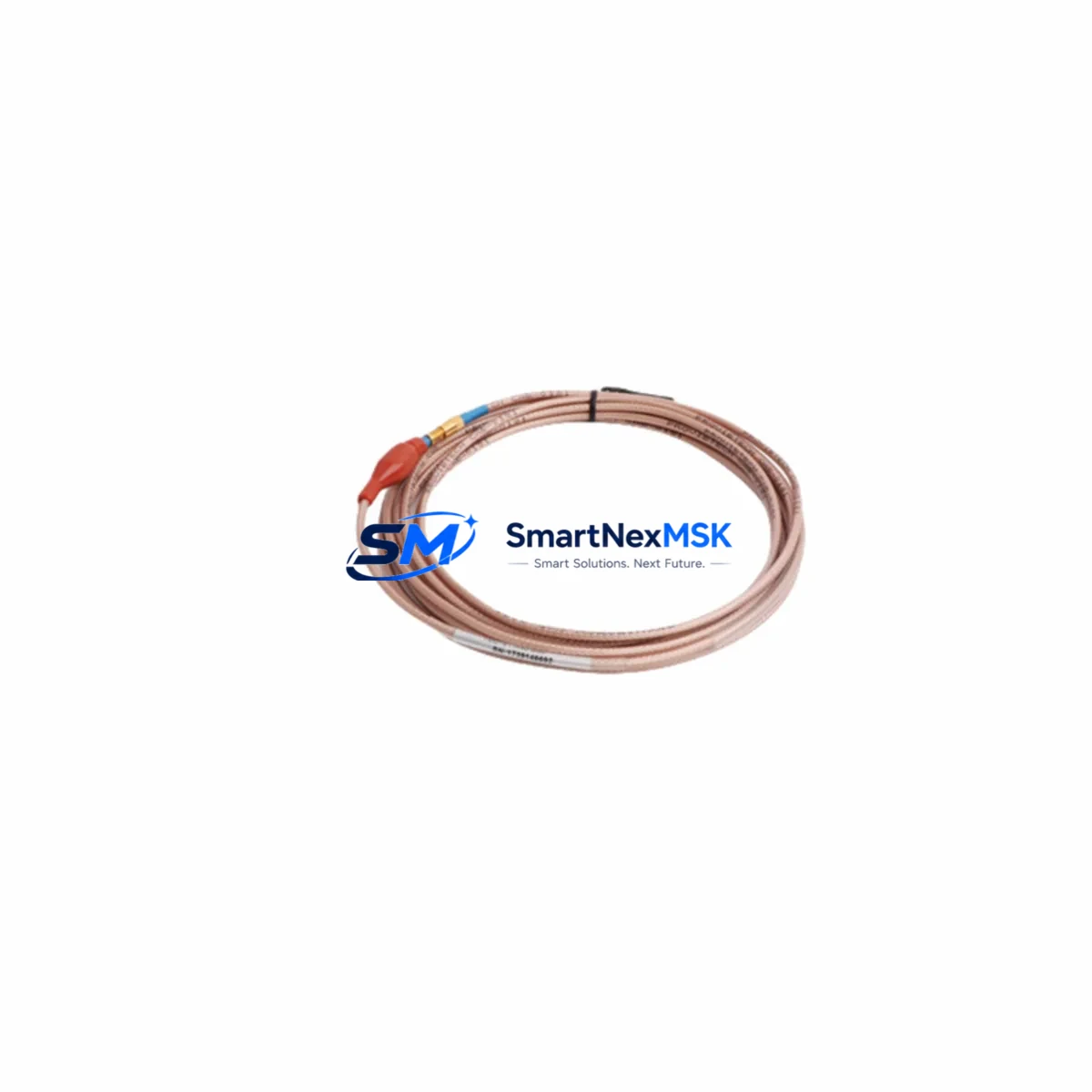
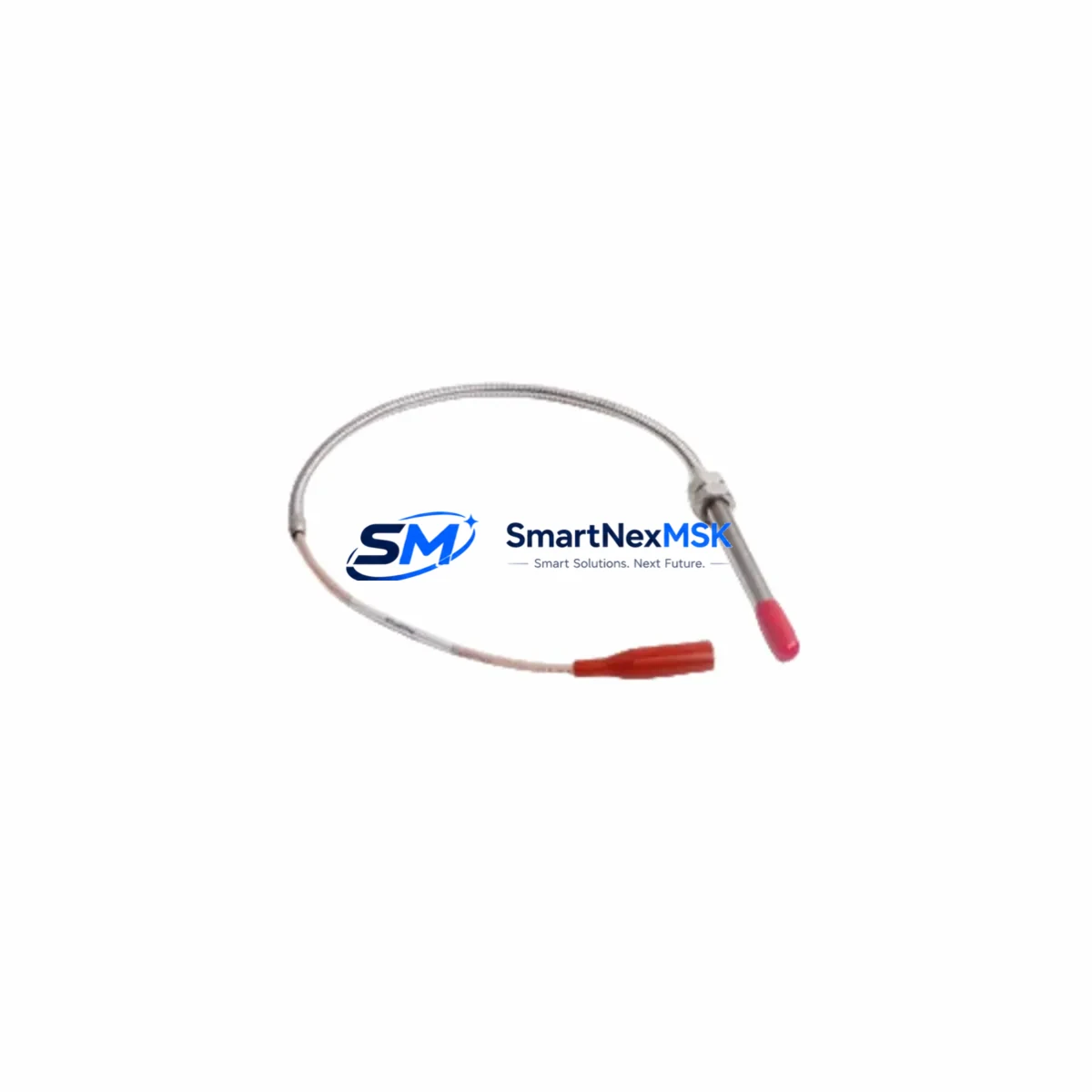
Begin with the eddy current probe (typically a PT8000 series tip) and its extension cable. Probe tip wear, cable jacket damage, or connector corrosion can introduce sensitivity errors that are incorrectly attributed to the driver. Measure probe gap voltage at a known reference distance and compare against the calibration chart before condemning the PT2060/10.
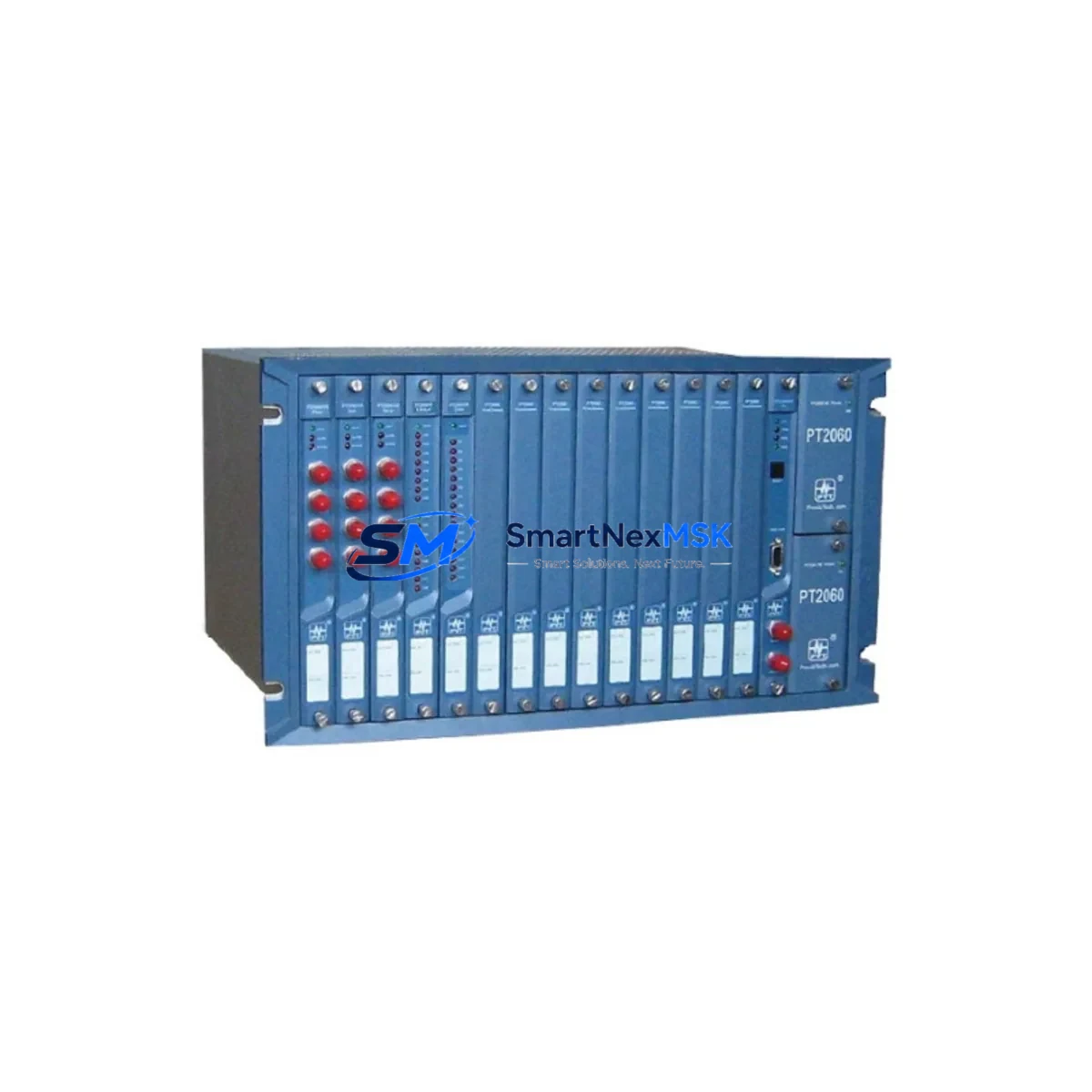
Next, verify the -24 VDC power supply rail feeding the driver rack. A sagging or noisy supply — often caused by a failing DC/DC converter module or a degraded power distribution terminal block — can cause intermittent channel faults that mimic driver failure. Use a calibrated multimeter to confirm supply voltage is within ±10% at the driver input terminals.
Inspect the signal output wiring from the PT2060/10 to the monitoring system input card. Loose ferrules on Phoenix Contact or Weidmüller terminal blocks, oxidized contacts, or incorrect shielding termination can introduce noise into the 4–20 mA or voltage output signal. Re-terminate all connections with fresh ferrules during the replacement procedure.
At the monitoring system level, confirm that the vibration monitor input card — whether a Bently Nevada 3500 series I/O module, an Emerson CSI rack card, or an equivalent DCS analog input module — is correctly configured for the PT2060/10 output range. Mismatched scaling will produce erroneous engineering-unit readings even after a successful driver replacement.
For installations where the PT2060/10 feeds a safety instrumented system (SIS) or a voted protection relay, verify that the replacement driver’s output is within the acceptance band before re-enabling the protection logic. A signal isolator or barrier module between the driver and the SIS input may also require inspection if the system uses galvanic isolation for intrinsic safety compliance.
Finally, update the maintenance logbook and CMMS record with the replacement date, new module serial number, and post-installation calibration results. For sites operating under a predictive maintenance (PdM) program, upload the baseline vibration spectrum captured immediately after replacement to establish a new reference for trend analysis.
Site Replacement Workflow
Step 1 — Isolation and Permit: Obtain a valid work permit. Isolate the monitoring channel at the rack level using the bypass/inhibit function of the monitoring system to prevent a spurious machine trip during the swap. Do not de-energize the entire rack unless required by site procedure.
Step 2 — Document Existing Configuration: Photograph or record the existing wiring terminations, DIP switch settings, and any jumper configurations on the outgoing PT2060/10. The replacement module must be configured identically before installation.
Step 3 — Remove Outgoing Module: Disconnect probe cable, extension cable, power, and signal output wiring. Label each conductor. Remove the module from its mounting position.
Step 4 — Inspect and Prepare Replacement: Verify the replacement PT2060/10 part number matches exactly. Confirm DIP switch and jumper settings match the documented configuration. Inspect connector pins for damage.
Step 5 — Install and Re-terminate: Mount the replacement module. Re-terminate all conductors using fresh ferrules. Torque terminal screws to the manufacturer’s specification. Reconnect the probe and extension cable, ensuring the connector is fully seated and the locking collar is engaged.
Step 6 — Power-up and Verify: Re-energize the channel. Measure output voltage at a known probe gap distance and compare against the calibration curve. Confirm the monitoring system displays a valid engineering-unit reading within the expected range.
Step 7 — Release and Document: Remove the bypass/inhibit. Confirm the channel is active in the monitoring system. Update the CMMS with replacement details and calibration results. Retain the outgoing module for failure analysis if required.
This workflow is applicable to both like-for-like replacements of the PT2060/10 and cross-compatibility substitutions where an equivalent proximity driver from the PT2060 series is used to extend the operational life of an older monitoring rack pending a full system upgrade.
Spare Parts Support FAQ
Q1: What is the recommended spare parts holding strategy for the PT2060/10?
For critical machinery protection applications, a minimum of one PT2060/10 per monitored machine train is recommended as on-site cold standby. Sites with multiple identical machines should consider a pooled spare strategy — typically one spare per three to five installed units — to balance inventory cost against downtime risk. SMARTNEXMSK can support blanket order arrangements for sites requiring scheduled replenishment.
Q2: Is the PT2060/10 compatible with third-party eddy current probes?
The PT2060/10 is optimized for use with ProvibTech PT8000 series probes and matched extension cables. Compatibility with third-party probes (e.g., Bently Nevada 3300 XL series or Metrix probes) depends on the probe’s sensitivity factor (mV/mil or V/mm) and gap range. A calibration verification is mandatory when mixing probe and driver brands. Contact SMARTNEXMSK for compatibility assessment before ordering.
Q3: What pre-shipment testing does SMARTNEXMSK perform on the PT2060/10?
Every PT2060/10 unit is functionally tested prior to dispatch. Testing includes power-up verification, output voltage measurement at reference gap distances, and visual inspection of connectors and labeling. Units are shipped in anti-static packaging with a test record. The 12-month warranty covers manufacturing defects identified during installation or operation under normal service conditions.
Q4: How do I confirm the correct replacement part number for my existing installation?
The PT2060/10 part number is typically printed on the module label and recorded in the site’s equipment register or CMMS. If the label is damaged or the record is unavailable, provide SMARTNEXMSK with the probe type, extension cable length, and monitoring system model. Our technical team will confirm the correct driver specification and cross-reference against the PT2060 series compatibility matrix before order confirmation.
© 2026 SMARTNEXMSK. All rights reserved.
Original Source: https://smartnexmsk.com
Contact: [email protected] | +86 18259474341