
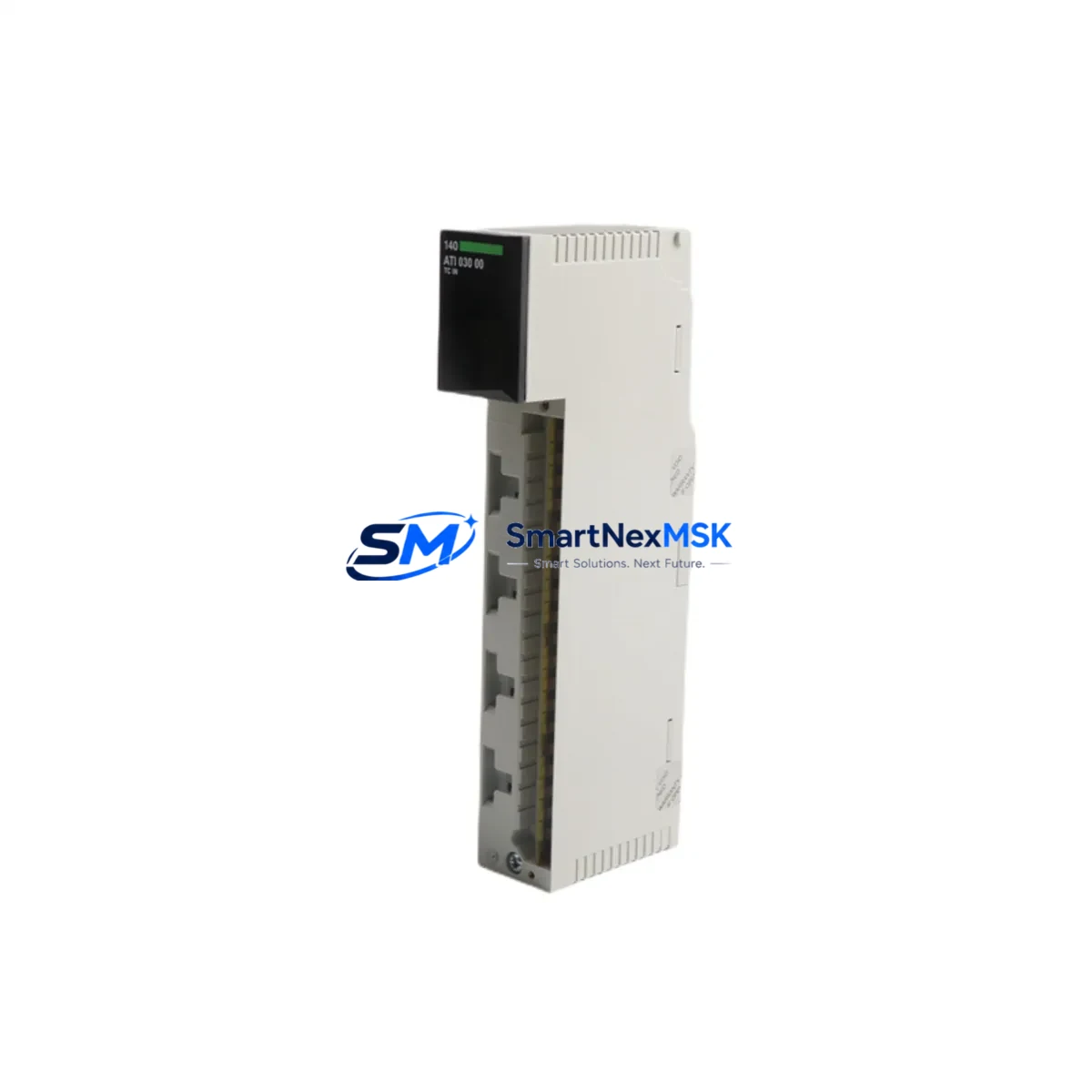
Schneider 140ATI03000 Spare for Modicon Quantum Automation: Spare Replacement & Industrial Downtime Risk Control
The Schneider Electric 140ATI03000 is an original 8-channel analog input module designed for the Modicon Quantum PLC platform — one of the most widely deployed distributed control architectures in process manufacturing, utilities, and heavy industry. When this module fails or degrades, the consequences extend beyond a single I/O slot: analog signal chains collapse, process variables go blind, and operators lose the real-time visibility needed to maintain safe, continuous production. Sourcing a verified, maintenance-ready spare is not optional — it is a core element of any responsible uptime strategy.
At SMARTNEXMSK, every 140ATI03000 unit is sourced from authorized supply channels, inspected against original Schneider Electric specifications, and tested prior to shipment. Our stock is held ready for immediate dispatch to support both planned maintenance windows and emergency breakdown recovery. With a 12-month warranty on every unit, your maintenance and procurement teams can commit to this spare with full confidence.
Spare Maintenance Table
| Parameter | Specification |
|---|---|
| Part Number / SKU | 140ATI03000 |
| Brand | Schneider Electric |
| Series / Platform | Modicon Quantum |
| Module Type | Analog Input Module |
| Number of Channels | 8 Channels |
| Input Signal Types | Voltage / Current (configurable per channel) |
| Input Range | ±10 V, 0–10 V, 0–20 mA, 4–20 mA |
| Resolution | 12-bit (4096 steps) |
| Isolation | Channel-to-backplane isolation |
| Backplane Compatibility | Modicon Quantum local and remote I/O racks |
| Power Consumption | Supplied via Quantum backplane |
| Operating Temperature | 0°C to 60°C |
| Mounting | Quantum I/O rack slot (hot-swap capable with proper procedure) |
| Origin | France |
| Condition | Original, tested before shipment |
| Warranty | 12 Months |
| Application Environment | Process control, utilities, oil & gas, water treatment, manufacturing |
| Maintenance Recommendation | Inspect wiring terminals, verify channel calibration, check backplane connector pins annually |
Maintenance Planning for Continuous Operation
Replacing the 140ATI03000 in a live Quantum system is rarely an isolated task. Maintenance engineers who have managed Quantum-based control cabinets know that analog input failures are often symptomatic of broader signal chain degradation. When scheduling a replacement, a thorough inspection of the surrounding components is essential to prevent repeat failures and ensure the restored system performs reliably through the next maintenance cycle.
Begin with the power supply feeding the Quantum rack. The 140CPS11420 and 140CPS21400 power supply modules are common companions to analog I/O racks; verify output voltage stability and check for capacitor aging or thermal stress marks. A marginal power supply will corrupt analog readings even after a module swap.
Next, inspect the backplane itself. The Quantum backplane distributes both power and communication to every slot — a damaged backplane connector or corroded bus bar can cause intermittent faults that mimic module failure. If the 140ATI03000 was showing erratic readings before failure, the backplane should be tested before the new module is seated.
Review the field wiring connected to the analog input terminals. Shielded twisted-pair cables should be checked for insulation integrity, proper grounding at one end only, and secure termination at the 140XTS00200 or equivalent terminal block. Loose or corroded terminals are a leading cause of signal drift in 4–20 mA loops.
For systems using signal isolators between field transmitters and the 140ATI03000, inspect the signal isolation barriers in the loop. Galvanic isolators and loop-powered isolators degrade over time, particularly in high-humidity or high-vibration environments. A failed isolator will present as a module fault even when the module itself is healthy.
If the Quantum system communicates via Modbus Plus or Ethernet TCP/IP using a 140NOE77101 or 140NOM21200 communication module, verify that the network module is responding correctly after the I/O replacement. Analog module swaps can trigger configuration mismatches in the Unity Pro or Concept application if the I/O map is not properly refreshed.
For cabinets with relay output modules such as the 140DRC83000 or discrete output modules like the 140DDO35300, confirm that interlock logic dependent on the analog inputs is re-validated after the replacement. Process interlocks tied to analog thresholds must be tested before returning the system to automatic mode.
Finally, if the facility operates an HMI connected to the Quantum system — whether a Magelis HMIGTO panel or a SCADA workstation — verify that the analog tags associated with the replaced module are displaying correctly and that alarm setpoints are active. A module replacement that is not followed by an HMI verification is an incomplete restoration.
Maintaining a minimum stock of one spare 140ATI03000 per Quantum system, alongside spare fuses for the field loop circuits, is a low-cost insurance policy against unplanned downtime that can cost orders of magnitude more than the part itself.
Site Replacement Workflow
Step 1 — Pre-replacement verification: Confirm the failed module SKU is 140ATI03000 by reading the label on the module faceplate. Cross-check the slot address in the Unity Pro or Concept hardware configuration to ensure the replacement module will be recognized without a configuration change.
Step 2 — Safe isolation: Place the PLC in Stop mode or transfer control to a redundant controller if available. De-energize the field loop circuits connected to the module’s terminal block. Do not remove the module under live field power.
Step 3 — Module removal: Disconnect the field wiring terminal block (if removable) and carefully extract the 140ATI03000 from the rack slot. Inspect the backplane connector on the removed module for bent pins or burn marks — this information is useful for root cause analysis.
Step 4 — New module installation: Seat the replacement 140ATI03000 firmly into the rack slot until the backplane connector is fully engaged. Re-attach the field wiring terminal block. The Quantum platform supports module replacement without rack power cycling in most configurations, but verify this against your site’s maintenance procedures.
Step 5 — System restart and verification: Return the PLC to Run mode. In Unity Pro or Concept, verify that all 8 analog channels are reading correctly. Compare live values against known process conditions or a calibrated signal source. Confirm that no diagnostic faults are active in the I/O health screen.
Step 6 — Documentation: Record the replacement in the maintenance log, including the date, slot address, old module serial number, and new module serial number. Update the spare parts inventory to trigger a reorder if stock falls below the minimum threshold.
This workflow applies equally to planned maintenance replacements and emergency breakdown recovery. The 140ATI03000’s compatibility with the full Quantum I/O rack family means it can replace aging units in systems that have been in service for 10–20 years without requiring firmware updates or hardware modifications — a critical advantage for facilities committed to extending the life of legacy Quantum installations.
Spare Parts Support FAQ
Q1: Is this 140ATI03000 an original Schneider Electric module or a compatible replacement?
Every 140ATI03000 supplied by SMARTNEXMSK is an original Schneider Electric module sourced from authorized channels. We do not supply counterfeit, refurbished-without-disclosure, or third-party compatible alternatives. Each unit is inspected and tested before shipment to confirm it meets original factory specifications.
Q2: What is the warranty coverage and what does it include?
All units carry a 12-month warranty from the date of shipment. The warranty covers manufacturing defects and functional failures under normal operating conditions. If a unit fails within the warranty period, SMARTNEXMSK will arrange a replacement or refund. The warranty does not cover damage caused by incorrect installation, overvoltage, or physical impact.
Q3: How do I confirm compatibility with my existing Quantum rack before ordering?
The 140ATI03000 is compatible with all standard Modicon Quantum local and remote I/O racks. Compatibility is determined by the rack type and backplane version, not by the CPU or power supply model. If you are unsure, provide your rack part number and CPU model to our technical team at [email protected] and we will confirm compatibility before you place the order.
Q4: Can you support long-term or recurring supply for maintenance programs?
Yes. SMARTNEXMSK supports long-term spare parts programs for facilities managing multiple Quantum systems or planning multi-year maintenance contracts. We can reserve stock, provide scheduled delivery, and issue certificates of conformity for each shipment. Contact us to discuss a supply agreement tailored to your maintenance calendar.
© 2026 SMARTNEXMSK. All rights reserved.
Original Source: https://smartnexmsk.com
Contact: [email protected] | +86 18259474341



