
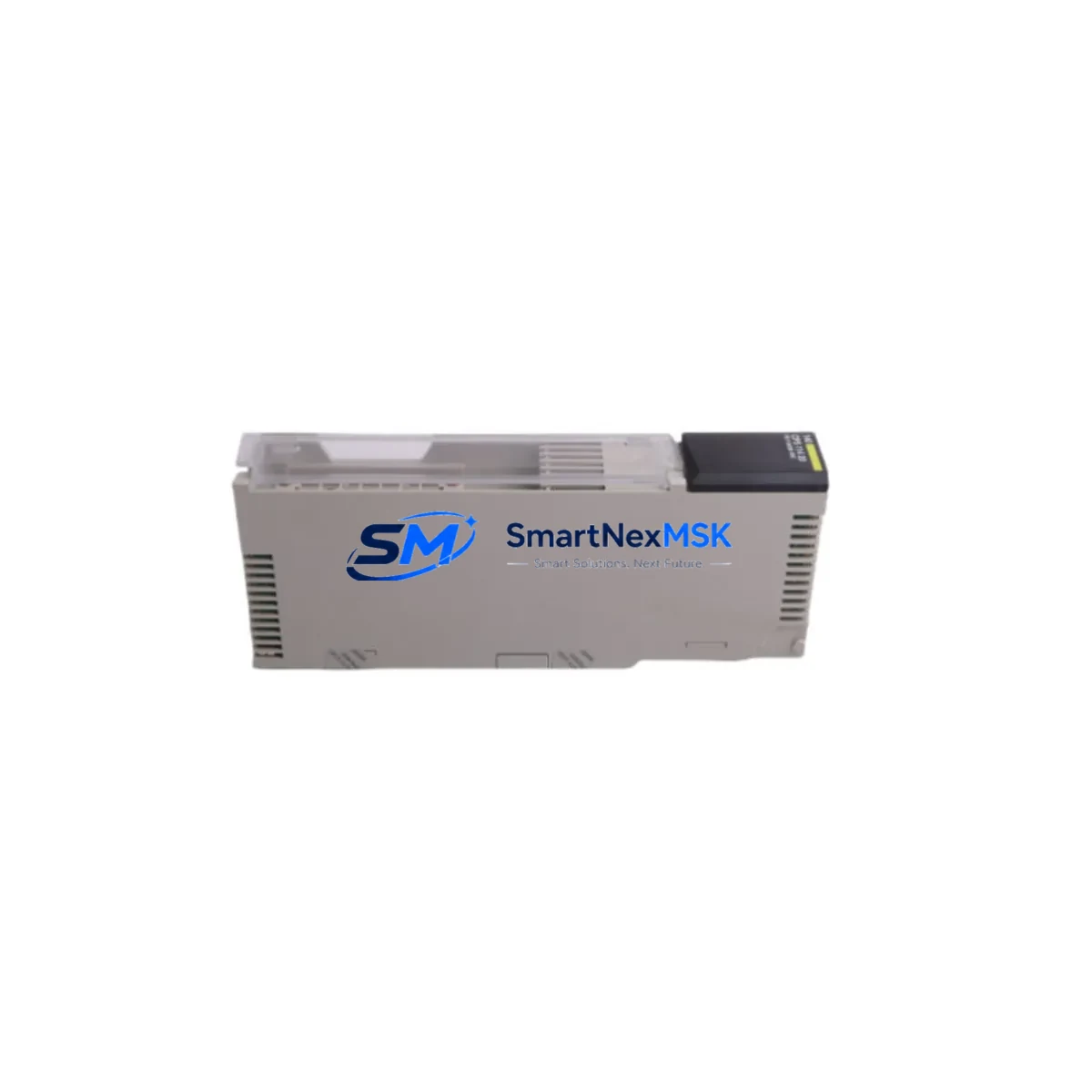
Schneider 140CPS11420 Retrofit-Ready AC Power Supply for Modicon Quantum Control Systems
The Schneider Electric 140CPS11420 is a dual-voltage AC power supply module designed for the Modicon Quantum PLC platform. Rated at 115/230 VAC input, it delivers stable, regulated DC power to the Quantum backplane and all installed I/O and communication modules. As legacy Quantum systems approach end-of-life or require unplanned maintenance, the 140CPS11420 remains one of the most critical retrofit and replacement components in the field — directly affecting system uptime, control continuity, and safety interlock integrity.
Whether you are replacing a failed unit in an active production line, upgrading an aging control cabinet, or migrating from an earlier Modicon 984 or Modicon Compact architecture to the Quantum platform, the 140CPS11420 provides a verified drop-in solution with no firmware changes, no rack reconfiguration, and no PLC program modification required. Our units are sourced from authorized channels, individually tested prior to shipment, and covered by a 12-month warranty.
Upgrade Compatibility Table
| Parameter | 140CPS11420 Specification | Retrofit Notes |
|---|---|---|
| Input Voltage | 115 VAC / 230 VAC (auto-select) | Verify site supply voltage before installation; no jumper change required |
| Output Power | 20W continuous to backplane bus | Audit total module load before replacing with same-rated unit |
| Rack Compatibility | All Modicon Quantum backplanes (140XBP, 140XBE series) | Fits 2-, 4-, 6-, 10-, and 16-slot Quantum racks without modification |
| Communication Compatibility | Supports Modbus Plus, Ethernet TCP/IP, Profibus DP co-installed modules | No protocol reconfiguration needed after power supply swap |
| Replacement for | 140CPS11420 (same SKU), 140CPS12400 (higher-wattage upgrade path) | Confirm wattage budget if upgrading from 140CPS11420 to 140CPS12400 |
| Installation Slot | Leftmost slot of Quantum backplane (dedicated PSU slot) | No slot address configuration required; plug-and-play replacement |
| Commissioning | No software commissioning required | Verify DC bus voltage with multimeter after installation before powering CPUs |
| Warranty | 12-Month Warranty — covers manufacturing defects and functional failure under normal operating conditions | |
Retrofit Planning for Existing Automation Systems
A successful 140CPS11420 replacement begins well before the module arrives on-site. Engineers should start by auditing the full rack load: sum the current draw of every installed module — including the 140CPU65160 or 140CPU67160 processor, any 140ACI04000 analog input modules, 140ACO13000 analog output modules, 140DDI35300 discrete input modules, and 140DDO35300 discrete output modules — to confirm the 20W output budget is not exceeded. If the existing system has grown through I/O expansion and the total load is approaching the rated limit, this retrofit is also an opportunity to evaluate upgrading to the higher-capacity 140CPS12400 power supply, which provides 40W to the backplane and supports denser rack configurations.
For systems using the 140NOM21100 Modbus Plus network option module or the 140NOE77101 Ethernet TCP/IP communication module, no network reconfiguration is required after a power supply swap — these modules retain their node addresses and IP configurations in non-volatile memory. Similarly, the 140CRP93200 RIO head-end module and any remote I/O drops connected via coaxial cable will resume normal operation immediately after the new power supply is energized, provided the CPU program and I/O map remain unchanged.
Before removing the failed 140CPS11420, document the terminal wiring on the AC input connector — specifically L1, L2/N, and PE (protective earth) — and photograph the existing cable routing inside the control cabinet. The replacement module uses the same 3-pin AC input terminal block, so rewiring is straightforward, but polarity and grounding must be verified with a continuity tester before energizing. If the cabinet also houses a 140XCP90000 cable or a 140XTS00200 terminal strip for field wiring, confirm that none of these accessories are affected by the power supply removal sequence.
For sites running Unity Pro or Concept programming software, no program upload or download is required after a like-for-like 140CPS11420 replacement. The CPU retains its application program in battery-backed RAM. However, if the CPU battery (typically a 990XCP95400 lithium battery) is near end-of-life, this retrofit window is the ideal time to replace it simultaneously, avoiding a second planned outage.
Downtime Control During System Migration
Minimizing unplanned downtime during a power supply replacement on a live Quantum system requires a structured hot-swap protocol. Begin by placing the CPU in STOP mode via the Unity Pro or Concept HMI panel — do not rely solely on the physical keyswitch if the system is networked, as remote SCADA or DCS supervisory systems may attempt to restart the CPU automatically. Notify the control room operator and lock out the AC supply to the affected cabinet using LOTO (Lockout/Tagout) procedures before touching any wiring.
Once the 140CPS11420 is removed, inspect the backplane connector pins for corrosion or mechanical damage. Insert the replacement module firmly until the locking tabs engage. Restore AC power, verify the green PWR LED illuminates on the new power supply, then check the DC bus voltage at the backplane test points (typically +5 VDC and +24 VDC rails) before returning the CPU to RUN mode. If the system uses a redundant CPU configuration with a 140CPU67160 and a hot-standby partner, the standby unit will maintain control during the primary rack power cycle, reducing process interruption to near zero.
For non-redundant systems, coordinate the replacement during a scheduled maintenance window. Pre-stage the replacement 140CPS11420 on the bench, verify its output voltages under no-load conditions, and have the Unity Pro project file open and ready for a forced download if the CPU fails to resume from its saved program state. Total replacement time for a trained technician is typically under 15 minutes, making this one of the lowest-risk hardware interventions in the Quantum platform lifecycle.
Retrofit Support FAQ
Q1: Is the 140CPS11420 a direct drop-in replacement for a failed unit of the same part number?
Yes. The 140CPS11420 is a like-for-like replacement. It uses the same backplane connector, the same AC input terminal block, and the same slot position. No rack reconfiguration, address setting, or software change is required. Simply swap the module, restore power, and verify the PWR LED status.
Q2: Can the 140CPS11420 support a fully populated 16-slot Quantum rack?
This depends on the total module load. The 140CPS11420 provides 20W to the backplane. A fully populated rack with high-density I/O modules and a communication module may exceed this budget. In that case, the 140CPS12400 (40W) is the recommended upgrade. We can assist with a load calculation if you provide your rack configuration.
Q3: What commissioning steps are required after installing the replacement 140CPS11420?
After installation, verify AC input wiring polarity, energize the module, and confirm the green PWR LED is steady. Check DC bus voltages at the backplane test points. Place the CPU in RUN mode and verify all I/O modules report healthy status in Unity Pro or Concept. No firmware flashing or address configuration is needed. For networked systems, confirm Modbus Plus or Ethernet communication links are re-established within 30 seconds of CPU startup.
Q4: What does the 12-month warranty cover, and how is it claimed?
Our 12-month warranty covers manufacturing defects and functional failure under normal operating conditions from the date of shipment. It does not cover damage caused by incorrect wiring, overvoltage events, or physical mishandling. To initiate a warranty claim, contact our technical support team with the order number and a description of the failure symptom. We will arrange return shipping and provide a replacement or full refund within 5 business days of receiving the returned unit.
© 2026 SMARTNEXMSK. All rights reserved.
Original Source: https://smartnexmsk.com
Contact: [email protected] | +86 18259474341



