
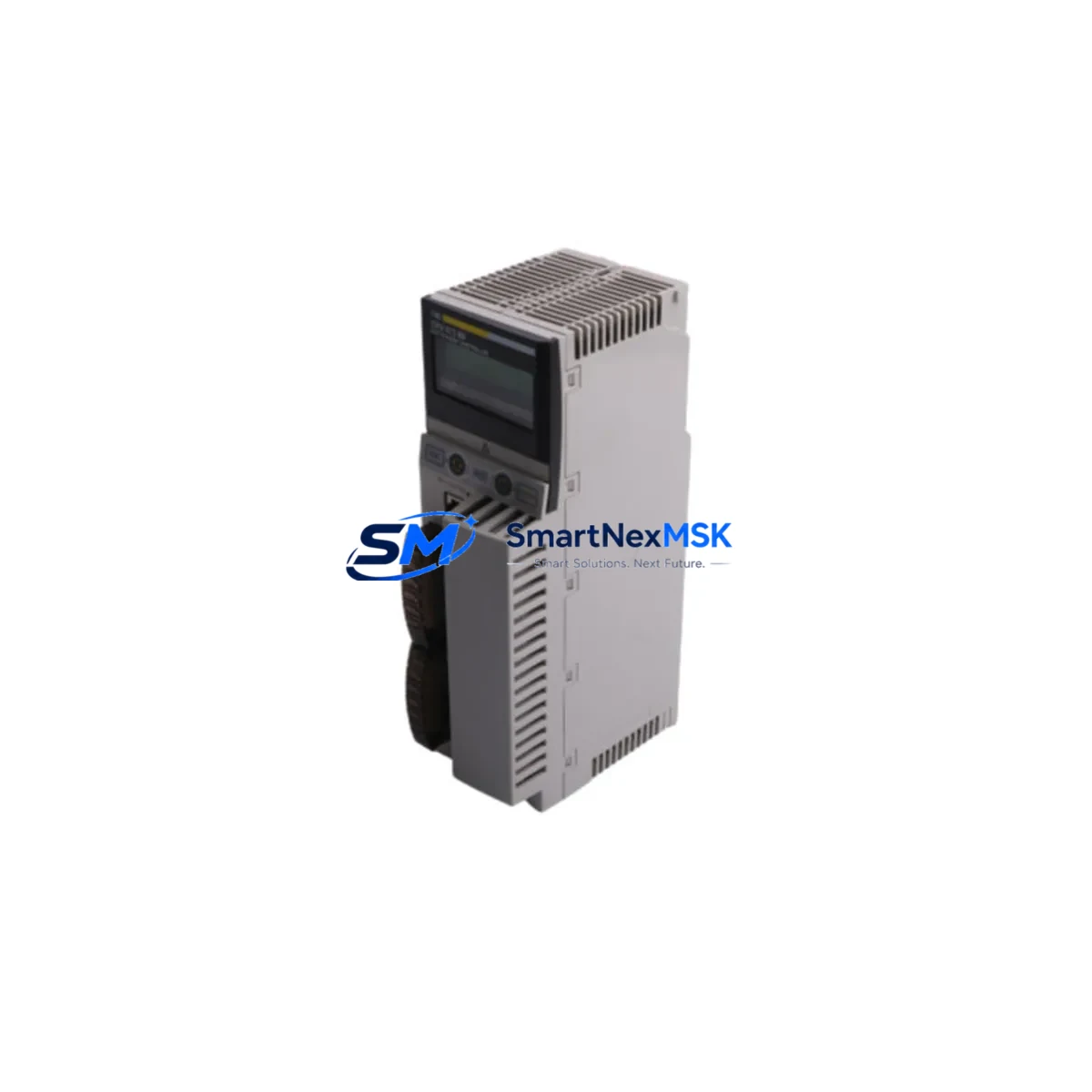
Schneider 140CPU67260 Spare for Modicon Quantum Automation: Spare Replacement & Industrial Downtime Risk Control
The Schneider Electric 140CPU67260 is a high-performance CPU module designed for the Modicon Quantum programmable logic controller platform — one of the most widely deployed process automation architectures in heavy industry, oil & gas, water treatment, and power generation. When this CPU fails or reaches end-of-life, the entire control system halts. Sourcing a verified, original-grade spare is the single most critical step in restoring operations and protecting production continuity.
At SMARTNEXMSK, we supply the 140CPU67260 as a maintenance-ready spare: tested before dispatch, shipped with full documentation, and backed by a 12-month warranty. Whether you are executing a planned replacement during a scheduled shutdown or responding to an unplanned fault, our inventory is structured to support rapid fulfillment for maintenance engineers and procurement teams worldwide.
Spare Maintenance Table
| Parameter | Specification |
|---|---|
| SKU / Part Number | 140CPU67260 |
| Brand | Schneider Electric |
| Series | Modicon Quantum |
| Module Type | PLC CPU Module |
| Processor | Motorola PowerPC (estimated, series-standard) |
| Memory | Up to 7 MB user memory (application + data) |
| Communication Ports | Modbus Plus, Ethernet TCP/IP (series-dependent) |
| Backplane Compatibility | Modicon Quantum backplane (140 series) |
| Operating Temperature | 0°C to 60°C |
| Power Supply Compatibility | 140CPS series power supply modules |
| Origin | France (OEM) |
| Weight | 1,180 g |
| Warranty | 12 Months — SMARTNEXMSK Guarantee |
| Condition | Original spare, tested before shipment |
| Application Environment | Industrial process control, DCS integration, SCADA-linked PLC systems |
| Maintenance Recommendation | Replace CPU if persistent watchdog faults, memory errors, or communication loss occur. Verify firmware version compatibility before installation. |
Maintenance Planning for Continuous Operation
Replacing the 140CPU67260 is rarely an isolated task. Experienced maintenance engineers know that a CPU fault often signals stress across adjacent components in the same control cabinet. A thorough inspection and planned replacement strategy should encompass the full electrical environment surrounding the CPU.
Begin with the 140CPS series power supply modules — an aging or under-spec power supply is a leading cause of CPU instability and memory corruption. Verify output voltage stability under load before commissioning the new CPU. Next, inspect the Quantum backplane (140XBP series): backplane connector wear or oxidation can cause intermittent slot communication errors that mimic CPU failure.
On the I/O side, audit your 140DAI series digital input modules and 140DAO series digital output modules for blown fuses, failed optocouplers, or degraded field wiring insulation. A faulty I/O module that generates spurious signals can trigger CPU watchdog resets — replacing the CPU without addressing the root cause will result in repeat failures. Similarly, 140ACI series analog input modules should be checked for signal drift, particularly in temperature-sensitive process loops.
Communication integrity is equally critical. If your Quantum system uses Modbus Plus network adapters (140NOM series) or Ethernet communication modules (140NOE series), verify that these modules are functioning correctly after CPU replacement — firmware mismatches between a new CPU and existing communication modules can cause network dropouts. For systems integrated with Profibus DP adapters (140CRP series), re-validate the DP master configuration after the CPU swap.
Do not overlook signal isolators and relay output modules in the same cabinet. Relay contacts in 140DDO series relay output modules degrade over switching cycles and should be part of any planned maintenance interval. For critical interlock circuits, consider replacing relay modules proactively when the CPU is already out of service — this eliminates a future unplanned outage.
Finally, if your facility uses a Magelis or Vijeo XD series HMI connected to the Quantum CPU via Modbus or Ethernet, confirm that the HMI communication parameters are re-established after the CPU replacement. HMI configuration files should be backed up before any CPU swap to prevent loss of operator screen data.
Maintaining a structured spare parts inventory — including at minimum one 140CPU67260, one backup power supply, and critical I/O modules — is the most cost-effective strategy for reducing mean time to repair (MTTR) in Quantum-based control systems.
Site Replacement Workflow
Step 1 — Pre-Replacement Preparation: Back up the current PLC program using Unity Pro or Concept software. Document the existing firmware version, IP address configuration, and Modbus Plus node address. Photograph all wiring connections to the CPU slot.
Step 2 — Safe Isolation: Follow your site’s lockout/tagout (LOTO) procedure. De-energize the control cabinet and verify zero-energy state before opening the backplane. The Quantum backplane supports hot-standby configurations — confirm whether your system is in simplex or redundant mode before removing the CPU.
Step 3 — Module Removal and Inspection: Remove the faulty 140CPU67260 and inspect the backplane slot for bent pins, debris, or corrosion. Clean the slot with compressed air if necessary. Check the adjacent power supply module output before installing the replacement.
Step 4 — Installation and Configuration: Insert the replacement 140CPU67260 into the correct backplane slot. Restore the backed-up program and verify firmware compatibility. Re-enter the IP address and Modbus Plus node address. Confirm that all I/O modules are recognized by the new CPU before energizing field devices.
Step 5 — Commissioning and Verification: Power up the system and monitor the CPU status LEDs. Verify communication with all remote I/O drops, HMI panels, and SCADA systems. Run a full I/O scan and confirm process values are within expected ranges before returning the system to automatic operation.
This workflow minimizes downtime, ensures system compatibility, and reduces the risk of secondary faults caused by improper commissioning. SMARTNEXMSK ships the 140CPU67260 with a pre-shipment test report to confirm module functionality before it reaches your site.
Spare Parts Support FAQ
Q1: Is the 140CPU67260 still available as a new original spare, or only as refurbished stock?
SMARTNEXMSK supplies the 140CPU67260 as an original-grade spare sourced from authorized industrial channels. Each unit undergoes pre-shipment functional testing. Where new stock is available, it is clearly indicated. Refurbished units, when supplied, are fully tested and carry the same 12-month warranty. Contact [email protected] to confirm current stock condition.
Q2: How do I verify compatibility between the 140CPU67260 and my existing Quantum backplane and I/O configuration?
Compatibility is determined by the Quantum backplane model (140XBP series), the Unity Pro or Concept software version used for programming, and the firmware revision of the CPU. Provide your existing CPU part number, backplane model, and software version to our technical team and we will confirm drop-in compatibility before shipment.
Q3: What is included in the 12-month warranty, and what is the process for a warranty claim?
The 12-month warranty covers manufacturing defects and functional failures under normal operating conditions. It does not cover damage caused by incorrect installation, overvoltage, or environmental factors outside the module’s rated specifications. To initiate a warranty claim, contact [email protected] with your order number, a description of the fault, and any available diagnostic data from Unity Pro or your SCADA system.
Q4: Can SMARTNEXMSK support long-term supply for legacy Quantum systems that are no longer in Schneider Electric’s active catalog?
Yes. SMARTNEXMSK specializes in long-term supply support for legacy and end-of-life industrial automation components, including the Modicon Quantum platform. We maintain strategic inventory of critical Quantum modules — including CPU, power supply, I/O, and communication modules — to support facilities that are extending the operational life of existing control systems. Contact us to discuss a long-term supply agreement tailored to your maintenance schedule.
© 2026 SMARTNEXMSK. All rights reserved.
Original Source: https://smartnexmsk.com
Contact: [email protected] | +86 18259474341



