
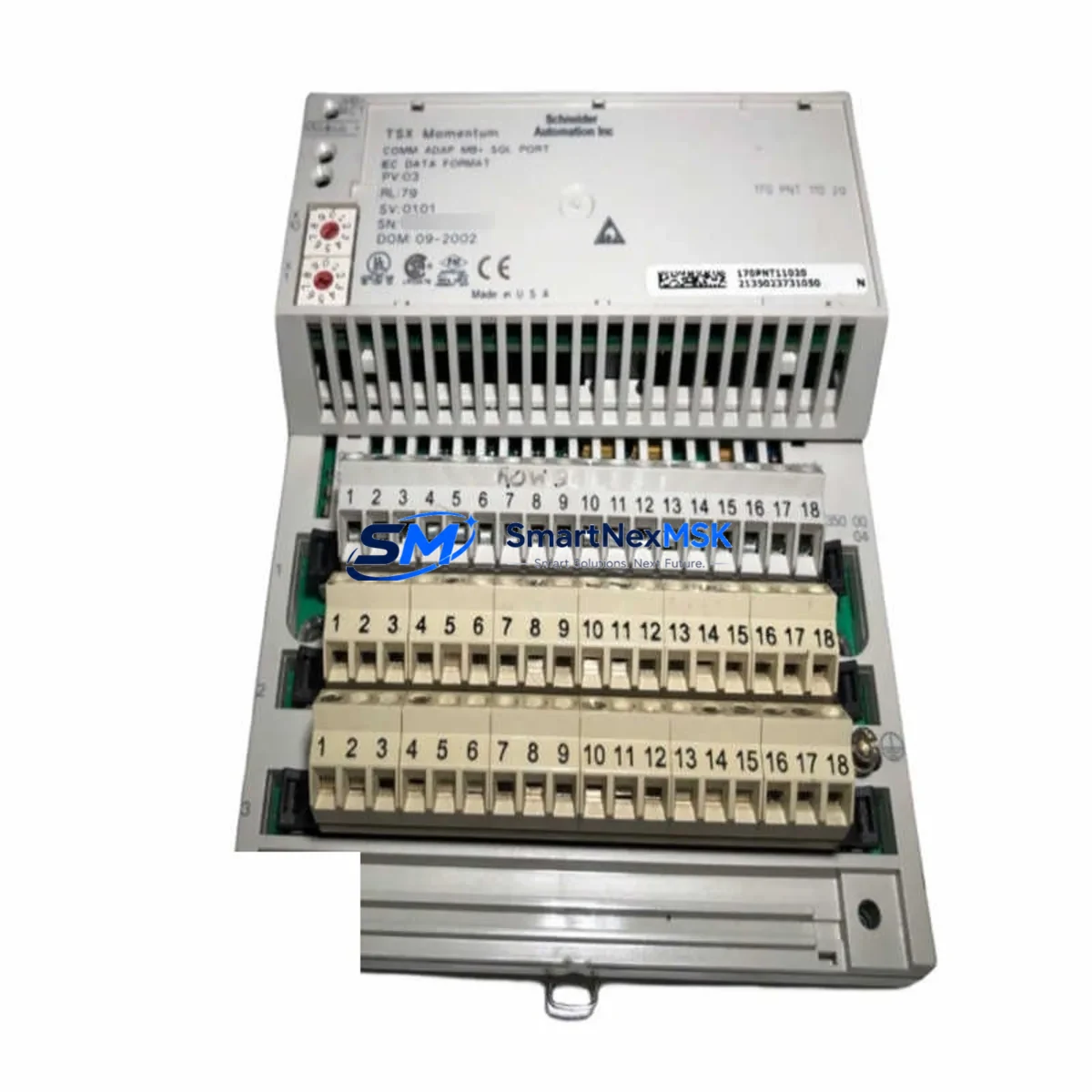
Schneider 170INT11003 Retrofit-Ready NIM for Quantum Control Systems
The Schneider Electric 170INT11003 is an Interbus-S Network Interface Module (NIM) designed for the Modicon Quantum PLC platform. As legacy Quantum systems continue to operate across process industries, utilities, and discrete manufacturing, the 170INT11003 remains a critical component for maintaining Interbus-S fieldbus communication links between the Quantum controller and distributed I/O networks. Whether you are executing a planned retrofit, replacing a failed module in an aging control cabinet, or sourcing a discontinued spare to extend system life, the 170INT11003 provides a direct, protocol-compatible solution that minimises engineering rework and commissioning time.
SMARTNEXMSK supplies the 170INT11003 from verified inventory, with each unit subject to pre-shipment functional testing. A 12-month warranty is included as standard, covering both hardware integrity and communication performance under normal operating conditions.
Upgrade Compatibility Table
| Parameter | Specification / Recommendation |
|---|---|
| SKU / Part Number | 170INT11003 |
| Brand | Schneider Electric |
| Series | Modicon Quantum |
| Module Type | Interbus-S Network Interface Module (NIM) |
| Fieldbus Protocol | Interbus-S (IBS) |
| Rack / Backplane Interface | Modicon Quantum 140-series backplane (Compact or XL rack) |
| Power Supply Requirement | Supplied via Quantum backplane; verify 140CPS11100 or 140CPS21100 PSU capacity |
| Wiring Compatibility | Standard Interbus-S DB9 / terminal block; existing field wiring reusable |
| Replacement Scope | Direct slot-for-slot replacement; no rack modification required |
| Communication Compatibility | Compatible with Quantum CPU modules (140CPU43412A, 140CPU65150, etc.) |
| Commissioning Note | Verify IBS master configuration and node addresses in Unity Pro / Concept |
| Operating Temperature | 0 °C to 60 °C |
| Origin | France (OEM) |
| Warranty | 12 Months — covers hardware and communication function |
| Pre-Shipment Test | Power-on, backplane handshake, and IBS link verification |
Retrofit Planning for Existing Automation Systems
A successful 170INT11003 retrofit begins well before the module arrives on site. Maintenance and automation engineers should conduct a full audit of the Quantum rack assembly, confirming that the 140XBP01600 or 140XBP01000 backplane is free of corrosion, bent pins, or mechanical damage that could affect the new module’s seating. The rack power supply — typically a 140CPS11100 or 140CPS21100 — should be load-tested to confirm it can sustain the additional current draw of the replacement NIM alongside co-installed modules such as discrete output cards and analogue input modules.
On the fieldbus side, the Interbus-S ring topology must be documented before any module swap. Engineers should record the physical ring segment, the number of remote bus terminals, and the configured node addresses within the IBS master configuration stored in the Quantum CPU. If the site uses a 140CPU43412A or 140CPU65150 controller, the IBS configuration is held in the Unity Pro or Concept project file — a backup copy should be secured before work begins.
Terminal wiring at the 170INT11003 front connector follows the standard Interbus-S DB9 pinout. In most retrofit scenarios, the existing field cable can be disconnected from the failed module and reconnected to the replacement unit without re-termination, provided the cable sheath and conductors are in good condition. Where the control cabinet also houses a 170ADI34000 analogue input module or 170ADO34000 analogue output module on the same Interbus-S segment, engineers should verify that those modules remain correctly addressed after the NIM replacement, as some IBS masters re-enumerate the ring on power-up.
For sites that also operate Modbus Plus or Ethernet TCP/IP alongside Interbus-S, the 140NOE77100 Ethernet NOM or 140NOM21100 Modbus Plus module in the same rack should be checked for firmware compatibility with the current CPU version. Communication module firmware mismatches are a common source of post-retrofit instability that can be mistakenly attributed to the new NIM.
HMI connectivity should also be validated. If the site uses a XBTGT5330 or similar Magelis panel communicating via Modbus serial to the Quantum CPU, the HMI project should be reviewed to confirm that any IBS-sourced data tags are still correctly mapped after the module replacement. In some configurations, IBS I/O data is mapped to specific Quantum register addresses that may shift if the IBS configuration is re-downloaded with a different node order.
Finally, ensure that spare fuses for the 24 VDC field power circuits and any TSXCAP030 programming cables or USB-to-serial adapters needed for on-site Unity Pro connection are available before the maintenance window begins. Having these items staged in the control cabinet reduces the risk of extended downtime caused by missing accessories during a live replacement.
Downtime Control During System Migration
Minimising downtime during a 170INT11003 replacement requires a structured, time-boxed approach. The recommended sequence is: (1) back up the full Quantum project from the CPU using Unity Pro or Concept before any hardware is disturbed; (2) document the current IBS ring status and active node list from the CPU diagnostics screen; (3) de-energise the rack section containing the NIM, following local LOTO procedures; (4) remove the failed 170INT11003 and install the replacement unit in the same slot; (5) re-energise the rack and confirm backplane communication is established; (6) verify the IBS ring re-establishes all previously active nodes without error; (7) perform a functional I/O check on all Interbus-S connected field devices before returning the system to automatic mode.
If the original IBS configuration file is unavailable or corrupted, SMARTNEXMSK’s technical team can assist with configuration recovery guidance based on the CPU type and known ring topology. In cases where the Quantum platform itself is being migrated to a newer Modicon M580 or M340 architecture, the 170INT11003 can serve as a bridge module to maintain Interbus-S field device compatibility during a phased migration, avoiding the need to replace all field wiring and remote I/O stations simultaneously.
For sites with strict uptime requirements, a pre-configured hot-spare 170INT11003 held in the local spare parts store is the most effective downtime control measure. SMARTNEXMSK supports standing inventory arrangements and repeat-order agreements for customers managing multiple Quantum installations.
Retrofit Support FAQ
Q1: Is the 170INT11003 a direct replacement for the original Schneider Electric part?
Yes. The 170INT11003 supplied by SMARTNEXMSK is an original Schneider Electric module. It is a slot-for-slot replacement for the same part number in any Modicon Quantum rack. No hardware modification, adapter, or firmware update is required for a like-for-like swap.
Q2: What pre-shipment testing is performed on each unit?
Each 170INT11003 undergoes power-on verification, backplane communication handshake testing, and Interbus-S link initialisation checks before dispatch. A test report is available on request. Units are packed in anti-static packaging with physical protection for transit.
Q3: Can the 170INT11003 be used in a Modicon Quantum rack alongside other communication modules?
Yes. The 170INT11003 occupies a standard Quantum I/O slot and coexists with other NIM, NOM, and I/O modules in the same rack. Slot assignment is flexible; however, the IBS master configuration in the CPU project must reference the correct slot number. If the module is installed in a different slot from the original, the Unity Pro or Concept project must be updated accordingly before download.
Q4: What does the 12-month warranty cover?
The warranty covers hardware defects and communication function failures under normal industrial operating conditions for 12 months from the date of shipment. It does not cover damage resulting from incorrect installation, overvoltage, or physical impact. SMARTNEXMSK provides direct RMA support — contact [email protected] for warranty claims or technical assistance.
© 2026 SMARTNEXMSK. All rights reserved.
Original Source: https://smartnexmsk.com
Contact: [email protected] | +86 18259474341



