
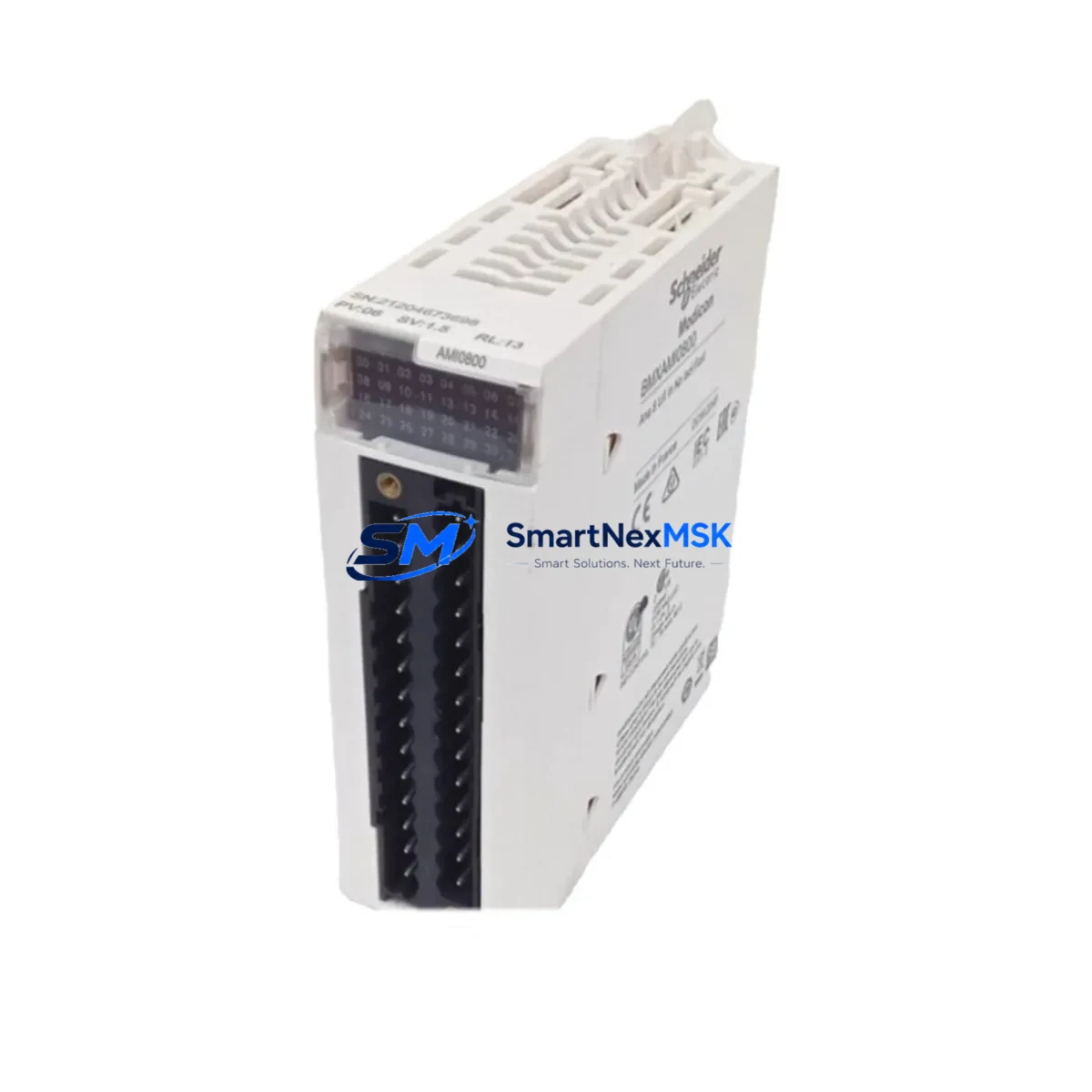
Schneider BMXAMI0800 Maintenance-Ready Spare M340 Automation
The Schneider Electric BMXAMI0800 is an 8-channel analog input module designed for the Modicon M340 PLC platform — one of the most widely deployed mid-range automation controllers in process, discrete, and hybrid manufacturing environments. When this module fails or degrades, the consequences extend beyond a single I/O channel: the entire analog acquisition loop is disrupted, triggering process alarms, forcing manual overrides, and in worst cases, causing unplanned line shutdowns that cost thousands per hour. Stocking a verified original BMXAMI0800 spare is not optional for any facility running M340-based control systems — it is a fundamental element of a sound maintenance strategy.
This listing provides an original, tested BMXAMI0800 unit sourced for industrial maintenance and spare parts programs. Each unit undergoes functional verification prior to dispatch, is packaged for safe transit, and is backed by a 12-month warranty covering manufacturing defects and operational failures under normal service conditions. Fast shipping is available to minimize downtime exposure for urgent replacement scenarios.
Spare Maintenance Table
| Part Number | BMXAMI0800 |
| Brand | Schneider Electric |
| Series | Modicon M340 |
| Module Type | Analog Input Module |
| Number of Channels | 8 channels (single-ended or differential) |
| Input Signal Types | Voltage (±10 V, 0–10 V) / Current (0–20 mA, 4–20 mA) |
| Resolution | 16-bit |
| Isolation | Channel-to-bus isolation |
| Bus Compatibility | Modicon M340 X Bus / Ethernet backplane |
| Power Supply | Supplied via M340 backplane (BMXXBP•••• series) |
| Operating Temperature | 0 °C to +60 °C |
| Mounting | M340 rack slot (DIN rail rack) |
| Certifications | CE, UL, cUL |
| Country of Origin | France |
| Warranty | 12 Months — covers manufacturing defects and operational failure under normal use |
| Condition | Original, functionally tested before shipment |
| Application Environment | Industrial automation, process control, discrete manufacturing, utilities |
| Maintenance Recommendation | Inspect wiring terminals and signal cables at each planned shutdown; verify channel calibration annually; replace if channel drift exceeds ±0.5% FS |
Maintenance Planning for Continuous Operation
Replacing the BMXAMI0800 in a live M340 system is rarely an isolated task. Maintenance engineers and procurement teams should treat this module replacement as an opportunity to audit the surrounding electrical environment and reduce the risk of repeat failures or cascading faults.
Start with the BMXXBP0400 / BMXXBP0800 backplane rack: a degraded backplane connector or cracked bus bar can cause intermittent communication errors that mimic module failure. Inspect the rack slot contacts and confirm the module seats firmly without play. Next, verify the BMXCPS2000 or BMXCPS3500 power supply module — analog input modules are sensitive to supply voltage ripple; a power supply operating near its thermal limit will introduce noise on the 24 VDC bus that manifests as erratic analog readings before any hard fault appears.
On the field wiring side, inspect the BMXFTB2010 or BMXFTB2020 terminal block connected to the BMXAMI0800. Loose screw terminals, corroded contacts, or undersized cable cross-sections are the most common root causes of analog signal degradation in M340 installations. If the process signals are 4–20 mA loops, check the loop power supply and any signal isolators or loop-powered transmitters in the circuit — a failing isolator will produce a shifted or clipped signal that appears to be a module fault.
For systems where the M340 communicates upstream to a SCADA or DCS via BMXNOE0100 or BMXNOE0110 Ethernet communication modules, confirm that the network configuration and IP addressing remain intact after the module swap — some M340 configurations store I/O mapping in the CPU module (BMXP342020 or BMXP342030) and may require a partial program download after hardware changes. Coordinate with the controls engineer before powering up.
If the installation includes BMXDAI1602 or BMXDDI1602 digital I/O modules in adjacent slots, inspect those as well during the same maintenance window. Shared rack faults — such as a loose rack power connector — can affect multiple modules simultaneously, and addressing only the analog module while leaving a marginal digital module in place increases the probability of a return call within weeks.
Finally, for facilities managing aging M340 systems beyond their original design life, consider stocking a BMXAMI0410 (4-channel analog input) as a complementary spare alongside the BMXAMI0800. In emergency scenarios where an 8-channel module is unavailable, a 4-channel unit can maintain critical loop monitoring while a full replacement is sourced, keeping the process partially operational and reducing total downtime.
Site Replacement Workflow
Step 1 — Pre-replacement verification: Before removing the BMXAMI0800, document the current channel configuration using Unity Pro / EcoStruxure Control Expert. Export the I/O configuration and note any channel-specific scaling, filtering, or alarm thresholds. This data is stored in the PLC program, not the module itself, but confirming it before the swap prevents post-replacement calibration disputes.
Step 2 — Safe isolation: Place the M340 CPU (BMXP342020 / BMXP342030) in STOP mode. De-energize the field wiring connected to the BMXAMI0800 terminal block. Do not remove the module under power — the M340 backplane does not support hot-swap for analog input modules in standard configurations.
Step 3 — Module removal and inspection: Remove the BMXAMI0800 by pressing the release latch and sliding the module out of the rack slot. Inspect the backplane connector pins on both the module and the rack for bent pins, corrosion, or debris. Clean with dry compressed air if necessary.
Step 4 — Replacement installation: Insert the new BMXAMI0800 into the same rack slot. Confirm the module locks into position. Reconnect the terminal block and verify all field wiring connections are secure and correctly terminated per the original wiring diagram.
Step 5 — Power-up and validation: Restore power to the rack. Place the CPU in RUN mode and monitor the I/O status in the diagnostic screen. Verify all 8 channels report expected values within the calibrated range. Compare live readings against the pre-replacement baseline to confirm successful restoration.
This workflow minimizes downtime to under 30 minutes for a prepared maintenance team and eliminates the most common post-replacement issues: misconfigured channels and loose field wiring.
Spare Parts Support FAQ
Q1: Is this BMXAMI0800 an original Schneider Electric unit or a compatible replacement?
This is an original Schneider Electric BMXAMI0800 module — not a third-party compatible or remanufactured substitute. Original units ensure full compatibility with M340 backplane communication protocols, Unity Pro / EcoStruxure Control Expert configuration tools, and Schneider Electric’s firmware update ecosystem. Using original spare parts also preserves any existing system certifications (CE, UL) that may be invalidated by non-original hardware.
Q2: What does the 12-month warranty cover, and how is a warranty claim handled?
The 12-month warranty covers manufacturing defects and operational failures under normal industrial service conditions. It does not cover damage caused by incorrect installation, overvoltage events, physical impact, or use outside the module’s rated environmental specifications. To initiate a warranty claim, contact [email protected] with the order number, a description of the fault, and any available diagnostic data from the PLC. Replacement or repair will be arranged promptly.
Q3: How do I confirm compatibility before ordering if my M340 system uses an older rack or CPU revision?
The BMXAMI0800 is compatible with all standard Modicon M340 rack configurations (BMXXBP0400, BMXXBP0600, BMXXBP0800, BMXXBP1200) and all M340 CPU variants (BMXP341000, BMXP342000, BMXP342020, BMXP342030). If your installation uses a non-standard rack or a very early hardware revision, please contact [email protected] with your rack reference and CPU part number before ordering. Our technical team will confirm compatibility within one business day.
Q4: What is your lead time, and do you maintain stock for urgent replacement orders?
We maintain ready stock of the BMXAMI0800 for immediate dispatch. Standard orders ship within 1–2 business days. For urgent breakdown situations requiring same-day or next-day dispatch, contact us directly at +86 18259474341 to confirm stock availability and arrange priority shipping. We support both single-unit emergency orders and bulk procurement for planned spare parts programs.
© 2026 SMARTNEXMSK. All rights reserved.
Original Source: https://smartnexmsk.com
Contact: [email protected] | +86 18259474341



