
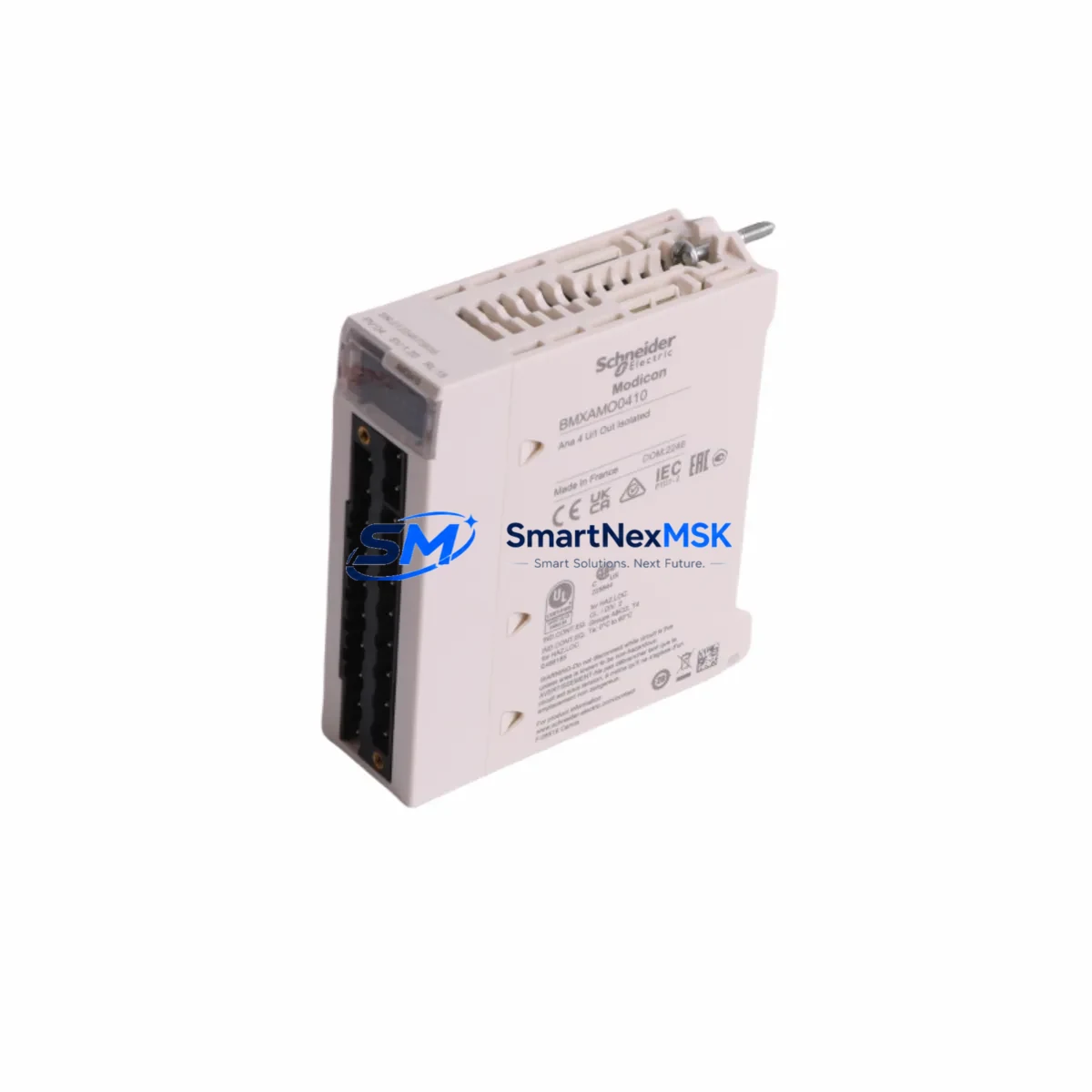
Schneider BMXAMO0410 Spare for Modicon M340 Automation
The Schneider Electric BMXAMO0410 is a 4-channel analog output module designed for the Modicon M340 mid-range PLC platform — one of the most widely deployed automation controllers in process, manufacturing, and infrastructure applications worldwide. When this module fails or degrades in service, the impact is immediate: analog control loops lose their output reference, actuators go to failsafe, and production lines halt. Sourcing a verified, original spare quickly is not optional — it is the difference between a two-hour recovery and a two-day outage.
This listing provides a maintenance-ready, original BMXAMO0410 unit, pre-tested under load conditions, shipped with full inspection documentation, and backed by a 12-month warranty. Every unit is verified for firmware compatibility, channel isolation integrity, and output accuracy before dispatch. Whether you are replenishing a critical spare parts kit, executing a planned replacement during a scheduled shutdown, or responding to an unplanned fault, this module is ready to install.
Spare Maintenance Table
| Parameter | Specification |
|---|---|
| Part Number | BMXAMO0410 |
| Brand | Schneider Electric |
| Series | Modicon M340 |
| Module Type | Analog Output Module |
| Number of Channels | 4 (configurable per channel) |
| Output Signal | 0–10 V / 0–20 mA / 4–20 mA (software selectable) |
| Resolution | 12-bit |
| Bus Interface | Modicon M340 X-Bus backplane |
| Compatible Racks | BMXXBP0400, BMXXBP0800, BMXXBP1200, BMXXBP0200 |
| Power Supply Requirement | Supplied via backplane (BMXCPS2000 / BMXCPS3500 / BMXCPS4002) |
| Operating Temperature | 0 °C to +60 °C |
| Protection Rating | IP20 |
| Certifications | CE, UL, cUL, IEC 61131-2 |
| Country of Origin | France |
| Compatibility | Drop-in replacement for all M340 rack configurations |
| Warranty | 12 Months — covers manufacturing defects and functional failure |
| Pre-shipment Testing | Full channel output accuracy, isolation, and bus communication verified |
| Maintenance Recommendation | Inspect wiring terminals, shielding, and output loop integrity at replacement |
Maintenance Planning for Continuous Operation
Replacing the BMXAMO0410 in a live M340 system is rarely an isolated task. Maintenance engineers and procurement teams who have managed Modicon M340 control cabinets know that analog output faults are often symptomatic of broader electrical stress in the cabinet. A disciplined replacement workflow should include inspection of the following components in the same service window.
Start with the BMXCPS2000 or BMXCPS3500 power supply module — degraded DC bus voltage is a leading cause of analog output drift and channel failure. Verify output voltage stability under load before reinstalling the new BMXAMO0410. Next, inspect the BMXXBP0800 or BMXXBP0400 backplane rack for connector wear, corrosion on the X-Bus edge contacts, and any signs of thermal stress. A compromised backplane will cause intermittent faults even with a new module installed.
Check the BMXDDI1602 or BMXDDO1602 digital I/O modules in adjacent slots — shared cabinet environments often expose all modules to the same voltage transients or ground faults that damaged the analog output module. Inspect terminal wiring on the BMXFTB2800 or BMXFTB2010 field terminal blocks for loose connections, insulation breakdown, or corrosion, particularly on 4–20 mA loop circuits where high impedance connections cause significant output error.
If the M340 system communicates over Ethernet or fieldbus, verify the BMXNOE0100 or BMXNOE0110 Ethernet communication module is operating normally — analog output faults sometimes trigger watchdog resets that affect network-connected modules. For systems using BMXEIA0100 serial communication modules or CANopen adapters, confirm that communication parameters were not altered during the fault event.
In cabinets with signal conditioning requirements, inspect any signal isolators or loop-powered transmitter barriers on the analog output circuits — these components absorb transient energy and may have degraded alongside the module. Finally, review the BMXP342020 or BMXP342030 CPU module event log for any recorded hardware faults, output forcing events, or watchdog trips that could indicate a systemic issue rather than a single-module failure. Addressing all of these components in a single planned maintenance window minimizes repeat callouts and extends the operational life of the entire M340 system.
Site Replacement Workflow
Step 1 — Preparation: Download the current Unity Pro or EcoStruxure Control Expert project backup before any hardware change. Confirm the replacement BMXAMO0410 carries the same hardware revision as the failed unit, or verify firmware compatibility in the Unity Pro hardware catalog. Gather the BMXFTB2800 field terminal block wiring diagram and label all analog output field cables before disconnection.
Step 2 — Safe Isolation: Place the M340 CPU (BMXP342020) in STOP mode. De-energize the analog output field circuits at the marshalling panel. Do not rely solely on software forcing — physically isolate the 24 VDC loop supply to the output channels to protect field devices during module swap.
Step 3 — Module Removal: Release the BMXAMO0410 locking tab, slide the module out of the rack slot, and inspect the backplane connector pins for damage. If pins are bent or corroded, the backplane must be replaced before installing the new module.
Step 4 — Installation and Verification: Seat the new BMXAMO0410 firmly into the rack slot until the locking tab engages. Reconnect the BMXFTB2800 terminal block. Power up the rack and confirm the module status LED shows green. In Unity Pro / EcoStruxure Control Expert, perform an online module diagnostic to verify all four channels are recognized and output values match the program reference.
Step 5 — Loop Commissioning: Restore the CPU to RUN mode. Verify each analog output channel against the field device (control valve, VFD reference, or positioner) using a calibrated loop tester. Document as-found and as-left readings in the maintenance record. This workflow supports full system compatibility, minimizes downtime, and ensures the replacement module performs to original specification from first power-up.
Spare Parts Support FAQ
Q1: Is this BMXAMO0410 an original Schneider Electric unit or a compatible replacement?
This is an original Schneider Electric BMXAMO0410 module — not a clone, compatible substitute, or refurbished unit from an unknown source. Each unit is sourced through verified industrial supply channels, inspected on receipt, and tested before shipment. The 12-month warranty covers manufacturing defects and functional failure under normal operating conditions.
Q2: How do I confirm hardware revision compatibility before ordering?
The BMXAMO0410 has maintained backward compatibility across all M340 rack generations. If your system runs a specific Unity Pro or EcoStruxure Control Expert version, share your CPU firmware version and project hardware catalog version with our team at [email protected] — we will confirm compatibility before shipment at no charge.
Q3: What is your lead time and how is the module tested before shipping?
In-stock units ship within 1–3 business days. Each BMXAMO0410 undergoes a pre-shipment functional test covering all four output channels (voltage and current modes), backplane bus communication, and channel isolation. A test report is available on request. Express shipping options are available for emergency downtime recovery situations.
Q4: Can you support long-term spare parts supply for legacy M340 systems?
Yes. We maintain ongoing stock of Modicon M340 series modules to support customers managing aging automation infrastructure. If you require a standing supply agreement, blanket order, or consignment stock arrangement for the BMXAMO0410 or related M340 components, contact our team to discuss terms. Long-term supply continuity is a core part of our service model for industrial maintenance customers.
© 2026 SMARTNEXMSK. All rights reserved.
Original Source: https://smartnexmsk.com
Contact: [email protected] | +86 18259474341



