
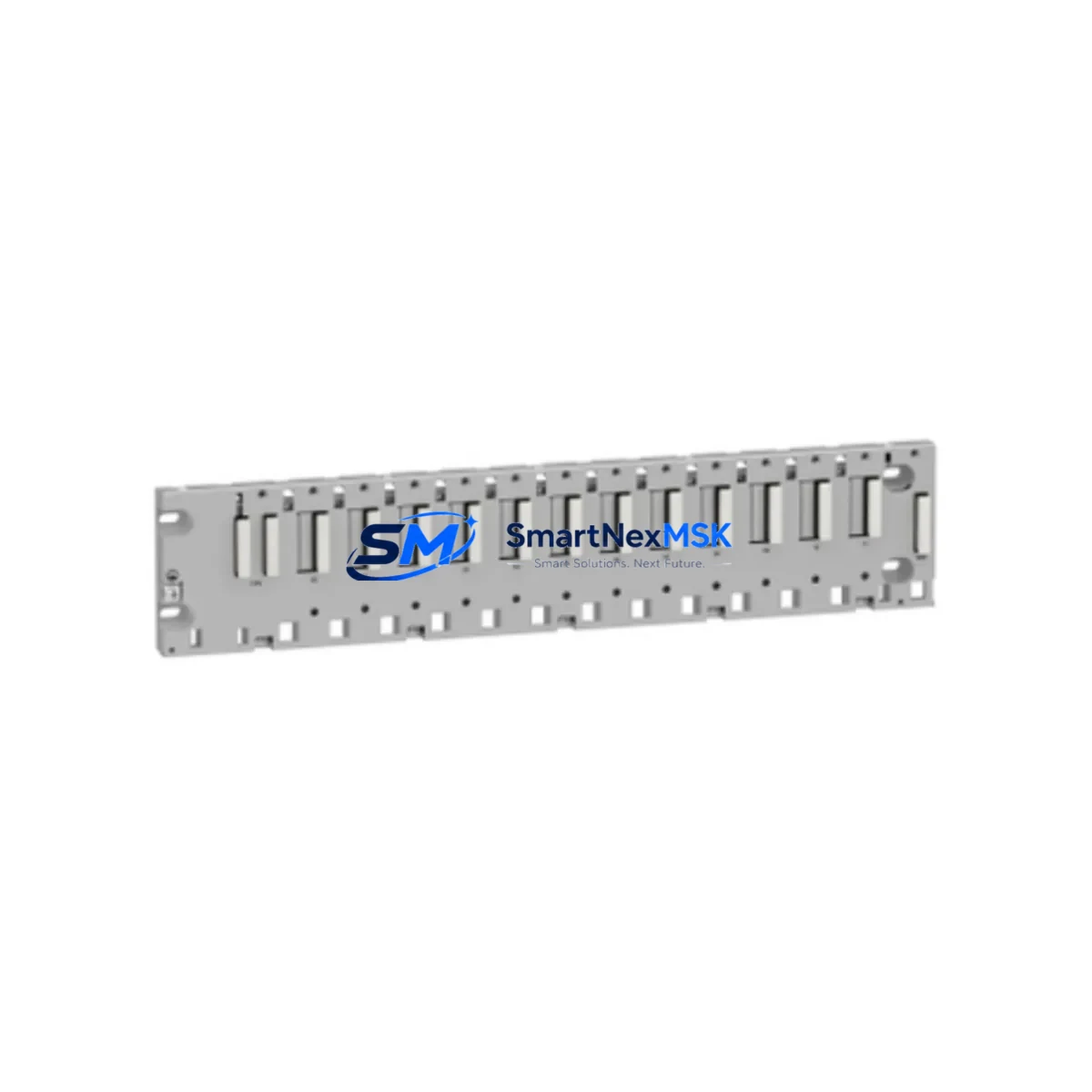
Schneider BMXXBP1200 Maintenance-Ready Spare for X80 Automation
The Schneider Electric BMXXBP1200 is a 12-slot backplane module designed for the Modicon X80 series PLC platform — one of the most widely deployed distributed control architectures in process automation, discrete manufacturing, and infrastructure applications. For maintenance engineers managing aging control cabinets or planning scheduled overhauls, holding a verified original BMXXBP1200 spare on the shelf is a direct line of defense against unplanned downtime. This backplane serves as the structural and electrical backbone of the X80 rack, interconnecting CPU modules, power supply units, and I/O modules into a unified control node. When the backplane fails or degrades, the entire rack goes offline — making rapid, like-for-like replacement the only viable recovery path in most production environments.
At SMARTNEXMSK, every BMXXBP1200 unit is sourced as an original Schneider Electric component, inspected prior to dispatch, and shipped with a 12-month warranty. We support maintenance teams and procurement engineers who need reliable, traceable spare parts with fast lead times — not refurbished substitutes or grey-market alternatives.
Spare Maintenance Table
| Parameter | Specification |
|---|---|
| Part Number / SKU | BMXXBP1200 |
| Brand | Schneider Electric |
| Series | Modicon X80 |
| Module Type | PLC Backplane (12-slot) |
| Slot Count | 12 slots (CPU + I/O + communication modules) |
| Bus Type | X Bus / Ethernet Backplane |
| Power Supply Compatibility | BMXCPS2000 / BMXCPS3500 / BMXCPS3522 series |
| Mounting | DIN rail or panel mount |
| Operating Temperature | 0°C to +60°C |
| Protection Rating | IP20 |
| Origin | France |
| Condition | Original, new |
| Warranty | 12 months |
| Pre-shipment Test | Yes — functional inspection before dispatch |
| Application | Process automation, discrete manufacturing, infrastructure control |
| Compatibility Note | Compatible with all Modicon X80 CPU and I/O modules; verify rack expansion with BMXXBE1000 extender bus if required |
Maintenance Planning for Continuous Operation
When a BMXXBP1200 backplane is flagged for replacement during a planned shutdown or emergency callout, experienced maintenance engineers know that the backplane itself is rarely the only component that needs attention. A thorough site inspection should accompany any rack-level intervention.
Start with the power supply. The BMXCPS2000 or BMXCPS3500 power supply module seated in the rack should be checked for output voltage stability and capacitor aging — a degraded PSU can cause intermittent backplane faults that mimic hardware failure. Next, inspect the CPU module — typically a BMXP342020 or BMXP342030 — for firmware version compatibility with the replacement backplane and verify that the SD card or internal program memory is intact before re-seating.
I/O modules installed in the rack, such as the BMXDDI1602 digital input module or BMXDDO1602 digital output module, should be removed, visually inspected for burn marks or connector wear, and re-seated with confirmed torque on terminal blocks. Loose field wiring at the terminal strip is a common secondary fault that surfaces only after a rack restart.
Communication modules deserve equal attention. If the system uses BMXNOE0100 Ethernet communication modules or BMXNOM0200 serial communication modules, verify IP addressing and baud rate settings are preserved in the replacement configuration. A communication module that loses its parameters during a rack swap can cause SCADA or DCS integration failures that are misdiagnosed as PLC faults.
For cabinets running signal isolation between field instruments and the PLC, check any installed signal isolators or loop-powered transmitter barriers on the marshalling panel. These components are often overlooked during backplane replacements but can introduce ground loops or signal offset errors that affect analog I/O accuracy post-restart.
Finally, if the X80 rack is part of a larger Hot Standby or RIO (Remote I/O) architecture using BMXCRA31210 adapter modules or BMXXBE1000 extender bus modules, confirm that the replacement backplane is correctly configured for the rack position in the topology before powering up. Fuse holders and miniature circuit breakers on the 24VDC distribution rail feeding the rack should also be tested for continuity as part of the commissioning checklist.
Site Replacement Workflow
Step 1 — Isolation: Follow site LOTO (Lockout/Tagout) procedures. De-energize the rack via the upstream MCB and confirm zero voltage at the PSU input terminals.
Step 2 — Module extraction: Label and photograph all module positions before removal. Extract I/O modules, communication modules, and the CPU in sequence. Retain all terminal block wiring labels.
Step 3 — Backplane removal: Unscrew the BMXXBP1200 from the DIN rail or panel mount. Inspect the bus connectors on the rear of each module for bent pins or oxidation before transferring to the replacement backplane.
Step 4 — Replacement installation: Mount the new BMXXBP1200, re-seat all modules in their original positions, and reconnect field wiring per the as-built drawings. Verify terminal torque to manufacturer specification.
Step 5 — Power-up and verification: Energize the PSU and confirm all module status LEDs indicate normal operation. Connect to the CPU via Unity Pro or EcoStruxure Control Expert to verify program integrity and I/O mapping before releasing the system to production.
This workflow minimizes mean time to repair (MTTR) and ensures system compatibility is maintained without requiring re-engineering of the control logic. Keeping a pre-tested BMXXBP1200 in the site spare parts store reduces emergency response time from days to hours.
Spare Parts Support FAQ
Q1: Is the BMXXBP1200 compatible with all Modicon X80 CPU and I/O modules?
Yes. The BMXXBP1200 is the standard 12-slot backplane for the Modicon X80 platform and is compatible with all current X80 CPU, power supply, I/O, and communication modules. If your installation uses rack extender bus modules (BMXXBE1000), confirm the rack position assignment before installation.
Q2: What is included with the BMXXBP1200 and what warranty applies?
Each unit is supplied as an original Schneider Electric component, functionally tested prior to shipment, and covered by a 12-month warranty against manufacturing defects. Units are dispatched with standard packaging and can be accompanied by a test report on request.
Q3: Can the BMXXBP1200 replace older Modicon Quantum or Premium backplanes?
No — the BMXXBP1200 is specific to the X80 platform and is not mechanically or electrically interchangeable with Modicon Quantum (140 series) or Premium (TSX series) backplanes. For legacy platform replacements, contact our team to identify the correct spare for your installed base.
Q4: What is the typical lead time and how do you support urgent breakdown orders?
Standard orders are processed and dispatched within 1–3 business days. For emergency breakdown situations, contact our sales team directly to confirm stock availability and expedited shipping options. We maintain buffer stock of high-demand X80 components to support unplanned maintenance events.
© 2026 SMARTNEXMSK. All rights reserved.
Original Source: https://smartnexmsk.com
Contact: [email protected] | +86 18259474341



