
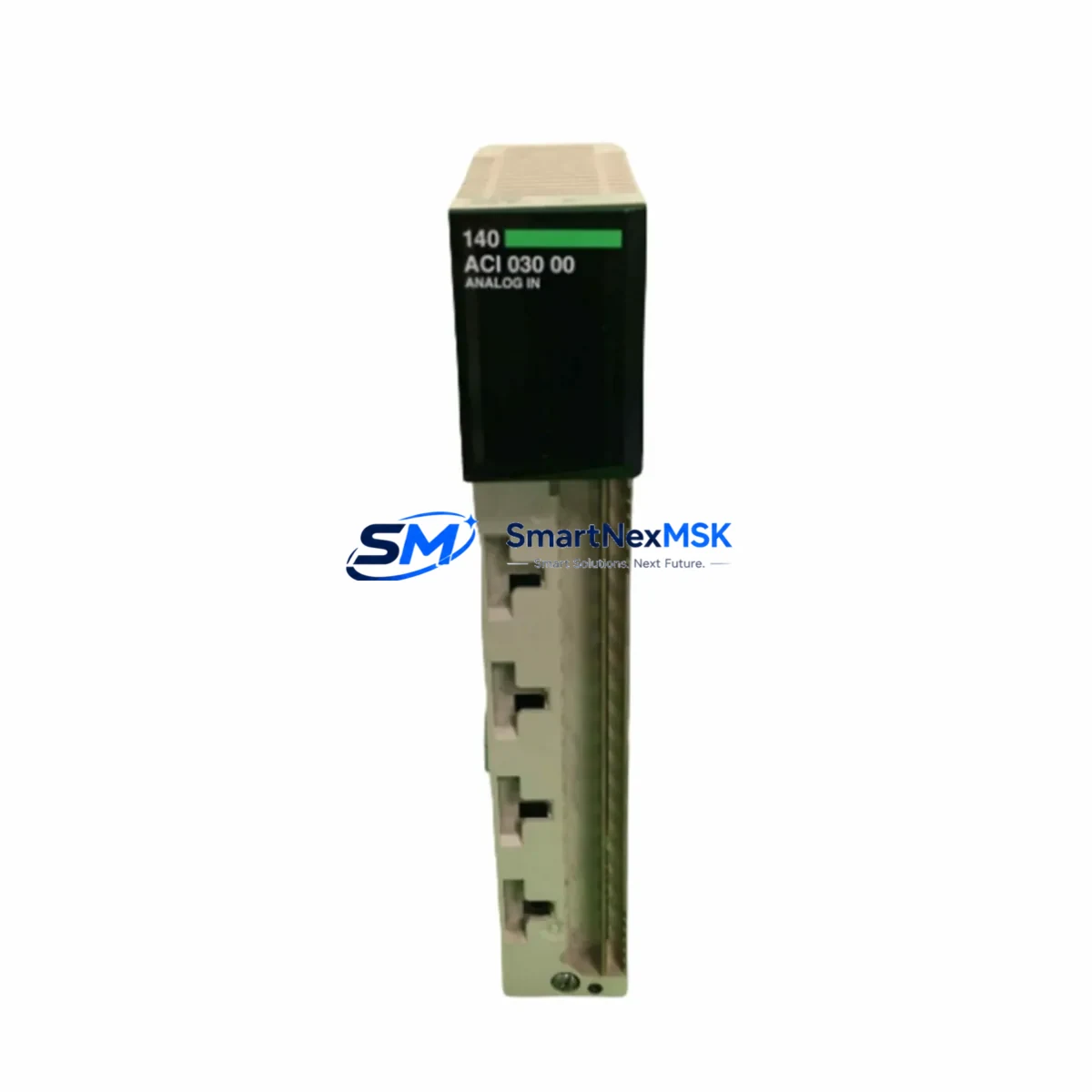
Schneider Electric 140ACI03000C Maintenance-Ready Spare for Quantum Automation: Spare Replacement & Industrial Downtime Risk Control
The Schneider Electric 140ACI03000C is a 16-channel analog input module designed for the Modicon Quantum PLC platform — one of the most widely deployed process automation architectures in power generation, water treatment, oil & gas, and heavy manufacturing. When this module fails or degrades, the consequences extend beyond a single I/O card: analog signal chains collapse, process variables go blind, and operators lose the real-time visibility needed to maintain safe, continuous production. Holding a verified spare of the 140ACI03000C is not optional for any site running Quantum-based control systems — it is a fundamental element of a sound maintenance strategy.
This listing supplies an original Schneider Electric 140ACI03000C, sourced through established industrial channels, individually tested prior to dispatch, and backed by a 12-month warranty. Every unit is verified for correct firmware compatibility, connector integrity, and channel-level signal response before it leaves our facility. Our goal is simple: when your maintenance team pulls a failed module at 2 AM, the replacement on the shelf works — first time, every time.
Spare Maintenance Table
| Parameter | Specification |
|---|---|
| Part Number / SKU | 140ACI03000C |
| Brand | Schneider Electric |
| Series / Platform | Modicon Quantum |
| Module Type | Analog Input Module |
| Number of Channels | 16 Channels |
| Input Signal Range | 4–20 mA / 0–20 mA (current input) |
| Resolution | 12-bit (4096 steps) |
| Backplane Compatibility | Modicon Quantum Local / Remote Drop Racks |
| Power Consumption | ≤ 1.5 W (backplane supplied) |
| Operating Temperature | 0°C to +60°C |
| Relative Humidity | 5% to 95% non-condensing |
| Isolation | Channel-to-backplane isolation |
| Mounting | Quantum rack slot (hot-swap capable with proper procedure) |
| Origin | France (Original Schneider Electric manufacture) |
| Pre-shipment Test | Full channel-level signal verification, all 16 channels |
| Warranty | 12 Months from date of delivery |
| Typical Application | Process analog signal acquisition — flow, pressure, temperature, level |
| Compatible CPU | 140CPU65160, 140CPU67160, 140CPU67261 and Quantum series |
| Compatible Software | Unity Pro / Control Expert (all versions) |
Maintenance Planning for Continuous Operation
Replacing the 140ACI03000C in a live Quantum system is rarely an isolated task. Experienced maintenance engineers know that analog input failures are often symptomatic of broader electrical stress in the control cabinet. Before declaring the module as the sole root cause, a disciplined site replacement workflow should include inspection of the following associated components:
Start with the 140CPS11400 or 140CPS21400 power supply module — voltage ripple or transient spikes on the backplane bus are a leading cause of premature analog module failure. Verify output voltage stability under load before installing the replacement 140ACI03000C. Next, inspect the 140XBP01600 or 140XBP00600 backplane rack for bent connector pins, oxidation, or mechanical damage at the slot where the failed module was seated.
On the field wiring side, check the terminal block assemblies and field wiring adapters (such as the 140XTS00200 or equivalent Telefast pre-wired sub-bases) for loose terminations, corroded contacts, or incorrect shielding. Unshielded or improperly grounded analog loops are a persistent source of noise that can damage input circuitry over time. Verify that all 4–20 mA transmitters in the loop — pressure transmitters, flow meters, level sensors — are within their rated output range and that loop power is correctly supplied.
If the Quantum system uses a 140NOE77100 or 140NOE77101 Ethernet communication module for SCADA integration, confirm that the module is still responding correctly after the I/O replacement, as some firmware versions require a rack re-initialization. For systems using 140NOM21200 Modbus Plus network modules, verify token-passing continuity after the swap.
In installations where the 140ACI03000C feeds signals into a Unity Pro or Control Expert application running on a 140CPU65160 or 140CPU67160 processor, confirm that the I/O map and channel configuration in the project match the replacement module’s firmware revision. Mismatched configurations can cause channels to report incorrect engineering unit values even when the hardware is functional.
For sites with signal isolators or loop-powered barriers between field instruments and the Quantum rack — common in hazardous area installations — inspect the isolator modules for drift or saturation. A failing isolator can mimic an analog input module fault and cause unnecessary module replacements. Similarly, check any surge protection devices (SPDs) installed on analog input terminals, as these components absorb transient energy and may require replacement after a fault event.
Finally, if the control cabinet includes a 140AVO02000 analog output module on the same rack, verify its operation as well — shared backplane faults can affect both input and output modules simultaneously. Proactive inspection of the full analog I/O complement during a planned replacement minimizes the risk of a repeat failure and supports a longer mean time between maintenance interventions.
Site Replacement Workflow
Step 1 — Pre-replacement documentation: Before removing the failed 140ACI03000C, record the current channel configuration, engineering unit scaling, and alarm setpoints from the Unity Pro / Control Expert project. Take a photograph of the field wiring terminations for reference during reconnection.
Step 2 — Safe isolation: Follow your site’s lockout/tagout (LOTO) procedure. For hot-swap capable racks, confirm that the CPU and application support online module replacement without a full rack power cycle. If not, schedule the replacement during a planned maintenance window to avoid uncontrolled process shutdowns.
Step 3 — Module extraction and inspection: Remove the failed module and inspect the rack slot connector. Clean any contamination with appropriate contact cleaner. Inspect the module’s front connector for bent pins or burn marks that may indicate an upstream wiring fault.
Step 4 — Replacement installation: Insert the replacement 140ACI03000C firmly into the rack slot until the locking tabs engage. Reconnect field wiring according to the documented termination photograph. Verify that all cable shields are correctly grounded at a single point.
Step 5 — Commissioning verification: Power up the rack and confirm that the CPU recognizes the new module without I/O configuration errors. In Unity Pro / Control Expert, force each channel to a known input value and verify that the PLC application reads the correct engineering unit value. Check all 16 channels before returning the system to automatic control.
Step 6 — Documentation and spare replenishment: Update the maintenance log with the replacement date, module serial number, and test results. Immediately initiate a purchase order for a replacement spare to restore your on-hand inventory level — downtime risk increases significantly when no spare is available.
Spare Parts Support FAQ
Q1: Is this 140ACI03000C an original Schneider Electric module or a third-party compatible?
This is an original Schneider Electric 140ACI03000C module, not a clone or third-party compatible. All units are sourced through established industrial supply channels and carry original Schneider Electric part markings and firmware. We do not supply counterfeit or remanufactured modules.
Q2: What pre-shipment testing is performed before dispatch?
Every 140ACI03000C undergoes full channel-level signal verification on a Modicon Quantum test rack prior to shipment. We confirm that all 16 analog input channels respond correctly across the 4–20 mA input range, that backplane communication is established without errors, and that the module firmware version is documented. A test report is available upon request.
Q3: How do I confirm compatibility with my existing Quantum rack and CPU firmware?
The 140ACI03000C is compatible with all standard Modicon Quantum local and remote drop racks. Compatibility with your specific CPU firmware version (Unity Pro / Control Expert project) should be verified against the Schneider Electric Quantum I/O compatibility matrix. If you provide your CPU part number and firmware version, our technical team can confirm compatibility before shipment.
Q4: What does the 12-month warranty cover, and what is the claims process?
The 12-month warranty covers hardware defects and functional failures under normal operating conditions from the date of delivery. It does not cover damage caused by incorrect installation, overvoltage events, or physical mishandling. To initiate a warranty claim, contact us with the order number, module serial number, and a description of the failure. We will arrange return shipping and provide a replacement or full refund within the agreed service timeline.
© 2026 SMARTNEXMSK. All rights reserved.
Original Source: https://smartnexmsk.com
Contact: [email protected] | +86 18259474341



