
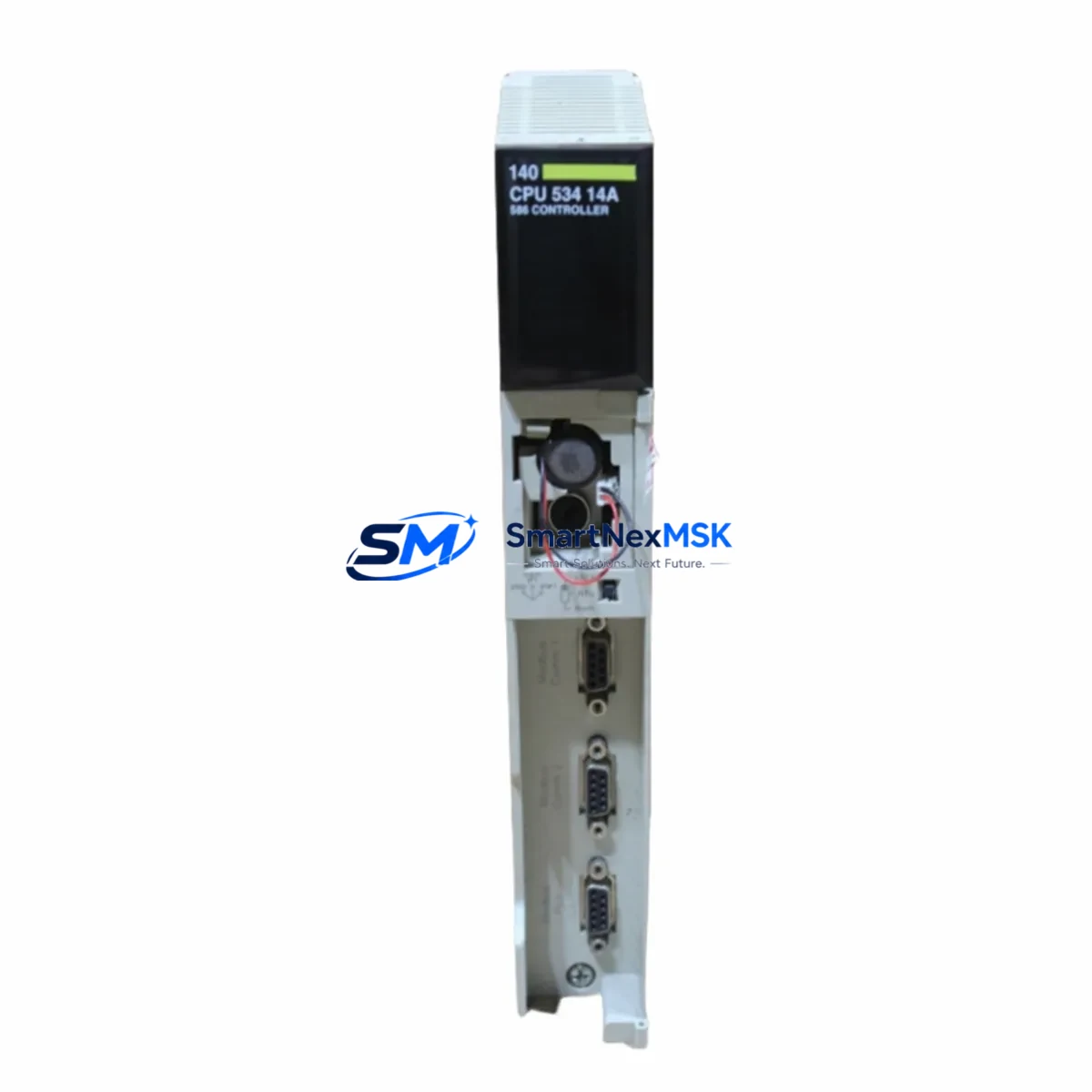
Schneider Electric 140DSI35300 Maintenance-Ready Spare for Quantum Automation
The Schneider Electric 140DSI35300 is a 32-channel 24VDC discrete input module designed for the Modicon Quantum PLC platform — one of the most widely deployed large-scale automation architectures in process industries, utilities, and heavy manufacturing. As a maintenance-ready original spare, the 140DSI35300 is stocked and tested to support rapid field replacement, minimizing unplanned downtime and restoring control system availability with confidence.
For maintenance engineers managing aging Quantum racks, sourcing a verified original 140DSI35300 is a critical step in any corrective or preventive maintenance plan. This module interfaces directly with field-level discrete sensors, limit switches, pushbuttons, and proximity detectors operating at 24VDC. Its 32-channel density makes it a high-value I/O asset in any control cabinet, and its failure — whether from surge damage, connector wear, or firmware incompatibility — can take an entire process loop offline.
Each unit shipped by SMARTNEXMSK undergoes pre-shipment functional verification and is covered by a 12-month warranty, giving procurement engineers the assurance needed for both emergency replacement orders and planned spare parts inventory replenishment.
Spare Maintenance Table
| Parameter | Specification |
|---|---|
| Part Number / SKU | 140DSI35300 |
| Brand | Schneider Electric |
| Series | Modicon Quantum |
| Module Type | 32-Channel Discrete Input Module |
| Input Voltage | 24VDC |
| Channel Count | 32 Channels |
| Input Logic | Positive / Sink Logic |
| Backplane Compatibility | Modicon Quantum Backplane (140 Series) |
| Communication Bus | Quantum Local I/O Bus |
| Operating Temperature | 0°C to 60°C |
| Mounting | Quantum Rack Slot (Single-Width) |
| Country of Origin | France |
| Condition | Original, New or Refurbished-Tested |
| Warranty | 12 Months |
| Pre-Shipment Test | Yes — Functional Verification Included |
| Typical Application | Process Control, Utilities, Heavy Manufacturing |
Maintenance Planning for Continuous Operation
When a 140DSI35300 discrete input module is flagged during routine control cabinet inspection or fails during operation, experienced maintenance engineers know that the replacement process extends beyond the module itself. A thorough site assessment should accompany every I/O module swap to prevent repeat failures and ensure system integrity.
Begin by inspecting the 140XBP01600 or 140XBP00600 Quantum backplane for bent connector pins, oxidation, or mechanical damage — a faulty backplane slot can damage a replacement module within hours of installation. Verify that the 140CPS11420 or 140CPS21400 power supply module is delivering stable 24VDC and 5VDC rails; voltage sag or ripple is a leading cause of I/O module degradation in high-density Quantum racks.
Check the 140CPU65160 or 140CPU67160 CPU module for active fault codes related to the failed I/O slot — these diagnostic logs are essential for root cause analysis before the replacement module is inserted. If the system uses a 140NOE77101 Ethernet communication module or 140NOM21200 Modbus Plus network module, confirm that network topology and node addressing remain intact after the module swap, as I/O reconfiguration can affect network-mapped variables.
For field wiring connected to the 140DSI35300, inspect the 140XTS00200 terminal strip or equivalent field wiring adapter for loose terminations, insulation breakdown, or moisture ingress — particularly in outdoor or high-humidity environments. Signal integrity issues at the terminal level are frequently misdiagnosed as module failures. Additionally, review any signal isolators or surge protection barriers installed upstream of the input channels; a single surge event that damages the 140DSI35300 will often also degrade adjacent protection components.
If the Quantum system includes a 140ACI04000 analog input module or 140ACO02000 analog output module in the same rack, verify their calibration status during the same maintenance window — shared power rail disturbances can affect analog accuracy. For systems with 140DDO35300 discrete output modules paired with this input module in the same control loop, confirm output channel continuity and relay contact condition before returning the loop to service.
Maintaining a minimum of one spare 140DSI35300 per Quantum rack in your site inventory is strongly recommended for facilities operating 24/7 continuous processes. Pair this with documented slot mapping, firmware version records, and a tested replacement procedure to achieve sub-30-minute corrective maintenance response times.
Site Replacement Workflow
Step 1 — Isolate and Document: Place the affected Quantum rack in safe state. Record the current slot assignment, I/O map address, and any active fault codes from the CPU. Photograph field wiring terminations before disconnection.
Step 2 — Remove the Failed Module: Power down the rack if hot-swap is not supported in your configuration. Carefully extract the 140DSI35300 from its backplane slot, avoiding lateral force on the connector. Inspect the backplane connector for damage before proceeding.
Step 3 — Verify Replacement Compatibility: Confirm the replacement 140DSI35300 matches the original firmware revision if your Unity Pro or Concept software project is revision-locked. Check the module label for hardware revision markings. SMARTNEXMSK provides revision details upon request prior to shipment.
Step 4 — Install and Configure: Seat the replacement module firmly into the backplane slot. Reconnect field wiring per the documented termination photograph. Power up the rack and observe the module status LED — a solid green indicates successful initialization.
Step 5 — Functional Verification: Force-test each input channel from the field device side using the CPU’s I/O forcing function in Unity Pro or Concept. Confirm all 32 channels respond correctly before releasing the loop to automatic control.
Step 6 — Update Maintenance Records: Log the replacement date, module serial number, and technician ID. Update your spare parts inventory and reorder the consumed spare to maintain minimum stock levels.
Spare Parts Support FAQ
Q1: Is the 140DSI35300 still available as a new original part, or only as refurbished?
SMARTNEXMSK stocks both new original and professionally refurbished-tested units of the 140DSI35300. Refurbished units undergo full functional verification equivalent to factory acceptance testing and are covered by the same 12-month warranty. Stock availability and condition are confirmed at the time of inquiry.
Q2: How do I verify compatibility between the replacement 140DSI35300 and my existing Quantum rack configuration?
Compatibility is determined by backplane type (140XBP series), CPU firmware version, and Unity Pro / Concept project revision. Provide your CPU part number and software version when placing your order, and our technical team will confirm hardware revision compatibility before shipment.
Q3: What is included in the pre-shipment test for the 140DSI35300?
Each unit is tested for correct backplane communication, all 32 input channel responses, LED status indication, and power consumption within specification. A test report is available upon request. Units failing any test parameter are not shipped.
Q4: What is the warranty coverage and what does it include?
All 140DSI35300 units are covered by a 12-month warranty from the date of shipment. The warranty covers manufacturing defects, functional failure under normal operating conditions, and DOA (dead-on-arrival) replacement. It does not cover damage resulting from incorrect installation, overvoltage events, or unauthorized modification. Warranty claims are processed within 5 business days of receipt of the returned unit.
© 2026 SMARTNEXMSK. All rights reserved.
Original Source: https://smartnexmsk.com
Contact: [email protected] | +86 18259474341



