
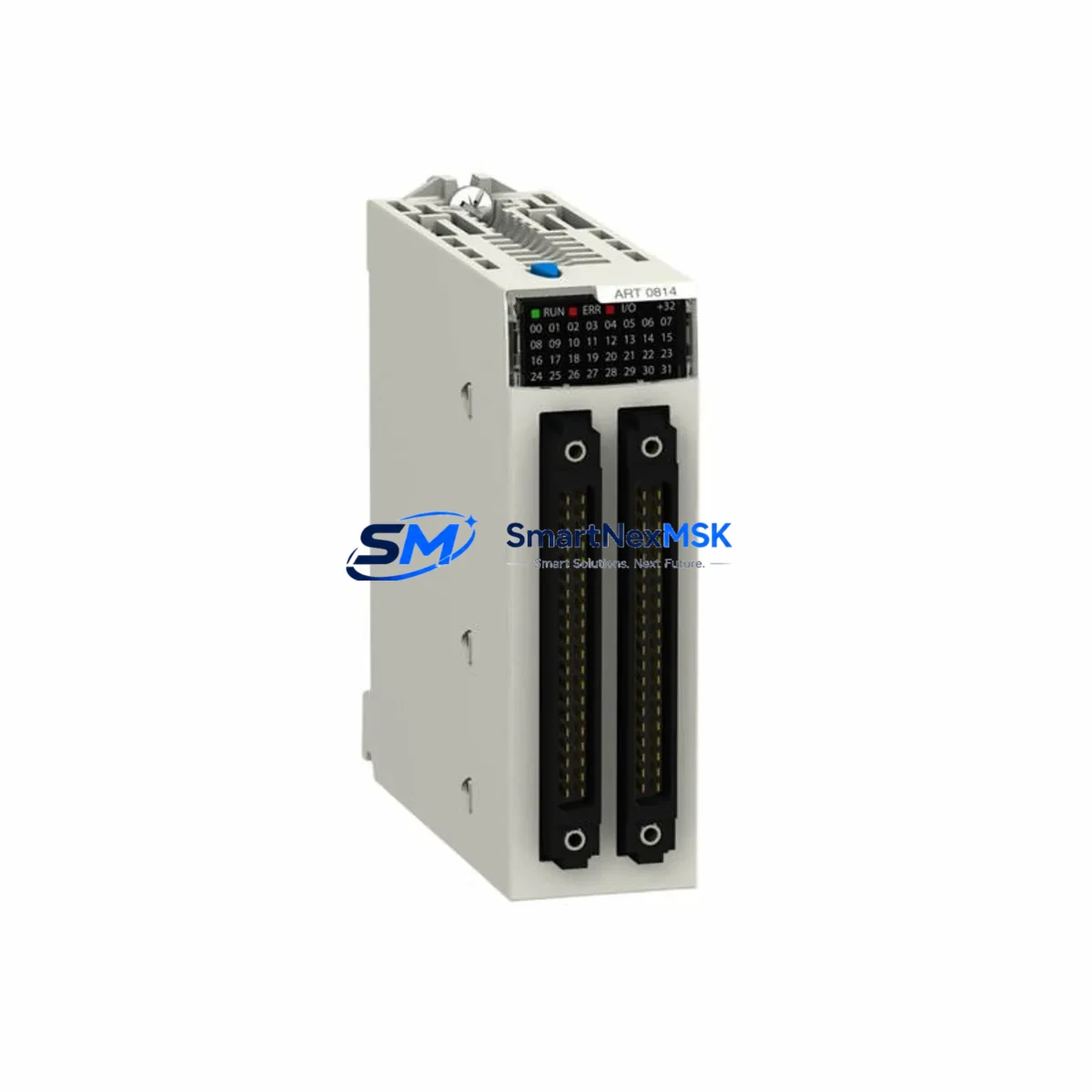
Schneider Electric BMXART0814 Maintenance-Ready Spare for M340 Automation
The Schneider Electric BMXART0814 is an 8-channel isolated thermocouple and RTD analog input module engineered for the Modicon M340 PLC platform. In industrial environments where process continuity is non-negotiable — from chemical dosing lines and HVAC control panels to water treatment facilities and discrete manufacturing cells — a verified, original spare of the BMXART0814 is a frontline asset against unplanned downtime. This listing provides a factory-sourced, pre-shipment tested unit backed by a 12-month warranty, ready for immediate field deployment.
Maintenance engineers and procurement teams managing Modicon M340 systems understand that analog input failures are rarely isolated events. A degraded BMXART0814 channel can cascade into erroneous PID loop outputs, false alarms, or complete process shutdowns. Stocking a verified replacement eliminates the critical gap between fault detection and system restoration.
Spare Maintenance Table
| Parameter | Specification |
|---|---|
| SKU / Part Number | BMXART0814 |
| Brand | Schneider Electric |
| Series | Modicon M340 |
| Module Type | 8-Channel Isolated Analog Input (TC / RTD) |
| Input Channels | 8 (individually isolated) |
| Sensor Compatibility | Thermocouple (J, K, T, B, E, N, R, S) & RTD (Pt100, Pt1000, Ni100, Ni1000) |
| Resolution | 16-bit |
| Supply Voltage | 24 VDC (via backplane) |
| Communication Bus | Modicon M340 X-Bus backplane |
| Rack Compatibility | BMX XBP 0400 / 0800 / 1200 backplanes |
| Operating Temperature | 0 °C to +60 °C |
| Protection Rating | IP20 |
| Origin | France |
| Weight | Approx. 180 g |
| Warranty | 12 Months |
| Pre-Shipment Test | Yes — functional and communication verified |
| Maintenance Recommendation | Inspect wiring terminals, verify channel calibration offsets, confirm firmware compatibility with BMX P34 CPU |
Maintenance Planning for Continuous Operation
When a BMXART0814 module is flagged for replacement during a planned shutdown or emergency callout, experienced maintenance engineers treat the event as a trigger for a broader control cabinet inspection. The analog input module sits at the intersection of field instrumentation and PLC logic — its health directly reflects the integrity of the entire measurement chain.
Begin by verifying the 24 VDC backplane power supply — typically a BMXCPS2000 or BMXCPS3500 power supply module — since voltage sags or ripple can corrupt analog readings before the module itself fails. Inspect the BMX XBP backplane for oxidized bus connectors or mechanical stress from repeated module insertions. Check the BMX P34 1000 or P34 2020 CPU module for firmware version compatibility with the replacement BMXART0814, as older firmware revisions may require a Unity Pro configuration update.
On the field wiring side, examine the terminal block assemblies and shielded twisted-pair cables connecting RTD and thermocouple sensors. Damaged cable shields or loose terminal screws are a leading cause of noise-induced analog drift that is often misdiagnosed as module failure. If the system uses signal isolators or signal conditioners between field sensors and the BMXART0814 inputs, verify their output ranges and power supply integrity simultaneously.
For systems with mixed I/O, also inspect adjacent BMXDDI1602 digital input modules and BMXDDO1602 digital output modules sharing the same rack, as backplane faults can affect multiple slots. If the M340 system communicates over Modbus TCP or EtherNet/IP via a BMXNOE0100 or BMXNOE0110 Ethernet communication module, confirm that the network module’s diagnostic LEDs show normal operation — a communication fault can mask analog data loss at the SCADA level. Where BMXAMI0810 standard analog input modules are installed alongside the BMXART0814 in the same cabinet, cross-check their channel health as part of the same inspection cycle.
Finally, review the fuse protection on the 24 VDC field power distribution rail. A blown fuse on the sensor supply circuit will disable multiple analog channels simultaneously and is frequently overlooked during rapid fault isolation.
Site Replacement Workflow
Step 1 — Pre-replacement verification: Confirm the replacement BMXART0814 SKU matches the installed unit. Check the Unity Pro or EcoStruxure Control Expert project file for the module’s configured channel types (TC vs. RTD), engineering unit ranges, and filter settings. Export the configuration before any hardware change.
Step 2 — Safe isolation: Place the M340 CPU in STOP mode via the programming terminal or the RUN/STOP key switch. De-energize the field sensor supply rail. Do not remove the module under live backplane power unless the rack supports hot-swap — the BMXART0814 does not support hot-swap and must be replaced with the rack powered down.
Step 3 — Physical replacement: Remove the faulty module by releasing the locking lever and sliding it out of the backplane slot. Insert the replacement BMXART0814, ensuring the bus connector seats fully. Reconnect field wiring to the terminal block, verifying polarity and shield grounding.
Step 4 — Configuration restore and commissioning: Power up the rack and download the saved project to the CPU. Verify that all 8 analog channels report expected values in the Unity Pro / EcoStruxure animation table. Compare live readings against reference instruments or known-good sensor outputs. Document the replacement in the site maintenance log with the new module’s serial number.
Step 5 — System handover: Return the CPU to RUN mode. Monitor the first 30 minutes of operation for any channel alarms or diagnostic bits set in the module’s I/O status words. This workflow minimizes mean time to repair (MTTR) and ensures the replacement is fully validated before the maintenance team leaves the site.
Spare Parts Support FAQ
Q1: Is this BMXART0814 an original Schneider Electric unit or a compatible replacement?
This is an original Schneider Electric BMXART0814 sourced from authorized supply channels. Each unit undergoes pre-shipment functional testing covering backplane communication, channel isolation, and analog accuracy before dispatch. A 12-month warranty is included from the date of delivery.
Q2: How do I confirm compatibility with my existing Modicon M340 rack and CPU?
The BMXART0814 is compatible with all standard Modicon M340 backplanes (BMX XBP 0400, 0800, and 1200 series) and all BMX P34 CPU variants. Compatibility is determined by the Unity Pro / EcoStruxure Control Expert project configuration, not by hardware revision. If your project was configured for BMXART0814, the replacement module will operate without firmware changes in the vast majority of cases. Contact us with your CPU firmware version if you require confirmation.
Q3: What is your recommended spare parts stocking strategy for M340 analog input modules?
For facilities running continuous processes, we recommend maintaining a minimum of one BMXART0814 per installed rack as a cold standby. For critical applications with multiple M340 racks, a ratio of one spare per four installed modules is a practical baseline. Modules stored in original packaging in a dry, temperature-controlled environment retain full functionality for 5+ years. Rotate stock on a first-in, first-out basis and inspect stored units annually for connector oxidation.
Q4: What does the 12-month warranty cover, and what is the return process?
The 12-month warranty covers manufacturing defects and functional failures under normal operating conditions as specified in the Schneider Electric BMXART0814 datasheet. It does not cover damage from incorrect installation, overvoltage, or environmental conditions outside the rated operating range. To initiate a warranty claim, contact our support team with the order number, fault description, and site installation details. Replacement units are dispatched within 3 business days of fault confirmation.
© 2026 SMARTNEXMSK. All rights reserved.
Original Source: https://smartnexmsk.com
Contact: [email protected] | +86 18259474341



