
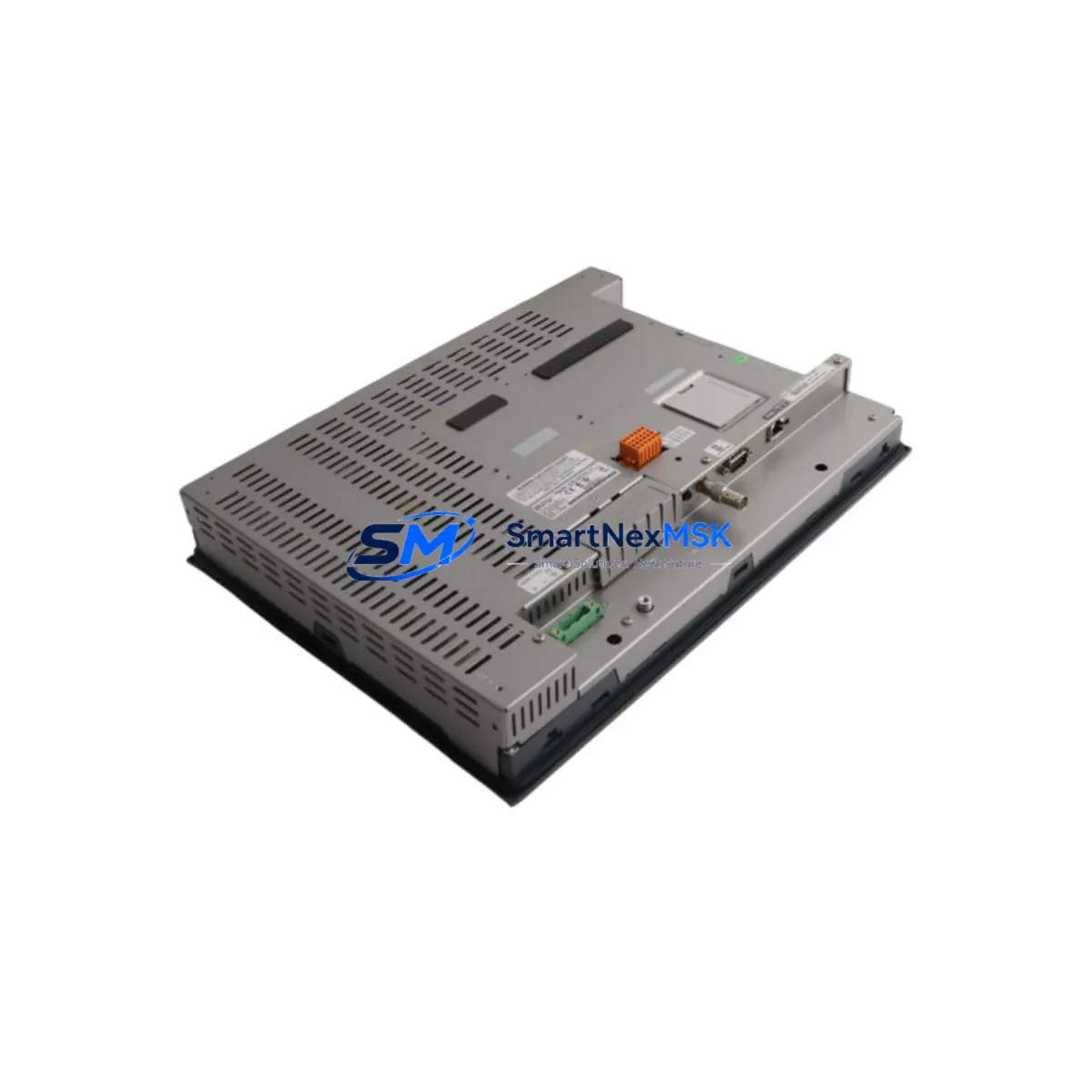
Schneider Electric XBTGT7340 Spare for XBTGT Automation: Spare Replacement & Industrial Downtime Risk Control
The Schneider Electric XBTGT7340 is a 12.1-inch SVGA color touch panel from the Magelis XBTGT Series, designed for demanding industrial HMI applications. Running on Windows CE with integrated Ethernet (10/100BASE-T) and serial communication ports (RS-232C / RS-485), this unit serves as the operator interface in a wide range of PLC-driven and DCS-integrated control architectures. When an XBTGT7340 fails or reaches end-of-service life, the impact on production continuity is immediate — operators lose visibility, alarms go unacknowledged, and manual overrides become necessary. Maintaining a tested, original spare in your parts inventory is the most reliable strategy for minimizing unplanned downtime and protecting your automation investment.
This listing provides a maintenance-ready, original Schneider Electric XBTGT7340 unit — inspected, function-tested, and shipped with a 12-month warranty. Whether you are managing a planned shutdown, responding to an emergency panel failure, or building a strategic spare parts buffer for aging XBTGT systems, this unit is ready for immediate deployment.
Spare Maintenance Table
| Parameter | Specification |
|---|---|
| SKU / Part Number | XBTGT7340 |
| Brand | Schneider Electric |
| Series | Magelis XBTGT |
| Product Type | HMI Touch Panel |
| Display Size | 12.1″ SVGA (800 × 600) |
| Operating System | Windows CE |
| Communication Ports | Ethernet 10/100BASE-T; RS-232C; RS-485 |
| Power Supply | 24 VDC (nominal) |
| Operating Temperature | 0 °C to +50 °C |
| Protection Rating | IP65 (front panel) |
| Compatible Series | XBTGT Series (XBTGT2130, XBTGT4330, XBTGT5330, XBTGT6340) |
| Mounting | Panel cut-out, rear-mount |
| Origin | France |
| Condition | Original, function-tested |
| Warranty | 12 Months |
| Shipping | Tested before shipment; fast global delivery |
Maintenance Planning for Continuous Operation
Replacing an XBTGT7340 is rarely an isolated task. Maintenance engineers and procurement teams working on Magelis XBTGT-based control systems should treat a panel replacement as an opportunity to audit the surrounding electrical and communication infrastructure. A failed or degraded HMI is often a symptom of broader issues in the control cabinet.
Begin with the 24 VDC power supply feeding the panel — verify output voltage stability and check for ripple or voltage sag under load. Schneider Electric PHASEO ABL7 series power supplies are commonly paired with XBTGT panels and should be inspected for capacitor aging or thermal stress. Next, inspect the Ethernet communication cable and switch port connecting the XBTGT7340 to the PLC or SCADA network; a degraded RJ45 connector or faulty managed switch port can cause intermittent communication faults that mimic panel failure.
For systems using RS-485 serial links to Modicon M340 or Modicon Premium PLCs, check the serial communication module (such as the BMX NOE 0100 Ethernet module or TSX SCY 21601 serial card) for firmware compatibility with the replacement panel. Confirm that the Vijeo Designer application project version stored on the XBTGT7340 matches the runtime version supported by the replacement unit before commissioning.
During cabinet inspection, also evaluate the condition of terminal blocks and wiring harnesses connected to the panel’s I/O signal lines. Loose or corroded terminals on Phoenix Contact or Weidmüller terminal strips are a common source of intermittent faults in aging control cabinets. If the system includes signal isolators between field sensors and the HMI analog inputs, verify isolation integrity — degraded isolators can introduce ground loops that corrupt display readings.
For systems with integrated Zelio Logic smart relays or TeSys motor starters communicating via the XBTGT panel, confirm that relay coil voltages and contactor auxiliary contacts are within specification. A panel replacement is also the right time to check UPS backup modules (such as the APC Easy UPS or Schneider Electric APC SMT series) that protect the HMI from power interruptions, and to verify that surge protection devices on the 24 VDC rail are functional. Finally, if the control cabinet includes a Modicon BMXP342020 processor module or similar CPU, confirm that the PLC program and I/O mapping remain consistent with the replacement panel’s tag database before returning the system to production.
Site Replacement Workflow
The XBTGT7340 is a direct form-fit-function replacement for other panels in the Magelis XBTGT family, including the XBTGT6340 and XBTGT5330, subject to display size and project compatibility verification. Follow this workflow to minimize downtime during a site replacement:
Step 1 — Pre-replacement verification: Confirm the replacement unit’s firmware version and Vijeo Designer runtime compatibility. Back up the existing panel project via USB or Ethernet before powering down.
Step 2 — Power isolation: Isolate the 24 VDC supply to the panel using the dedicated circuit breaker. Verify isolation with a calibrated multimeter before disconnecting any cables.
Step 3 — Cable and connector inspection: Label and photograph all cable connections before removal. Inspect Ethernet, RS-232C/RS-485, and power connectors for corrosion or mechanical damage. Replace any suspect cables before installing the new unit.
Step 4 — Panel installation: Mount the XBTGT7340 in the existing panel cut-out. Torque all mounting clamps to specification to maintain IP65 sealing. Reconnect all cables in reverse order of removal.
Step 5 — Project upload and commissioning: Upload the backed-up Vijeo Designer project to the replacement panel. Verify all communication links (Ethernet, serial) are established and all I/O tags are reading correctly before returning the system to operator control.
Step 6 — Functional test: Run a full I/O scan and alarm acknowledgment test. Confirm that all PLC communication links are stable and that the panel is logging data correctly before closing the cabinet.
Spare Parts Support FAQ
Q1: Is this XBTGT7340 an original Schneider Electric unit or a compatible replacement?
This is an original Schneider Electric XBTGT7340 unit — not a clone or compatible substitute. Each unit is function-tested and verified against OEM specifications before shipment. A 12-month warranty is included.
Q2: How do I verify compatibility with my existing Magelis XBTGT system before ordering?
Compatibility depends on the Vijeo Designer project version and the communication protocol in use (Ethernet/IP, Modbus TCP, or serial). Provide your existing panel’s firmware version and PLC model when contacting us — our technical team will confirm compatibility before shipment.
Q3: What is your inventory strategy for long-term supply of discontinued or end-of-life XBTGT panels?
We maintain strategic stock of XBTGT series panels to support customers managing aging automation systems. For facilities with multiple XBTGT7340 units in service, we recommend holding at least one tested spare per production line. Contact us for volume pricing and long-term supply agreements.
Q4: What pre-shipment testing is performed on each unit?
Every XBTGT7340 undergoes power-on functional testing, display verification, communication port testing (Ethernet and serial), and touchscreen calibration check before shipment. Units that do not pass all tests are not listed for sale. A test report is available upon request.
© 2026 SMARTNEXMSK. All rights reserved.
Original Source: https://smartnexmsk.com
Contact: [email protected] | +86 18259474341



