
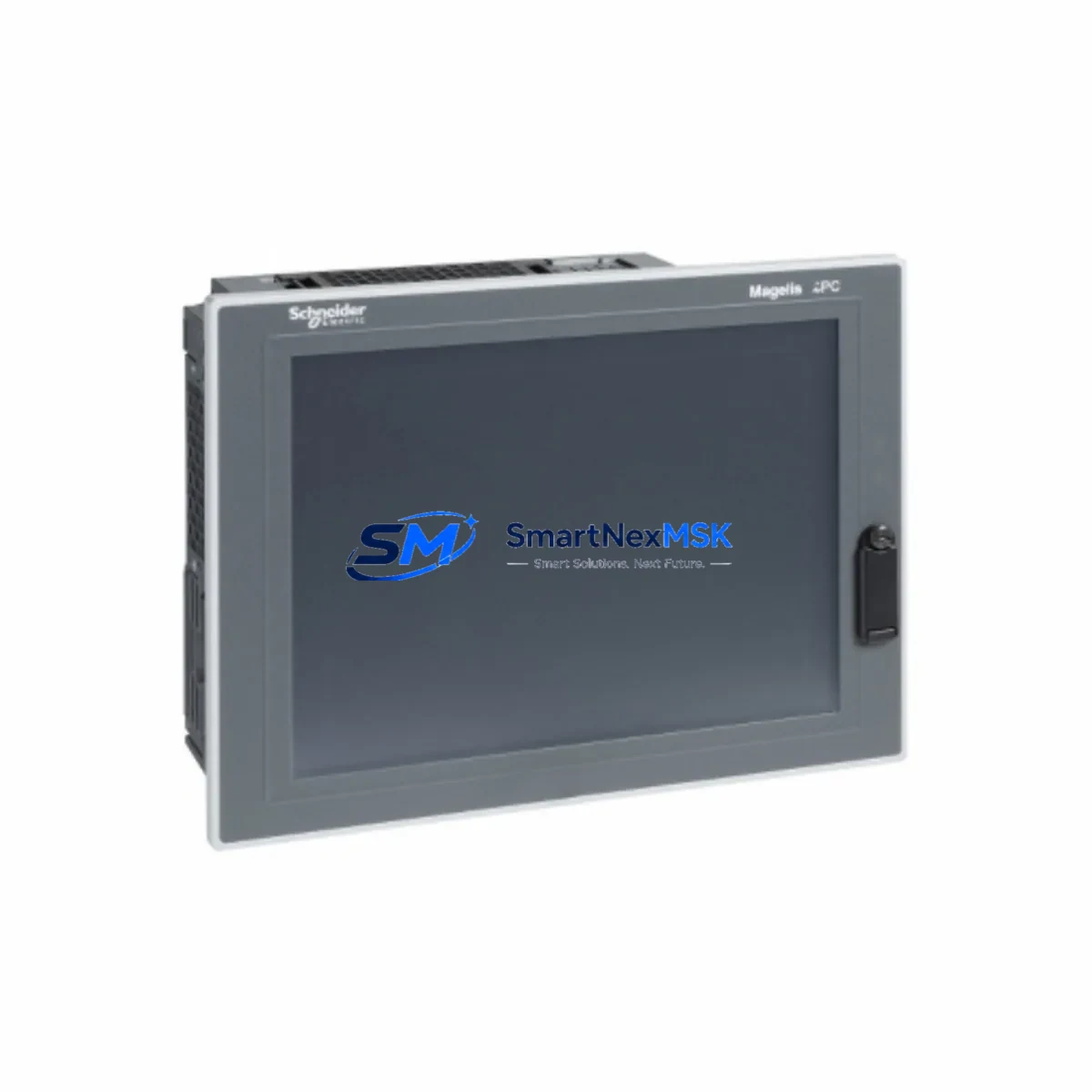
Schneider HMIPUH6A0701 Maintenance-Ready Spare Magelis Automation
Unplanned HMI downtime in an industrial automation environment can cascade rapidly — from a single failed operator panel to a full production line halt. The Schneider Electric HMIPUH6A0701 Magelis Universal Panel PC (7″ display) is a critical operator interface component deployed across a wide range of Magelis-series control architectures. Maintaining a verified, tested spare of this unit is a fundamental element of any responsible maintenance strategy for facilities running Schneider Electric automation systems.
This listing provides an original Schneider Electric HMIPUH6A0701 spare part, sourced, inspected, and dispatched with a 12-month warranty. Each unit undergoes pre-shipment functional verification to confirm display integrity, communication port operation, and power-on self-test completion before leaving our facility. Whether you are a maintenance engineer managing a planned shutdown or a procurement engineer building a critical-spares inventory, this unit is ready for immediate deployment.
Spare Maintenance Table
| Parameter | Specification / Detail |
|---|---|
| Part Number / SKU | HMIPUH6A0701 |
| Brand | Schneider Electric |
| Series | Magelis Universal Panel PC |
| Display Size | 7″ (WVGA) |
| Product Type | Industrial HMI Panel PC |
| Operating System | Windows Embedded / CE (series-dependent configuration) |
| Communication Interfaces | Ethernet (RJ45), USB, Serial (COM ports) |
| Supply Voltage | 24 VDC nominal (per Magelis HMIPUH series specification) |
| Protection Rating | IP65 (front panel) |
| Mounting | Panel cut-out, rear-mount with clamps |
| Origin | France |
| Compatibility | Magelis HMIPUH series; compatible with Vijeo Designer HMI software |
| Application Environment | Industrial control panels, SCADA operator stations, machine HMI |
| Maintenance Recommendation | Replace on display degradation, touch failure, or communication fault; inspect every 12–24 months |
| Warranty | 12 Months — covers manufacturing defects and functional failure |
| Pre-Shipment Test | Power-on self-test, display check, port verification |
Maintenance Planning for Continuous Operation
When a HMIPUH6A0701 requires replacement in the field, experienced maintenance engineers know that the HMI panel is rarely the only component under stress. A systematic inspection of the surrounding electrical environment is essential to prevent repeat failures and ensure a clean return to operation.
Begin with the 24 VDC power supply feeding the HMI — verify output voltage stability and ripple under load. A degraded power supply is a common root cause of HMI communication faults and display anomalies. If the panel uses a Schneider Electric Phaseo ABL8 series power supply, check its status LED and output terminals before commissioning the replacement HMI.
Inspect the Ethernet communication cable and switch port connecting the HMIPUH6A0701 to the PLC or SCADA network. Damaged RJ45 connectors or a faulty managed switch port can prevent the new HMI from establishing a Modbus TCP or EtherNet/IP session with the controller. If the system uses a Modicon M340 or M580 PLC, confirm the CPU module’s communication status and verify that the IP address configuration in Vijeo Designer matches the network topology.
Check all terminal blocks and wiring harnesses in the control cabinet — particularly the 24 VDC distribution rail and any signal cables routed to the HMI’s serial COM ports. Loose or corroded terminals are a frequent source of intermittent faults that are misdiagnosed as HMI hardware failure. Schneider Electric Linergy or Legrand terminal blocks in the same cabinet should be inspected for tightening torque and insulation condition.
If the control system includes Modicon TM5 or TM7 distributed I/O modules communicating via the HMI’s serial or fieldbus interface, verify that the I/O bus is healthy and that no module is reporting a fault that could have contributed to the original HMI failure. Similarly, any signal isolators or loop-powered transmitters connected to analog input channels should be checked for correct output range before the replacement HMI is placed in service.
For cabinets that also house Zelio Logic smart relays or Tesys motor starters, confirm that these devices are not generating electrical noise on the 24 VDC bus that could affect the new HMI’s stability. A 24 VDC line filter or surge suppressor installed upstream of the HMI power input is a low-cost preventive measure worth adding during the replacement window.
Finally, if the system uses a Magelis XBTGT or XBTGK series HMI elsewhere in the same facility, cross-reference the Vijeo Designer project file version to ensure software compatibility is maintained across the site. Keeping a documented spare-parts list that includes the HMIPUH6A0701, its associated power supply, communication cables, and key I/O modules is the foundation of a mature industrial maintenance program.
Site Replacement Workflow
Step 1 — Isolation and Backup: Before removing the failed HMIPUH6A0701, isolate the HMI power circuit at the cabinet breaker or fuse. If the unit is still partially functional, export the current Vijeo Designer runtime project and any recipe or alarm history data to a USB drive for reference.
Step 2 — Physical Removal: Release the panel-mount clamps from the rear of the cabinet cutout. Disconnect the 24 VDC power connector, Ethernet cable, and any USB or serial peripherals. Label all connectors before removal to prevent wiring errors during reinstallation.
Step 3 — Inspection of Mounting Cutout: Inspect the panel cutout gasket for damage or compression set. A compromised gasket will reduce the IP65 front-panel protection of the replacement unit. Replace the gasket if necessary before installing the new HMIPUH6A0701.
Step 4 — Installation and Configuration: Insert the replacement unit into the cutout and secure the rear clamps to the specified torque. Reconnect all cables in the reverse order of removal. Power on the HMI and confirm the Vijeo Designer runtime loads correctly and establishes communication with the PLC. Verify all screen pages, alarm displays, and data entry functions before returning the system to production.
Step 5 — Documentation: Record the replacement date, unit serial number, and any observations about the failure mode in the site maintenance log. Update the spare-parts inventory to reflect the consumed unit and initiate a reorder to maintain minimum stock levels.
This workflow is designed to minimize total downtime from fault detection to production restart, typically achievable within 2–4 hours for a prepared maintenance team with a verified spare on hand.
Spare Parts Support FAQ
Q1: Is this HMIPUH6A0701 an original Schneider Electric unit or a compatible replacement?
This is an original Schneider Electric HMIPUH6A0701 unit. We do not supply counterfeit, rebranded, or third-party compatible substitutes. Each unit is sourced from authorized supply channels and carries a 12-month warranty covering manufacturing defects and functional failure.
Q2: How do I verify compatibility with my existing Magelis system before ordering?
The HMIPUH6A0701 is part of the Magelis Universal Panel PC (HMIPUH) series and is compatible with Vijeo Designer HMI software. Confirm your existing project’s Vijeo Designer version and the panel’s physical cutout dimensions (standard HMIPUH 7″ format) before ordering. If you require compatibility confirmation for a specific machine or PLC model, contact our technical team with your system details.
Q3: What pre-shipment testing is performed on each unit?
Every HMIPUH6A0701 dispatched from our facility undergoes a power-on self-test, display uniformity and touch calibration check, and communication port verification (Ethernet, USB, serial). Units that do not pass all test criteria are not shipped. A test record is available on request.
Q4: What is your recommended inventory strategy for this HMI model?
For facilities operating three or more Magelis HMIPUH6A0701 units, we recommend maintaining a minimum of one verified spare on-site. For critical production lines where HMI failure would cause immediate line stoppage, a two-unit buffer is advisable. Given the long lead times sometimes associated with industrial HMI procurement, holding a pre-tested spare eliminates the risk of extended downtime while awaiting a new order. We offer long-term supply agreements for customers requiring guaranteed stock availability.
© 2026 SMARTNEXMSK. All rights reserved.
Original Source: https://smartnexmsk.com
Contact: [email protected] | +86 18259474341



