
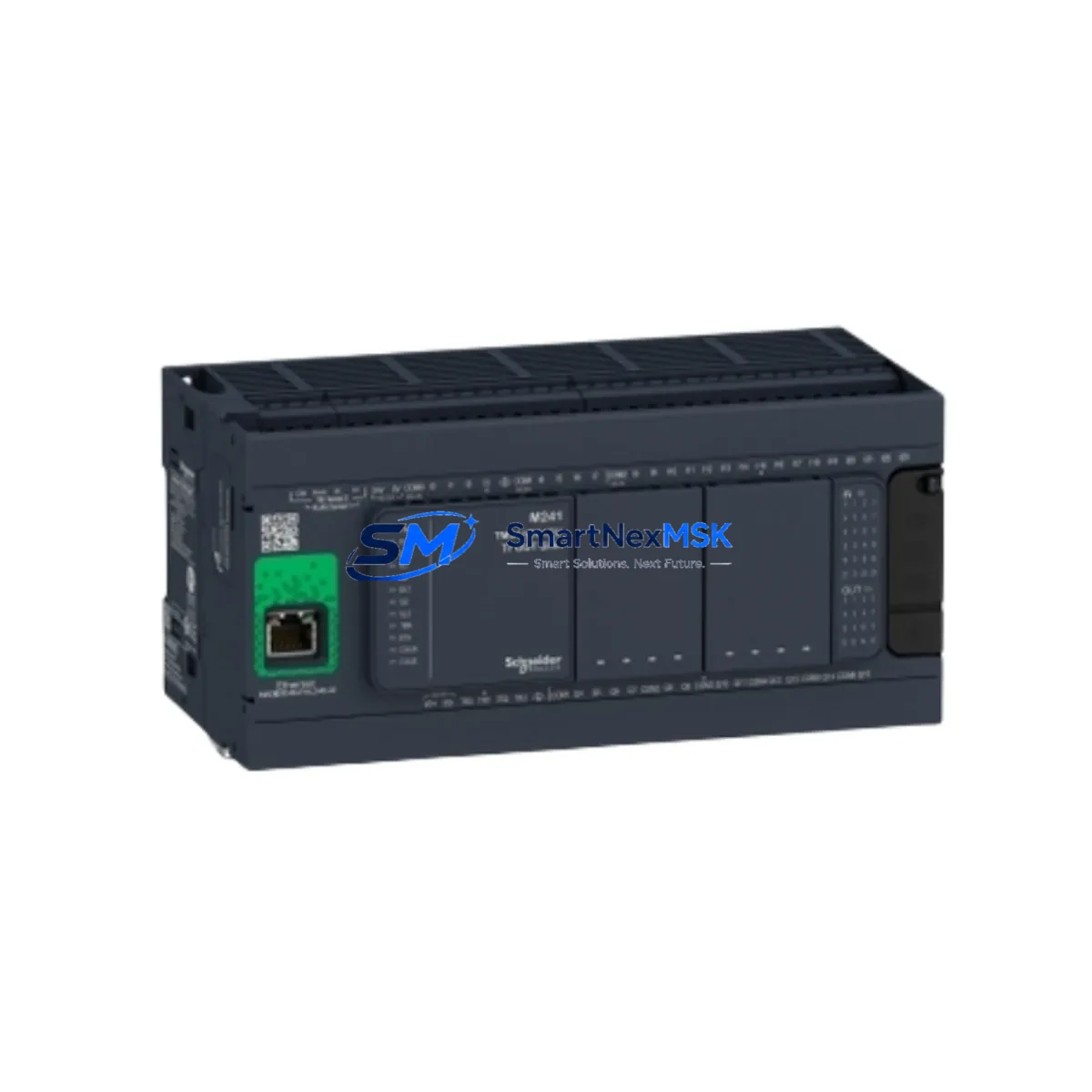
Schneider TM241CE40R Maintenance-Ready Spare for M241 Automation
The Schneider Electric TM241CE40R is a Modicon M241 series compact PLC controller featuring 40 I/O points, onboard Ethernet, and serial communication ports. As a maintenance-ready original spare part, the TM241CE40R is engineered to support rapid replacement in production lines, packaging systems, material handling equipment, and building automation panels where unplanned downtime carries significant operational cost. Whether you are managing a planned shutdown, responding to an emergency fault, or building a strategic spare parts inventory, the TM241CE40R delivers verified compatibility with the M241 platform and ensures your control system returns to full operation with minimal reconfiguration.
Sourced directly from authorized supply channels, every TM241CE40R unit undergoes functional verification prior to shipment. The module is supplied with a 12-month warranty covering manufacturing defects and operational failures under normal industrial service conditions. Long-term supply continuity is maintained to support legacy M241 installations and extended system lifecycles.
Spare Maintenance Table
| Parameter | Specification |
|---|---|
| Part Number / SKU | TM241CE40R |
| Brand | Schneider Electric |
| Series | Modicon M241 |
| Product Type | Compact PLC Controller |
| I/O Count | 40 (24 DI / 16 DO Relay) |
| Output Type | Relay |
| Supply Voltage | 100–240 VAC, 50/60 Hz |
| Communication Ports | Ethernet (RJ45), Serial (RS-232/RS-485) |
| Programming Standard | IEC 61131-3 (EcoStruxure Machine Expert) |
| Operating Temperature | 0°C to +55°C |
| Protection Rating | IP20 |
| Mounting | DIN Rail |
| Origin | France |
| Compatibility | Modicon M241 series; replaces TM241CE40R legacy units |
| Warranty | 12 Months |
| Condition | Original, New |
| Pre-shipment Test | Functional verification completed |
Maintenance Planning for Continuous Operation
When a TM241CE40R fails or is scheduled for replacement during a planned maintenance window, experienced maintenance engineers know that the PLC controller is rarely the only component requiring attention. A thorough inspection of the surrounding control cabinet is essential to prevent repeat failures and ensure system stability after the spare is installed.
Begin by inspecting the 24 VDC power supply module feeding the TM241CE40R’s input circuit. Degraded power supplies are a leading cause of intermittent PLC faults and should be tested under load before the new controller is commissioned. Check the TM241CE40R’s relay output contacts for signs of arc erosion — if the relay outputs have been switching inductive loads such as motor contactors or solenoid valves, the output relay module or associated intermediate relay modules in the cabinet may also require replacement.
Inspect all terminal blocks and wiring connections on the I/O bus. Loose or corroded terminals on the 24-point digital input section are a common source of false signals that can trigger nuisance faults and mask the true root cause of a PLC replacement. If the installation uses TM3 expansion I/O modules connected to the TM241CE40R via the TM3 bus, verify that the bus connectors are seated correctly and that the expansion modules themselves show no fault LEDs.
For systems using the onboard Ethernet port for SCADA or HMI communication, confirm that the network switch port, patch cable, and IP configuration are intact before powering up the replacement controller. If the installation includes a Magelis HMI panel communicating via Modbus TCP or serial, verify the communication parameters match the replacement unit’s configuration. Similarly, if a TM241CE40R is connected to a Modicon TM3 analog input module for process variable monitoring, recalibrate the analog input scaling after the controller swap to avoid setpoint drift.
Check the 24 VDC fuse holders and miniature circuit breakers protecting the I/O circuits. Blown fuses are frequently overlooked during emergency replacements and can cause the new PLC to appear faulty on first power-up. If the cabinet includes signal isolators or signal conditioners on thermocouple or 4–20 mA loops, inspect these for drift or failure, as a failed isolator can corrupt analog inputs and trigger false process alarms. Finally, review the SD memory card or internal flash backup on the TM241CE40R to confirm the application program and data logging configuration are current before returning the system to production.
Site Replacement Workflow
Step 1 – Pre-replacement backup: Before removing the existing TM241CE40R, use EcoStruxure Machine Expert to upload and save the current application program, including all variable values, retain data, and communication configuration. Store the backup on a secure engineering workstation.
Step 2 – Power isolation: Isolate the control cabinet supply using the main isolator switch. Verify zero voltage on the PLC supply terminals using a calibrated multimeter before proceeding. Follow your site’s lockout/tagout procedure.
Step 3 – Module removal: Disconnect all I/O wiring connectors, communication cables, and the power supply connector from the TM241CE40R. If TM3 expansion modules are connected, disconnect the TM3 bus connector carefully to avoid pin damage. Remove the controller from the DIN rail.
Step 4 – Replacement installation: Mount the new TM241CE40R on the DIN rail. Reconnect all wiring connectors in the correct sequence — power supply first, then I/O connectors, then communication cables. Reconnect the TM3 bus if applicable.
Step 5 – Program download and commissioning: Power up the cabinet and connect EcoStruxure Machine Expert. Download the saved application program to the new controller. Verify all I/O points, communication links, and HMI connections are functioning correctly before releasing the system to production.
Step 6 – System validation: Run a supervised production cycle to confirm normal operation. Document the replacement in the site maintenance log, including the date, replaced unit serial number, and technician name.
Spare Parts Support FAQ
Q: Is the TM241CE40R a direct drop-in replacement for an existing M241 installation?
A: Yes. The TM241CE40R is a direct replacement for units of the same part number within the Modicon M241 series. No hardware modification is required. The application program from the original unit can be downloaded directly to the replacement controller using EcoStruxure Machine Expert, provided the firmware version is compatible. We recommend verifying the firmware version before shipment if your installation requires a specific version.
Q: What pre-shipment testing is performed on the TM241CE40R?
A: Every TM241CE40R unit is functionally verified prior to dispatch. Testing includes power-on self-test, I/O point verification, communication port check, and visual inspection for physical damage. Units that do not pass all checks are not shipped. A test report is available on request.
Q: What does the 12-month warranty cover?
A: The 12-month warranty covers manufacturing defects and operational failures under normal industrial service conditions from the date of shipment. It does not cover damage resulting from incorrect installation, overvoltage events, physical impact, or unauthorized modification. Warranty claims are processed promptly with replacement or repair as appropriate.
Q: Can you support long-term supply for legacy M241 systems?
A: Yes. We maintain ongoing stock of the TM241CE40R and related M241 series components to support customers managing extended system lifecycles and legacy installations. If you require a standing supply agreement or need to reserve stock for a scheduled maintenance program, contact our sales team to discuss inventory reservation options.
© 2026 SMARTNEXMSK. All rights reserved.
Original Source: https://smartnexmsk.com
Contact: [email protected] | +86 18259474341



