
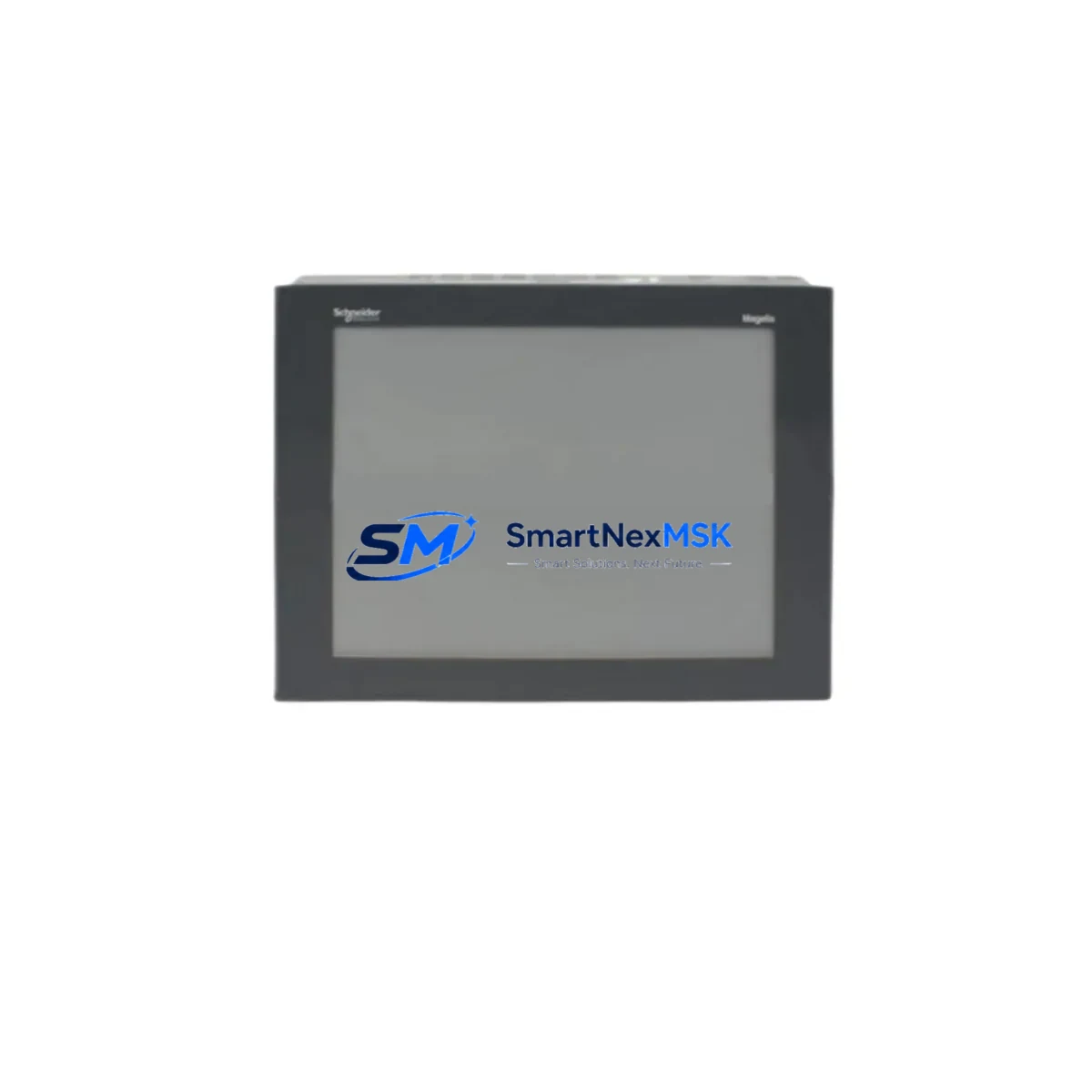
Schneider XBTG7340 Retrofit-Ready HMI for Magelis XBTG Control Systems
The Schneider Electric XBTG7340 is a 7.5-inch TFT color touchscreen HMI panel from the Magelis XBTG series, purpose-built for industrial control environments where legacy system continuity and smooth modernization are equally critical. Whether you are replacing a failed unit on an aging production line, upgrading a control cabinet from an earlier Magelis XBT generation, or migrating from a third-party operator panel, the XBTG7340 delivers the compatibility, communication flexibility, and rugged reliability that retrofit engineers demand.
With native support for Modbus RTU, Modbus TCP/IP, and Ethernet-based protocols, the XBTG7340 integrates directly into existing Schneider Electric control architectures built around Modicon M340, Modicon Premium, and Modicon Quantum PLCs. Its 800 × 480 resolution display, USB host/device ports, and compact panel-mount form factor make it a practical drop-in candidate for cabinets originally designed for the XBTG5330, XBTG6330, or XBTG2330 — provided the cutout dimensions and power supply ratings are verified before installation.
Upgrade Compatibility Table
| Parameter | XBTG7340 (This Unit) | Typical Legacy Reference | Retrofit Notes |
|---|---|---|---|
| Display Size | 7.5-inch TFT Color | 5.7–6.5 inch STN/TFT | Verify panel cutout; adapter plate may be required |
| Resolution | 800 × 480 px | 320 × 240 / 640 × 480 | HMI screens must be redrawn in Vijeo Designer |
| Communication Ports | RS-232, RS-485, Ethernet RJ45 | RS-232 / RS-485 only | Ethernet port enables Modbus TCP/IP migration |
| Power Supply | 24 VDC (±20%) | 24 VDC | Confirm cabinet PSU capacity; add buffer if needed |
| Mounting | Panel-mount, IP65 front | Panel-mount, IP65 front | Check gasket condition; replace if aged |
| Programming Software | Vijeo Designer 6.x+ | Vijeo Designer / XBT-L1000 | Convert legacy .xba projects; validate all tags |
| PLC Compatibility | Modicon M340, Premium, Quantum, TSX Micro | TSX Micro, TSX Premium | Driver selection in Vijeo Designer; test all links |
| USB Interface | USB Host + Device | Not available on older XBT | Enables program transfer without serial cable |
| Warranty | 12-Month Warranty — covers hardware defects from date of shipment | ||
Retrofit Planning for Existing Automation Systems
A successful XBTG7340 retrofit begins well before the unit arrives on site. The first step is a thorough audit of the existing control cabinet: confirm that the 24 VDC power supply — often a Phaseo ABL7 or ABL8 series unit — can sustain the additional current draw of the new HMI without tripping protection devices. If the cabinet also houses a Modicon TM5 I/O expansion rack or a CANopen distributed I/O network, document all node addresses and verify that the XBTG7340’s communication drivers are configured to match the existing baud rate and parity settings.
Terminal wiring is a common source of commissioning delays. The XBTG7340 uses a standard 9-pin D-sub RS-232 connector and an RJ45 Ethernet port. If the legacy panel used a proprietary Magelis XBT serial cable — such as the XBTZ9980 programming cable — confirm whether the pinout is compatible or whether a new cable assembly is required. For RS-485 multi-drop networks connecting the HMI to a Modicon TSX Micro or TSX Premium PLC, verify termination resistor placement and cable shielding continuity before powering up.
When the control system includes a Twido or Zelio Logic compact controller alongside the main PLC, the XBTG7340 can address both via separate communication ports, reducing the need for additional operator panels in the cabinet. Similarly, if the existing architecture relies on a Modicon STB distributed I/O island connected via Ethernet, the XBTG7340’s RJ45 port can be configured to monitor island status directly through Modbus TCP/IP, eliminating a dedicated gateway module.
Before removing the old panel, export and archive all HMI project files from the legacy unit using Vijeo Designer or the original XBT-L1000 software. Photograph all terminal connections and label every wire. If the existing project was built on an older Vijeo Designer version, run the project migration wizard and resolve all deprecated tag references before attempting to download to the XBTG7340. Pay particular attention to alarm groups, recipe data blocks, and trend historian configurations, as these are the most frequent sources of post-migration discrepancies.
Downtime Control During System Migration
Minimizing production downtime during an HMI replacement requires a structured parallel preparation strategy. Begin by building and fully validating the new XBTG7340 project in a Vijeo Designer simulation environment before the scheduled maintenance window. Simulate all PLC communication links, alarm acknowledgment sequences, and recipe download routines offline so that on-site commissioning is reduced to connection verification and a final functional test.
During the physical swap, keep the Modicon M340 or TSX Premium PLC running in its current program state — do not cycle power to the controller unless the process safety plan requires it. Disconnect the old HMI panel, install the XBTG7340 into the cutout (using an adapter plate if the opening dimensions differ), reconnect all communication cables, and restore 24 VDC power. Download the pre-validated project via USB or Ethernet, confirm all PLC variable bindings are live, and run a point-to-point I/O check against the field instruments before releasing the line.
If the process cannot tolerate even a brief loss of local operator visibility, consider deploying a temporary Magelis GTO or HMIGTO series panel as a parallel monitoring station during the transition period. This approach preserves operator situational awareness while the XBTG7340 is being commissioned, and it is particularly valuable in continuous-process environments such as water treatment, HVAC control, or packaging lines where unattended operation is not permitted.
All units shipped by SMARTNEXMSK undergo a pre-delivery power-on test and firmware verification. Each XBTG7340 is dispatched with a 12-month warranty covering hardware defects, giving your maintenance team confidence that the replacement unit will perform reliably from day one.
Retrofit Support FAQ
Q1: Is the XBTG7340 a direct drop-in replacement for the XBTG5330 or XBTG6330?
The XBTG7340 uses the same Magelis XBTG platform and 24 VDC power architecture, but its 7.5-inch display is physically larger than the 5.7-inch XBTG5330 and 6.5-inch XBTG6330. The panel cutout dimensions will differ, so a new cutout or an adapter frame is typically required. Communication wiring and Vijeo Designer project migration are straightforward once the mechanical fit is resolved.
Q2: What programming cable and software do I need to commission the XBTG7340?
The XBTG7340 can be programmed via USB (using a standard USB-A to USB-B cable) or over Ethernet using Vijeo Designer 6.0 or later. The legacy XBTZ9980 serial programming cable is not required. Ensure your PC has the correct Vijeo Designer license and that the XBTG7340 firmware version matches the project target version before downloading.
Q3: Can the XBTG7340 communicate simultaneously with a Modicon M340 PLC and a third-party device on RS-485?
Yes. The XBTG7340 supports multi-driver configurations in Vijeo Designer, allowing simultaneous Modbus TCP/IP communication with a Modicon M340 via Ethernet and Modbus RTU communication with a third-party drive or controller via the RS-485 serial port. Configure each driver independently and assign non-overlapping variable address ranges to avoid conflicts.
Q4: What does the 12-month warranty cover, and how is a warranty claim processed?
The 12-month warranty covers hardware defects in materials and workmanship from the date of shipment. It does not cover damage resulting from incorrect installation, overvoltage, or unauthorized modification. To initiate a warranty claim, contact SMARTNEXMSK with your order reference and a description of the fault. A replacement or repair will be arranged within the agreed service timeline, and return shipping instructions will be provided.
© 2026 SMARTNEXMSK. All rights reserved.
Original Source: https://smartnexmsk.com
Contact: [email protected] | +86 18259474341



