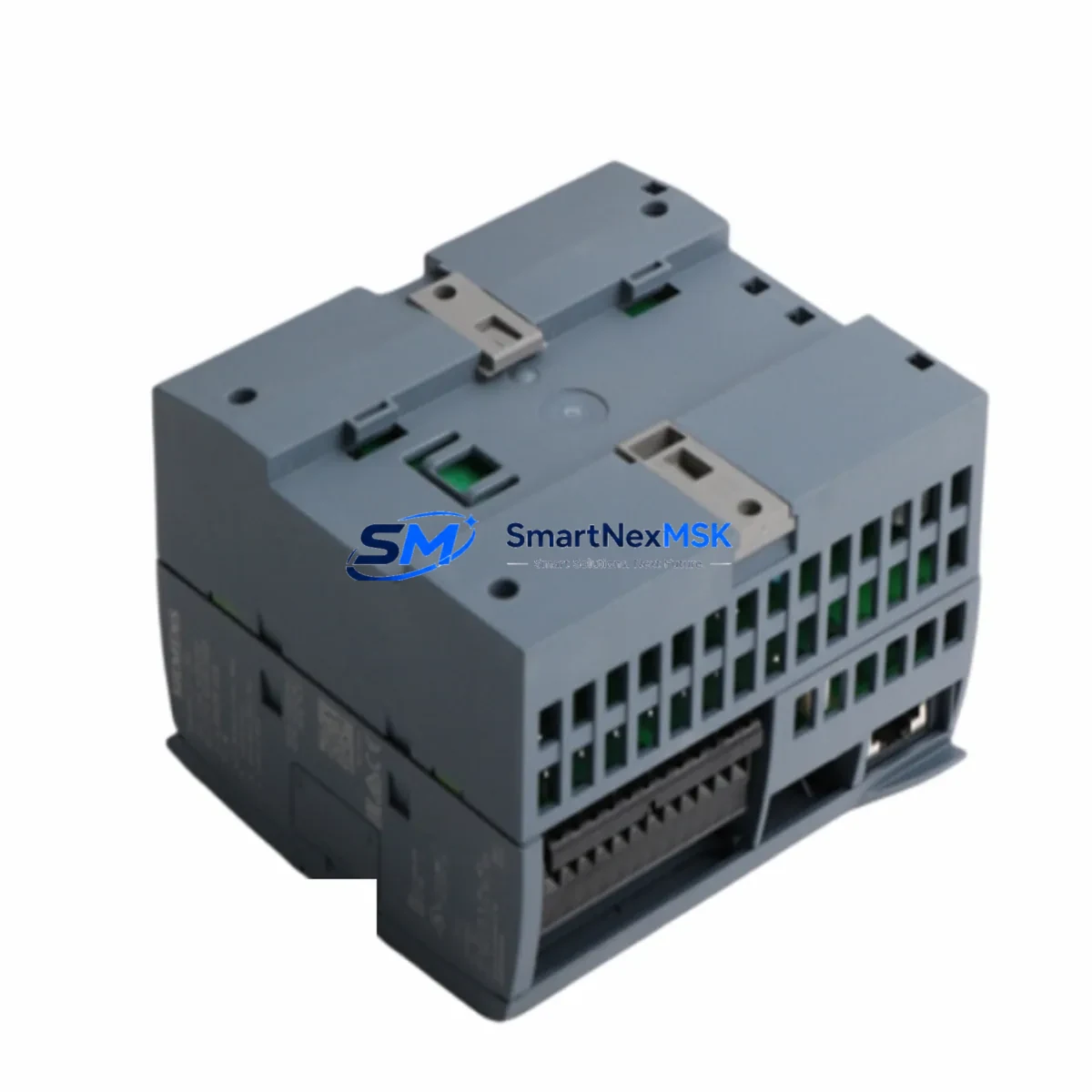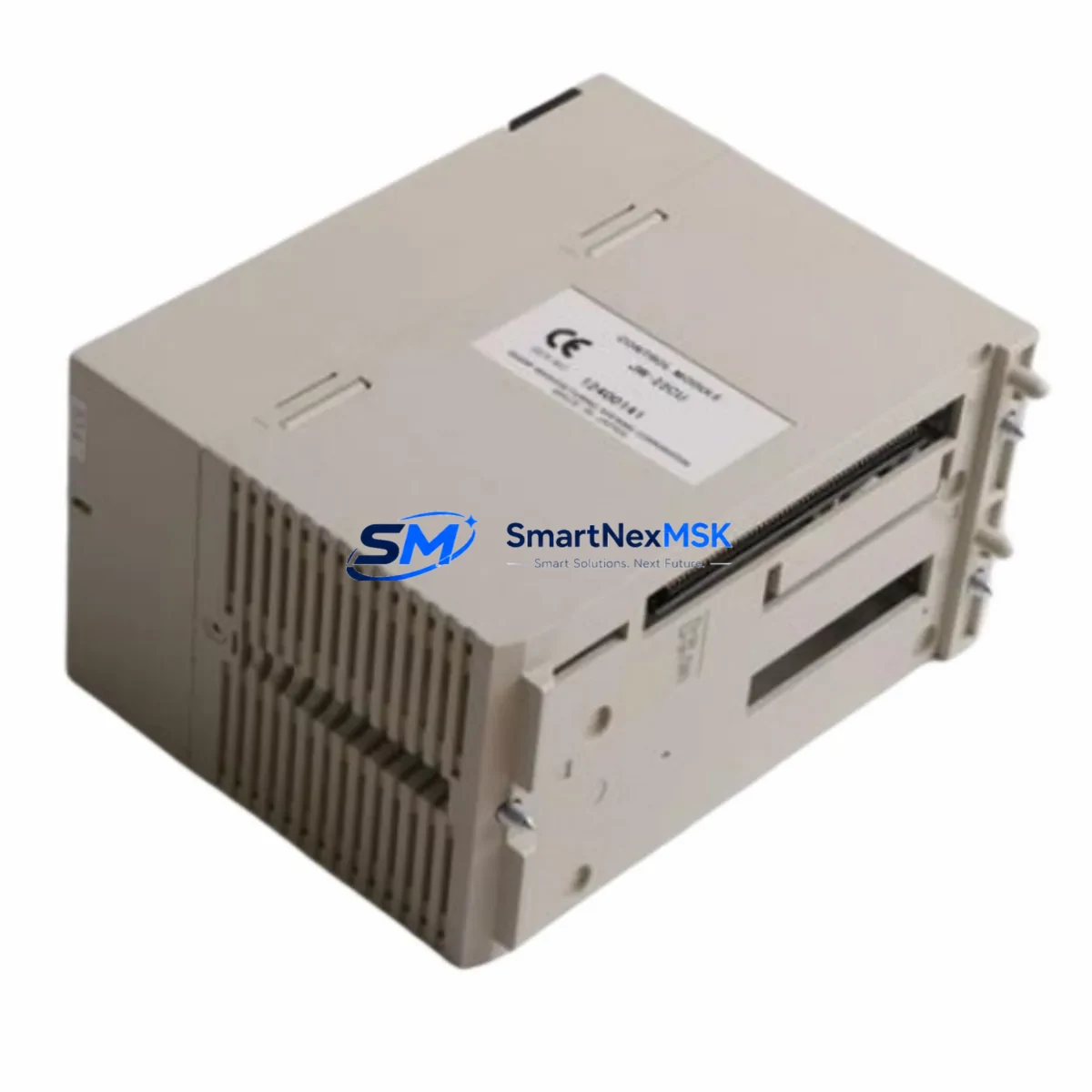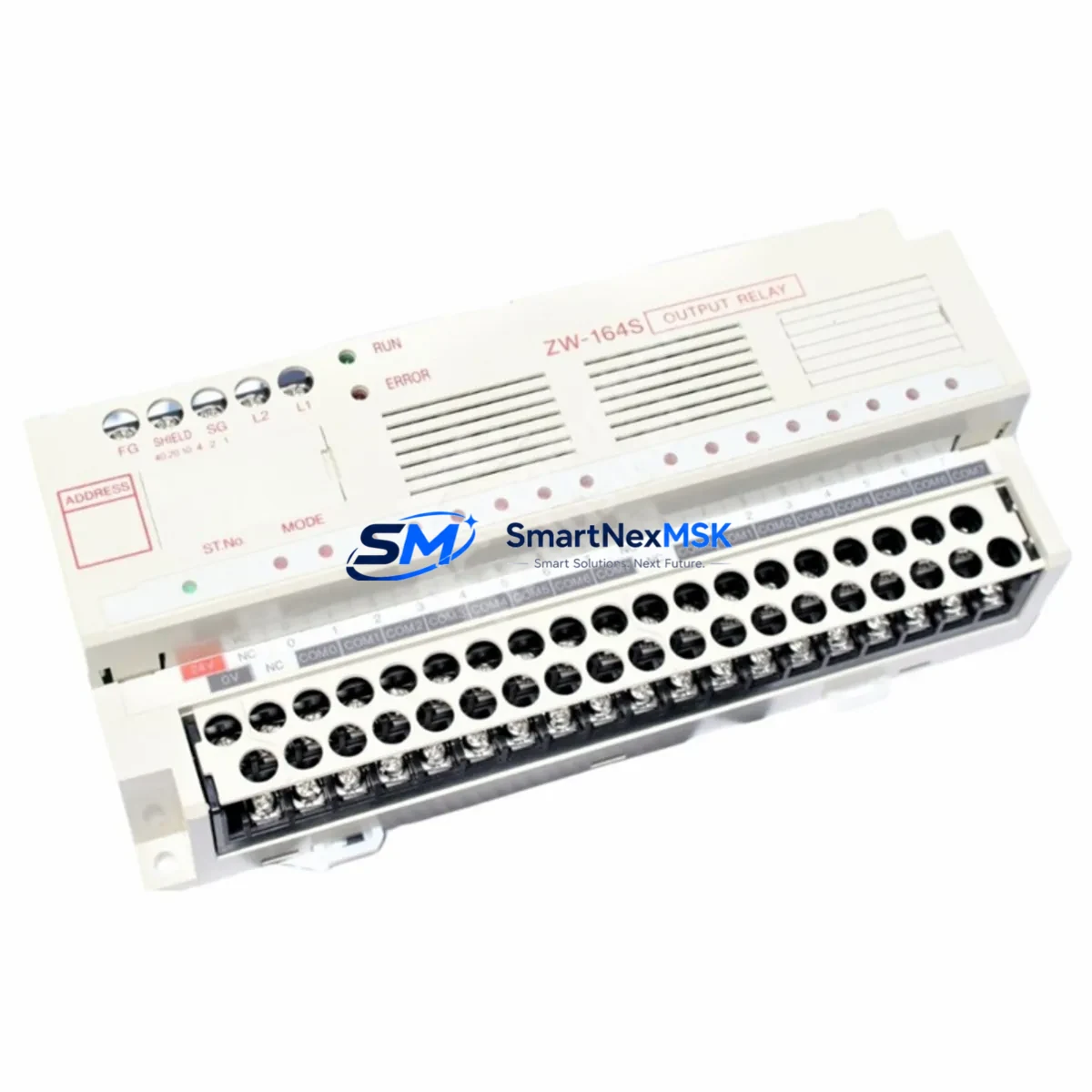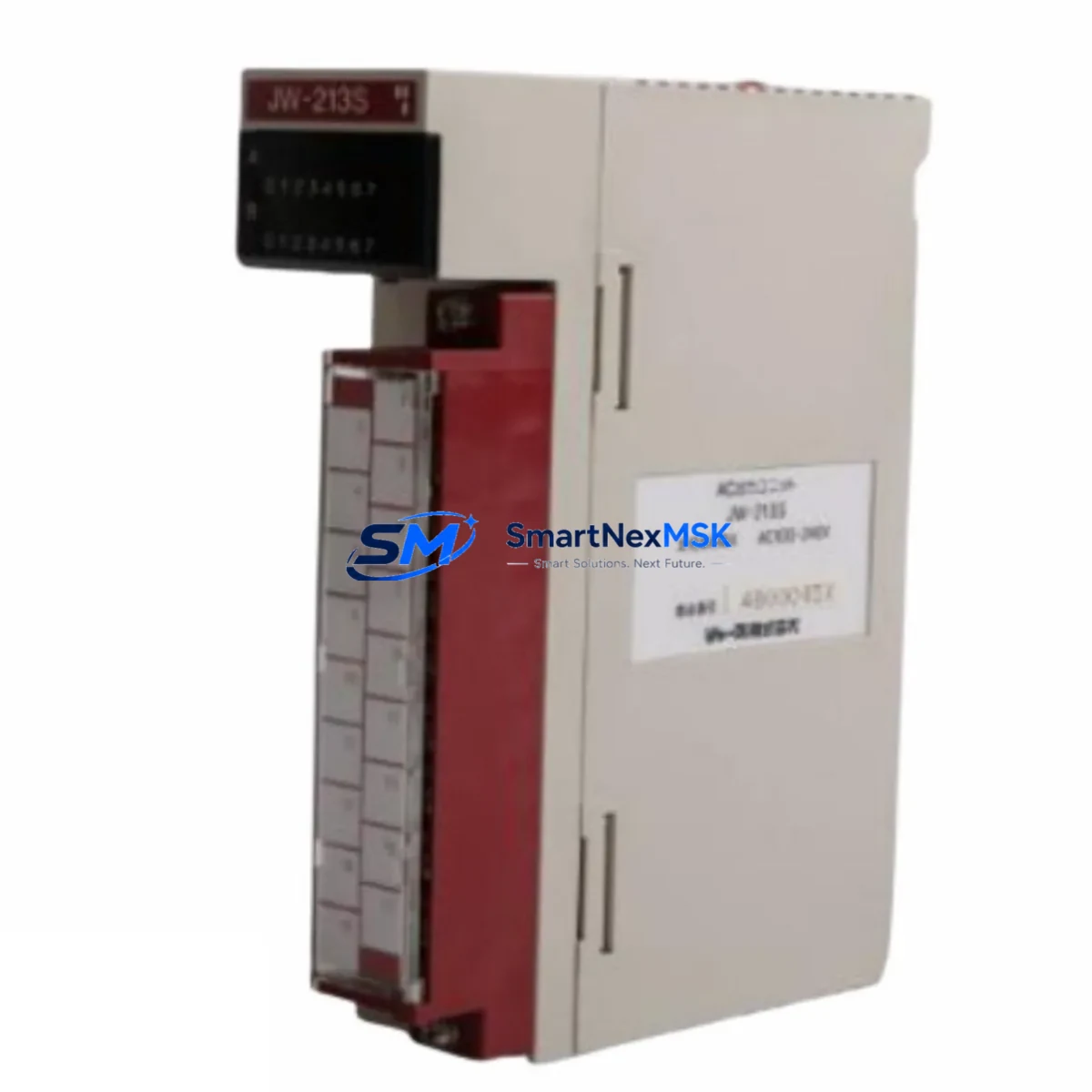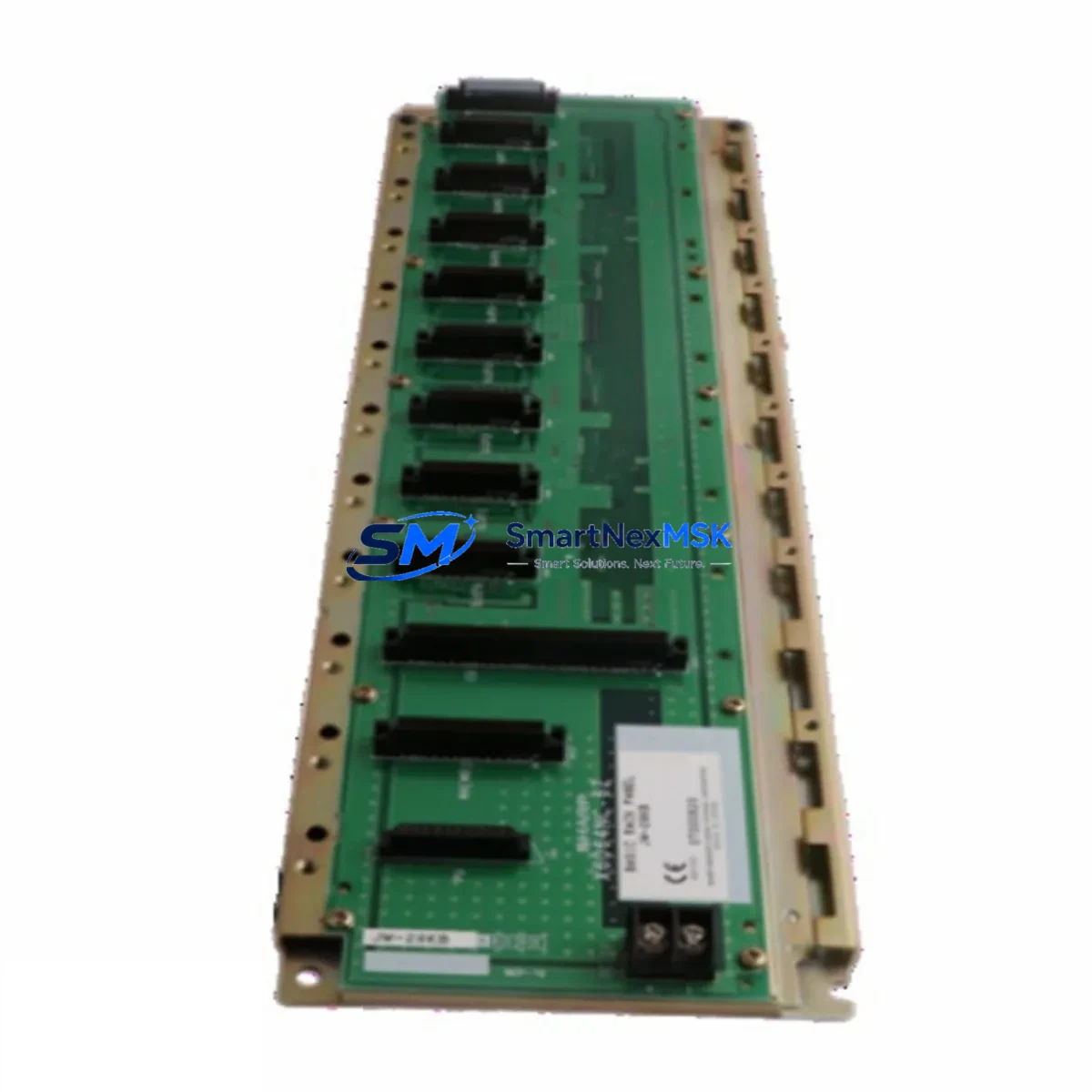
SHARP JW-28KB Retrofit-Ready Expansion Rack for JW Series Control Systems
The SHARP JW-28KB is a retrofit-ready PLC expansion rack designed for seamless integration into existing SHARP JW Series control systems. As legacy automation infrastructure ages and original components reach end-of-life, the JW-28KB provides a verified drop-in backplane solution that preserves your existing program logic, I/O wiring, and communication architecture — minimizing retrofit risk and unplanned downtime.
Whether you are replacing a failed rack in a running production line, upgrading a control cabinet to extend system life, or migrating from a discontinued SHARP JW model, the JW-28KB is engineered to meet the mechanical, electrical, and protocol requirements of the JW platform. It supports the standard JW backplane bus interface, making it compatible with a wide range of JW-series I/O modules, power supply units, and CPU modules already installed in your system.
Before committing to a rack replacement, engineers should verify the following: power supply capacity (confirm the existing SHARP JW-22PS or equivalent PSU can support the full module load on the new rack), terminal wiring (document all field wiring terminations before removal — JW-28KB uses the same terminal block pitch as predecessor racks), backplane slot addressing (module slot addresses must be re-confirmed in the CPU configuration after rack swap), and program compatibility (ladder logic stored in the SHARP JW-32CUH or similar CPU module is retained in non-volatile memory and does not require re-download in most retrofit scenarios).
For sites running HMI panels such as the SHARP JW-50H or third-party operator panels communicating over RS-232C or RS-422, the communication link parameters — baud rate, station number, and protocol mode — must be verified against the CPU’s communication port settings after rack replacement. In multi-drop configurations using the SHARP JW-10CM communication module, the network topology should be re-tested before returning the system to automatic mode.
Upgrade Compatibility Table
| Parameter | Details |
|---|---|
| Model | SHARP JW-28KB |
| Series Compatibility | SHARP JW Series (JW-20, JW-32, JW-50, JW-100) |
| Backplane Interface | JW Standard Bus (compatible with JW-series I/O and CPU modules) |
| Slot Capacity | 8 expansion slots |
| Installation Type | DIN rail / panel mount (same footprint as predecessor racks) |
| Communication Compatibility | RS-232C, RS-422 (via JW-10CM or CPU onboard port) |
| Replacement Recommendation | Direct replacement for discontinued JW-series expansion racks |
| Commissioning Notes | Re-confirm slot addressing and PSU load after installation |
| Warranty | 12 Months — covers manufacturing defects and functional failure |
| Origin | Japan |
Retrofit Planning for Existing Automation Systems
A successful JW-28KB retrofit begins with a thorough audit of the existing control cabinet. In most JW Series installations, the expansion rack is mounted adjacent to the main CPU rack and connected via the JW backplane extension cable. Before removal, photograph all module positions and record the slot assignments used in the CPU configuration — this is critical for systems using the SHARP JW-32CUH or JW-50CUH CPU, where I/O module addresses are mapped by physical slot position.
Power supply verification is a mandatory pre-retrofit step. The SHARP JW-22PS power supply module must be checked for available current headroom — adding modules to the new rack without confirming PSU capacity is a common cause of post-retrofit instability. If the existing PSU is at or near capacity, consider installing a secondary SHARP JW-22PS or equivalent rated supply before proceeding.
I/O module migration is straightforward: SHARP JW-8AD analog input modules, JW-8DA analog output modules, and standard digital I/O modules such as the JW-16DI and JW-16DO can be transferred directly from the old rack to the JW-28KB without hardware modification. Field wiring terminations should be re-landed in the same order to preserve the I/O address mapping already programmed in the CPU.
For systems using the SHARP JW-10CM communication module for peer-to-peer or host-link communication, the module should be re-seated in the same slot position on the JW-28KB to avoid requiring changes to the CPU’s communication configuration parameters. If slot position must change, update the station address and communication channel settings in the CPU accordingly before re-enabling the network.
Programming cable access during retrofit is also important — keep a SHARP JW-232CAB or compatible RS-232C programming cable available for on-site verification using SHARP’s JW ladder programming software. This allows engineers to confirm I/O status, force test outputs, and verify communication link status before handing the system back to production.
Downtime Control During System Migration
Minimizing production downtime during a rack replacement requires a structured pre-outage preparation process. Before the planned maintenance window, complete the following: export the current CPU program to a laptop using the programming cable, document all current I/O force states and analog scaling parameters, and prepare the JW-28KB with all modules pre-installed and pre-addressed in a staging environment if possible.
During the outage window, the physical swap of the JW-28KB typically takes 30–60 minutes for an experienced engineer. The original program logic stored in the CPU’s non-volatile memory is preserved through the rack swap — the CPU does not need to be removed or powered down for extended periods. After re-seating all modules and re-landing field wiring, power up the system in STOP mode, verify I/O status in the programming software, and confirm communication link status before switching to RUN mode.
For critical processes where even brief interruptions are costly, consider pre-staging a complete spare rack assembly — JW-28KB with all I/O modules installed and pre-tested — so the physical swap time is reduced to wiring re-termination only. This approach, combined with pre-documented wiring schedules, can reduce total outage time to under 20 minutes in most JW Series cabinet configurations.
Retrofit Support FAQ
Q: Is the JW-28KB a direct replacement for all SHARP JW Series expansion racks?
A: The JW-28KB is compatible with the standard JW backplane bus used across the JW-20, JW-32, JW-50, and JW-100 series. For systems using non-standard or extended-bus configurations, confirm the backplane cable connector type before ordering. Our technical team can assist with compatibility verification based on your existing rack model number.
Q: Do I need to re-download the PLC program after replacing the rack?
A: In most cases, no. The program is stored in the CPU module’s non-volatile memory and is not affected by rack replacement. However, we recommend connecting a programming cable and verifying program integrity and I/O mapping after the swap as a standard commissioning step.
Q: What wiring changes are required when installing the JW-28KB?
A: The JW-28KB uses the same terminal block pitch and module connector standard as predecessor JW expansion racks. Field wiring can be re-landed directly without modification. Document all wiring before removal and re-terminate in the same order to preserve I/O address mapping.
Q: What does the 12-month warranty cover?
A: The 12-month warranty covers manufacturing defects and functional failure under normal operating conditions. Each unit undergoes pre-shipment functional testing. Warranty claims are supported by our technical team — contact [email protected] with your order reference and fault description.
© 2026 SMARTNEXMSK. All rights reserved.
Original Source: https://smartnexmsk.com
Contact: [email protected] | +86 18259474341