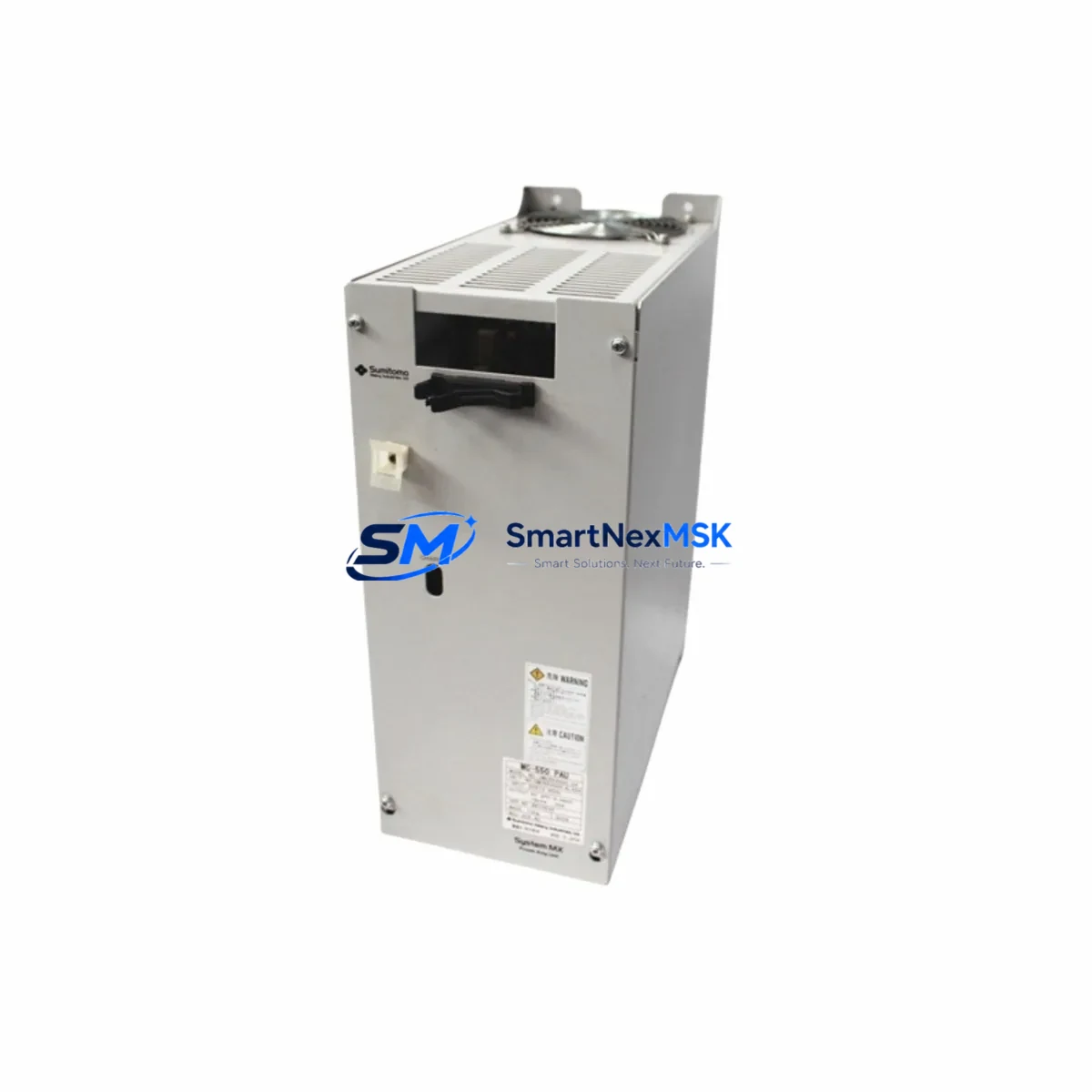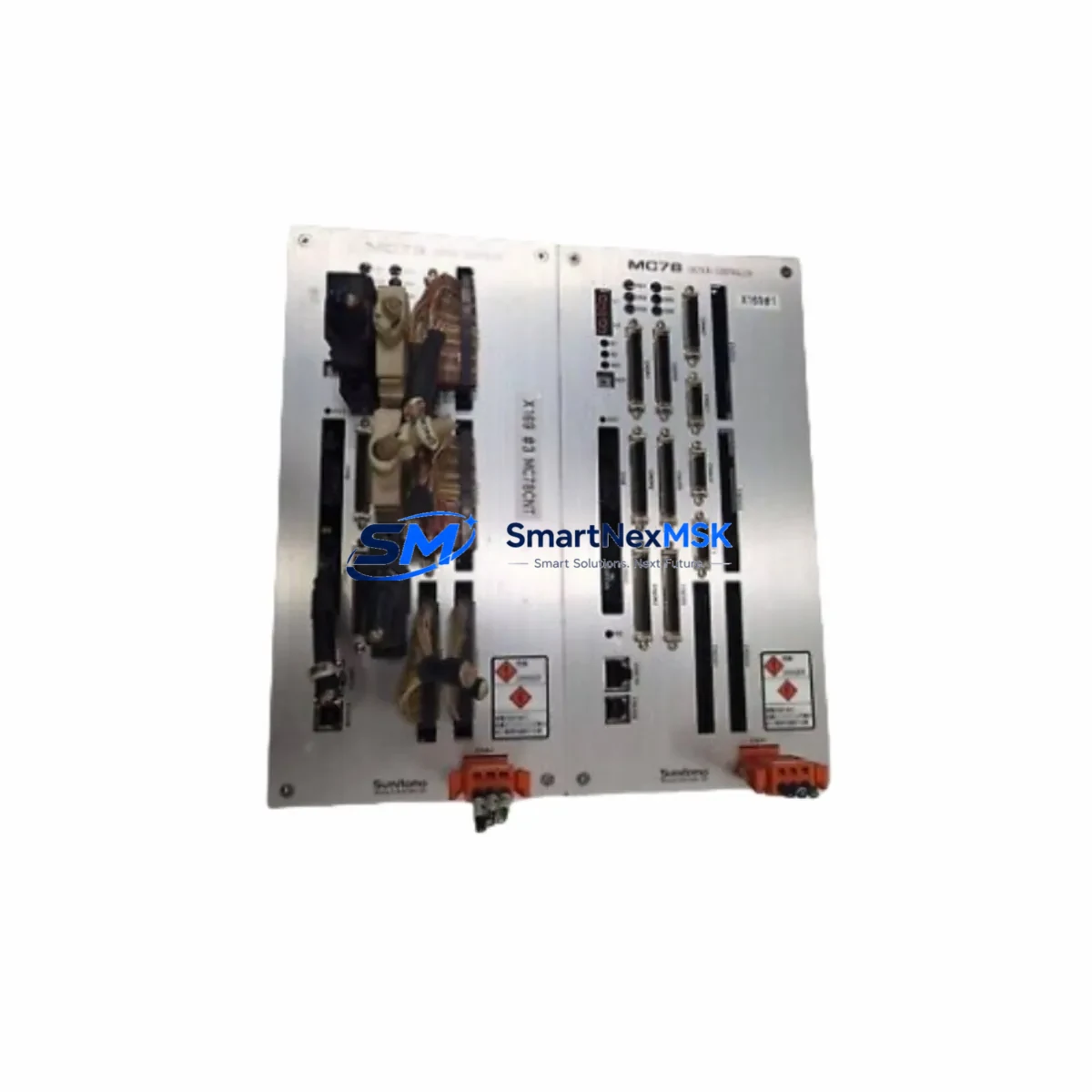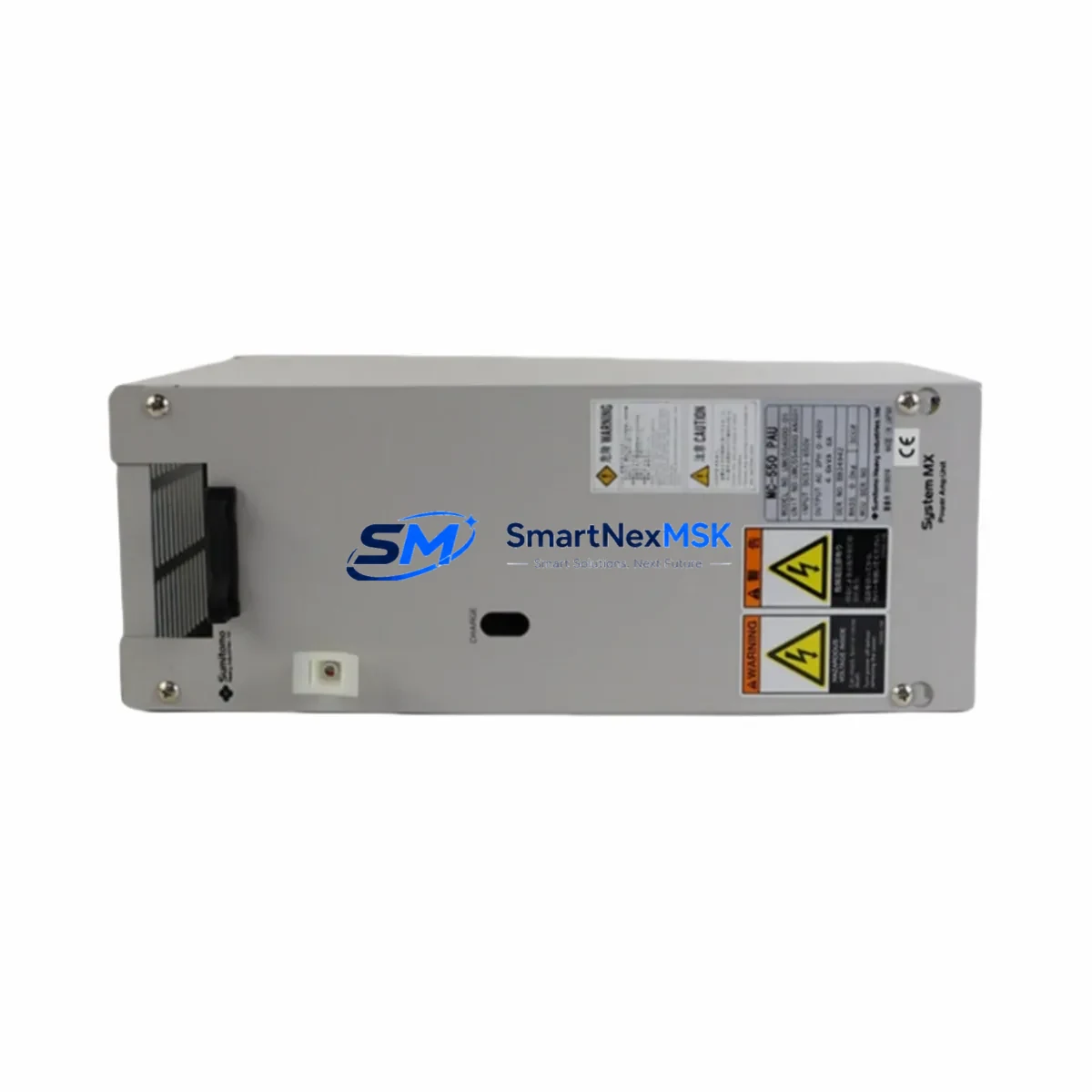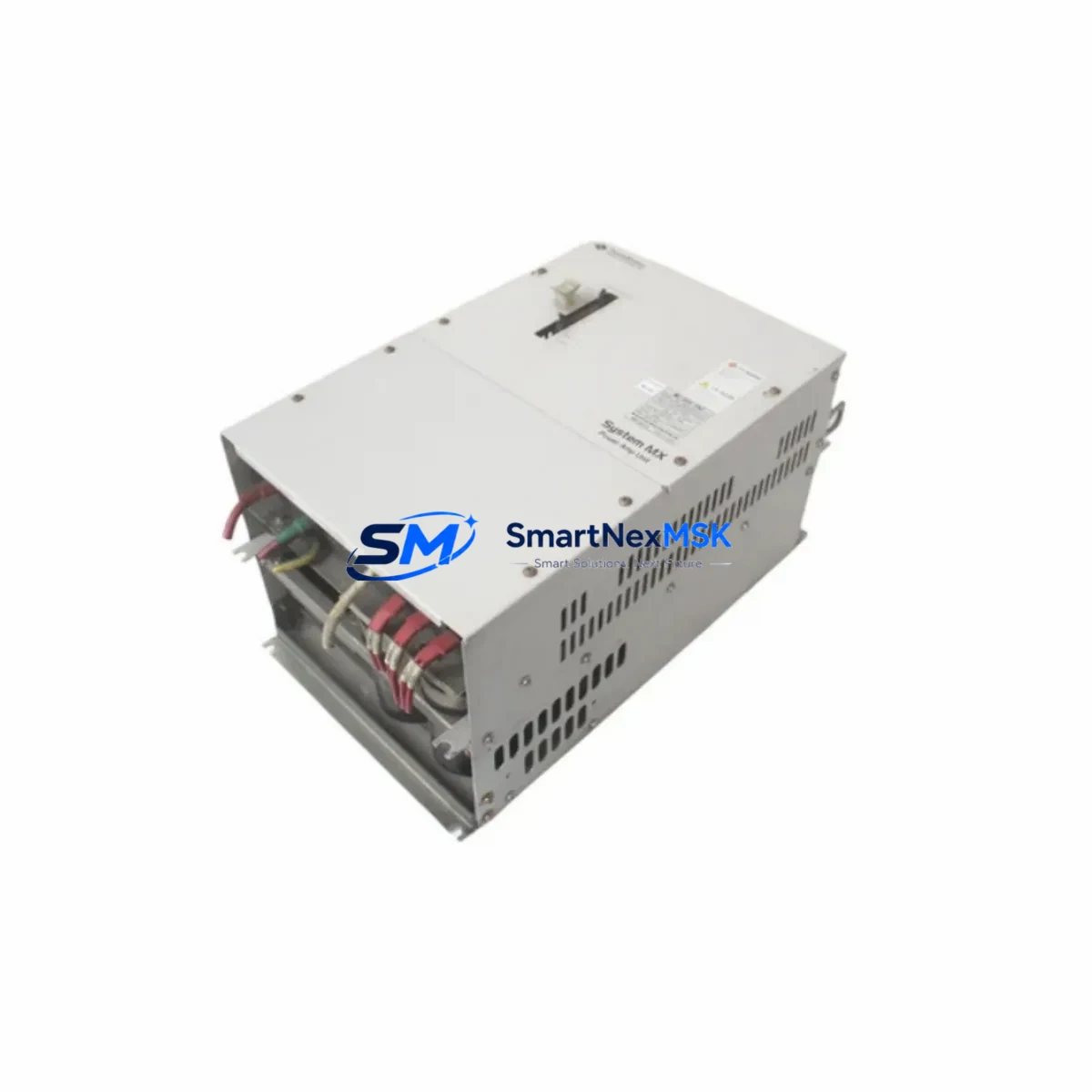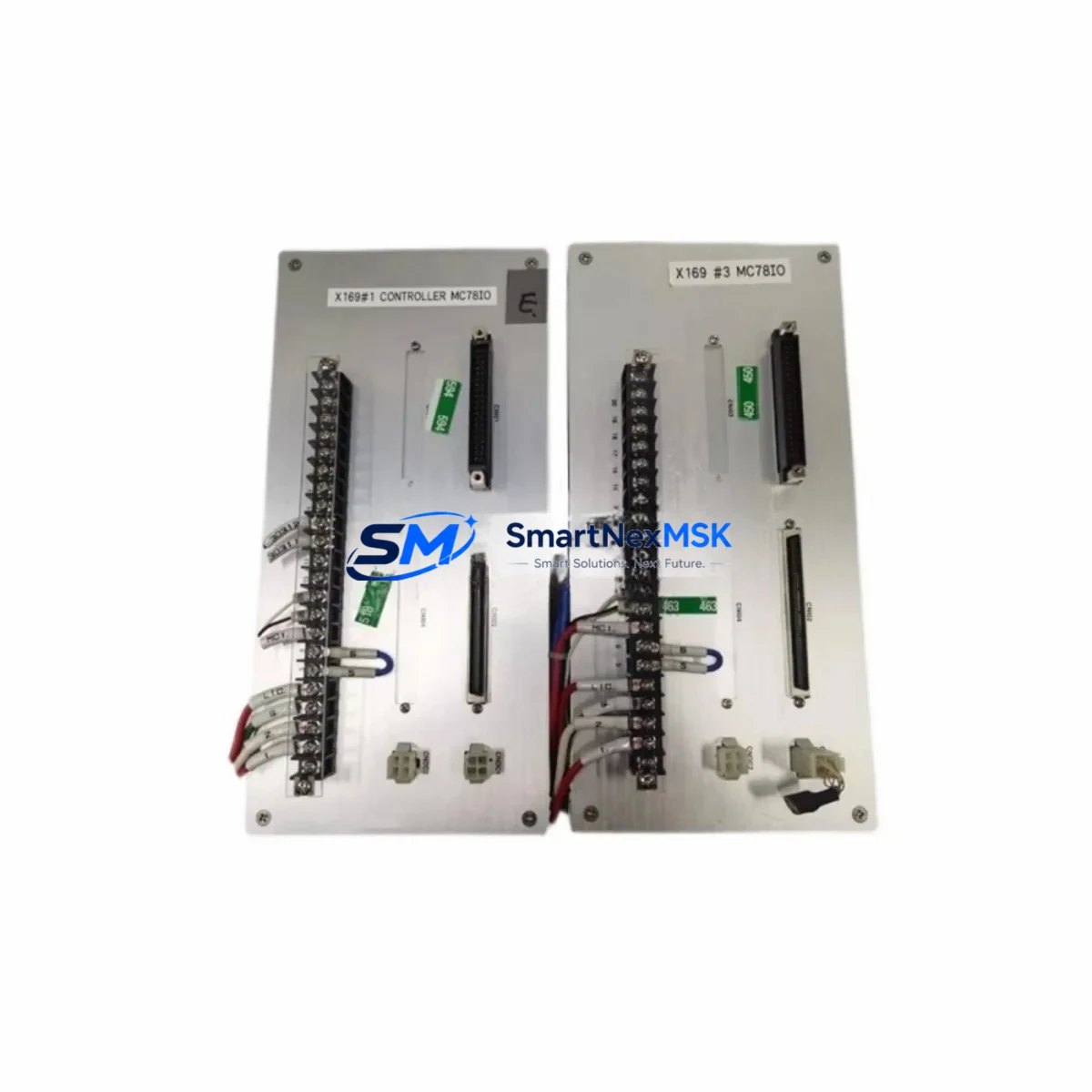
Sumitomo MC78IO Retrofit-Ready Drive Power Module for MC-Series Control Systems
The Sumitomo MC78IO is a retrofit-ready drive power module engineered for seamless integration into MC-Series industrial control systems. As legacy automation lines face increasing pressure from discontinued spare parts and aging infrastructure, the MC78IO stands out as a verified drop-in replacement that preserves existing wiring configurations, backplane interfaces, and program logic — minimizing retrofit risk and dramatically reducing planned downtime during system upgrades.
Whether you are modernizing a legacy control cabinet, migrating from an obsolete drive platform, or restoring a production line after an unexpected failure, the MC78IO delivers the electrical compatibility, mechanical fit, and communication protocol alignment that retrofit engineers demand. Sourced directly from authorized distribution channels and shipped from our Xiamen warehouse, every unit undergoes pre-shipment functional testing before dispatch.
Upgrade Compatibility Table
| Parameter | Details |
|---|---|
| SKU | MC78IO |
| Brand / Series | Sumitomo / MC-Series |
| Module Type | Drive Power Module |
| Backplane Interface | MC-Series standard backplane slot (direct fit) |
| Terminal Wiring | Compatible with original MC-Series terminal block layout |
| Communication Protocol | Compatible with MC-Series native drive communication bus |
| Installation Requirement | DIN rail or panel mount; no additional adapter required |
| Replacement Recommendation | Direct replacement for discontinued MC-Series drive power modules |
| Commissioning Notes | Verify module address assignment and I/O mapping before power-on |
| Warranty | 12-Month Warranty — covers manufacturing defects and functional failure |
| Origin | Japan |
| Stock Status | In Stock — ships from Xiamen within 2 business days |
Retrofit Planning for Existing Automation Systems
Successful retrofit of the MC78IO into an existing MC-Series control system requires a structured pre-installation review. Before removing the legacy module, engineers should document the current power supply capacity — particularly if the control cabinet also houses a Sumitomo MC-Series CPU module, expansion I/O racks, or a dedicated communication interface module for Modbus RTU or PROFIBUS DP connectivity. Insufficient power headroom is one of the most common causes of post-retrofit instability.
Terminal block wiring should be photographed and labeled before disconnection. The MC78IO shares the same terminal pitch and signal assignment as its predecessor, but field wiring insulation condition should be inspected — especially on systems that have been in continuous operation for more than eight years. Where wiring harnesses connect to analog input modules or high-speed digital I/O modules within the same rack, signal integrity should be verified after module swap.
Backplane seating is critical. The MC78IO must be fully seated into the MC-Series rack backplane before the retaining screws are tightened. Partial seating can cause intermittent communication faults between the drive power module and adjacent modules such as the axis control module or the network communication card. If the existing rack shows signs of corrosion on the backplane connector, cleaning with contact spray before installation is strongly recommended.
Module address configuration — whether via DIP switch, rotary selector, or software parameter — must match the address previously assigned to the replaced unit. Mismatched addresses will prevent the MC-Series CPU from recognizing the module during the initialization scan. For systems using a Sumitomo programming cable (such as the MC-USB or RS232 programming interface) to connect a laptop running the MC-Series configuration software, the address table should be exported before the swap and re-verified after installation.
Where the control system includes an HMI panel linked to the MC-Series controller via RS485 or Ethernet/IP, the HMI screen tags referencing drive status, fault codes, and speed feedback should be tested after the retrofit to confirm that data exchange between the HMI and the new MC78IO is functioning correctly. In some cases, HMI tag addresses may need to be refreshed if the original module had been configured with non-default register offsets.
Downtime Control During System Migration
Minimizing unplanned downtime is the primary concern for any production facility undertaking a drive power module replacement. For the MC78IO retrofit, the recommended approach is to complete all pre-installation preparation — wiring documentation, address verification, program backup, and spare parts staging — during a scheduled maintenance window rather than during an emergency breakdown response.
Before powering down the control cabinet, use the MC-Series programming software to export a full backup of the CPU program, including all function block configurations, PID loop parameters, and communication link settings. This backup should be stored on at least two separate media (USB drive and network share) before any hardware is disturbed. If the system uses a Sumitomo MC-Series memory cassette or SD card for program storage, verify that the backup copy on the card is current.
The physical swap of the MC78IO typically takes less than 15 minutes for a trained technician. The majority of retrofit time is consumed by post-installation verification: powering up in diagnostic mode, confirming that all I/O channels report correctly, checking drive fault registers, and running a no-load test cycle before returning the line to production. For systems where the drive power module interfaces with a servo amplifier or a variable frequency drive (VFD) on the output side, the motor coupling should be disengaged during the initial power-on test to protect mechanical equipment in the event of an unexpected output signal.
Maintaining control continuity during migration also means ensuring that any safety relay modules, emergency stop circuits, and interlock wiring connected through the MC-Series I/O system remain active and correctly routed throughout the swap process. Do not bypass safety circuits to accelerate the retrofit — this creates liability and may void the 12-month warranty coverage on the new module.
Retrofit Support FAQ
Q1: Is the Sumitomo MC78IO a direct drop-in replacement for all MC-Series drive power modules?
The MC78IO is designed as a direct replacement for the standard MC-Series drive power module slot. It shares the same backplane connector, terminal block layout, and module address scheme as the original unit. However, customers should confirm the exact variant of their existing module against the MC78IO datasheet before ordering, particularly for systems with non-standard rack configurations or custom firmware versions.
Q2: What commissioning steps are required after installing the MC78IO?
After physical installation, power the system in diagnostic mode and verify that the MC-Series CPU recognizes the MC78IO at the correct module address. Check all I/O channel assignments, confirm drive communication link status, and run a no-load functional test. If the system uses an HMI, verify that all drive-related screen tags are updating correctly. Full commissioning documentation is available upon request.
Q3: Does the MC78IO support the same wiring configuration as the module it replaces?
Yes. The MC78IO maintains the same terminal block pitch, signal assignment, and wiring polarity as the standard MC-Series drive power module. Field wiring can be reconnected directly without modification in the majority of retrofit scenarios. For systems with non-standard wiring adaptations made by the original integrator, a wiring review is recommended before power-on.
Q4: What does the 12-month warranty cover, and how is it claimed?
The 12-month warranty covers manufacturing defects and functional failure under normal operating conditions. It does not cover damage caused by incorrect installation, overvoltage events, or unauthorized modification. To initiate a warranty claim, contact our sales team with the order reference number, a description of the fault, and photographic evidence of the installation. Replacement or repair will be arranged within 5 business days of claim approval.
© 2026 SMARTNEXMSK. All rights reserved.
Original Source: https://smartnexmsk.com
Contact: [email protected] | +86 18259474341