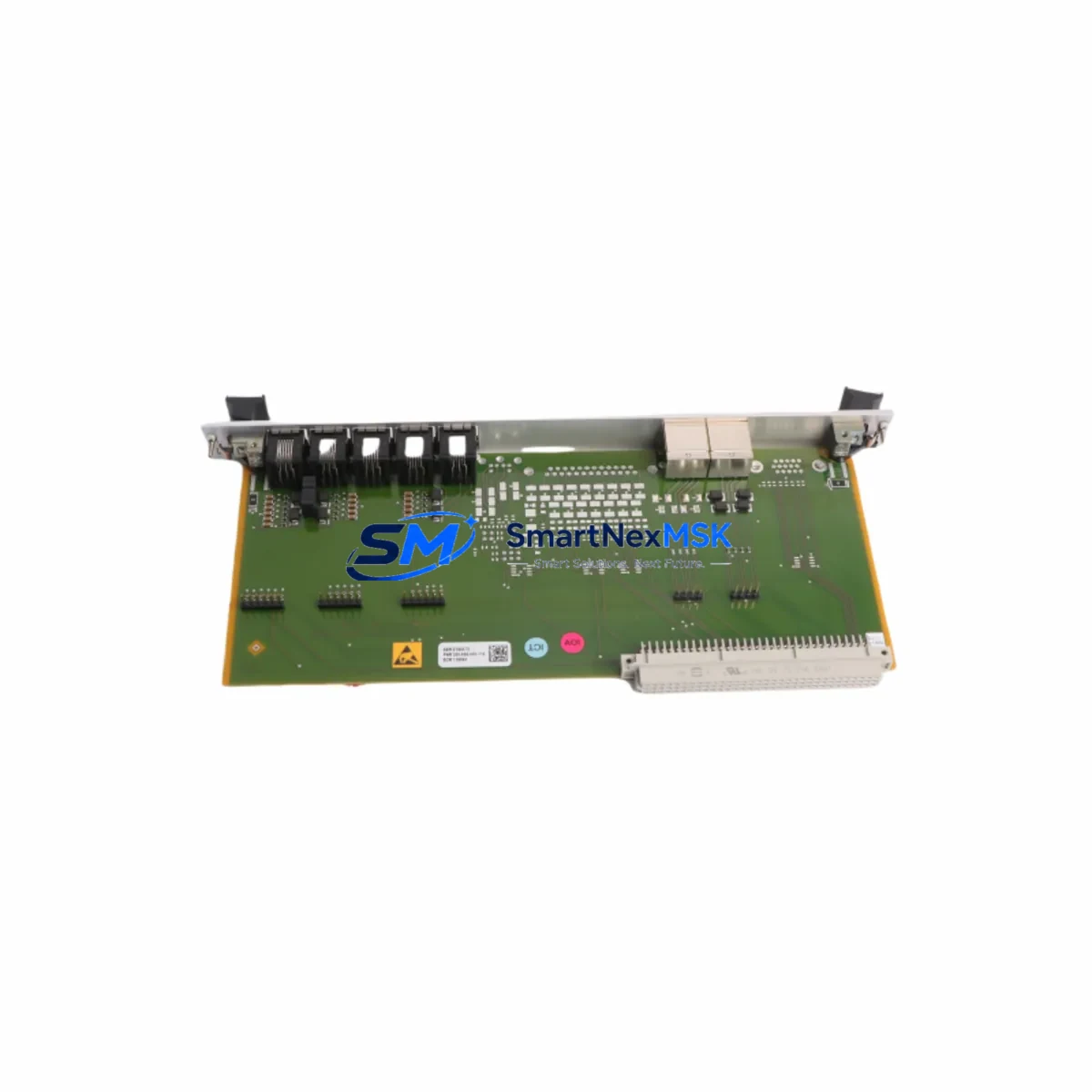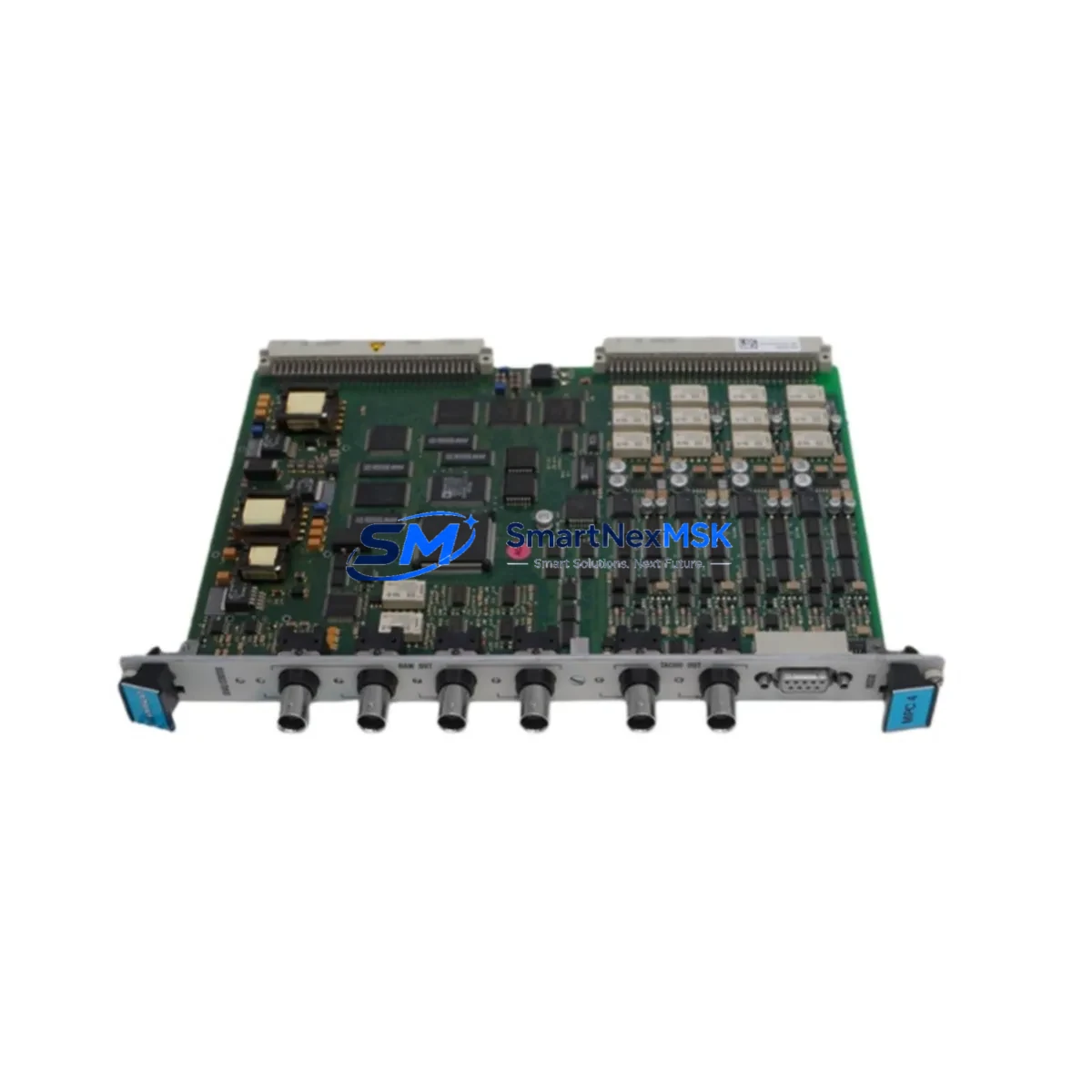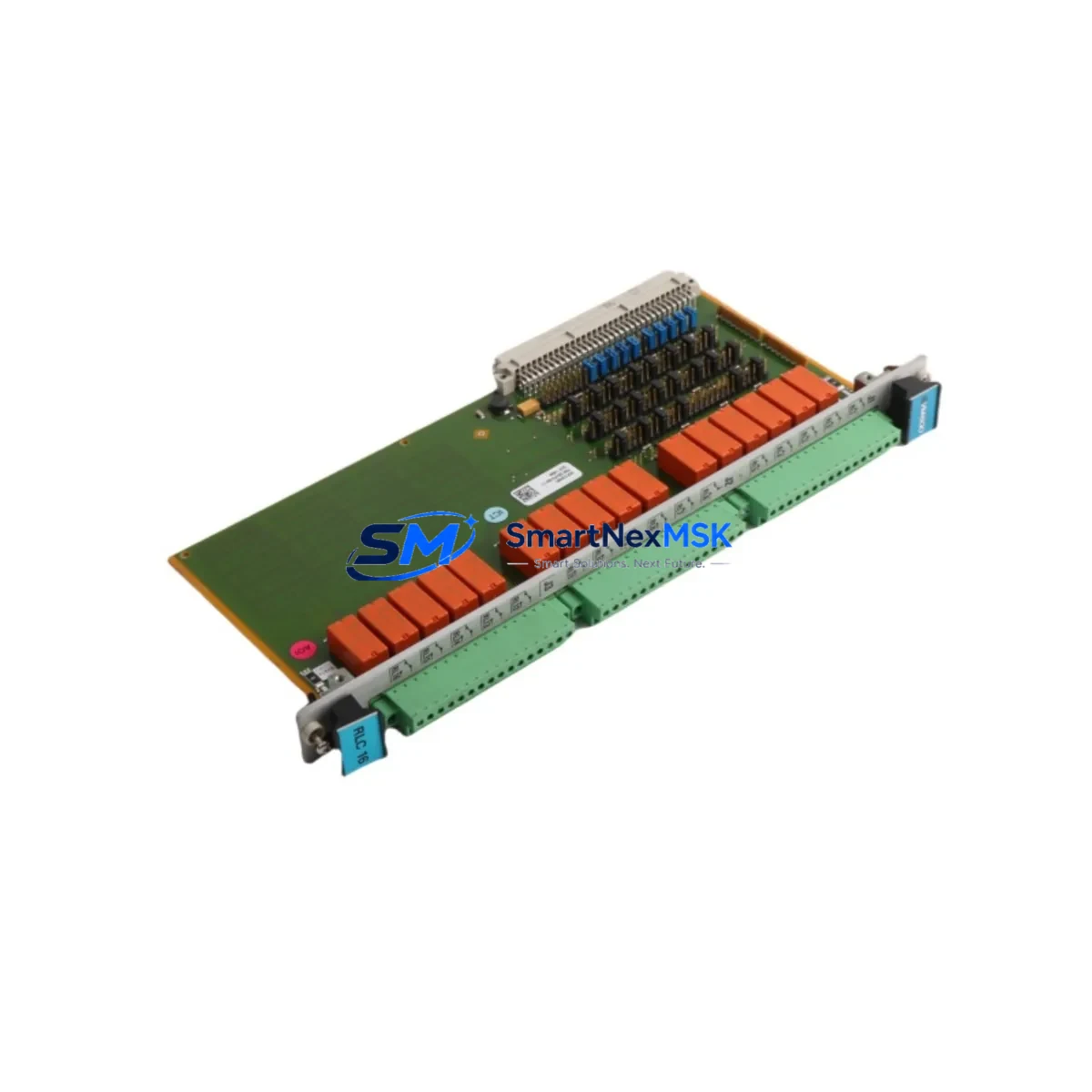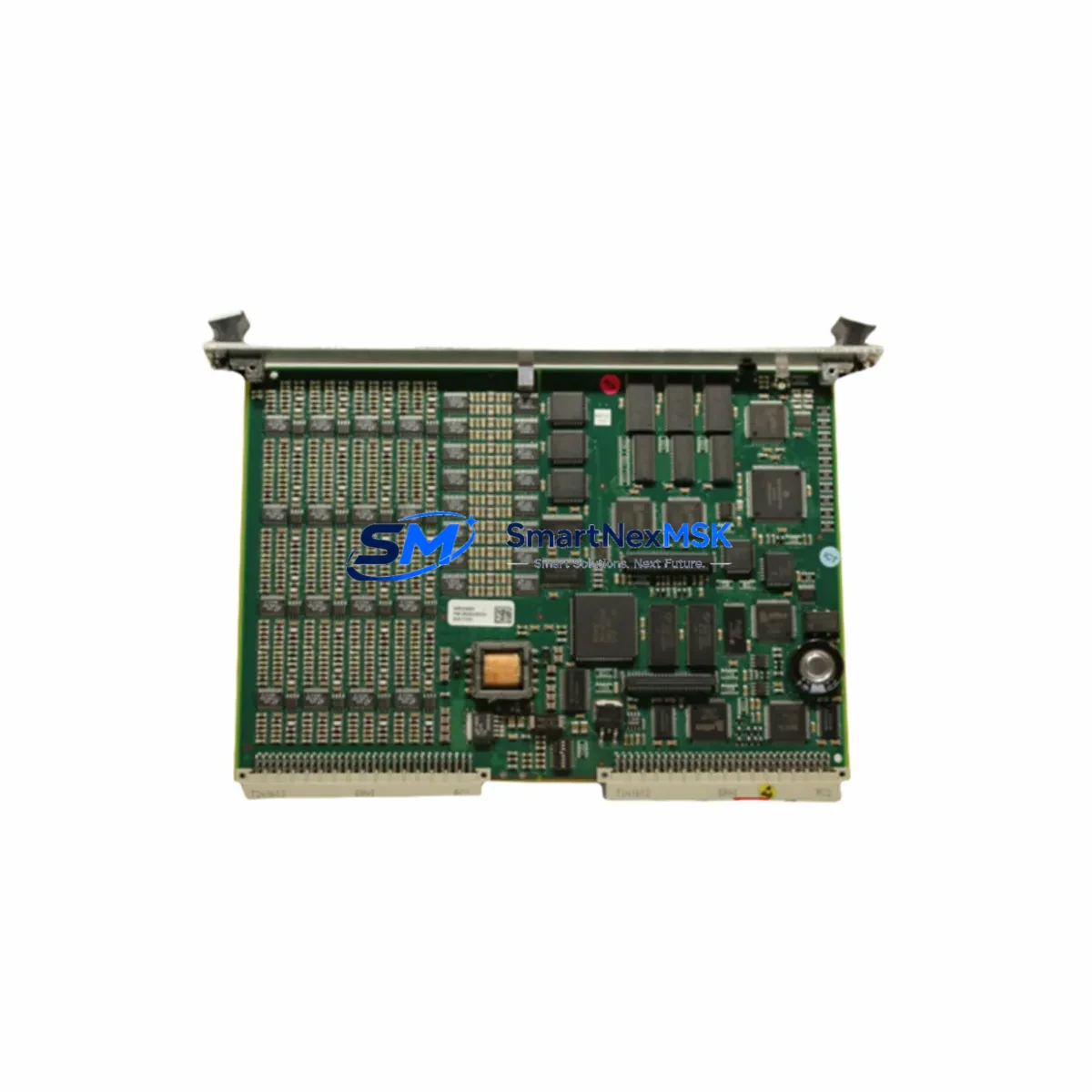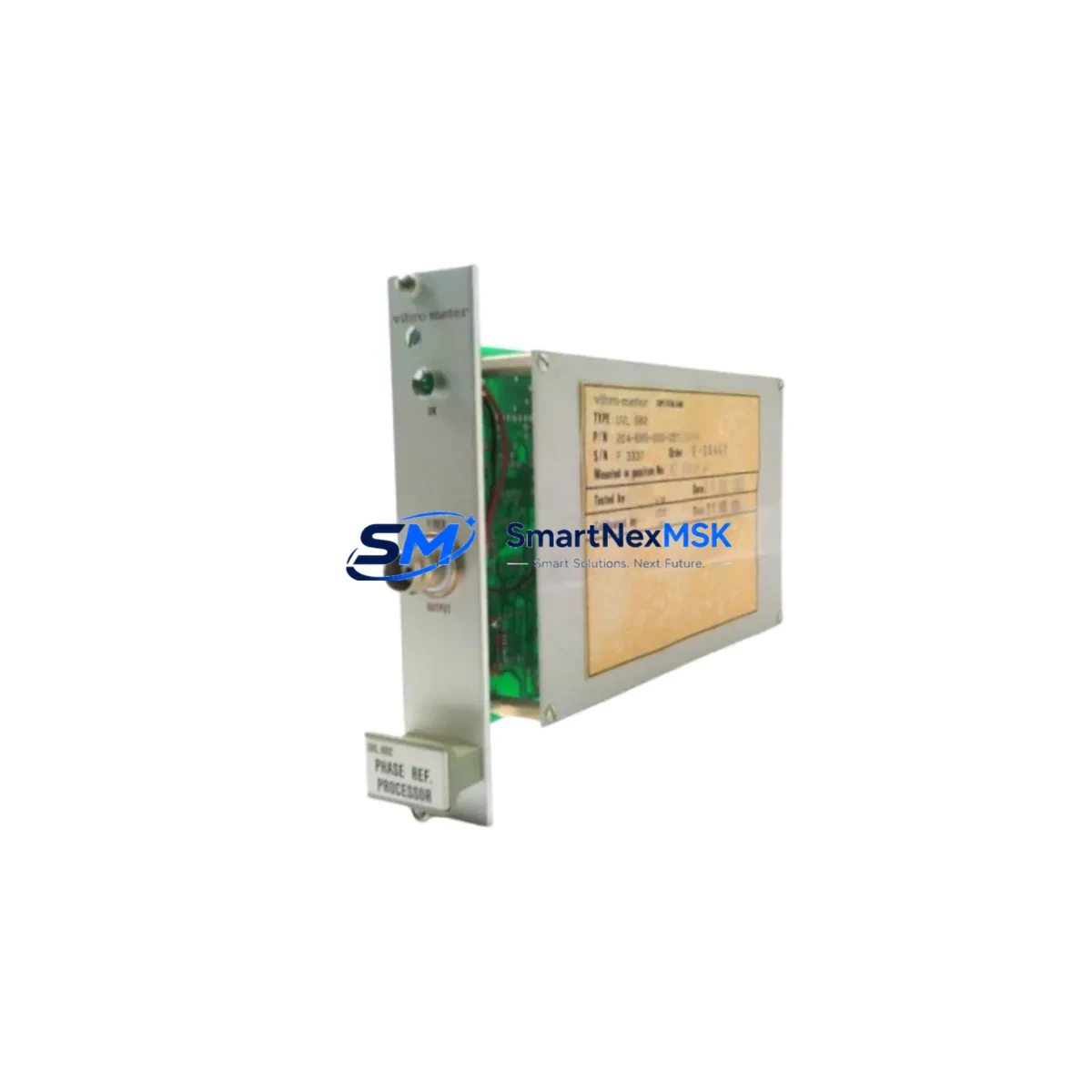
VIBRO METER UVL682 Maintenance-Ready Spare for VM600 Automation
The VIBRO METER UVL682 is a precision vibration monitor module designed for continuous machinery protection in industrial automation environments. As a maintenance-ready spare, the UVL682 is a critical component in VM600 series vibration monitoring systems deployed across turbines, compressors, pumps, and rotating machinery in power generation, oil & gas, petrochemical, and heavy manufacturing plants. Sourced directly from verified supply channels, each unit is tested before shipment and backed by a 12-month warranty, ensuring your maintenance team can restore system integrity with confidence and minimal downtime.
For maintenance engineers managing aging control infrastructure, the UVL682 addresses one of the most common failure points in continuous monitoring systems: module-level degradation caused by vibration fatigue, thermal cycling, and long-term signal drift. When a VM600 rack raises a channel fault or loses a measurement loop, replacing the UVL682 promptly prevents cascading protection failures that could expose rotating equipment to undetected imbalance, misalignment, or bearing wear events.
Procurement engineers will appreciate that SMARTNEXMSK maintains long-term inventory of the UVL682 and compatible VM600 series components, supporting both emergency replacement orders and planned maintenance stock programs. Fast global shipping and pre-shipment functional testing reduce the risk of receiving a non-conforming spare during a critical outage window.
Spare Maintenance Table
| Parameter | Specification / Detail |
|---|---|
| SKU | UVL682 |
| Brand / Manufacturer | VIBRO METER (Meggitt) |
| Series | VM600 |
| Module Type | Vibration Monitor / Machinery Protection Module |
| Application | Turbines, compressors, pumps, rotating machinery |
| Compatibility | VM600 rack system; compatible with MPC4, IOC4T, RPS6U backplane slots |
| Signal Input | Eddy-current / proximity probe, velocity, acceleration (per channel config) |
| Communication | VM600 internal rack bus; optional Modbus RTU / Profibus DP via rack gateway |
| Installation | Direct plug-in to VM600 rack slot; no hardware modification required |
| Operating Environment | Industrial control room / MCC cabinet; -20°C to +70°C |
| Origin | Switzerland |
| Pre-shipment Test | Functional test performed on every unit |
| Warranty | 12 Months |
| Maintenance Recommendation | Replace at first sign of channel fault, signal dropout, or calibration drift |
Maintenance Planning for Continuous Operation
Effective maintenance planning for a VM600-based protection system goes well beyond replacing the UVL682 module in isolation. When a vibration monitoring channel fails or degrades, experienced maintenance engineers treat the event as a trigger for a broader cabinet inspection to prevent repeat failures and protect overall system availability.
Start by verifying the VM600 rack power supply module (RPS6U) — an aging or under-rated power supply is a common root cause of intermittent module faults and should be checked for output voltage stability and ripple before the new UVL682 is commissioned. Inspect the IOC4T I/O conditioning module in the same rack, as signal conditioning faults upstream of the UVL682 can cause false readings that are misdiagnosed as monitor module failures.
Check all proximity probe extension cables and connectors between the field sensors and the rack terminal blocks. Damaged cable shielding, corroded BNC connectors, or loose terminal connections introduce noise that shortens module service life. If the system uses eddy-current probe drivers (such as the Bently Nevada 3300 XL series or equivalent VIBRO METER proximity transducers), verify driver gap voltage and sensitivity before finalizing the UVL682 replacement to confirm the fault is not sensor-side.
For systems with a VM600 MPC4 machinery protection card installed in the same rack, confirm that the protection relay output wiring and trip setpoints remain intact after the module swap. The MPC4 shares the rack bus with the UVL682 and any rack disturbance during maintenance can reset relay latch states. Similarly, inspect the VM600 rack communication gateway (CMC16) if the system reports data to a DCS or SCADA platform via Modbus or Profibus — a module replacement can temporarily interrupt the communication loop and trigger nuisance alarms at the control room HMI.
If the plant uses a Yokogawa CENTUM VP DCS, ABB System 800xA, or Emerson DeltaV as the supervisory control layer, coordinate with the DCS engineer to suppress the relevant vibration tags during the replacement window to avoid spurious process trips. After reinserting the UVL682, perform a full channel calibration check using the system’s built-in calibration function or an external signal simulator before returning the protection loop to service.
Finally, review the terminal block wiring on the rack rear panel and replace any discolored or heat-stressed terminals. Maintaining a small buffer stock of UVL682 modules alongside the RPS6U power supply and IOC4T conditioning modules is strongly recommended for plants with multiple VM600 racks, as it eliminates lead-time risk during unplanned outages.
Site Replacement Workflow
Replacing the VIBRO METER UVL682 on-site is a structured process that, when executed correctly, limits protection system downtime to under two hours for a prepared maintenance team.
Step 1 — Pre-replacement verification: Confirm the fault is isolated to the UVL682 by reviewing the VM600 system diagnostics display or the rack’s front-panel LED status. Document the current channel configuration, alarm setpoints, and trip levels from the VM600 configuration software (VMConfig or equivalent) before powering down the slot.
Step 2 — Safe isolation: Notify the control room and DCS operator. Place the affected protection channel in bypass mode to prevent a spurious trip during the swap. If the rack does not support hot-swap for the UVL682 slot, follow the site’s lockout/tagout procedure for the rack power supply.
Step 3 — Module removal and installation: Extract the faulty UVL682 using the front-panel ejector levers. Insert the replacement UVL682 into the same slot, ensuring the module seats fully into the backplane connector. Restore rack power if it was isolated.
Step 4 — Configuration restore: Upload the saved channel configuration to the new module via VMConfig. Verify alarm and trip setpoints match the pre-replacement record. Confirm the module’s firmware version is compatible with the rack’s system software revision.
Step 5 — Functional verification: Inject a known signal using a calibration simulator or verify live probe signals are within expected gap voltage ranges. Confirm the VM600 system display shows healthy channel status and that the DCS/SCADA is receiving valid vibration data before removing the bypass.
Step 6 — Return to service: Remove the protection bypass, confirm relay outputs are armed, and log the replacement in the plant maintenance management system (CMMS). Retain the removed UVL682 for failure analysis if required.
Spare Parts Support FAQ
Q1: Is the UVL682 a direct drop-in replacement for the existing module in my VM600 rack?
Yes. The UVL682 is designed for direct slot-compatible installation in VM600 series racks. No hardware modification is required. However, you should verify the firmware revision of the replacement module against your rack’s system software version using VMConfig before commissioning to ensure full feature compatibility.
Q2: How is the UVL682 tested before shipment?
Every UVL682 unit supplied by SMARTNEXMSK undergoes a functional pre-shipment test to verify module power-up, channel signal processing, and communication bus response. A test report is available upon request. The unit is covered by a 12-month warranty from the date of shipment.
Q3: Can I use the UVL682 as a long-term inventory spare for multiple VM600 racks?
Yes. The UVL682 is suitable for long-term spare stock. Store the module in its original anti-static packaging in a dry, temperature-controlled environment (recommended: 15°C–25°C, <60% RH). SMARTNEXMSK can supply multiple units under a blanket order arrangement to support planned maintenance programs across multi-rack installations.
Q4: What should I check if the replacement UVL682 still shows a fault after installation?
If the fault persists after installing a new UVL682, the issue is likely upstream of the module. Check the proximity probe cable integrity, eddy-current driver gap voltage, IOC4T signal conditioning output, and RPS6U power supply voltage. Also verify that the channel configuration was correctly restored via VMConfig and that no rack bus communication errors are present on the CMC16 gateway module.
—
© 2026 SMARTNEXMSK. All rights reserved.
Original Source: https://smartnexmsk.com
Contact: [email protected] | +86 18259474341