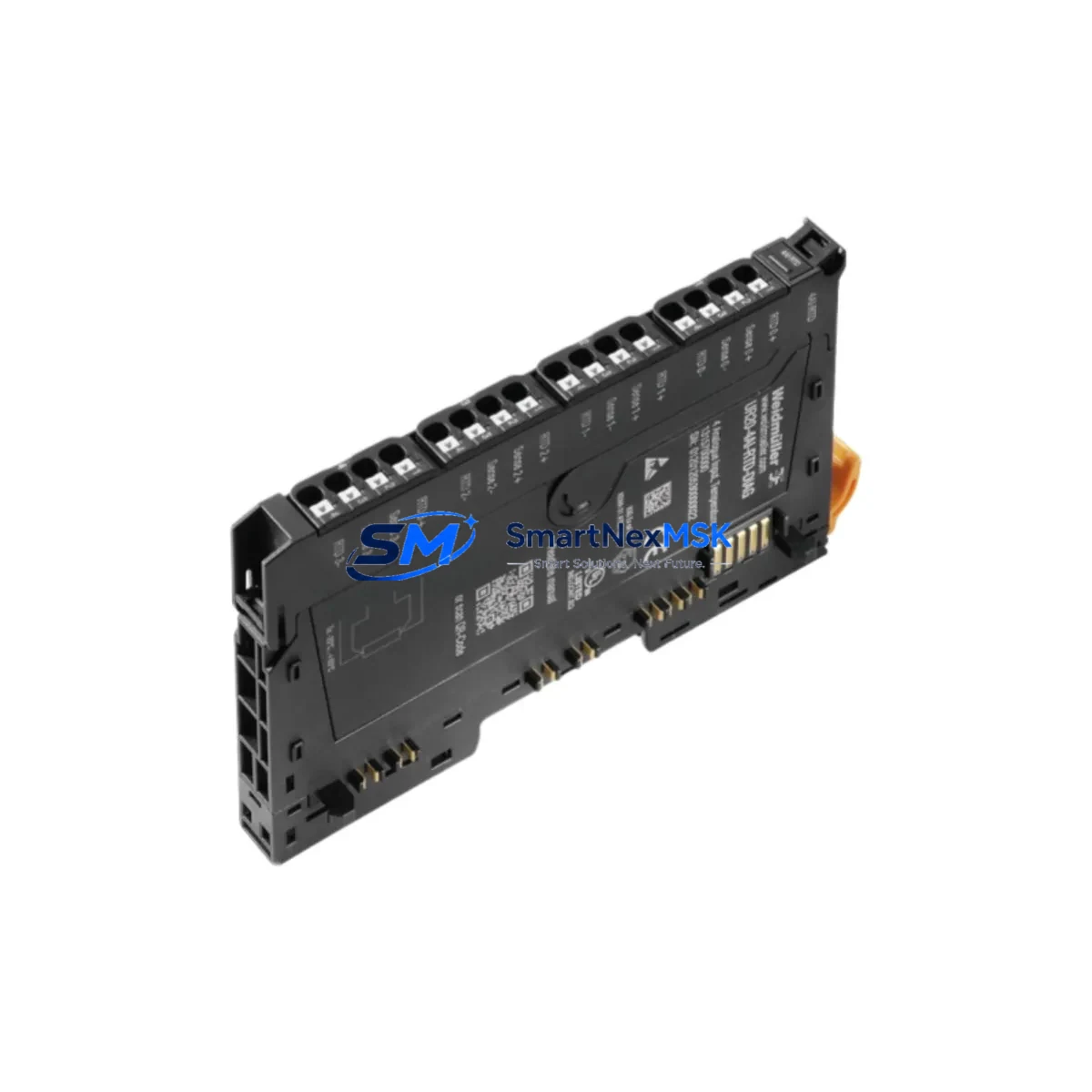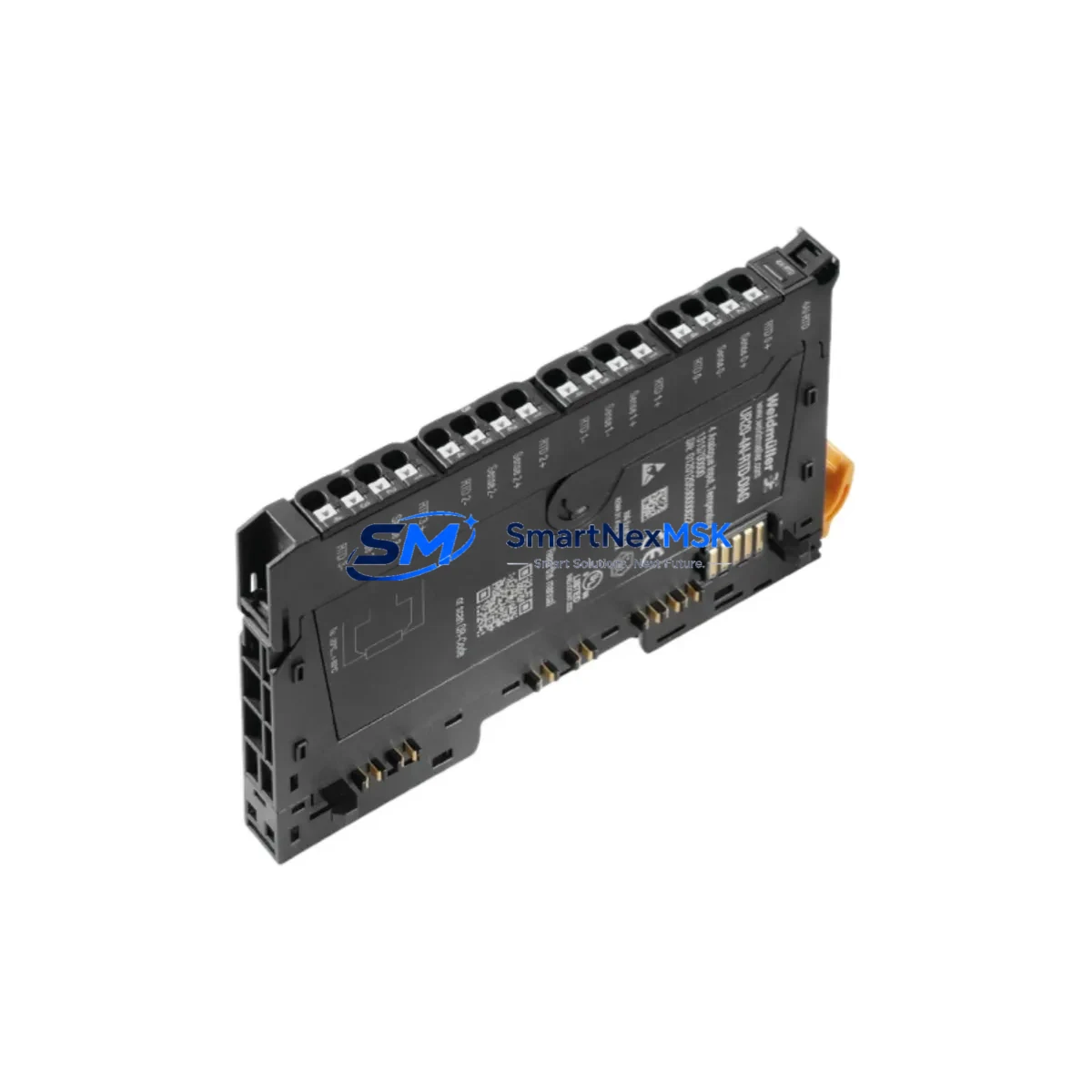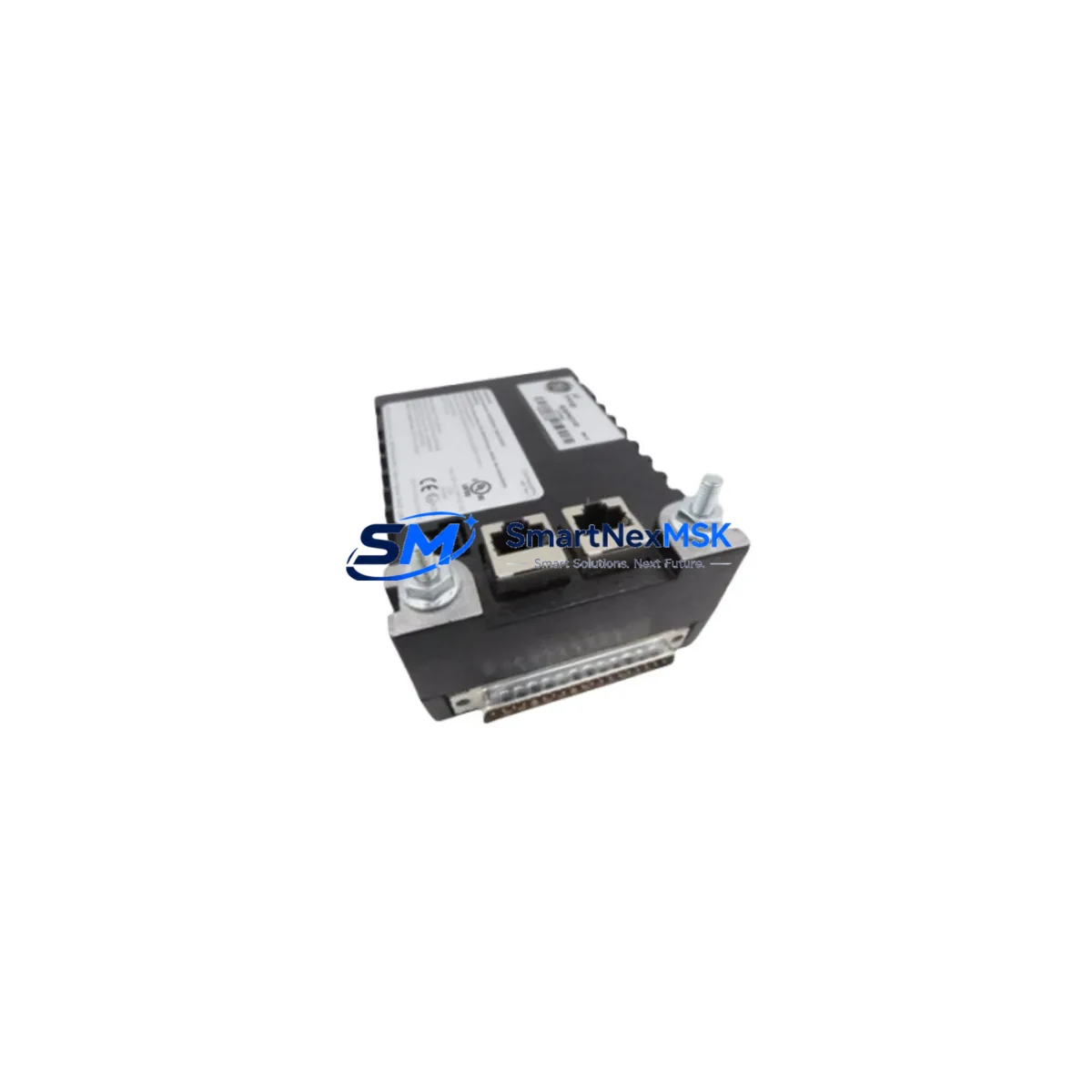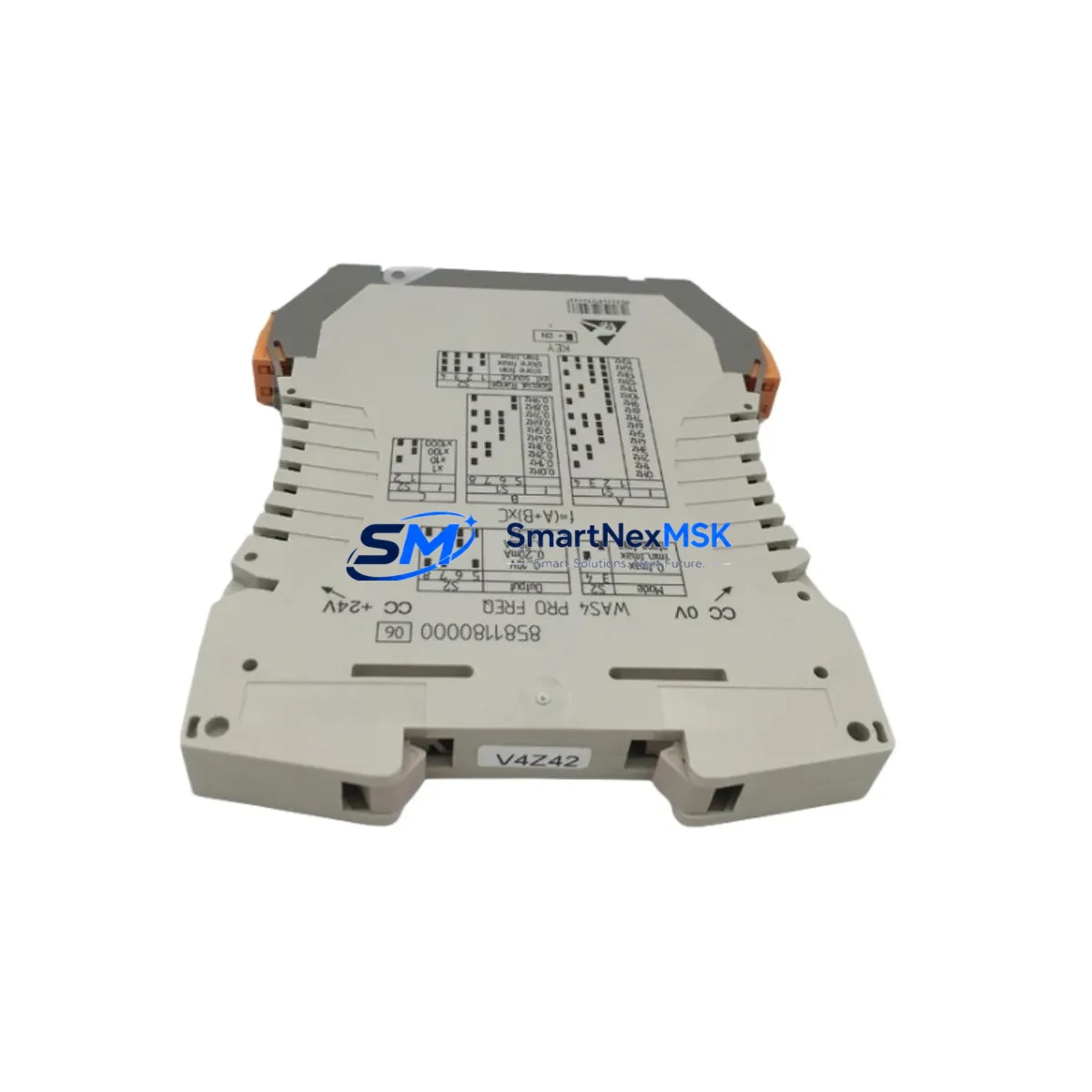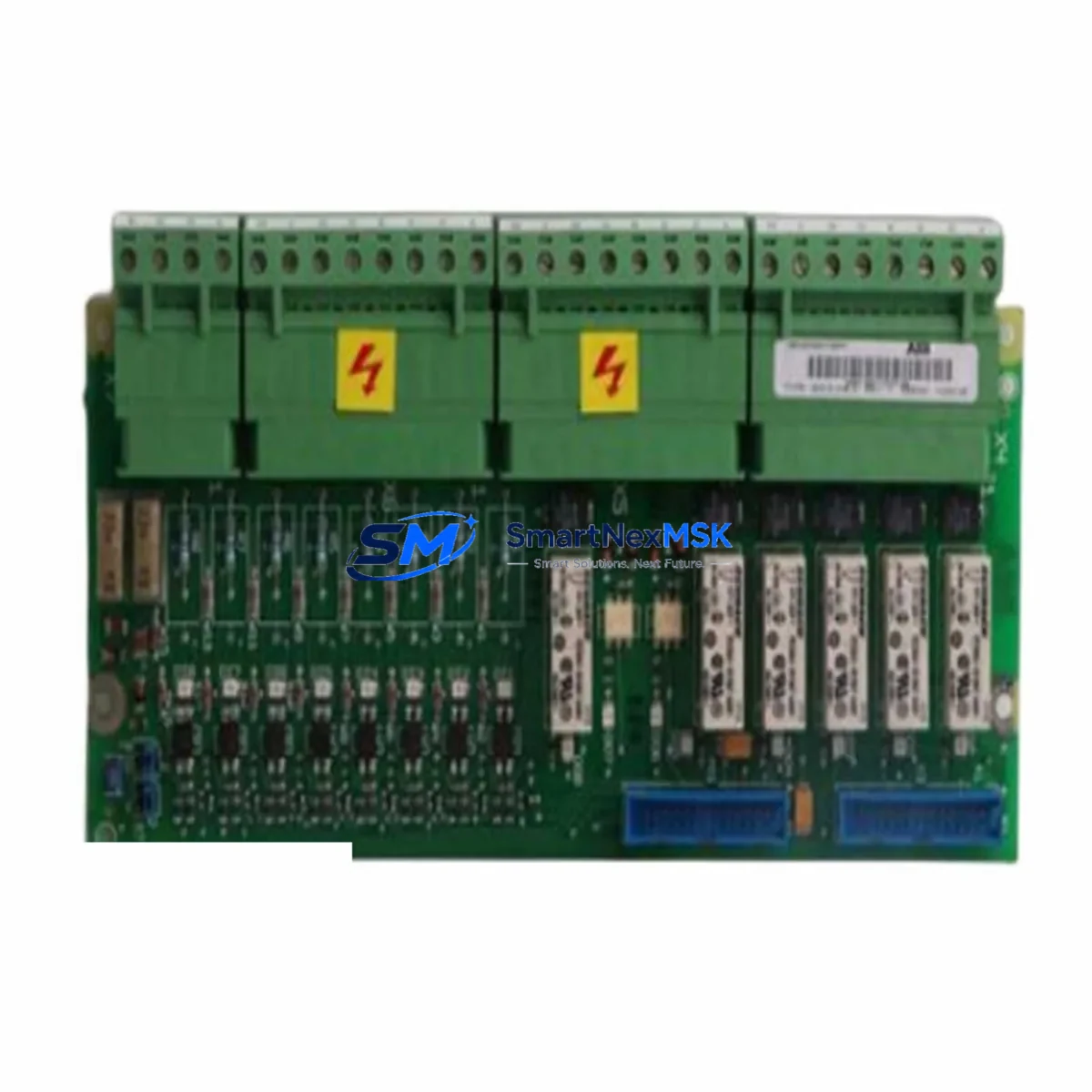
WEIDMULLER CP-DM20 Retrofit-Ready DIN Rail PSU for CP Series Control Systems
The WEIDMULLER CP-DM20 is a proven retrofit solution for aging CP Series control panel power infrastructure. Designed as a direct replacement for discontinued or end-of-life CP Series DIN rail power supply units, the CP-DM20 delivers reliable 24 VDC output with a compact footprint that fits standard 35 mm DIN rail mounting without panel modification. For system integrators and maintenance engineers managing legacy automation lines, this unit eliminates the need for costly panel redesigns while restoring full power delivery capacity to downstream I/O modules, communication gateways, and field devices.
When planning a retrofit around the CP-DM20, engineers must verify several critical parameters before commissioning. First, confirm the total connected load across all 24 VDC consumers in the control cabinet — including WEIDMULLER UR20 remote I/O modules, ACT20P signal conditioners, and any third-party 24 VDC field instruments. The CP-DM20’s output current rating must meet or exceed the sum of all steady-state loads plus a 20–30% derating margin for thermal headroom. Second, inspect the existing terminal wiring: the CP-DM20 uses standard screw-clamp terminals compatible with 0.5–6 mm² conductors, so existing wiring from a CP-SNT or CP-T series predecessor can typically be re-terminated without re-pulling cable.
Backplane and rack compatibility is another key checkpoint. In control cabinets where the original power supply fed a WEIDMULLER OMNIMATE or similar modular terminal block rail, the CP-DM20 mounts adjacently on the same DIN rail segment without requiring a dedicated backplane slot — unlike slot-based power modules found in Siemens S7-300 or Allen-Bradley ControlLogix architectures. This makes the CP-DM20 particularly well-suited for hybrid panels where a Siemens ET 200SP distributed I/O island or a Phoenix Contact Inline controller shares rail space with WEIDMULLER signal conditioning and power distribution components.
Upgrade Compatibility Table
| Parameter | CP-DM20 (This Unit) | Typical Legacy Unit | Retrofit Notes |
|---|---|---|---|
| Mounting | 35 mm DIN Rail (EN 60715) | 35 mm DIN Rail | No panel modification required |
| Output Voltage | 24 VDC (adjustable ±5%) | 24 VDC | Verify downstream device tolerance |
| Output Current | 20 A | 10–20 A (varies by model) | Confirm total load budget before swap |
| Input Voltage | 100–240 VAC, 50/60 Hz | 100–240 VAC | Universal input; no transformer change needed |
| Terminal Type | Screw-clamp, 0.5–6 mm² | Screw-clamp | Re-terminate existing wiring directly |
| Communication | N/A (standalone PSU) | N/A | No protocol migration required |
| Diagnostics | LED status + DC OK relay | LED only (older models) | Wire DC OK to PLC digital input for monitoring |
| Replacement Fit | Drop-in for CP-SNT, CP-T series | CP-SNT / CP-T | Verify rail spacing and adjacent module clearance |
| Commissioning | Adjust output trim, verify load | Fixed output | Use calibrated multimeter at output terminals |
| Warranty | 12-Month Warranty — Covered from date of shipment | ||
Retrofit Planning for Existing Automation Systems
A successful CP-DM20 retrofit begins with a thorough audit of the existing control cabinet. Start by documenting every 24 VDC load: WEIDMULLER ACT20P loop-powered transmitter isolators, WAS4 analog signal conditioners, and any OMNIMATE terminal block bridges that distribute power across multiple rail segments. If the cabinet also houses a WEIDMULLER IE-SW-VL05M-5TX industrial Ethernet switch or similar 24 VDC network infrastructure, include those loads in the power budget calculation.
For panels integrating Siemens S7-1200 or S7-1500 PLCs with distributed ET 200SP I/O, the CP-DM20 typically serves as the primary 24 VDC bus supplier for the I/O tier, while the PLC CPU draws from a dedicated SITOP PSU8200 or equivalent. In this topology, the CP-DM20 replacement is isolated to the I/O and field device bus, minimizing risk to the CPU and program memory. Engineers should confirm that the PROFINET or PROFIBUS DP communication link between the CPU and the ET 200SP head module (e.g., IM 155-6 PN) remains powered and active throughout the swap by sequencing the replacement during a planned maintenance window.
Where the legacy system includes Phoenix Contact QUINT POWER or TRIO POWER units in a parallel redundancy configuration, the CP-DM20 can be introduced as a replacement for one redundant leg at a time, maintaining continuous 24 VDC supply to the load bus via the remaining unit. After the first unit is replaced and verified, the second leg can be swapped in a subsequent maintenance cycle. This staged approach is especially valuable in continuous-process industries where unplanned downtime carries significant production cost.
Terminal block wiring should be photographed and labeled before disconnection. Use WEIDMULLER’s own WMB or WS series marker strips if re-labeling is required after re-termination. If the cabinet includes a WEIDMULLER PRO-M EASY or similar modular relay output module drawing from the same 24 VDC bus, verify that inrush current during relay coil energization does not exceed the CP-DM20’s peak current specification. A WEIDMULLER VSSC4 surge protection device on the 24 VDC output bus is recommended for panels in electrically noisy environments such as motor control centers or variable frequency drive (VFD) enclosures.
Downtime Control During System Migration
Minimizing downtime during a CP-DM20 swap requires preparation before the maintenance window opens. Pre-stage the replacement unit on the bench: set the output voltage trim to match the existing bus voltage (measure at the load terminals, not the PSU output, to account for cable drop), and verify the DC OK relay contact wiring matches the PLC digital input assignment in the original panel drawings.
Back up the PLC program to an offline storage device — whether a Siemens S7 project on TIA Portal, a Rockwell Studio 5000 ACD file, or a CODESYS project archive — before any power interruption. If the HMI (e.g., a SIMATIC HMI TP700 Comfort or a WEINVIEW MT8071iE) stores recipe data or alarm history locally, export those files as well. Confirm that the HMI communication link to the PLC will re-establish automatically on power restoration; most modern HMIs with Ethernet-based connections (Modbus TCP, EtherNet/IP, or PROFINET) reconnect without operator intervention, but older RS-232 or RS-485 serial links may require a manual communication reset.
During the swap, isolate the 24 VDC bus using the existing circuit breaker or fuse holder upstream of the PSU. Do not rely on the PSU’s own output switch as the sole isolation point. After installing the CP-DM20, restore power incrementally: energize the PSU first with the load bus disconnected, verify output voltage, then reconnect the load bus and confirm all I/O modules, communication gateways, and field devices return to normal status. Check the PLC’s I/O diagnostic page for any module fault flags before releasing the system to production.
Retrofit Support FAQ
Q1: Is the CP-DM20 a direct drop-in replacement for the CP-SNT 20W and CP-T 24VDC/20A?
A: Yes. The CP-DM20 shares the same 35 mm DIN rail footprint and 24 VDC/20 A output specification as the CP-SNT and CP-T series predecessors. Terminal pitch and conductor size compatibility allow direct re-termination of existing wiring. Verify output voltage trim after installation using a calibrated meter.
Q2: What commissioning checks are required after installation?
A: Measure output voltage at the load terminals under full load. Verify the DC OK relay contact is wired to the PLC digital input and that the PLC program correctly interprets a PSU fault signal. Check LED status indicators for normal operation. Confirm no nuisance tripping of upstream circuit protection under startup inrush conditions.
Q3: How is wiring compatibility verified for legacy terminal blocks?
A: The CP-DM20 accepts 0.5–6 mm² conductors in its screw-clamp terminals, covering the full range used in standard CP Series installations. Ferrule-terminated conductors are accepted without modification. If existing conductors are aluminum (uncommon in European-standard panels), consult WEIDMULLER’s application engineering team before re-termination.
Q4: What does the 12-month warranty cover?
A: All CP-DM20 units shipped by SMARTNEXMSK carry a 12-month warranty from the date of shipment, covering manufacturing defects and component failures under normal operating conditions. Each unit undergoes pre-shipment functional testing including output voltage verification, load regulation check, and DC OK relay contact continuity test. Warranty claims are processed via [email protected] with proof of purchase and a fault description.
© 2026 SMARTNEXMSK. All rights reserved.
Original Source: https://smartnexmsk.com
Contact: [email protected] | +86 18259474341