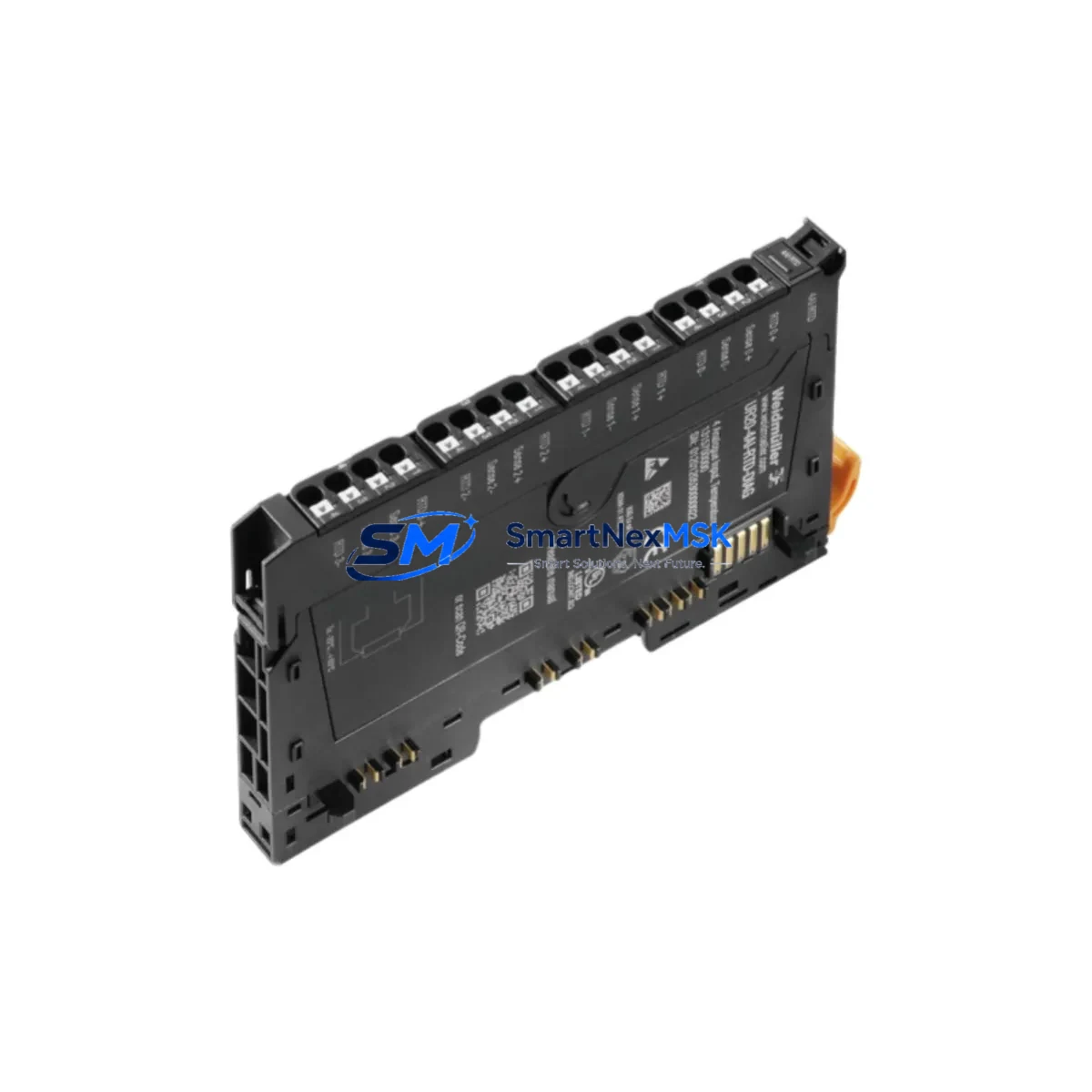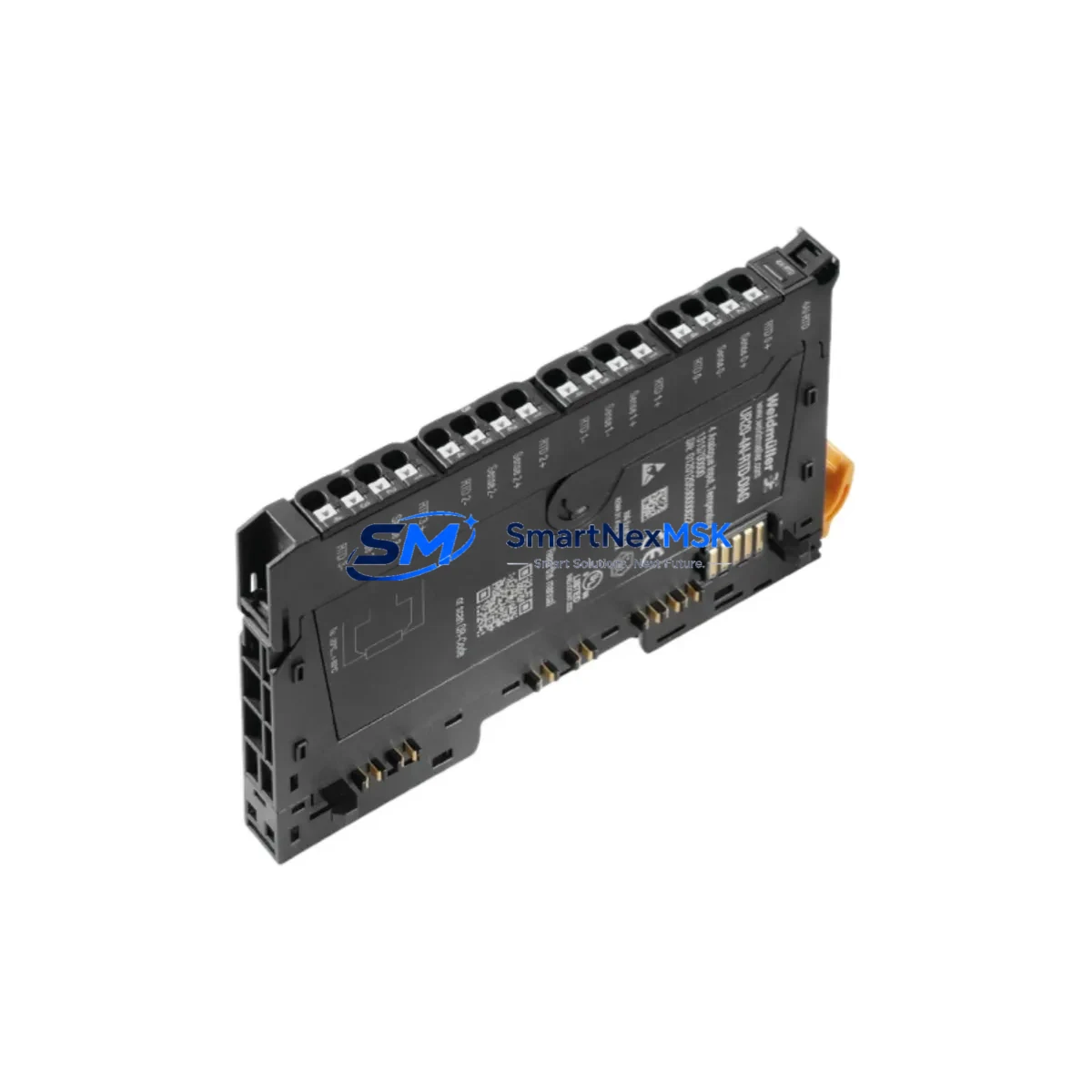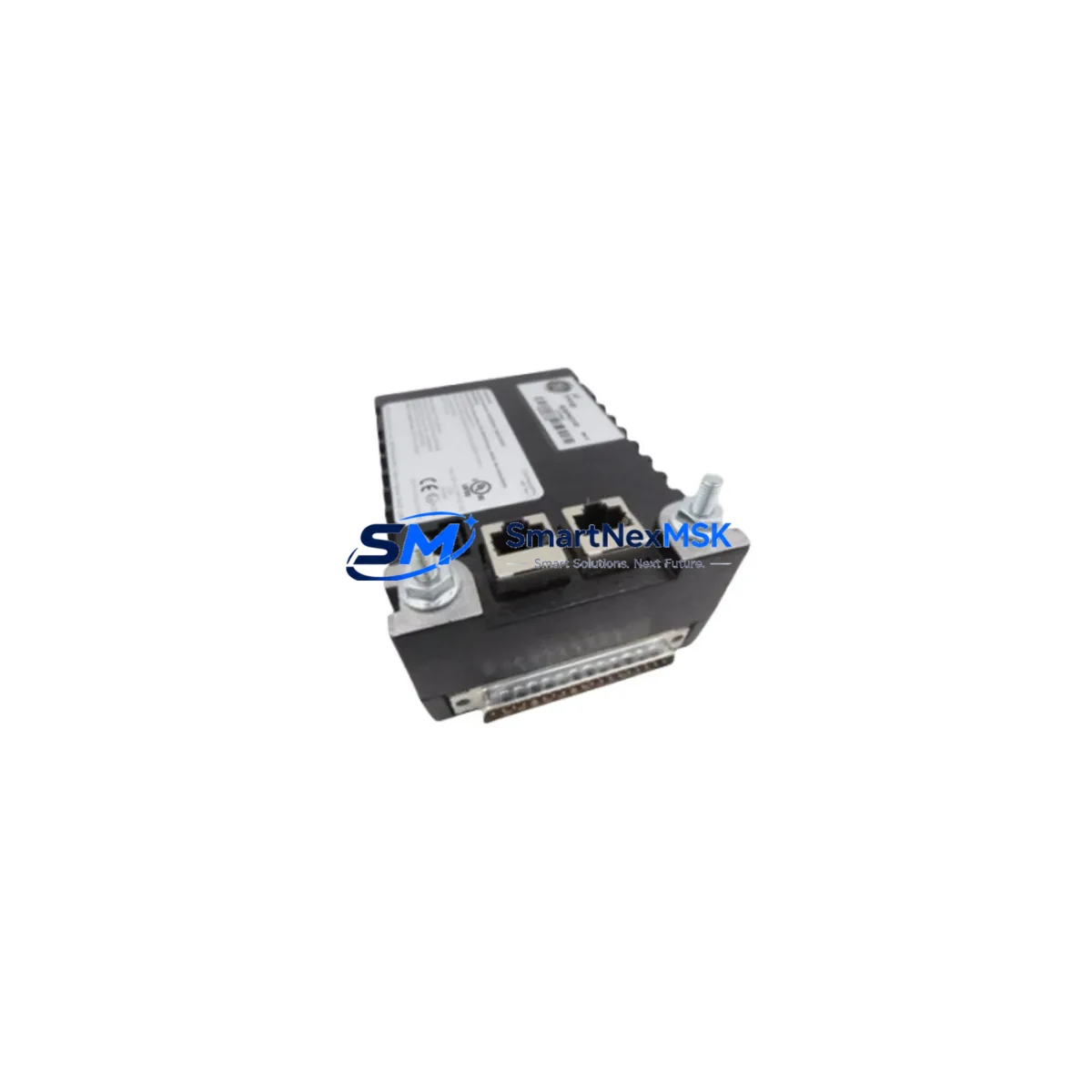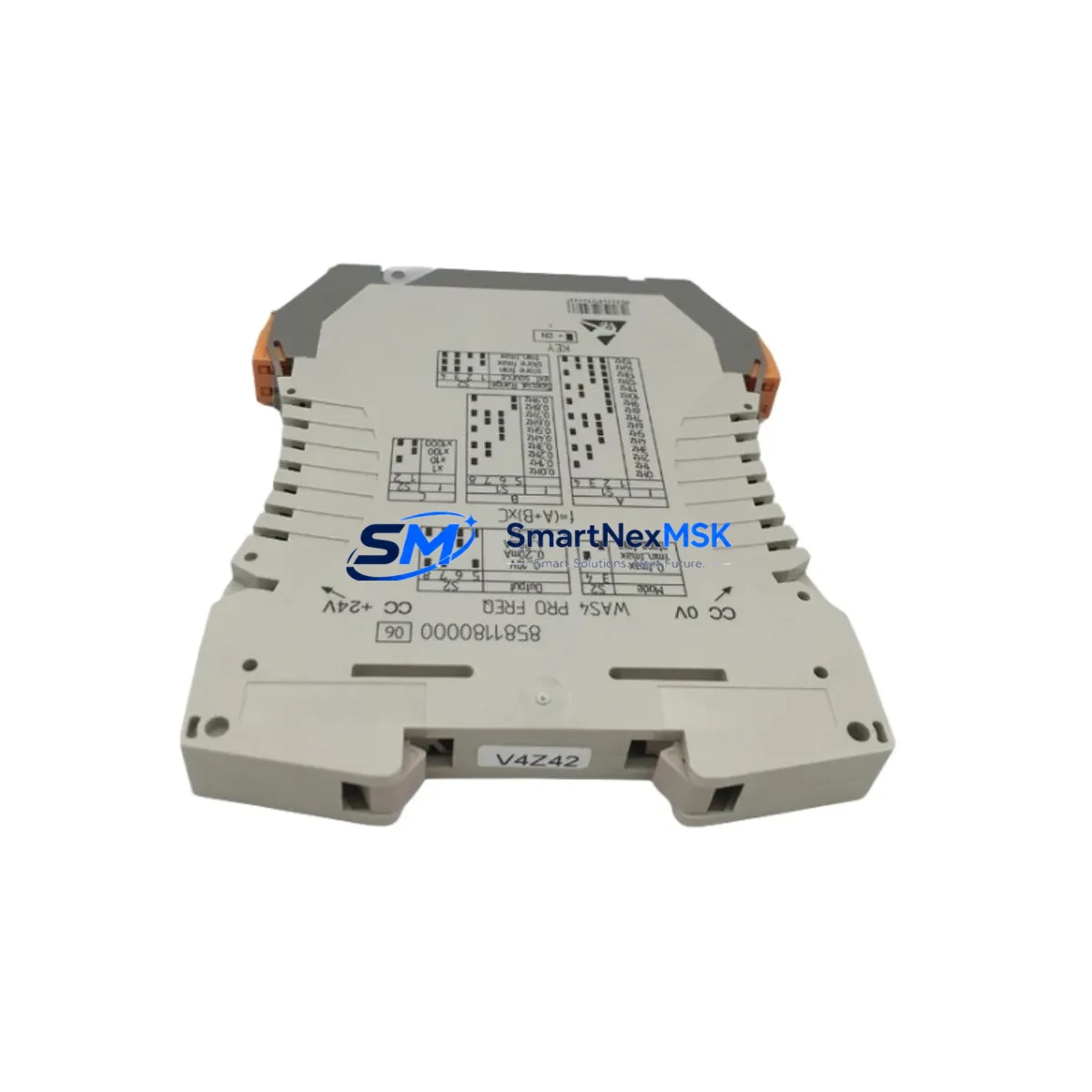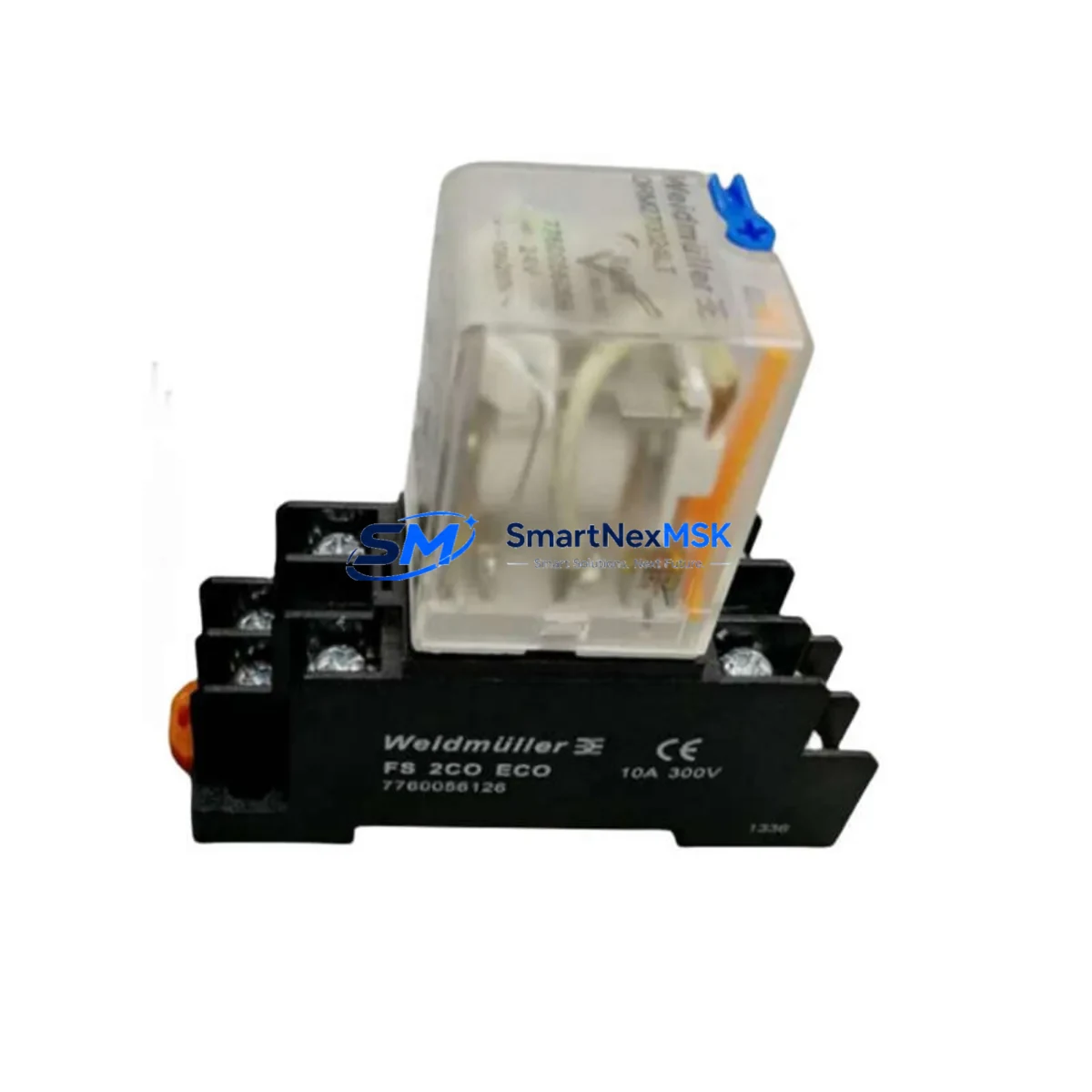
Weidmuller FS2COECO Retrofit-Ready Fieldbus Interface for FS2 Control Systems
The Weidmuller FS2COECO is a CANopen fieldbus interface module purpose-built for the FS2 series terminal block and I/O system. As legacy automation infrastructure ages and original components reach end-of-life, the FS2COECO provides a direct, validated replacement path that preserves existing wiring, backplane connections, and control logic — enabling engineers to modernize fieldbus communication without redesigning the entire control cabinet.
For facilities running continuous production lines, chemical processing units, or power distribution substations where downtime is measured in lost revenue per minute, the FS2COECO delivers a retrofit solution that minimizes risk. Its CANopen protocol support ensures seamless integration with existing network topologies, and its compact DIN-rail form factor matches the original FS2 series footprint precisely — eliminating the need for panel modifications or new cable routing.
Upgrade Compatibility Table
| Parameter | Specification / Retrofit Detail |
|---|---|
| SKU / Part Number | FS2COECO |
| Brand / Manufacturer | Weidmuller |
| Series | FS2 (u-remote / FieldPower Series) |
| Product Type | CANopen Fieldbus Interface Module |
| Communication Protocol | CANopen (CiA 301 / CiA 401) |
| Interface / Connector | FS2 series backplane bus connector |
| Installation | DIN-rail mount, tool-free module insertion |
| Supply Voltage | 24 V DC (via FS2 power feed module) |
| Replacement Compatibility | Direct drop-in for FS2 series CANopen head station |
| Wiring Adaptation | No rewiring required; existing terminal assignments retained |
| Protocol Migration | CANopen node address configurable via rotary switch |
| Commissioning | EDS file available; compatible with CANopen master controllers |
| Origin | Germany |
| Warranty | 12-Month Warranty — tested before shipment |
Retrofit Planning for Existing Automation Systems
A successful FS2COECO retrofit begins with a thorough audit of the existing control cabinet. Engineers should first verify the power feed capacity of the installed Weidmuller FS2-PWR power supply module, confirming it can support the current draw of the replacement interface alongside all connected I/O slices. In most FS2 installations, the power budget is shared across digital input modules such as the FS2-DI-8 and digital output modules such as the FS2-DO-8, so a load calculation review is essential before swapping the head station.
Next, document the existing CANopen node address set on the outgoing module. The FS2COECO uses a dual rotary switch for node ID assignment, and the address must match the configuration stored in the upstream CANopen master — typically a Weidmuller u-remote controller, a Siemens S7-300 CP 342-5 communication processor, or a Beckhoff EK1510 CANopen master coupler. Mismatched node IDs are the most common cause of communication failure during commissioning and can be avoided entirely with pre-migration documentation.
Terminal wiring on the FS2 series is handled at the I/O slice level, not at the head station, so the FS2COECO swap does not require any field wiring changes. However, engineers should inspect the condition of the FS2 bus connector and the backplane rail for corrosion or mechanical wear before inserting the replacement module. If the installation includes analog input modules such as the FS2-AI-4-20MA or thermocouple input slices, verify that the EDS object dictionary entries for those modules are correctly mapped in the CANopen master’s configuration tool.
For systems that also include an HMI panel — such as a Weidmuller u-control touchscreen or a third-party SCADA terminal connected via OPC-UA — confirm that the process variable tags linked to FS2 I/O channels are correctly addressed after the module replacement. In most cases, the tag mapping remains unchanged because the FS2COECO preserves the same PDO structure as the original head station. A brief online test with the HMI in simulation mode before live commissioning is strongly recommended.
If the retrofit is part of a broader migration from an older Profibus-based architecture to CANopen, the FS2COECO can serve as the CANopen segment head while a Weidmuller gateway module handles protocol bridging between the legacy Profibus DP network and the new CANopen backbone. This approach allows phased migration without requiring a full cutover of the existing control program.
Downtime Control During System Migration
Minimizing unplanned downtime during an FS2COECO retrofit requires a structured pre-commissioning checklist and a clear rollback plan. Before the maintenance window begins, export the full CANopen network configuration from the master controller and save a backup of the PLC program — including all I/O force tables and alarm setpoints. This ensures that if commissioning encounters an unexpected issue, the original configuration can be restored within minutes rather than hours.
During the physical swap, the FS2 series tool-free module insertion mechanism allows the FS2COECO to be seated and locked in under two minutes. Once installed, power the system and verify that the module’s RUN LED illuminates and the ERR LED remains off before enabling the CANopen master scan. A systematic channel-by-channel I/O verification — starting with digital inputs, then digital outputs, then analog channels — confirms that all field signals are correctly mapped before returning the process to automatic control.
For critical production lines where even a brief interruption is unacceptable, consider staging the FS2COECO replacement during a scheduled preventive maintenance window rather than waiting for a failure event. Maintaining a spare FS2COECO in the control room alongside a printed copy of the node address settings and EDS file location eliminates the diagnostic delay that typically extends emergency repair time. SMARTNEXMSK maintains ready stock of the FS2COECO to support both planned retrofit projects and urgent breakdown replacements, with same-day dispatch available for confirmed orders.
Retrofit Support FAQ
Q1: Is the FS2COECO a direct drop-in replacement for the original Weidmuller FS2 series CANopen head station?
Yes. The FS2COECO is designed as a form-fit-function replacement for the FS2 series CANopen interface. It uses the same backplane bus connector, the same DIN-rail mounting footprint, and the same CANopen PDO structure as the original module. No wiring changes or panel modifications are required for a standard replacement.
Q2: What commissioning steps are required after installing the FS2COECO?
After physical installation, set the CANopen node address using the rotary switches to match the address previously assigned to the outgoing module. Load the FS2COECO EDS file into the CANopen master configuration tool if the master requires re-scanning. Power up the system and verify the RUN LED status before enabling automatic control. A full I/O channel verification is recommended before returning the process to production.
Q3: Does the FS2COECO support all I/O slice types used in the FS2 series?
Yes. The FS2COECO head station is compatible with the full range of FS2 series I/O slices, including digital input, digital output, analog input, analog output, and thermocouple modules. The CANopen object dictionary supports standard CiA 401 device profiles, ensuring compatibility with the majority of CANopen master controllers used in industrial automation.
Q4: What warranty and quality assurance does SMARTNEXMSK provide for the FS2COECO?
Every FS2COECO unit supplied by SMARTNEXMSK is covered by a 12-month warranty from the date of shipment. Each unit undergoes functional testing prior to dispatch, including power-on verification and communication interface checks. Long-term supply continuity is maintained through established sourcing channels, supporting both single-unit replacement orders and multi-unit retrofit project requirements.
© 2026 SMARTNEXMSK. All rights reserved.
Original Source: https://smartnexmsk.com
Contact: [email protected] | +86 18259474341