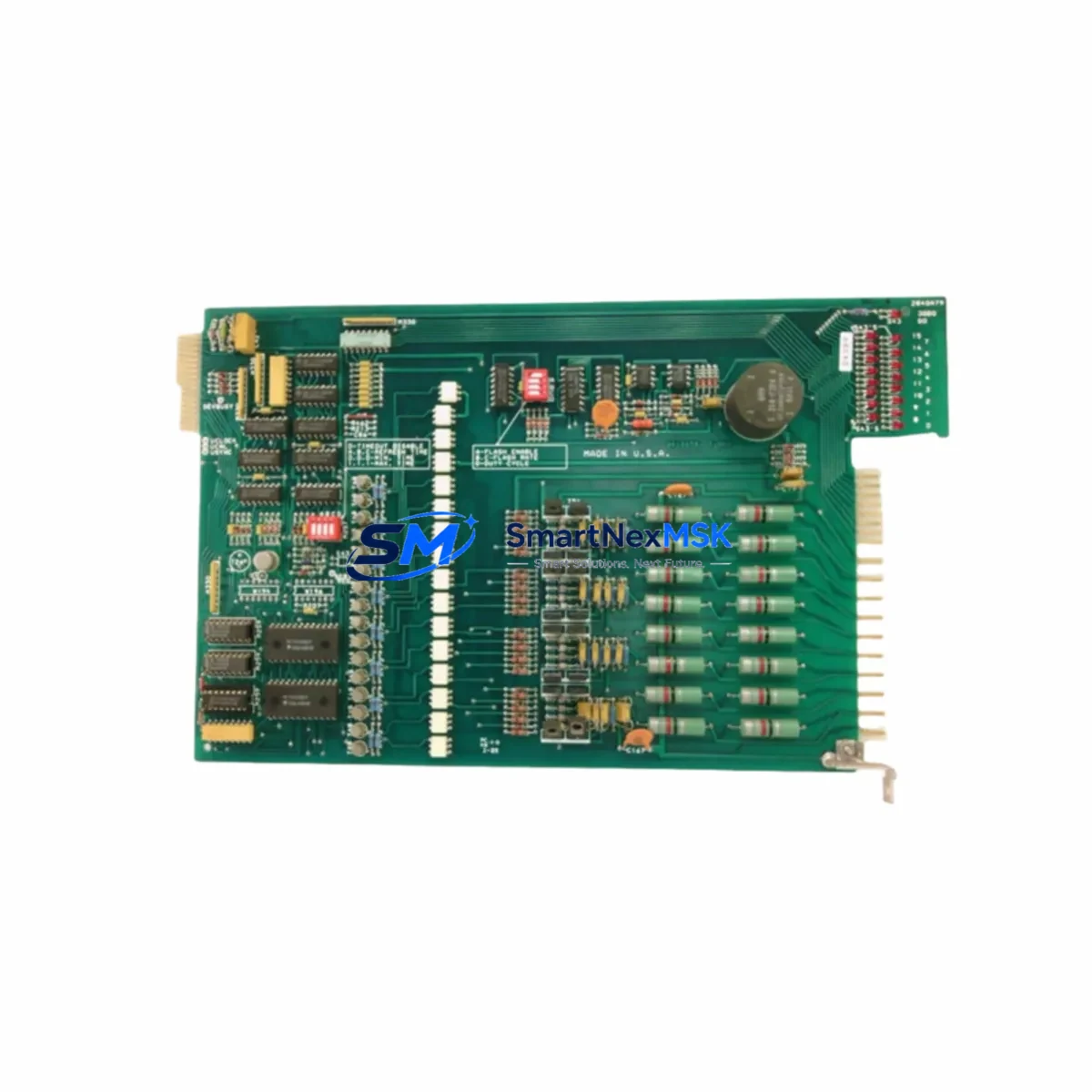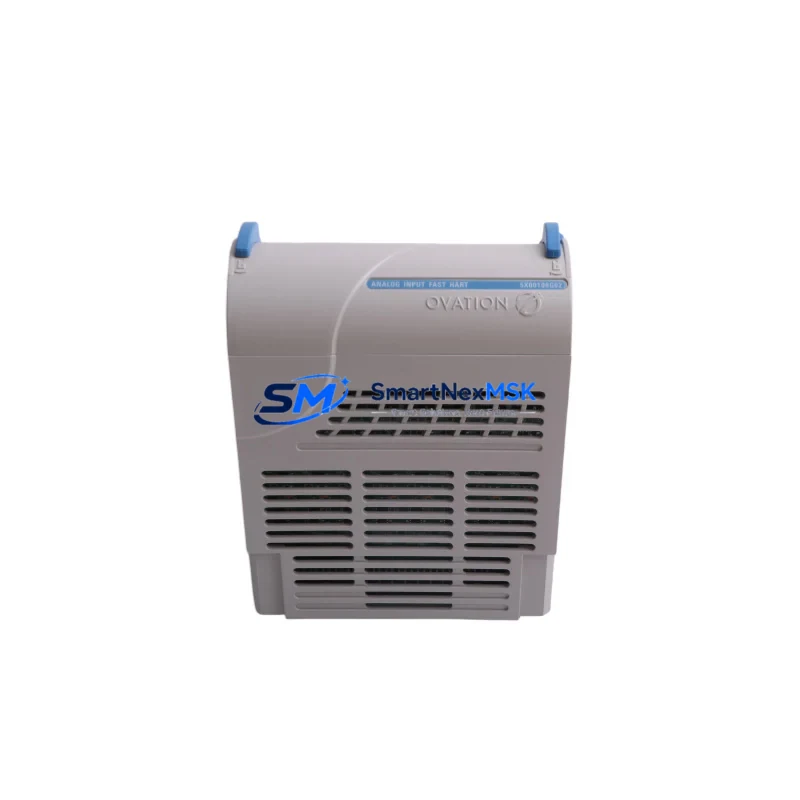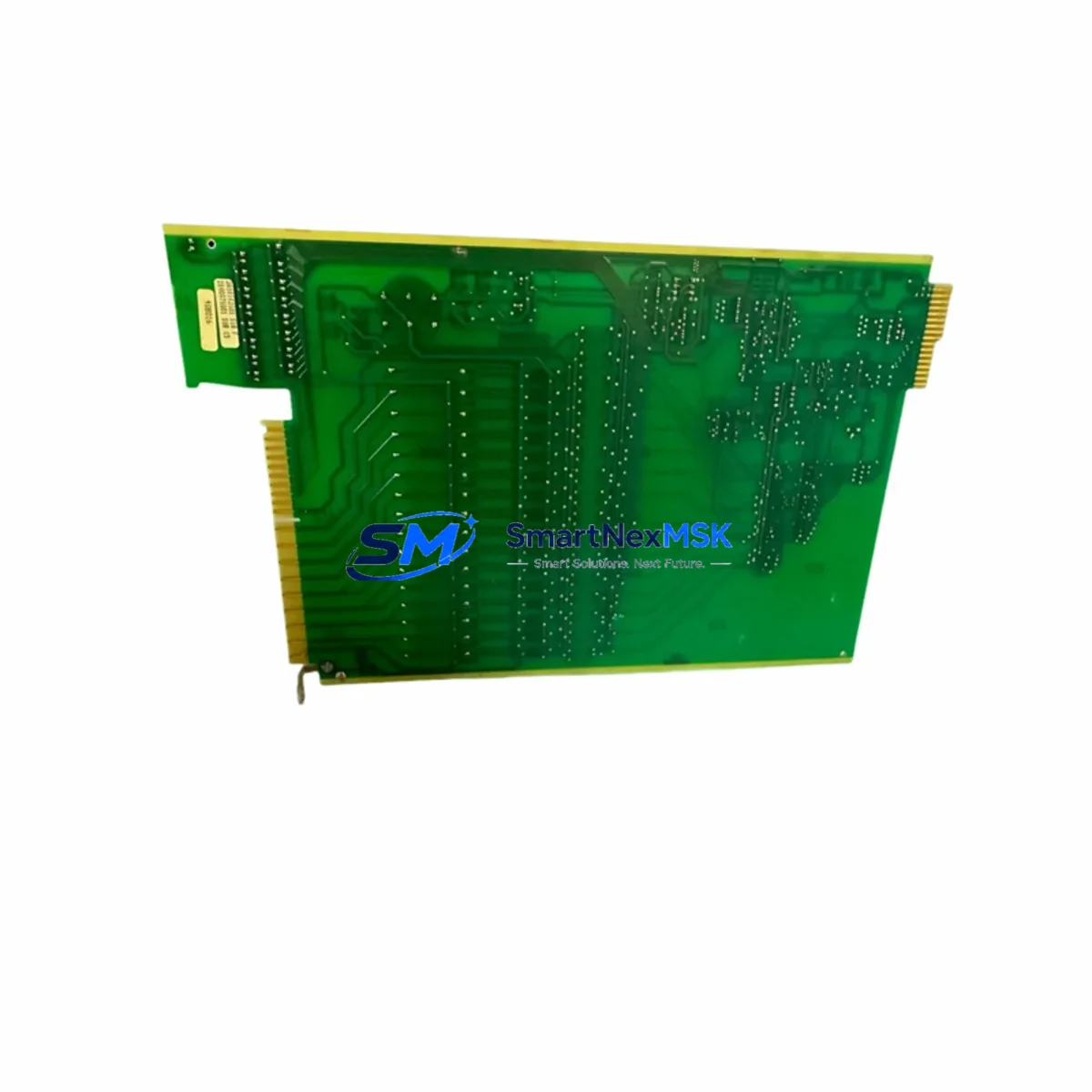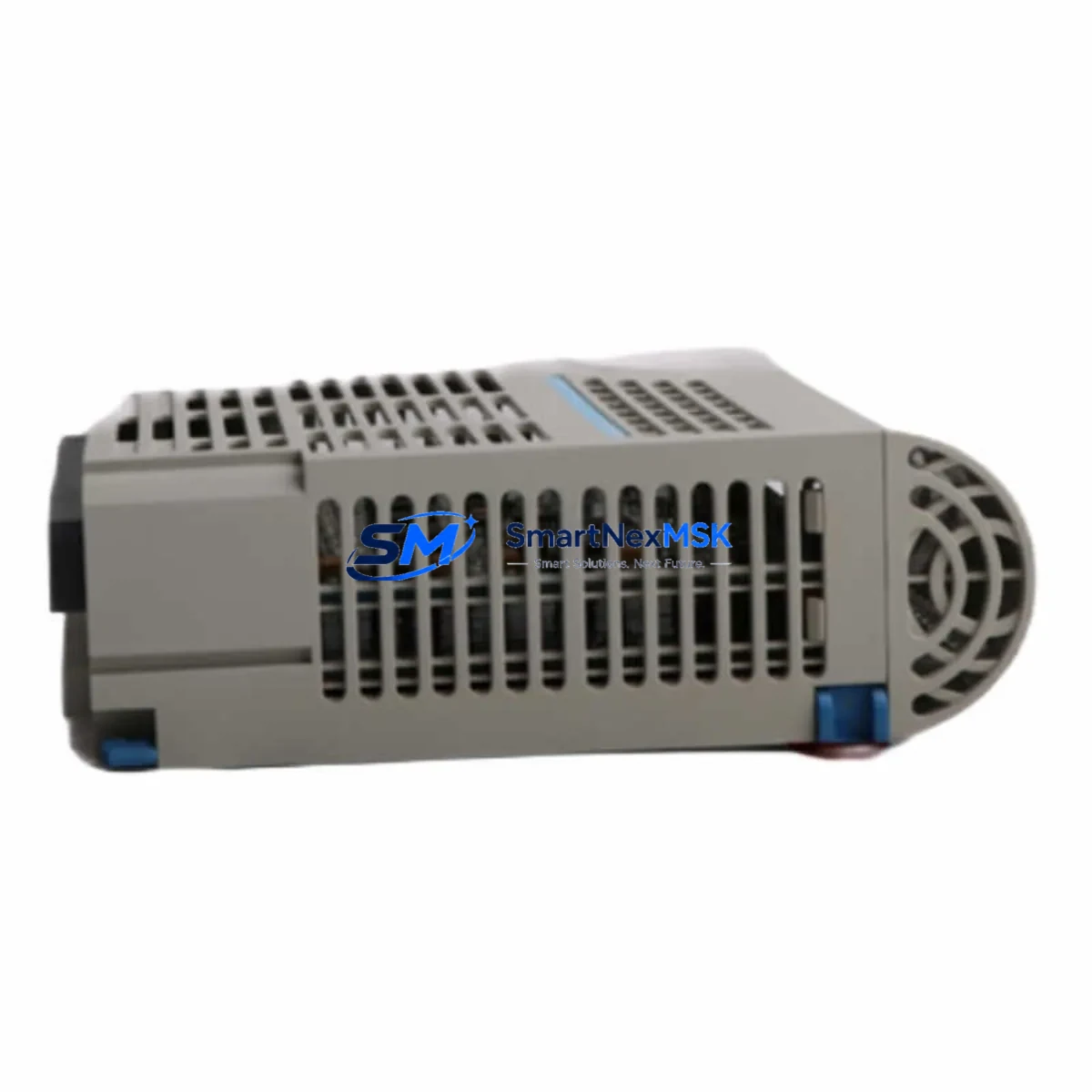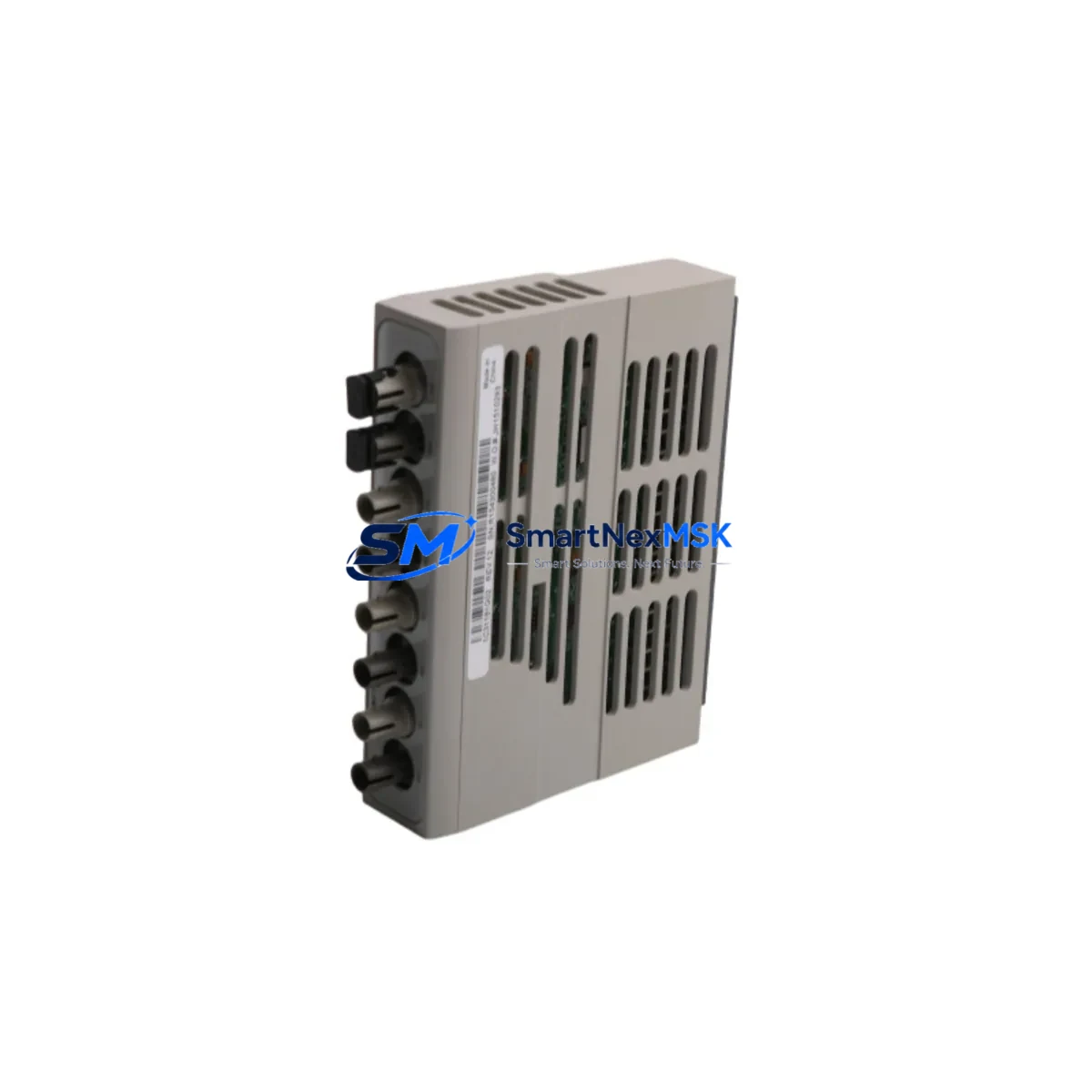
WESTINGHOUSE 1C31181G02 Retrofit-Ready Remote I/O for Ovation DCS: Compatible Modernization & Smooth System Upgrade
The WESTINGHOUSE 1C31181G02 is a Remote I/O Module engineered for the Ovation Distributed Control System (DCS) platform — one of the most widely deployed process control architectures in power generation, refining, and heavy industrial facilities. As legacy Ovation installations age and OEM support windows close, the 1C31181G02 has become a critical retrofit component for engineers tasked with extending system life, replacing discontinued spares, and modernizing control infrastructure without full platform migration.
This module serves as a direct functional replacement for discontinued or end-of-life Remote I/O assemblies within the Ovation I/O subsystem. It interfaces with the Ovation controller via the dedicated I/O bus, maintaining the same rack-mount form factor, terminal block wiring layout, and communication protocol expected by the existing Ovation Drop architecture. Engineers performing a like-for-like swap can retain original field wiring, preserving loop integrity and minimizing the risk of wiring errors during cutover.
Before initiating a retrofit using the 1C31181G02, site engineers should verify several key parameters. Power supply capacity at the I/O cabinet must be confirmed — the Ovation Remote I/O subsystem draws regulated 24 VDC from the cabinet power distribution rail, and adding or replacing modules may affect total load. The 1C31181G02 should be installed in a compatible Ovation I/O rack or chassis; verify backplane slot assignments and ensure the module address is correctly configured to match the original Drop number and I/O point mapping defined in the Ovation database. Mismatched module addressing is one of the most common causes of failed commissioning after a spare replacement.
Terminal block wiring should be cross-referenced against the original loop drawings. The 1C31181G02 uses a standard Ovation terminal block interface, and field signal wiring — including analog inputs, discrete I/O, and shield grounds — should be verified for continuity and correct polarity before powering the module. Where the original module used a removable terminal block, confirm that the replacement terminal block is compatible and that all field terminations are re-torqued to specification.
Communication link integrity is equally important. The Ovation I/O bus connecting the 1C31181G02 to the Ovation Controller — typically an Ovation OCR400 or OCR1100 series controller — must be inspected for cable condition, connector seating, and correct bus termination. In systems where the Ovation network has been extended or segmented, confirm that the Drop address does not conflict with other modules on the same I/O bus segment. The Ovation Developer Studio (ODS) or Ovation Configuration Tool should be used to verify that the replacement module is recognized by the controller and that all I/O points are scanning correctly before returning the loop to automatic control.
For facilities upgrading from older Ovation generations, the 1C31181G02 retrofit may be part of a broader modernization effort that includes replacing aging Ovation power supply modules, upgrading the Ovation network switch infrastructure, or migrating HMI workstations from legacy Ovation Operator Stations to current Ovation OWS platforms. In these scenarios, the I/O module replacement is typically sequenced after controller and network upgrades to ensure that the new I/O hardware is recognized by the updated Ovation software version. Compatibility between the 1C31181G02 firmware revision and the installed Ovation software release should be confirmed with the site’s Ovation version documentation.
In multi-Drop Ovation systems, the 1C31181G02 replacement is often performed in parallel with other I/O module swaps — including analog input modules, digital output modules, and specialty function modules such as thermocouple input or RTD input cards — to consolidate maintenance downtime into a single planned outage window. Coordinating the replacement of related modules such as the 1C31197G01 analog output module or the 1C31166G01 digital input module alongside the 1C31181G02 can reduce total outage duration and simplify post-replacement loop checkout.
Where the retrofit involves a control cabinet upgrade, engineers should also assess the condition of the Ovation I/O rack backplane, cabinet cooling fans, and internal cable harnesses. Degraded backplane connectors are a known failure mode in long-running Ovation installations and can cause intermittent I/O faults that are difficult to diagnose without physical inspection. Replacing the 1C31181G02 in conjunction with a backplane inspection — and, where necessary, a full rack replacement — provides a more durable long-term solution than a module-only swap.
All 1C31181G02 units supplied by SMARTNEXMSK are subject to pre-shipment functional testing, including power-on verification, communication bus response, and I/O channel continuity checks. Each unit ships with a 12-month warranty covering manufacturing defects and functional failures under normal operating conditions. Expedited shipping is available for emergency breakdown situations, with same-day dispatch for in-stock units.
Upgrade Compatibility Table
| Parameter | Details |
|---|---|
| Module Part Number | 1C31181G02 |
| Platform Compatibility | Westinghouse / Emerson Ovation DCS |
| Module Function | Remote I/O Module |
| Rack / Backplane Interface | Ovation I/O Rack (standard backplane slot) |
| Communication Protocol | Ovation I/O Bus (proprietary Drop architecture) |
| Power Supply Requirement | 24 VDC regulated (from cabinet power rail) |
| Terminal Block Interface | Compatible with standard Ovation removable terminal blocks |
| Controller Compatibility | Ovation OCR400, OCR1100 series controllers |
| Installation Requirement | Module address must match original Drop/I/O point mapping in Ovation DB |
| Commissioning Tool | Ovation Developer Studio (ODS) / Ovation Configuration Tool |
| Replacement Scope | Like-for-like drop-in; field wiring retained |
| Warranty | 12 Months — covers manufacturing defects & functional failures |
Retrofit Planning for Existing Automation Systems
A successful 1C31181G02 retrofit begins with a thorough site survey of the existing Ovation I/O cabinet. Engineers should document the current module population — including the positions of analog input modules such as the 1C31116G01, digital output modules such as the 1C31122G01, and any specialty cards including thermocouple input modules and pulse input modules — before removing any hardware. This baseline inventory ensures that the replacement sequence can be planned without disrupting adjacent I/O channels that remain in service.
The Ovation I/O rack and backplane should be inspected for physical damage, corrosion, and connector wear. In installations where the original rack has been in service for more than ten years, it is advisable to replace the rack assembly concurrently with the 1C31181G02 module swap. The Ovation power supply module supplying the affected cabinet should also be load-tested to confirm it can support the replacement module without voltage droop under full I/O load.
For sites migrating from older Ovation software versions, the Ovation Controller — whether an OCR400 or the newer OCR1100 — may require a firmware update before it can correctly enumerate the replacement 1C31181G02. This firmware update should be staged and tested in a non-production environment where possible, using the Ovation Developer Studio to validate I/O point scanning and alarm response before the live cutover. Where an Ovation OWS HMI workstation is in use, HMI graphic screens referencing the affected I/O points should be reviewed to confirm that tag names and engineering unit scaling remain correct after the module replacement.
Communication cabling between the 1C31181G02 and the Ovation Controller should be inspected and, where degraded, replaced with new Ovation-compatible I/O bus cable. Connector pins should be cleaned and re-seated. In systems where a programming cable or Ovation service laptop is used for on-site diagnostics, confirm that the diagnostic tool can communicate with the replacement module before closing the cabinet and returning the system to service.
Downtime Control During System Migration
Minimizing downtime during a 1C31181G02 replacement requires careful pre-outage preparation. All field I/O points served by the module should be placed in manual control or bypassed at the DCS level before the module is removed, ensuring that the process remains stable during the swap. The original Ovation program logic — including PID control blocks, interlock logic, and alarm setpoints — should be backed up from the Ovation Controller to a secure offline location before any hardware changes are made.
The physical replacement of the 1C31181G02 is typically completed in under 30 minutes for a trained technician performing a like-for-like swap with pre-verified wiring. Post-replacement commissioning — including module address verification, I/O point scanning confirmation, loop checkout, and HMI alarm validation — typically requires an additional one to two hours depending on the number of I/O channels served by the module. By staging all replacement hardware, tools, and documentation at the cabinet before the outage window begins, total downtime can be held to under three hours for a single-module replacement.
Where the retrofit is part of a larger system upgrade involving multiple I/O modules, controllers, or network components, a phased cutover strategy — replacing one Drop at a time while maintaining the remainder of the Ovation system in automatic — is strongly recommended. This approach limits the blast radius of any commissioning issue and allows the control room team to maintain process oversight throughout the migration.
Retrofit Support FAQ
Q: Is the 1C31181G02 a direct drop-in replacement for the original Ovation Remote I/O Module?
A: Yes. The 1C31181G02 is designed as a functional replacement for the original Ovation Remote I/O Module, maintaining the same backplane interface, terminal block wiring layout, and I/O bus communication protocol. Field wiring is retained without modification in a standard like-for-like swap.
Q: What commissioning steps are required after installing the 1C31181G02?
A: After physical installation, the module address must be verified against the original Drop configuration in the Ovation database. The Ovation Developer Studio or Ovation Configuration Tool should be used to confirm that the controller recognizes the replacement module and that all I/O points are scanning correctly. Loop checkout and HMI alarm validation should be completed before returning affected loops to automatic control.
Q: How do I verify wiring compatibility before installation?
A: Cross-reference the existing loop drawings against the 1C31181G02 terminal block layout. Confirm signal type (analog/discrete), polarity, shield grounding, and cable gauge compatibility. Where the original module used a removable terminal block, verify that the replacement terminal block is compatible and re-torque all field terminations to specification before powering the module.
Q: What warranty and testing does SMARTNEXMSK provide with the 1C31181G02?
A: Every 1C31181G02 unit undergoes pre-shipment functional testing including power-on verification, I/O bus communication response, and channel continuity checks. A 12-month warranty is included, covering manufacturing defects and functional failures under normal operating conditions. Expedited shipping is available for emergency breakdown requirements.
© 2026 SMARTNEXMSK. All rights reserved.
Original Source: https://smartnexmsk.com
Contact: [email protected] | +86 18259474341