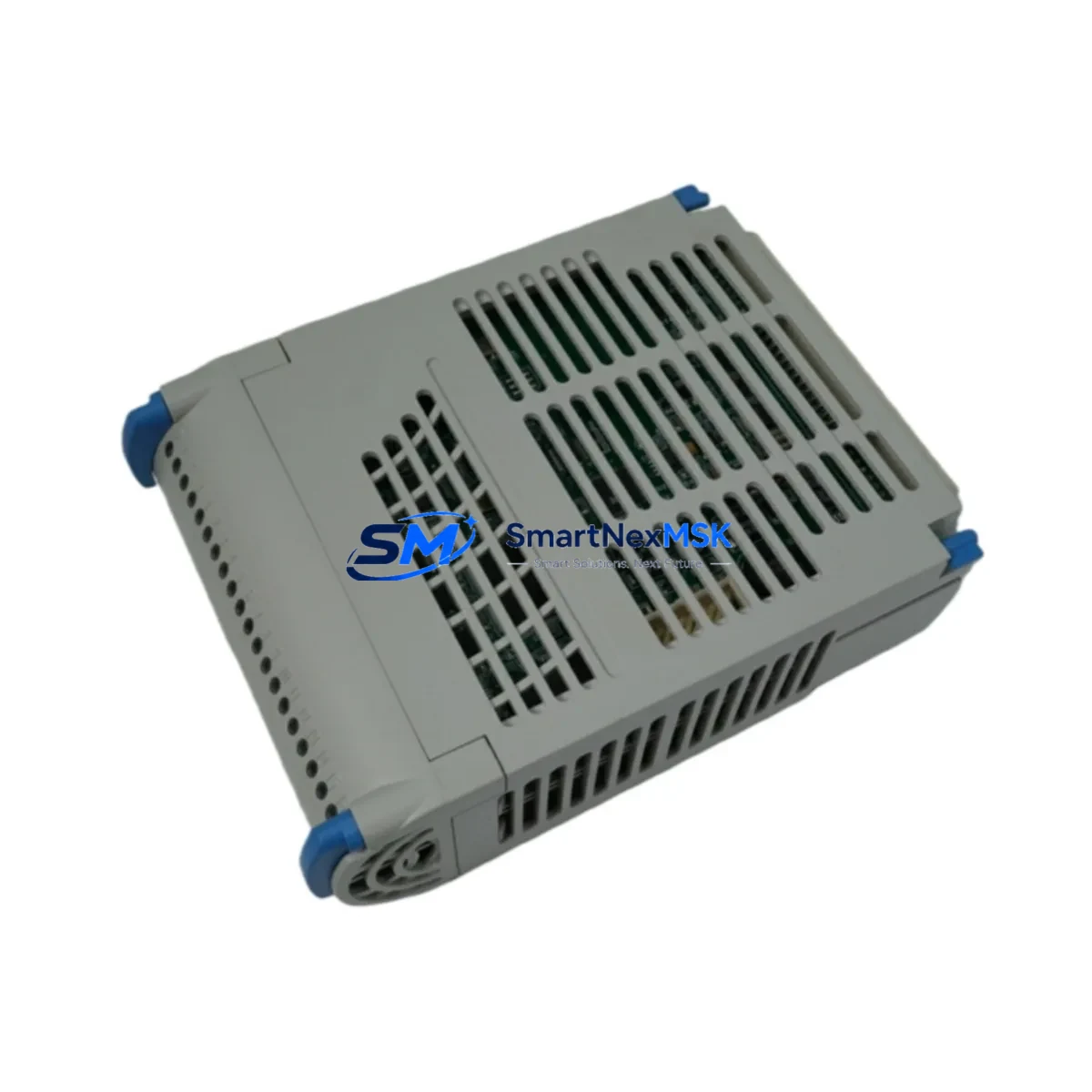
Westinghouse 5X00167G01 Spare for WDPF Automation: Spare Replacement & Industrial Downtime Risk Control
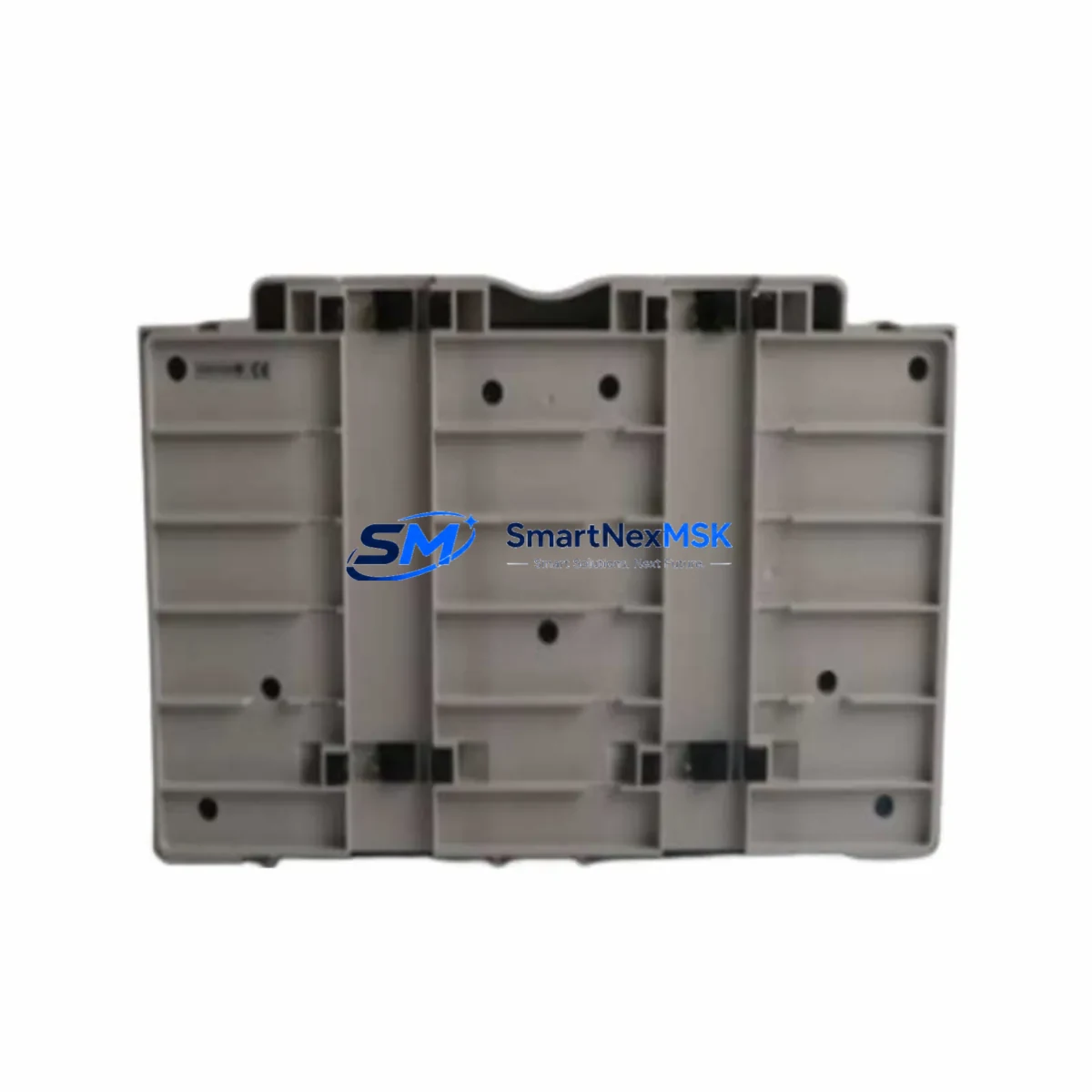
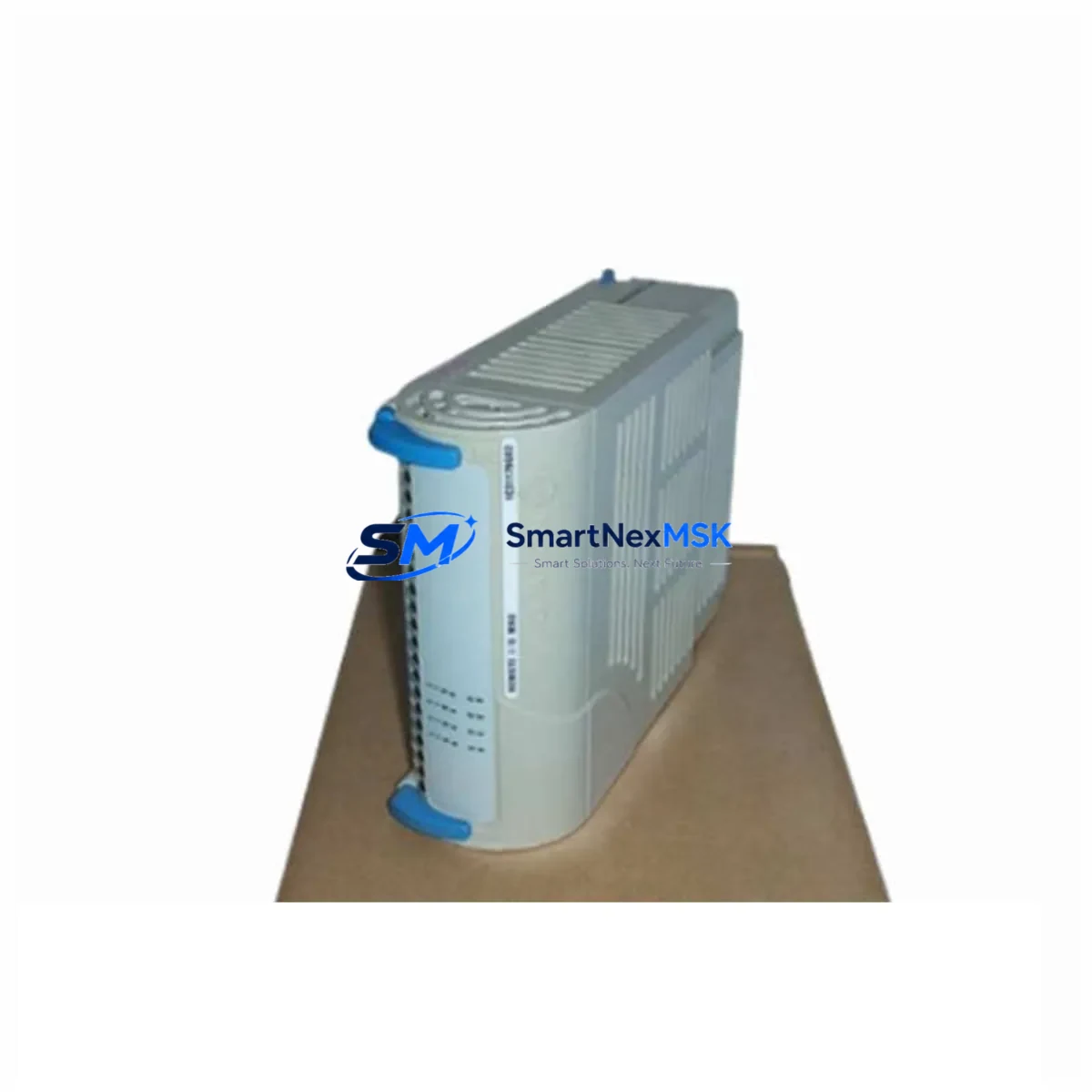
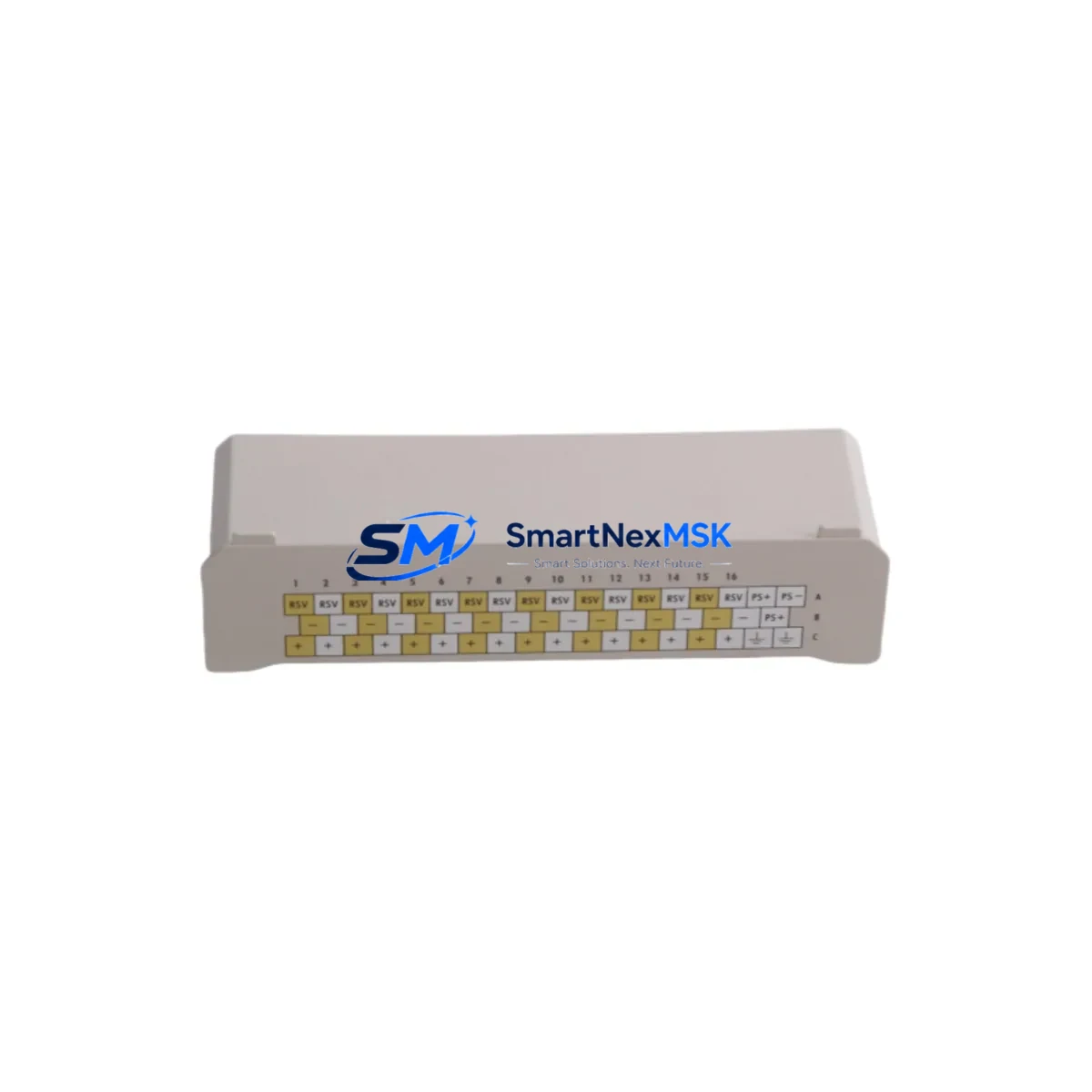
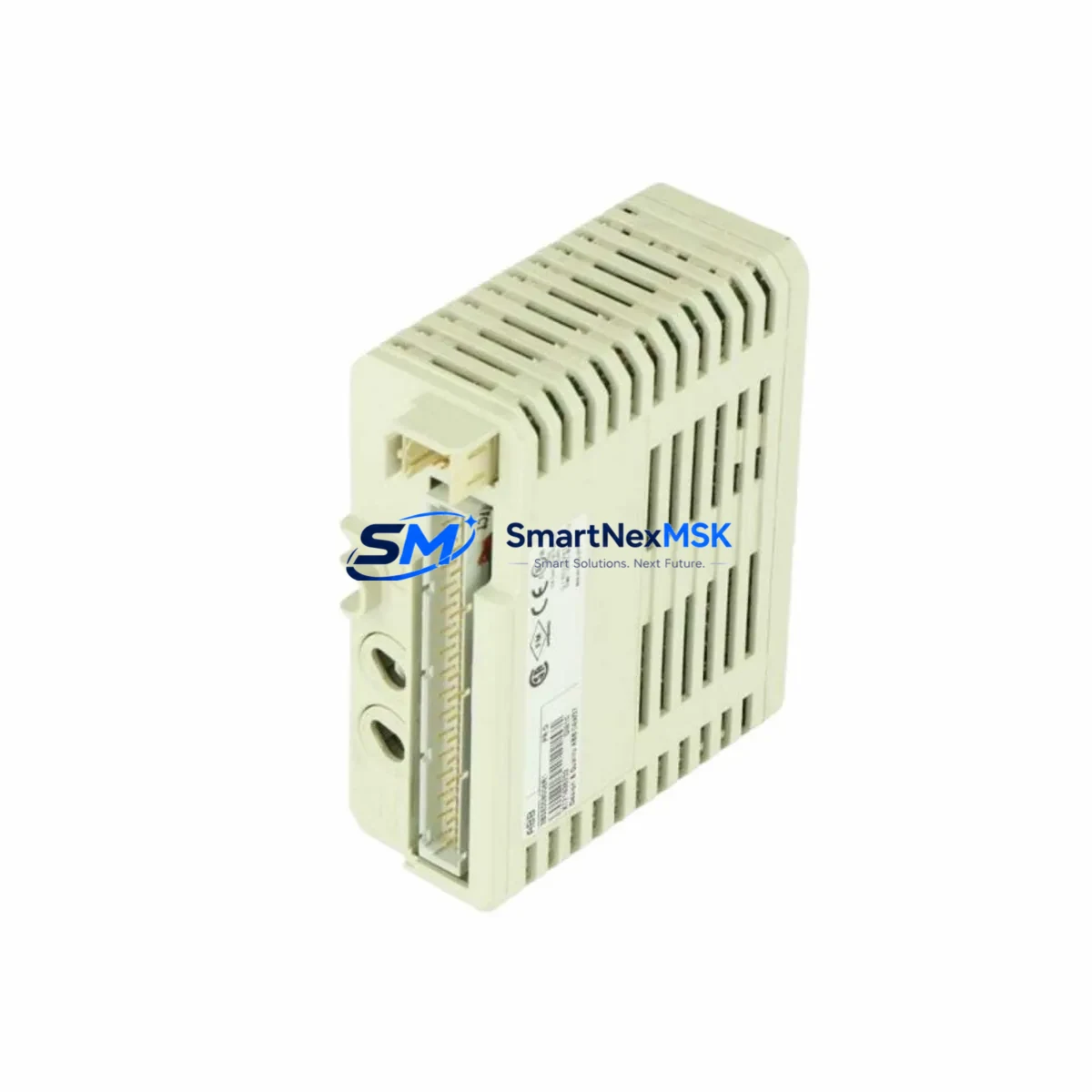
The Westinghouse 5X00167G01 is a Digital Output Module designed for the WDPF (Westinghouse Distributed Processing Family) distributed control system platform. As a critical field I/O component, this module manages discrete output signals to actuators, solenoid valves, motor starters, and relay-driven loads across process control loops. For maintenance engineers managing aging WDPF installations, securing a verified original spare of the 5X00167G01 is a foundational step in any planned or emergency maintenance strategy.
Industrial facilities running WDPF-based control architectures — including power generation, chemical processing, and heavy manufacturing — depend on the reliable operation of every digital output channel. A failed 5X00167G01 module can interrupt output signals to critical field devices, triggering unplanned shutdowns, process upsets, or safety system activations. Maintaining at least one tested spare in the control room or warehouse is the most effective way to reduce mean time to repair (MTTR) and protect production continuity.
This listing supplies the 5X00167G01 as a maintenance-ready original spare, tested prior to shipment, and backed by a 12-month warranty. Units are sourced from verified industrial channels and inspected for electrical integrity, connector condition, and firmware compatibility before dispatch.
Spare Maintenance Table
| Parameter | Specification / Detail |
|---|---|
| Part Number / SKU | 5X00167G01 |
| Brand | Westinghouse |
| Series / Platform | WDPF (Westinghouse Distributed Processing Family) |
| Module Type | Digital Output (DO) Module |
| Output Channels | Discrete digital outputs to field actuators and relay loads |
| Signal Type | Digital / Discrete Output |
| Compatibility | WDPF DCS backplane; compatible with WDPF Series II and related I/O racks |
| Installation | Rack-mount, plug-in module; hot-swap subject to system configuration |
| Application Environment | Industrial process control: power plants, chemical, refining, heavy manufacturing |
| Origin | USA (Westinghouse OEM) |
| Condition | Original spare; pre-shipment tested |
| Warranty | 12 Months |
| Shipping | Worldwide; expedited available for emergency replacement |
| Maintenance Recommendation | Inspect output channel status LEDs, verify field wiring continuity, confirm backplane seating on each scheduled inspection cycle |
Maintenance Planning for Continuous Operation
When a 5X00167G01 Digital Output Module is flagged for replacement during a scheduled outage or emergency fault isolation, experienced maintenance engineers know that the module itself is rarely the only component requiring attention. A comprehensive inspection of the surrounding control cabinet and associated electrical circuits is essential to prevent repeat failures and ensure a clean return to service.
Begin by verifying the 24VDC or 120VAC field power supply feeding the output circuits — a degraded or undersized power supply module can stress output drivers and cause premature DO module failure. Check the associated WDPF power supply module (such as the 5X00095G01 or equivalent rack power unit) for output voltage stability and ripple under load.
Inspect the terminal blocks and field wiring connected to the 5X00167G01 output channels. Loose terminations, corroded contacts, or undersized conductors are common root causes of intermittent output faults that are misdiagnosed as module failures. Verify that all field-side fuses protecting the output circuits are intact and correctly rated — blown fuses on output channels are a frequent finding during DO module changeouts.
Review the WDPF backplane and I/O rack for signs of contamination, moisture ingress, or mechanical damage. The backplane connector pins should be cleaned and inspected for bent or oxidized contacts before inserting the replacement 5X00167G01. If the rack houses adjacent Digital Input modules (such as the 5X00168G01 or similar DI counterparts), inspect those modules for similar wear indicators, as shared rack environments often experience correlated aging.
For facilities using WDPF communication modules or data highway interface cards to connect field I/O to the supervisory layer, confirm that the communication link remains stable after the module swap. A disrupted data highway segment can mask successful DO module replacement and generate false fault alarms at the operator workstation or HMI console.
If the plant uses signal isolators or signal conditioners between the 5X00167G01 outputs and field devices, verify isolator output integrity — particularly for solenoid valve or motor starter circuits where inductive loads can generate voltage spikes that degrade output module drivers over time. Surge suppressors or flyback diodes on inductive loads should be inspected and replaced if deteriorated.
Procurement engineers building a WDPF spare parts inventory should consider stocking complementary modules alongside the 5X00167G01: a matched Digital Input module for the same rack slot family, a spare WDPF processor or controller card for the supervisory layer, and at least one spare rack power supply. For older WDPF installations approaching end-of-support lifecycle, a structured spare parts audit covering all I/O modules, communication cards, and power distribution components is strongly recommended to avoid single-point-of-failure exposure.
Site Replacement Workflow
Step 1 — Fault Confirmation: Use the WDPF operator workstation or diagnostic software to confirm the 5X00167G01 is generating active fault codes. Document the channel numbers and associated field device tags before proceeding.
Step 2 — Safe Isolation: Follow site lock-out/tag-out (LOTO) procedures for the affected output circuits. De-energize field power to the output channels. Do not remove the module under live field voltage unless the system is confirmed hot-swap capable for this slot.
Step 3 — Module Removal: Release the module retention latch, extract the 5X00167G01 from the rack slot, and inspect the backplane connector for damage. Retain the failed module for failure analysis if required by site maintenance records.
Step 4 — Spare Insertion: Insert the replacement 5X00167G01 firmly into the rack slot until the retention latch engages. Verify the module status LED sequence on power-up matches expected initialization behavior per the WDPF maintenance manual.
Step 5 — Channel Verification: From the operator workstation, force-test each output channel to confirm field device response. Verify that all previously faulted channels are now reporting healthy status. Re-enable automatic control after successful channel verification.
Step 6 — Documentation: Update the site maintenance log with the replacement date, module serial number, and post-replacement test results. Schedule the next inspection interval per the plant’s preventive maintenance program.
This workflow supports rapid return-to-service with minimal downtime exposure and maintains full system compatibility without requiring WDPF configuration changes in most standard replacement scenarios.
Spare Parts Support FAQ
Q1: Is the 5X00167G01 a direct drop-in replacement for the existing module in my WDPF rack?
In standard WDPF configurations, the 5X00167G01 is a direct plug-in replacement for the same slot position. No software reconfiguration is typically required, as the WDPF system recognizes the module type automatically upon insertion. However, always verify the module revision level against your system’s compatibility matrix if your installation has been through multiple WDPF software upgrades.
Q2: How is the 5X00167G01 tested before shipment?
Each unit undergoes pre-shipment electrical testing covering output channel continuity, driver integrity, and backplane interface verification. Units that do not pass inspection are not dispatched. A test report is available upon request for critical plant applications.
Q3: What is the recommended spare parts stocking strategy for WDPF DO modules?
For facilities with 10 or more 5X00167G01 modules installed, a minimum stock of 2 spare units is recommended. Plants with critical continuous processes (power generation, refining) should maintain 3–5 spares given the extended lead times for legacy WDPF components. Combine with spares for the associated DI modules and rack power supplies to cover the most common failure scenarios.
Q4: What does the 12-month warranty cover?
The 12-month warranty covers electrical failure under normal operating conditions consistent with the module’s rated specifications. It does not cover damage from incorrect installation, overvoltage events, or physical mishandling. Warranty claims are supported with direct technical assistance and priority replacement dispatch to minimize site downtime.
© 2026 SMARTNEXMSK. All rights reserved.
Original Source: https://smartnexmsk.com
Contact: [email protected] | +86 18259474341