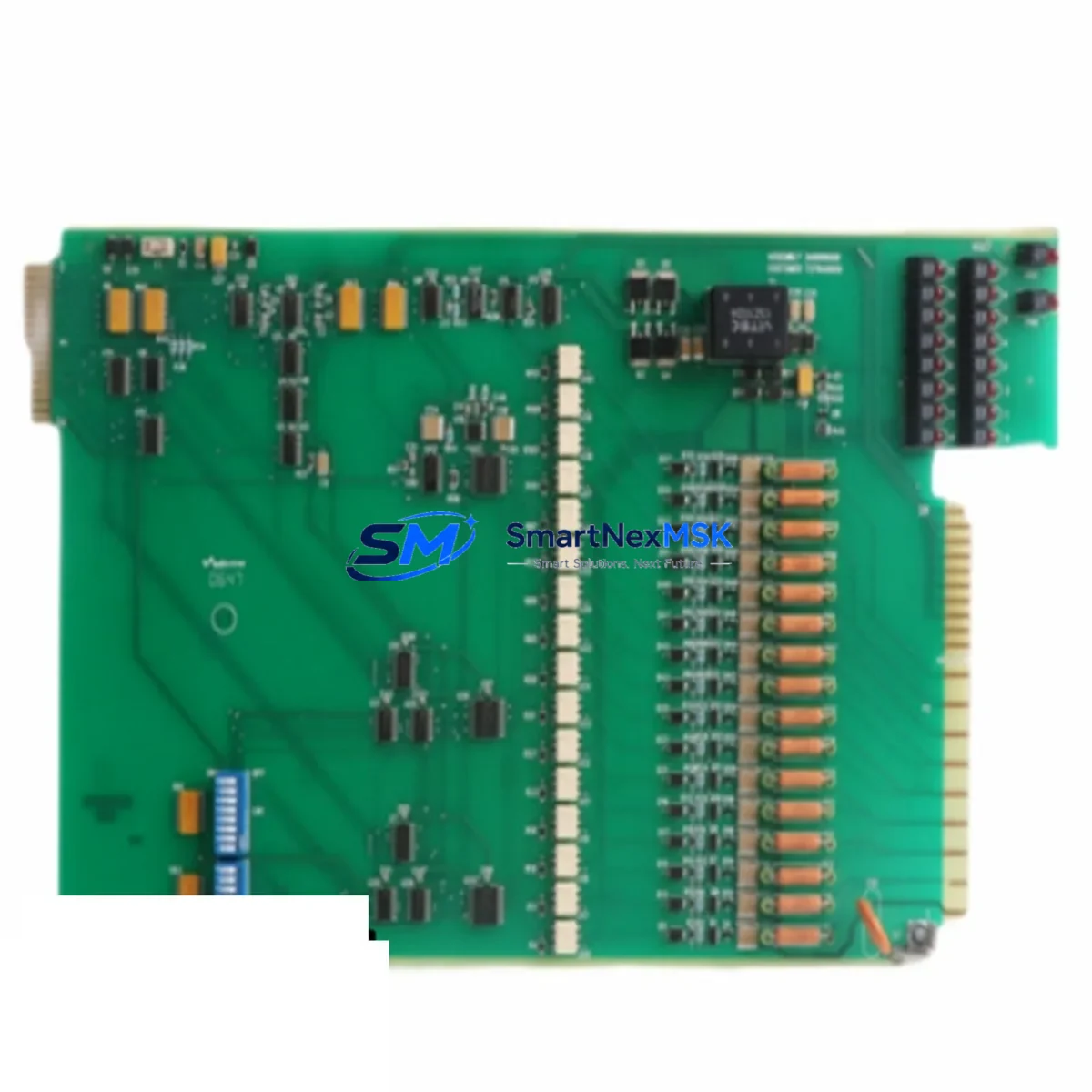
Westinghouse 7379A06G02 Spare for WDPF Ovation DCS Automation
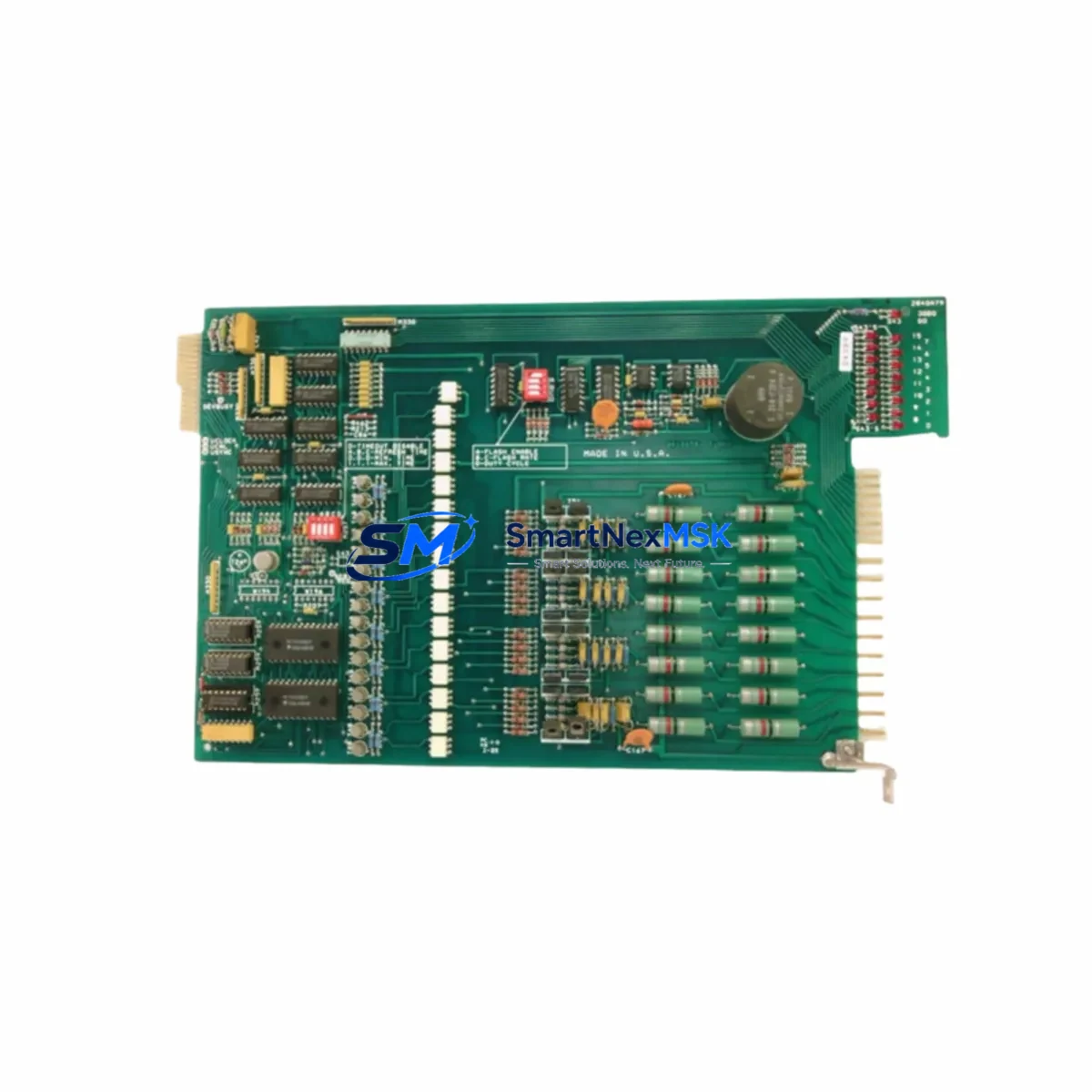
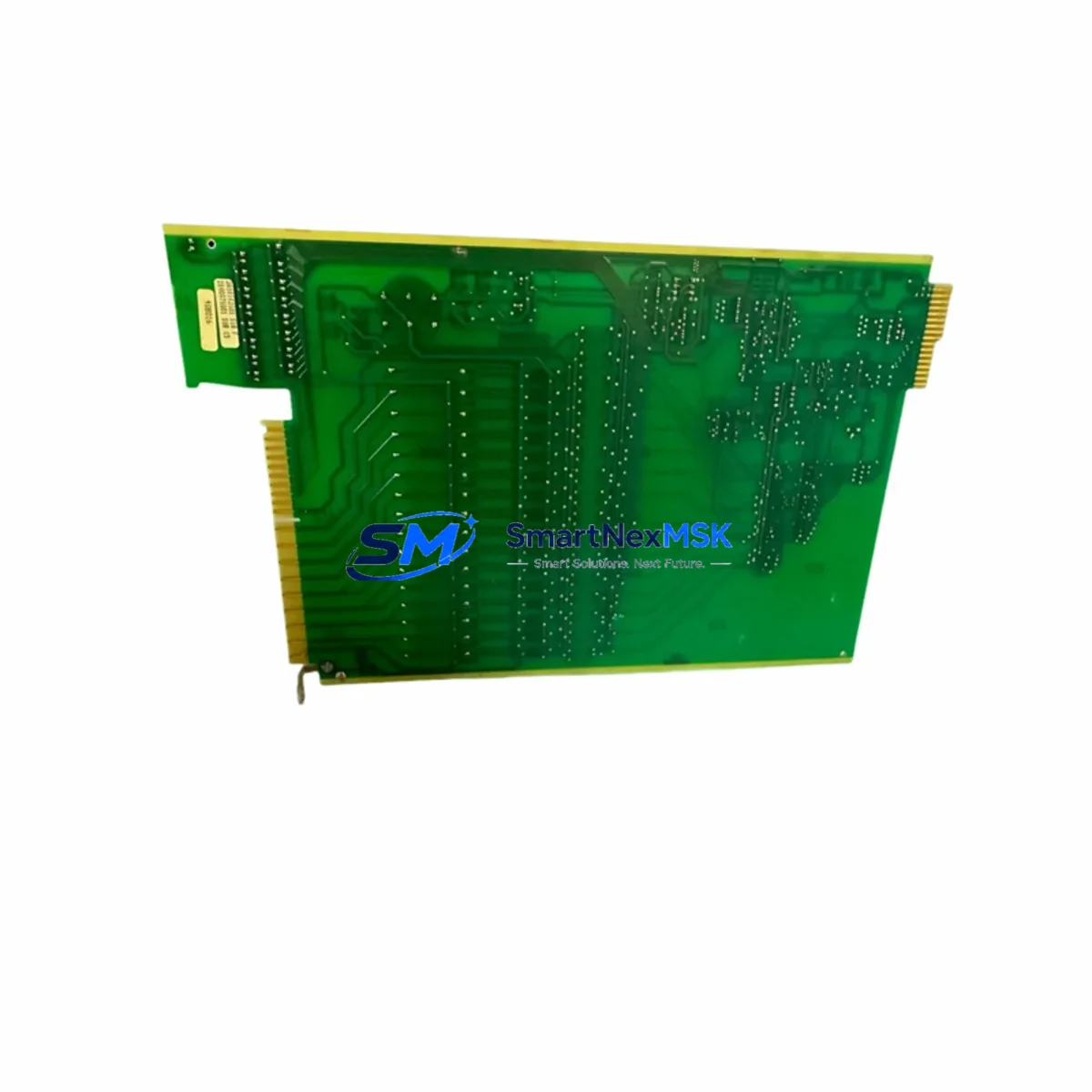
The Westinghouse 7379A06G02 (alternate part number 3A99160G02) is an original I/O expansion board engineered for the WDPF and Ovation Distributed Control System platforms. For maintenance engineers and procurement teams managing aging power generation, petrochemical, or process automation facilities, this module represents a critical spare that directly impacts system uptime and control loop integrity. Sourced from verified supply channels, each unit is inspected and functionally tested prior to shipment, backed by a 12-month warranty, and available for rapid dispatch to minimize unplanned downtime.
Whether you are executing a planned turnaround, responding to an emergency I/O fault, or building a strategic spare parts inventory for a legacy WDPF control cabinet, the 7379A06G02 delivers plug-and-play compatibility with the original system architecture — eliminating the risk of firmware mismatches or backplane incompatibilities that often accompany third-party substitutes.
Spare Maintenance Table
| Parameter | Specification |
|---|---|
| Part Number | 7379A06G02 / 3A99160G02 |
| Brand | Westinghouse Electric |
| Series / Platform | WDPF / Ovation DCS |
| Module Type | I/O Expansion Board |
| Form Factor | PCB Card, Backplane-Mounted |
| Supply Voltage | 24 VDC (system bus powered) |
| Operating Temperature | 0°C to 60°C |
| Compatibility | WDPF Series II, Ovation 1.x / 2.x DCS Controllers |
| Installation | Direct backplane insertion; no jumper reconfiguration required |
| Application Environment | Power generation, refining, chemical processing, utilities |
| Maintenance Recommendation | Inspect connector pins and backplane slot annually; replace on first sign of I/O fault or communication error |
| Warranty | 12 Months from date of shipment |
| Pre-Shipment Testing | Functional test performed on each unit before dispatch |
| Condition | Original / Surplus New |
Maintenance Planning for Continuous Operation
When a 7379A06G02 I/O board is flagged during a control cabinet inspection or triggers a diagnostic alarm in the Ovation DCS operator station, experienced maintenance engineers know that the fault rarely exists in isolation. A systematic inspection of the surrounding electrical circuit is essential to prevent repeat failures and ensure a clean restoration of process control.
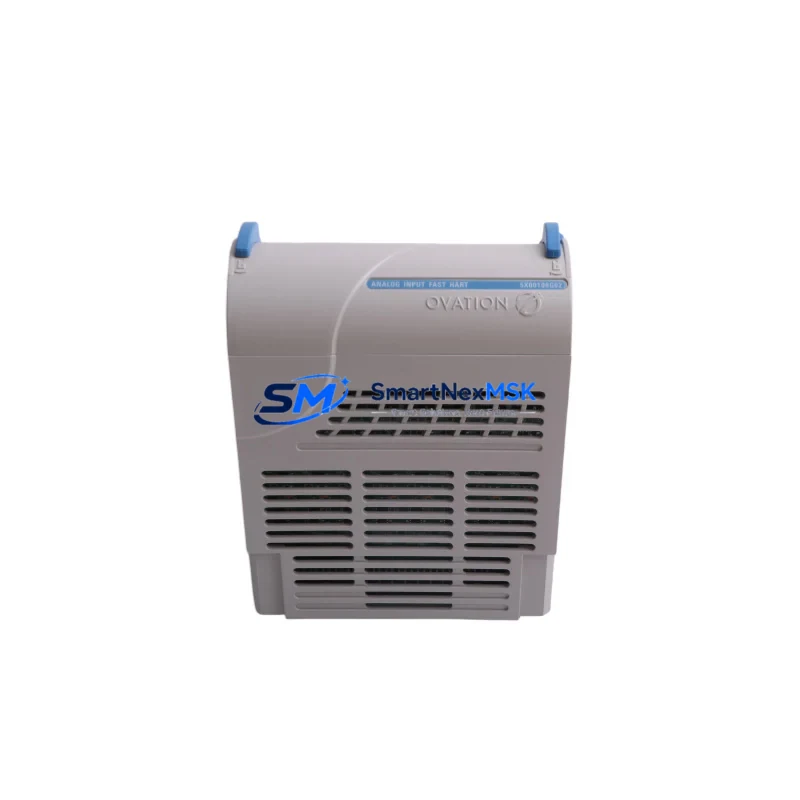
Begin by verifying the 24 VDC power supply module feeding the I/O backplane — a degraded Westinghouse WDPF power supply card can cause intermittent I/O faults that mimic board-level failures. Next, inspect the backplane itself for oxidized connector contacts or mechanical damage to the card guide rails. If the system uses a Westinghouse Ovation controller module (such as the OCR400 or OCR1100 series), confirm that the controller firmware version is compatible with the replacement I/O board revision.
For field wiring integrity, check the terminal blocks and marshalling panels connected to the I/O channels. Loose or corroded terminations on the field-side wiring are a common root cause of signal errors that are incorrectly attributed to the I/O board. Signal isolators or barriers installed between field instruments and the I/O card should also be tested — a failed galvanic isolator can inject noise or ground loops that damage I/O circuitry over time.
If the system includes a Westinghouse WDPF communication highway card or a redundant data highway interface, verify that the network traffic load is within specification after the I/O board replacement. Overloaded communication buses can cause the new board to report spurious faults during the first hours of operation. Additionally, inspect any relay output modules or solid-state relay (SSR) driver cards connected downstream of the I/O board — a shorted relay coil can back-feed voltage into the I/O output channels and damage the replacement board within minutes of energization.
For facilities running extended maintenance intervals, it is advisable to stock at least one spare Westinghouse WDPF I/O termination assembly alongside the 7379A06G02 board. Termination assemblies are often overlooked in spare parts planning but are equally critical to restoring full I/O functionality. Fuse holders and individual channel fuses protecting analog output circuits should be inspected and replaced as part of the same maintenance event. Finally, if the control cabinet houses an HMI interface panel or operator workstation connected to the Ovation network, confirm that the HMI tag database reflects the correct I/O channel assignments after the board swap to avoid operator display errors during the post-maintenance functional test.
Site Replacement Workflow
Replacing the 7379A06G02 in a live WDPF or Ovation DCS environment requires a structured approach to minimize control loop disruption and ensure system integrity. The following workflow is recommended for maintenance engineers executing an in-situ board replacement:
Step 1 — Pre-Replacement Verification: Confirm the replacement board part number (7379A06G02 or 3A99160G02) matches the installed revision. Cross-reference the system’s spare parts register and the cabinet wiring diagram. Place affected control loops in manual mode at the DCS operator station before proceeding.
Step 2 — Safe Isolation: De-energize the I/O backplane slot using the system’s hot-swap procedure if supported, or perform a controlled shutdown of the affected I/O group. Tag out the field wiring terminations per your site’s lockout/tagout (LOTO) procedure.
Step 3 — Board Extraction and Inspection: Remove the faulty 7379A06G02 board and inspect the backplane connector for bent pins or debris. Clean the slot with dry compressed air before inserting the replacement unit.
Step 4 — Replacement and Restoration: Seat the new board firmly into the backplane slot. Re-energize the I/O group and observe the system diagnostic display for fault clearance. Restore field wiring terminations and verify channel-by-channel signal integrity using the DCS diagnostic tools.
Step 5 — Functional Test and Return to Auto: Confirm all I/O channels are reading correctly against field instrument values. Return control loops to automatic mode sequentially, monitoring for process upsets. Document the replacement in the site maintenance management system (CMMS) and update the spare parts inventory record.
This workflow is applicable to both planned maintenance windows and emergency replacement scenarios. The 7379A06G02’s plug-and-play compatibility with the original WDPF backplane architecture means no firmware flashing or hardware configuration changes are required, significantly reducing the time-to-restoration compared to non-original substitute boards.
Spare Parts Support FAQ
Q1: What is the expected service life of the 7379A06G02, and when should I plan for replacement?
The 7379A06G02 is a legacy WDPF/Ovation DCS component that Westinghouse no longer actively manufactures. In continuous industrial service, I/O boards of this generation typically exhibit a mean time between failures (MTBF) of 8–15 years depending on environmental conditions. For facilities operating WDPF systems beyond their original design life, we recommend maintaining a minimum of two spare units per control cabinet to support both planned and emergency replacement scenarios. Proactive replacement during scheduled turnarounds — rather than waiting for in-service failure — is the most cost-effective lifecycle strategy.
Q2: How do I verify compatibility between the 7379A06G02 and my existing Ovation DCS controller version?
Compatibility is determined by the Ovation controller firmware version and the backplane hardware revision installed in your cabinet. The 7379A06G02 (3A99160G02) is compatible with WDPF Series II and Ovation 1.x/2.x platforms. Before ordering, provide your controller model number and firmware version to our technical team at [email protected]. We will cross-reference against our compatibility database and confirm suitability before shipment.
Q3: What pre-shipment testing is performed on each 7379A06G02 unit?
Every 7379A06G02 unit supplied by SMARTNEXMSK undergoes a multi-point functional test prior to dispatch. This includes power-on verification, backplane interface continuity check, I/O channel signal integrity test, and visual inspection of all connector pins and PCB components. A test report is available upon request. All units are shipped in anti-static packaging with individual serial number tracking to support your site’s incoming inspection process.
Q4: What warranty and after-sales support is provided?
All 7379A06G02 units are covered by a 12-month warranty from the date of shipment. In the event of a warranty claim, SMARTNEXMSK provides a direct replacement unit with priority dispatch to minimize your site downtime. Our technical support team is available to assist with compatibility verification, installation guidance, and post-replacement diagnostics. For urgent requirements, contact us directly at [email protected] or +86 18259474341 for same-day response.
© 2026 SMARTNEXMSK. All rights reserved.
Original Source: https://smartnexmsk.com
Contact: [email protected] | +86 18259474341