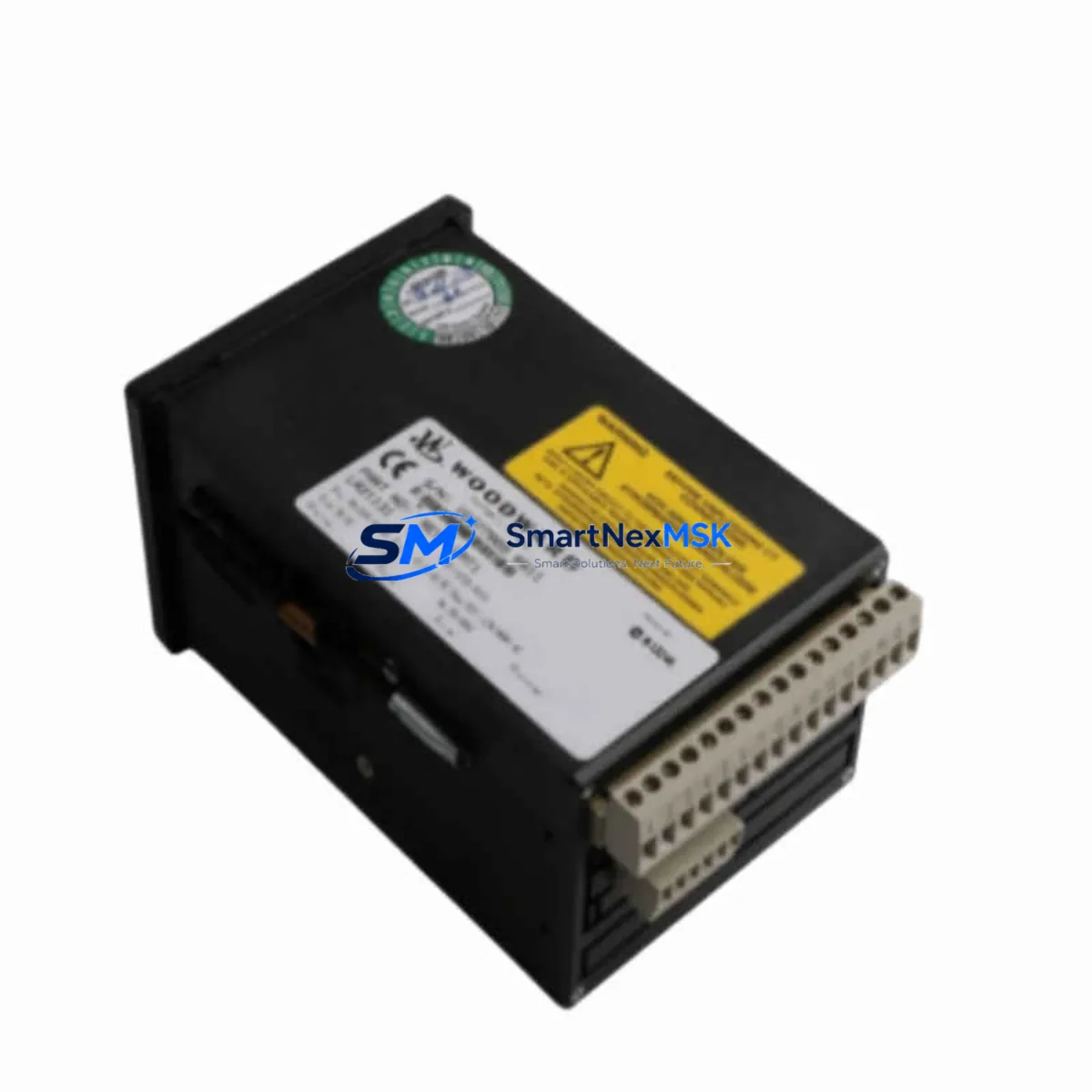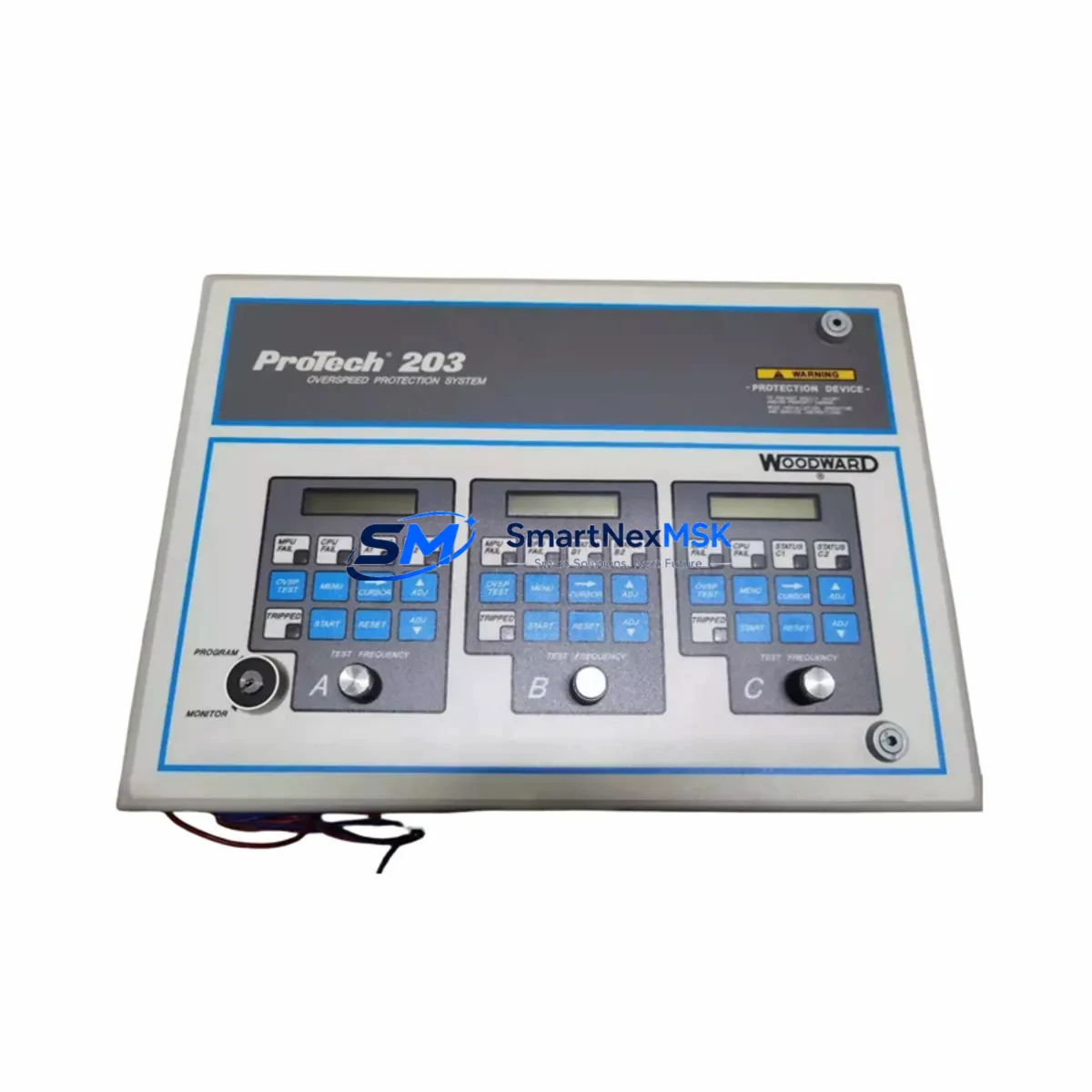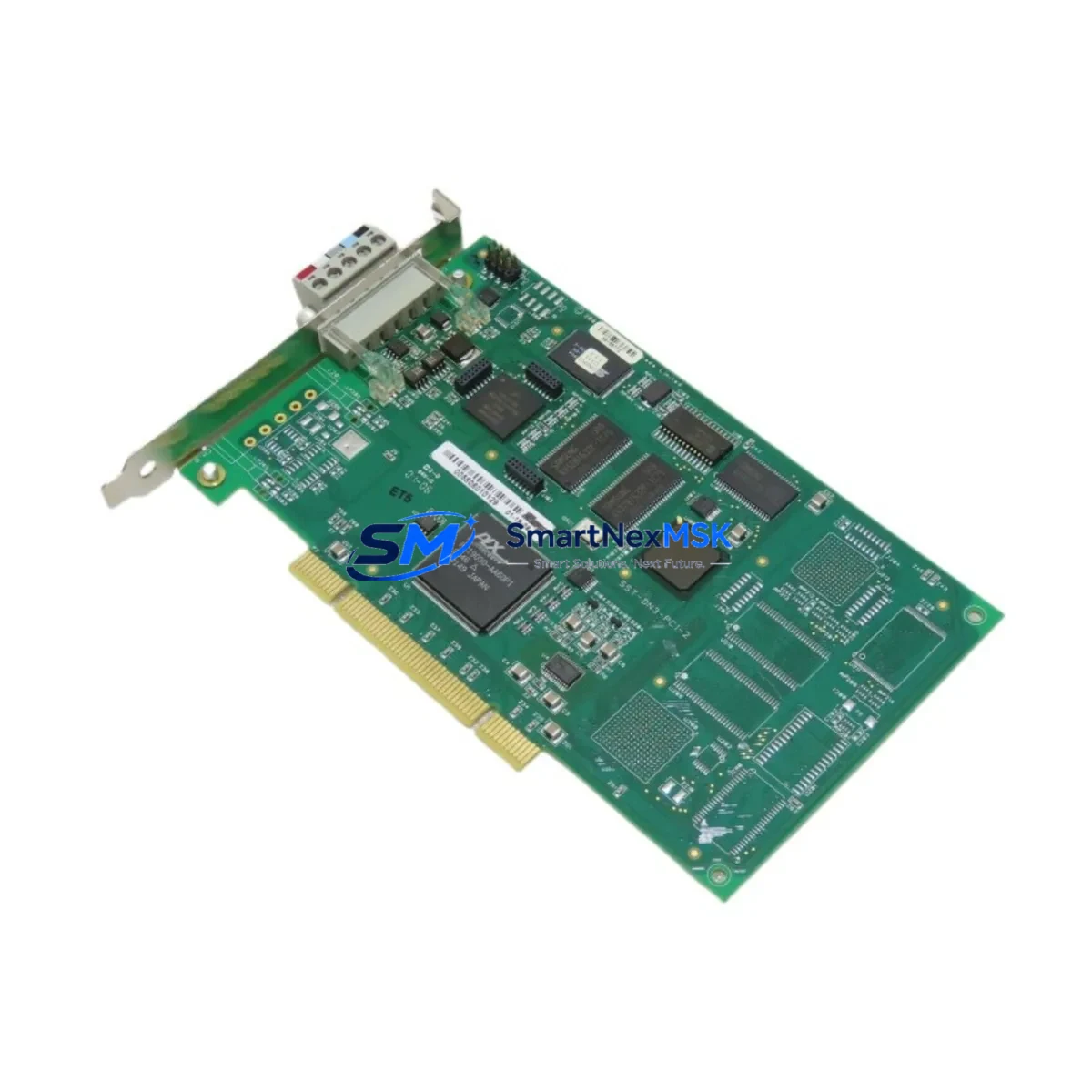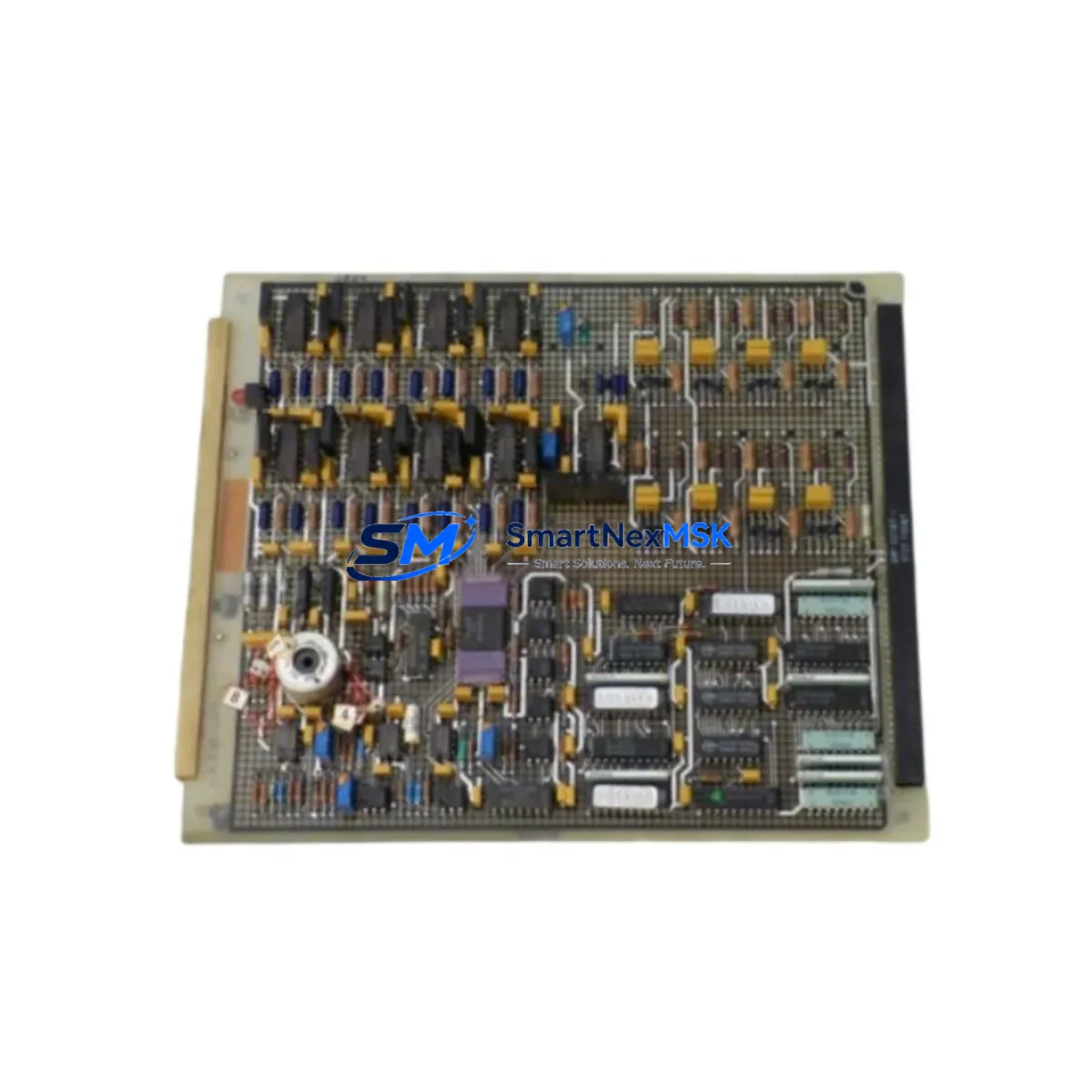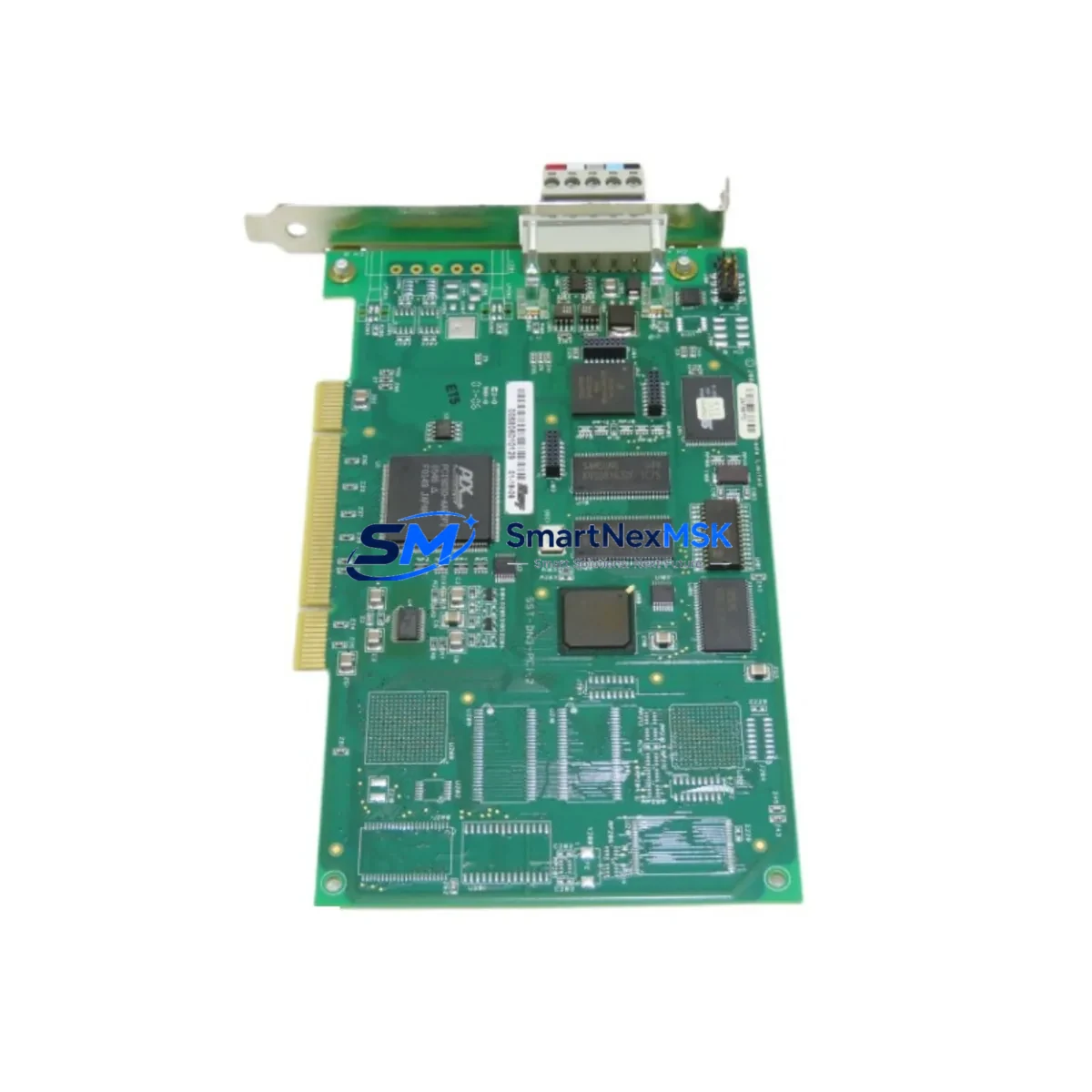
WOODWARD SST-DN3-PCU-2-E Maintenance-Ready Spare for SST-DN3 Automation
The WOODWARD SST-DN3-PCU-2-E is a dual-channel DeviceNet PCI communication card engineered for industrial automation environments where network uptime and control system integrity are non-negotiable. As a direct maintenance-ready replacement for the SST-DN3-PCI-2, this card is stocked, tested, and ready to ship — minimizing unplanned downtime in DeviceNet-based control architectures. Whether you are managing a scheduled overhaul, responding to a network fault, or building a strategic spare parts inventory for aging SST-DN3 infrastructure, the SST-DN3-PCU-2-E delivers the compatibility, reliability, and long-term supply assurance that maintenance and procurement engineers demand.
Sourced as an original WOODWARD component, this card is fully compatible with SST-DN3 series DeviceNet networks and integrates directly into PCI-slot host systems running standard DeviceNet master or slave configurations. Each unit undergoes pre-shipment functional testing and ships with a 12-month warranty, giving your maintenance team confidence from the moment it arrives on site.
Spare Maintenance Table
| Parameter | Specification |
|---|---|
| Part Number | SST-DN3-PCU-2-E |
| Replaces / Compatible With | SST-DN3-PCI-2 |
| Brand / Manufacturer | WOODWARD (SST) |
| Series | SST-DN3 |
| Product Type | DeviceNet Dual-Channel PCI Communication Card |
| Interface | PCI Bus (32-bit, 33 MHz) |
| Network Protocol | DeviceNet (CAN-based, ISO 11898) |
| Channels | 2 (Dual-Channel) |
| Node Address Range | 0–63 per channel |
| Baud Rates Supported | 125 kbps, 250 kbps, 500 kbps |
| Operating Temperature | 0°C to +55°C (industrial ambient) |
| Country of Origin | Germany (DE) |
| Application Environment | Industrial control cabinets, PLC/DCS host systems, DeviceNet master/slave networks |
| Installation | PCI slot insertion; driver installation via SST DeviceNet API / OPC server |
| Maintenance Recommendation | Inspect PCI slot contacts, DeviceNet trunk cable termination, and 24 VDC network power supply during replacement |
| Pre-Shipment Testing | Yes — functional verification before dispatch |
| Warranty | 12 Months |
Maintenance Planning for Continuous Operation
When a DeviceNet communication fault is traced to the SST-DN3-PCU-2-E card, experienced maintenance engineers know that the card itself is rarely the only component requiring attention. A thorough site inspection during the replacement window significantly reduces the risk of repeat failures and unplanned shutdowns.
Begin by verifying the 24 VDC DeviceNet network power supply — an undersized or aging power supply is a common root cause of intermittent communication errors that are incorrectly attributed to the PCI card. Check the DeviceNet trunk cable and drop lines for insulation damage, loose termination resistors (120 Ω at each end of the trunk), and corroded connector pins. Inspect the DeviceNet media tap connectors and sealed micro or mini connectors at each node for mechanical integrity.
Within the control cabinet, examine the PCI backplane and host PC motherboard for dust accumulation, capacitor aging, and slot contact oxidation. If the host system runs multiple communication cards — such as a PROFIBUS DP master card or an EtherNet/IP adapter card — verify that IRQ and memory address conflicts are absent after the SST-DN3-PCU-2-E is reseated or replaced. Review the SST DeviceNet API driver version and confirm compatibility with the host operating system before commissioning.
At the field device level, audit the DeviceNet slave nodes — including variable frequency drives (VFDs), distributed I/O blocks, smart valve positioners, and motor starters — for correct node address settings and baud rate alignment. A single misconfigured node can prevent the entire network from initializing after a card swap. Check I/O module status LEDs and network scanner diagnostic registers to confirm all nodes are online before returning the system to production.
For facilities operating legacy SST-DN3 infrastructure, it is advisable to maintain at least one SST-DN3-PCU-2-E as a cold standby spare alongside a compatible DeviceNet configuration software license and a USB-to-DeviceNet handheld diagnostic tool. Pairing this card with a stocked 24 VDC DIN-rail power supply module, a set of DeviceNet termination resistor plugs, and a spare PCI riser bracket ensures that your team can execute a full network restoration within a single maintenance shift.
Site Replacement Workflow
Step 1 — Isolate and document: Place the DeviceNet network in offline mode via the PLC or DCS network manager. Record all node addresses, baud rate settings, and I/O mapping configurations from the existing SST-DN3-PCI-2 or SST-DN3-PCU-2-E installation before powering down the host system.
Step 2 — Safe removal: Power down the host PC or industrial computer. Discharge static using an ESD wrist strap. Remove the faulty card from the PCI slot and inspect the slot contacts and bracket for physical damage.
Step 3 — Install SST-DN3-PCU-2-E: Seat the replacement card firmly in the PCI slot. Reconnect the DeviceNet trunk cable to the card’s DB9 or open-style connector. Secure the bracket and restore power to the host system.
Step 4 — Driver and configuration restore: Install or confirm the SST DeviceNet API driver. Restore the network configuration file (EDS-based or proprietary scanner configuration). Verify that all node addresses and baud rates match the pre-shutdown documentation.
Step 5 — Network commissioning: Bring the DeviceNet network online. Monitor the network scanner’s diagnostic display for node health, bus-off errors, and duplicate MAC ID conflicts. Confirm I/O data exchange with the PLC or DCS before releasing the system to production.
This workflow is compatible with both direct SST-DN3-PCI-2 replacement scenarios and new SST-DN3-PCU-2-E installations in upgraded host systems. The card’s backward-compatible driver architecture ensures minimal reconfiguration time, making it the preferred choice for maintenance teams managing aging DeviceNet infrastructure under tight downtime budgets.
Spare Parts Support FAQ
Q1: Is the SST-DN3-PCU-2-E a direct drop-in replacement for the SST-DN3-PCI-2?
Yes. The SST-DN3-PCU-2-E is the current production successor to the SST-DN3-PCI-2, sharing the same PCI form factor, dual-channel DeviceNet architecture, and SST API driver compatibility. In most installations, the replacement requires no changes to existing network configuration files or EDS device descriptions.
Q2: What pre-shipment testing does each unit undergo?
Every SST-DN3-PCU-2-E dispatched from our inventory undergoes functional verification testing prior to shipment, confirming channel communication integrity, PCI bus enumeration, and DeviceNet network initialization. Units are shipped with a 12-month warranty covering manufacturing defects and functional failures under normal operating conditions.
Q3: How should we manage SST-DN3-PCU-2-E inventory for a multi-site DeviceNet installation?
For facilities with three or more DeviceNet networks relying on SST-DN3 series cards, we recommend maintaining a minimum of one cold standby SST-DN3-PCU-2-E per site. Given the end-of-production status of the SST-DN3-PCI-2 and the increasing scarcity of legacy DeviceNet PCI hardware, procuring a small buffer stock now protects against extended lead times during future emergency replacements.
Q4: Can compatibility be verified before committing to a purchase order?
Yes. Provide your host system specifications (OS version, PCI slot type, existing SST driver version) and your DeviceNet network topology details. Our technical team will confirm compatibility and, where applicable, advise on any driver update requirements before shipment. Contact us at [email protected] or +86 18259474341 for pre-order compatibility verification.
© 2026 SMARTNEXMSK. All rights reserved.
Original Source: https://smartnexmsk.com
Contact: [email protected] | +86 18259474341