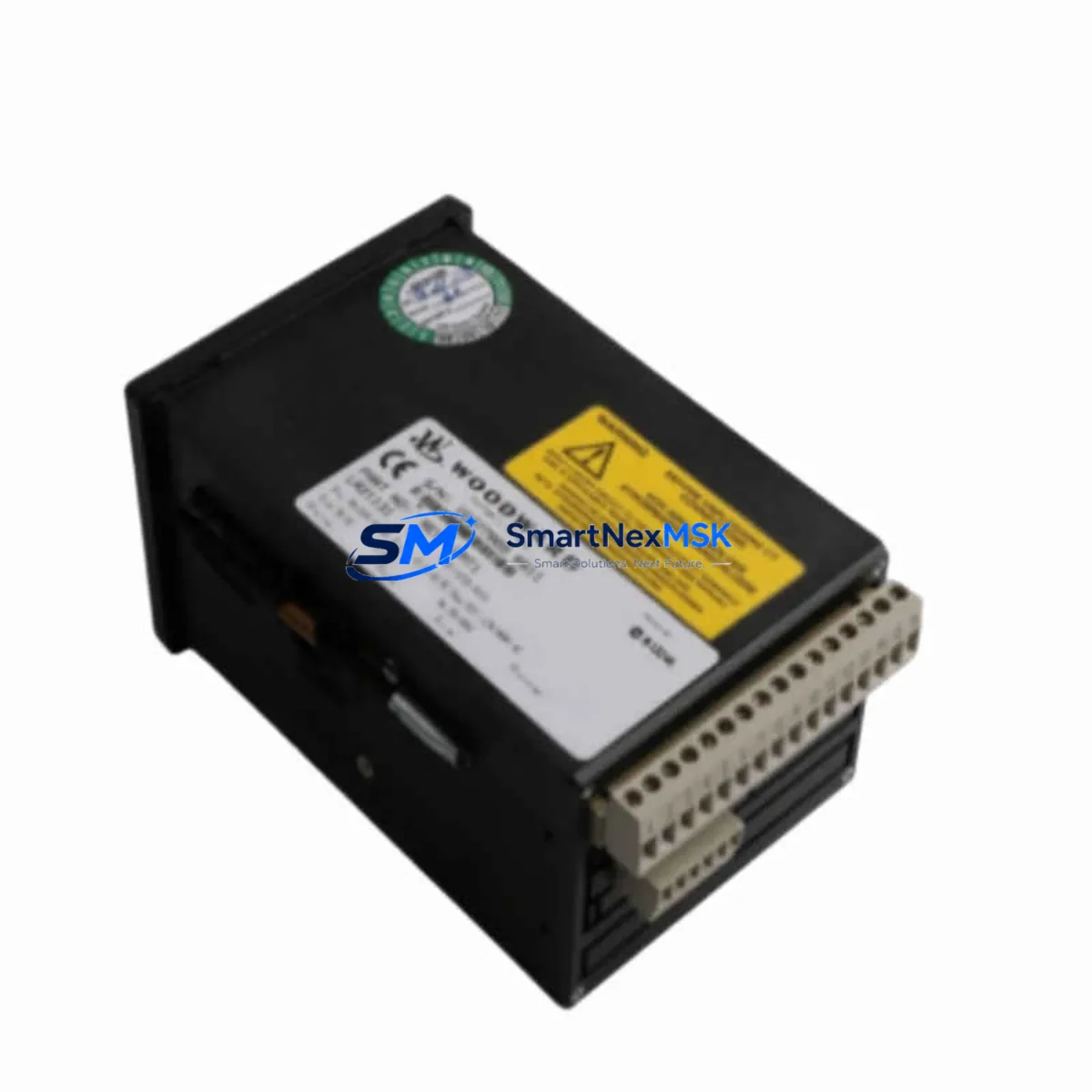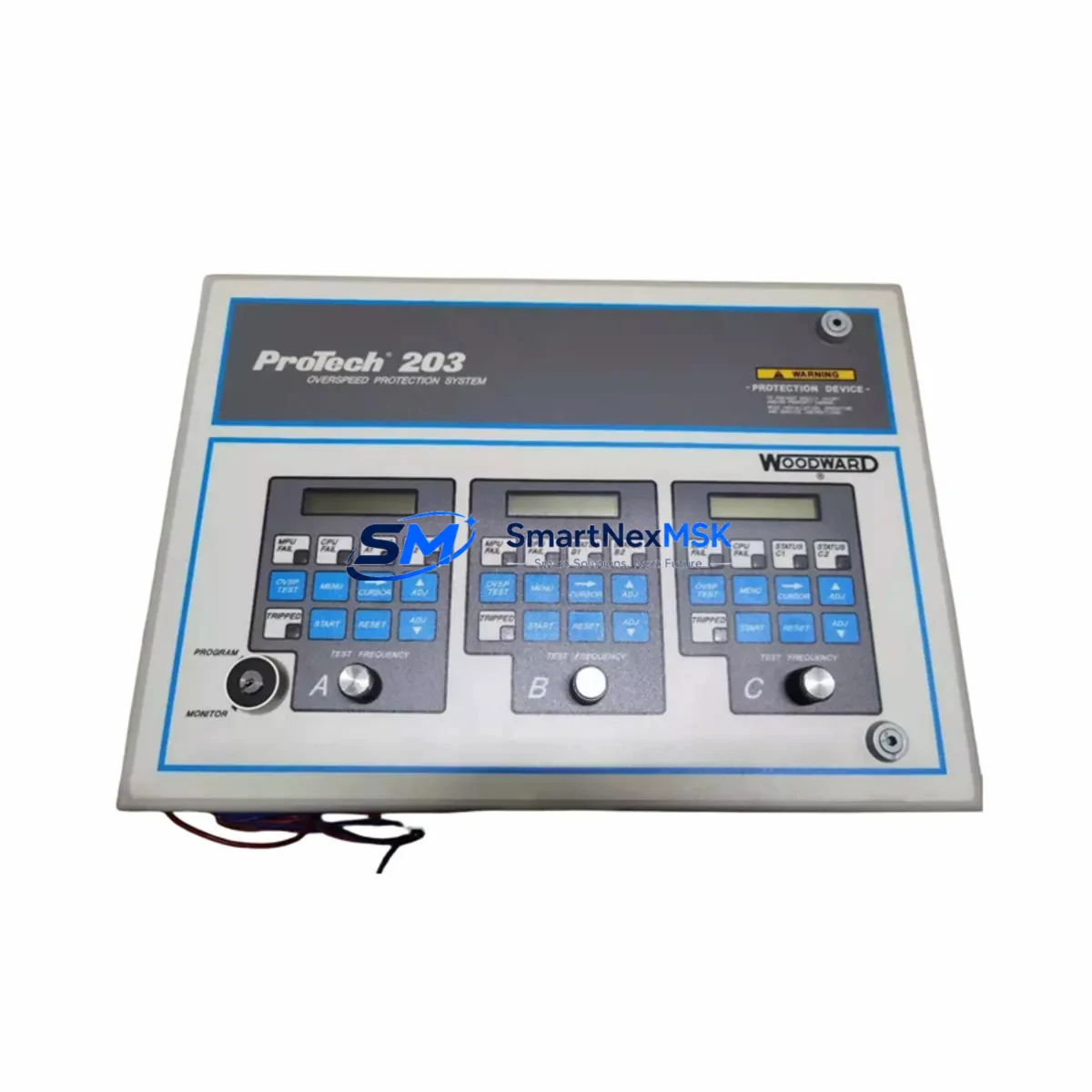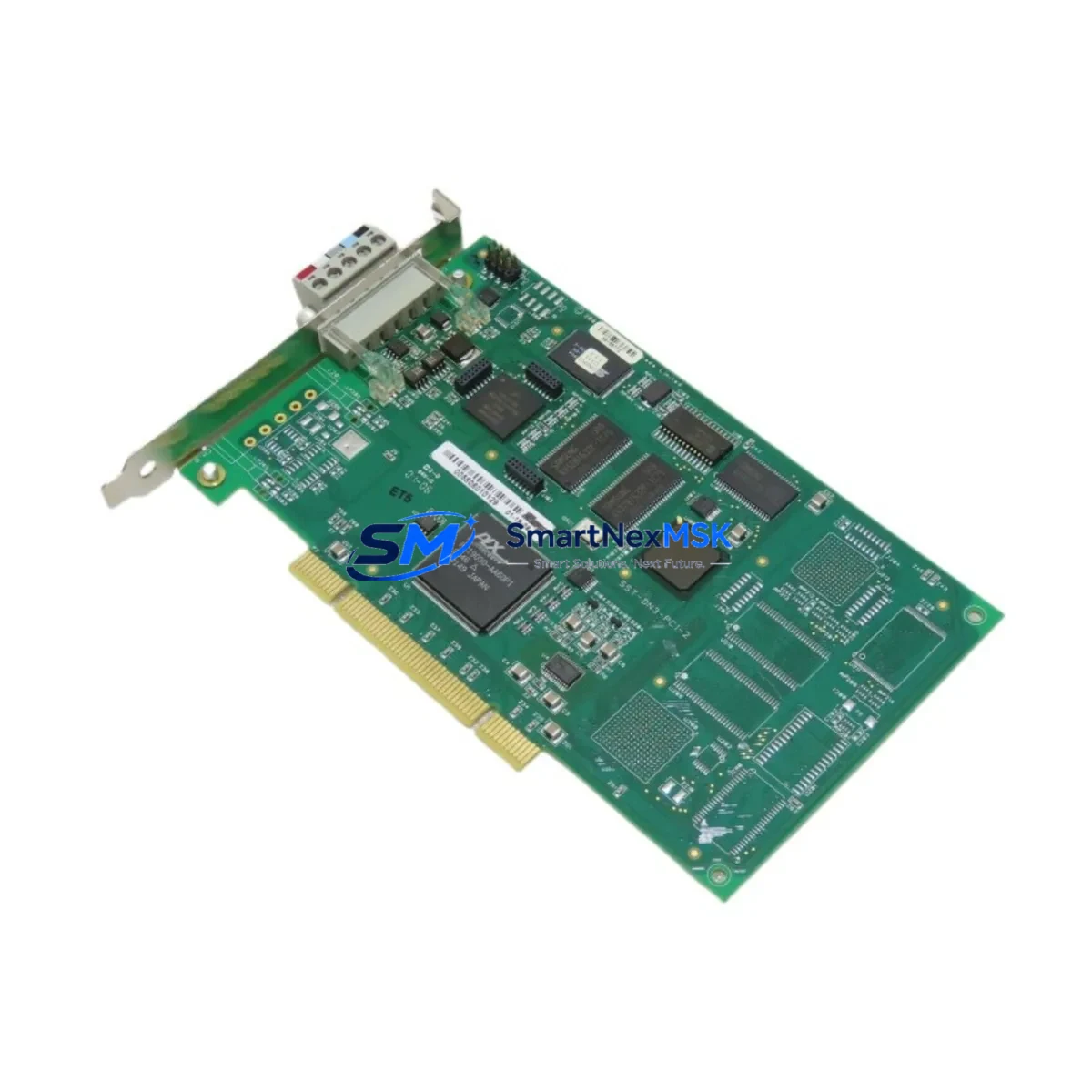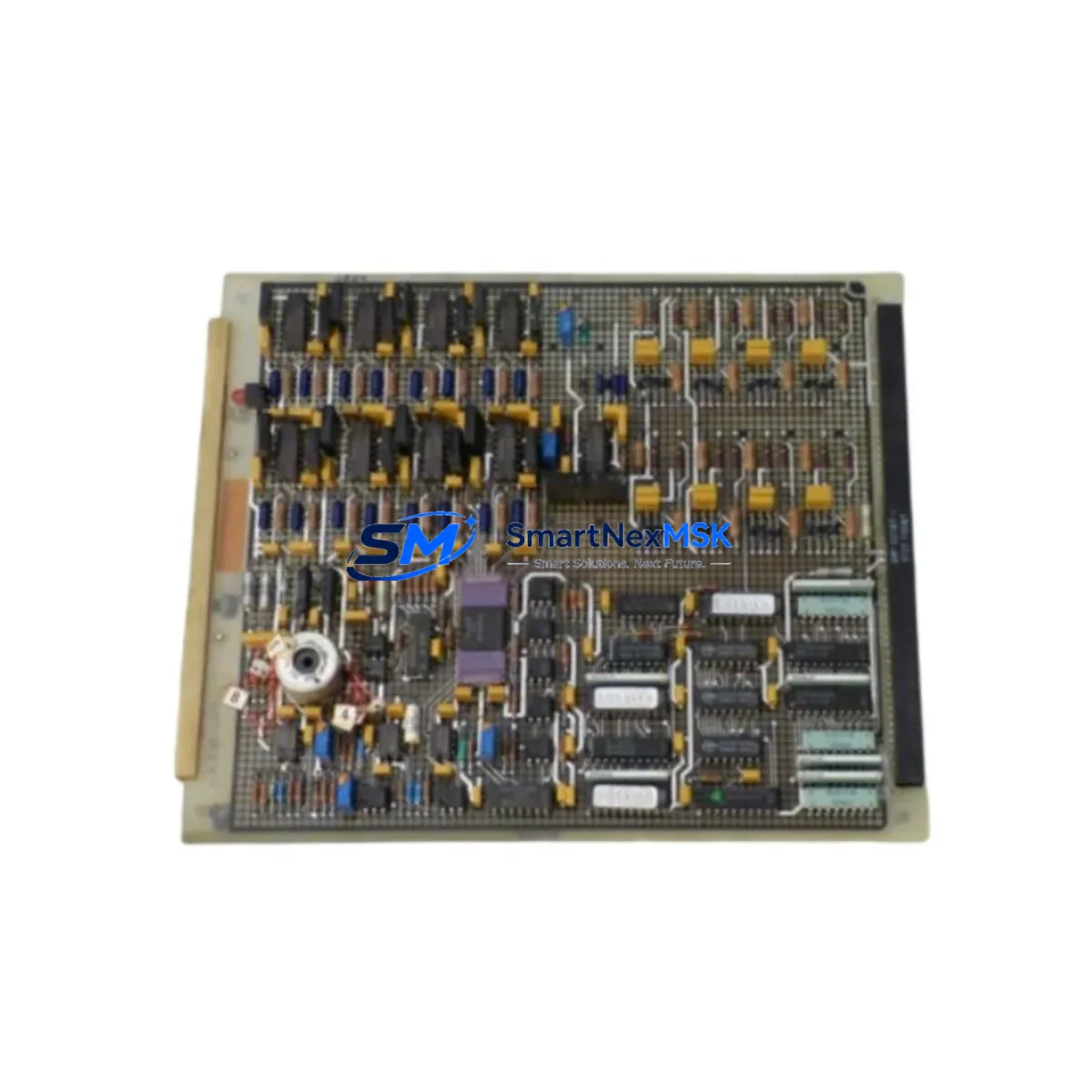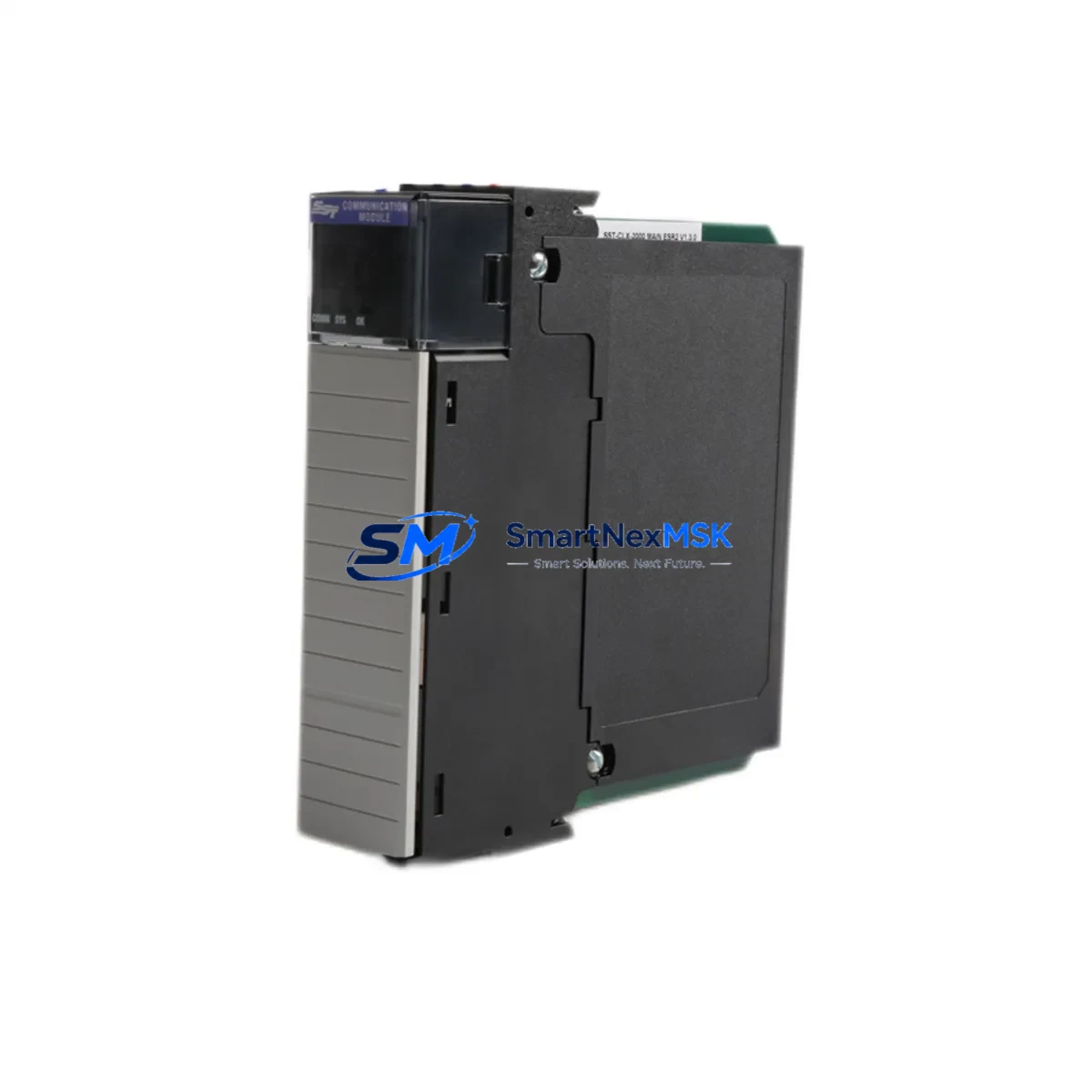
WOODWARD SST-ESR2-CLX Retrofit-Ready EtherNet/IP TCP Interface Module for SST Series Control Systems
The WOODWARD SST-ESR2-CLX is a high-performance EtherNet/IP TCP/IP interface module engineered for seamless integration into SST Series and Allen-Bradley ControlLogix control platforms. As legacy communication infrastructure ages and original equipment manufacturers discontinue older interface cards, the SST-ESR2-CLX has become a critical retrofit component for industrial facilities seeking to modernize their automation networks without replacing entire control cabinets or reprogramming core PLC logic from scratch.
Designed as a direct replacement for discontinued SST-series communication modules, the SST-ESR2-CLX supports full EtherNet/IP explicit and implicit messaging, enabling engineers to migrate aging DeviceNet or DH+ linked systems onto modern TCP/IP infrastructure while preserving existing ladder logic, HMI screen layouts, and field device addressing. This makes it an ideal solution for brownfield retrofit projects where minimizing downtime and protecting capital investment in existing control architecture are the primary engineering constraints.
When planning a retrofit using the SST-ESR2-CLX, engineers must verify several critical compatibility parameters before committing to installation. Power supply capacity within the existing control cabinet is the first checkpoint — the module draws from the ControlLogix backplane, and older 1756-PA72 or 1756-PB72 power supply units may require load recalculation if additional I/O modules or communication cards are being added simultaneously. Terminal wiring on the Ethernet port must conform to standard RJ-45 Cat5e or Cat6 specifications, and any existing patch panels or managed switches in the control network should be confirmed to support EtherNet/IP traffic prioritization.
Backplane slot assignment is another key consideration. The SST-ESR2-CLX occupies a standard ControlLogix 1756-series backplane slot, and its module address must be configured to avoid conflicts with co-resident modules such as the 1756-EN2T or 1756-ENBT Ethernet bridge cards that may already be present in the same chassis. Engineers should audit the existing 1756-A7 or 1756-A13 rack configuration before installation to confirm available slot positions and ensure the new module does not disrupt existing I/O tree addressing in the RSLogix 5000 or Studio 5000 project file.
Program compatibility verification is essential prior to cutover. The SST-ESR2-CLX uses standard EtherNet/IP Add-On Instructions (AOIs) and Generic Ethernet Module (GEM) configuration within Studio 5000, which means existing produced/consumed tag structures and MSG instruction paths may need to be updated to reflect the new module’s IP address and connection parameters. HMI screens built on FactoryTalk View SE or ME that reference communication status tags should be reviewed to ensure tag paths remain valid after the module swap.
Communication link integrity must be validated end-to-end before returning the system to production. This includes verifying that all remote I/O adapters — such as the 1734-AENT POINT I/O Ethernet adapter or the 1756-ENBT bridge — can re-establish their connections through the SST-ESR2-CLX after the module is online. Any SCADA or DCS integration points using OPC-UA or Modbus TCP bridging should also be tested to confirm that the new communication path does not introduce latency or packet loss that could affect process control stability.
Upgrade Compatibility Table
| Parameter | SST-ESR2-CLX Specification | Retrofit Notes |
|---|---|---|
| Communication Protocol | EtherNet/IP (TCP/IP) | Replaces legacy DH+, DeviceNet, or older SST Ethernet cards |
| Platform Compatibility | Allen-Bradley ControlLogix 1756 Series | Fits standard 1756-A7 / 1756-A13 backplane slots |
| Backplane Interface | ControlLogix standard backplane | Verify slot availability; no custom bracket required |
| Power Consumption | Backplane-powered (verify PSU capacity) | Recalculate load if adding alongside new I/O modules |
| Network Port | RJ-45 (10/100 Mbps Ethernet) | Cat5e or Cat6 cable; managed switch recommended |
| Programming Environment | RSLogix 5000 / Studio 5000 | Update GEM configuration and MSG instruction IP paths |
| HMI Compatibility | FactoryTalk View SE / ME | Review tag paths referencing communication status |
| Replacement Target | Discontinued SST-series Ethernet/IP cards | Direct form-factor replacement in same chassis slot |
| Commissioning | IP address via RSLinx / BootP-DHCP tool | Assign static IP; validate all remote I/O connections |
| Warranty | 12-Month Warranty | Covers manufacturing defects; includes pre-shipment functional test |
Retrofit Planning for Existing Automation Systems
A successful SST-ESR2-CLX retrofit begins with a thorough audit of the existing control cabinet. In most brownfield installations, the control enclosure will contain a mix of legacy and modern components — a ControlLogix 1756-L71 or 1756-L74 processor, one or more 1756-A13 racks, a combination of analog and digital I/O modules such as the 1756-IF16 and 1756-OB16I, and potentially an aging SST or 1756-ENBT Ethernet bridge that is no longer supported by current firmware. The SST-ESR2-CLX is designed to slot directly into this environment, replacing the failed or end-of-life communication card without requiring chassis replacement or processor firmware downgrade.
Terminal module wiring should be documented before any hardware is removed. Photograph or sketch all existing Ethernet patch connections, noting switch port assignments and VLAN configurations if the plant network uses segmented industrial Ethernet. If the existing installation includes a 1756-PA72 power supply, verify that its rated backplane current output can support the additional draw of the SST-ESR2-CLX alongside any other modules being added during the same maintenance window.
For facilities running older SCADA systems that communicate via Modbus TCP or OPC-DA, the SST-ESR2-CLX retrofit may also require updating the communication driver configuration on the SCADA server. Coordinate with the control system integrator to ensure that the new module’s IP address is registered in the SCADA tag database before the cutover window begins. If the plant uses a 1783-MS10T managed switch or similar industrial Ethernet switch, confirm that the port connected to the SST-ESR2-CLX is configured for the correct VLAN and QoS priority settings to support EtherNet/IP implicit I/O traffic.
Where the retrofit also involves expanding I/O capacity, the 1734-AENT POINT I/O Ethernet adapter can be added to the network as a remote I/O node, communicating back to the ControlLogix processor through the SST-ESR2-CLX’s EtherNet/IP connection. This approach allows engineers to add field I/O points without running additional home-run cables back to the main control panel, significantly reducing installation labor and conduit costs. Programming cables such as the 1756-CP3 or standard USB-to-serial adapters may be needed during the commissioning phase to access the processor for program uploads and online edits.
Downtime Control During System Migration
Minimizing unplanned downtime is the primary concern in any live production environment retrofit. The SST-ESR2-CLX supports a structured hot-swap preparation process: before physically removing the old communication module, engineers should place the ControlLogix processor in Program mode and inhibit all EtherNet/IP connections associated with the module being replaced. This prevents the processor from generating connection timeout faults that could trigger safety interlocks or process shutdowns during the hardware swap.
Once the SST-ESR2-CLX is seated in the backplane and powered, use the RSLinx Classic or RSLinx Enterprise driver to browse the backplane and confirm the module is recognized before going online with the Studio 5000 project. Assign the module’s IP address using the BootP-DHCP Server tool or configure a static address via the module’s web interface, then update the Generic Ethernet Module configuration in the Studio 5000 project to match. Download the updated project to the processor and verify that all produced/consumed tags are communicating correctly before switching the processor back to Run mode.
For critical processes where even a brief interruption is unacceptable, consider staging the SST-ESR2-CLX in a parallel test rack alongside the production system. Configure and validate the module’s communication parameters offline, then execute the physical swap during a planned maintenance window with a pre-tested configuration ready to deploy. This approach, combined with a pre-shipment functional test performed on every SST-ESR2-CLX unit before dispatch, ensures that the replacement module is confirmed operational before it reaches the production floor — protecting both the retrofit schedule and the 12-month warranty coverage that begins from the date of shipment.
Maintain a rollback plan by preserving a backup of the original Studio 5000 project file and RSLinx driver configuration before making any changes. If the retrofit encounters unexpected compatibility issues, the original program can be restored and the old module reinstalled within the same maintenance window, preventing an extended production outage while the root cause is investigated.
Retrofit Support FAQ
Q: Is the SST-ESR2-CLX a direct drop-in replacement for older SST-series EtherNet/IP cards?
A: Yes. The SST-ESR2-CLX is designed as a form-factor-compatible replacement for discontinued SST-series Ethernet interface modules used in ControlLogix 1756-series chassis. The module occupies a standard backplane slot and uses the same EtherNet/IP protocol stack, meaning existing ladder logic and MSG instruction structures require only IP address updates rather than full reprogramming. Each unit undergoes a pre-shipment functional test to confirm communication integrity before dispatch.
Q: What wiring and terminal changes are required during installation?
A: The SST-ESR2-CLX connects to the plant Ethernet network via a standard RJ-45 port. No special terminal adapters or wiring harnesses are required beyond a Cat5e or Cat6 patch cable. If the existing installation used a different physical interface (such as coax or fiber), a media converter may be needed at the switch level. All backplane power is drawn from the ControlLogix chassis — no external power wiring to the module is required.
Q: How is compatibility with existing HMI screens and SCADA systems verified?
A: After installing the SST-ESR2-CLX and assigning its IP address, engineers should perform an end-to-end communication test by browsing all EtherNet/IP connections in RSLinx and confirming that FactoryTalk View SE/ME tag subscriptions are updating correctly. SCADA systems using OPC-DA or OPC-UA should be tested by monitoring live tag values through the OPC server before returning the system to automatic control. Any tag path discrepancies identified during this test should be corrected in the HMI project before the maintenance window closes.
Q: What does the 12-month warranty cover, and what is the return process?
A: The 12-month warranty covers manufacturing defects and functional failures under normal operating conditions, commencing from the date of shipment. Every SST-ESR2-CLX unit is functionally tested prior to dispatch to verify communication performance. In the event of a warranty claim, contact [email protected] with the order reference and a description of the fault. Replacement or repair will be coordinated promptly to minimize impact on your production schedule.
© 2026 SMARTNEXMSK. All rights reserved.
Original Source: https://smartnexmsk.com
Contact: [email protected] | +86 18259474341