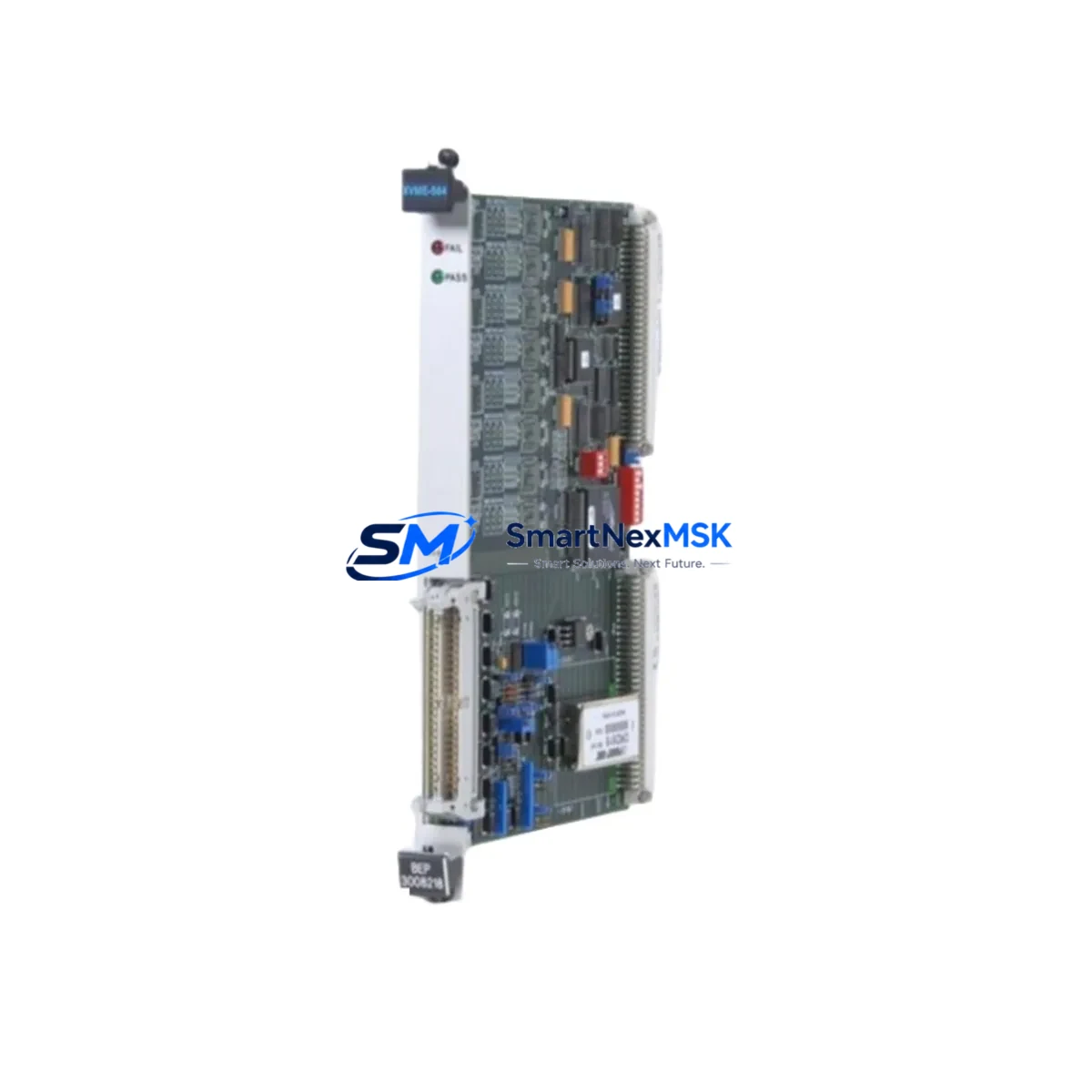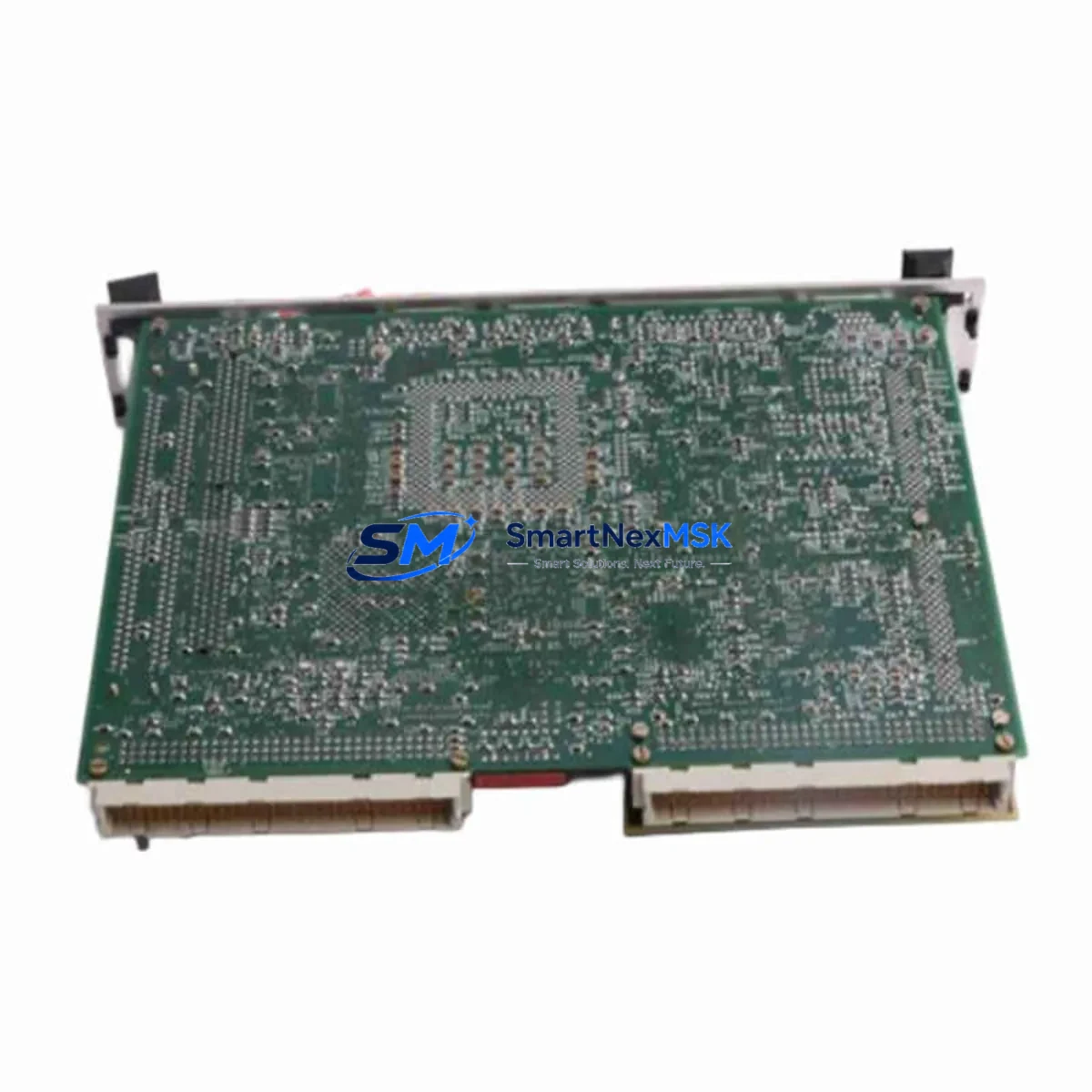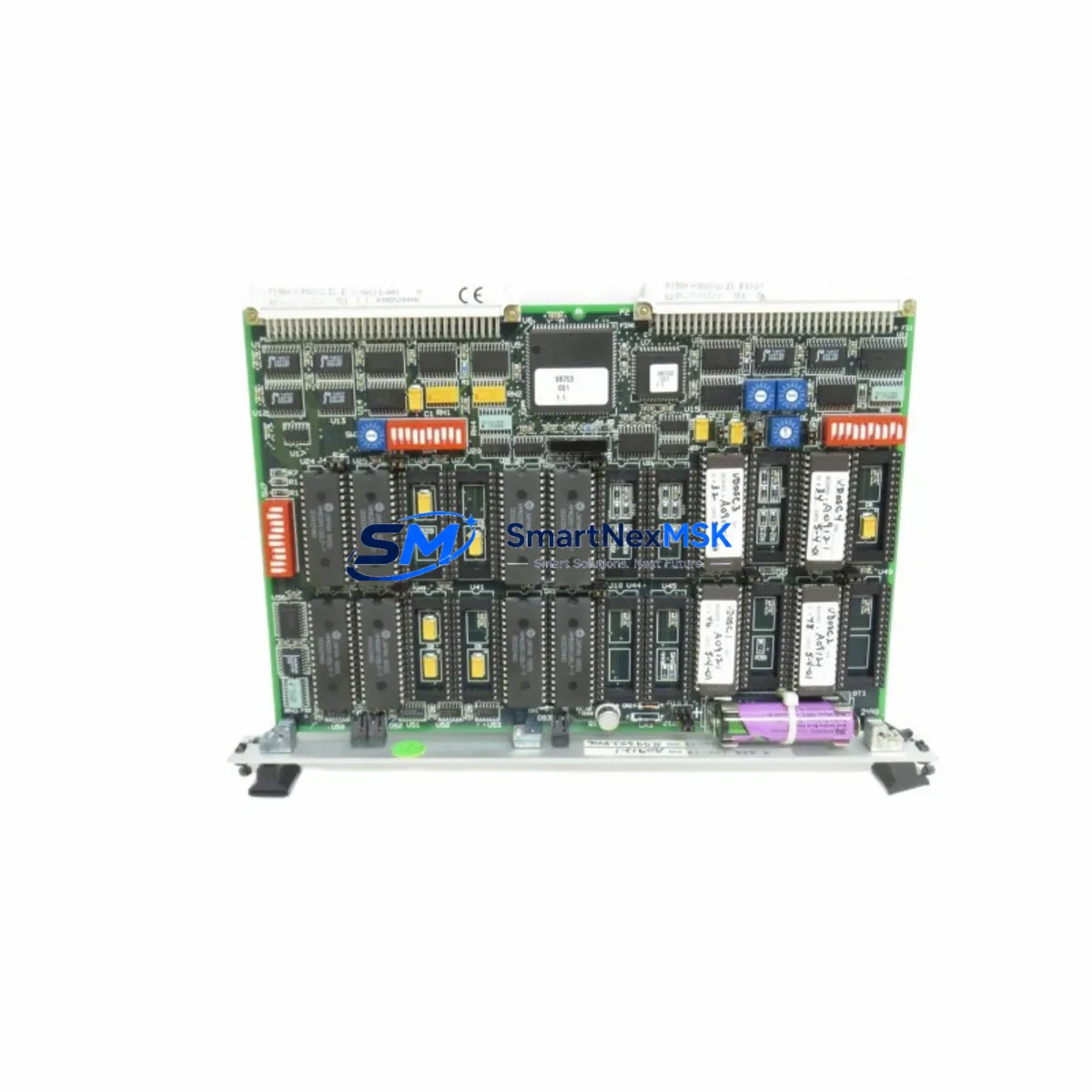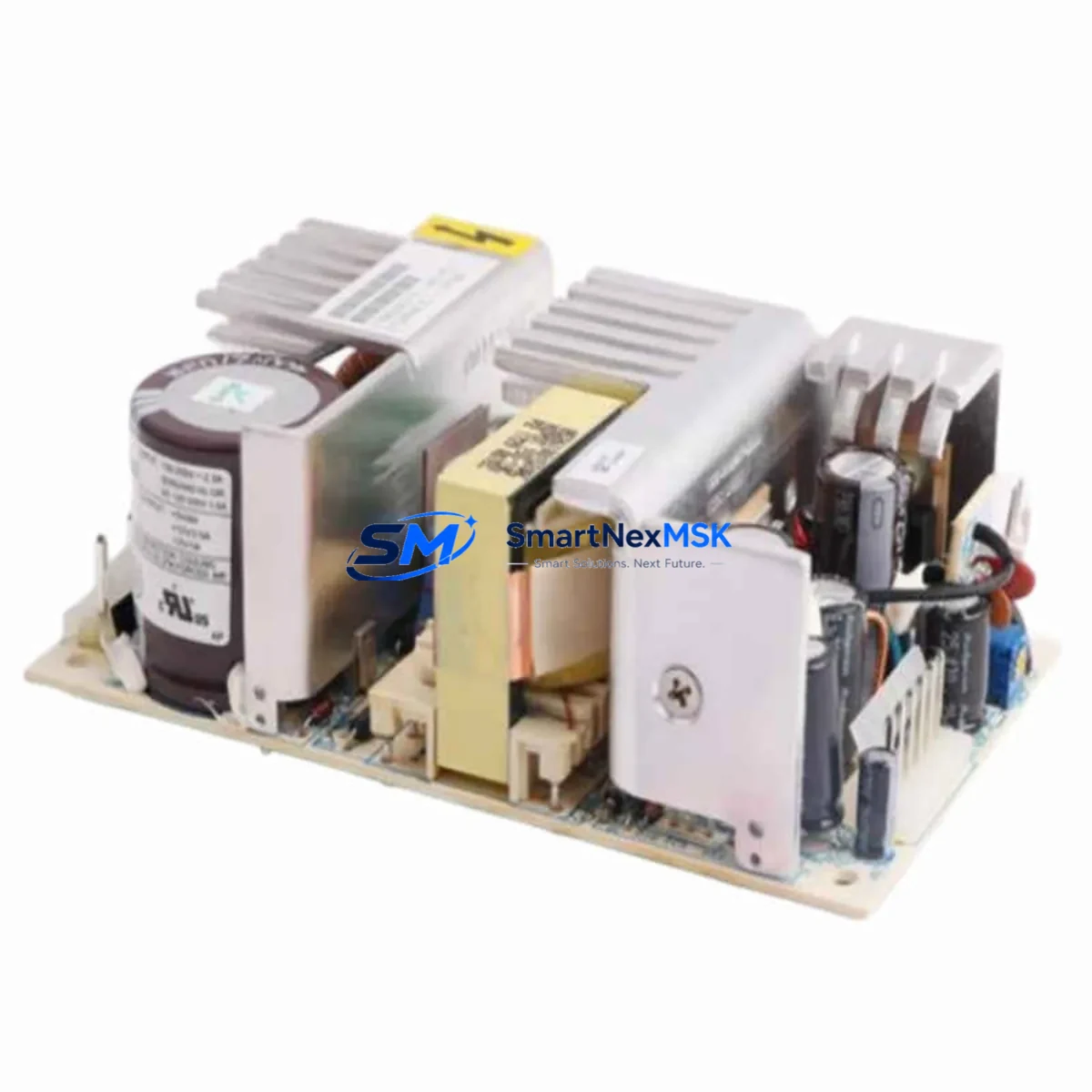
XYCOM 9960 Retrofit-Ready HMI Panel for 9000 Series Control Systems
The XYCOM 9960 is a proven operator interface panel engineered for seamless integration into legacy 9000 Series control architectures. As industrial facilities face increasing pressure to modernize aging automation infrastructure without full system overhauls, the 9960 delivers a cost-effective, low-risk retrofit path. Whether you are replacing a failed unit, upgrading a discontinued panel, or migrating an entire control cabinet to a more maintainable platform, the XYCOM 9960 provides the compatibility, reliability, and documentation support that industrial engineers demand.
Sourced directly from authorized distribution channels and subject to full functional testing prior to shipment, every XYCOM 9960 unit leaves our facility verified against original factory specifications. Our 12-month warranty covers all hardware defects and operational failures under normal industrial use conditions, giving procurement teams and maintenance engineers the confidence to plan long-term spares strategies around this platform.
Upgrade Compatibility Table
| Parameter | XYCOM 9960 (This Unit) | Retrofit Notes |
|---|---|---|
| Display Interface | 9000 Series compatible panel bus | Verify panel bus connector pinout against existing harness before installation |
| Power Supply Input | 24 VDC nominal | Confirm cabinet PSU capacity; allow 20% headroom above rated draw |
| Mounting Format | Panel cutout mount, XYCOM 9000 Series standard | No cutout modification required for direct 9000 Series replacement |
| Communication Protocol | RS-232 / RS-422 serial; optional DH-485 adapter | Confirm baud rate and parity settings match existing PLC configuration |
| PLC Compatibility | Allen-Bradley SLC 500, MicroLogix, PLC-5 series | Driver selection required during commissioning; verify tag mapping |
| Screen Resolution | 320 × 240 (QVGA) monochrome/color variant | Existing HMI screens may require resolution adjustment in project file |
| Program Transfer | Serial programming cable (XYCOM 9-pin) | Retain original .xpj project file; re-download after hardware swap |
| Warranty | 12 Months | Covers hardware defects under normal industrial operating conditions |
Retrofit Planning for Existing Automation Systems
A successful XYCOM 9960 retrofit begins well before the unit arrives on-site. Maintenance teams should audit the existing control cabinet to document all connected components: the primary PLC (commonly an Allen-Bradley SLC 5/03 or SLC 5/04), the 24 VDC power supply module, the DH-485 or RS-232 communication cable routing, and any I/O expansion racks tied to the same backplane. In many 9000 Series installations, the HMI panel shares a communication trunk with remote I/O modules and discrete input/output cards, so isolating the panel’s communication node before removal prevents unintended disruption to the broader control loop.
Terminal wiring on the XYCOM 9960 follows the standard 9000 Series connector layout. Engineers replacing a 9940, 9945, or 9950 panel will find the power and communication terminal assignments largely consistent, though it is essential to verify the exact pinout against the site’s as-built drawings. Where original drawings are unavailable, the terminal block labels on the existing unit should be photographed and cross-referenced with the 9960 installation manual before disconnection.
For facilities running Allen-Bradley MicroLogix 1100 or MicroLogix 1400 controllers alongside legacy XYCOM panels, the communication driver selection during HMI project configuration is critical. The 9960 supports DF1 Full-Duplex and DF1 Half-Duplex protocols natively, and the baud rate, stop bits, and parity must match the PLC’s channel 0 configuration exactly. Where the existing installation uses a DH-485 network with multiple nodes — for example, a SLC 5/03 processor, a 1747-AIC link coupler, and one or more 1746-series I/O chassis — the 9960’s network address must be assigned a unique node number to avoid address conflicts.
Facilities upgrading from older XYCOM 9000 Series panels to the 9960 as part of a broader control system modernization may also be evaluating replacement of the main processor rack. In such cases, it is common to simultaneously upgrade the 1746-P4 power supply, replace aging 1746-IB16 digital input modules and 1746-OB16 digital output modules, and introduce a 1747-L553 SLC 5/05 processor with Ethernet capability. The 9960 can serve as a transitional HMI during this phased migration, maintaining operator visibility into the process while the underlying control hardware is upgraded in stages. This approach minimizes the scope of any single maintenance window and allows the engineering team to validate each layer of the system independently before proceeding to the next.
Where the control system includes a Panelview 300 or Panelview 550 terminal operating in parallel with the XYCOM panel — a configuration common in facilities that added supervisory displays to existing lines — the 9960 retrofit should be coordinated with any planned Panelview replacement or RSView ME project migration to avoid duplicating commissioning effort. Similarly, if the facility uses a 1785-KA5 communication adapter or a 1747-KE serial interface module to bridge legacy DH+ and DH-485 networks, these gateway devices should be verified for compatibility with the 9960’s communication stack before the retrofit is finalized.
Downtime Control During System Migration
Minimizing unplanned downtime during an HMI panel replacement requires a structured pre-outage preparation protocol. Before the scheduled maintenance window, the engineering team should back up the existing XYCOM 9960 project file using the original programming cable and XYCOM Panel Builder software. If the original project file is unavailable — a common situation with panels that have been in service for 10 or more years — the replacement unit should be pre-configured offline using the documented process parameters, alarm setpoints, and screen layouts recovered from operator records or P&ID drawings.
The physical swap of the panel can typically be completed within 30 to 60 minutes for a direct replacement in an existing 9000 Series cutout. The critical path items are: disconnecting and labeling all terminal wiring, removing the panel from the cutout, installing the 9960, reconnecting terminals in sequence, and restoring the communication cable. Power-up and communication verification should follow immediately, with the PLC held in program mode until the HMI link is confirmed active and all screen data is displaying correctly.
To protect the original PLC program logic during the transition, the SLC 500 or MicroLogix processor should remain in Run mode with the I/O scan active throughout the HMI swap, provided the process can be safely maintained under local control or with operators monitoring field instruments directly. This approach ensures that the control program continues executing and that process interlocks remain active, reducing the risk of an uncontrolled process state during the panel changeover. Once the 9960 is online and all HMI screens are verified, the system can be returned to normal supervisory operation without requiring a full PLC restart.
Retrofit Support FAQ
Q: Is the XYCOM 9960 a direct drop-in replacement for the XYCOM 9940 or 9950?
A: The 9960 uses the same panel cutout dimensions and power terminal layout as the 9940 and 9950, making it a direct mechanical replacement in most 9000 Series installations. Communication wiring and driver configuration must be verified against the existing PLC setup, as baud rate and protocol settings may differ between original installations. The HMI project file will need to be re-downloaded to the 9960 after installation.
Q: What commissioning steps are required after installing the XYCOM 9960?
A: After physical installation and terminal reconnection, verify the communication link between the 9960 and the PLC by confirming that the HMI status indicator shows an active connection. Download the project file via the serial programming cable, then cycle through all HMI screens to confirm that data tags are reading correctly. Test all operator input functions — pushbuttons, numeric entry fields, and alarm acknowledgment — before returning the system to production.
Q: Can the XYCOM 9960 communicate with Allen-Bradley PLCs over Ethernet?
A: The standard XYCOM 9960 communicates via RS-232 and RS-422 serial interfaces. Ethernet connectivity is not natively supported on this panel. For facilities requiring Ethernet-based HMI communication, a serial-to-Ethernet converter or a migration to a current-generation operator panel with native EtherNet/IP support should be evaluated as part of the broader system upgrade plan.
Q: What does the 12-month warranty cover, and what is the process for a warranty claim?
A: The 12-month warranty covers all hardware defects and functional failures under normal industrial operating conditions, including display failures, communication port faults, and power supply issues. Warranty claims are initiated by contacting our sales team with the order reference and a description of the fault. Units are assessed within 5 business days of receipt, and replacement or repair is completed at no charge for confirmed warranty defects.
© 2026 SMARTNEXMSK. All rights reserved.
Original Source: https://smartnexmsk.com
Contact: [email protected] | +86 18259474341