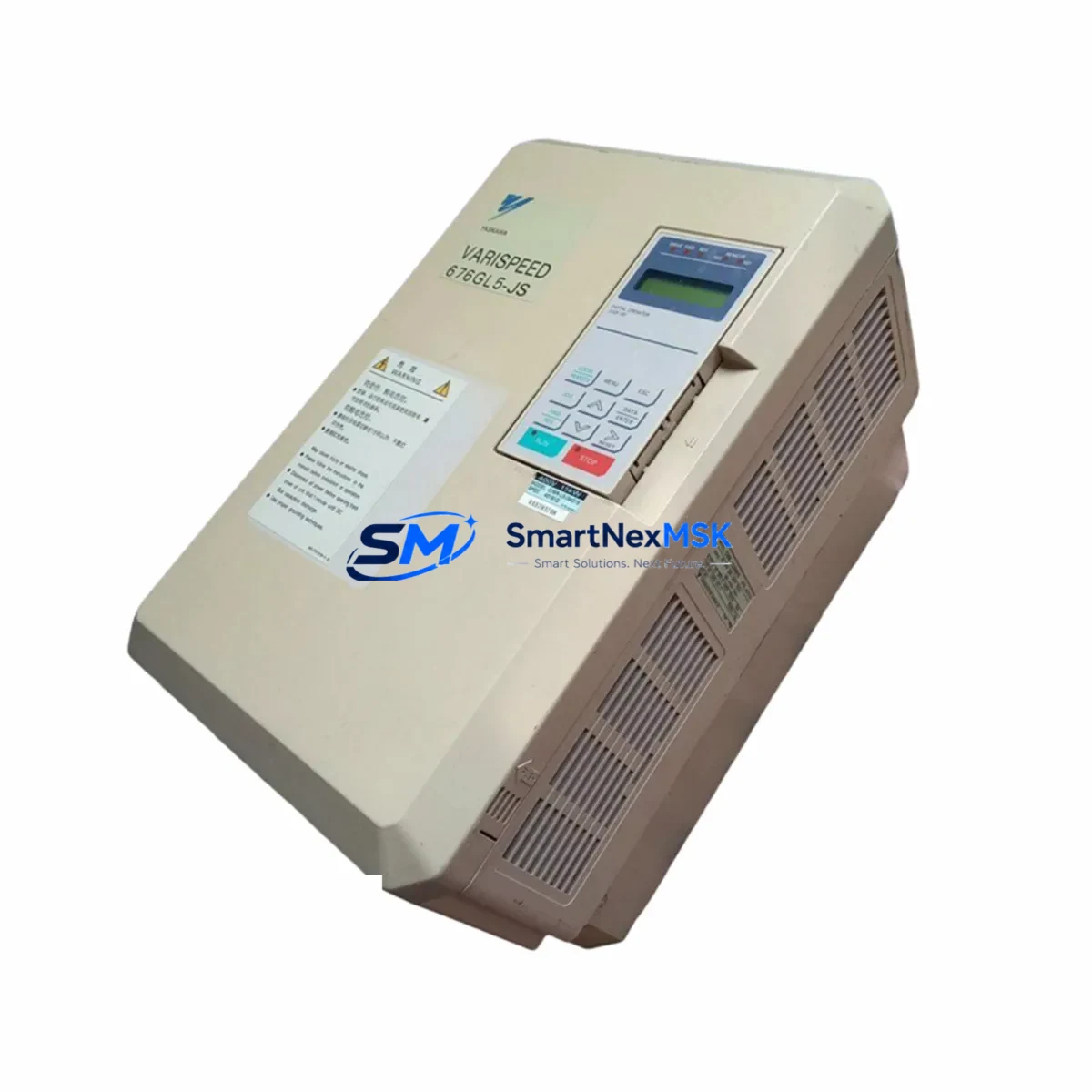
YASKAWA CIMR-L5JJ4011: Retrofit-Ready AC Drive for L5 Series Control Systems
The YASKAWA CIMR-L5JJ4011 is a 15kW (20HP), 400V class AC variable frequency drive from the L5 Series — one of YASKAWA’s most widely deployed drive platforms in industrial automation. As original L5 Series units approach end-of-life or become increasingly difficult to source through standard distribution channels, the CIMR-L5JJ4011 remains a critical retrofit and replacement component for engineers managing legacy conveyor systems, pump stations, HVAC control panels, and multi-axis motion control cabinets.
This unit is stocked and tested prior to shipment, with a 12-month warranty covering manufacturing defects and functional performance. Each drive undergoes pre-shipment functional verification including power-on self-test, parameter initialization, and output phase balance check — ensuring it arrives ready for immediate panel integration.
Upgrade Compatibility Table
| Parameter | CIMR-L5JJ4011 Specification | Retrofit Notes |
|---|---|---|
| Power Rating | 15kW / 20HP | Verify motor nameplate kW matches; derate if ambient >40°C |
| Input Voltage | 3-Phase 380–480V AC, 50/60Hz | Confirm panel supply voltage before installation |
| Output Current | 31A rated | Check existing cable sizing and overload relay settings |
| Control Terminals | Multi-function analog/digital I/O | Map terminal assignments from old drive wiring diagram |
| Communication | RS-485 (MEMOBUS/Modbus RTU) | Compatible with existing SCADA/PLC RS-485 networks |
| Mounting | Panel-mount, IP20 enclosure | Verify DIN rail or back-panel bolt pattern matches existing cutout |
| Parameter Backup | Supports JVOP-182 operator / USB copy unit | Back up original parameters before replacement |
| Replacement Models | Replaces CIMR-L5JJ4011, compatible with L5 Series platform | Cross-reference with CIMR-G5A4018 for G5 platform migration |
| Warranty | 12 Months | Covers manufacturing defects and functional failure from date of shipment |
Retrofit Planning for Existing Automation Systems
Replacing a CIMR-L5JJ4011 in an active production environment requires careful pre-work to avoid extended downtime. Before removing the failed or aging unit, engineers should document all parameter settings using a JVOP-160 digital operator or the DriveWizard Industrial software — both of which support parameter upload from the existing drive if it is still partially functional. If the original drive is completely non-responsive, parameter reconstruction from the motor nameplate data and the original commissioning sheet is the recommended fallback.
Terminal wiring is one of the most common sources of commissioning delay during L5 Series retrofits. The CIMR-L5JJ4011 uses a standard L5 terminal layout, but engineers should verify the assignment of multi-function digital inputs (S1–S7), analog frequency reference inputs (A1/A2), and fault relay outputs (MA/MB/MC) against the existing panel wiring diagram. In systems where the drive interfaces with a YASKAWA JEPMC-MP2300 machine controller or a Siemens S7-300 PLC via hardwired I/O, each terminal function must be confirmed before energizing the replacement unit.
For panels that include a YASKAWA CIMR-G7A4018 or CIMR-F7A4018 alongside the L5 unit — common in multi-drive conveyor or pump-fan applications — the RS-485 MEMOBUS network address of the replacement CIMR-L5JJ4011 must be set to match the original node address. Failure to do so will cause communication faults on the SCADA or HMI side, typically manifesting as a drive-not-responding alarm on the operator panel.
In control cabinets where the CIMR-L5JJ4011 shares a backplane with a YASKAWA SGDV servo drive or a JVOP-182 remote operator, the 24VDC control power supply — often a Phoenix Contact or OMRON S8VS series unit — should be checked for adequate current capacity after adding the replacement drive’s control circuit load. Similarly, if the panel uses a YASKAWA SI-P3/V communication option card for PROFIBUS-DP integration, verify that the card is seated correctly and that the GSD file version matches the network master configuration.
I/O expansion modules such as the YASKAWA SI-EN3/V (EtherNet/IP option) or SI-C3/V (CANopen option) that were installed on the original drive must be transferred to the replacement unit and re-initialized according to the option card setup procedure in the L5 Series technical manual. HMI screens built on a Proface GP4000 or YASKAWA MPE720 engineering tool that reference the drive’s register map should be validated after parameter restore to confirm that speed reference, run/stop command, and fault status registers are reading correctly.
Downtime Control During System Migration
Minimizing production downtime during a CIMR-L5JJ4011 replacement begins with preparation, not installation. The most effective approach is to pre-configure the replacement drive on the bench — loading all parameters, setting the RS-485 node address, and verifying motor data — before the maintenance window begins. This reduces in-panel work to a physical swap and a brief functional test, typically achievable within a 2–4 hour planned shutdown.
Where a hot-swap is not possible and the process cannot tolerate even a brief stop, a bypass contactor arrangement — already present in many L5-era control panels — can be used to run the motor across-the-line at fixed speed while the drive is replaced. This preserves process continuity for non-speed-critical loads such as cooling fans, transfer conveyors, or secondary pump circuits.
After physical installation, the recommended commissioning sequence is: (1) verify input voltage and phase rotation, (2) confirm motor wiring and insulation resistance, (3) restore parameters from backup, (4) perform a no-load test run at low speed (5–10Hz), (5) verify RS-485 communication with the PLC or SCADA master, (6) perform a loaded test run at operating speed, and (7) confirm fault relay and safety interlock outputs are functioning. This sequence protects the original program logic and ensures the field control loop — whether PID, torque control, or simple V/f — is restored to its pre-failure state before returning the line to production.
All units shipped by SMARTNEXMSK are covered by a 12-month warranty from the date of shipment. In the event of a warranty claim, our technical team provides remote commissioning support to assist with parameter recovery, wiring verification, and fault diagnosis — reducing the need for on-site service calls.
Retrofit Support FAQ
Q1: Is the CIMR-L5JJ4011 a direct drop-in replacement for my existing L5 Series drive?
Yes. The CIMR-L5JJ4011 is a factory-specification L5 Series unit and is dimensionally and electrically compatible with other L5 platform drives of the same power class. Terminal layout, mounting footprint, and parameter structure are consistent with the L5 Series standard, allowing direct substitution without panel modification in most installations.
Q2: Can I transfer my existing parameter settings to the replacement drive?
Yes. Parameters can be transferred using the JVOP-160 digital operator’s copy function, the JVOP-182 USB copy unit, or DriveWizard Industrial software via the drive’s RS-232C or USB port. If the original drive is non-functional, parameters can be reconstructed from the motor nameplate, the original commissioning record, or the application’s standard parameter template.
Q3: What wiring checks are required before powering up the replacement unit?
Before energizing, verify: (a) input phase voltage and rotation, (b) motor cable insulation resistance (>1MΩ at 500VDC), (c) control terminal assignments match the original wiring diagram, (d) RS-485 termination resistor is in place if this drive is at the end of the network, and (e) the braking resistor connection (if used) is correctly wired to terminals B1/B2. Skipping these checks is the leading cause of nuisance faults on first power-up.
Q4: What does the 12-month warranty cover, and what support is available during commissioning?
The 12-month warranty covers manufacturing defects and functional failure under normal operating conditions from the date of shipment. It does not cover damage from incorrect wiring, overvoltage events, or environmental exposure beyond the drive’s rated IP class. During the warranty period, SMARTNEXMSK provides remote technical support for commissioning, parameter setup, and fault diagnosis at no additional charge. Units confirmed defective under warranty are replaced or repaired at our cost, including return shipping.
© 2026 SMARTNEXMSK. All rights reserved.
Original Source: https://smartnexmsk.com
Contact: [email protected] | +86 18259474341