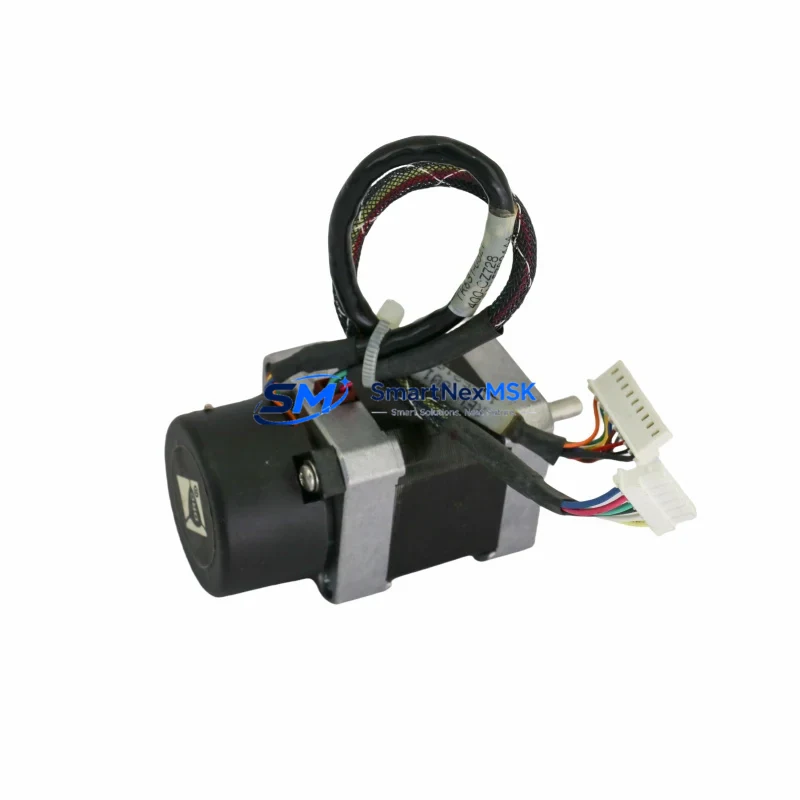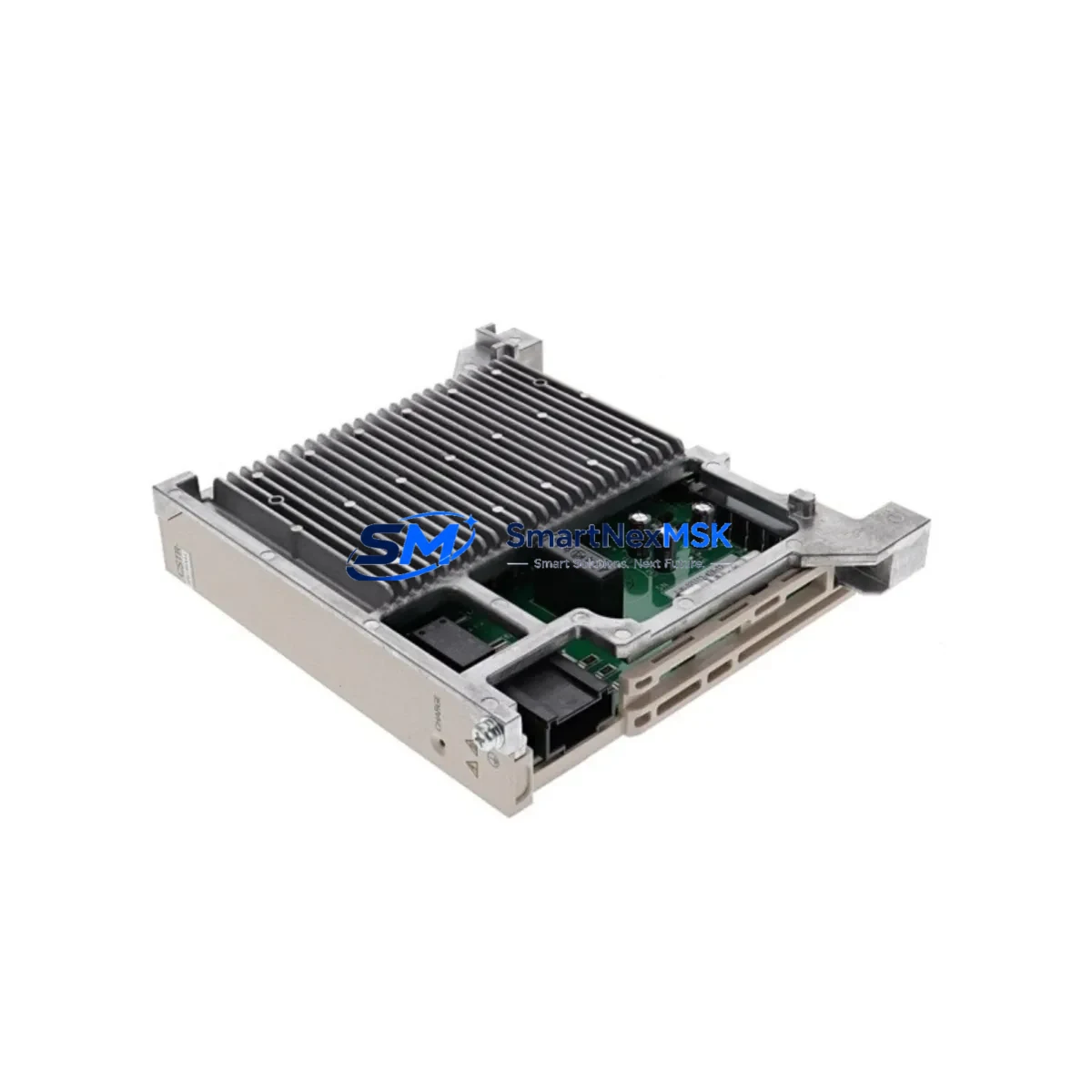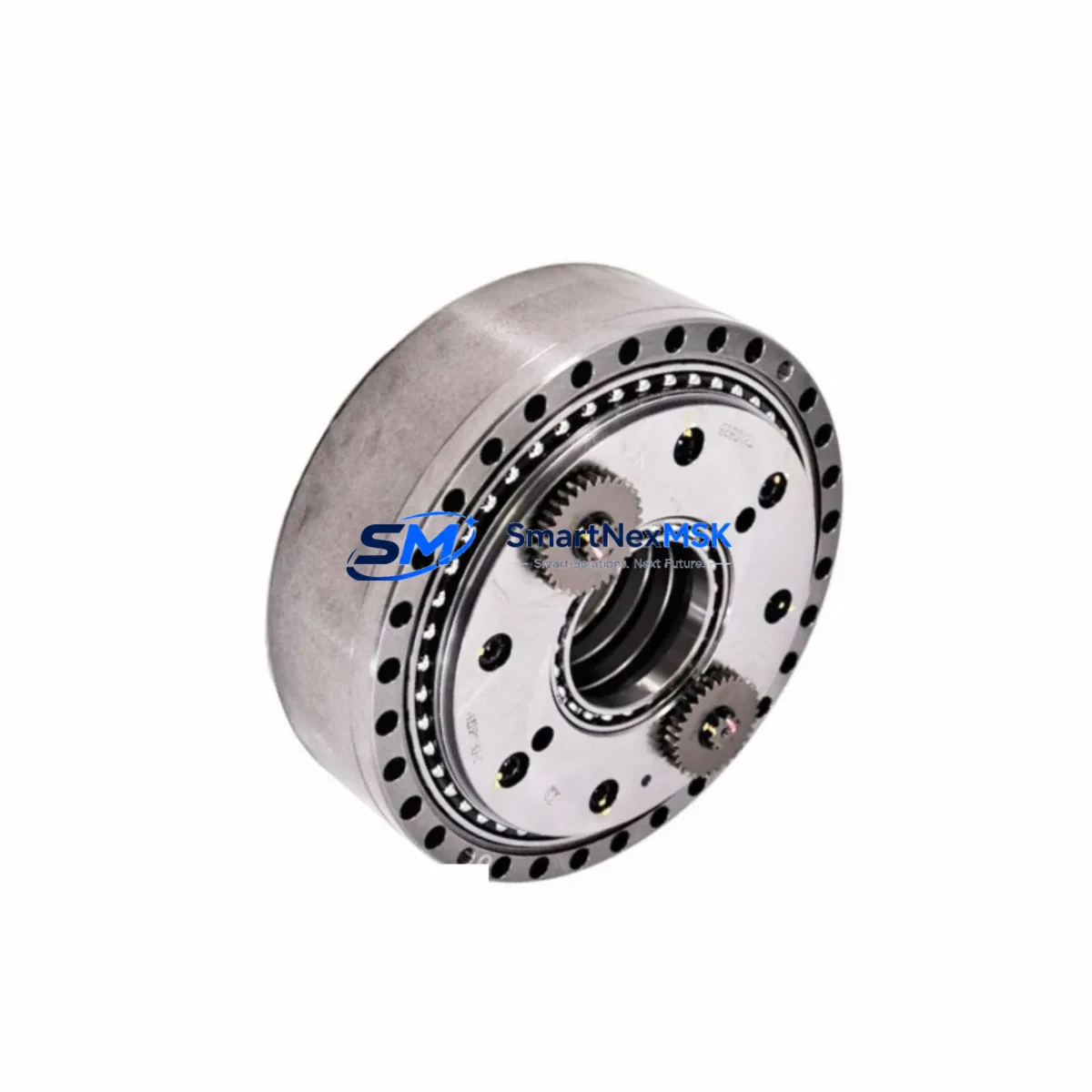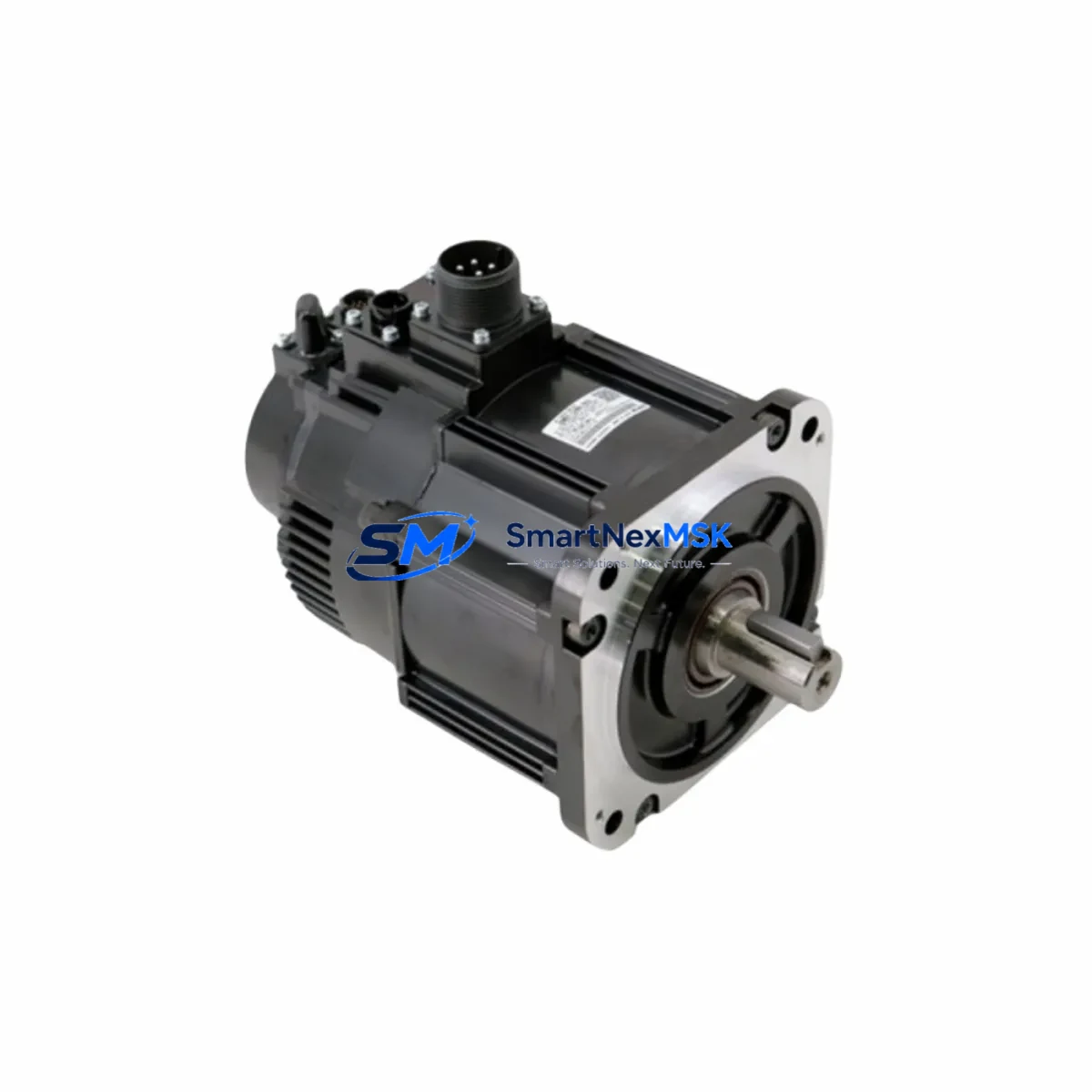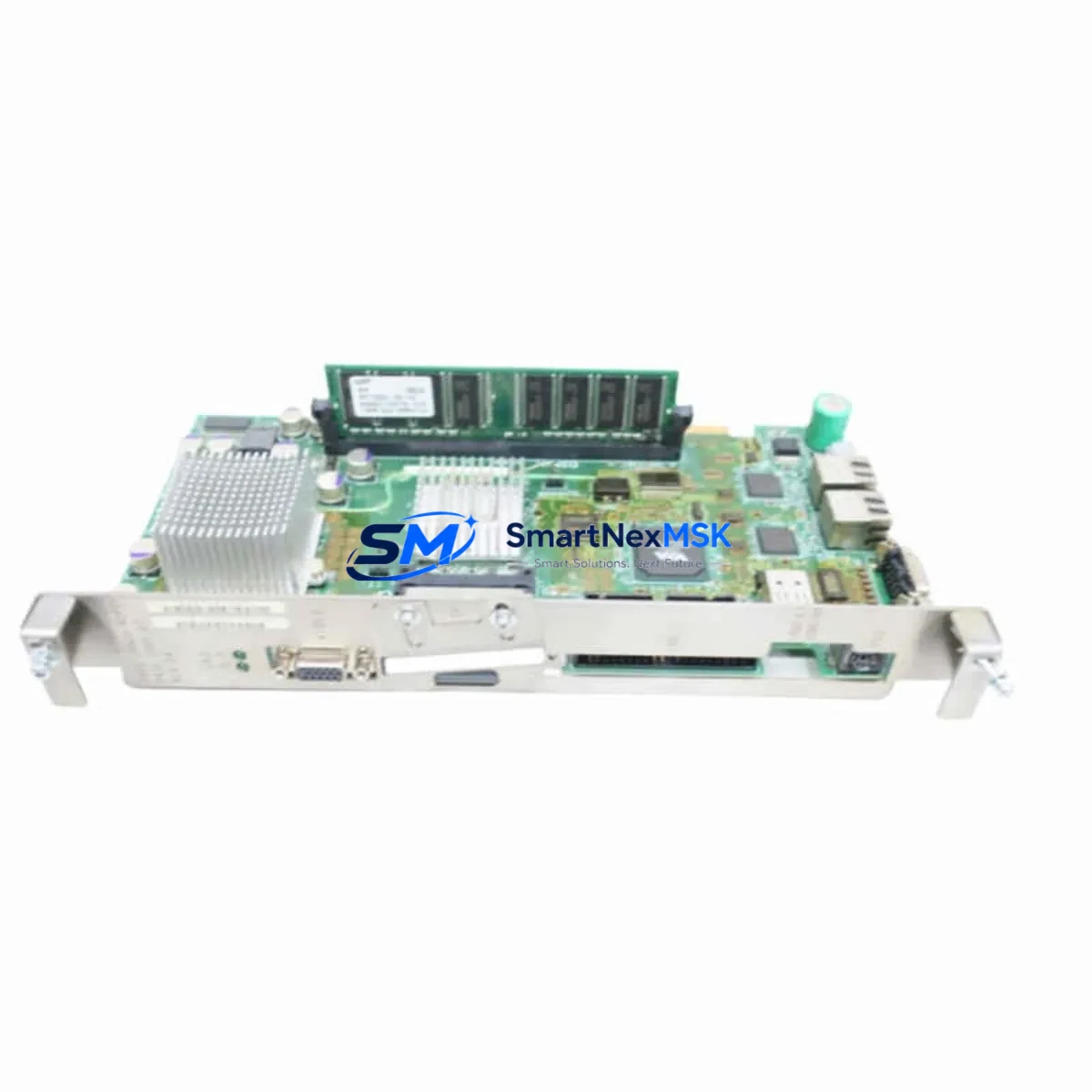
YASKAWA JANCD-NCP01 Retrofit-Ready Network Board for DX100/NX100 Control Systems
The YASKAWA JANCD-NCP01 is a network communication board engineered for seamless integration into YASKAWA DX100 and NX100 robot controller platforms. As industrial facilities accelerate the modernization of aging robotic cells, the JANCD-NCP01 has become a critical component in retrofit projects where maintaining fieldbus communication continuity is non-negotiable. Whether you are replacing a failed board in an active production line or executing a planned upgrade of a legacy welding or handling robot system, this module delivers the compatibility and reliability that industrial engineers demand.
Sourced directly from verified supply channels, each JANCD-NCP01 unit shipped by SMARTNEXMSK undergoes pre-shipment functional verification to confirm board integrity, connector condition, and communication interface readiness. With a 12-month warranty covering manufacturing defects and functional failures, procurement teams can confidently integrate this board into both emergency replacement scenarios and long-cycle capital upgrade programs.
Upgrade Compatibility Table
| Parameter | Details |
|---|---|
| Compatible Controllers | YASKAWA DX100, NX100 |
| Board Function | Network / Fieldbus Communication |
| Interface Type | Backplane slot-mount, proprietary YASKAWA connector |
| Communication Protocols | DeviceNet, Profibus-DP, EtherNet/IP (variant-dependent) |
| Installation Requirement | Power-off installation; slot position per controller wiring diagram |
| Replacement Compatibility | Direct drop-in for original JANCD-NCP01 installations |
| Commissioning Note | Node address and baud rate must be re-confirmed post-installation |
| HMI Compatibility | Compatible with YASKAWA Programming Pendant (DX100/NX100 series) |
| Warranty | 12 Months — covers manufacturing defects and functional failures |
| Condition | New / Refurbished (specify at order) |
Retrofit Planning for Existing Automation Systems
Retrofitting a YASKAWA DX100 or NX100 robot controller requires a structured approach to avoid unplanned downtime and program loss. The JANCD-NCP01 sits at the heart of the controller’s network communication architecture, interfacing with the main CPU board — typically the JANCD-MCP01 or JANCD-MCP02 — via the internal backplane. Before removal of the existing board, engineers should document the current node address, baud rate settings, and network topology to ensure the replacement board is configured identically.
In systems where the DX100 controller communicates with a host PLC — such as a SIEMENS S7-300 or ALLEN-BRADLEY ControlLogix — over Profibus-DP or EtherNet/IP, the JANCD-NCP01 acts as the slave node. Any interruption to this communication link will trigger fault states on both the robot controller and the host PLC. It is therefore essential to coordinate the board swap with the PLC operator and, where possible, place the host PLC in a safe hold state before proceeding.
The power supply unit within the DX100 enclosure — often the JZNC-NPS01 or equivalent — should be inspected for output voltage stability before the new JANCD-NCP01 is installed. A degraded power supply can cause intermittent communication faults that are easily misdiagnosed as board failures. Similarly, the JANCD-NIO01 I/O board and any JANCD-NIF01 interface boards installed in adjacent backplane slots should be checked for secure seating and connector integrity during the same maintenance window.
For systems that include a YASKAWA FSU (Functional Safety Unit) or external safety relay modules wired through the controller’s safety I/O, the retrofit plan must include a post-installation safety function verification. This is particularly important in collaborative robot cells or press-tending applications where safety circuit continuity is a regulatory requirement.
If the retrofit scope extends to upgrading the programming pendant or migrating teach pendant programs, the JZRCR-NPP01 programming cable and associated software tools should be prepared in advance. Program backup via the pendant’s USB or CF card interface is strongly recommended before any hardware change. In cases where the original program files are unavailable, SMARTNEXMSK can advise on compatible program recovery pathways based on the controller generation and software version.
For facilities managing multiple robot cells — each with its own DX100 or NX100 controller — a phased retrofit schedule minimizes production impact. Stocking a spare JANCD-NCP01 as a cold standby reduces mean time to repair (MTTR) from days to hours in the event of an unplanned board failure.
Downtime Control During System Migration
Minimizing downtime during a JANCD-NCP01 replacement requires preparation that begins well before the maintenance window opens. The following protocol is recommended for production-critical installations:
Step 1 — Pre-Maintenance Backup: Use the DX100 or NX100 programming pendant to export all job files, system parameters, I/O assignments, and tool calibration data to a CF card or USB storage device. Confirm that the backup is complete and readable before proceeding.
Step 2 — Network State Documentation: Record the current fieldbus node address, baud rate, and network master configuration. If the robot is integrated into a PROFIBUS or DeviceNet segment, note the GSD/EDS file version in use on the host PLC or network configurator.
Step 3 — Controlled Shutdown: Place the robot in teach mode, confirm all axes are in a safe home position, and execute a controlled power-down sequence. Do not remove the JANCD-NCP01 while the controller is energized.
Step 4 — Board Replacement: Remove the faulty JANCD-NCP01 from its backplane slot, observing ESD precautions. Install the replacement board, ensuring the edge connector is fully seated and the retention screw is secured.
Step 5 — Post-Installation Commissioning: Power up the controller and verify that the network communication link is re-established. Confirm node address and baud rate settings match the pre-maintenance documentation. Restore job files from backup if required and execute a dry-run cycle before returning the robot to production.
Following this protocol, most JANCD-NCP01 replacements can be completed within a 2–4 hour maintenance window, preserving original program logic and minimizing impact on production schedules.
Retrofit Support FAQ
Q1: Is the JANCD-NCP01 a direct drop-in replacement for the original board in my DX100 controller?
Yes. The JANCD-NCP01 is designed as a direct replacement for the original network communication board in YASKAWA DX100 and NX100 controllers. No mechanical modification to the controller enclosure or backplane is required. Node address and baud rate settings must be re-confirmed after installation to match the original network configuration.
Q2: Do I need to reload my robot programs after replacing the JANCD-NCP01?
In most cases, robot job files and system parameters stored in the controller’s main memory are not affected by a JANCD-NCP01 replacement, as these are retained on the CPU board (JANCD-MCP01/MCP02) and associated memory modules. However, a full program backup prior to any hardware change is strongly recommended as a precaution against unexpected power interruptions during the swap procedure.
Q3: What fieldbus protocols does the JANCD-NCP01 support, and will it work with my existing PLC network?
The JANCD-NCP01 supports DeviceNet, Profibus-DP, and EtherNet/IP depending on the specific variant. Before ordering, confirm the protocol variant matches your existing network infrastructure. SMARTNEXMSK can assist with variant identification based on your controller serial number and current network configuration.
Q4: What does the 12-month warranty cover, and what is the process for a warranty claim?
The 12-month warranty covers manufacturing defects and functional failures under normal operating conditions. It does not cover damage resulting from incorrect installation, overvoltage, or physical impact. To initiate a warranty claim, contact SMARTNEXMSK with the order reference, a description of the fault, and photographic evidence of the installation. Replacement or repair will be arranged within the warranty period at no additional cost.
© 2026 SMARTNEXMSK. All rights reserved.
Original Source: https://smartnexmsk.com
Contact: [email protected] | +86 18259474341