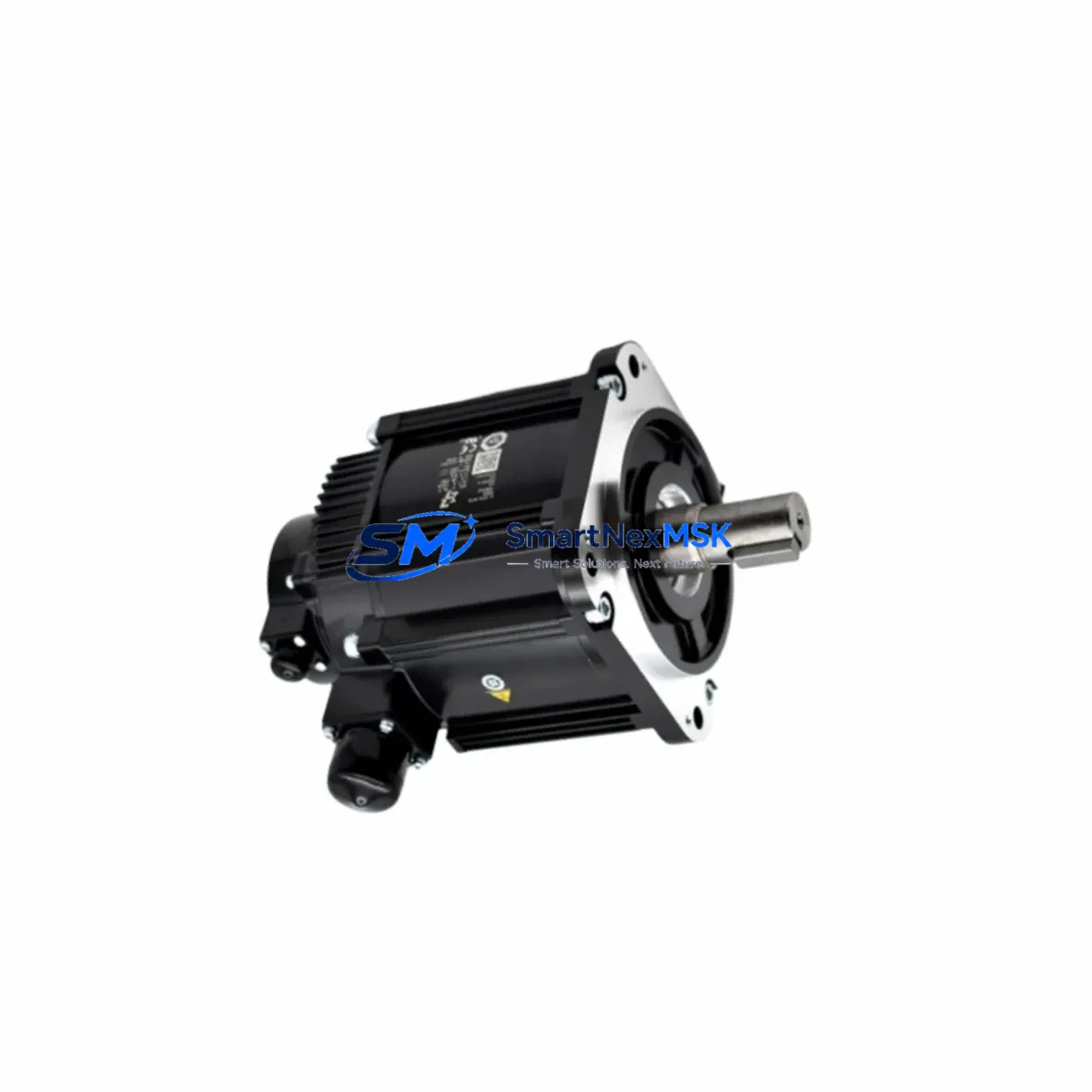
Yaskawa PCU-ETHIO-EI Retrofit-Ready Ethernet I/O Card for DX Series Control Systems
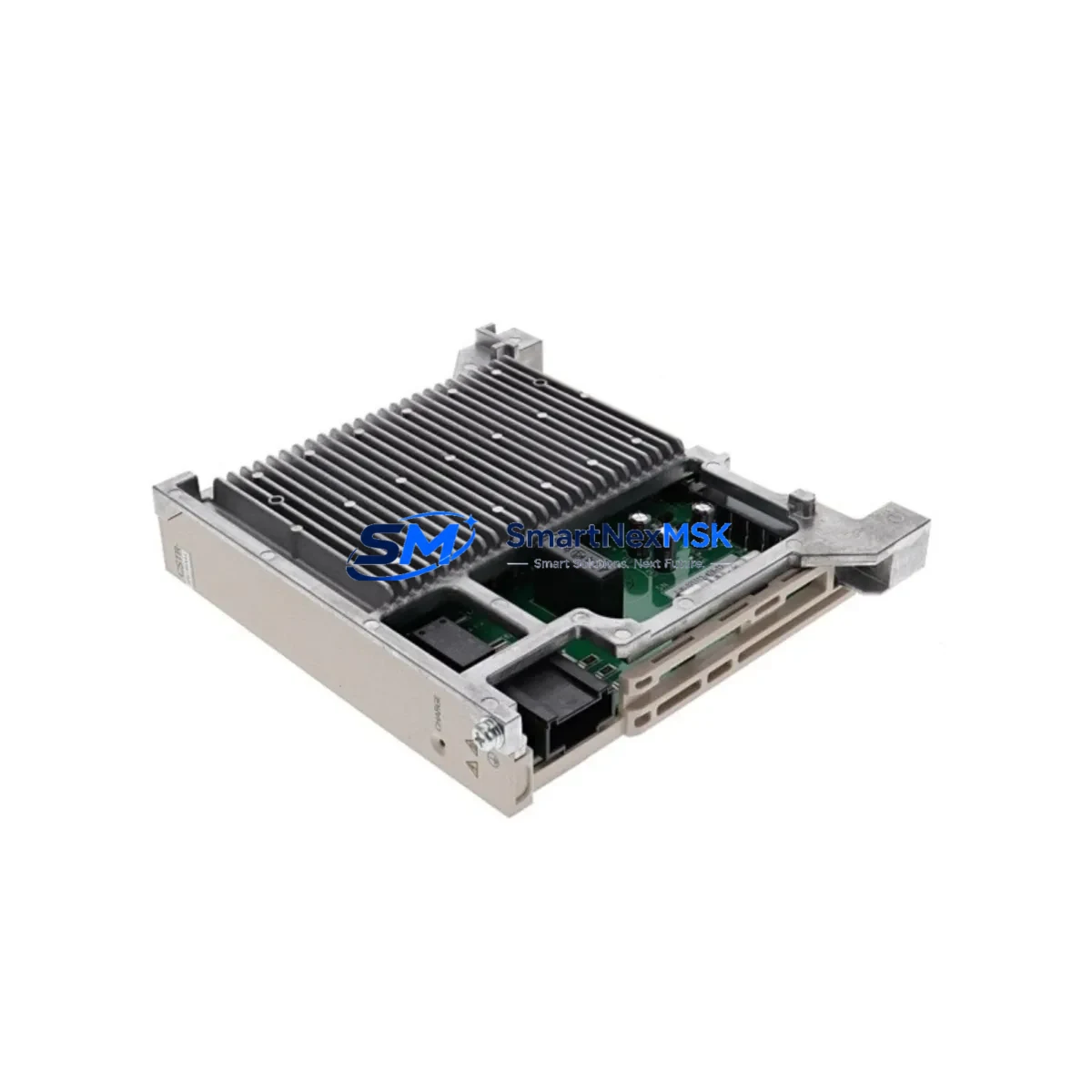
The Yaskawa PCU-ETHIO-EI is a dedicated Ethernet I/O network interface card engineered for the MOTOMAN DX100 and DX200 robot controller platforms. As industrial facilities accelerate the modernization of aging robotic workcells, the PCU-ETHIO-EI has become a critical retrofit component — enabling legacy DX-series controllers to maintain high-speed Ethernet I/O communication without requiring a full controller replacement. Whether you are recovering from a card failure, upgrading communication infrastructure, or migrating a production line to a more connected architecture, this module delivers a verified drop-in solution backed by a 12-month warranty and pre-shipment functional testing.
Upgrade Compatibility Table
| Parameter | Details |
|---|---|
| Compatible Controllers | MOTOMAN DX100, DX200 |
| Interface Type | Ethernet I/O (EtherNet/IP or proprietary Yaskawa Ethernet I/O protocol) |
| Installation Method | Direct slot replacement — no backplane modification required |
| Connector Type | RJ-45 Ethernet port; matches OEM terminal layout |
| Communication Compatibility | Compatible with existing DX100/DX200 I/O bus architecture and ladder logic addressing |
| Replacement Recommendation | Direct replacement for failed or end-of-life PCU-ETHIO-EI units; no firmware re-flash required in most configurations |
| Commissioning Notes | Verify I/O node address settings match original card; confirm network switch port speed (10/100 Mbps); re-validate robot job I/O signal mapping after swap |
| Warranty | 12 months from date of shipment; covers manufacturing defects and functional failure under normal operating conditions |
Retrofit Planning for Existing Automation Systems
Replacing the PCU-ETHIO-EI in an active production environment requires careful pre-planning to avoid extended downtime and signal mapping errors. Before removing the original card, engineers should document the existing I/O node address configured on the DX100 or DX200 controller, as this address governs how the robot job program references all digital and analog I/O signals routed through the Ethernet network. Failure to replicate this address on the replacement card will cause immediate I/O communication faults upon controller restart.
In many retrofit scenarios, the PCU-ETHIO-EI is not replaced in isolation. A complete workcell modernization typically involves reviewing the JZNC-YRK01-1E robot CPU board and the JZNC-YIU01-E I/O unit to confirm that the backplane bus remains electrically compatible with the replacement network card. If the DX100 controller cabinet also houses a JZNC-YPS01-1E power supply unit, its output voltage rails should be load-tested before the new card is installed, as degraded power supplies are a common root cause of repeated network card failures in aging systems.
For facilities running multiple robot cells on a shared Ethernet I/O network, the replacement PCU-ETHIO-EI must be assigned a unique node address to prevent IP conflicts with other devices on the subnet — including JEPMC-MP2300 motion controllers, SI-EN3 Ethernet option cards on Yaskawa drives, or third-party EtherNet/IP scanners. Network topology documentation should be updated immediately after commissioning to reflect the new card’s MAC address and node assignment.
When the retrofit extends beyond a single card swap to a broader control system upgrade — for example, migrating from a DX100 to a YRC1000 or YRC1000micro controller — the PCU-ETHIO-EI serves as a transitional component that keeps the existing workcell operational while the new controller is staged and programmed in parallel. During this period, the MotoSim EG-VRC offline programming environment can be used to validate job logic and I/O mapping against the new controller configuration before cutover, significantly reducing live commissioning risk.
Terminal wiring adaptation is another key consideration. The DX100 and DX200 controller cabinets use a standardized terminal block layout for external I/O, but if the retrofit involves adding new I/O expansion — such as a JZNC-YIU02-E expanded I/O unit — the wiring harness and cable routing must be planned before the maintenance window begins. Pre-fabricating labeled cable assemblies and verifying continuity with a multimeter before the controller is powered down will reduce the risk of wiring errors during the swap.
Downtime Control During System Migration
Minimizing unplanned downtime during a PCU-ETHIO-EI replacement begins with a structured pre-maintenance checklist executed before the controller is taken offline. The robot job program — including all teach points, I/O assignments, and interference zone definitions — should be backed up to a USB memory device using the DX100 or DX200 maintenance mode backup function. This backup preserves the complete system configuration and allows full restoration if the replacement card introduces any unexpected behavior during initial power-up.
The physical card swap itself typically takes 15 to 30 minutes for a trained technician familiar with the DX-series controller cabinet layout. The PCU-ETHIO-EI is secured by a standard PCB retention mechanism and connects via the controller’s internal backplane bus — no soldering or custom cabling is required. After installation, the controller should be powered up in maintenance mode first to verify that the new card is recognized by the system before resuming normal robot operation.
Post-swap verification should include a full I/O signal check using the DX100 or DX200 I/O monitor function, confirming that all input and output signals assigned in the robot job program are responding correctly. If the workcell is integrated with a PLC — such as a Siemens S7-300 or an Allen-Bradley ControlLogix — the PLC I/O table should also be verified to confirm that the robot’s Ethernet I/O node is communicating correctly before the line is returned to production. This end-to-end verification step is the most reliable method for confirming that the replacement card has restored full system functionality and that no latent wiring or configuration issues remain.
Retrofit Support FAQ
Q1: Is the PCU-ETHIO-EI a direct drop-in replacement for the original card in my DX100 or DX200 controller?
Yes. The PCU-ETHIO-EI is designed as a direct slot-compatible replacement for the original Yaskawa Ethernet I/O network card used in DX100 and DX200 controllers. No backplane modification or custom cabling is required. You will need to verify and replicate the original I/O node address setting on the replacement card before powering up the controller.
Q2: What commissioning steps are required after installing the replacement card?
After physical installation, power up the controller in maintenance mode and confirm the card is recognized. Set the I/O node address to match the original configuration. Perform a full I/O signal check using the controller’s built-in I/O monitor. If the workcell is networked with external PLCs or HMI systems, verify communication link status before returning the robot to automatic operation.
Q3: How do I verify wiring and terminal compatibility before the maintenance window?
Document the existing terminal block wiring on the DX100 or DX200 I/O unit before shutdown. Photograph all connector positions and label each wire. The PCU-ETHIO-EI connects via the internal backplane — external terminal wiring on the I/O unit is not affected by the card swap. If you are simultaneously upgrading the I/O unit, pre-fabricate and label all new cable assemblies and verify continuity before the maintenance window begins.
Q4: What does the 12-month warranty cover, and is pre-shipment testing performed?
Every PCU-ETHIO-EI unit is functionally tested before shipment to verify Ethernet communication, I/O signal response, and board-level integrity. The 12-month warranty covers manufacturing defects and functional failure under normal operating conditions from the date of shipment. Units that fail within the warranty period are repaired or replaced at no charge. Contact our technical team for RMA authorization and return shipping instructions.
© 2026 SMARTNEXMSK. All rights reserved.
Original Source: https://smartnexmsk.com
Contact: [email protected] | +86 18259474341