
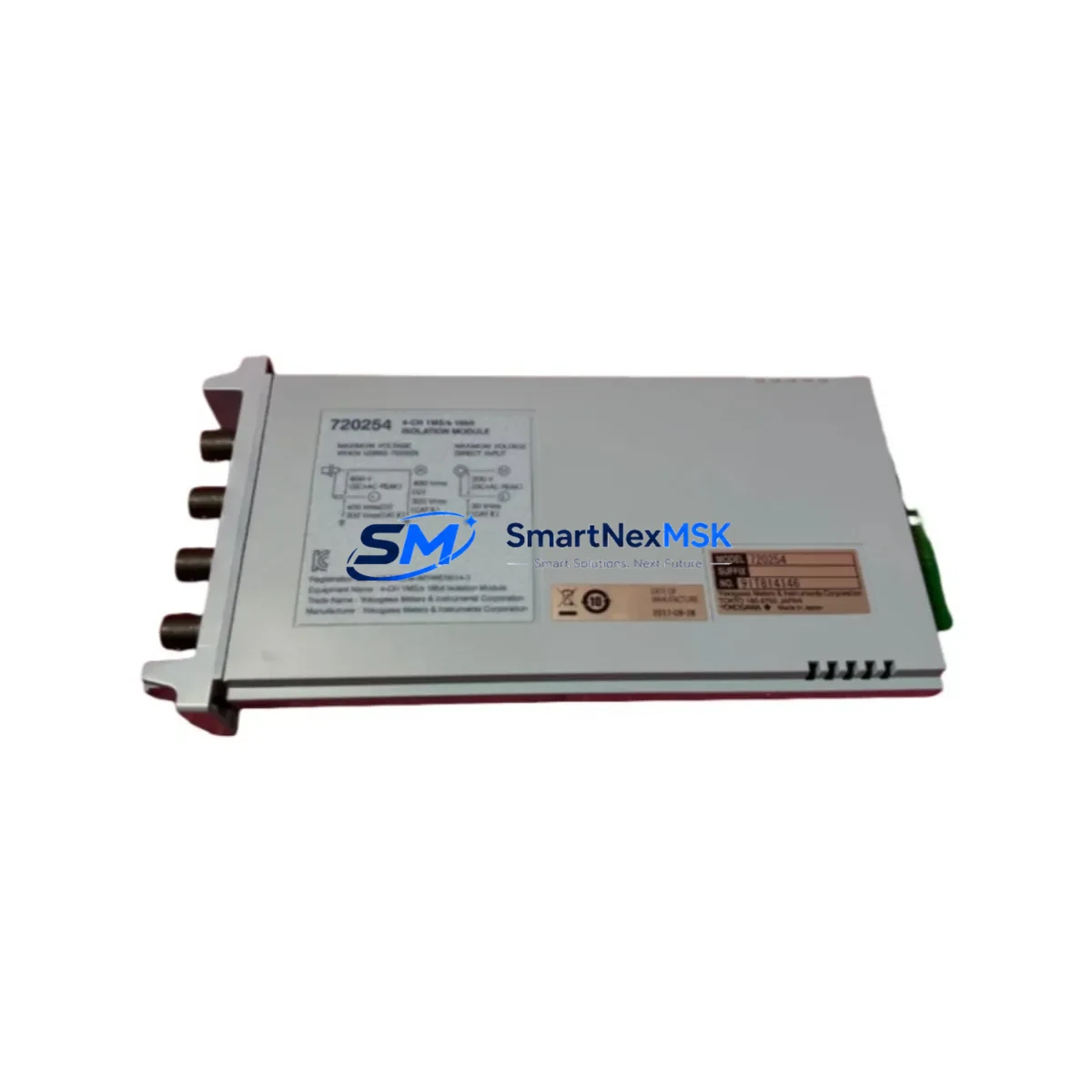
Yokogawa 720254 Retrofit-Ready Serial Communication Module for CENTUM VP Control Systems
The Yokogawa 720254 is a serial communication module engineered for seamless integration into CENTUM VP distributed control system architectures. As aging CENTUM CS 3000 and legacy CENTUM V installations reach end-of-life, plant engineers and automation managers increasingly rely on the 720254 as a verified drop-in replacement that preserves existing wiring infrastructure, maintains program logic continuity, and eliminates the need for full panel redesigns. Whether you are executing a phased DCS upgrade, restoring a critical control loop after an unplanned failure, or consolidating spare parts inventory ahead of a scheduled turnaround, the 720254 delivers the compatibility and reliability that industrial environments demand.
Upgrade Compatibility Table
| Parameter | Details |
|---|---|
| Compatible Platform | Yokogawa CENTUM VP, CENTUM CS 3000 |
| Module Type | Serial Communication Module |
| Communication Protocol | RS-232C / RS-422 / RS-485 (field-configurable) |
| Backplane Interface | Standard CENTUM VP node bus connector |
| Installation Requirement | Direct slot replacement; no bracket modification required |
| Address Configuration | Module address set via rotary switch; matches legacy addressing scheme |
| Replacement Recommendation | Verified drop-in for discontinued CENTUM CS 3000 serial comm cards |
| Commissioning Note | Confirm baud rate, parity, and stop-bit settings in CENTUM VP Builder before hot-swap |
| Warranty | 12 months from date of shipment |
| Origin | Japan |
Retrofit Planning for Existing Automation Systems
A successful retrofit begins well before the module arrives on site. When replacing the 720254 in an operating CENTUM VP node, engineers should first audit the existing node cabinet to confirm available slot positions on the Yokogawa ESB bus coupler or RIO node unit. The power supply module — typically an Yokogawa PW482 or equivalent — must be verified to have sufficient residual capacity to support the replacement card without triggering an overload alarm on the field control station (FCS).
Terminal wiring is a critical checkpoint. The 720254 connects to field devices — such as third-party analyzers, flow computers, or Modbus RTU instruments — through a dedicated terminal board. Before removal of the legacy card, technicians should photograph and document all terminal assignments, confirm shield grounding continuity, and verify that the cable specification matches the RS-485 or RS-422 electrical standard required by the downstream device. Where the original installation used an older Yokogawa AMN11 or AMN21 node multiplexer, the replacement module must be confirmed compatible with the node’s firmware revision.
On the software side, the CENTUM VP Engineering Environment (formerly CENTUM CS 3000 System View) must be used to verify that the function block associated with the 720254’s communication channel — typically a SEBOL or COM-LINK block — does not require re-compilation after the hardware swap. In most cases, if the module address and slot assignment are preserved, the FCS will recognize the replacement card at the next cold start without requiring a full download. However, if the plant is migrating from a CENTUM CS 3000 node to a CENTUM VP FCS, a partial program migration using the CENTUM VP Migration Tool is recommended to preserve analog input scaling, alarm setpoints, and interlock logic.
HMI screens built in Yokogawa’s FAST/TOOLS or HIS (Human Interface Station) typically reference tag names rather than hardware addresses, so panel graphics will remain valid after the swap. Nonetheless, operators should confirm that communication status tags — particularly those monitoring the serial link health — are correctly mapped to the new module’s diagnostic registers. Where the plant uses a Yokogawa STARDOM FCN/FCJ controller in a hybrid architecture alongside the CENTUM VP DCS, the serial communication path between the two platforms should be re-verified using a loop-back test before returning the loop to automatic.
For I/O-intensive retrofits, the 720254 is commonly deployed alongside Yokogawa AAI141 analog input modules, ADV151 digital input modules, and AAO145 analog output modules within the same node cabinet. Ensuring that the total node I/O count does not exceed the FCS’s configured maximum — as defined in the CENTUM VP system generation file — prevents address conflicts that can cause intermittent communication faults after restart.
Downtime Control During System Migration
Minimizing unplanned downtime is the primary operational constraint in any DCS retrofit. For the 720254 replacement, the recommended approach is a pre-staged swap: the replacement module is configured, address-set, and bench-tested against a known-good serial device before the maintenance window opens. This eliminates configuration uncertainty during the live outage and reduces the critical-path duration to the physical swap and loop verification steps only.
Where the process cannot tolerate a full FCS restart, plants with redundant FCS configurations can execute a bumpless transfer to the standby controller before removing the faulty module from the primary node. The CENTUM VP system’s automatic switchover logic will maintain control output continuity during the swap, provided the standby FCS has been synchronized within the preceding scan cycle. After the replacement module is seated and the primary FCS is restarted, the system will re-synchronize automatically and resume redundant operation.
Original program logic — including PID tuning parameters, cascade configurations, and interlock permissive conditions — is stored in the FCS memory and is not affected by a module-level hardware replacement. Engineers should nonetheless perform a post-swap functional test of each communication channel, confirming that all Modbus register maps, polling intervals, and exception response handling are operating as expected before releasing the loop to the control room.
All units are pre-tested prior to shipment. In-stock inventory is available for immediate dispatch, supporting urgent breakdown scenarios where lead time from the OEM is not acceptable. Standard delivery is supported globally, with expedited options available for critical plant situations.
Retrofit Support FAQ
Q: Is the Yokogawa 720254 a direct replacement for the serial communication card used in CENTUM CS 3000 nodes?
A: In the majority of CENTUM CS 3000 to CENTUM VP migration scenarios, the 720254 is a verified functional replacement. Customers should confirm the node type (ESB or RIO) and firmware revision before ordering. Our technical team can assist with compatibility verification based on your system generation report.
Q: What commissioning steps are required after installing the 720254?
A: After physical installation, verify the module address via the rotary switch, confirm baud rate and parity settings in CENTUM VP Builder, perform a cold start of the FCS, and execute a serial loop-back test to confirm communication link integrity. No software download is typically required if the slot assignment is unchanged.
Q: Can the 720254 support both RS-232C and RS-485 field devices in the same installation?
A: The 720254 supports field-configurable serial standards. Each channel can be independently configured for RS-232C, RS-422, or RS-485 operation via the terminal board and software parameter settings, making it suitable for mixed-protocol field device environments.
Q: What warranty coverage is provided?
A: All units carry a 12-month warranty from the date of shipment, covering manufacturing defects and functional failures under normal operating conditions. Pre-shipment testing records are available upon request.
© 2026 SMARTNEXMSK. All rights reserved.
Original Source: https://smartnexmsk.com
Contact: [email protected] | +86 18259474341



