
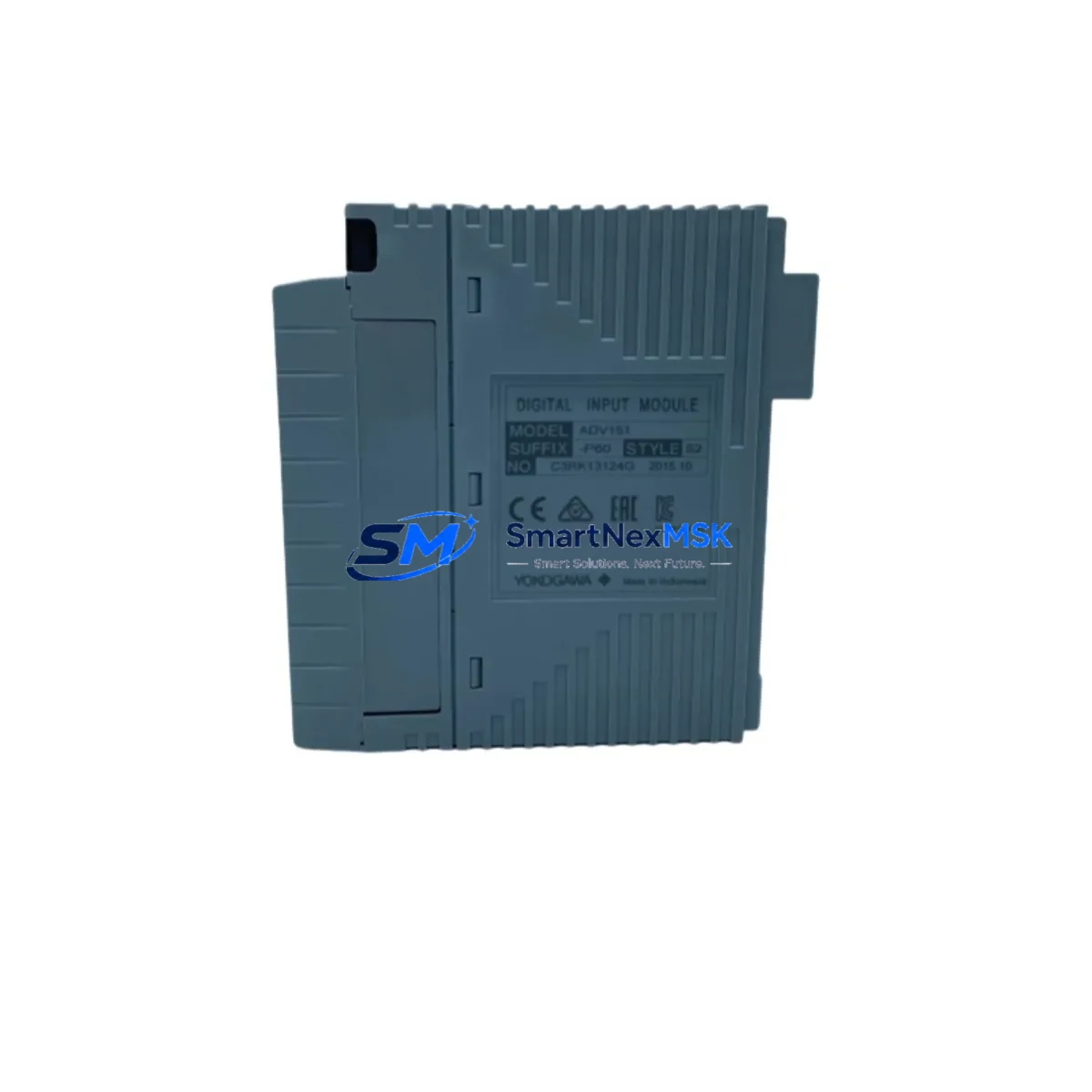
YOKOGAWA ADV151-P60 Maintenance-Ready Spare for CENTUM VP Automation
The YOKOGAWA ADV151-P60 is an original digital input module designed for the CENTUM VP distributed control system — one of the most widely deployed DCS platforms in process industries including oil & gas, petrochemical, power generation, and pharmaceutical manufacturing. When this module fails or degrades, the impact on process continuity is immediate. Sourcing a verified, tested replacement unit is the fastest path to restoring normal operation and minimizing unplanned downtime.
This listing provides a maintenance-ready ADV151-P60 spare, sourced as an original YOKOGAWA component, pre-tested before shipment, and backed by a 12-month warranty. Whether you are executing a planned turnaround, responding to an emergency fault, or building out your critical spare inventory, this unit is ready for direct installation into your CENTUM VP field control station.
Spare Maintenance Table
| Parameter | Specification / Detail |
|---|---|
| Part Number / SKU | ADV151-P60 |
| Brand | YOKOGAWA |
| Series / Platform | CENTUM VP / CENTUM CS 3000 |
| Module Type | Digital Input (DI) Module |
| Input Channels | 60-channel digital input |
| Signal Type | Dry contact / Voltage input (field-configurable) |
| Isolation | Optical isolation between field and system bus |
| Operating Voltage | 24 VDC nominal (field side) |
| Operating Temperature | 0°C to 55°C (standard industrial environment) |
| Mounting | Node unit / Field control station backplane |
| Compatibility | CENTUM VP R4.x / R5.x / R6.x; CENTUM CS 3000 (verify revision with engineering) |
| Origin | Japan (Original YOKOGAWA manufacture) |
| Pre-shipment Test | Yes — functional and communication test performed |
| Warranty | 12 Months from date of shipment |
| Typical Application | Process status monitoring, valve position feedback, motor run/stop signals, interlock inputs |
| Maintenance Recommendation | Inspect terminal block wiring, verify LED channel status, check for moisture ingress annually |
Maintenance Planning for Continuous Operation
When a maintenance or reliability engineer schedules replacement of the ADV151-P60, the scope of inspection should extend beyond the module itself. The digital input module sits at the intersection of field wiring, power distribution, and the DCS communication bus — meaning a single fault can mask or trigger cascading issues in adjacent components.
During the same maintenance window, engineers should inspect the AFV10D or AFV30D node unit power supply module that feeds the field control station. A degraded power supply is a common root cause of intermittent DI channel faults that are incorrectly attributed to the input module. Similarly, the ANB10S or ANB11S ESB bus coupler connecting the node unit to the field control station should be checked for secure seating and clean bus contacts.
Terminal block assemblies — particularly the ATD5D or ATD5S terminal board paired with the ADV151-P60 — should be inspected for loose field wiring, corrosion on screw terminals, and correct cable labeling. In high-vibration environments, terminal screws can back off over time, causing intermittent open-circuit faults on individual DI channels.
If the control cabinet houses a YOKOGAWA ADV161 or ADV551 analog input module in adjacent slots, verify that the backplane connector pins are clean and that no cross-contamination from field wiring has occurred. For systems running safety instrumented functions, confirm that any AAI141 or AAI543 analog I/O modules sharing the same node unit are operating within their calibrated range.
Communication integrity should also be verified. The ACF11 or ACF12 communication module responsible for Vnet/IP or ESB communication should be checked for firmware version compatibility with the installed CENTUM VP revision. An outdated communication module firmware can cause the DCS to misread channel states from a newly installed ADV151-P60.
For sites running legacy CENTUM CS 3000 alongside CENTUM VP in a hybrid architecture, the AIP588 or AIP878 interface processor should be included in the inspection checklist. Finally, any signal isolators or loop-powered barriers installed between field devices and the ADV151-P60 terminal board should be tested for correct output range and isolation resistance — degraded barriers are a frequent source of false DI readings that are difficult to diagnose without isolating the field circuit.
Building a minimum viable spare kit around the ADV151-P60 is recommended for any site with more than four CENTUM VP node units. A practical kit includes at least one ADV151-P60, one power supply module, one ESB bus coupler, and a set of terminal board assemblies — covering the most failure-prone components in a single procurement action.
Site Replacement Workflow
Step 1 — Preparation: Confirm the replacement ADV151-P60 matches the installed revision level. Check the CENTUM VP engineering station for the node unit hardware configuration and verify that the new module’s hardware revision is compatible. Download the current I/O assignment map before beginning work.
Step 2 — Safe Isolation: Place the affected node unit in maintenance mode from the CENTUM VP HIS (Human Interface Station). This suppresses alarms for the affected DI channels during the swap and prevents spurious interlock trips. Do not power down the entire field control station unless the module is non-hot-swappable in your installed revision.
Step 3 — Module Removal: Disconnect the terminal board from the module slot. Label all field cables before disconnection if they are not already permanently labeled. Remove the ADV151-P60 by releasing the module locking lever and sliding it out of the backplane slot.
Step 4 — Installation: Insert the replacement ADV151-P60 into the same slot. Reconnect the terminal board. Verify that the module status LED illuminates green within 30 seconds of insertion — this confirms successful backplane communication and self-test completion.
Step 5 — Verification: From the CENTUM VP engineering station, perform a channel-by-channel status check. Simulate field inputs where possible to confirm correct channel mapping. Return the node unit to normal operating mode and monitor for 15 minutes before closing the work order.
Step 6 — Documentation: Record the replaced module’s serial number, installation date, and the failed module’s fault symptoms in the site CMMS. Update the spare parts inventory to trigger a replenishment order for the consumed ADV151-P60 unit.
Spare Parts Support FAQ
Q: Is this ADV151-P60 an original YOKOGAWA component or a third-party compatible?
A: This is an original YOKOGAWA ADV151-P60 module. We do not supply third-party compatible or rebranded alternatives for this part number. Each unit is sourced from verified supply channels and undergoes functional testing before shipment.
Q: What compatibility verification should I perform before ordering?
A: Confirm your CENTUM VP system revision (R4, R5, or R6) and the node unit model installed at your site. The ADV151-P60 is compatible across the main CENTUM VP revisions, but hardware sub-revision differences can affect direct interchangeability. Provide your system revision and node unit model when placing your order and our technical team will confirm compatibility before shipment.
Q: What does the 12-month warranty cover?
A: The 12-month warranty covers manufacturing defects and functional failures under normal operating conditions. It does not cover damage caused by incorrect installation, overvoltage events, or physical mishandling. In the event of a warranty claim, we will arrange replacement or repair at no additional cost after fault verification.
Q: How quickly can this module be shipped for emergency breakdown situations?
A: In-stock units are typically dispatched within 24–48 hours of order confirmation. For emergency breakdown situations, contact our sales team directly to confirm stock availability and arrange priority dispatch. We support both standard and expedited international shipping to minimize your total downtime exposure.
© 2026 SMARTNEXMSK. All rights reserved.
Original Source: https://smartnexmsk.com
Contact: [email protected] | +86 18259474341



