
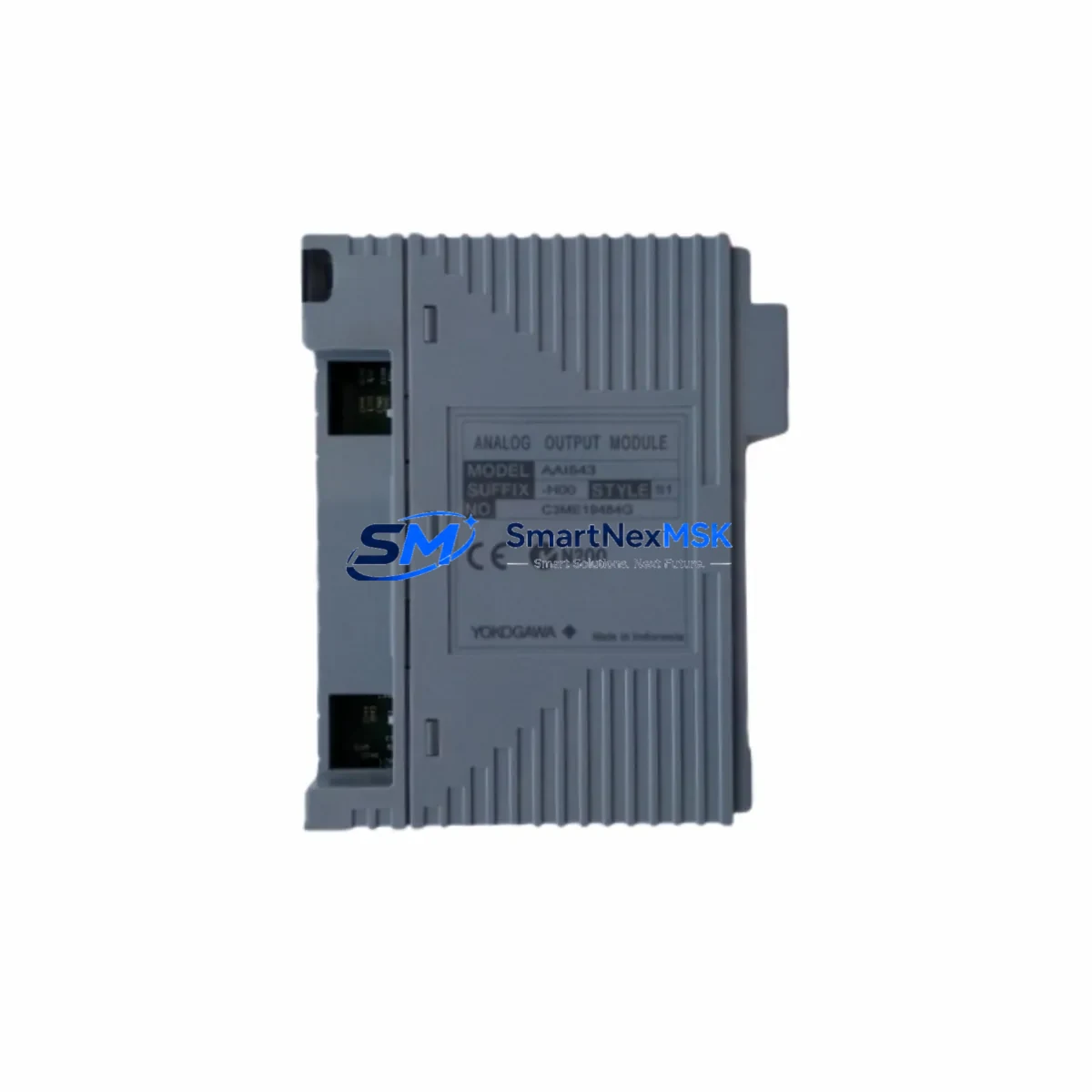
Yokogawa ALE111-S00 Spare for CENTUM VP Automation
The Yokogawa ALE111-S00 is an original Ethernet communication module designed for the CENTUM VP Distributed Control System (DCS). In industrial automation environments where continuous process control is non-negotiable, maintaining a verified spare of the ALE111-S00 is a critical element of any proactive maintenance strategy. Communication failures at the DCS layer can cascade rapidly into full process shutdowns, making fast, compatible replacement the top priority for maintenance and procurement engineers alike.
SMARTNEXMSK supplies the ALE111-S00 as a tested, original spare part — not a counterfeit or grey-market substitute. Each unit undergoes pre-shipment functional verification and ships with a 12-month warranty, giving your maintenance team the confidence to execute emergency replacements without extended lead-time delays. Whether you are managing a planned turnaround, responding to an unscheduled fault, or building out your control room spare parts inventory, the ALE111-S00 is available for immediate dispatch.
Spare Maintenance Table
| SKU / Part Number | ALE111-S00 |
| Brand | Yokogawa |
| Series / Platform | CENTUM VP DCS |
| Module Type | Ethernet Communication Module |
| Communication Protocol | Ethernet (100BASE-TX / 10BASE-T) |
| Mounting | CENTUM VP Field Control Station (FCS) backplane |
| Operating Voltage | 24 VDC (supplied via backplane) |
| Operating Temperature | 0°C to 55°C |
| Origin | Japan |
| Compatibility | CENTUM VP R4.x / R5.x / R6.x Field Control Stations |
| Application Environment | Process industries: oil & gas, petrochemical, power generation, pharmaceuticals |
| Maintenance Recommendation | Inspect connector pins and Ethernet port integrity during scheduled FCS cabinet audits; replace if LED link indicators are intermittent or absent |
| Pre-Shipment Testing | Functional communication verification performed before dispatch |
| Warranty | 12 Months |
Maintenance Planning for Continuous Operation
When a CENTUM VP Field Control Station loses Ethernet communication, the fault is rarely isolated to the ALE111-S00 alone. A thorough maintenance engineer will treat the module replacement as the starting point of a broader cabinet inspection. Begin by verifying the integrity of the Ethernet patch cables and RJ45 connectors running between the FCS and the plant network switch — degraded cabling is a frequent silent contributor to intermittent link faults that are mistakenly attributed to the communication module itself.
Next, inspect the FCS power supply modules (such as the Yokogawa PW481 or PW482 series) to confirm stable 24 VDC rail voltage. Voltage sag or ripple on the backplane supply can cause the ALE111-S00 to drop its network link without generating a hard fault alarm. While the cabinet is open, check the FCS backplane (e.g., EB401 or EB501 series) for signs of corrosion, bent connector pins, or thermal stress — a compromised backplane slot will cause repeated failures of any replacement module installed into it.
For sites running CENTUM VP with redundant FCS configurations, confirm that the partner ALE111-S00 in the redundant node is also within its service life. A single-point failure in a redundant pair often indicates that both modules have experienced the same environmental stress. Simultaneously, review the status of the ESB bus coupler modules and the I/O communication modules (e.g., AAI141, AAI543 series analog input/output modules) connected to the same FCS — a communication fault at the Ethernet layer can mask underlying I/O errors that will surface after the network link is restored.
In control cabinets where the CENTUM VP FCS shares an enclosure with relay output modules, terminal blocks, and signal isolators, it is good practice to inspect fuse holders and MCB (miniature circuit breaker) ratings during the same maintenance window. Surge protection devices on the Ethernet lines should also be checked for end-of-life indicators. For older CENTUM VP installations approaching system end-of-life, maintaining a documented spare parts list that includes the ALE111-S00, associated power modules, and key I/O cards is the most effective strategy for extending system service life without a full DCS migration.
Site Replacement Workflow
Replacing the ALE111-S00 on a live CENTUM VP system requires careful sequencing to minimize process impact. Before removing the module, document the current network configuration parameters stored in the FCS — IP address assignment, subnet mask, and VNET/IP routing settings — using the CENTUM VP Engineering Environment (ENG). If the FCS is operating in a redundant pair, initiate a controlled switchover to the partner FCS before isolating the faulty node.
Power down the affected FCS cabinet following the Yokogawa lockout/tagout procedure. Remove the ALE111-S00 by releasing the module locking lever and sliding it clear of the backplane connector. Inspect the backplane slot contacts before inserting the replacement unit. After seating the new ALE111-S00, restore power and confirm that the module’s LINK and ACT LEDs illuminate correctly. Re-enter the network parameters via the ENG workstation if they were not retained automatically, and verify end-to-end communication with the plant historian and operator HMI stations before returning the FCS to active control.
For sites transitioning away from legacy CENTUM CS 3000 hardware, the ALE111-S00 is compatible with CENTUM VP migration pathways, allowing existing FCS cabinets to be upgraded incrementally rather than replaced wholesale — a significant cost and downtime advantage for brownfield facilities.
Spare Parts Support FAQ
Q: Is the ALE111-S00 supplied by SMARTNEXMSK an original Yokogawa part?
A: Yes. All ALE111-S00 units are sourced as original Yokogawa components. Each unit is individually inspected and functionally tested for Ethernet communication performance before shipment. We do not supply rebranded, refurbished-without-disclosure, or counterfeit parts.
Q: What is the warranty coverage and what does it include?
A: Every ALE111-S00 ships with a 12-month warranty covering manufacturing defects and functional failures under normal operating conditions. If a unit fails within the warranty period, SMARTNEXMSK will arrange a replacement or repair at no additional cost. Warranty claims are processed promptly to minimize your downtime exposure.
Q: How do I confirm compatibility with my specific CENTUM VP FCS revision before ordering?
A: Provide your FCS model number, CENTUM VP software revision (R4, R5, or R6), and cabinet configuration details to our technical team at [email protected]. We will cross-reference against Yokogawa’s compatibility matrix and confirm suitability before the order is placed — at no charge.
Q: What is the typical lead time, and can SMARTNEXMSK support emergency orders?
A: Standard orders ship within 3–7 business days. For emergency breakdown situations, contact us directly at +86 18259474341 to discuss expedited dispatch options. We maintain buffer stock of high-demand CENTUM VP spare parts specifically to support unplanned outage recovery scenarios.
© 2026 SMARTNEXMSK. All rights reserved.
Original Source: https://smartnexmsk.com
Contact: [email protected] | +86 18259474341



