
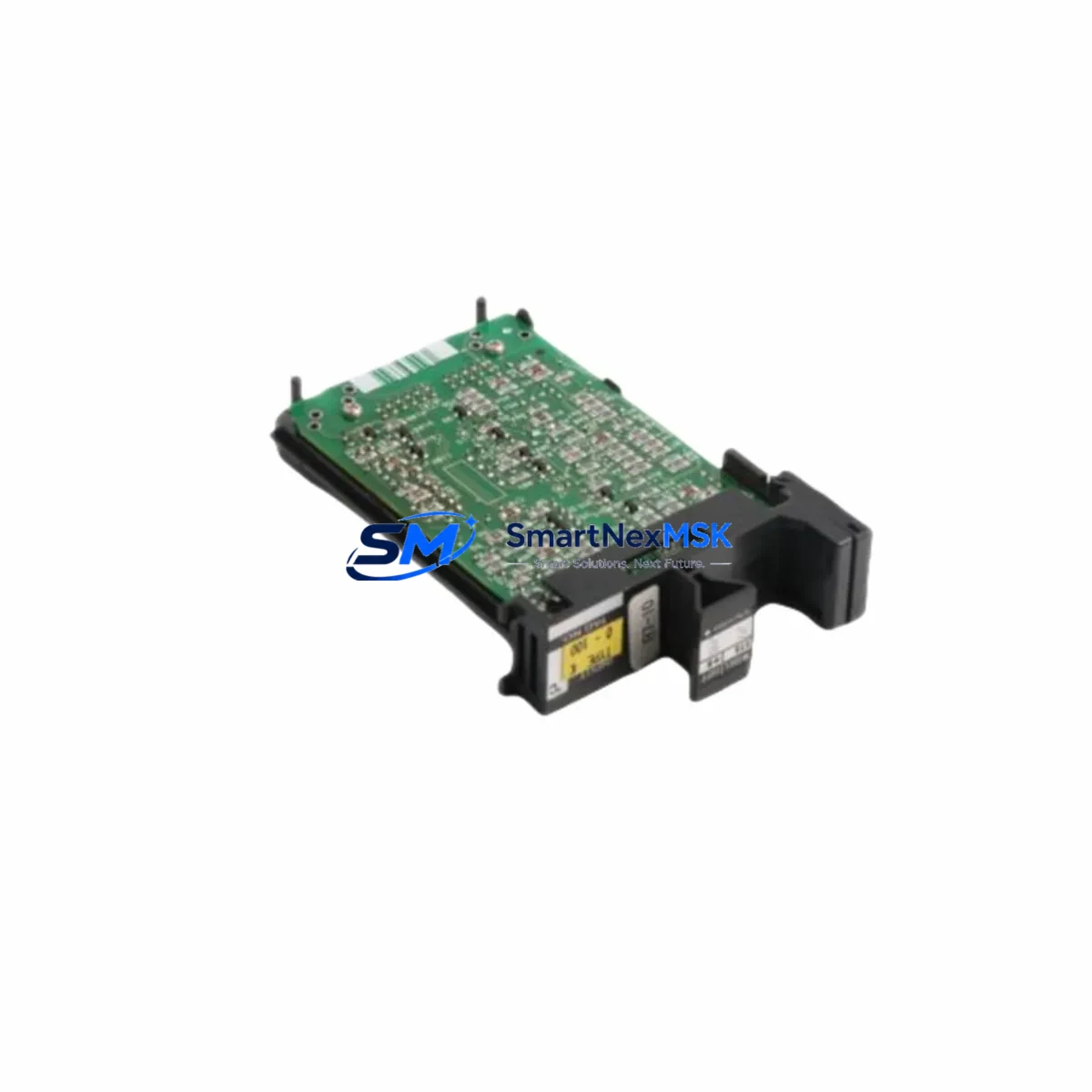
YOKOGAWA AMM52-S2 Retrofit-Ready Analog Monitor Module for CENTUM Control Systems
The YOKOGAWA AMM52-S2 is a high-reliability analog monitor module engineered for seamless integration into CENTUM CS3000 and CENTUM VP distributed control systems. As legacy DCS installations age and OEM support windows close, the AMM52-S2 has become a critical retrofit component for facilities seeking to extend operational life, reduce unplanned downtime, and avoid the cost and risk of full platform migration. Whether you are replacing a failed unit on a running production line or executing a planned control cabinet upgrade, the AMM52-S2 delivers the signal fidelity, backplane compatibility, and firmware alignment required for a smooth, low-risk transition.
Upgrade Compatibility Table
| Parameter | Details |
|---|---|
| SKU | AMM52-S2 |
| Brand | YOKOGAWA |
| Compatible Series | CENTUM CS3000, CENTUM VP |
| Module Function | Analog Monitor (Input Signal Conditioning & Display) |
| Backplane Interface | CENTUM standard node bus — direct slot replacement |
| Installation Type | Card-slot insertion; no bracket modification required |
| Communication Compatibility | Vnet/IP, ESB Bus (CENTUM VP); ESB Bus (CS3000) |
| Replacement Recommendation | Direct drop-in for AMM52 and AMM52-S1 variants |
| Commissioning Notes | Verify module address assignment in Engineering Workplace (EWS); confirm I/O builder tag mapping before hot-swap |
| Warranty | 12 Months — covers manufacturing defects and functional failure under normal operating conditions |
Retrofit Planning for Existing Automation Systems
Successful integration of the AMM52-S2 into an existing CENTUM installation begins well before the module arrives on site. Engineers should first audit the target field control station (FCS) to confirm available slot positions on the CENTUM node unit or ESB coupler backplane. Power budget verification is essential: the FCS power supply module — typically a PW481 or PW482 series unit — must have sufficient headroom to support the additional analog channel load without triggering an over-current alarm or forcing a redundant supply switchover.
Terminal wiring should be mapped against the existing AMM52 or AMM52-S1 field wiring schedule. In most CENTUM CS3000 and VP installations, the terminal block assignments are preserved across the S2 revision, but field engineers should cross-reference the I/O module terminal diagram against the as-built loop drawings before disconnecting any signal cables. Where marshalling cabinets use YOKOGAWA AIP588 or similar intrinsic safety barriers, confirm that the barrier input impedance remains within the AMM52-S2 specified source resistance range.
Module address configuration is handled through the CENTUM Engineering Workplace (EWS) software. After physical installation, the replacement module must be assigned the same FCS node address and slot number as the removed unit. If the original module was registered under a specific I/O builder configuration, the replacement should be downloaded with the same function block definitions to avoid tag mismatch alarms on the CENTUM HIS (Human Interface Station) operator console. Operators should be briefed on expected alarm suppression windows during the switchover period.
For sites running Vnet/IP communication architecture, confirm that the network switch port connected to the FCS node is operating at the correct duplex and speed settings. Communication link integrity can be verified from the CENTUM VP System View diagnostic screen before and after module replacement. Where the installation involves a YOKOGAWA STARDOM FCN/FCJ remote I/O node feeding signals into the CENTUM supervisor layer, ensure that the upstream data path remains uninterrupted during the card swap.
Programming cable access via YOKOGAWA SB301 or equivalent RS-232/USB adapter may be required for older CS3000 nodes where EWS download must be performed locally. Confirm that the site laptop running Engineering Workplace has the correct software revision installed and that the FCS firmware version is compatible with the AMM52-S2 hardware revision before initiating any download sequence.
Downtime Control During System Migration
Minimizing production interruption during an AMM52-S2 swap requires a structured pre-outage checklist. Before taking the target FCS node offline, capture a full configuration backup from Engineering Workplace and store it on an isolated engineering server. If the process allows, place the affected control loops in manual mode at the CENTUM HIS operator station and confirm with the field operator that all downstream actuators are in a safe hold position.
Physical module extraction should follow YOKOGAWA’s ESD handling procedure. The AMM52-S2 is a static-sensitive device; use a grounded wrist strap and anti-static tray during handling. Slot insertion should be firm and even — confirm the module latch engages fully before restoring power to the node. After power restoration, monitor the FCS status LED sequence and verify that the module self-test completes without fault indication.
Once the module is online, restore the I/O builder configuration via EWS download, then return affected loops to automatic mode one at a time, confirming PV signal integrity and alarm status at each step. A full loop check against the original process historian trend — available through CENTUM Exaopc or a connected PI System data historian — provides the fastest confirmation that signal quality has been restored to pre-failure baseline. Total controlled switchover time for a single AMM52-S2 replacement, including pre-outage preparation and post-installation verification, typically ranges from 45 minutes to 2 hours depending on site access and loop count.
Retrofit Support FAQ
Q1: Is the AMM52-S2 a direct replacement for the AMM52 and AMM52-S1?
Yes. The AMM52-S2 is backward-compatible with both the original AMM52 and the AMM52-S1 revision. Backplane connector pinout, terminal block wiring, and I/O builder tag structure are preserved. No hardware modification to the FCS node or marshalling cabinet is required for a standard slot replacement.
Q2: What commissioning steps are required after installation?
After physical installation, assign the correct node address and slot number in CENTUM Engineering Workplace, download the I/O builder configuration to the FCS, and perform a loop check on all analog channels associated with the module. Verify signal range, zero/span calibration, and alarm setpoint integrity at the HIS operator console before returning loops to automatic control.
Q3: How is wiring compatibility confirmed before installation?
Compare the AMM52-S2 terminal diagram (available in the YOKOGAWA AMM52 hardware manual, IM 33J01B30-01EN) against the existing field wiring schedule. Pay particular attention to shield grounding practice and any intrinsic safety barrier connections. If the original installation used YOKOGAWA AIP588 or equivalent Zener barriers, verify that the barrier parameters remain within the AMM52-S2 input specification.
Q4: What does the 12-month warranty cover?
The 12-month warranty covers manufacturing defects and functional failure under normal operating conditions from the date of shipment. Each unit undergoes pre-shipment functional testing including analog signal accuracy verification, backplane interface check, and power consumption measurement. Warranty claims are processed via our sales team at [email protected]. Units showing evidence of physical damage, incorrect installation voltage, or unauthorized modification are excluded from warranty coverage.
© 2026 SMARTNEXMSK. All rights reserved.
Original Source: https://smartnexmsk.com
Contact: [email protected] | +86 18259474341



