
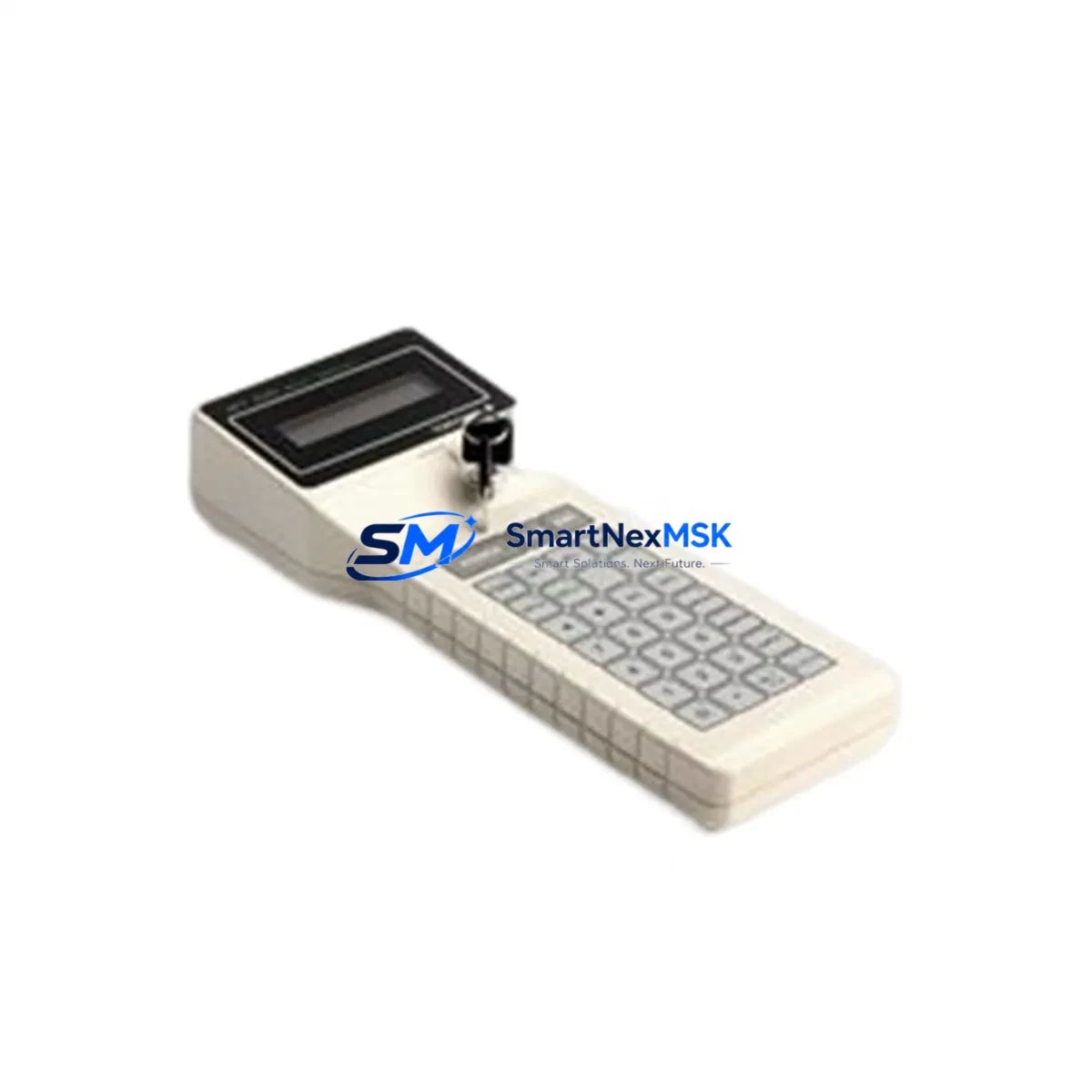
YOKOGAWA BT100 Retrofit-Ready Operator Panel for CENTUM Control Systems: Compatible Modernization for Legacy DCS Infrastructure
The YOKOGAWA BT100 is a retrofit-ready operator control panel engineered for seamless integration into existing CENTUM distributed control system (DCS) architectures. As industrial facilities face increasing pressure to extend the operational life of legacy automation platforms while maintaining process reliability, the BT100 provides a verified drop-in replacement path that eliminates the need for full system overhauls. Whether you are managing a CENTUM CS 1000, CENTUM CS 3000, or transitioning toward a CENTUM VP environment, the BT100 is designed to preserve your existing wiring topology, rack geometry, and operator interface logic with minimal engineering intervention.
For plants operating aging operator stations, the BT100 addresses one of the most critical pain points in DCS lifecycle management: sourcing a compatible, tested, and warranted replacement for discontinued or end-of-life operator hardware. With a 12-month warranty and pre-shipment functional testing, each unit is verified against YOKOGAWA’s original interface specifications before dispatch, giving maintenance engineers and procurement teams confidence in both compatibility and reliability.
Upgrade Compatibility Table
| Parameter | Details |
|---|---|
| Compatible DCS Platform | YOKOGAWA CENTUM CS 1000, CENTUM CS 3000, CENTUM VP |
| Replaces / Supersedes | BT100 (original), legacy CENTUM operator panel variants |
| Rack / Backplane Interface | Standard CENTUM backplane slot; no mechanical modification required |
| Terminal Wiring Compatibility | Retains original terminal block layout; existing field wiring reusable |
| Communication Protocol | Compatible with CENTUM internal bus and Vnet/IP where applicable |
| Power Supply Requirement | Verify existing PSU capacity (typically 24 VDC); consult CENTUM power budget |
| Module Address Configuration | Address settings preserved via DIP switch or engineering station; no re-engineering required in most cases |
| HMI / Operator Screen Compatibility | Existing HMI faceplates and graphic displays remain functional without modification |
| Installation Requirement | Standard CENTUM cabinet mounting; no additional hardware adapters required |
| Commissioning | Loop check, address verification, and functional test via CENTUM engineering station |
| Warranty | 12 months from date of shipment; covers manufacturing defects and functional failure |
| Pre-Shipment Testing | Full functional test performed; test report available on request |
Retrofit Planning for Existing Automation Systems
A successful BT100 retrofit begins well before the replacement unit arrives on site. The first step is a thorough audit of the existing CENTUM control cabinet, including a review of the power distribution architecture. The cabinet’s power supply module — typically a YOKOGAWA PW481 or equivalent CENTUM PSU — must be confirmed to have sufficient residual capacity to support the replacement panel without triggering overcurrent protection or voltage sag on adjacent I/O modules.
Next, engineers should document the existing terminal block wiring against the original loop drawings. In most CENTUM installations, the BT100 shares a standardized terminal assignment with adjacent modules such as the AAI141 analog input module and the ADV151 digital input module, which simplifies the verification process. If the control cabinet also houses an ALR111 alarm module or an AIP835 interface panel, their wiring should be checked for any shared commons or ground references that could be affected during the swap.
Backplane slot assignment is another critical checkpoint. The BT100 occupies a defined slot within the CENTUM node unit or field control station (FCS). Before removal of the legacy unit, the slot address must be recorded from the CENTUM engineering workstation — typically accessed through the CENTUM CS 3000 or CENTUM VP system builder software. This address governs how the FCS communicates with the operator panel over the internal control bus, and any mismatch will result in a communication fault that prevents the panel from appearing on the operator station display.
For facilities that have already migrated portions of their network to Vnet/IP, the BT100 retrofit must also account for the communication link between the operator panel and the HMI server. Existing CENTUM HMI screens, including trend displays, alarm summaries, and faceplate groups, are stored in the HIS (Human Interface Station) and do not require modification when the BT100 is replaced on a like-for-like basis. However, if the retrofit is part of a broader migration from CENTUM CS 3000 to CENTUM VP, the engineering team should verify that the HIS software version supports the updated panel firmware.
In multi-node CENTUM installations, the BT100 may also interact with a communication gateway module or a Modbus/OPC interface card that bridges the DCS to a third-party SCADA or historian system. These interface points should be tested after the panel replacement to confirm that data tags, polling rates, and alarm thresholds remain intact across the communication boundary.
Downtime Control During System Migration
Minimizing unplanned downtime is the primary operational concern during any DCS operator panel replacement. For the BT100, the recommended approach is a hot-standby preparation strategy: the replacement unit is pre-configured and address-verified offline using a CENTUM engineering station before the scheduled maintenance window begins. This eliminates the most time-consuming commissioning steps from the critical path.
During the maintenance window, the sequence should follow a defined isolation procedure: confirm process is in a safe hold state or manual control, de-energize the affected cabinet section, remove the legacy BT100, install the replacement unit, restore power, and perform a rapid loop check against the pre-documented terminal assignments. In most CENTUM installations, this sequence can be completed within a two-hour window, provided that the replacement unit has been pre-tested and the engineering station is available on site.
To protect existing program logic, no changes should be made to the FCS control database during the panel swap. The CENTUM FCS retains its control strategy independently of the operator panel hardware, meaning that process control continues to execute in the field control station even while the operator panel is offline. This architecture significantly reduces the risk of logic corruption during the replacement procedure.
After the BT100 is reinstalled and powered, the operator station should be monitored for a full scan cycle to confirm that all associated I/O points, alarm states, and trend data are correctly restored. Any residual communication faults should be cleared from the CENTUM alarm management system before the process is returned to automatic control.
Retrofit Support FAQ
Q1: Is the BT100 a direct drop-in replacement for the original YOKOGAWA CENTUM operator panel?
In the majority of CENTUM CS 1000 and CENTUM CS 3000 installations, yes. The BT100 maintains the same backplane connector, terminal block layout, and module address scheme as the original unit. For CENTUM VP environments, compatibility should be confirmed against the specific FCS firmware version and system builder configuration before installation.
Q2: What commissioning steps are required after installing the BT100?
After physical installation, the recommended commissioning sequence includes: power-on verification, address confirmation via the CENTUM engineering workstation, loop check against terminal documentation, HMI display verification on the operator station, and a functional test of all associated alarm and control outputs. A pre-shipment test report is available for each unit to accelerate site acceptance testing.
Q3: Can the existing field wiring be reused without modification?
Yes, in standard CENTUM installations the BT100 retains the original terminal block assignment. Field cables, shielding, and commons do not require re-termination. However, it is recommended to inspect terminal condition and torque values during the replacement procedure, particularly in installations where the original wiring has been in service for more than ten years.
Q4: What does the 12-month warranty cover?
The 12-month warranty covers manufacturing defects and functional failure under normal operating conditions from the date of shipment. Each unit undergoes a full functional test prior to dispatch. Warranty claims are supported by our technical team, and replacement units can be dispatched on an expedited basis to minimize process downtime.
© 2026 SMARTNEXMSK. All rights reserved.
Original Source: https://smartnexmsk.com
Contact: [email protected] | +86 18259474341



