
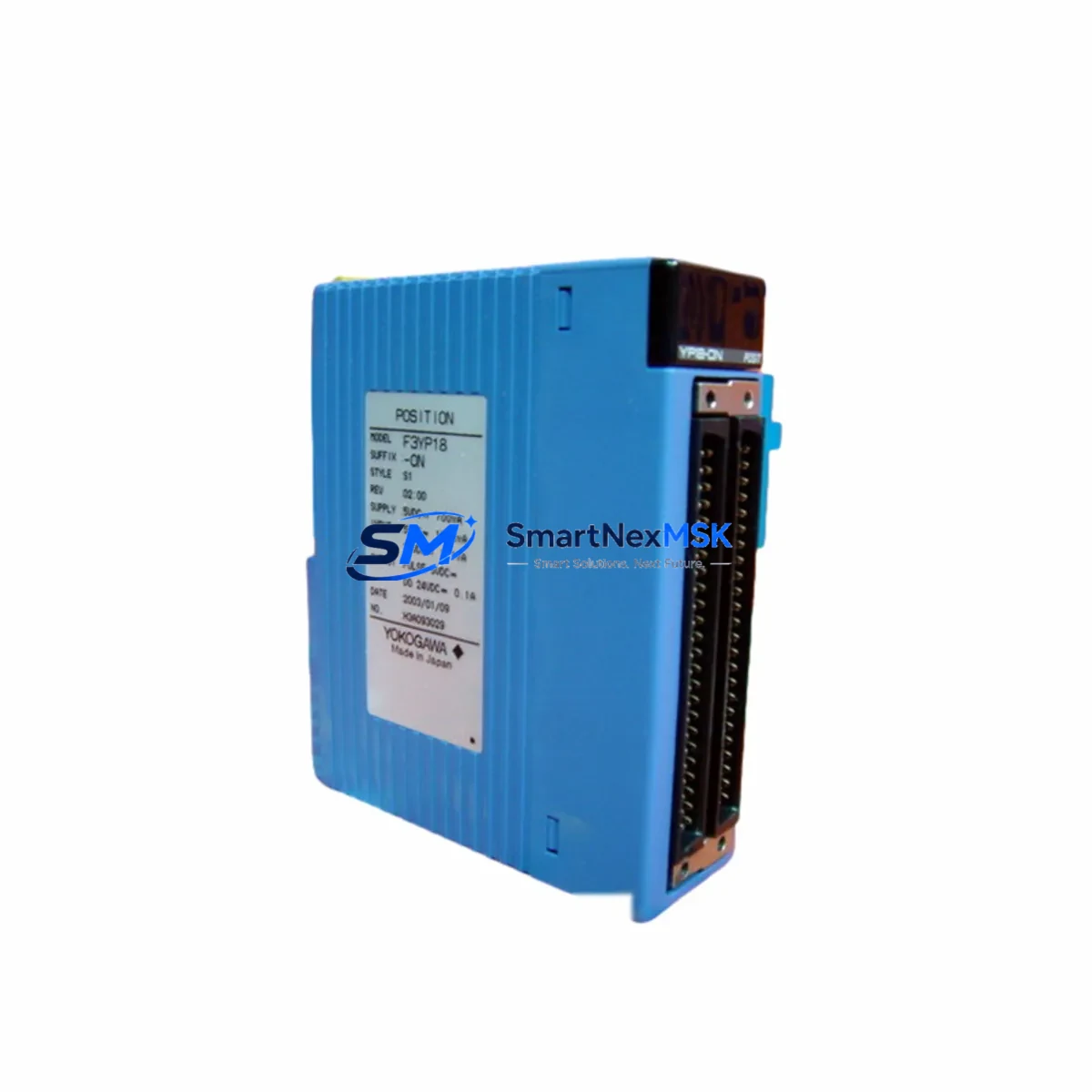
Yokogawa F3RZ81-ON Maintenance-Ready Spare for STARDOM Automation
The Yokogawa F3RZ81-ON is an original communication module designed for the STARDOM FCN/FCJ distributed control platform — one of Yokogawa’s most widely deployed field controllers in process automation, utilities, and critical infrastructure. For maintenance engineers managing aging STARDOM-based control systems, securing a verified F3RZ81-ON spare is a direct line of defense against unplanned downtime. This module handles real-time communication between the FCN/FCJ controller and upstream supervisory systems, making it a high-criticality component in any STARDOM control cabinet.
Whether you are executing a planned turnaround, responding to a communication fault alarm, or building out your site spare parts inventory, the F3RZ81-ON must be sourced as an original Yokogawa part — not a substitute or refurbished unit — to ensure protocol compatibility, firmware alignment, and long-term system stability. Our stock is sourced from authorized supply chains, individually tested before shipment, and backed by a 12-month warranty covering manufacturing defects and functional failure under normal operating conditions.
Spare Maintenance Table
| Part Number | F3RZ81-ON |
| Brand | YOKOGAWA |
| Series | STARDOM FCN / FCJ |
| Module Type | Communication Module |
| Compatible Controllers | FCN-100, FCN-500, FCJ Series |
| Communication Protocol | Ethernet-based (STARDOM proprietary + Modbus TCP / OPC DA) |
| Mounting | DIN rail / backplane slot, STARDOM FCN chassis |
| Operating Temperature | 0°C to 55°C (standard industrial range) |
| Power Supply | Supplied via FCN backplane (no external power required) |
| Origin | Japan |
| Condition | Original / New |
| Pre-shipment Test | Yes — functional and communication loop test |
| Warranty | 12 Months |
| Typical Application | Process automation, utilities, water treatment, oil & gas SCADA |
| Replacement Scenario | Communication fault, module failure, planned lifecycle refresh |
Maintenance Planning for Continuous Operation
When a communication fault is traced to the F3RZ81-ON, experienced maintenance engineers know that the module rarely fails in isolation. A systematic inspection of the surrounding control cabinet components is essential before and after replacement to prevent repeat faults and confirm full system restoration.
Start with the FCN backplane itself — a damaged or corroded backplane connector can cause intermittent communication errors that mimic module failure. Inspect the FCN power supply module (such as the F3SP22-0S or equivalent FCN PSU) for voltage stability; an under-voltage condition on the backplane bus is a common root cause of communication module resets. Check the FCN CPU module (e.g., F3SP28-3N or F3SP38-6N) firmware version to confirm compatibility with the replacement F3RZ81-ON, as mismatched firmware revisions can prevent the module from initializing correctly after hot-swap.
On the network side, inspect the Ethernet switch ports connected to the STARDOM communication network — verify port speed/duplex settings and check for CRC errors that may indicate cable degradation. If the STARDOM system communicates upstream via OPC DA or Modbus TCP to a SCADA or DCS historian, confirm that the communication path is re-established after module replacement and that tag mapping is intact. For sites using Yokogawa FAST/TOOLS or Exaquantum as the supervisory layer, a communication re-scan may be required post-replacement.
Within the same control cabinet, also inspect the F3BU04-0N or F3BU09-0N base unit for physical damage, and verify that any F3NC34-0N or F3NC96-0N network communication modules in adjacent slots are operating normally. If the STARDOM system includes F3YP04-0N analog output modules or F3XD32-3H digital input modules, confirm that their I/O scan cycles resumed correctly after the communication module was restored — a communication interruption can sometimes cause I/O modules to latch in a safe-state output condition that requires a manual reset.
For sites with STARDOM-to-DCS integration (e.g., linking to a Yokogawa CENTUM VP or CS 3000 system), verify that the inter-system communication link is re-established and that the DCS alarm management system is receiving live data from the FCN controller. Proactively stocking one F3RZ81-ON spare per STARDOM FCN chassis is a widely adopted practice in facilities with zero-tolerance downtime requirements.
Site Replacement Workflow
Step 1 — Isolation & Documentation: Before removing the F3RZ81-ON, document the current communication status in the STARDOM engineering tool (FAST/TOOLS or NovaBACKUP configuration). Note the module slot position, IP address assignment, and any custom communication parameters. If the system supports hot-swap, confirm this with the site’s STARDOM system documentation before proceeding without a full controller shutdown.
Step 2 — Physical Replacement: Power down the FCN chassis if hot-swap is not supported. Remove the faulty F3RZ81-ON by releasing the module locking lever and sliding it out of the backplane slot. Insert the replacement module, ensuring the backplane connector is fully seated. Restore power and observe the module status LEDs — a solid green RUN LED indicates successful initialization.
Step 3 — Configuration Restore: Using the STARDOM engineering environment, download the saved communication configuration to the replacement module. Verify that the module’s IP address, subnet mask, and gateway settings match the original configuration. Confirm that all communication tags are active and that the upstream SCADA or DCS system is receiving live data.
Step 4 — Functional Verification: Perform a communication loop test from the FCN controller to the supervisory system. Verify that all I/O modules in the chassis are reporting correctly and that no latched fault conditions remain. Update the site maintenance log with the replacement date, module serial number, and test results. Return the faulty module for failure analysis if root cause investigation is required.
This structured workflow minimizes mean time to repair (MTTR) and ensures that the replacement F3RZ81-ON is fully commissioned before the maintenance team leaves the site — a critical discipline in facilities where the next planned maintenance window may be months away.
Spare Parts Support FAQ
Q1: Is the F3RZ81-ON still available as a new original part, or is it end-of-life?
The F3RZ81-ON remains available as an original Yokogawa spare through authorized industrial supply channels. While Yokogawa has introduced newer STARDOM platform variants, the F3RZ81-ON continues to be stocked to support installed base maintenance. We maintain long-term supply capability for this part and can advise on lifecycle status and recommended successor modules upon request.
Q2: How is the F3RZ81-ON tested before shipment?
Each unit undergoes a functional communication test prior to shipment, including power-on initialization verification and basic communication loop confirmation. Units that do not pass testing are not shipped. A 12-month warranty covers manufacturing defects and functional failure under normal operating conditions from the date of delivery.
Q3: Can the F3RZ81-ON be used as a direct replacement for an older STARDOM communication module variant?
Compatibility depends on the specific FCN/FCJ chassis generation and firmware version in use at your site. We recommend providing your FCN controller model number and current firmware version when ordering so that compatibility can be confirmed before shipment. Our technical team can cross-reference the F3RZ81-ON against your existing system configuration.
Q4: What is the recommended spare parts stocking strategy for STARDOM FCN systems?
For facilities with high availability requirements, the standard recommendation is to maintain at least one F3RZ81-ON communication module per FCN chassis as a cold spare, alongside spares for the FCN power supply module and CPU module. For systems with multiple FCN controllers networked together, a centralized spare parts cabinet with one of each critical module type — communication, CPU, power supply, and key I/O modules — provides the fastest recovery path in the event of a multi-module failure scenario.
© 2026 SMARTNEXMSK. All rights reserved.
Original Source: https://smartnexmsk.com
Contact: [email protected] | +86 18259474341



