
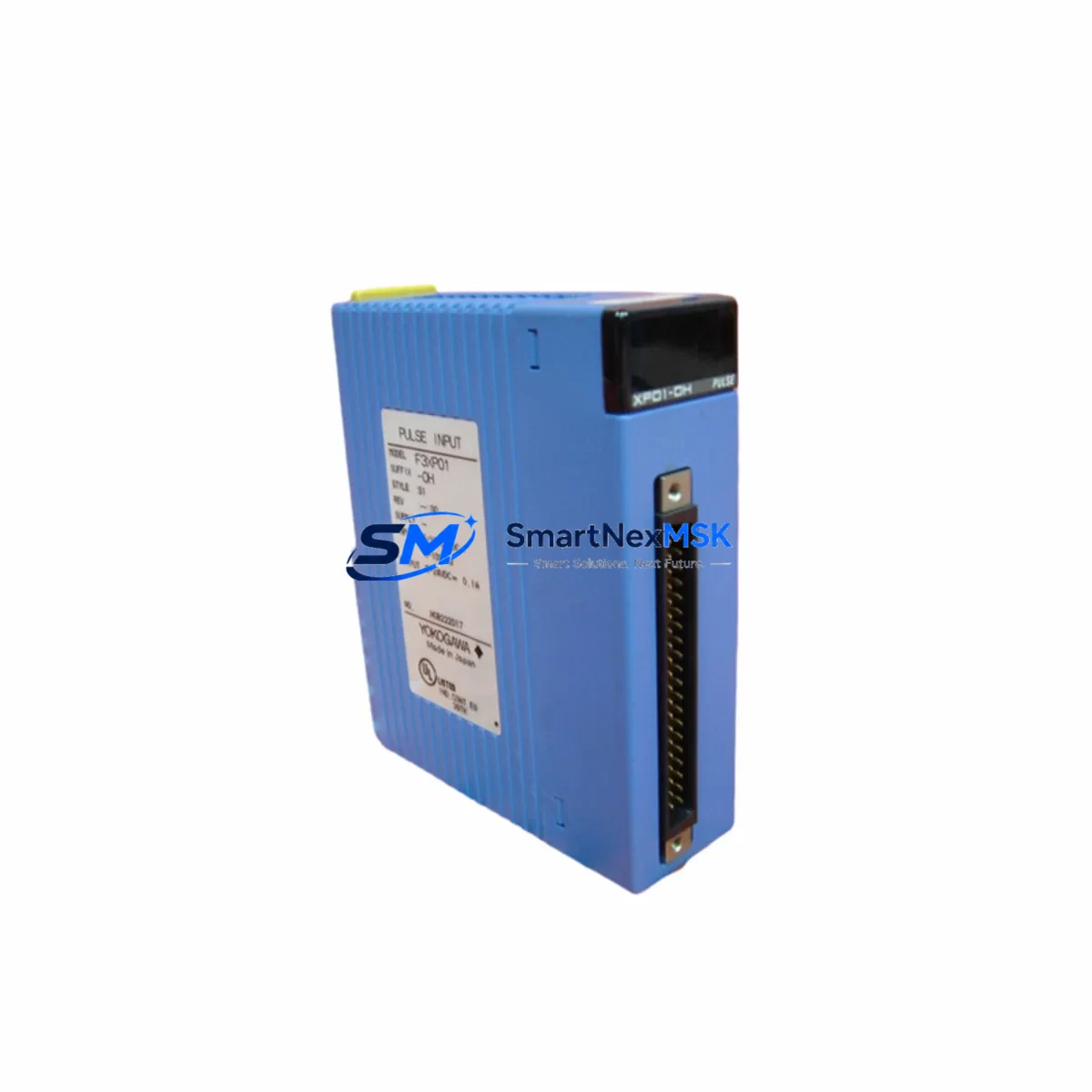
YOKOGAWA F3YP04-ON Maintenance-Ready Spare FA-M3 Automation
The YOKOGAWA F3YP04-ON is an original cam positioner output module designed for the FA-M3 modular PLC platform. In industrial environments where unplanned downtime translates directly into production loss, having a verified, ready-to-install spare of the F3YP04-ON on hand is a fundamental element of any sound maintenance strategy. This module governs cam-based position output sequencing within FA-M3 control cabinets, and its failure — whether from electrical surge, aging components, or connector wear — can halt an entire automated line. Sourcing an original replacement unit with confirmed firmware and hardware compatibility is the fastest path to restoring normal operation.
At SMARTNEXMSK, every F3YP04-ON unit is sourced from authorized supply chains, subjected to pre-shipment functional verification, and dispatched with a 12-month warranty. Our inventory is maintained specifically to support maintenance engineers and procurement teams who cannot afford lead-time uncertainty when a critical module fails in the field.
Spare Maintenance Table
| Parameter | Specification |
|---|---|
| Part Number / SKU | F3YP04-ON |
| Brand | YOKOGAWA |
| Series | FA-M3 (STARDOM / Sequence CPU compatible) |
| Module Type | Cam Positioner Output Module |
| Output Channels | 4-channel cam positioner output |
| Compatible Backplane | FA-M3 base units (F3BU04-0N, F3BU08-0N, F3BU16-0N series) |
| Power Supply Requirement | Supplied via FA-M3 backplane bus (5 VDC internal) |
| Operating Temperature | 0°C to 55°C |
| Storage Temperature | -20°C to 70°C |
| Humidity | 10% to 90% RH (non-condensing) |
| Country of Origin | Japan |
| Compatibility | FA-M3 R3.x / R4.x CPU modules; F3SP series sequence CPUs |
| Installation | Hot-swap capable on supported FA-M3 base units |
| Maintenance Recommendation | Inspect connector pins and backplane slot contacts during scheduled PM; replace if output drift or communication errors are detected |
| Warranty | 12 Months — covers manufacturing defects and functional failure under normal operating conditions |
| Pre-Shipment Testing | Functional verification performed on every unit before dispatch |
Maintenance Planning for Continuous Operation
When a maintenance or reliability engineer identifies the F3YP04-ON as the failed or suspect component during a fault isolation routine, the replacement workflow should not stop at the module itself. The FA-M3 control cabinet is an integrated system, and a cam positioner output fault is frequently accompanied by — or caused by — upstream or downstream issues in adjacent components.
Begin by verifying the FA-M3 power supply module (such as the F3PU20-0S or F3PU10-0S) for stable 5 VDC and 24 VDC rail output. A degraded power supply is a common root cause of intermittent module faults that appear as cam positioner errors. Next, inspect the FA-M3 backplane (base unit) for physical damage, oxidized bus contacts, or loose module seating — the F3BU08-0N and F3BU16-0N base units are the most common hosts for the F3YP04-ON in multi-slot configurations.
On the I/O side, check the F3XD32-3H digital input module or equivalent input modules that feed position feedback signals into the sequence CPU. If the cam positioner output is part of a closed-loop positioning system, a faulty input module can mask or mimic a cam output failure. Similarly, inspect any F3YD32-3T or F3YD16-3T digital output modules in adjacent slots — shared output bus faults can affect neighboring modules.
For systems using F3SP series sequence CPU modules (e.g., F3SP28-3N, F3SP38-6N), verify that the CPU firmware version is compatible with the replacement F3YP04-ON. Older CPU revisions may require a parameter re-download after module swap. If the cabinet includes a YOKOGAWA ProSafe-RS safety controller or any F3NC96-0N MECHATROLINK motion network module, confirm that the cam positioner replacement does not affect safety interlocks or motion sequencing parameters.
Wiring and terminal integrity should also be confirmed: inspect the terminal block assemblies connected to the F3YP04-ON output wiring, check for loose ferrules, and verify that any signal isolators or relay output modules in the output circuit are within their rated service life. For facilities running legacy FA-M3 systems beyond their standard product lifecycle, maintaining a small buffer stock of the F3YP04-ON alongside the F3SP CPU module and the power supply unit is the most cost-effective strategy for minimizing mean time to repair (MTTR).
Site Replacement Workflow
Step 1 — Fault Confirmation: Use the FA-M3 engineering tool (WideField3 or WideField2) to read the module status register and confirm the F3YP04-ON is reporting a hardware fault or output error. Document the slot address and current cam parameter settings before proceeding.
Step 2 — Safe Isolation: Place the sequence CPU in STOP mode. If the system supports hot-swap on the specific base unit, verify this in the FA-M3 hardware manual before removing the module under power. For non-hot-swap configurations, perform a controlled shutdown following site lockout/tagout (LOTO) procedures.
Step 3 — Module Removal and Inspection: Remove the F3YP04-ON from its backplane slot. Inspect the connector pins on both the module and the base unit slot for damage, corrosion, or debris. Clean with appropriate contact cleaner if required.
Step 4 — Replacement Installation: Insert the new F3YP04-ON into the same slot. Ensure the module is fully seated and the locking lever is engaged. Restore power and return the CPU to RUN mode.
Step 5 — Parameter Verification: Using WideField3, verify that the cam positioner parameters (cam table data, output timing, channel assignments) have been correctly restored from the backup project file. If parameters were lost, reload from the most recent backup.
Step 6 — Functional Test: Run a controlled test cycle to confirm all four cam output channels are operating within specification before returning the line to production. Log the replacement in the site maintenance record.
This workflow is applicable whether replacing a failed unit in an emergency or performing a planned swap during a scheduled maintenance window. The F3YP04-ON’s compatibility with the full FA-M3 product range means it can also serve as a direct replacement for older or discontinued cam positioner variants in legacy system life-extension projects.
Spare Parts Support FAQ
Q1: Is the F3YP04-ON compatible with all FA-M3 base units and CPU versions?
The F3YP04-ON is designed for the FA-M3 modular platform and is compatible with the standard FA-M3 base units (F3BU04-0N, F3BU08-0N, F3BU16-0N) and F3SP series sequence CPUs. Compatibility with specific CPU firmware revisions should be confirmed against the YOKOGAWA FA-M3 hardware compatibility matrix. For legacy installations using older CPU modules, a firmware check via WideField3 is recommended before installation.
Q2: What pre-shipment testing is performed on each unit?
Every F3YP04-ON dispatched by SMARTNEXMSK undergoes functional verification prior to shipment. This includes power-on self-test confirmation, output channel continuity checks, and visual inspection of connector integrity. Units that do not pass verification are not dispatched. A 12-month warranty covering manufacturing defects and functional failure under normal operating conditions is included with every unit.
Q3: How should the F3YP04-ON be stored as a long-term spare?
For long-term spare storage, keep the module in its original anti-static packaging in a dry environment between -20°C and 70°C with relative humidity below 90% (non-condensing). Avoid storage near strong electromagnetic fields or corrosive atmospheres. Inspect the module annually for any signs of connector oxidation. Modules stored correctly for up to 3 years typically require no additional conditioning before installation.
Q4: Can the F3YP04-ON replace discontinued or older YOKOGAWA cam positioner modules?
In many FA-M3 life-extension scenarios, the F3YP04-ON serves as a functional replacement for older cam positioner output variants that have reached end-of-life. Compatibility depends on the base unit slot type and the CPU’s parameter configuration. SMARTNEXMSK’s technical support team can assist with cross-reference verification for legacy replacement projects. Contact us at [email protected] before ordering if you are replacing a non-standard or older variant.
© 2026 SMARTNEXMSK. All rights reserved.
Original Source: https://smartnexmsk.com
Contact: [email protected] | +86 18259474341



