
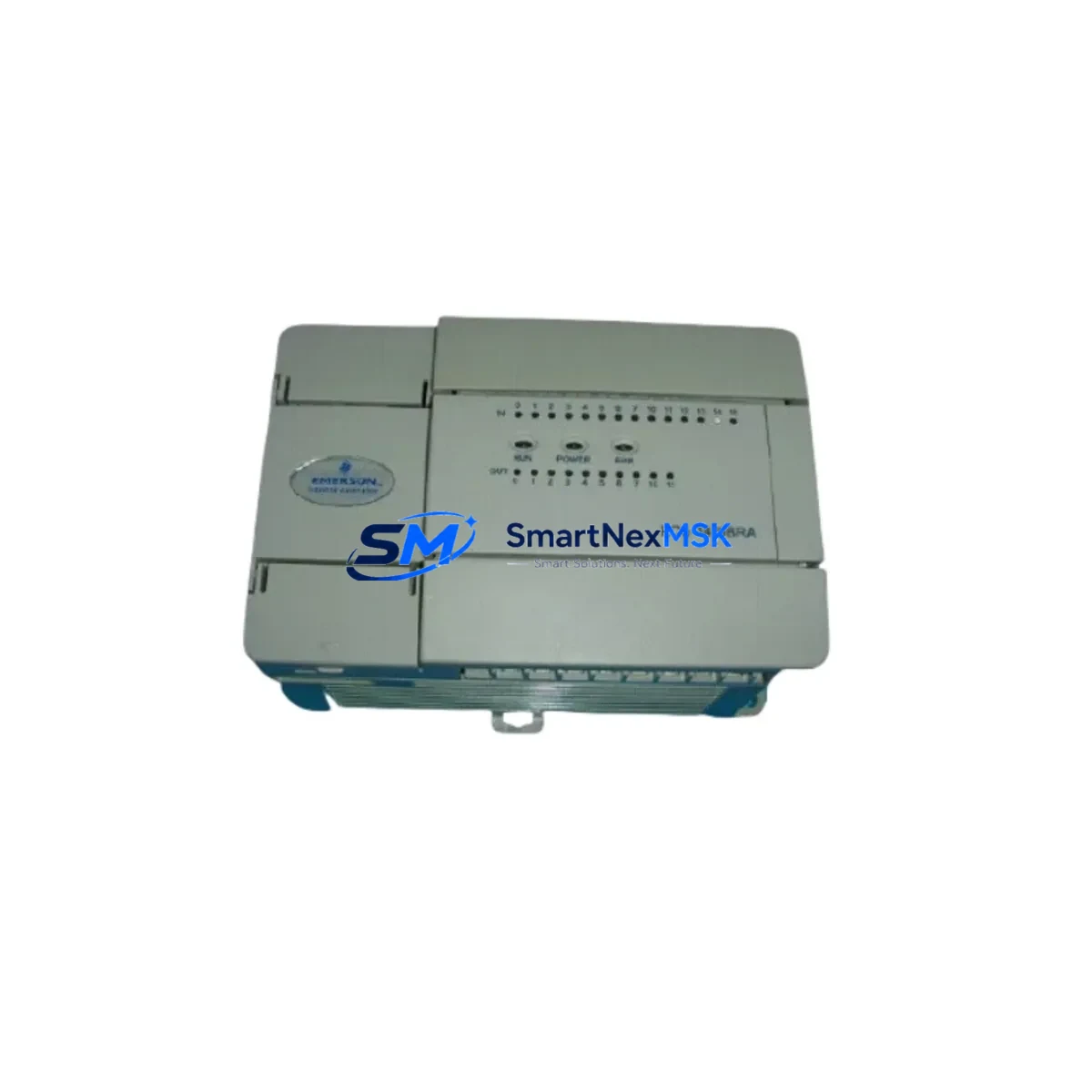
Yokogawa NFDV557-S00 S2 Retrofit-Ready Digital Input Module for CENTUM VP & CS 3000 Control Systems
The Yokogawa NFDV557-S00 S2 is a 32-channel digital input (DI) module engineered for seamless integration into Yokogawa CENTUM VP and CS 3000 distributed control systems. As legacy DCS installations age and original spare parts become increasingly scarce, the NFDV557-S00 S2 serves as a verified retrofit-ready replacement — enabling plant engineers to restore full I/O functionality without redesigning control logic, rewiring terminal blocks, or modifying HMI faceplates. Whether you are recovering from an unplanned module failure, executing a planned control system upgrade, or consolidating aging spare parts inventory, this module delivers the compatibility, reliability, and documentation support that industrial automation teams require.
Sourced from authorized distribution channels and subjected to pre-shipment functional testing, each NFDV557-S00 S2 unit is backed by a 12-month warranty covering manufacturing defects and operational failures under normal service conditions. Global shipping is available with lead times confirmed at order placement.
Upgrade Compatibility Table
| Parameter | NFDV557-S00 S2 Specification | Retrofit Notes |
|---|---|---|
| Compatible Systems | CENTUM VP, CS 3000 | Direct slot-for-slot replacement in existing I/O nest |
| Channel Count | 32 Digital Input Channels | Matches original channel mapping; no address reassignment required |
| Input Signal Type | Dry contact / Wet contact (24 VDC) | Verify field wiring voltage before hot-swap installation |
| Backplane Interface | CENTUM VP / CS 3000 standard I/O bus | Compatible with RIO and local I/O nest configurations |
| Module Address | Configured via CENTUM VP Builder / Engineering Builder | Retain original slot address; no re-download required if address unchanged |
| Communication Protocol | Vnet/IP (CENTUM VP) / Vnet (CS 3000) | Confirm FCS firmware version supports NFDV557 module type |
| Power Consumption | Refer to Yokogawa GS sheet | Verify I/O nest power budget before adding modules |
| Installation | Hot-swap capable (system-dependent) | Confirm FCS hot-standby mode before live insertion |
| Warranty | 12 Months | Covers manufacturing defects under normal operating conditions |
Retrofit Planning for Existing Automation Systems
Replacing a failed or end-of-life digital input module in a live CENTUM VP or CS 3000 system requires careful pre-work to avoid unplanned shutdowns and data loss. Before removing the existing module, engineers should document the current I/O assignment table from the CENTUM VP Builder project file, confirm that the replacement NFDV557-S00 S2 carries the same hardware revision suffix (S2), and verify that the I/O nest — typically an ANB10D or ANB10S nest — has sufficient power headroom to support the module without tripping the nest power supply.
Terminal wiring on the NFDV557 series uses a standard 40-pin connector block. When migrating from an older NFDV551 or NFDV553 module, technicians must confirm that the field terminal assignment is identical, as earlier revisions used different pin-out conventions for common (COM) and signal channels. The NFDV557-S00 S2 is compatible with the standard Yokogawa terminal block adapter (e.g., TB820V or equivalent), which simplifies field wiring continuity during the swap.
For systems running on CS 3000 with a legacy Vnet communication backbone, the migration path to CENTUM VP often involves replacing the FCS (Field Control Station) — such as the FFCS-V or KFCS2 — alongside the I/O modules. In these scenarios, the NFDV557-S00 S2 can be pre-configured in the new CENTUM VP project and validated offline before the cutover window. Engineers should also account for the ESB bus coupler (ESB10D) and any RIO (Remote I/O) optical fiber links when planning the physical installation sequence.
HMI screens built on Yokogawa FAST/TOOLS or the CENTUM VP HIS (Human Interface Station) typically reference tag names rather than hardware addresses, so DI channel tag reassignment is usually unnecessary if the original FCS project is retained. However, if the project is being migrated from CS 3000 to CENTUM VP using the Yokogawa migration tool, all DI tags associated with the NFDV557 module should be verified in the new project’s I/O module definition before the cutover. Alarm setpoints, interlock logic, and sequence function charts (SFCs) referencing these DI channels must be regression-tested in simulation mode prior to live commissioning.
For plants that also need to expand I/O capacity during the retrofit, the NFDV557-S00 S2 can be installed alongside complementary modules such as the NFDO557 digital output module, NFAI135 analog input module, or NFAO135 analog output module within the same I/O nest. Communication modules such as the ALF111 (Fieldbus H1) or the LFCS2 (Vnet/IP link) may also require firmware updates to maintain compatibility with the upgraded I/O configuration. Programming cables such as the KS1-USB or the Yokogawa Engineering Builder dongle should be on-hand during commissioning to support any last-minute project downloads.
Downtime Control During System Migration
Minimizing control system downtime during a DI module replacement is a primary concern for process plants operating continuous or semi-continuous production lines. The NFDV557-S00 S2 supports hot-swap installation in CENTUM VP systems configured with redundant FCS pairs, allowing the module to be replaced without halting the control loop — provided the FCS is in active-standby mode and the I/O nest supports live insertion.
For non-redundant FCS configurations or CS 3000 systems without hot-standby, the recommended approach is to schedule the replacement during a planned maintenance window. Prior to shutdown, engineers should export the current FCS project from CENTUM VP Builder, back up the HIS historian data, and prepare a rollback plan in case the new module requires a firmware patch. The entire physical swap — removing the old module, inserting the NFDV557-S00 S2, and confirming channel status in the FCS diagnostic view — typically takes under 30 minutes for an experienced technician.
After module insertion, the FCS will automatically detect the new NFDV557-S00 S2 if the slot address and module type match the project definition. Channel status indicators on the module front panel (LED array) provide immediate visual confirmation of signal acquisition. Any discrepancy between the project definition and the installed module type will generate a hardware mismatch alarm on the HIS, which must be resolved before returning the loop to automatic control. Pre-shipment testing performed on each unit ensures that the module arrives in a known-good state, reducing the risk of a second unplanned outage caused by a defective replacement part.
Retrofit Support FAQ
Q1: Is the NFDV557-S00 S2 a direct drop-in replacement for the NFDV551 or NFDV553?
The NFDV557-S00 S2 is functionally compatible with NFDV551 and NFDV553 in most CENTUM VP and CS 3000 configurations, but engineers must verify the terminal block pin-out and confirm that the FCS project module type definition is updated to NFDV557 before installation. A project re-download may be required if the module type identifier differs.
Q2: What wiring checks are required before installing the NFDV557-S00 S2?
Confirm field signal voltage (24 VDC wet contact or dry contact), verify COM terminal grouping on the 40-pin connector, and check that the terminal block adapter (TB820V or equivalent) is seated correctly. Insulation resistance testing on field cables is recommended before reconnecting to the new module.
Q3: Does the 12-month warranty cover modules installed in high-temperature or high-humidity environments?
The 12-month warranty covers manufacturing defects under normal operating conditions as defined in the Yokogawa NFDV557 general specifications. Installations outside the rated ambient temperature (typically 0–55°C) or humidity range may affect warranty eligibility. Contact [email protected] for environment-specific warranty guidance.
Q4: Can I order the NFDV557-S00 S2 with pre-shipment functional testing documentation?
Yes. Each unit undergoes pre-shipment functional testing. Test reports and inspection certificates can be provided upon request at the time of order. Contact our team at [email protected] or +86 18259474341 to confirm documentation requirements before shipment.
© 2026 SMARTNEXMSK. All rights reserved.
Original Source: https://smartnexmsk.com
Contact: [email protected] | +86 18259474341



