
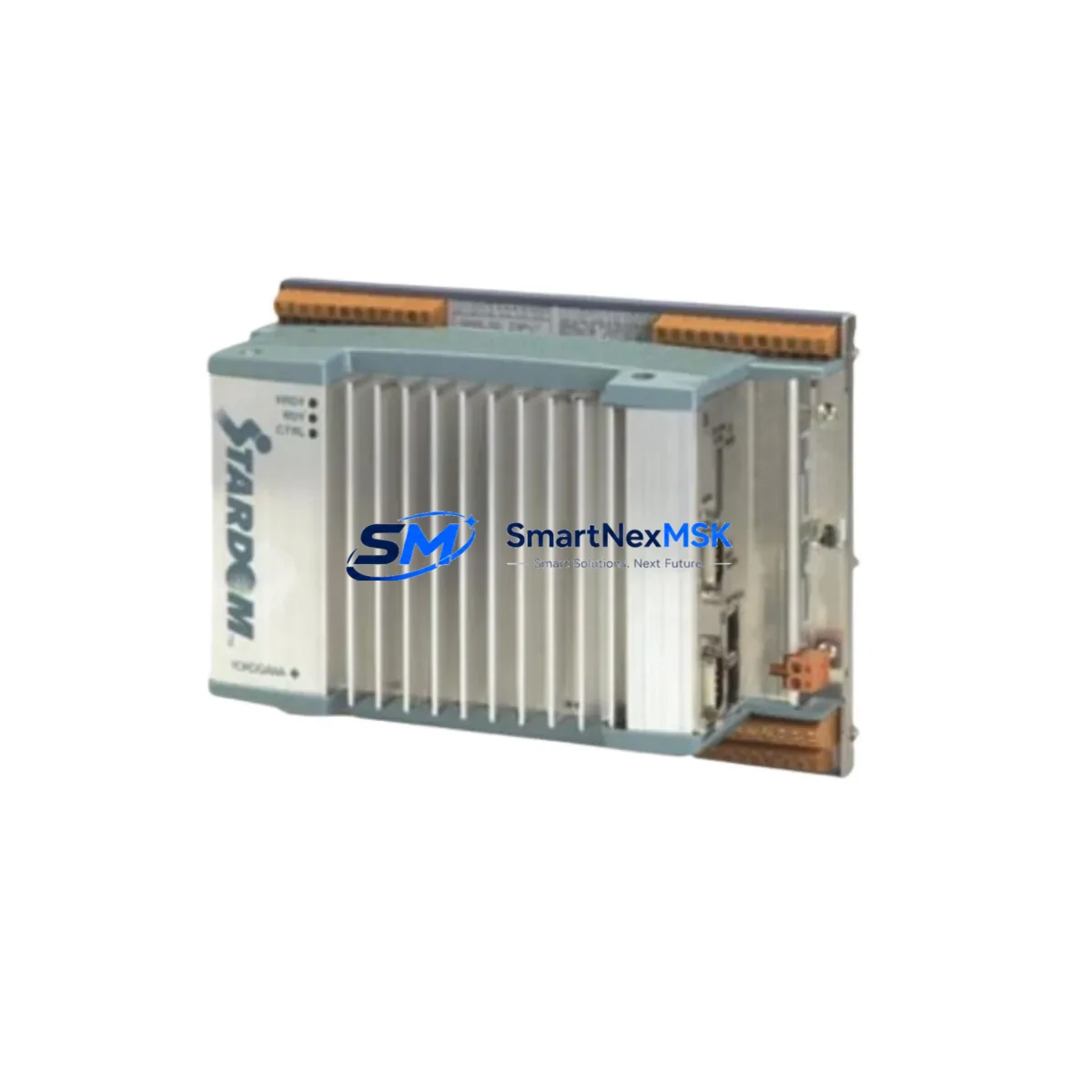
YOKOGAWA NT225AA Retrofit-Ready Controller for FCN/FCJ Control Systems
The YOKOGAWA NT225AA is a field-proven DCS controller module engineered for seamless integration into FCN and FCJ Series control systems. As aging automation infrastructure reaches end-of-life, the NT225AA has become a critical retrofit component for facilities seeking to extend operational continuity without committing to a full platform migration. Whether you are replacing a failed unit, upgrading a degraded control node, or modernizing a legacy control cabinet, the NT225AA delivers the compatibility, reliability, and performance that industrial automation engineers demand.
Designed to slot directly into the FCN/FCJ rack architecture, the NT225AA maintains backward compatibility with existing backplane interfaces, terminal wiring layouts, and communication protocols. This makes it an ideal drop-in replacement for discontinued or end-of-support controller modules within the same platform family. Engineers working on brownfield projects will find that the NT225AA eliminates the need to redesign I/O mapping or reprogram HMI screens from scratch, significantly reducing retrofit engineering hours and project risk.
Upgrade Compatibility Table
| Parameter | Details |
|---|---|
| Compatible Series | YOKOGAWA FCN Series, FCJ Series |
| Backplane Interface | FCN/FCJ standard rack bus — direct fit, no adapter required |
| Terminal Wiring | Compatible with existing FCN/FCJ terminal block layouts |
| Communication Protocols | Vnet/IP, Ethernet, RS-232C (verify firmware revision) |
| Module Address Config | DIP switch / software-configurable via FieldMate or CENTUM VP |
| HMI Compatibility | Compatible with existing CENTUM VP / ProSafe-RS HMI screens |
| Program Logic | Existing function block programs transferable without rewrite |
| Power Supply Requirement | Confirm rack PSU capacity before installation (24 VDC typical) |
| Installation Type | Hot-swap capable (verify with site safety protocol) |
| Replacement Recommendation | Direct replacement for equivalent FCN/FCJ controller nodes |
| Commissioning Focus | Module address, Vnet/IP node ID, I/O scan rate verification |
| Warranty | 12-Month Warranty — covered against manufacturing defects |
Retrofit Planning for Existing Automation Systems
Successful NT225AA retrofits begin with a thorough pre-installation audit of the existing control cabinet. Engineers should first verify the power supply module — typically an YOKOGAWA PW482 or PW484 — can support the NT225AA’s load requirements alongside other active modules in the rack. Insufficient PSU headroom is one of the most common causes of post-retrofit instability and must be resolved before the new controller is seated.
Next, document the existing terminal block wiring connected to the I/O modules in the same rack. The FCN/FCJ platform commonly pairs the controller with analog input modules such as the AAI141 or AAI143, digital output modules like the ADO141, and communication interface modules including the CP451 for Vnet/IP connectivity. These modules should remain undisturbed during the controller swap to preserve I/O continuity. If the retrofit also involves expanding I/O capacity, this is the appropriate stage to introduce additional I/O modules or a secondary rack connected via the FCN bus extender.
Before removing the legacy controller, export the full application program using YOKOGAWA’s FieldMate engineering tool or the CENTUM VP integrated engineering environment. Verify that the program version is compatible with the NT225AA firmware. In most FCN/FCJ retrofit scenarios, the function block logic, PID loop parameters, and alarm setpoints can be restored directly to the NT225AA without modification. However, if the original controller was running an older firmware baseline, a firmware alignment step may be required to ensure the NT225AA interprets all function block types correctly.
Communication link verification is equally critical. The NT225AA’s Vnet/IP node address must be configured to match the address previously assigned to the replaced module. Failure to align the node ID will cause the DCS supervisory layer — including any connected CENTUM VP stations or ProSafe-RS safety controllers — to lose visibility of the controller node. This step should be completed before the module is powered on in the live rack. If the plant network also includes third-party SCADA systems communicating via Modbus TCP or OPC-DA, verify that the NT225AA’s communication module settings are correctly mapped to the existing data point addresses.
For facilities running hybrid control architectures that include both YOKOGAWA FCN controllers and legacy Yokogawa STARDOM or FAST/TOOLS historian nodes, the NT225AA retrofit should be coordinated with the IT/OT integration team to ensure data continuity across the historian and reporting layers. Downtime windows should be scheduled during planned maintenance shutdowns wherever possible.
Downtime Control During System Migration
Minimizing unplanned downtime is the primary operational concern during any DCS controller replacement. For the NT225AA retrofit, the recommended approach is a staged swap: first, bring the replacement module online in a test rack using a mirrored program image, verify all I/O responses and communication links in a controlled environment, and only then schedule the live cutover.
During the live cutover, the sequence should follow: isolate the affected controller node from the Vnet/IP network, remove the legacy module, seat the NT225AA, restore the Vnet/IP node ID and program image, and reconnect the network link. With a well-prepared program backup and pre-verified module configuration, the active cutover window can typically be completed in under 30 minutes. Field I/O remains passive during this window — analog inputs hold their last value and digital outputs remain in their last commanded state, preserving process safety during the transition.
After the NT225AA is online, perform a full I/O scan verification against the pre-retrofit baseline, confirm all PID loops are tracking correctly, and validate HMI screen data refresh on the CENTUM VP operator station. Log all commissioning steps and retain the pre-retrofit program backup for a minimum of 12 months as part of the site change management record.
Retrofit Support FAQ
Q: Is the NT225AA a direct drop-in replacement for my existing FCN/FCJ controller module?
A: In most FCN/FCJ Series configurations, yes. The NT225AA is designed to fit the standard FCN/FCJ rack backplane without mechanical or wiring modification. Confirm the firmware revision and module address settings match your existing configuration before installation.
Q: Can I reuse my existing application program without rewriting function blocks?
A: Yes, in the majority of retrofit cases. Programs developed in CENTUM VP or FieldMate for FCN/FCJ controllers are transferable to the NT225AA. A firmware compatibility check is recommended if the original controller was running a significantly older software baseline.
Q: What commissioning steps are required after installing the NT225AA?
A: Key commissioning steps include: verifying the Vnet/IP node ID, restoring the application program, confirming I/O scan rates, validating PID loop outputs, and checking HMI data refresh on the operator station. All steps should be documented per site change management procedures.
Q: What warranty coverage is included with the NT225AA?
A: Every NT225AA unit supplied by SMARTNEXMSK includes a 12-month warranty covering manufacturing defects. Each unit undergoes pre-shipment functional testing to verify communication, I/O response, and power integrity before dispatch.
© 2026 SMARTNEXMSK. All rights reserved.
Original Source: https://smartnexmsk.com
Contact: [email protected] | +86 18259474341



