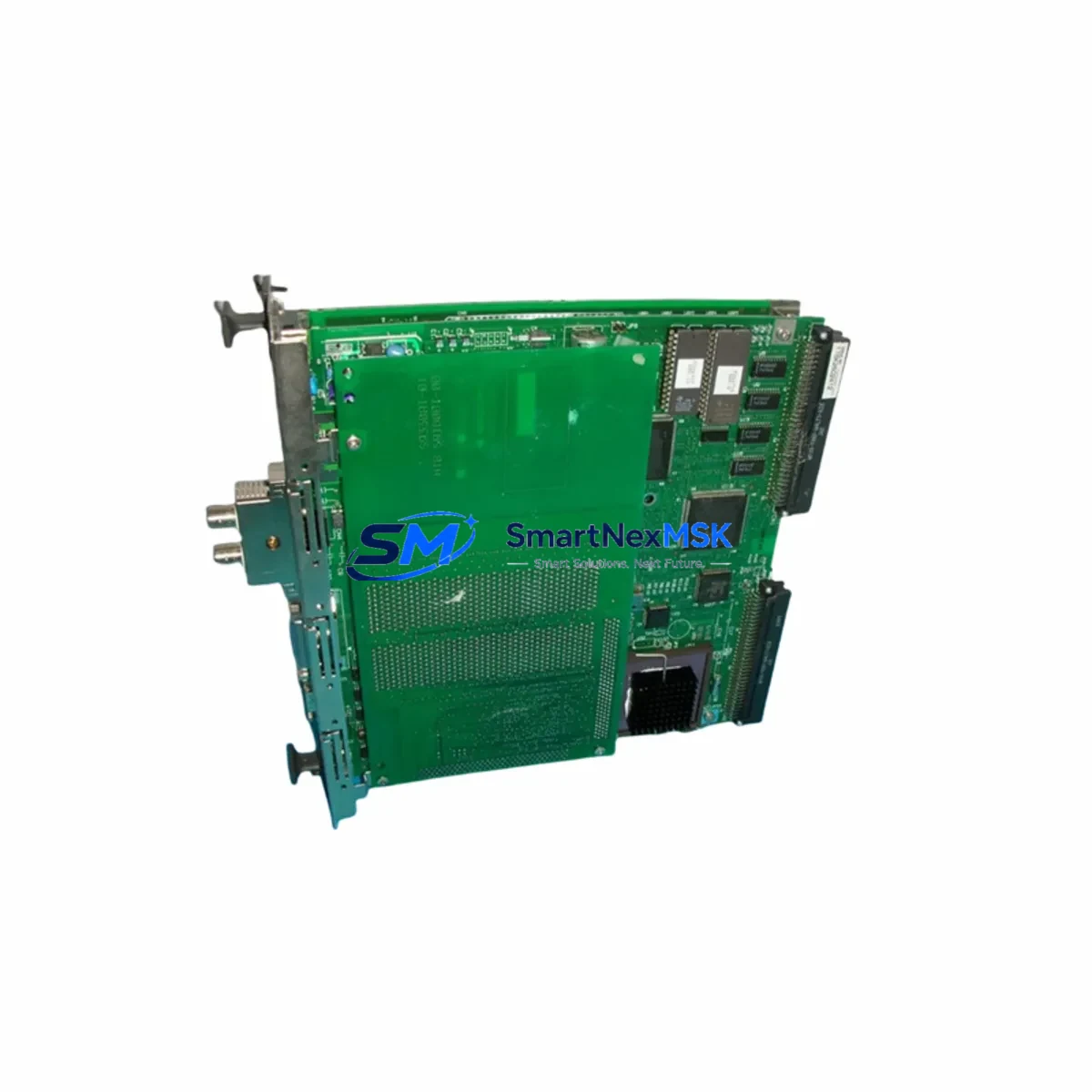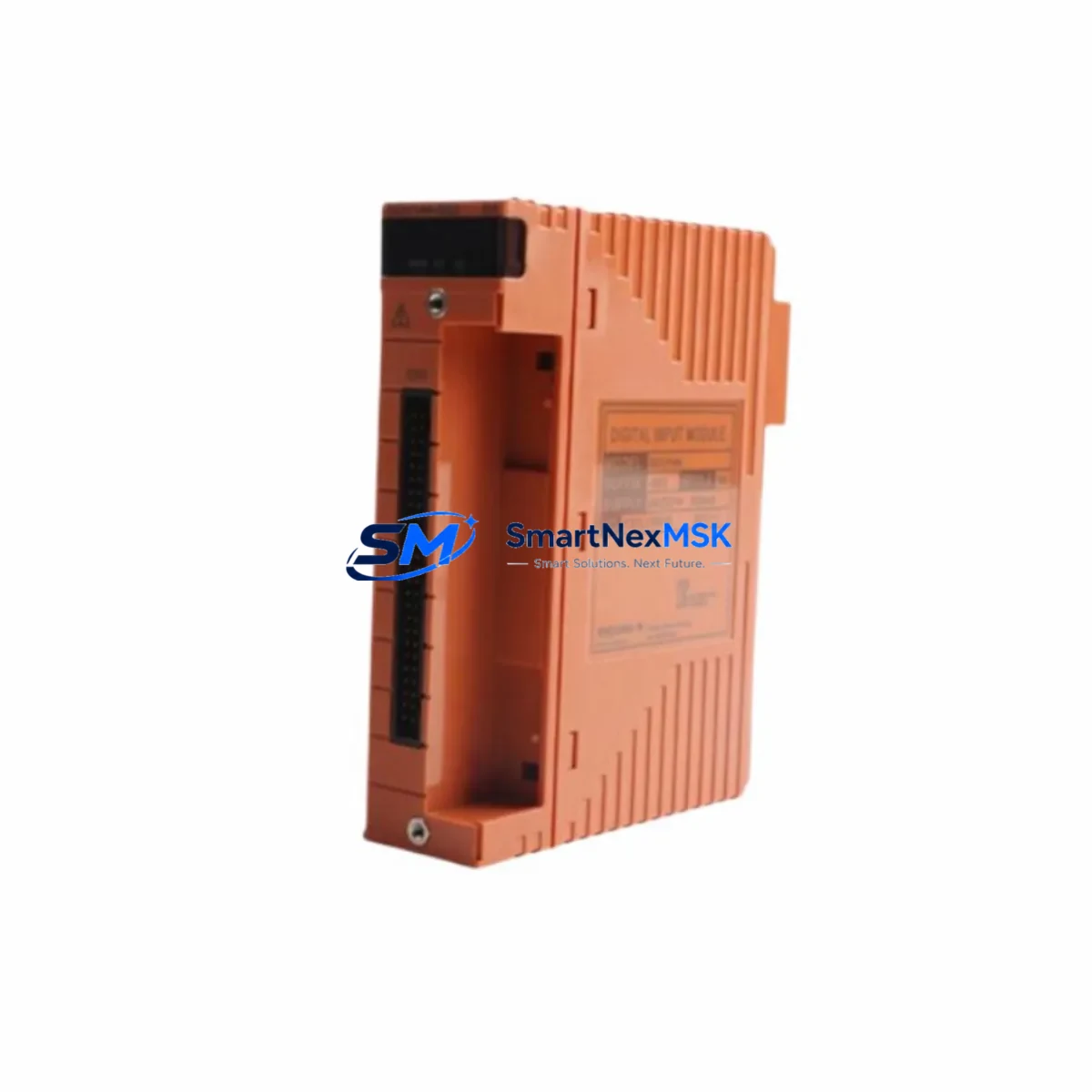
Yokogawa SAI143-S63 Maintenance-Ready Spare for CENTUM VP Automation
The Yokogawa SAI143-S63 is an original analog current input module designed for the CENTUM VP and CS 3000 Distributed Control Systems. As a critical field I/O component, it handles 4–20 mA analog signal acquisition from process transmitters, making it indispensable in continuous process industries including oil & gas, petrochemical, power generation, and pulp & paper. Maintaining a verified spare of the SAI143-S63 in your parts inventory is a proven strategy to minimize unplanned downtime and protect production continuity.
For maintenance engineers managing aging CENTUM VP or CS 3000 control systems, the SAI143-S63 represents one of the highest-priority modules to stock. Field failures of analog input cards are among the most common causes of process upsets, and replacement lead times from OEM channels can extend to weeks. Sourcing a tested, original spare through a reliable industrial parts supplier ensures your team can execute a same-day swap and restore full loop control without waiting on procurement cycles.
Spare Maintenance Table
| Parameter | Specification |
|---|---|
| Part Number | SAI143-S63 |
| Manufacturer | YOKOGAWA Electric Corporation |
| Compatible Systems | CENTUM VP, CENTUM CS 3000 |
| Module Type | Analog Current Input (4–20 mA) |
| Channel Count | 16 channels (typical for SAI143 series) |
| Signal Range | 4–20 mA DC (HART-compatible) |
| Power Supply | Supplied via I/O bus from field control station |
| Isolation | Channel-to-channel and channel-to-bus isolation |
| Installation | Hot-swap capable; slide-in module for CENTUM VP I/O nest |
| Operating Temperature | 0°C to 55°C |
| Origin | Japan |
| Condition | Original, tested before shipment |
| Warranty | 12 Months |
| Application Environment | Process automation, DCS field I/O, continuous plant operations |
| Maintenance Recommendation | Inspect terminal wiring, verify loop current, check module LED status quarterly |
Maintenance Planning for Continuous Operation
When scheduling a replacement or inspection of the SAI143-S63, a thorough maintenance engineer will treat the module swap as an opportunity to audit the surrounding control loop infrastructure. Begin by verifying the integrity of the field terminal assembly (FTA) associated with this I/O nest — corroded or loose terminals are a leading cause of intermittent signal faults that are often misdiagnosed as module failures. Inspect the I/O nest backplane for signs of oxidation or mechanical damage before inserting the replacement card.
Check the field control station (FCS) power supply module — typically an AVR series redundant power unit — to confirm output voltage is within specification. A marginal power supply can cause erratic behavior in newly installed I/O cards and mask the true root cause of the original fault. If the FCS houses a communication bus interface module such as the ACM12 or ACM22, verify that the Vnet/IP or ESB bus is operating without error flags before bringing the new analog input module online.
For loops where HART communication is used for remote diagnostics, confirm that the HART multiplexer or HART pass-through configuration in the FCS is correctly mapped to the new module slot. Review the signal isolator or loop-powered barrier installed between the field transmitter and the SAI143-S63 input terminal — these components degrade over time and can introduce offset errors that appear as calibration drift in the new module.
During planned shutdowns, it is good practice to simultaneously inspect relay output modules such as the SRO series and digital output modules (SDO series) in the same cabinet, as these share the same environmental stresses. Check fuse holders and terminal blocks on the marshalling panel for continuity. If the plant uses Yokogawa STARDOM FCN/FCJ controllers in satellite skids connected to the main CENTUM VP system, verify that the inter-system communication links remain stable after the I/O module replacement. Finally, update the CENTUM VP HIS (Human Interface Station) alarm configuration if the channel assignment changes during the swap.
Site Replacement Workflow
The SAI143-S63 is designed for hot-swap replacement within the CENTUM VP I/O nest, which significantly reduces the downtime window compared to older hard-wired I/O architectures. Follow this workflow to ensure a safe, efficient replacement:
1. Pre-Replacement Verification: Confirm the replacement module’s part number and suffix code match the installed unit exactly — the -S63 suffix denotes a specific hardware revision and input configuration. Mismatched suffix codes can cause compatibility errors at the FCS level. Cross-reference the module tag in the CENTUM VP engineering environment (CENTUM VP Builder) before proceeding.
2. Loop Isolation: Place all affected control loops in manual mode at the HIS operator station. Notify the process control room of the impending I/O interruption. For safety-instrumented loops, coordinate with the SIS engineer before any field I/O work.
3. Module Extraction and Insertion: Release the module locking lever, slide out the faulty SAI143-S63, and insert the replacement in a single smooth motion. The module will self-initialize and begin communicating with the FCS within seconds. Observe the module status LED — a steady green indicates successful initialization.
4. Loop Verification: Return each loop to automatic mode one at a time. Verify process variable readings against field transmitter local indicators. Perform a loop check on at least three channels to confirm signal accuracy across the input range.
5. Documentation: Record the replacement in the plant maintenance management system (CMMS), including the removed module’s serial number, fault symptom, and replacement date. Retain the removed module for bench testing or return-to-vendor evaluation.
Spare Parts Support FAQ
Q1: Is the SAI143-S63 compatible with both CENTUM VP and CS 3000 systems?
The SAI143-S63 is primarily designed for CENTUM VP field control stations. Compatibility with CS 3000 depends on the specific FCS hardware generation and I/O nest type. We recommend confirming the FCS model and nest revision with your engineering team before ordering. Our technical team can assist with compatibility verification prior to shipment.
Q2: What testing is performed before shipment?
Every SAI143-S63 unit is powered on and functionally tested prior to dispatch. We verify module initialization, channel communication, and LED status indicators. Units that do not pass functional verification are not shipped. A test report is available upon request for critical plant applications.
Q3: What does the 12-month warranty cover?
The 12-month warranty covers manufacturing defects and functional failures under normal operating conditions. It does not cover damage caused by incorrect installation, overvoltage events, or environmental conditions outside the module’s rated specifications. Warranty claims are processed with return shipment support and priority replacement dispatch.
Q4: How should I manage long-term spare parts inventory for aging CENTUM VP systems?
For plants operating CENTUM VP or CS 3000 systems beyond their standard support lifecycle, we recommend maintaining a minimum of one cold spare per critical I/O module type per field control station. The SAI143-S63, along with companion modules such as analog output cards and communication interface modules, should be reviewed annually against your plant’s criticality matrix. We offer long-term supply agreements and can source modules from verified original stock to support extended plant life programs.
© 2026 SMARTNEXMSK. All rights reserved.
Original Source: https://smartnexmsk.com
Contact: [email protected] | +86 18259474341