
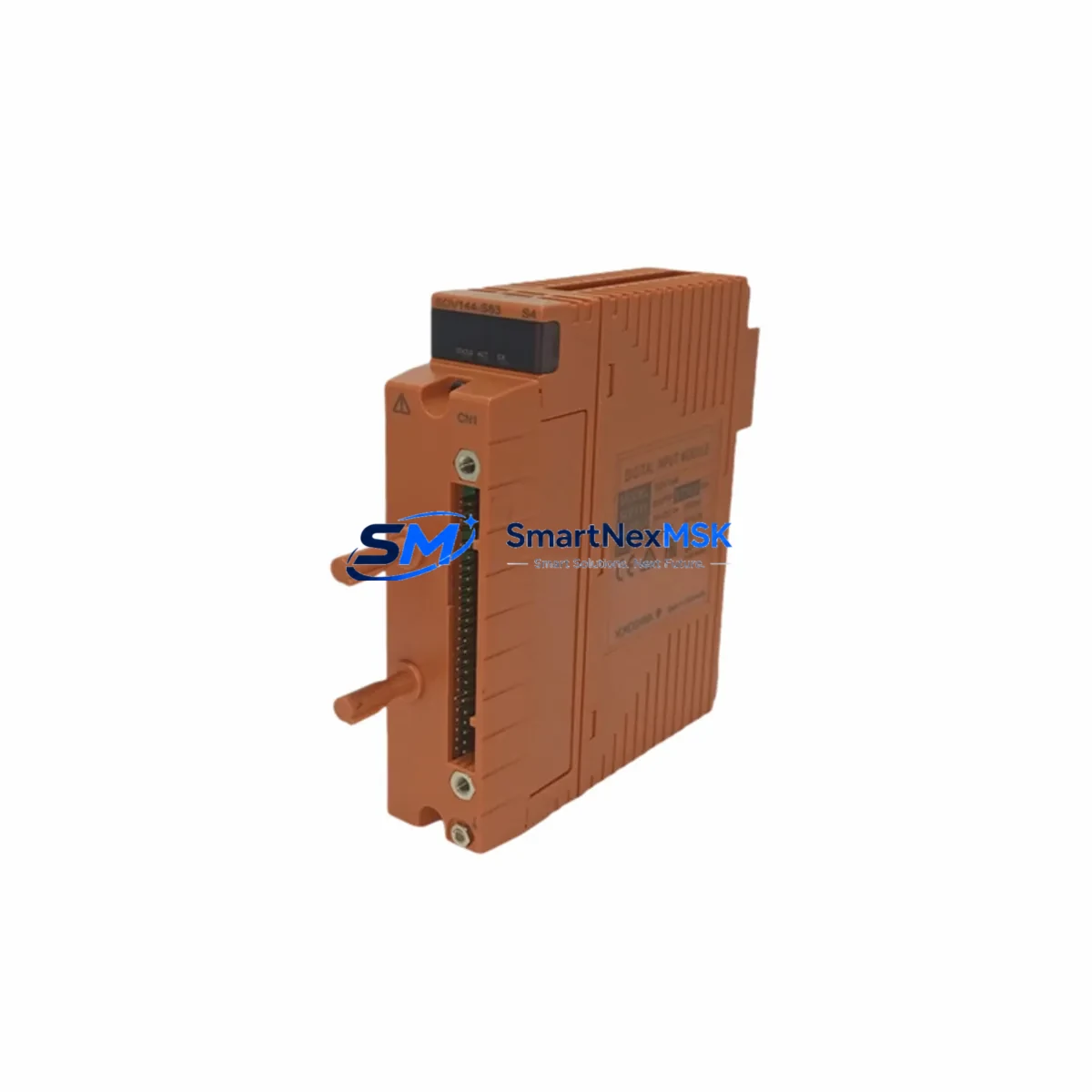
Yokogawa SAV144-S53 Retrofit-Ready Analog I/O for STARDOM FCN/FCJ Control Systems
The Yokogawa SAV144-S53 is a high-density analog input/output module engineered for the STARDOM FCN/FCJ distributed control platform. As legacy automation systems approach end-of-life and spare parts become increasingly scarce, the SAV144-S53 serves as a verified retrofit solution for facilities seeking to extend the operational life of their existing control infrastructure without committing to a full platform migration. Whether you are replacing a failed module in a running production line, upgrading a control cabinet to meet new process requirements, or consolidating I/O capacity during a phased modernization project, the SAV144-S53 delivers the signal accuracy, backplane compatibility, and firmware alignment required for a smooth transition.
Upgrade Compatibility Table
| Parameter | Details |
|---|---|
| Compatible Platform | Yokogawa STARDOM FCN, FCJ Series |
| Module Type | Analog Input/Output (Mixed) |
| Backplane Interface | FCN/FCJ Standard Backplane Slot |
| Signal Range | 4–20 mA / 1–5 V (configurable per channel) |
| Channel Count | 4 AI + 4 AO (8-channel total) |
| Communication Protocol | Internal FCN bus; compatible with Modbus TCP via FCN CPU |
| Installation Requirement | Hot-swap capable with FCN rack; verify slot address before insertion |
| Replacement Recommendation | Direct replacement for SAV144-S53; verify firmware version on FCN CPU module |
| Commissioning Note | Re-import tag database; verify HMI faceplate bindings post-swap |
| Warranty | 12-Month Warranty — covers manufacturing defects and functional failure |
Retrofit Planning for Existing Automation Systems
Successful integration of the SAV144-S53 into an existing STARDOM-based control system requires careful pre-installation planning across several interdependent subsystems. Begin by auditing the FCN CPU module — typically an FCN-RTU or FCN-500 series controller — to confirm the firmware version supports the SAV144-S53 module descriptor. Older firmware builds may require an update before the module is recognized on the backplane.
Next, review the FCN rack and backplane configuration. The SAV144-S53 occupies a standard I/O slot; however, slot addressing must be verified against the existing I/O map in the FAST/TOOLS or Exaopc engineering environment. Incorrect slot assignment will cause tag mismatch errors and prevent the module from entering run mode. If the rack is fully populated, consider whether an FCN expansion rack or an additional FCJ node is required to accommodate the new module without displacing existing I/O.
Terminal wiring is a critical step. The SAV144-S53 uses a removable terminal block, which simplifies field replacement — the wiring harness can be transferred directly from the failed module to the replacement unit without re-terminating individual conductors. Verify that field cable shielding is grounded at one end only to prevent ground loops on sensitive 4–20 mA circuits. For installations where the original SAV144-S53 terminal block is damaged or missing, a compatible FCN I/O terminal block assembly should be sourced alongside the module.
Power budget verification is essential before commissioning. The FCN power supply module — such as the PW481 or PW482 series — must have sufficient headroom to support the additional analog I/O load. Calculate the total current draw across all installed modules and confirm the power supply’s rated output is not exceeded. In high-density racks where multiple SAV-series analog modules are installed alongside digital I/O modules such as the SDV144 or SDV541, power margin can be tighter than expected.
For facilities running Modbus TCP or OPC-DA/UA communication links to upstream SCADA or DCS systems, verify that the FCN CPU’s communication configuration — including IP addressing, port assignments, and tag export tables — remains intact after the module swap. If the control system interfaces with a Yokogawa CENTUM VP or CENTUM CS 3000 DCS via Vnet/IP or Ethernet, confirm that the FCN node’s network parameters are unchanged and that the upstream DCS recognizes the FCN as an active field controller node.
HMI screen bindings should be reviewed in parallel. Faceplates linked to analog tags sourced from the SAV144-S53 must be verified in the HMI engineering tool — whether that is Yokogawa’s FAST/TOOLS, a third-party SCADA platform, or a standalone HMI panel running on a Modbus TCP link. Tag name changes or address shifts introduced during the retrofit can cause display errors or alarm suppression if not corrected before returning the system to automatic control.
Downtime Control During System Migration
Minimizing unplanned downtime during an SAV144-S53 module replacement requires a structured hot-swap or cold-swap procedure depending on the process criticality and the FCN rack’s redundancy configuration. For non-redundant FCN nodes, schedule the replacement during a planned maintenance window and place the affected control loops in manual mode at the DCS or SCADA level before removing the module. This preserves the last known output state on field actuators and prevents process upsets caused by loss of analog output signals during the swap interval.
For redundant FCN configurations, the standby node can assume control while the primary node’s I/O module is replaced, effectively reducing the maintenance window to the time required for module insertion and tag verification — typically under 15 minutes for an experienced technician. After reinserting the SAV144-S53, confirm that the module status LED indicates run mode before transferring control back to the primary node.
Preserve the original application program by exporting a full backup from the FCN engineering tool before beginning any hardware work. This backup should include the I/O tag database, function block diagram (FBD) or ladder logic program, communication configuration, and alarm setpoint tables. If the replacement module requires a firmware-level configuration download, the backup ensures that the original control logic can be restored without manual re-entry.
Post-swap functional testing should include a full analog loop check on all eight channels — four AI and four AO — using a calibrated loop calibrator or signal simulator. Verify that each channel’s engineering unit scaling, zero/span calibration, and alarm limits match the pre-swap configuration. Document the test results and retain them as part of the maintenance record for the control system.
Retrofit Support FAQ
Q: Is the SAV144-S53 a direct drop-in replacement for a failed analog I/O module in my FCN rack?
A: Yes, the SAV144-S53 is designed for direct slot replacement within the FCN/FCJ backplane. No mechanical modification is required. Verify that the slot address and firmware version on the FCN CPU are compatible before insertion.
Q: Do I need to re-download the application program after replacing the module?
A: In most cases, the FCN CPU retains the application program in non-volatile memory and the replacement module will be recognized automatically after insertion. However, if the module firmware version differs from the original, a configuration download may be required. Always back up the program before beginning the replacement.
Q: How do I verify wiring compatibility between the old and new module?
A: The SAV144-S53 uses a removable terminal block that is mechanically identical across production batches. Transfer the terminal block from the original module to the replacement unit to preserve field wiring. Verify terminal assignments against the original I/O wiring diagram before powering the module.
Q: What warranty coverage is provided with the SAV144-S53?
A: Every SAV144-S53 unit supplied by SMARTNEXMSK is covered by a 12-month warranty against manufacturing defects and functional failure. Each unit undergoes pre-shipment functional testing prior to dispatch. Warranty claims are supported by our technical team at [email protected].
© 2026 SMARTNEXMSK. All rights reserved.
Original Source: https://smartnexmsk.com
Contact: [email protected] | +86 18259474341



